Image to Image AI logoImage to Image AI
  • Home
  • AI Image Generator
  • Nano Banana 2.1

Guest

Save your creations

Credits—
  1. Home
  2. /
  3. AI Image

AI Image Generator by ImgToImage AI

Your idea. Your next image.

Create pictures from text or photos with our online AI image maker. Choose a model, describe your idea, and sign in to generate with your available free credits.

Start creating
  • Text to image & photo to image
  • Multiple image models
  • Your generation history
|
3
Checking your sign-in status…
Strictly prohibits adult / NSFW content

AI Image Models

Explore the available AI image models for text to image and photo to image creation. Compare supported inputs and settings in the generator; new models appear here as they become available.

  • Nano Banana 2.1

    Create from a prompt or guide your image with a reference.

More AI Image Tools

A look at our focused image tools. Dedicated tool pages are coming soon; you can explore these ideas with a prompt in the generator above.

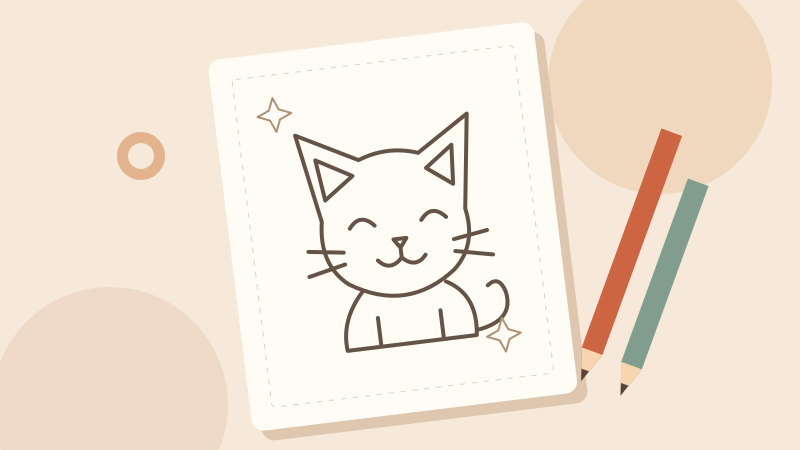
Illustration of a cat coloring sheet and colored pencils
Coming soon

Photo to Coloring Page

Turn a photo into an outline for a coloring project. Describe the details and line style you want to keep.
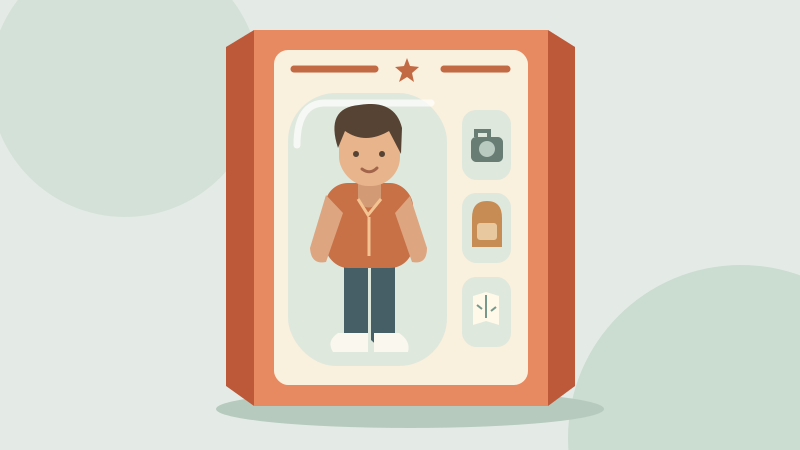
Illustration of a collectible figure and accessories in a display box
Coming soon

AI Action Figure Generator

Imagine a collectible figure with its own outfit, accessories, and packaging. Build a visual brief around your character.

How to Use the AI Image Generator in 3 Steps

Start with a text prompt or a reference photo, choose your settings, and follow your result in generation history.

  1. 01

    Type a prompt or upload a photo

    Describe the subject, setting, and style in plain words. To generate an image from an image, sign in and upload a reference on a model that supports photo input.

  2. 02

    Pick a model and image settings

    Pick an image model and adjust its available settings. Check the aspect ratio, output options, and credit estimate before generating.

  3. 03

    Generate, review, and download

    Sign in and select Generate. Follow the request in your history, review the finished picture, and download an available result. Reuse your prompt to explore another version.

Text to Image AI for Photos and Art

Explore text to image and photo to image workflows for portraits, product concepts, social posts, and illustrations. These example visuals show creative directions you can describe in a prompt.

AI Image Generator From Text

Turn a written idea into a picture with text to image AI. Describe a scene in plain words, from the main subject and composition to lighting, colors, and materials. No special prompt syntax is required.

Start with an architectural concept, an editorial illustration, or a background for a social post. Review the result and change one detail at a time to explore a new direction.
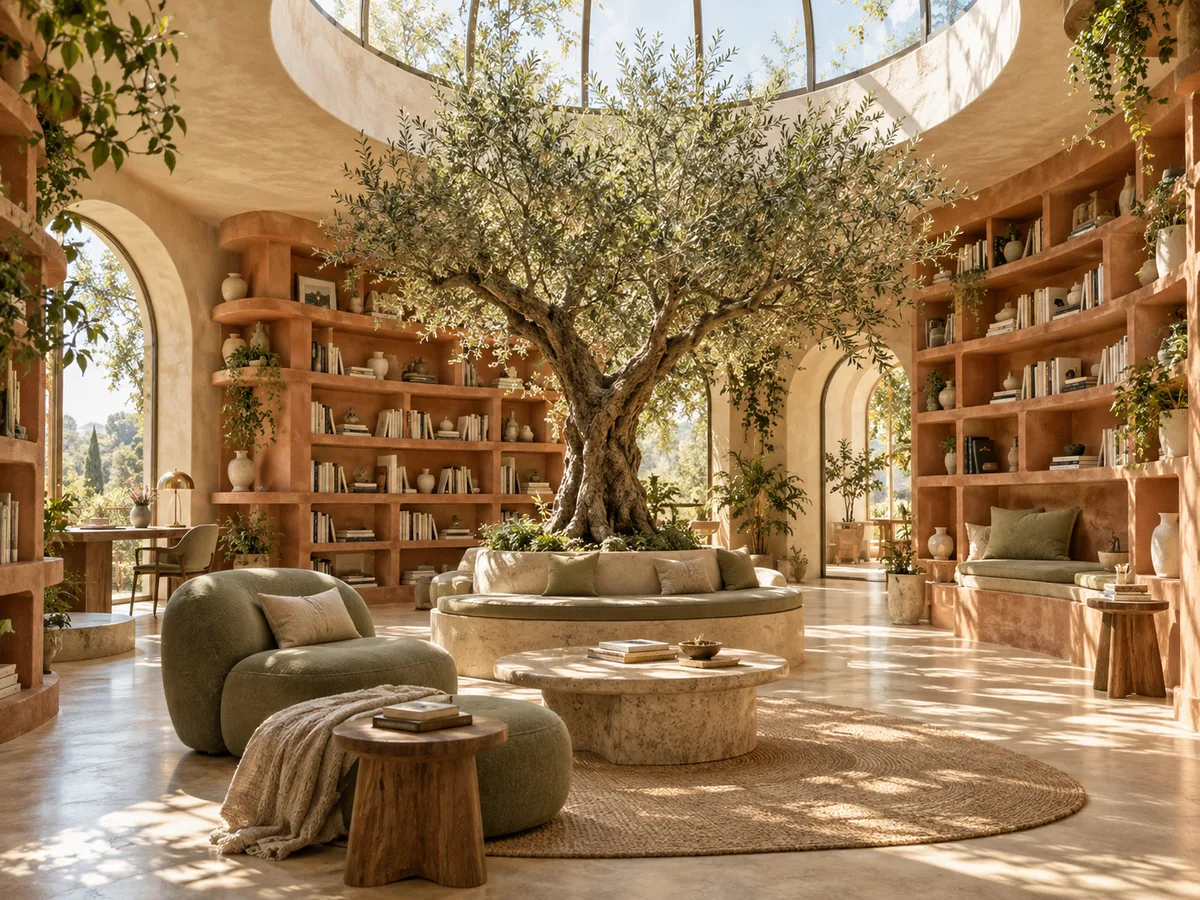
Sunlit reading room with an olive tree, curved terracotta bookshelves, and sage seating

AI Image Generator From Image

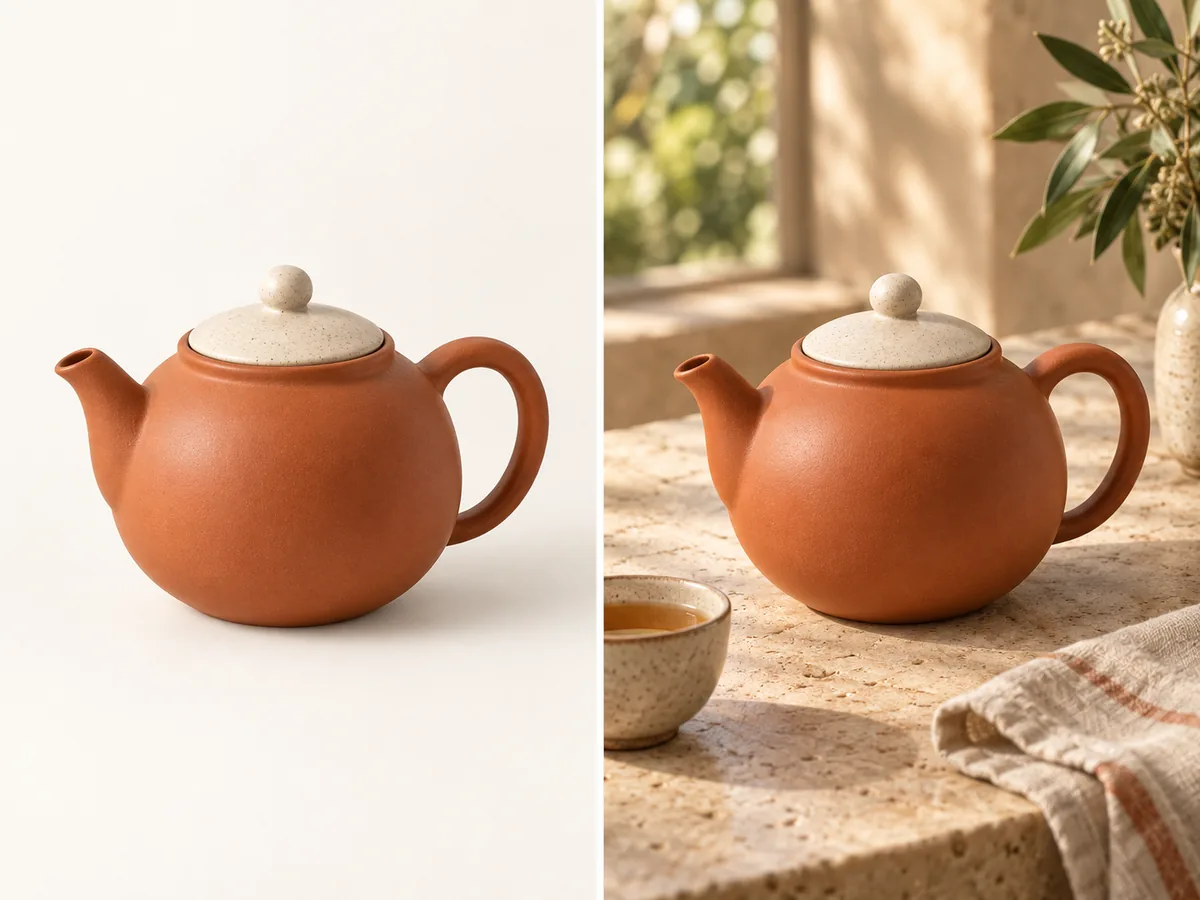
Upload a photo to give the AI image generator a visual starting point. Describe what you want to keep, such as the subject, pose, or composition, and what you want to change, such as the setting, lighting, or style.

The model, reference, and prompt all shape how closely the result follows your original photo. Check the selected model's supported reference inputs and settings, then refine your instructions after reviewing the result.

Terracotta teapot shown on a plain studio background and in a sunlit tea setting

AI Photo Generator & AI Art Generator

Use the AI photo generator to explore portraits, product concepts, and lifestyle scenes. Describe the lighting, background, and camera angle to guide a photographic look for your next picture.

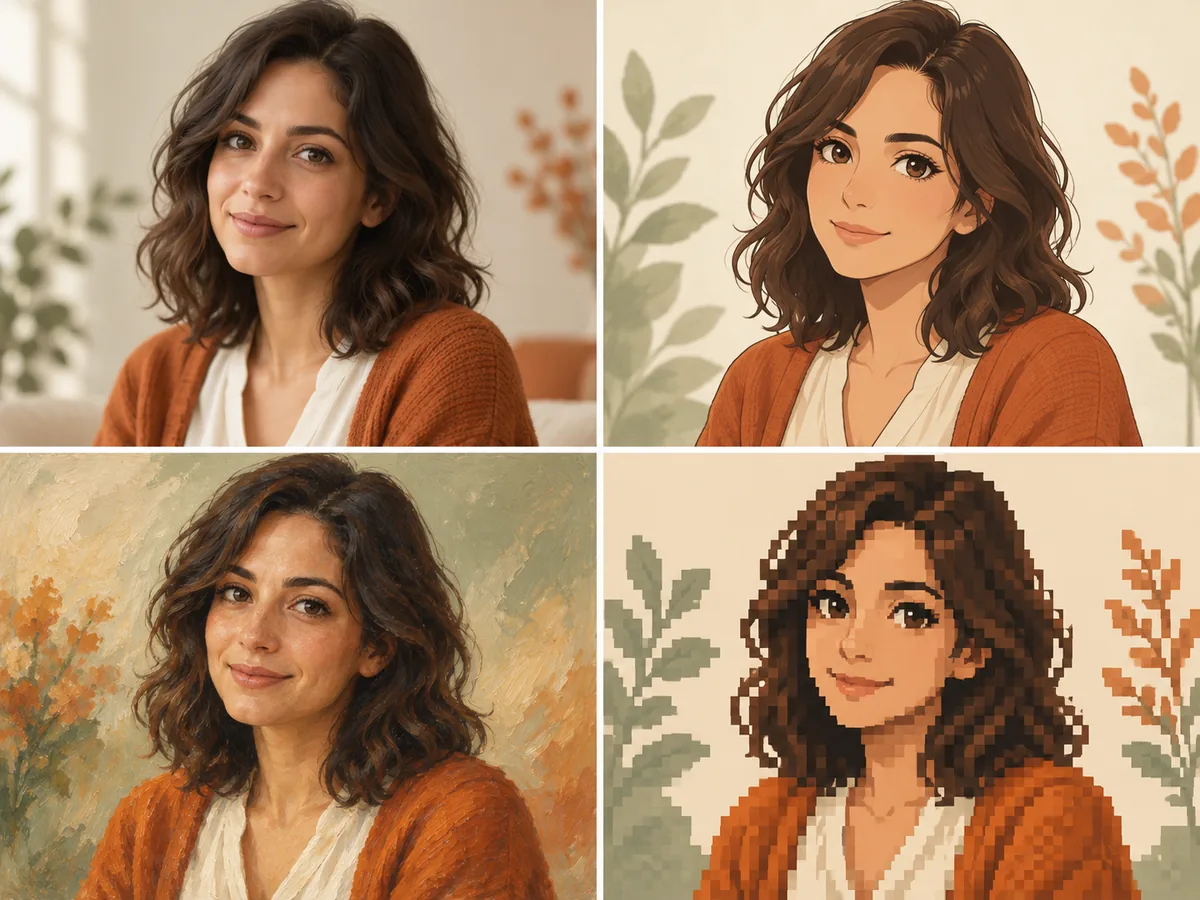
For an AI art generator workflow, name a visual style such as anime, oil painting, pixel art, or illustration in your prompt. Experiment with color, texture, and composition, then reuse the prompt from your history to refine the result.

The same woman in photographic, anime, oil painting, and pixel art portrait styles

AI Image Generator FAQ

An AI image generator turns a text prompt into a picture using a trained image model. Models that accept reference images can also use a photo to guide a new result. This online AI image maker brings model selection, generation settings, and your results together in one workspace.

You can use available daily free credits to generate images. Sign in to check your balance and the credit estimate for your chosen model and settings. You need enough credits for each request; free access does not mean unlimited generations.

You can explore the models and write a prompt without signing up. To upload a reference photo, generate an image, or access your saved results, you need to sign in to an account.

Yes. Choose a model that supports image input, upload a reference photo, and describe the changes you want. Ask it to keep the original subject or composition while exploring a new style. The result and supported reference count depend on the selected model.

The AI Image Models list on this page shows the currently available models and updates as the catalog grows. Choose one in the generator to review its input options, output settings, and credit estimate. Model availability and supported features can differ.

Generation time varies by model, output settings, and provider demand. Your history shows the request's progress while it runs, so you can review or download the result once it is available.

Output resolution depends on the model. Select 4K only when that option is available in the generator, and review the credit estimate before submitting. Image counts and batch capabilities also depend on the options currently exposed for your selected model.

No. Image generation is subject to content checks, provider policies, model limits, and your available credits. This service does not offer an uncensored mode or unrestricted, unlimited generation.

Yes. When you sign in with the same account, the homepage and this image generator show the same general image generation history. Revisit prompts, model choices, and available results from either page without starting over.

We do not add a platform watermark to your downloads. Open an available result in your history and choose Download to save the generated file in its original format and dimensions. Downloading does not remove marks already present in the generated image.

Try the Free AI Image Generator

Start with a prompt or a photo. Sign in, check your available free credits, and choose a model to create your next image online.

Create an image
Image to Image AI logoImage to Image AI

A fresh take on your image. Explore new styles and scenes with AI.

Learn more

  • FAQ

© 2026 Image to Image AI