


Closed on Sunday AI: Stay Calm While the Choir Takes Over
One quiet face, a hillside of singers, and a camera that reveals the scale. Build a Closed on Sunday AI scene starring yourself or your pet, with a crowd that moves around you.
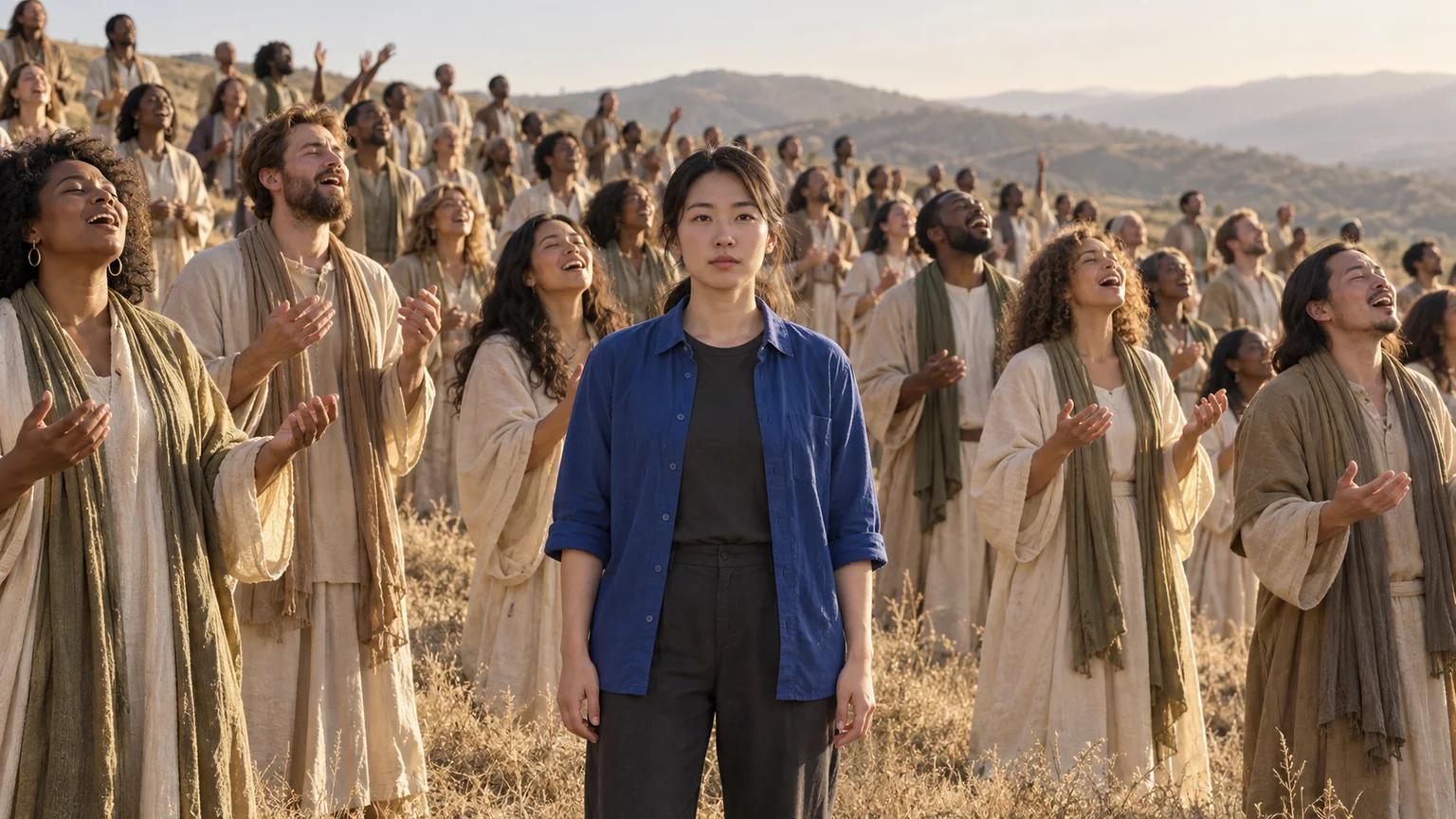
Everyone around you is singing, swaying, and lifting their hands. You remain completely unbothered. Closed on Sunday AI builds a memorable scene from that contrast: one recognizable person at the center of an enormous performance, looking as though this happens every afternoon.
The challenge is directing two different behaviors in the same frame. The lead needs calm presence; the surrounding crowd needs life. With Closed on Sunday AI on ImgToImage AI, you can prepare that composition from a photo, animate the separate roles, and finish with a reveal that keeps the joke readable.
Why Closed on Sunday AI works with almost no lead movement
The format draws on the choir scene in Kanye West's 2019 “Closed on Sunday” music video. Its visual contrast has inspired versions featuring different people and animals. Closed on Sunday AI keeps the central idea of a quiet subject within an expressive crowd, while letting you invent the cast and landscape.
Stillness becomes interesting because the viewer has movement to compare it with. For Closed on Sunday AI, the lead's relaxed posture and steady gaze should stand apart from nearby swaying shoulders and lifted palms. A slight blink or breath is fine; the effect does not require the person to resemble a frozen photograph.
Choose a lead the crowd cannot hide
Pick a clear portrait with visible eyes, natural skin detail, and an unobstructed hairstyle. A waist-up photograph gives you a useful combination of identity and clothing. For Closed on Sunday AI, a composed or mildly puzzled expression often makes the surrounding enthusiasm feel more surprising than a broad performance smile.
Give the lead a clothing color that separates them from the choir. A blue overshirt against sand-colored robes is easy to follow as the frame widens. This Closed on Sunday AI distinction should come from color and silhouette, not tiny accessories that disappear once the camera shows more of the hill.
Use your own photo or an adult who has agreed to appear. If the reference shows only a face, approve the generated body and outfit before making a video. Closed on Sunday AI may begin with a close view, but the reveal exposes proportions and clothing that a portrait alone cannot establish.
Compose the Closed on Sunday AI choir before animating
Open the AI Image Generator and choose an available model that accepts your reference. Place the lead on a dry, gently rising hillside with choir members staggered behind and beside them. For Closed on Sunday AI, a small open space around the shoulders gives the crowd room to move without covering the face.
Build depth through overlapping rows, smaller distant figures, and a visible slope. Start with a manageable foreground group rather than demanding perfectly detailed hundreds. Closed on Sunday AI can suggest a large gathering through composition; every extra close-up face adds another detail that must remain coherent during movement.
Use this starting-image prompt:
Create a Closed on Sunday AI scene using this adult reference photo as the central lead. Preserve their face, hair, age, and natural proportions. Dress the lead in a plain cobalt-blue overshirt and dark trousers, standing calmly with arms relaxed. Surround them with an original adult choir in sand, cream, and muted olive robes, arranged in staggered rows on a dry grassy hillside. Leave a small clear space around the lead's face and shoulders. Nearby singers have varied faces and expectant expressions, with hands lowered or held near shoulder height. Use warm soft daylight and a pale sky. Frame the lead from the thighs upward with the surrounding rows visible. No stage, microphones, lettering, or duplicate versions of the lead.
Inspect the nearest singers individually. Remove a hand that crosses the lead's jaw, separate merged shoulders, and check that robes belong to distinct bodies. A Closed on Sunday AI starting image with clean foreground spacing is a stronger foundation than a spectacular crowd whose anatomy is already ambiguous.
Give Closed on Sunday AI two different movement rules
Describe the lead first: feet planted, torso relaxed, arms resting, gaze toward the lens, with only breathing and occasional blinking. Then describe the choir separately. Closed on Sunday AI needs that division because a general instruction such as “everyone sings and sways” also invites the central person to join in.
Give the nearest rows a gentle side-to-side sway, with only a few singers lifting their palms. Let distant rows move more subtly. For Closed on Sunday AI, variations in timing make the crowd feel alive, while identical gestures from every figure can make the scene resemble duplicated characters moving as one object.
Generate Closed on Sunday AI in the video workspace
Open the AI Video Generator, sign in, and select Seedance 2.0 Mini. Upload the approved scene to Start frame, leaving End frame and Reference images empty. This Closed on Sunday AI workflow creates a new image-led performance; it does not transfer the original music video's exact motion or soundtrack.
Begin with eight seconds at 720p and an aspect ratio that matches your image. Current controls support 4–15 seconds, 480p or 720p, and JPEG, PNG, or WebP inputs up to 10 MB. Check the credit estimate before each Closed on Sunday AI attempt, particularly when comparing different crowd or camera directions.
Try this motion prompt:
Animate this Closed on Sunday AI composition in one continuous eight-second shot. The blue-clad central lead remains planted in the same position, looking calmly into the lens, with only natural breathing and an occasional blink. Preserve their identity and clothing. Around the lead, the robed choir gently sways with varied timing. A few nearby singers lift open palms beside their own shoulders; others subtly tilt their heads as if singing. Keep a clear space around the lead's face. Begin with a steady camera, then move backward slowly and only a short distance to reveal more of the existing crowd. Keep the lead centered and recognizable. No cuts, new foreground people, face duplication, or dramatic aerial movement. Use quiet outdoor ambience without music or speech.
Play the result in video history before judging isolated frames. Watch the lead first, then replay while following the closest singers. Closed on Sunday AI depends on both parts working together: a strong central likeness cannot hide a crowd that melts, and lively background motion cannot rescue a lead who disappears into it.
Make the camera reveal feel deliberate
A modest pullback can make the gathering feel larger without shrinking the face beyond recognition. Start far enough away to include some singers, then reveal a little more hillside. In Closed on Sunday AI, a short camera move gives the model less unseen scenery to invent than a sudden flight above the crowd.
Choose your crop before generating. A horizontal frame emphasizes the choir's width; a vertical frame gives the lead more screen space. For Closed on Sunday AI destined for a phone, keep the most expressive nearby singers within the portrait area instead of relying on a later crop that removes the surrounding motion.
Create a Closed on Sunday AI cat choir
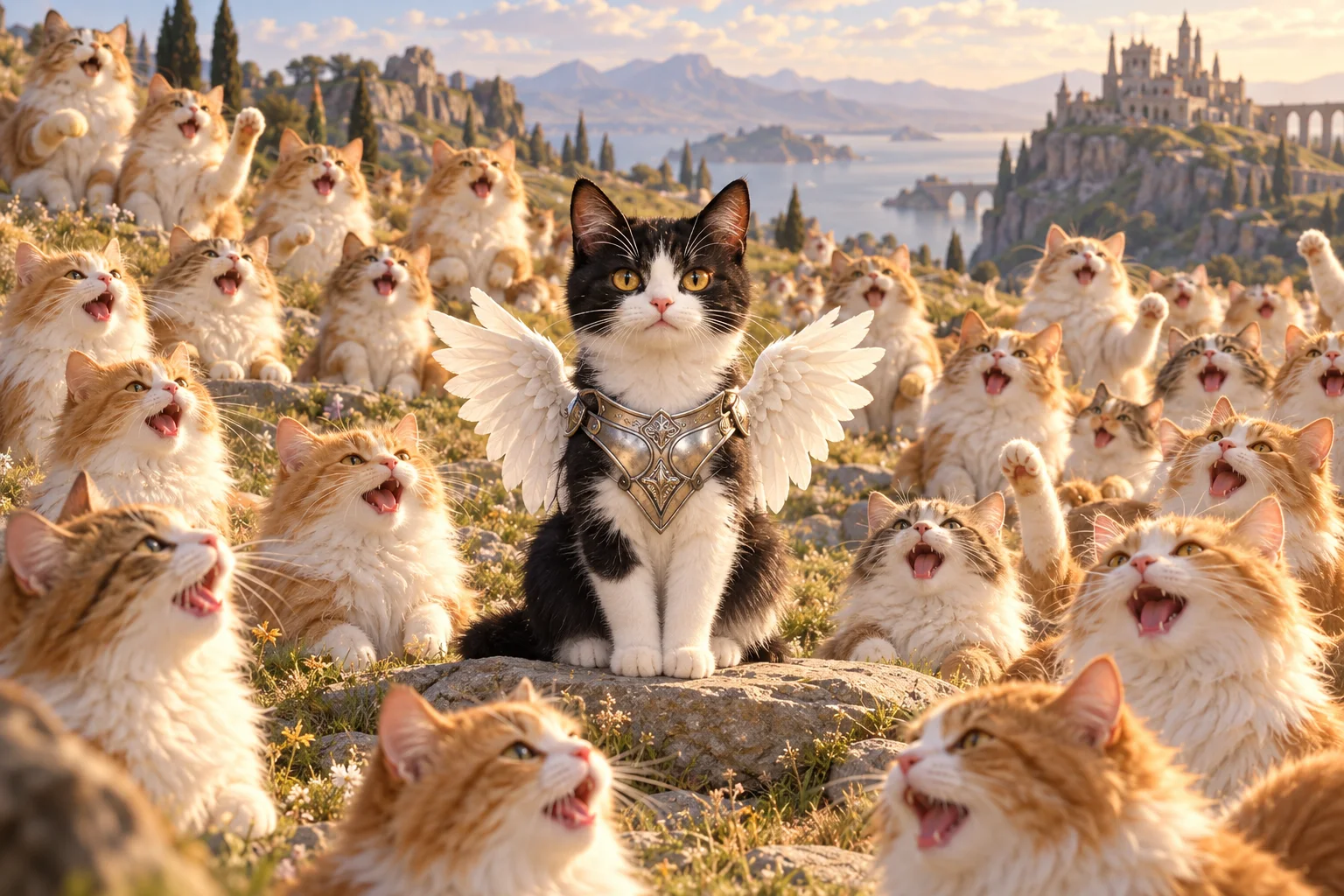
For the pet variation, use a sharp photo showing the animal's eyes, ears, and distinctive fur markings. Build a Closed on Sunday AI image with your cat calmly seated on a low stone, surrounded by different cats. A contrasting coat pattern helps viewers identify the lead immediately, even when the choir becomes visually busy.
Small silver armor and white wings can give the central pet a fantasy-knight character. Keep those additions behind or below the face, leaving ears and whiskers visible. Animate Closed on Sunday AI with the lead sitting calmly while nearby cats bob gently; start without held props so paws and costume details have fewer opportunities to merge.
Fix the details that break Closed on Sunday AI
The lead starts dancing with everyone else. Replace broad instructions about the crowd with explicit roles: “the blue-clad lead” and “the robed singers.” Remove any shared instruction to clap or turn. In Closed on Sunday AI, identifying the performer by both position and clothing can help keep the two behaviors separate.
Hands and faces merge in the front row. Increase spacing in the starting image and lower the nearest palms. Reduce the number of active foreground singers before changing the whole composition. Closed on Sunday AI does not need every visible person to wave; motion farther behind the lead can supply energy while the closest faces remain clear.
The reveal creates copies of the lead. Shorten the pullback and retain more of the original frame. Check whether repeated blue clothing was already present in the starting image. A Closed on Sunday AI revision should preserve one unmistakable lead, with the crowd distinguished through different outfits, faces, and positions.
Finish the sound and the story
The source song can help viewers recognize the reference, but typing its title does not supply its recording or synchronize mouths to the lyrics. Add music separately through your editor or posting app, using audio appropriate for your account and intended purpose. Review generated ambience before mixing your Closed on Sunday AI clip with the chosen track.
Let the widening view coincide with a change in the music, or keep the camera still and use a caption to explain the calm expression. “Me while the group chat plans everything” gives Closed on Sunday AI a different meaning from a pet's imaginary coronation. Keep text away from faces and identify the invented scene as AI-generated when sharing.
Can Closed on Sunday AI use a group photo?
You can use a group image to help identify a particular person, but crop to one intended lead before building the scene. Several equally prominent faces weaken the still-subject contrast and complicate identity preservation. For a Closed on Sunday AI version featuring friends, make individual clips and assemble a sequence in which each friend gets the central role.
Explore the Tiny Desk band guide for another way to cast yourself in a musical scene. When your choir composition is ready, open the video workspace and test a restrained first take. Closed on Sunday AI becomes convincing when one calm face stays readable and the world around it supplies the performance.
Keep exploring
 Video Guides
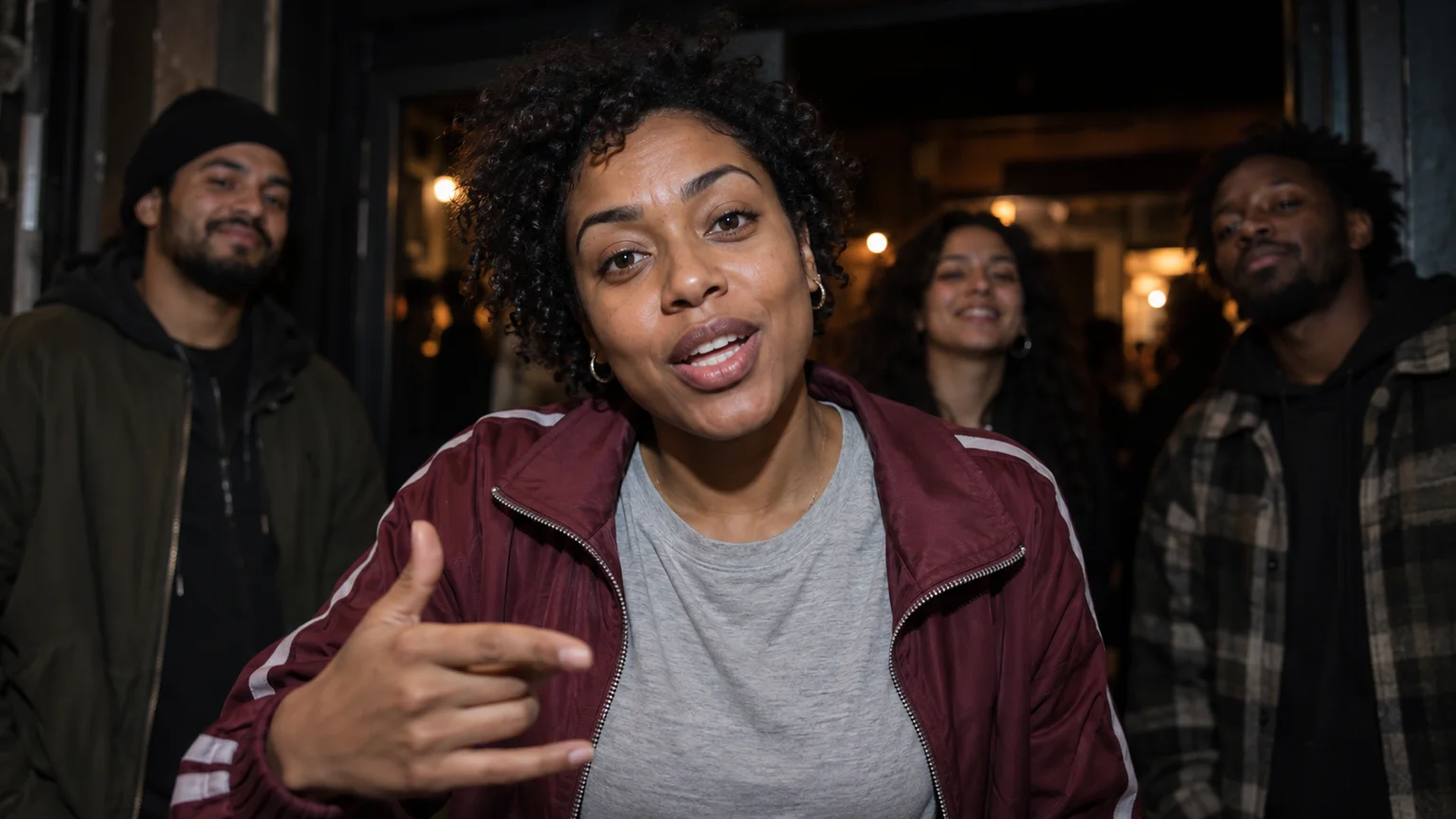
One face fills the frame, a crowd gathers behind, and a small gesture carries the verse. Create your own JME Check One Check Two AI performance with a clear visual plan.
 Video Guides
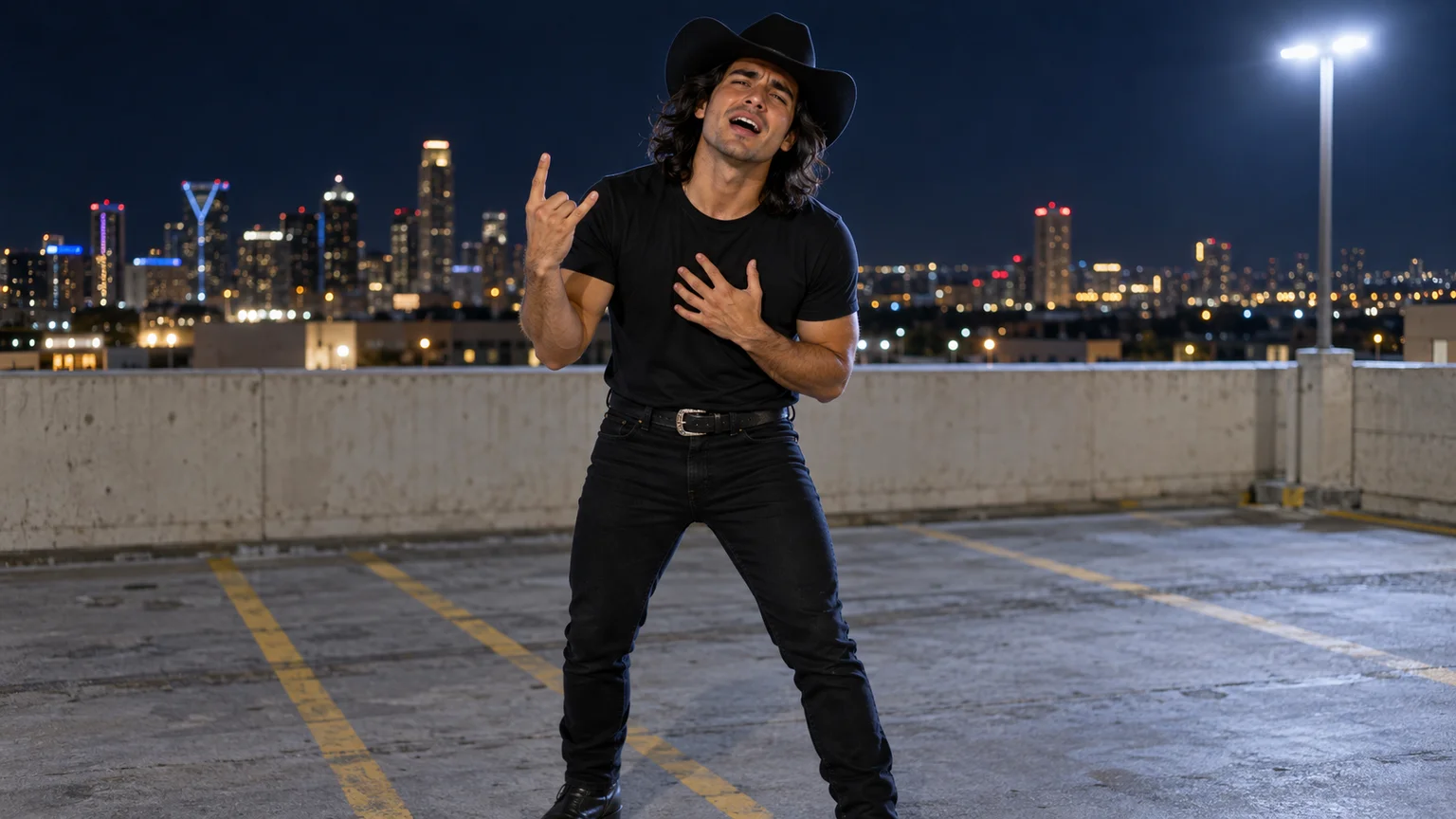
A black cowboy hat, a midnight parking garage, and far more emotion than the scene can hold. Turn your photo into a Choosin' Texas Emo AI performance with a dramatic finish.
 Video Guides
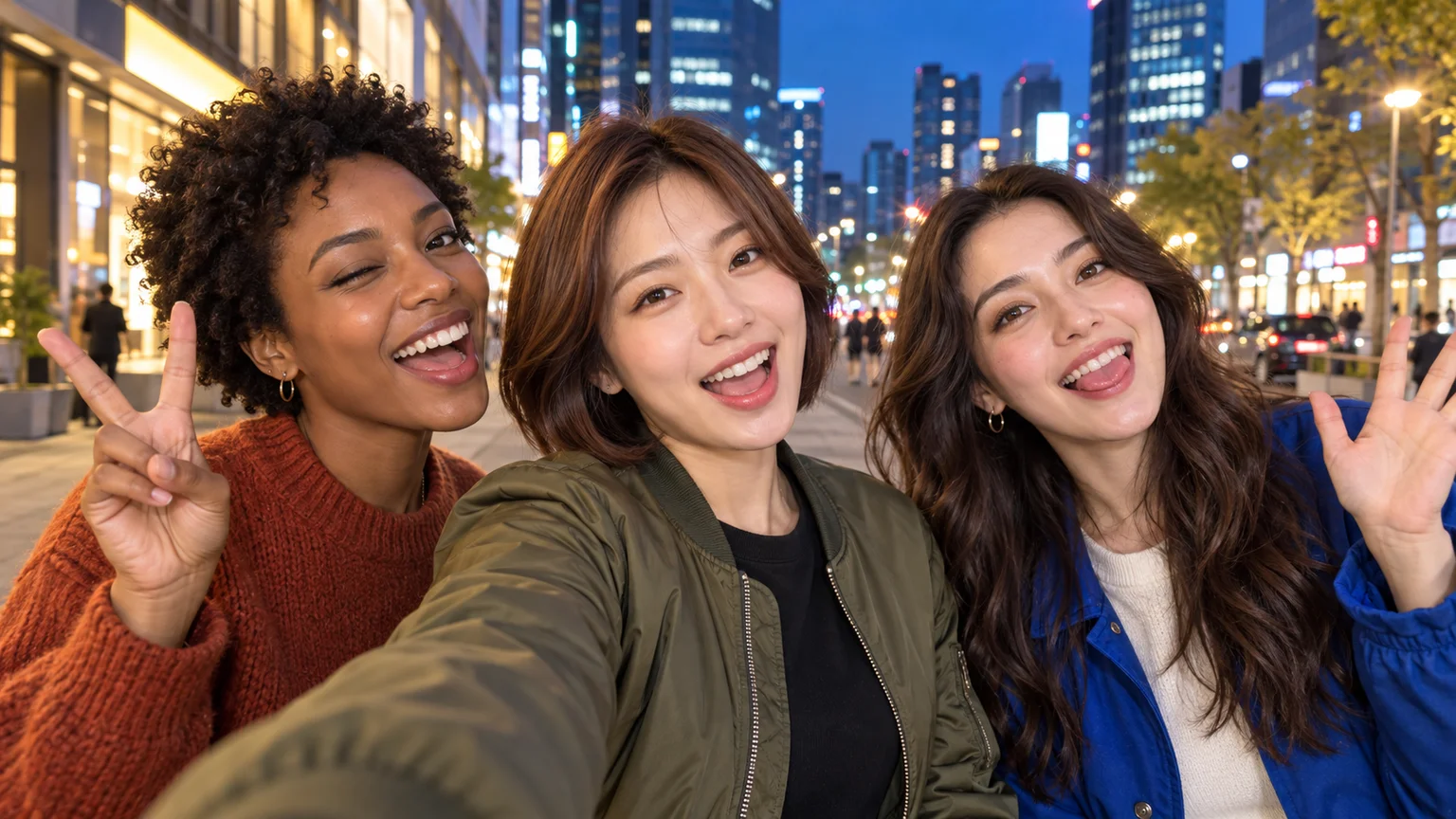
Start together, give each friend a moment at the lens, and return to the group. Build a Gangnam Style AI night-street selfie with clear identities and playful reactions.
 Video Guides
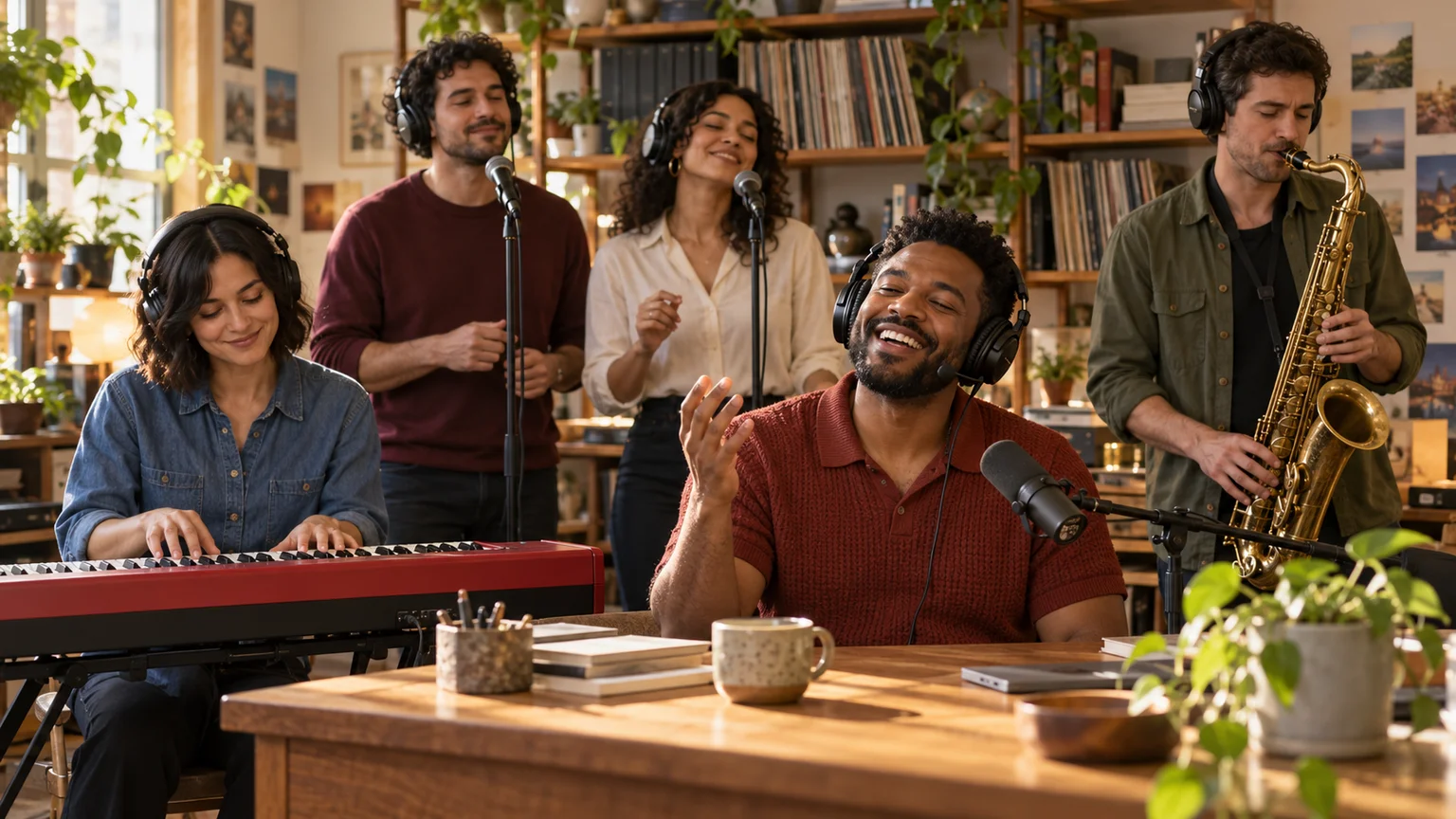
Your lead singer gets the laugh, your friend takes the sax solo, and the office becomes a concert. Build a Tiny Desk AI performance around a cast people recognize.