


Image to Image AI logoImage to Image AI
  • Home
  • AI Image Generator
  • AI Video Generator
  • Tools
  • Nano Banana 2.1
  • Flux 3 Klein
  • Seedream 5.0 Pro
  • Seedream 5.5
  • GPT Image 2.5
  • GPT Image 2.6
  • MiniMax H3 Image
  • Kling 4.0
  • Grok Imagine Video 1.5
  • MiniMax H3 Max
  • Seedance 2.5
More
  • Blog
  • Pricing

Guest

Save your creations

Credits—
  1. Home
  2. /
  3. Image

AI 3D Figure Generator for your miniature alter ego

See a familiar person or original character as a small collectible on a desk. AI 3D Figure Generator turns one reference image into a new picture with a sculpted finish, a clear display base, and a softly lit workspace. Bring the hairstyle, outfit, and personality you want to explore. The prepared effect supplies the scene direction, so you can focus on choosing the reference and finding a result that feels recognizable.

Create my figure image
AI 3D Figure Generator for your miniature alter ego
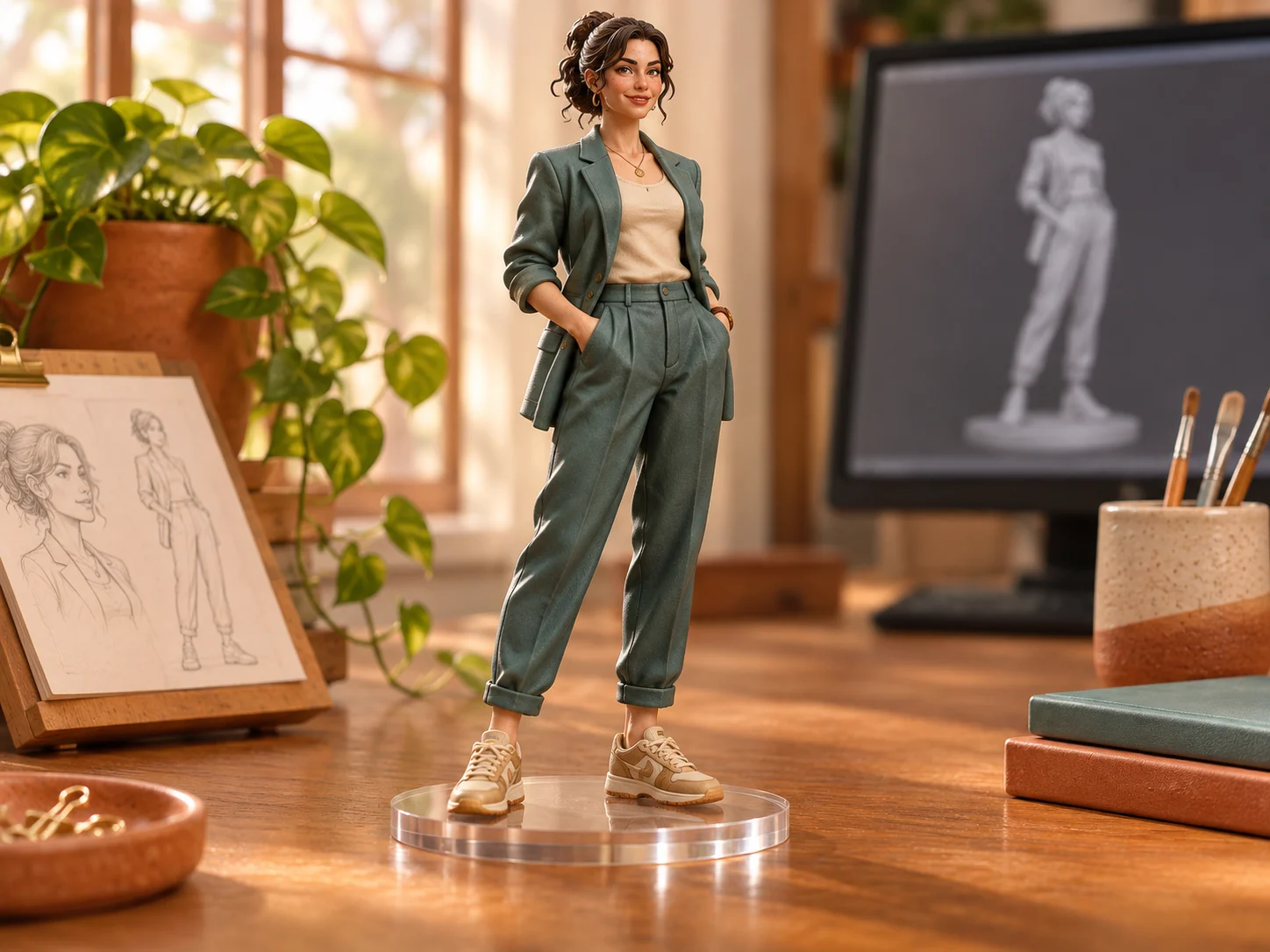
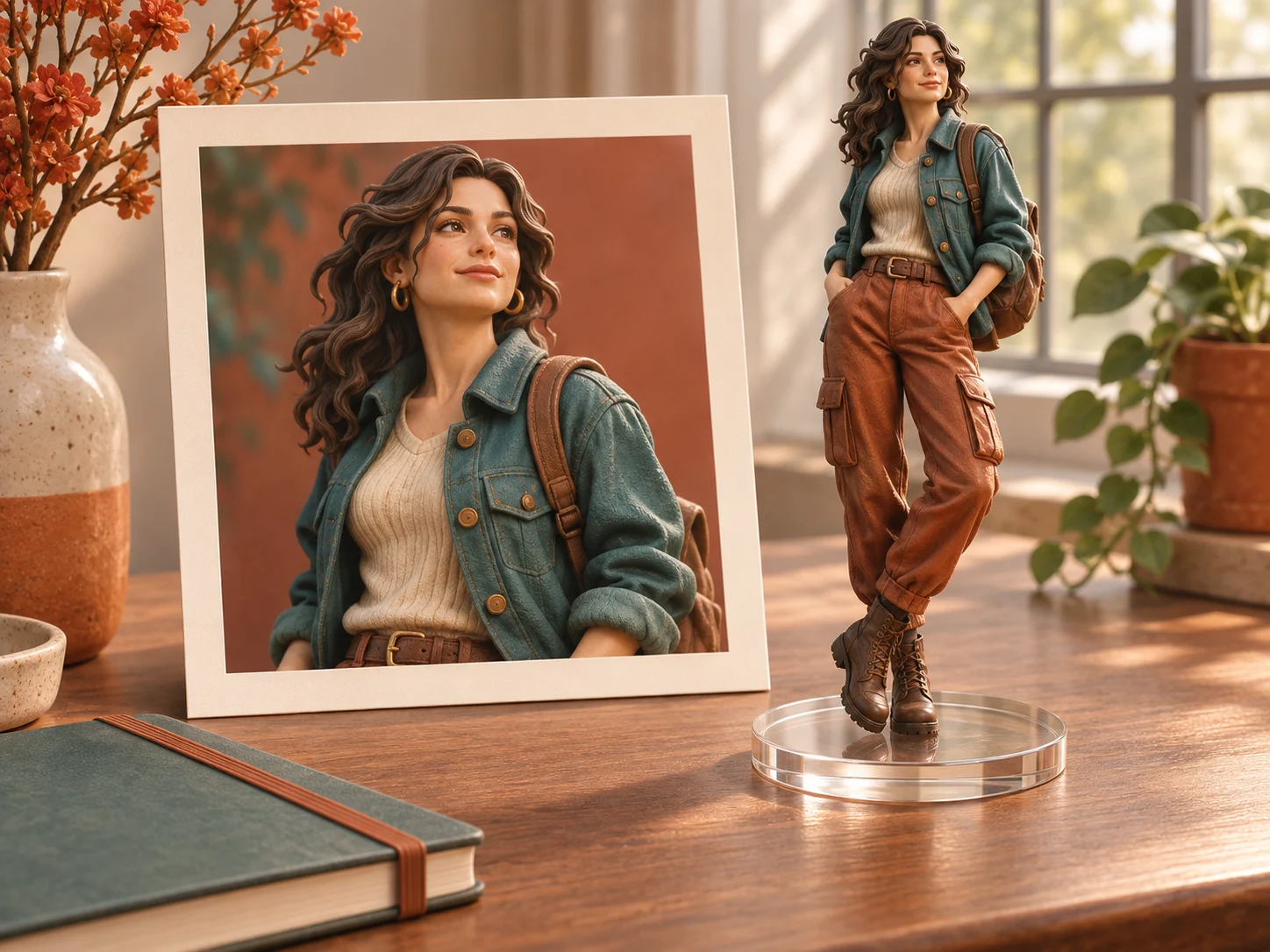
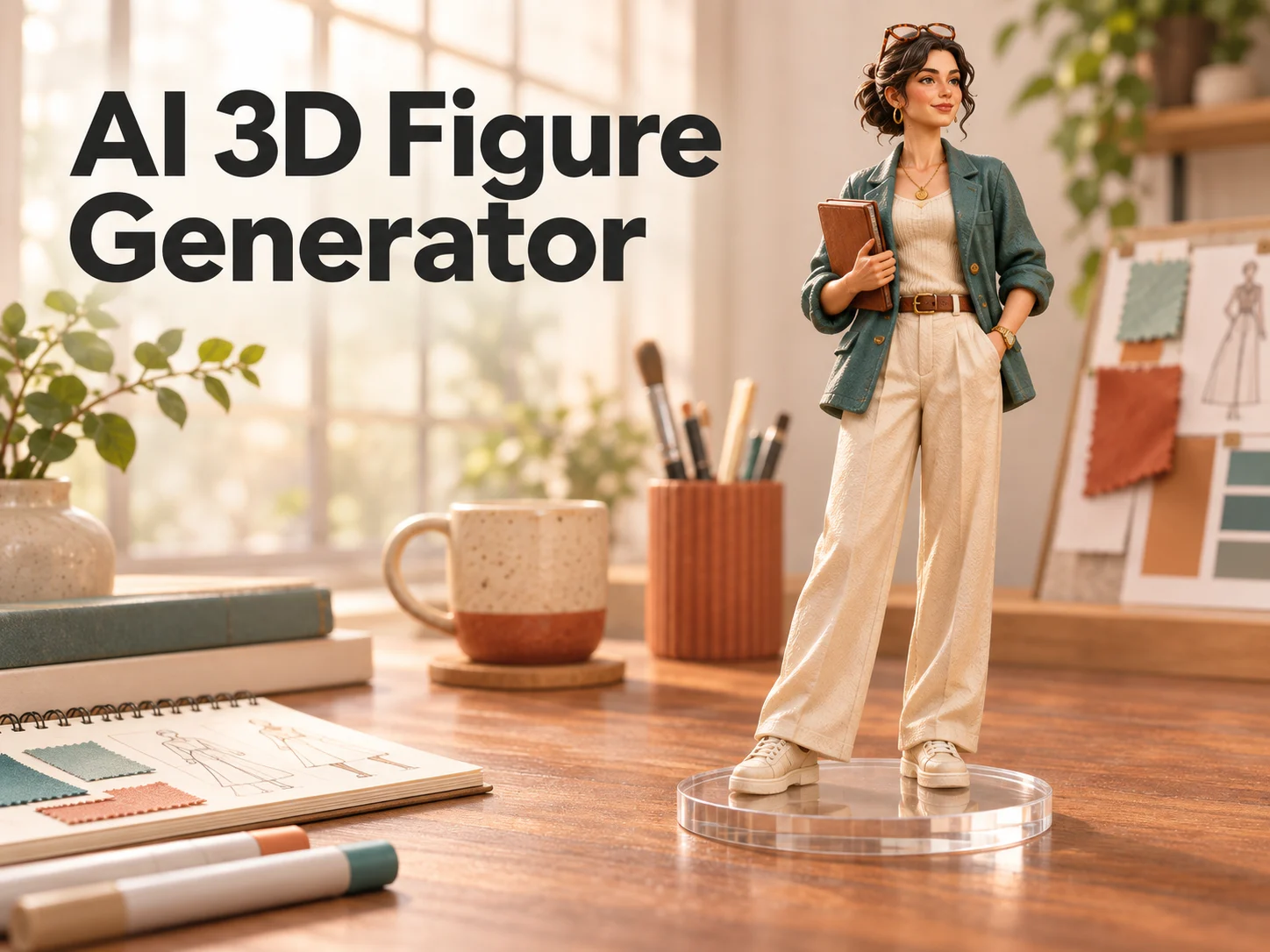
AI-generated concept illustrations of the figure effect; these are not verified outputs from this tool.

Reference image

Required · 1 image
15
Checking your sign-in status…
Strictly prohibits adult / NSFW content

AI Image Generators to Explore

Try a different look for your photos with generators for portraits, artistic styles, and creative edits.

  • Photo to Line Art

  • Remove Glare from Photo

  • Remove Glare from Glasses

  • Realistic Selfie Generator

  • Image Upscaler

  • Selfie With Santa

  • Motorcycle AI

  • Photo to Sticker

  • AI Photo Booth

  • AI Long Hair Filter

  • Happy Birthday GIF with Name

  • AI GIF Generator

  • Executive Portrait Maker

  • No Beard Filter

  • AI Beard Generator

  • 80s AI Photo Trend

  • AI Pregnant Filter

  • Pet Portrait AI

  • Photo to Watercolor

  • Photo to Coloring Page

Page 1 of 3

What does AI 3D Figure Generator make?

AI 3D Figure Generator creates an image that looks like a photograph of a miniature display figure. The prepared treatment uses your uploaded subject as the visual starting point and asks for painted surfaces, sculpted details, dimensional lighting, and a transparent circular base. A quiet desktop setting helps explain the miniature scale without making the background the main event.

This page uses Nano Banana 2.1 with a prepared image-editing instruction. Upload one portrait or character illustration and choose the available resolution and aspect ratio. The effect handles the collectible direction and balanced composition. You do not need to learn modeling software, arrange a virtual camera, or write a detailed description of resin materials to try the look.

The output is a downloadable picture. AI 3D Figure Generator does not create a physical toy, a rotatable object, or an STL or OBJ mesh. Use the image for a personal design, visual concept, or presentation. If you later want an actual collectible, a separate sculpting and manufacturing process would still be necessary.

Four parts of the AI 3D Figure Generator effect

A strong figure portrait combines a recognizable subject, convincing materials, and a setting that makes its scale easy to read. These illustrations show the intended visual treatment.

Photo to Figure Transformation

Your source image gives AI 3D Figure Generator its starting identity. The prepared instruction asks to retain recognizable facial features, hairstyle, clothing colors, and distinctive accessories while reinterpreting the subject as a collectible. A familiar jacket or clear silhouette can help the finished picture feel personal without adding a name or caption.

Choose a photo that already contains the details you want represented. A full-body view gives useful information about shoes and proportions; a tight portrait leaves more for the model to infer. Compare the generated face and outfit with the source before approving the result. The transformation is creative, so small features may change even when the overall subject remains recognizable.
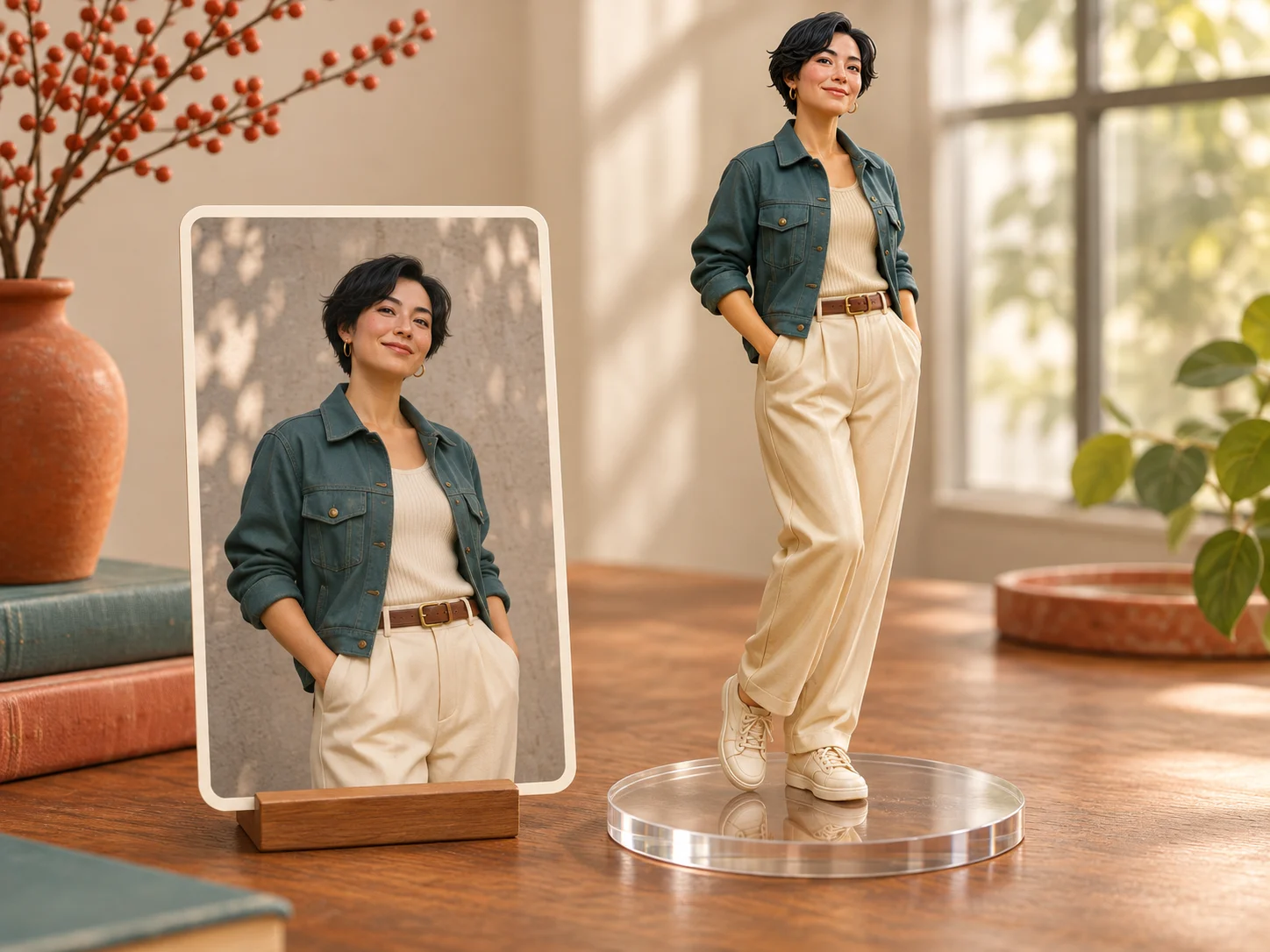
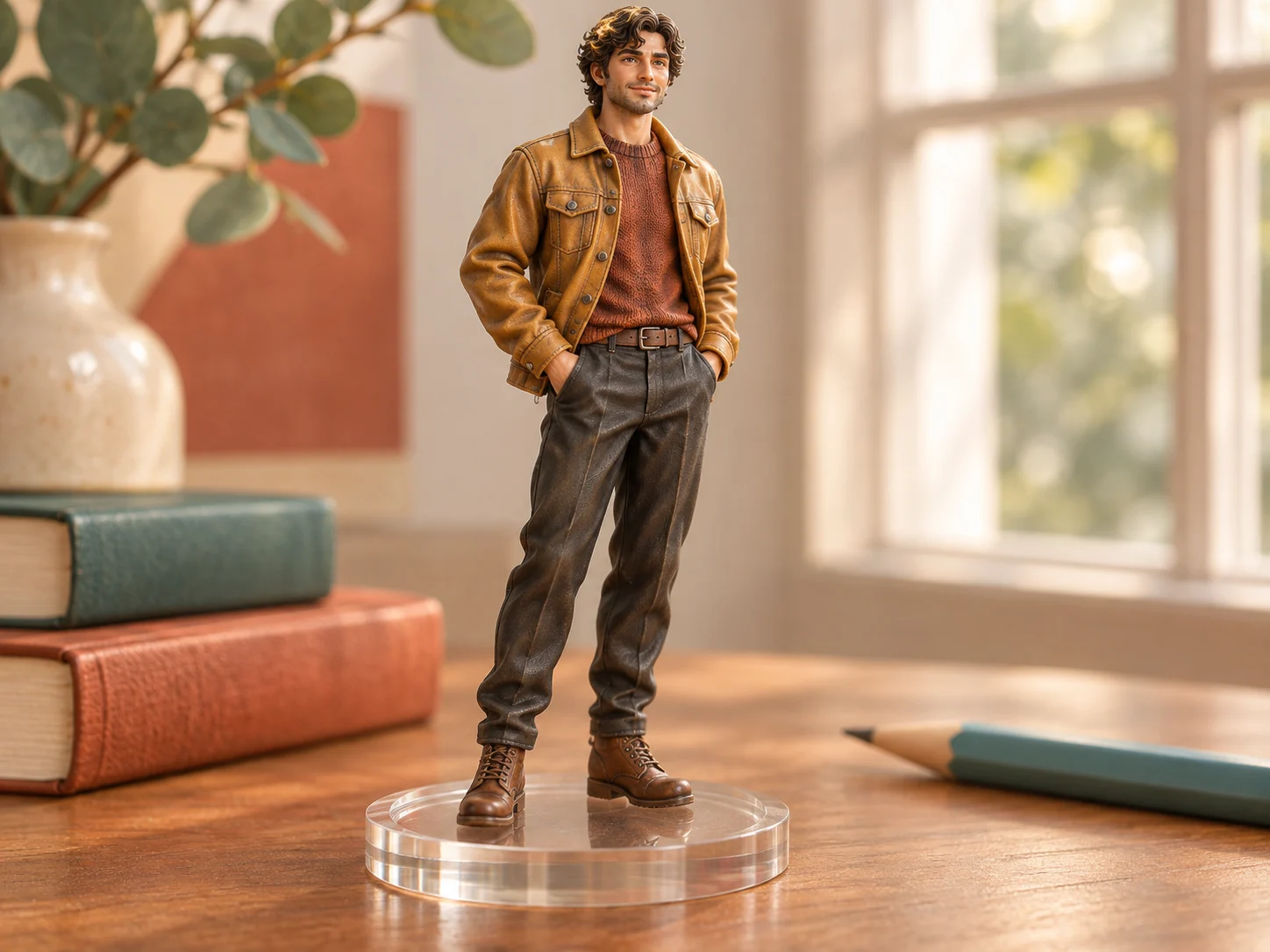
Photo to Figure Transformation

Sculpted Collectible Look

The effect asks for the visual qualities of a painted miniature: shaped hair, gently simplified surfaces, fine clothing details, and controlled highlights. AI 3D Figure Generator uses lighting and material cues to make a flat image read as a small object. The goal is a collectible portrait with believable depth and a clear focal point.

Look at the figure from a distance first. The head, torso, arms, and base should form a readable silhouette. Then inspect fingers, eyewear, seams, and the connection between the feet and stand. An appealing material finish cannot compensate for a confusing pose. Choose the version that balances personality, proportion, and the appearance of a carefully presented display piece.

Sculpted Collectible Look

Prepared Figure Effect

AI 3D Figure Generator supplies a consistent creative starting point: one figure on a clear circular base, placed on a desk with a softly focused workspace behind it. The scene direction keeps attention on the character and provides visual scale. There is no editable prompt box or separate list of poses to configure.

The source photo is your main creative choice. To explore a different outfit, expression, or hairstyle, use a reference that shows that difference clearly. Keep the subject easy to identify and avoid clutter that could become part of the figure. The prepared scene can vary between generations, so think of it as a visual direction rather than a pixel-perfect template.

Prepared Figure Effect

Downloadable Image Results

When a generation finishes, review the result and save the image you want to keep. AI 3D Figure Generator makes a single picture in your selected aspect ratio, suitable for placing inside a profile layout, digital greeting, or concept board. Keep the original file so later crops and text overlays do not replace your best-quality copy.

Use a separate editor when you need a particular social crop, caption, or print layout. Check the face at the size people will actually see it, especially for small avatars. The clear display base is depicted inside the scene; it does not mean the image has a transparent background. The complete desk scene remains part of the downloaded picture.

Downloadable Image Results

How to use AI 3D Figure Generator

  1. 01

    Choose one clear reference

    Upload a JPG, PNG, or WebP image with one obvious subject. Keep the face unobstructed and include as much of the intended outfit as possible. An evenly lit portrait is easier to interpret than a distant person in a busy crowd. For an illustrated character, choose a clean view with a readable silhouette and well-defined clothing.

  2. 02

    Apply the prepared treatment

    Sign in, choose an available resolution and aspect ratio, and review the displayed credit cost. AI 3D Figure Generator supplies the figure direction and adapts the layout to your chosen aspect ratio. Start the generation when the reference looks right. A focused first attempt makes it easier to decide whether you need a clearer source or simply prefer another interpretation of the same person.

  3. 03

    Inspect and save your favorite

    Check the face, hairstyle, clothing, hands, feet, and display base. Make sure the subject remains recognizable and the desk scene supports the miniature effect. Download a result you like. If a defining detail is missing, return to the source selection and try a sharper image that shows that detail more clearly.

AI Image Generators for Your Next Project

Bring your next photo project to life with creative effects, painted portraits, and printable coloring pages.

  • Photo to Line Art

  • Remove Glare from Photo

  • Remove Glare from Glasses

  • 80s AI Photo Trend

  • AI Pregnant Filter

  • Pet Portrait AI

  • AI Beard Generator

Projects for AI 3D Figure Generator

Creators and hobbyists

A personal introduction with character

Use a collectible portrait to introduce the person behind a creative account. Choose an outfit or accessory that connects with your work, such as a familiar jacket or distinctive glasses. AI 3D Figure Generator can give that introduction a playful visual direction. Preview the crop at avatar size before using it, and keep enough of the head and shoulders visible for the identity to remain readable.
Friends and gift designers

A digital greeting with a familiar face

Build a birthday card or congratulations message around a miniature version of someone you know. Choose a photo they are comfortable using and review the likeness before adding your greeting. AI 3D Figure Generator provides the picture; your own wording supplies the personal message. Add names and dates in a separate editor so they remain easy to correct and position within the final layout.
Illustrators and character designers

An original character in a new material

Try translating an original drawing into the appearance of a painted display figure. Compare the silhouette, costume, and color balance with your sketch. AI 3D Figure Generator can help you discuss the overall visual direction before spending time on detailed sculpting. Place the image alongside your source artwork, and note which details you would keep or revise in a later production design.
Independent designers and toy enthusiasts

A visual starting point for a collectible concept

Present a proposed character as if it were displayed on a desk. The base and surroundings give viewers a useful sense of presentation, even though the image does not define real measurements. Use AI 3D Figure Generator for an early conversation about style and personality. Any decisions about joints, durability, materials, or manufacturing tolerances need their own development beyond this concept picture.

Choose a useful AI 3D Figure Generator reference

A good source has a clear subject, visible facial features, and an outfit that tells the story you want. Avoid placing important accessories behind hands or hair. If the original contains several people, crop a copy around the intended subject before uploading. Leave breathing room around the head and body rather than cutting tightly through the silhouette.

Lighting also affects how much information the model can use. Soft, even light makes facial structure and clothing colors easier to see. Very dark images, heavy beauty filters, and strong motion blur can obscure those details. AI 3D Figure Generator may invent missing information, so a clearer source is often more useful than repeatedly increasing resolution with the same unclear photograph.

When comparing results, choose a few priorities: recognizable face, correct outfit, sensible anatomy, and a convincing base. A miniature can be charming while still differing from its reference. Decide which differences fit your project, and save the strongest version before trying another source. This keeps the process focused on an intentional visual choice.

AI 3D Figure Generator questions

No. AI 3D Figure Generator returns a rendered image of a figure scene. It does not export meshes, manufacturing instructions, or a file you can directly send to a 3D printer. Use it to explore appearance, then work with a separate modeling process if you need a physical object.

A full-body image helps when the outfit and shoes are important, but a clear portrait can also provide a starting point. With a tight crop, the model must imagine details outside the photograph. Choose the source according to what you need to preserve, and inspect any newly invented clothing or body details.

Yes. A clear character illustration can guide the prepared transformation. Pick a view that shows the design well, with a readable face and separated limbs. Review how the result interprets stylized proportions and small accessories. Keep the original drawing alongside the new image when discussing which features should remain consistent.

This tool uses a prepared prompt and does not expose a text field for changing the scene. Choose another reference to explore a different subject or outfit. If your project needs a custom environment, pose, or written direction, use the general image generator and describe that separate idea there.

No generated transformation guarantees an exact likeness. AI 3D Figure Generator asks for recognizable traits, but facial structure, glasses, hands, and costume details can vary. Review the image carefully before sharing it. A sharper reference with fewer obstructions gives the model more useful information about the person you want represented.

Create with AI 3D Figure Generator

Choose a reference with personality and see how it reads as a miniature display piece. Review the sculpted details, keep the strongest result, and use your new figure image in a project that makes the familiar feel playful.

Try AI 3D Figure Generator
Image to Image AI logoImage to Image AI

A fresh take on your image. Explore new styles and scenes with AI.

Customer supportsupport@imgtoimageai.com

Tools

  • Remove Glare from Glasses
  • Remove Glare from Photo
  • Photo to Line Art
  • Image Upscaler
  • Realistic Selfie Generator
  • Christmas Photobooth
  • AI 3D Figure Generator
  • Selfie With Santa
  • Christmas Dance Trend
  • Motorcycle AI
  • AI Photo Booth
  • Photo to Sticker
  • QR Code Enhancer
  • AI Long Hair Filter
  • Bicep Heart Trend AI
  • Happy Birthday GIF with Name
  • Apartment Dance
  • AI GIF Generator
  • Executive Portrait Maker
  • AI Trouble Maker Video

Learn more

  • Tools
  • Blog
  • Pricing

Legal

  • Privacy Policy
  • Terms of Service
  • Refund Policy
  • Contact

© 2026 Image to Image AI