



Image to Image AI logoImage to Image AI
  • Home
  • AI Image Generator
  • AI Video Generator
  • Tools
  • Nano Banana 2.1
  • Flux 3 Klein
  • Seedream 5.0 Pro
  • Seedream 5.5
  • GPT Image 2.5
  • GPT Image 2.6
  • MiniMax H3 Image
  • Kling 4.0
  • Grok Imagine Video 1.5
  • MiniMax H3 Max
  • Seedance 2.5
More
  • Blog
  • Pricing

Guest

Save your creations

Credits—
  1. Home
  2. /
  3. Image

AI Long Hair Filter

See a longer hairstyle on your own photo with AI Long Hair Filter. Turn a short cut into flowing length, explore soft waves, or picture curls falling past your shoulders. Upload one portrait, add an optional style request, and create a new image to compare with your original. Start with the hair you have and explore the look you have been imagining.

Try my long hair look
AI Long Hair Filter
10
Checking your sign-in status…
Strictly prohibits adult / NSFW content

AI Image Generators to Explore

Try a different look for your photos with generators for portraits, artistic styles, and creative edits.

  • Photo to Line Art

  • Remove Glare from Photo

  • Remove Glare from Glasses

  • Realistic Selfie Generator

  • Image Upscaler

  • Selfie With Santa

  • AI 3D Figure Generator

  • Motorcycle AI

  • Photo to Sticker

  • AI Photo Booth

  • Happy Birthday GIF with Name

  • AI GIF Generator

  • Executive Portrait Maker

  • No Beard Filter

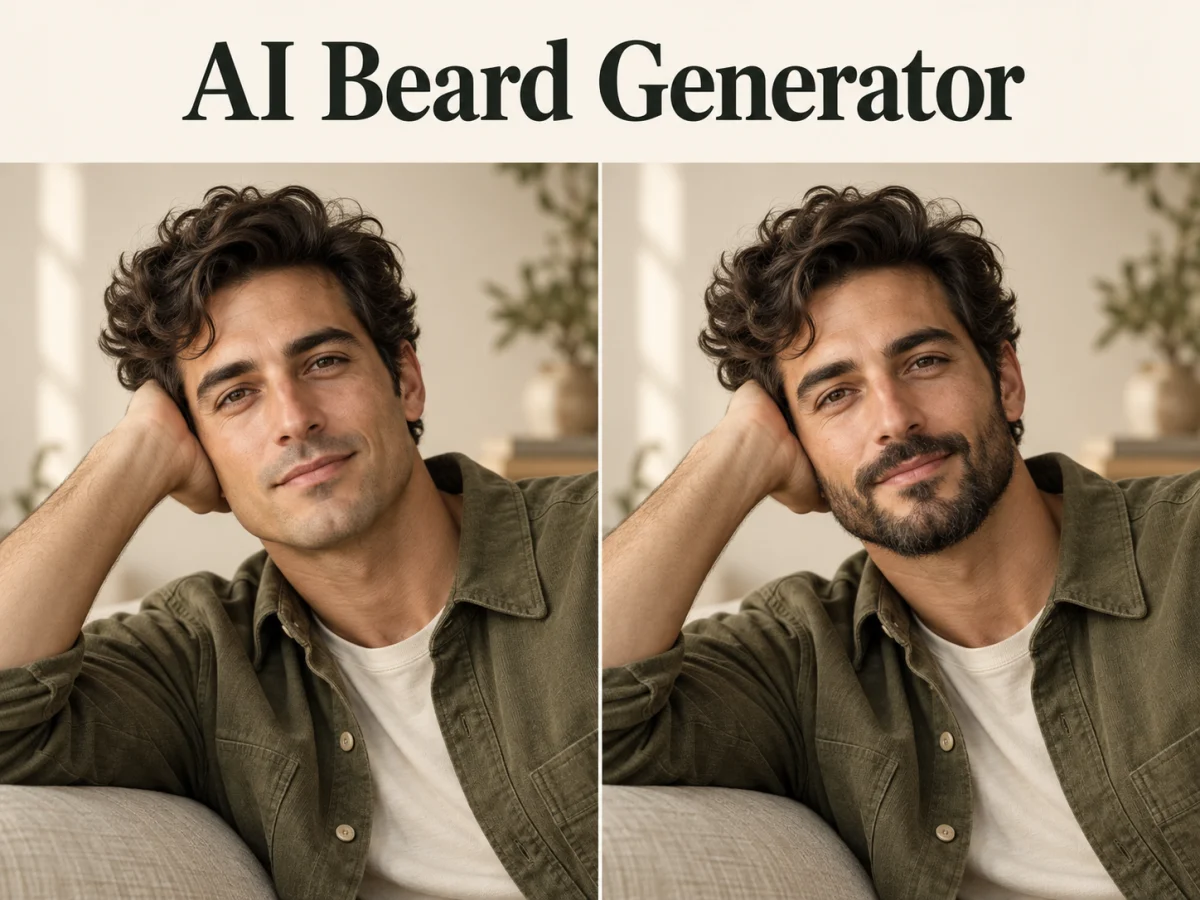
  • AI Beard Generator

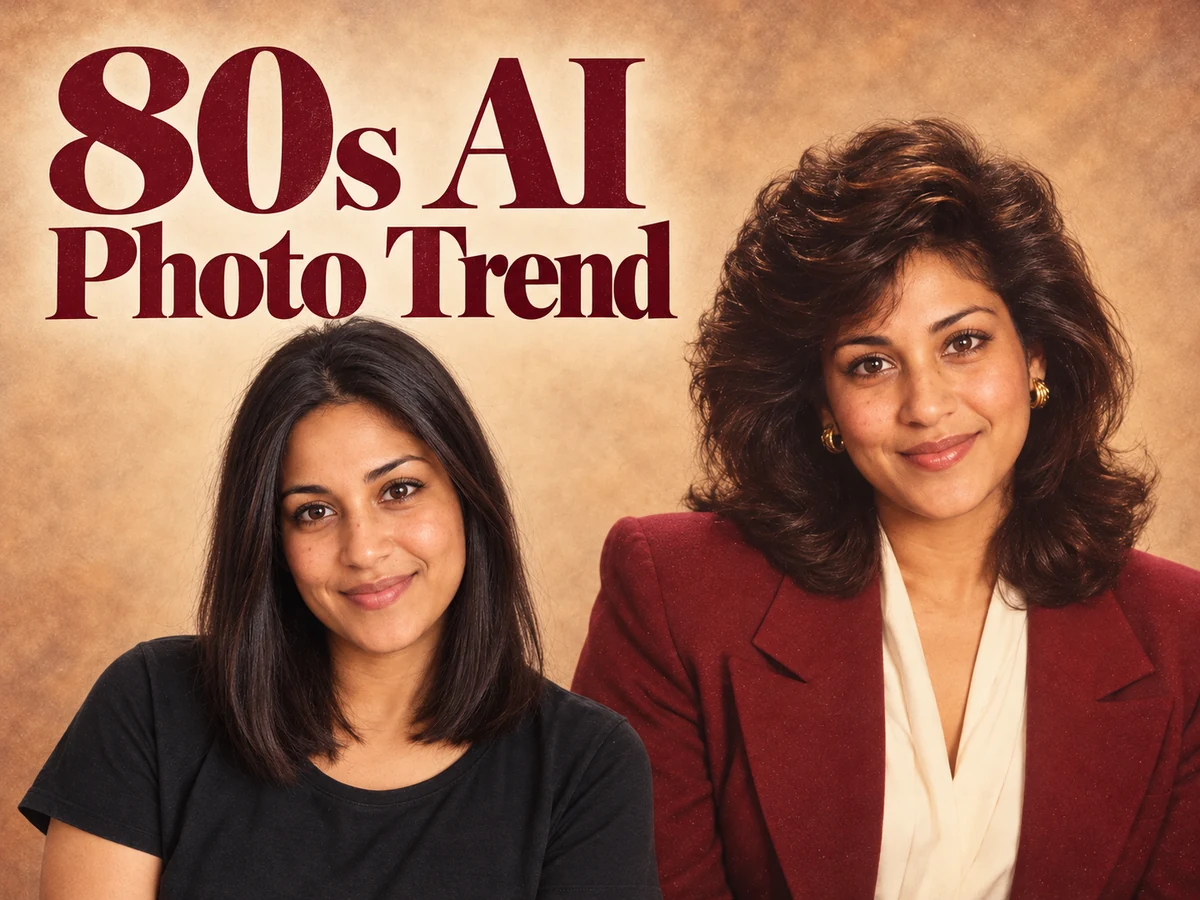
  • 80s AI Photo Trend

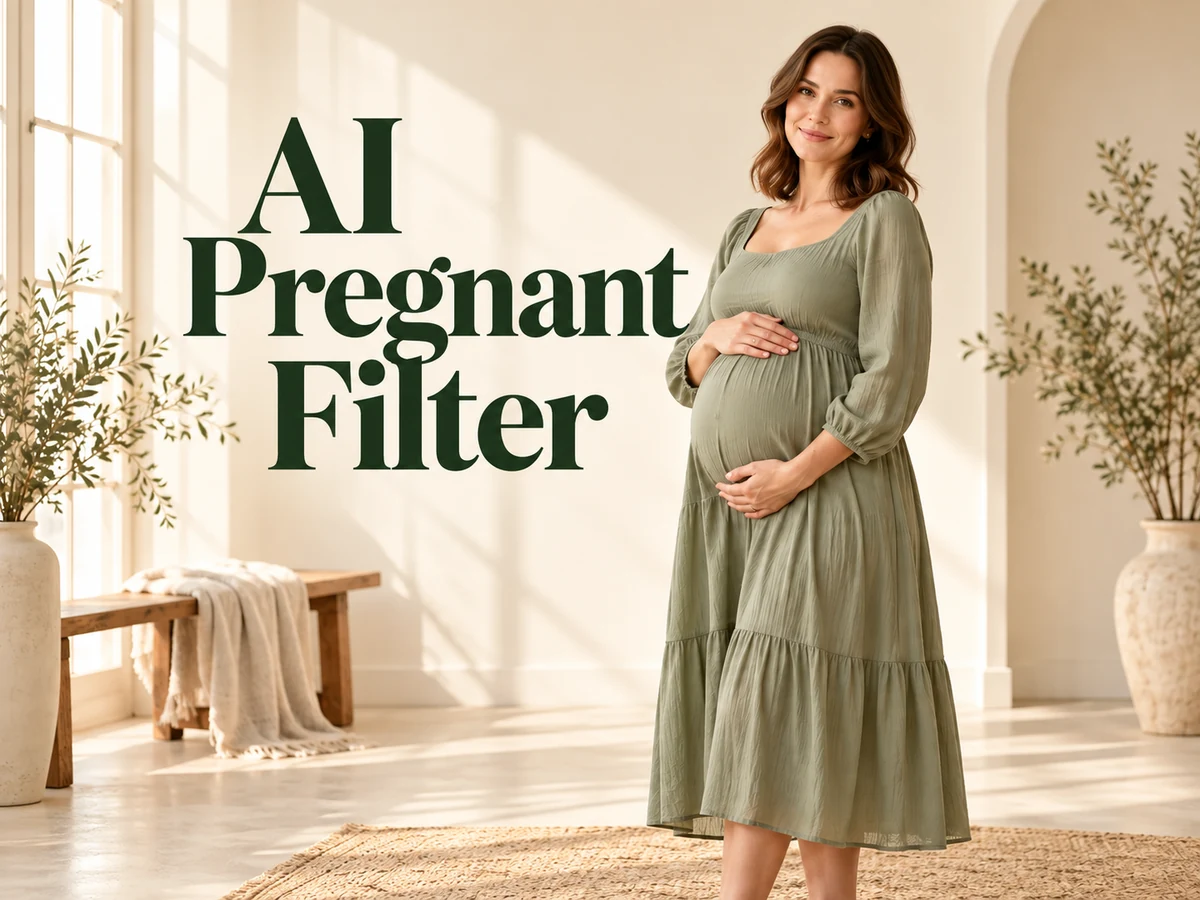
  • AI Pregnant Filter

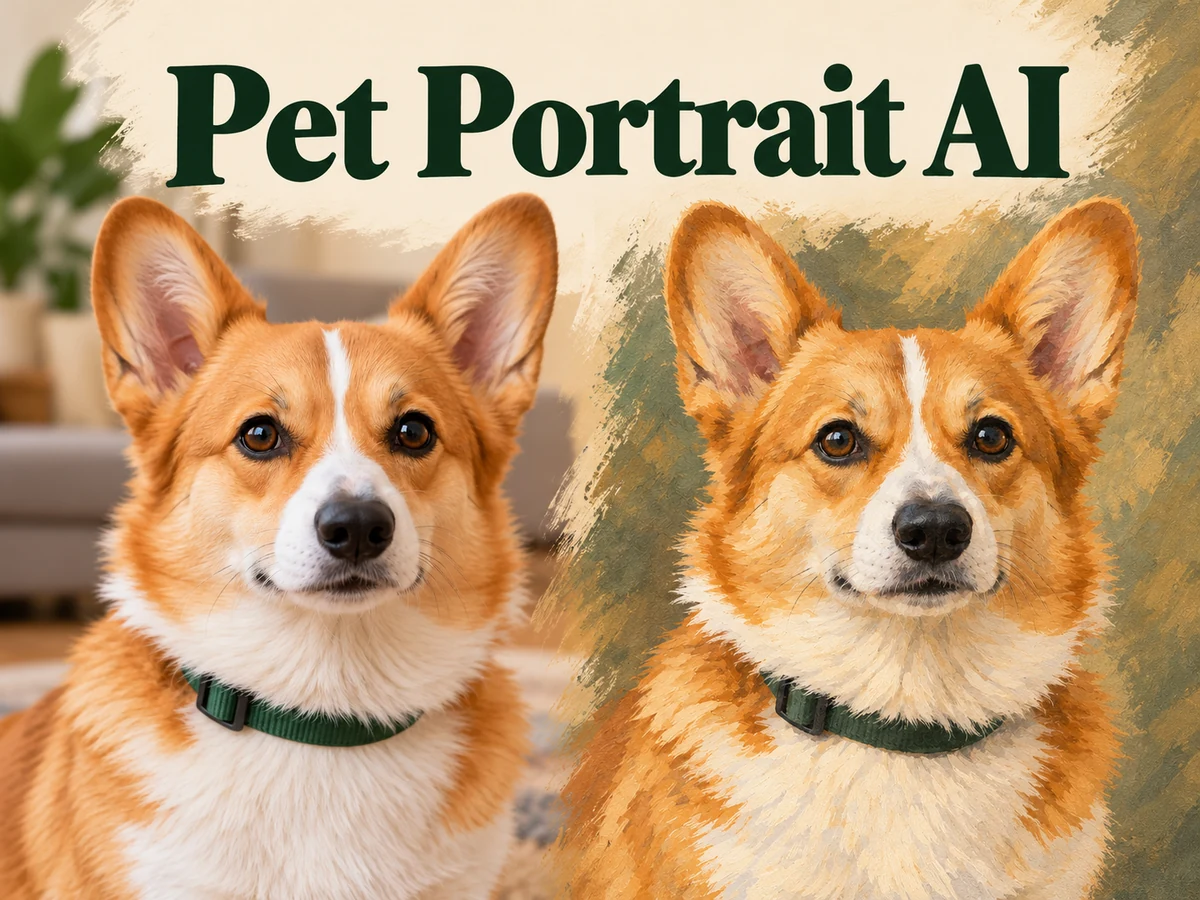
  • Pet Portrait AI

  • Photo to Watercolor

  • Photo to Coloring Page

Page 1 of 3

What can AI Long Hair Filter help you picture?

A saved hairstyle can look beautiful on someone else while leaving you unsure about your own face. AI Long Hair Filter brings the idea into a familiar portrait. It generates longer hair around the person in your photo, giving you a way to explore the silhouette before arranging a haircut, trying extensions, or planning a new portrait session.

Use this AI Long Hair Generator for a simple length change or a more specific direction. With no extra instructions, the prepared edit aims for natural chest-length hair while retaining the original color and texture. You can also describe a different length, softer layers, a straighter finish, or a color idea in the optional prompt. The result is one edited photograph that you can download.

The useful question is how the new shape feels around your face, neckline, and shoulders. A Long Hair AI Filter offers an imagined appearance; it cannot predict your future growth or exactly reproduce a salon result. Keep the original nearby so you can judge the hairstyle and check that the person still looks recognizable.

How to use AI Long Hair Filter

Begin with a portrait you like, then give the longer hairstyle a clear direction. A focused request is easier to evaluate than several competing ideas in one edit.

  1. 01

    Upload a well-framed portrait

    Choose one JPG, PNG, or WebP photo with a visible face, hairline, and shoulders. A chest-up portrait gives the added length somewhere to fall. Even light and a simple background make small changes easier to see. Use your own image or a photo you have permission to edit.

  2. 02

    Describe your preferred length and texture

    Leave the optional prompt empty for the prepared natural look, or tell AI Long Hair Filter what you want to explore. Try chest-length straight hair, loose waves below the shoulders, or long curls with gentle layers. Mention a new color only when you want to change it.

  3. 03

    Generate, compare, and save

    Choose the available resolution and framing, check the displayed credit cost, and generate. Review your AI Long Hair Filter result beside the source photo, paying attention to the face and where the hair meets the shoulders. Download the version you like, or start another attempt from the same original with a clearer request.

AI Image Generators for Your Next Project

Bring your next photo project to life with creative effects, painted portraits, and printable coloring pages.

  • Photo to Line Art

  • Remove Glare from Photo

  • Remove Glare from Glasses

  • 80s AI Photo Trend

  • AI Pregnant Filter

  • Pet Portrait AI

  • AI Beard Generator

Explore three directions with AI Long Hair Filter

Length changes the outline of a portrait, while texture changes its rhythm. These AI-generated illustrations show three directions you can describe in the prompt. They are visual examples, and your result will depend on the uploaded photo and request.

Preview sleek length with a clean outline

Long straight hair creates a clear line from the crown toward the chest. Try AI Long Hair Filter when you want to see how that outline sits against a familiar shirt or neckline. A request for smooth length and lightly tapered ends gives the model a more useful direction than asking for beautiful hair alone. Keep your current color for the first version so the added length stays easy to judge.

Look at the ends as well as the face. Do they finish where you expected, and does each side sit naturally around the shoulders? A clean silhouette can make an understated portrait feel different without a dramatic color change. If the result looks too heavy, ask for lighter ends while keeping the same target length.
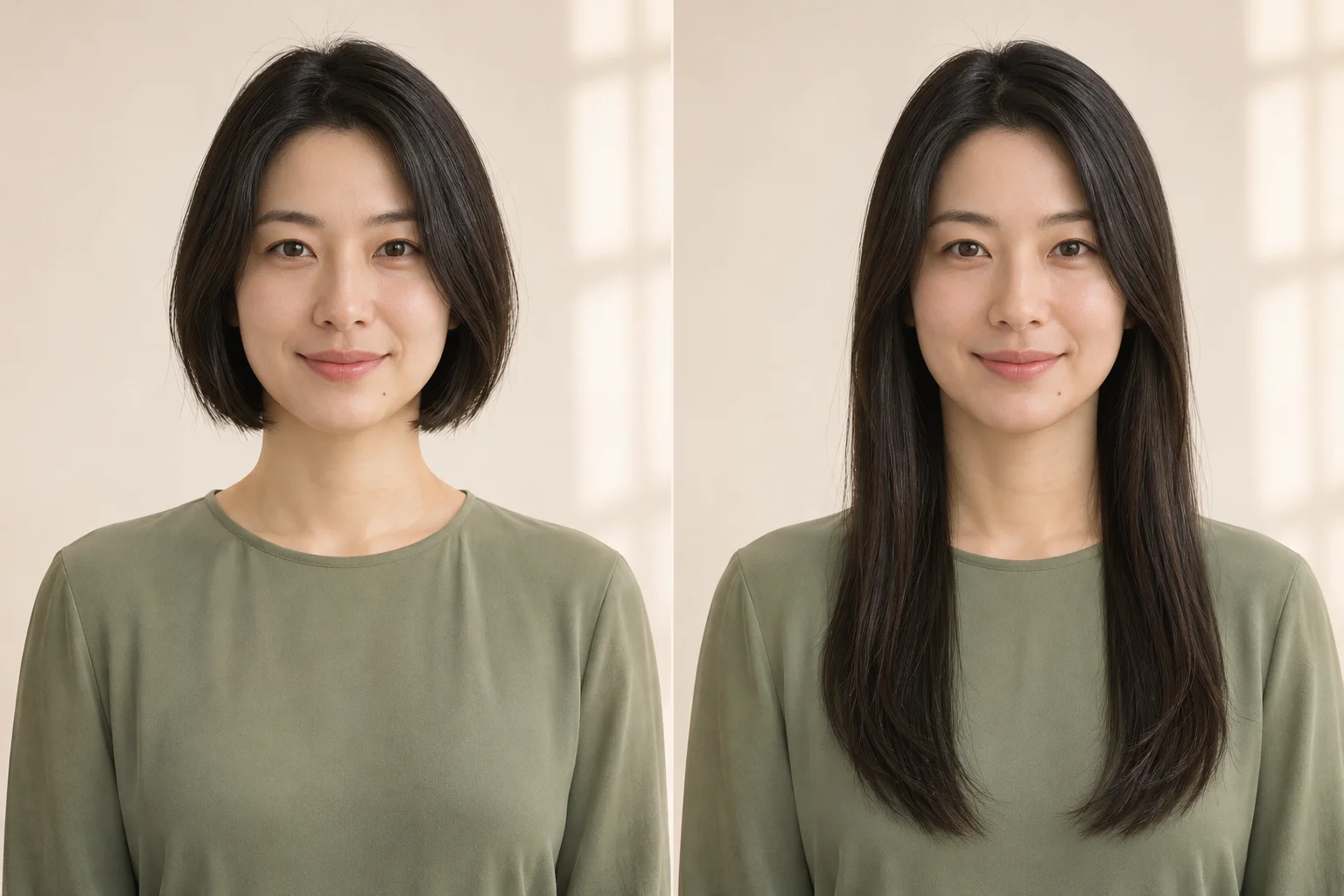
Preview sleek length with a clean outline

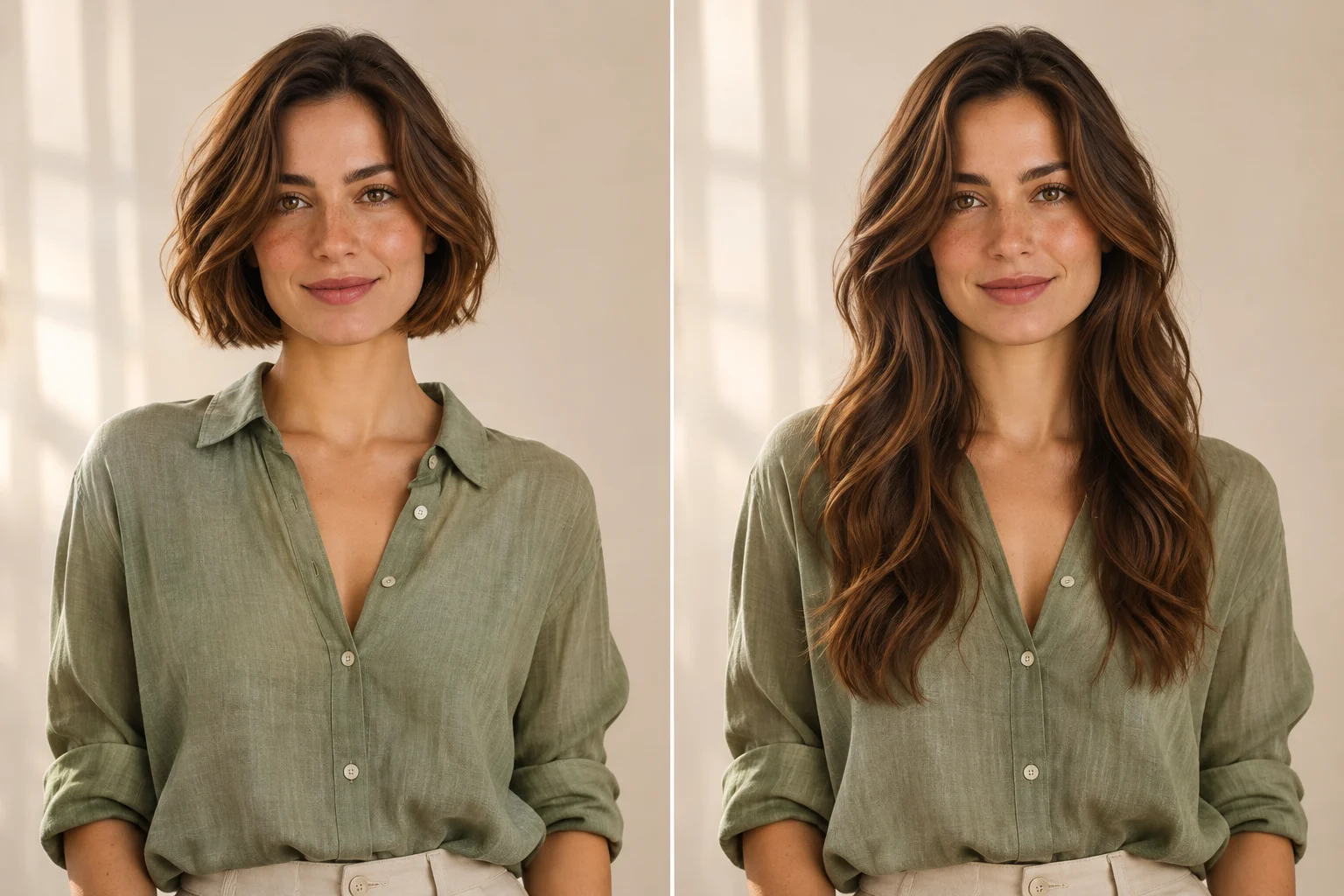
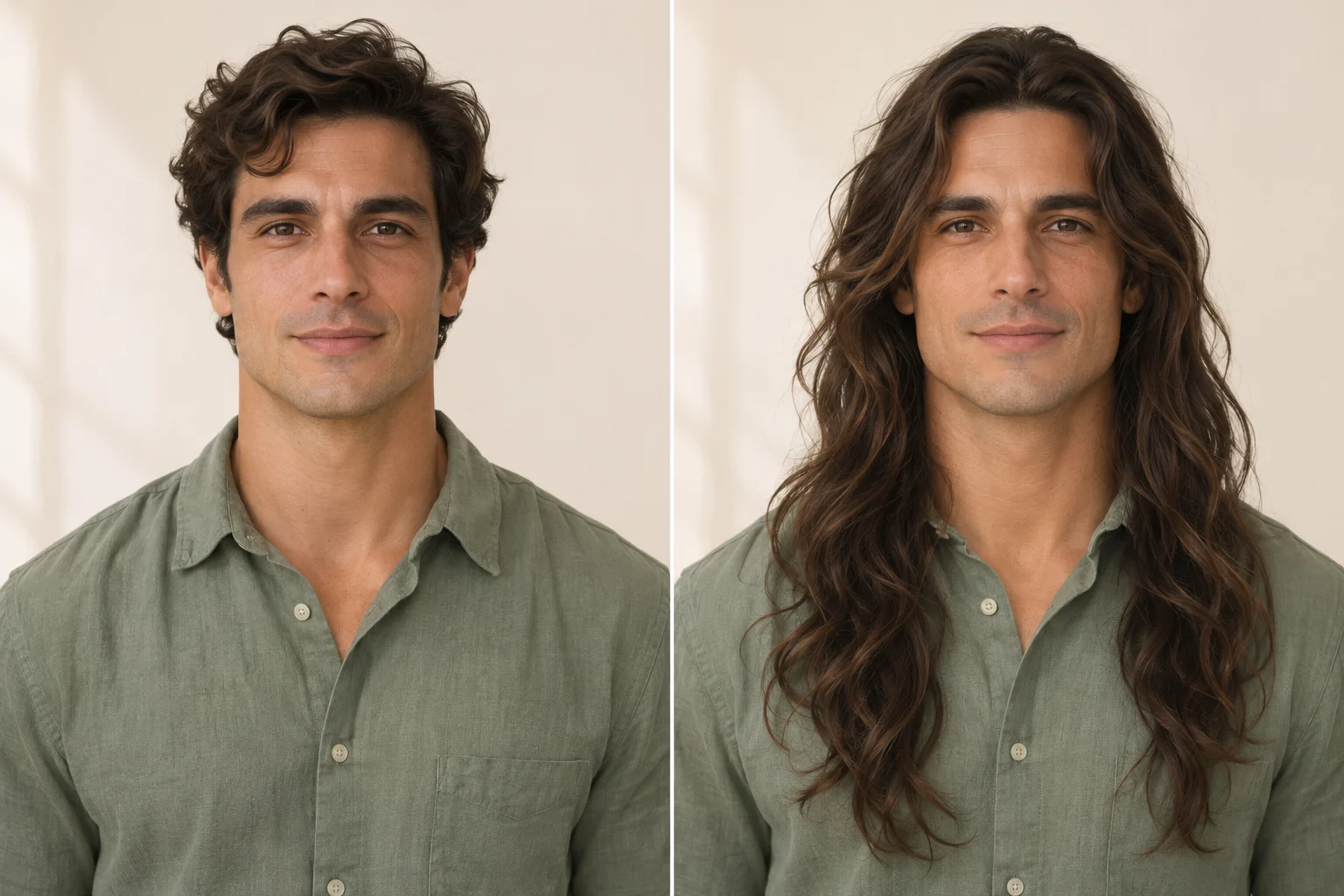
Find movement in longer waves

Loose waves can create an easygoing portrait, from a subtle shoulder-length change to a more flowing look. AI Long Hair Filter lets you describe the amount of movement you want without choosing from a fixed hairstyle catalog. Ask for relaxed waves and moderate volume when you want the face to remain the main focus. This direction can work for men and women exploring a longer everyday style.

Check the space around your cheeks and jaw. Broad waves and smaller bends produce different outlines, even at similar lengths. Use the AI Long Hair Generator to make separate versions from one source image, changing the wave pattern while holding color and length steady. That gives you a clearer comparison than changing every part of the hairstyle together.

Find movement in longer waves

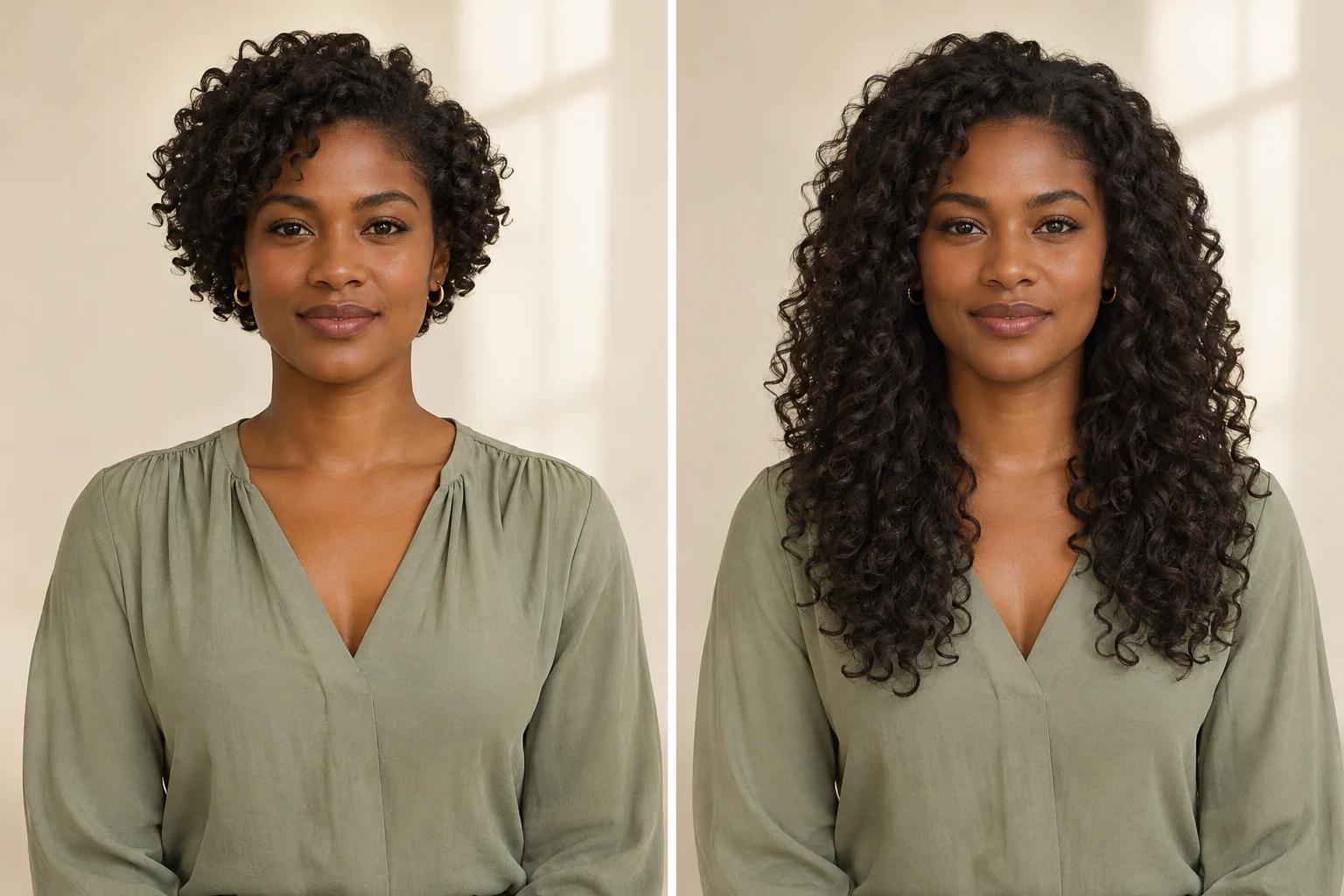
Explore longer curls with balanced volume

A longer curly hairstyle is about shape as much as distance from the roots. Ask AI Long Hair Filter for defined curls, a specific visible endpoint, and the amount of fullness you prefer. Keeping the original curl pattern gives you a useful starting point for imagining added length. Face-framing layers can be part of the request when you want to explore a different distribution of volume.

Inspect the transition from the scalp into the new strands. The roots, mid-lengths, and ends should feel like one hairstyle under the same light. A generated picture cannot tell you how your own curls will behave at a particular length. Use the image to communicate the shape you like, then discuss the real styling possibilities with your hairdresser.

Explore longer curls with balanced volume

Make your next hairstyle idea easier to share

AI Long Hair Filter is useful whenever a personal picture helps explain what you mean. Save a result together with a short note about the detail you like most.

For personal style exploration

Explore a change before making plans

If you have worn a short cut for years, seeing a longer outline on your own face can help you decide what to explore next. Use AI Long Hair Filter to compare a modest extension with a more noticeable transformation. Focus on your preference rather than treating the image as a verdict on what suits you.
For conversations with a stylist

Bring a clearer salon reference

Show your stylist the original and your favorite preview. Point out the endpoint, the space around your face, and the fullness you want. The picture makes those preferences concrete; your stylist can explain which parts fit your actual hair and routine. It is a starting reference for the conversation.
For creators and personal mood boards

Plan a portrait or creative look

Use the Long Hair AI Filter to imagine how a flowing style might pair with a neckline, jacket, or portrait setting. A saved preview can guide a styling discussion before a shoot. Keep the chosen hair direction consistent across your references so the wardrobe and hairstyle ideas support the same visual mood.

Get a more useful AI Long Hair Filter preview

Give the new hair enough room in the source image. A tightly cropped selfie can hide the very detail you want to compare: the ends. Choose a wider portrait when possible, with the complete head and upper torso visible. Clear separation between hair, clothing, and background also makes the final outline easier to inspect.

Build your request around three details: length, texture, and what to preserve. For example: Add chest-length soft waves, keep my dark brown color, and leave my face and clothing unchanged. You do not need technical editing vocabulary. With AI Long Hair Filter, one direct sentence is a practical place to start; add another detail only when it helps describe the result you want.

When comparing attempts, return to the same original photograph. Changing the camera angle, expression, or lighting makes it harder to tell which differences come from the hairstyle. Review at normal portrait size first, then inspect the hairline, ears, glasses, and shoulders. Keep a version because the overall look works for you, while checking for strands that merge into fabric or unexpectedly cover facial details.

AI Long Hair Filter questions

Here are the practical details to know before you upload a portrait and start exploring a longer look.

It generates a longer hairstyle using your uploaded portrait as the starting image. The prepared instructions aim to preserve recognizable facial features, expression, clothing, and setting while changing the hair. You receive a still image. Review it against the original because generated details can vary.

No. AI Long Hair Filter includes a prepared natural extension toward chest length, keeping the source color and texture. The prompt is optional. Add a short request if you want a different visible length, texture, volume, or color; otherwise you can start directly from your photo.

Yes. The edit follows the person and hairstyle request rather than a gender-specific template. Try a relaxed shoulder-length look, longer straight hair, or loose waves. Choose a clear portrait and mention any facial hair you want to preserve when describing your preferred result.

Yes, you can include a color direction in the optional prompt. AI Long Hair Filter otherwise aims to keep your existing color. For an easier comparison, establish the length first, then make another version with a simple color request while keeping the shape similar.

Generation requires signing in and uses credits. Check the amount displayed in the generator before starting; the cost follows the selected model settings. This page does not promise unlimited free edits. You can review the page examples before deciding whether to generate your own version.

Yes. Once a successful result is available, use its download action to save the image. Keep the original too, especially if you plan to share the pair with a stylist. Each generation produces an individual edited portrait; the comparison illustrations on this page demonstrate possible visual directions.

Picture your next look with AI Long Hair Filter

Choose a portrait, imagine the length, and see a new possibility around your own face. Start with a natural extension or describe the waves, straight finish, or curls you want to explore. Keep the image that helps you explain your next hairstyle idea.

Create my long hair preview
Image to Image AI logoImage to Image AI

A fresh take on your image. Explore new styles and scenes with AI.

Customer supportsupport@imgtoimageai.com

Tools

  • Remove Glare from Glasses
  • Remove Glare from Photo
  • Photo to Line Art
  • Image Upscaler
  • Realistic Selfie Generator
  • Christmas Photobooth
  • AI 3D Figure Generator
  • Selfie With Santa
  • Christmas Dance Trend
  • Motorcycle AI
  • AI Photo Booth
  • Photo to Sticker
  • QR Code Enhancer
  • AI Long Hair Filter
  • Bicep Heart Trend AI
  • Happy Birthday GIF with Name
  • Apartment Dance
  • AI GIF Generator
  • Executive Portrait Maker
  • AI Trouble Maker Video

Learn more

  • Tools
  • Blog
  • Pricing

Legal

  • Privacy Policy
  • Terms of Service
  • Refund Policy
  • Contact

© 2026 Image to Image AI