







Send a Playful Reply
Reply to a compliment or a kind message with a flex-and-heart clip of yourself. Add a short thank-you caption after downloading, then send it to your friend.
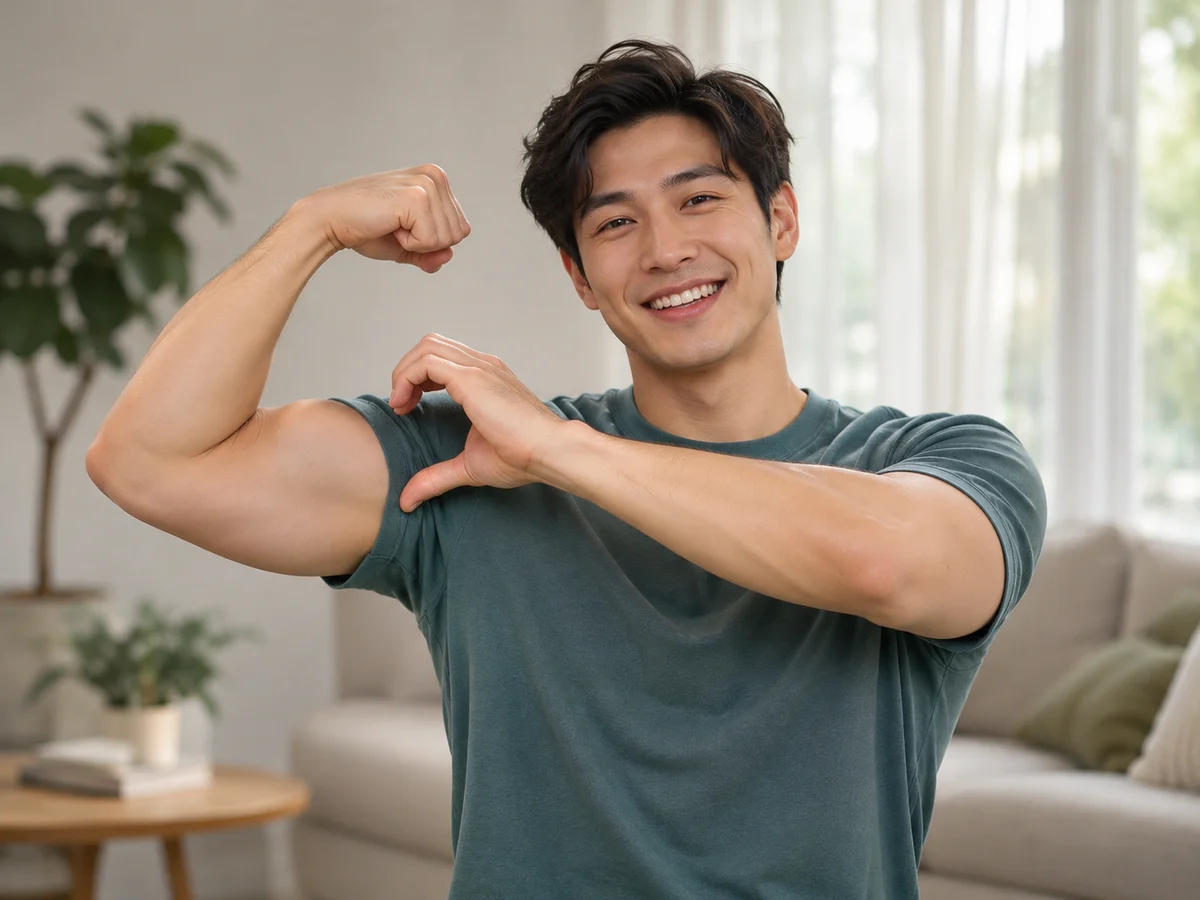
Turn one photo into a playful biceps heart AI video. Upload a clear waist-up portrait and animate a flex-and-heart gesture without filming or writing a prompt. Choose your video length, aspect ratio, and resolution, then preview and download your MP4.
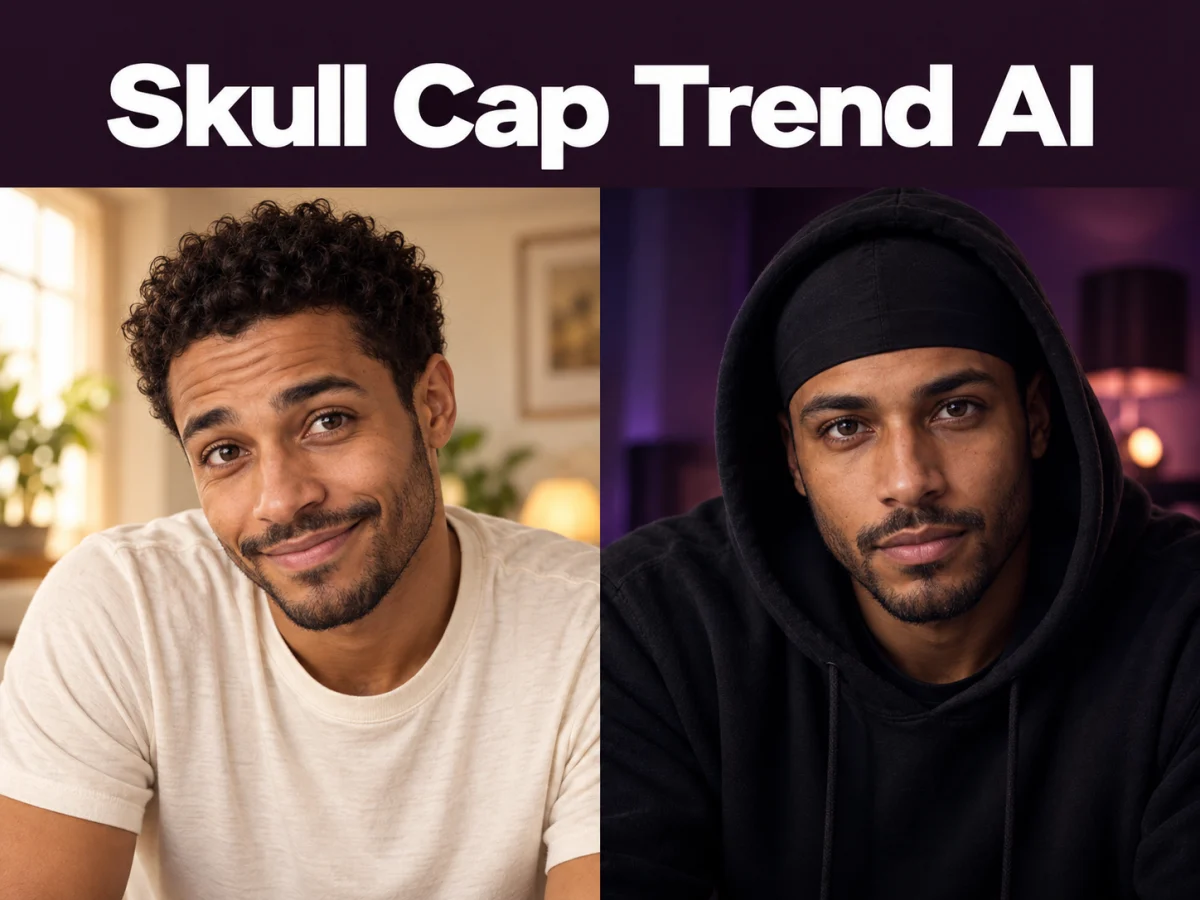
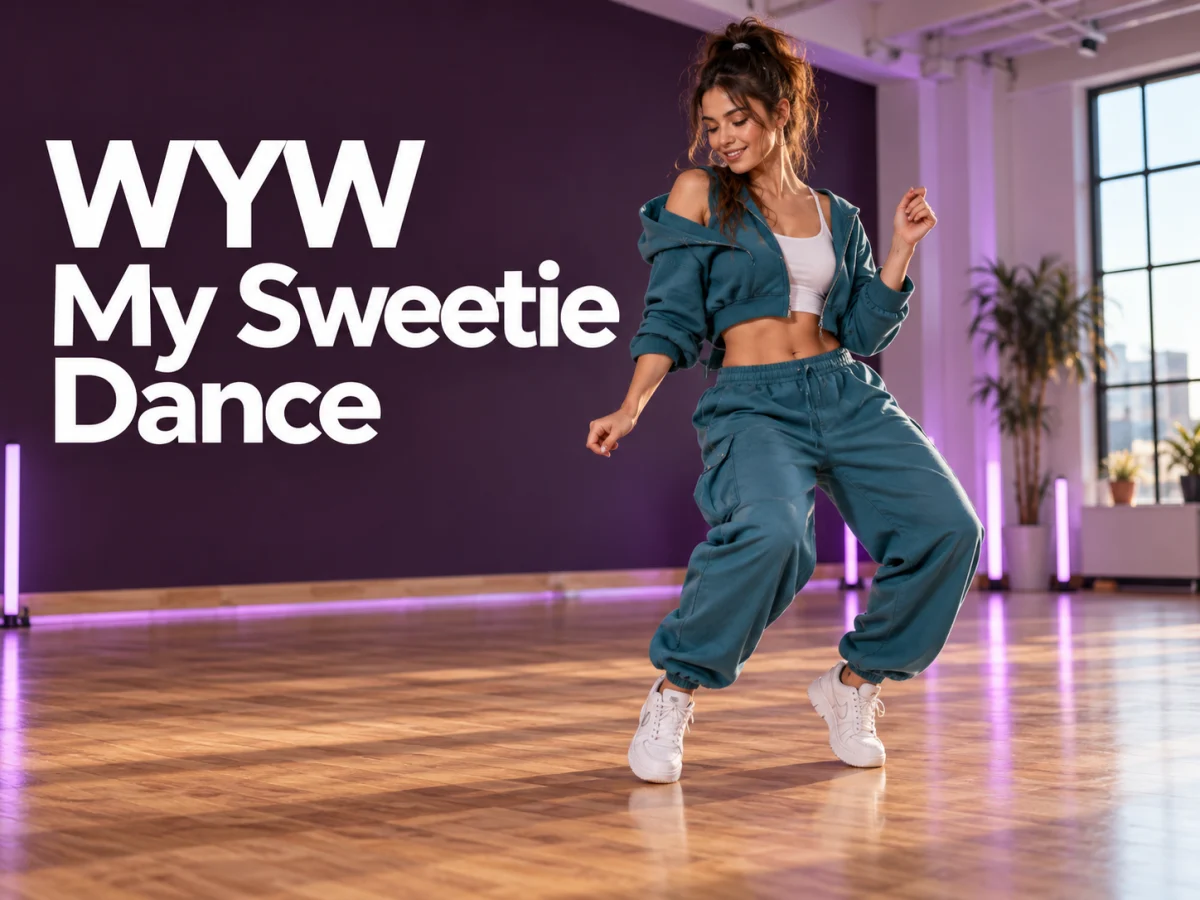
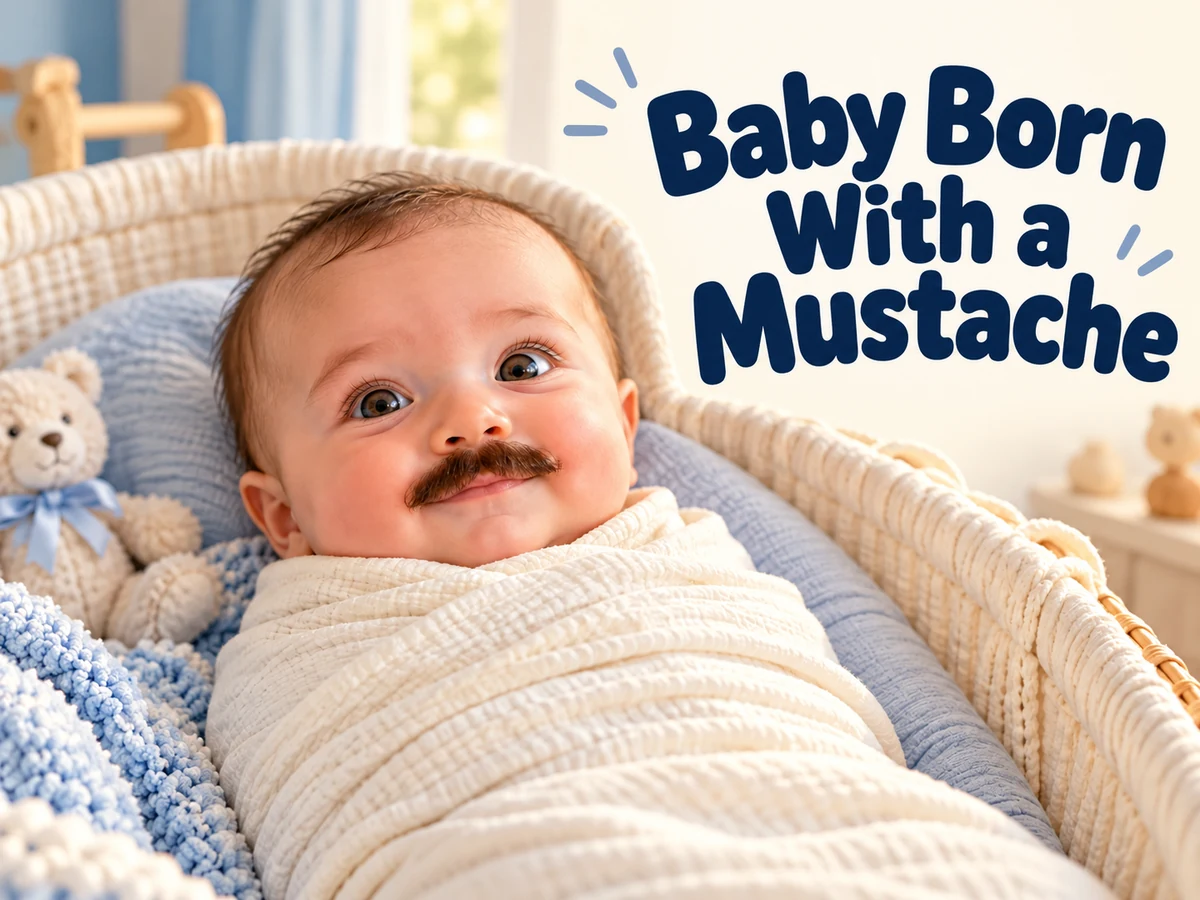
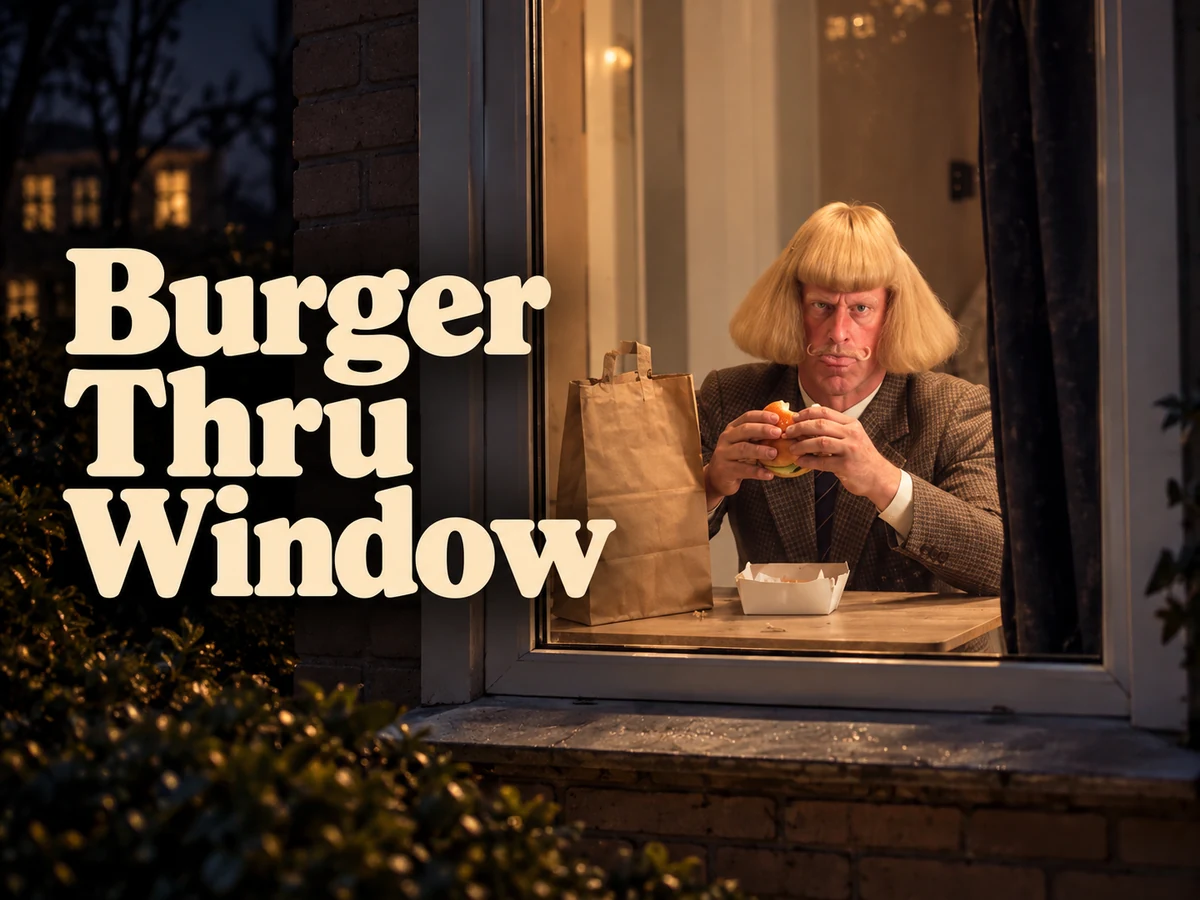
Find new ways to animate your photos, from dance clips and outfit changes to imaginative scenes.
Upload one JPEG, PNG, or WebP image, up to 10 MiB. Choose a waist-up photo of one person, with the face, elbows, and hands visible and space around the upper body.
Choose your video length, aspect ratio, and resolution. Review the credit estimate, sign in, and generate your biceps heart video. The gesture is ready to use, so there is no prompt to write.
Watch the complete clip and pause at the heart pose to check the face, fingers, and arm shape. Listen to any generated audio, then download your chosen MP4. You can add captions or music in your preferred editor or social app.
Turn a photo into a short video for a personal story, a social post, or a playful idea.
Bring the arm-heart gesture to your own photo, with settings that fit the clip you want to share.
Use a personal portrait to turn a quick message into a playful gesture.
Reply to a compliment or a kind message with a flex-and-heart clip of yourself. Add a short thank-you caption after downloading, then send it to your friend.
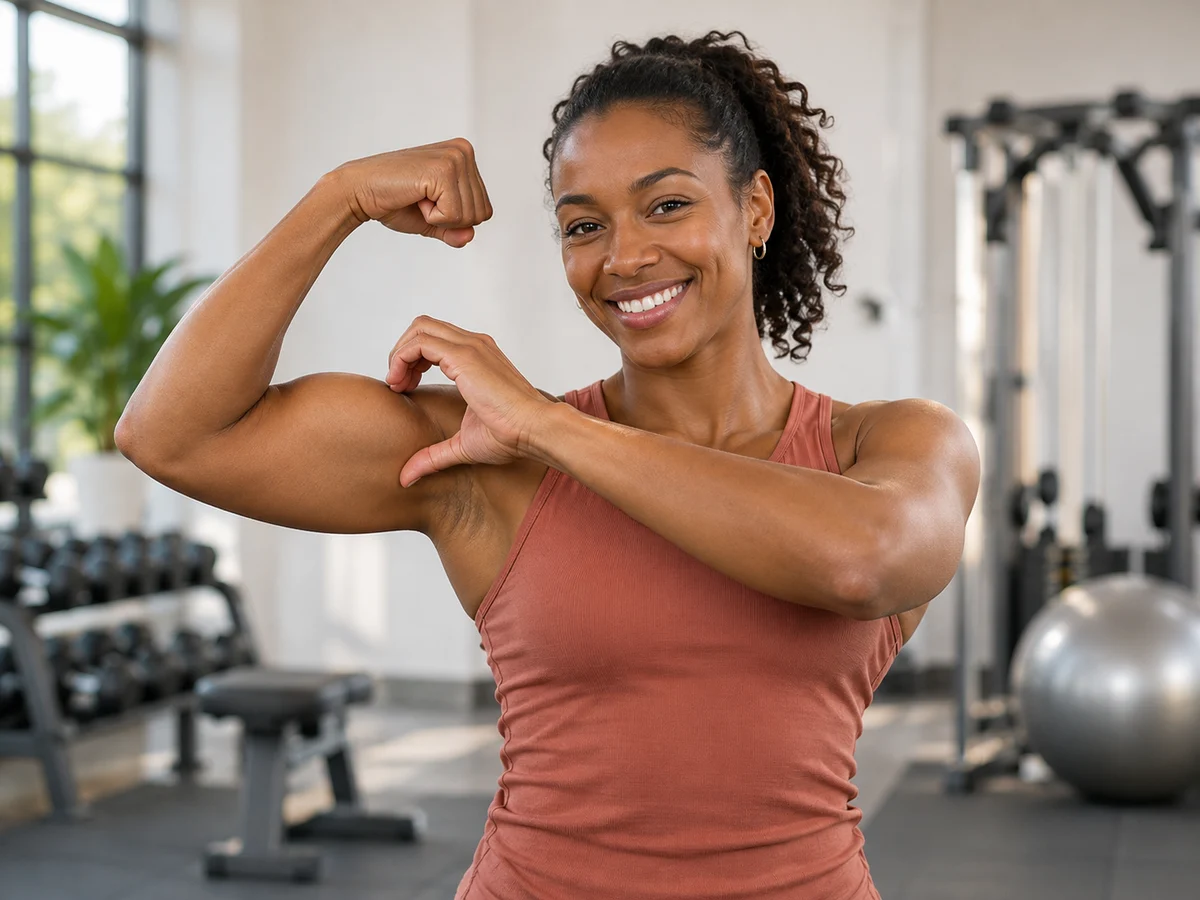
Animate a training portrait to celebrate a personal best or a consistent week at the gym. Share the heart gesture as a thank-you to a workout partner or encouragement for your group.
Turn your photo into a lighthearted greeting for someone you care about. Pair the downloaded clip with a birthday message, a good-luck wish, or a little everyday encouragement.
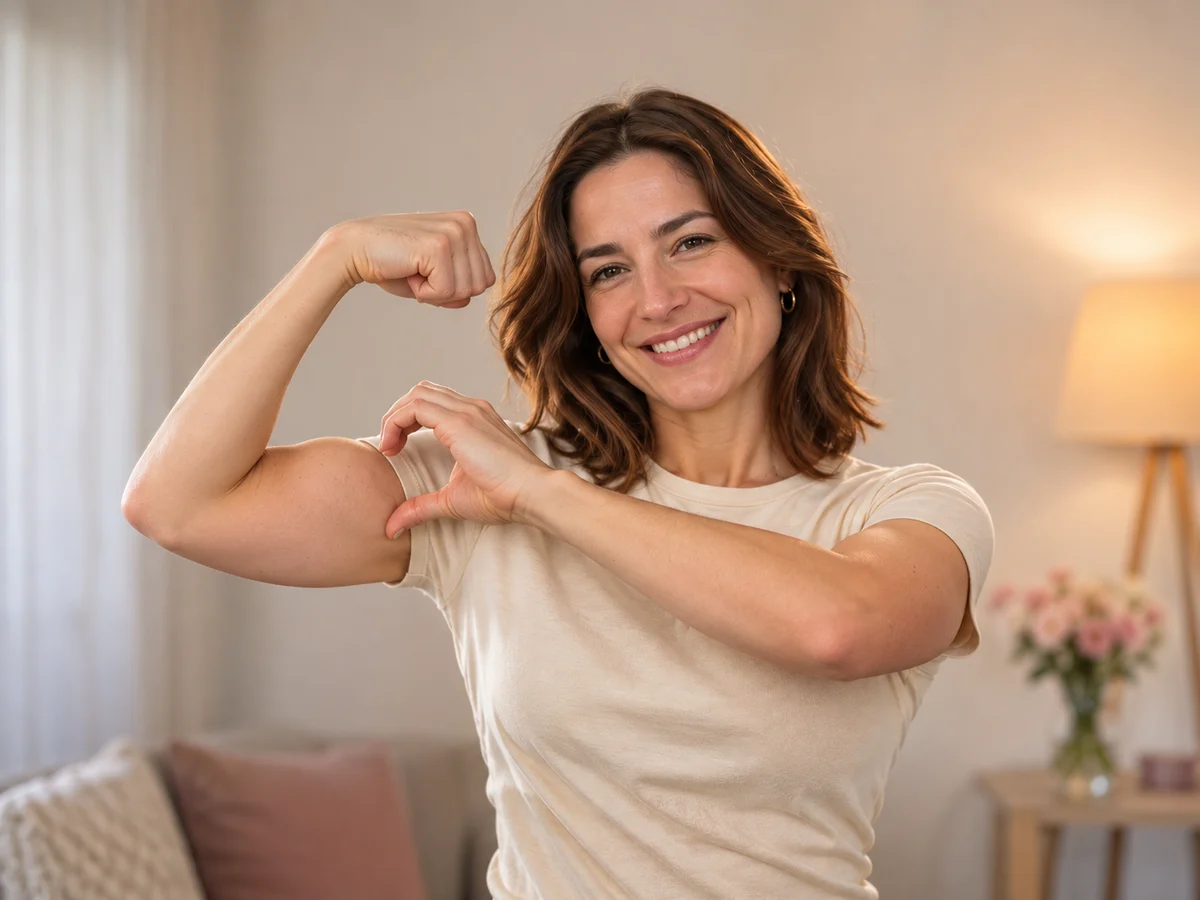
The bicep heart pose needs room for a raised elbow and the opposite hand. Start with a clear upper-body photo instead of a tightly cropped face.
Yes. Bicep heart and biceps heart describe the same playful pose: flex one arm and curve the opposite hand beside the bicep so their outlines form a heart. This AI video generator animates the gesture from a single photo.
No. The recognizable shape comes from the position of the arm and opposite hand. A clear view of the upper body matters more than muscle size.
Yes. You need to be signed in to generate a video. You can sign in with Google or use your email address and password.
No. Upload your photo, choose the resolution, video length, and aspect ratio, then review the credit cost and start generation. Custom prompt input and performance video uploads are not part of this tool.
Yes. Choose a length from 4 to 15 seconds and select Auto, 16:9, 4:3, 1:1, 3:4, 9:16, 21:9, or 9:21. The default is 5 seconds at 16:9 and 720p. Auto adapts the aspect ratio to your photo.
Your photo guides the person’s appearance, but AI can alter facial details, clothing, and body proportions. Review the finished clip to check that the result represents the person as intended.
Try a clearer photo with both hands and elbows visible and more space around the upper body. Check the cost before generating another version, as results can differ between attempts. Higher resolution alone does not guarantee correct anatomy.
The tool does not add the original social-media soundtrack. Generated audio may accompany the clip; listen to it before sharing. You can choose suitable music when editing or posting your downloaded video.
Video generation uses credits. Check the amount shown in the generator before starting. The cost depends on your selected resolution and video length, and each successfully generated video is charged separately.
No. Failed video generations do not use credits. Credits are deducted only when your video is generated successfully.
No. Your generated video and the MP4 you download are both watermark-free.
Once your video is ready, click Download to save it to your device. Completed videos in your account are not currently deleted automatically.
Choose a clear photo, give the gesture room, and turn your portrait into a playful arm-heart moment.