Image to Image AI logoImage to Image AI
  • Home
  • AI Image Generator
  • AI Video Generator
  • Tools
  • Nano Banana 2.1
  • Flux 3 Klein
  • Seedream 5.0 Pro
  • Seedream 5.5
  • GPT Image 2.5
  • GPT Image 2.6
  • MiniMax H3 Image
  • Kling 4.0
  • Grok Imagine Video 1.5
  • MiniMax H3 Max
  • Seedance 2.5
More
  • Blog
  • Pricing

Guest

Save your creations

Credits—
  1. Home
  2. /
  3. Image

AI Photo Booth for nine sides of your selfie

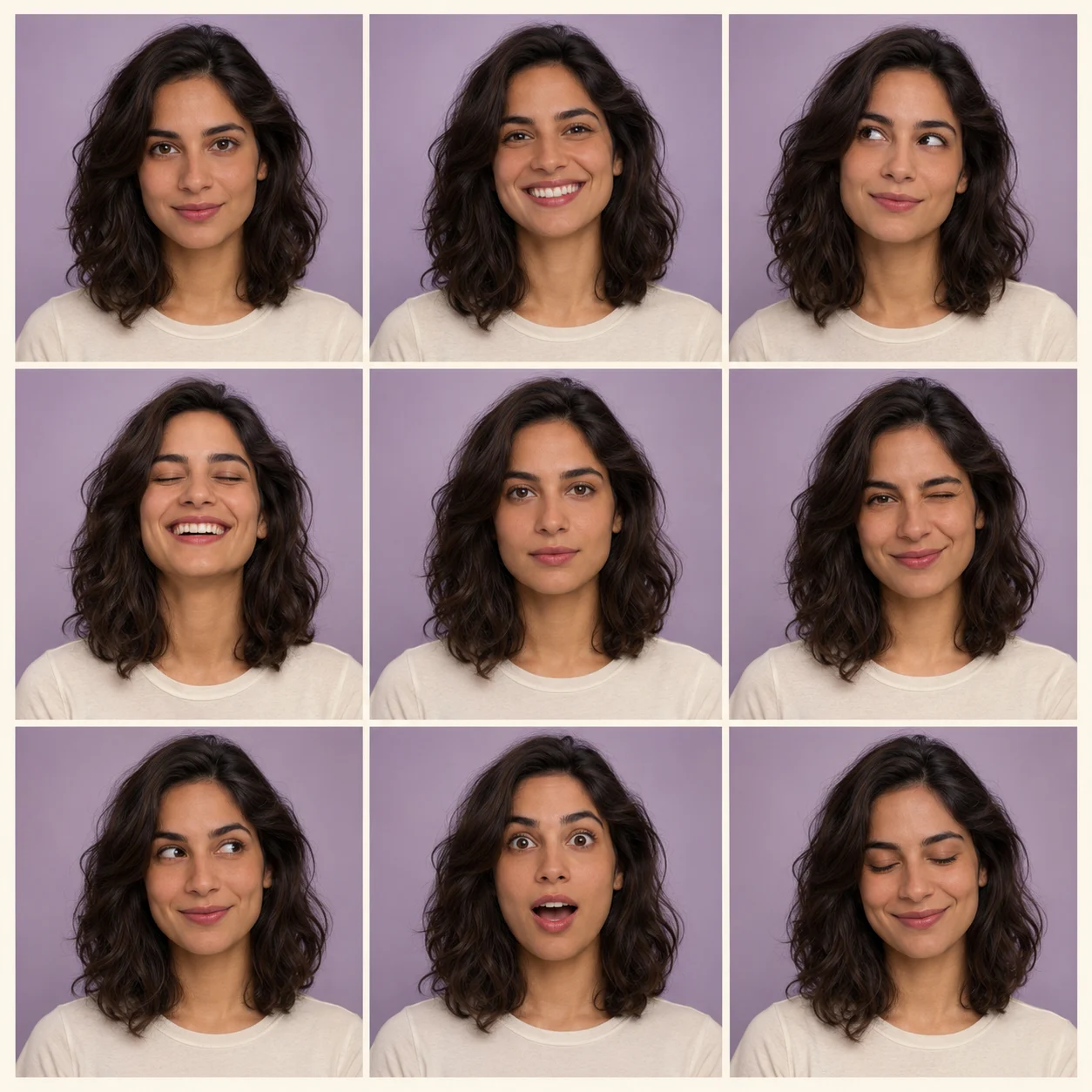
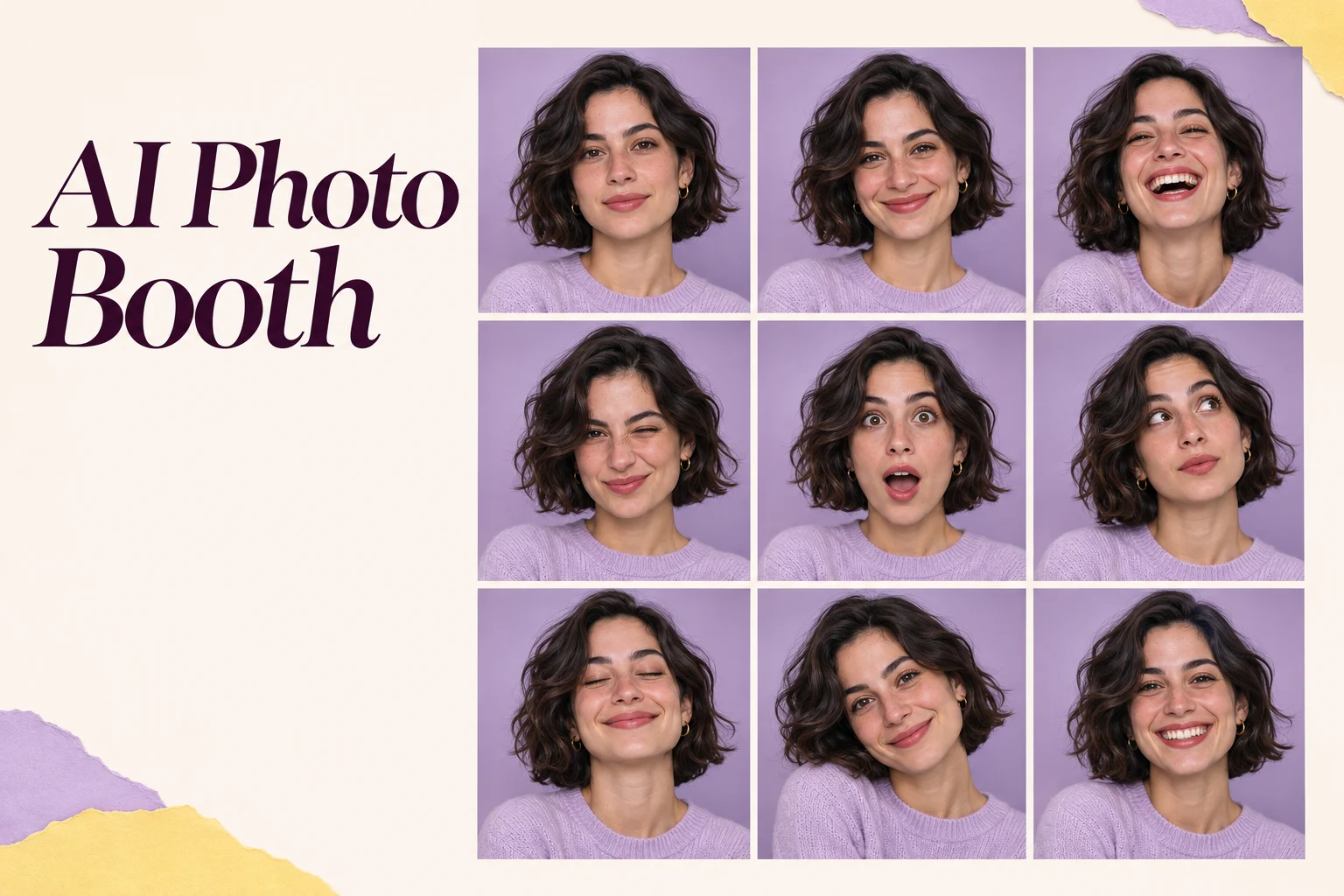
Turn one portrait into a playful collection of expressions with AI Photo Booth. Upload a clear selfie and create a square image with a prepared three-by-three layout, soft studio styling, and varied facial expressions. There is no prompt to write and no camera session to organize. Review the nine panels, download the finished collage, and give a familiar face a new way to tell a small visual story.

Create my photo booth grid
AI Photo Booth for nine sides of your selfie
AI-generated illustrative portraits and grids; actual results depend on your upload and generation.

Reference image

Required · 1 image
15
Checking your sign-in status…
Strictly prohibits adult / NSFW content

AI Image Generators to Explore

Try a different look for your photos with generators for portraits, artistic styles, and creative edits.

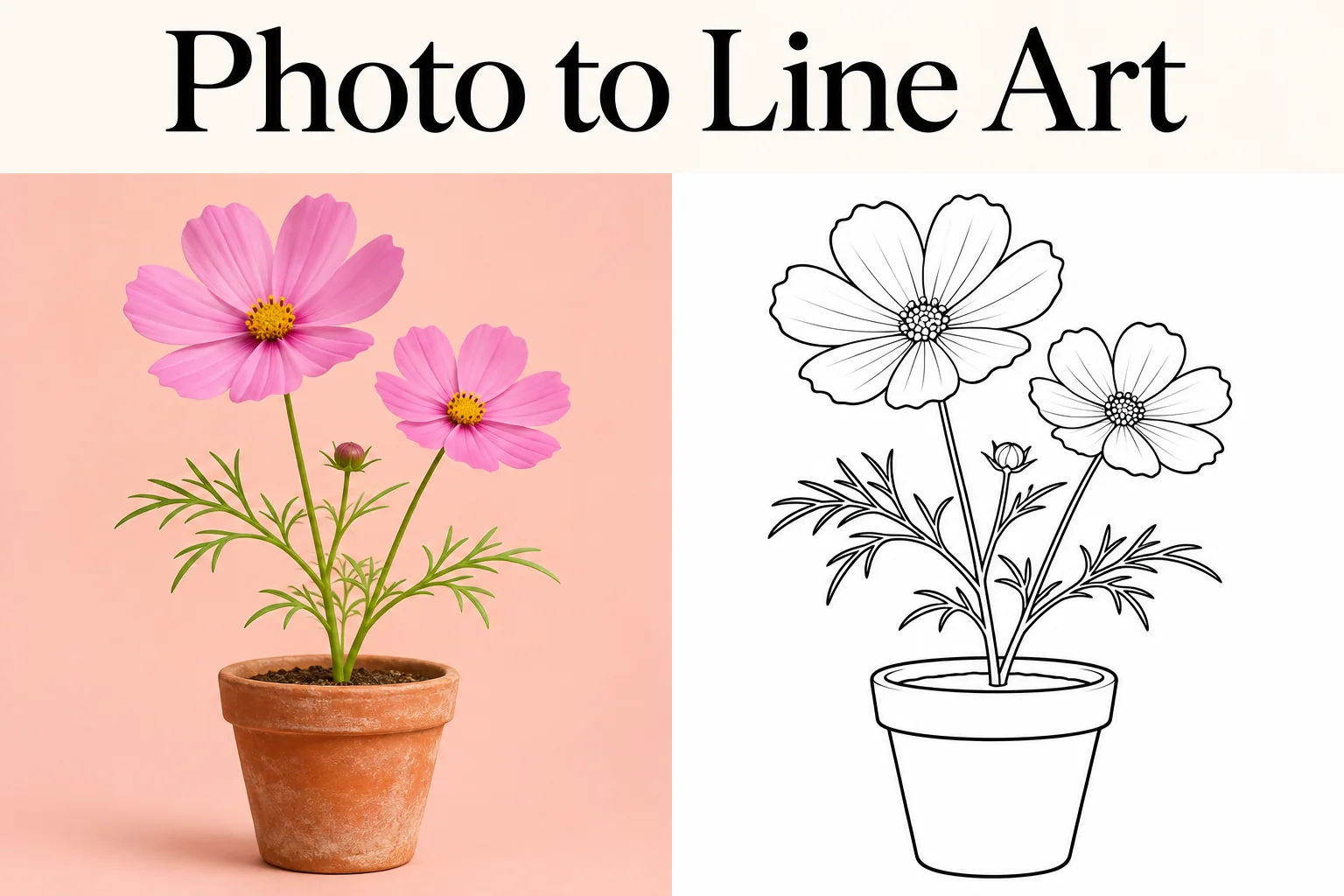
  • Photo to Line Art

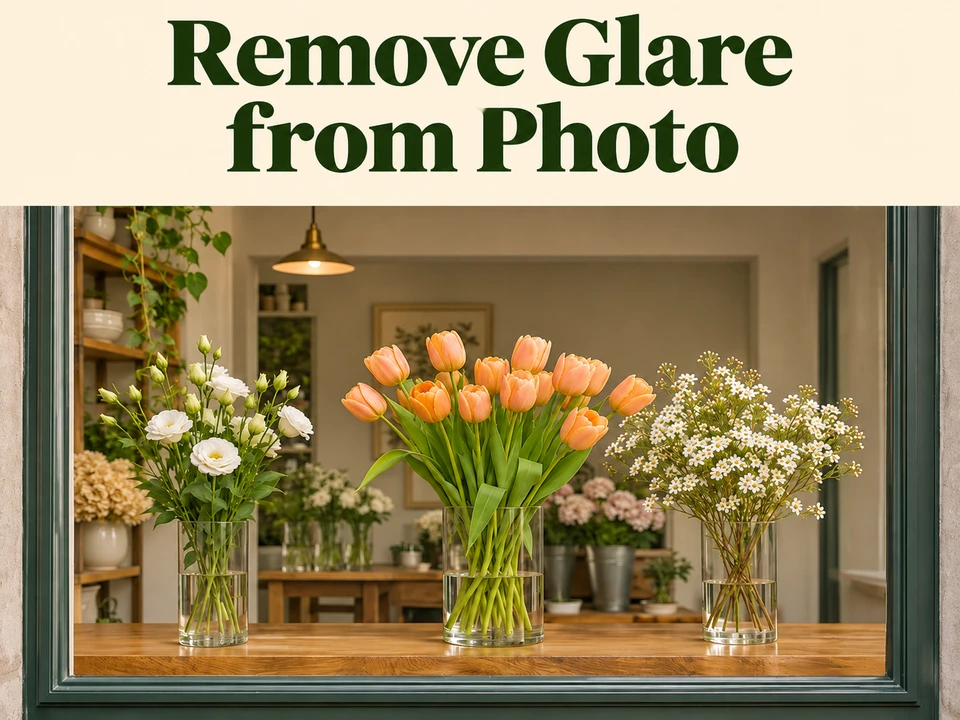
  • Remove Glare from Photo

  • Remove Glare from Glasses

  • Realistic Selfie Generator

  • Image Upscaler

  • Selfie With Santa

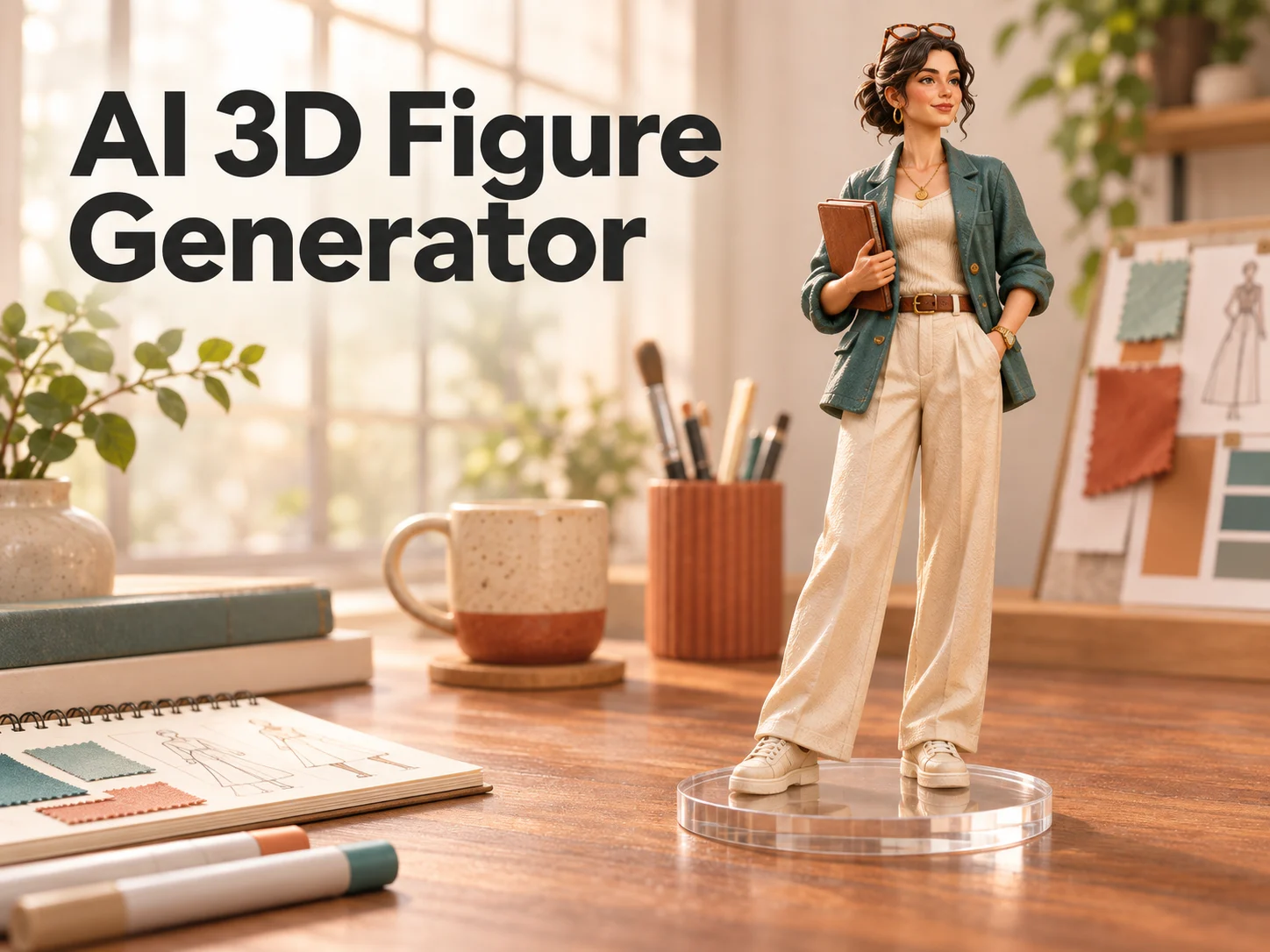
  • AI 3D Figure Generator

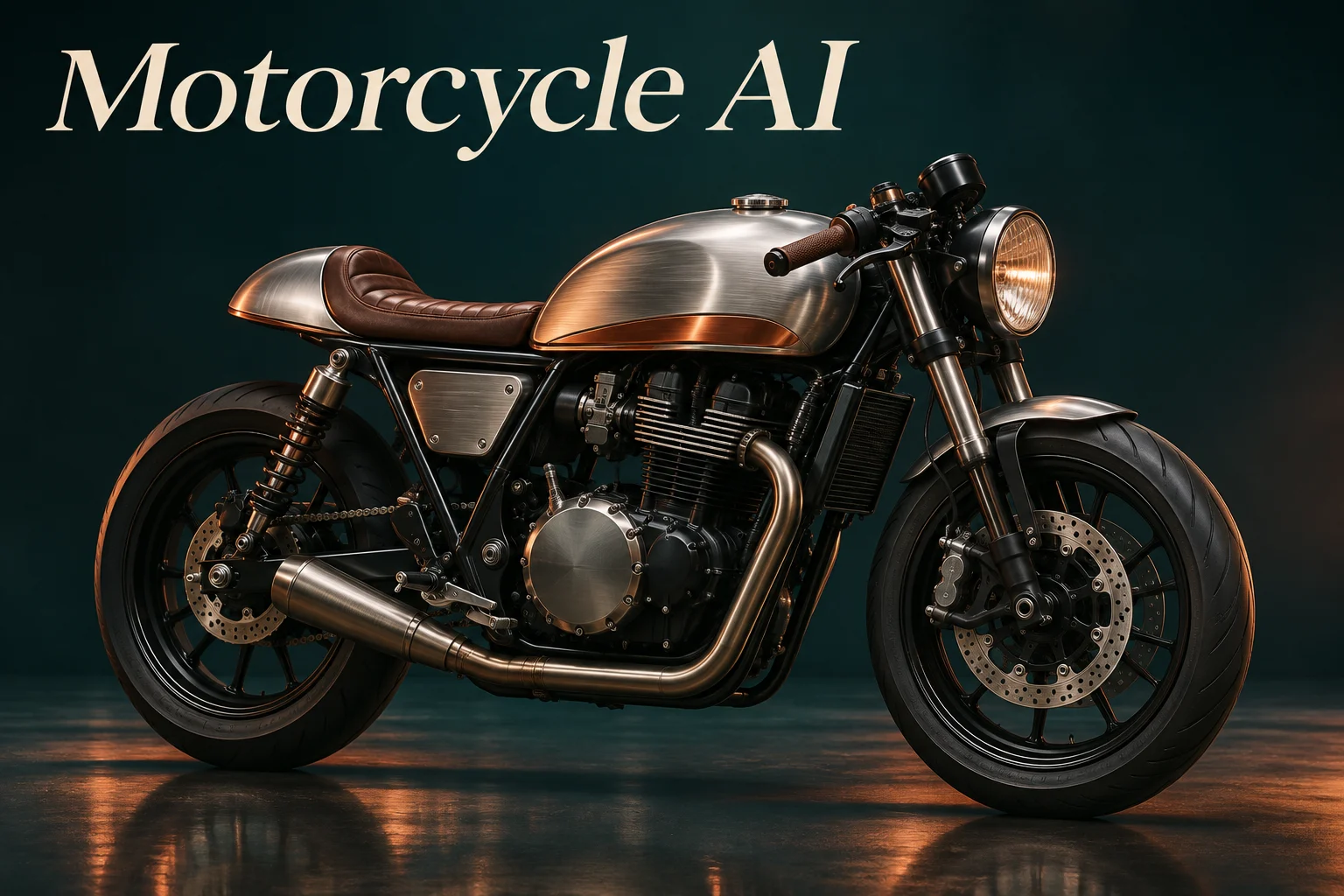
  • Motorcycle AI

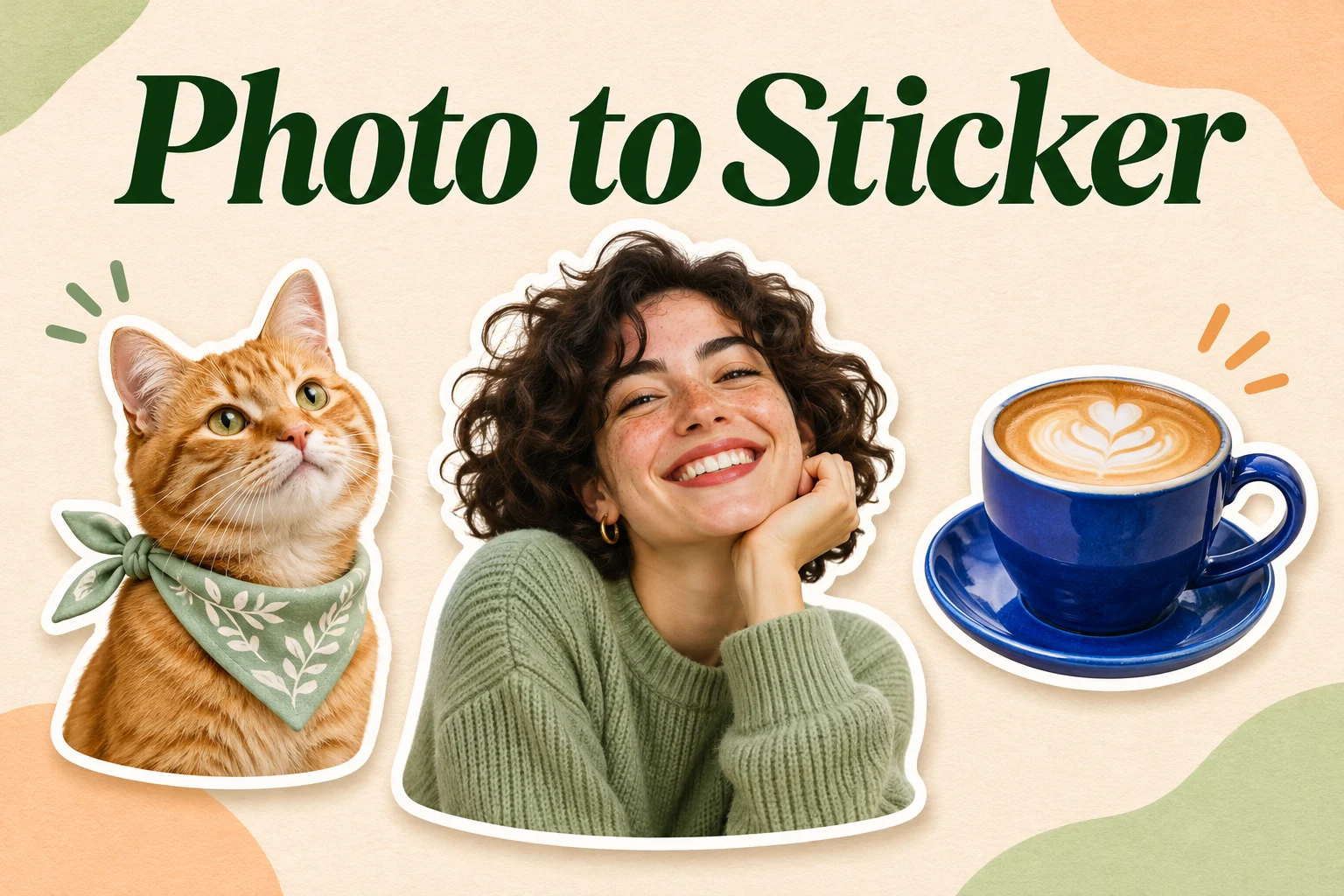
  • Photo to Sticker

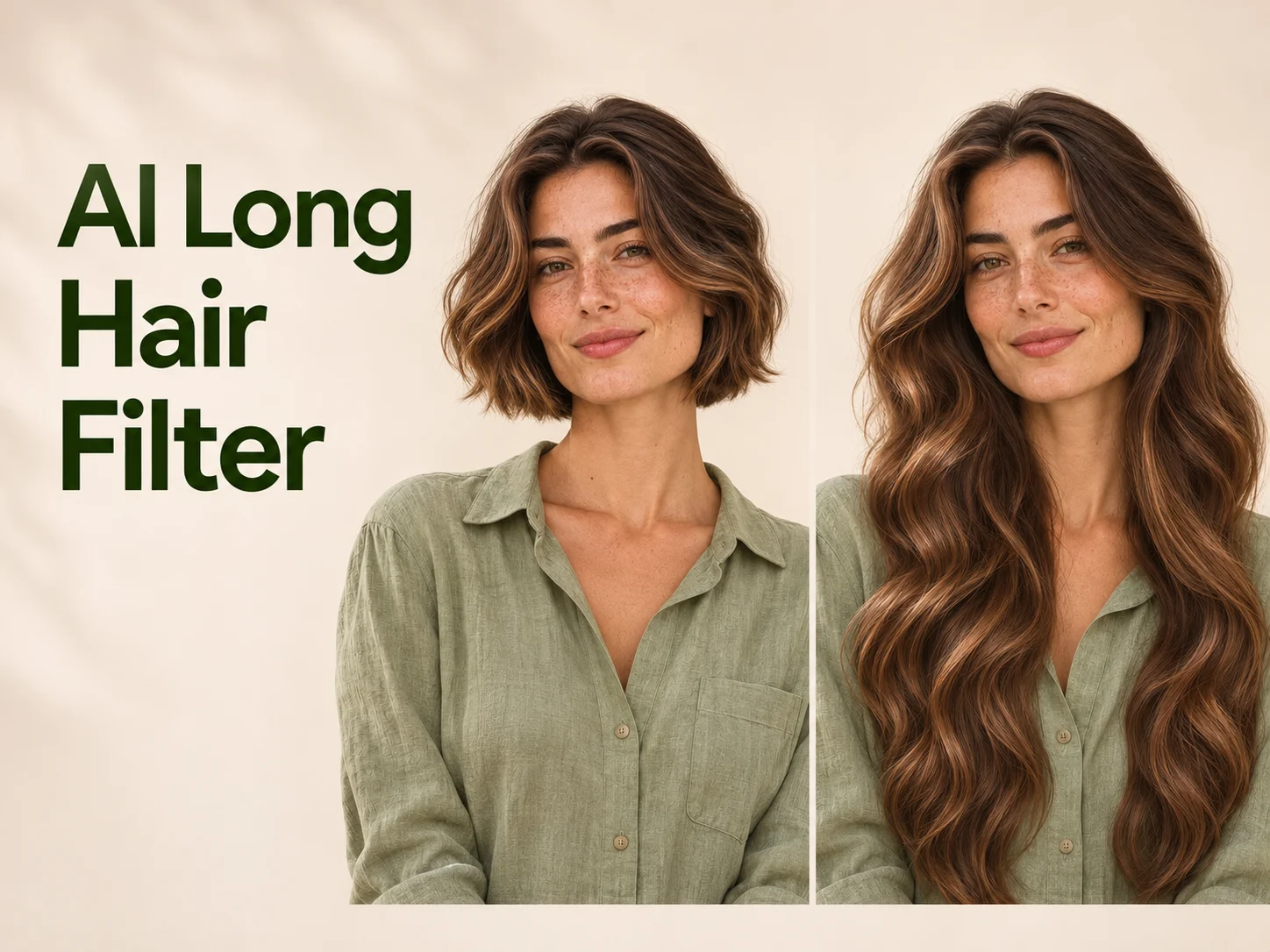
  • AI Long Hair Filter

  • Happy Birthday GIF with Name

  • AI GIF Generator

  • Executive Portrait Maker

  • No Beard Filter

  • AI Beard Generator

  • 80s AI Photo Trend

  • AI Pregnant Filter

  • Pet Portrait AI

  • Photo to Watercolor

  • Photo to Coloring Page

Page 1 of 3

What does AI Photo Booth create?

AI Photo Booth takes one uploaded portrait as the starting point for a new nine-panel image. The goal is the lighthearted feeling of a booth session: the same person, a consistent setting, and a little variety from frame to frame. You receive one collage rather than nine separate downloads.

This Photo Booth Generator uses Nano Banana 2.1, part of the Nano Banana AI model family, with a prepared direction for a square contact sheet. The layout asks for three columns and three rows, narrow light gutters, and a calm background. Expressions and modest changes in head angle bring movement into the collection without requiring you to pose nine times.

A generated grid is a creative interpretation of your reference, not a record of photographs that were actually taken. AI Photo Booth aims to retain recognizable features, hairstyle, and clothing across the panels, but results can vary. Inspect each face and the arrangement before choosing the version you want to share.

How to use AI Photo Booth

One clear portrait is enough to begin. These three steps keep the process simple while giving you a practical way to assess the finished grid.

  1. 01

    Choose a clear portrait of one person

    Upload a JPG, PNG, or WebP photo with the face in focus and the eyes visible. A front-facing or gently angled portrait is a useful starting point. Leave space around the hair and shoulders. Choose a single-person image so AI Photo Booth has one clear identity to carry through the grid.

  2. 02

    Choose resolution and generate the grid

    Sign in, select an available resolution, and check the credit amount shown in the generator. AI Photo Booth supplies the creative direction and fixes the overall image to a square. You do not need to select poses, arrange cells, or write a prompt before starting the generation.

  3. 03

    Check nine panels and save the image

    Count the rows and columns, then inspect the face in every panel. Look for consistent features, sensible expressions, and even borders. Download the full collage when you are happy with it. If you want individual portraits, crop copies in an image editor while keeping the original grid intact.

AI Image Generators for Your Next Project

Bring your next photo project to life with creative effects, painted portraits, and printable coloring pages.

  • Photo to Line Art

  • Remove Glare from Photo

  • Remove Glare from Glasses

  • 80s AI Photo Trend

  • AI Pregnant Filter

  • Pet Portrait AI

  • AI Beard Generator

Three ingredients of an expressive AI Photo Booth grid

A good collage balances recognition, expression, and layout. These examples show the visual goals of the prepared treatment, from the first selfie to a complete contact sheet.

Build a Selfie Grid from one portrait

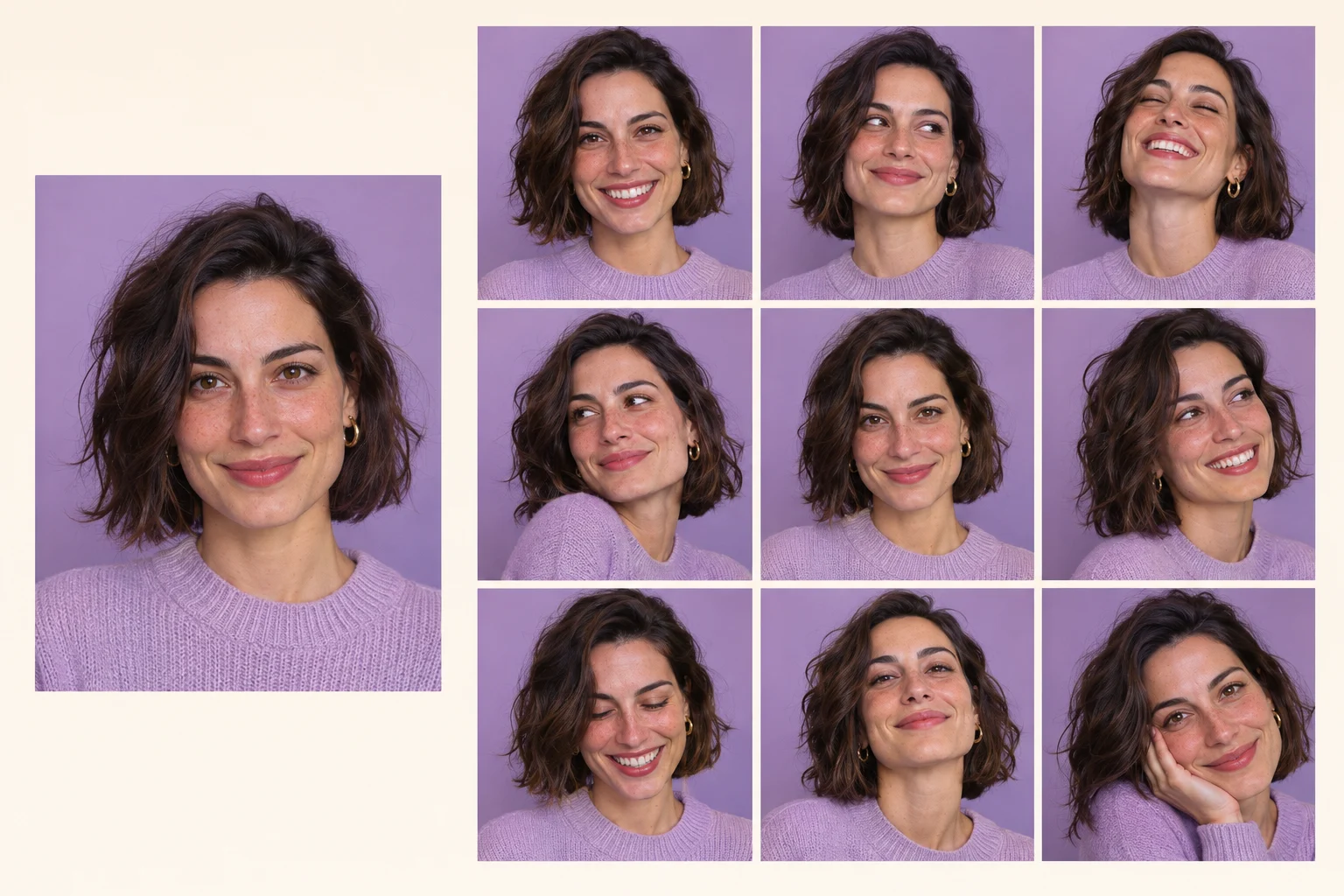
AI Photo Booth gives a single source image several related moments. A Selfie Grid can show a quiet smile, a curious glance, and a more animated expression together, creating a small narrative around one recognizable person. You begin with a portrait you already have instead of collecting separate photographs for every cell.

Choose a reference that looks like the version of yourself you want represented. Clear facial features and ordinary lighting give the model useful detail to work with. Avoid heavy filters that hide skin texture or reshape the face. The prepared edit asks to keep identity, age, hair, and clothing consistent, so the collection feels connected even as the expressions change.
Build a Selfie Grid from one portrait

Explore natural expressions with Nano Banana AI

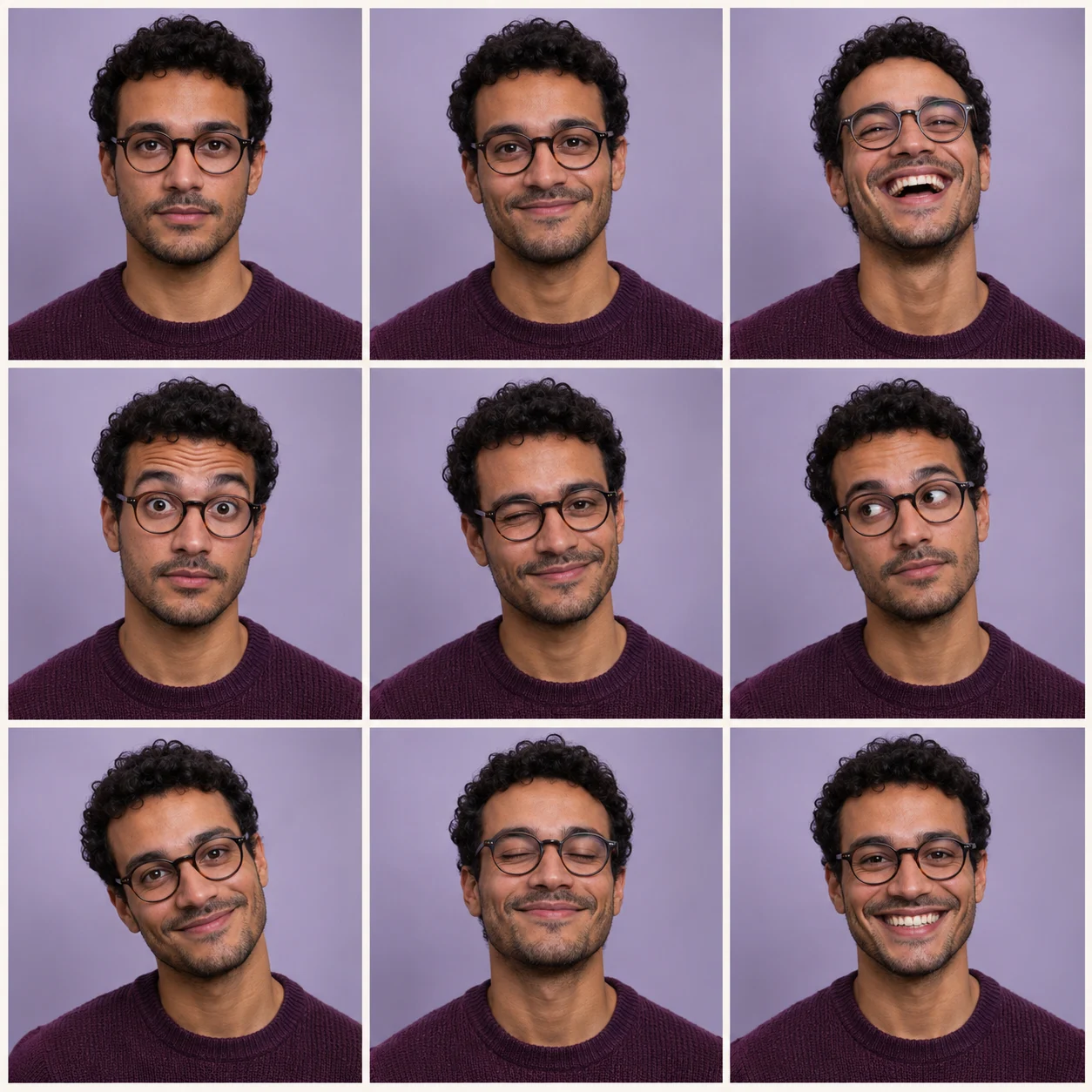
The character of AI Photo Booth comes from small differences between panels. Nano Banana AI is used here to interpret a prepared set of gentle expressions and head angles while retaining the person from the upload. The direction favors a coherent portrait collection over dramatic costume changes, props, or unrelated backgrounds.

Look for variety that still feels believable: a relaxed mouth, raised eyebrows, a broad smile, or a slight head tilt. Check glasses, teeth, and the shape of the eyes across every cell. If one panel looks unfamiliar, choose another generation or a clearer source. Natural variation is the creative aim, and perfect facial consistency is not guaranteed.

Explore natural expressions with Nano Banana AI

Keep a balanced three-by-three composition

AI Photo Booth requests nine equal panels with consistent framing, soft light, and narrow borders. That repeated structure gives the collage a rhythm and helps each expression remain easy to find. A square layout is useful when you want to share the whole image as one piece or place it inside a larger design.

Inspect the arrangement as well as the faces. Count exactly three rows and three columns, check that no cells merge, and look for comfortable space around each head. The model generates the layout as part of the image, so occasional border or panel-count errors can occur. A successful result brings the nine portraits together without distracting gaps or uneven crops.

Keep a balanced three-by-three composition

Find a place for your AI Photo Booth collage

Use AI Photo Booth when a single portrait feels too limited for the mood you want to share. The complete grid works as one creative image that can move between personal projects.

For personal social posts

Share a playful portrait collection

Let several expressions carry the story of a post without arranging a carousel. A complete AI Photo Booth grid can work as a square visual in your preferred publishing workflow. Preview it at phone size first, because nine small faces need clear framing and enough contrast to remain expressive.
For scrapbooks and keepsakes

Add character to a digital journal

Place the collage beside your own writing, colors, or date labels in a separate design tool. AI Photo Booth can add a playful interpretation of a familiar portrait to a memory page. Keep the original photograph nearby when you want to distinguish a real moment from an imagined sequence.
For creative planning

Explore a portrait mood before a shoot

Use the varied faces as a starting point for discussing expression and framing. A grid can help you notice whether a relaxed smile or a more animated pose suits the idea. Treat the generated collection as inspiration for a future session, then capture the real photographs you need separately.

Give AI Photo Booth a stronger starting image

The reference portrait guides the whole grid, so spend a moment choosing it. Look for a clear face with balanced light, an ordinary expression, and enough room around the head. A sharp original is more helpful than a small screenshot enlarged several times.

Keep obstructions away from the main features. A hand across the mouth, a phone covering the face, or strong glare on glasses can make the reference harder to interpret. For AI Photo Booth, a simple shoulder-up portrait often works better than a distant person in a crowded scene. Choose another source if the important details are difficult to see.

Consider how the finished grid will be viewed. Higher output resolution gives the full collage more pixels, but each panel still occupies only part of that image. If you plan to crop individual faces, inspect a sample crop before making a print or a large graphic. Resolution does not guarantee sharper identity details or more accurate expressions.

Review AI Photo Booth results in two passes. First check the overall three-by-three arrangement and whether the portraits feel consistent. Then zoom into each panel to inspect eyes, glasses, teeth, and hairlines. This takes little time and helps you avoid sharing a grid where one unusual detail distracts from the rest of the collection.

Create 9-grid photos free with AI Photo Booth

Use AI Photo Booth as a free online tool to turn one portrait into a playful three-by-three collage with your available free credits. Upload a clear selfie, choose a resolution, and let the prepared layout bring nine expressions together. No design software or written prompt is needed.

Start with the page examples to find a look you enjoy, then create your own AI Photo Booth grid for a post, a digital journal, or a keepsake. Sign in and check the credit amount shown for your selected resolution; generation is free when your available free credits cover that amount.

AI Photo Booth questions

Understand the upload, the generated layout, and the download before creating your own portrait collection.

No. AI Photo Booth starts with one portrait of one person. The prepared request asks the model to generate nine related panels with varied expressions. Uploading a collage is unnecessary and can make the intended subject less clear. Choose a single sharp image with the whole face visible.

Yes. This page is configured with Nano Banana 2.1 and a prepared nine-panel portrait direction. You can choose the available resolution while the square layout and creative instructions are already set. The result remains a generative interpretation, so compare facial details with your uploaded reference.

This AI Photo Booth workflow uses a prepared treatment and does not show a prompt field or individual pose controls. It requests a range of subtle expressions and consistent studio styling. For a different creative direction, use the main image generator where you can write your own instructions.

The request specifies a three-by-three grid of the same person, but the model can make layout or identity errors. Count the panels and inspect each face before sharing. If a result is unsuitable, try another source or generate again; the tool does not automatically repair individual cells.

No. A successful generation provides one image containing the full collage. Save it with the download action. If you need individual cells, crop copies in a separate editor. The page does not automatically split panels, create a ZIP archive, or publish them to social media.

No webcam session is required for this workflow. Upload an existing portrait through the image input and generate from that file. AI Photo Booth creates new expressions from the reference instead of recording a live sequence. Use a photo you are comfortable uploading and have permission to use.

Meet a more expressive portrait with AI Photo Booth

Pick one clear selfie and give it a little room to play. Create a nine-panel collage, review the expressions, and save the version that feels right for your next post or keepsake. AI Photo Booth brings the prepared layout and studio direction; you bring the familiar face.

Try AI Photo Booth
Image to Image AI logoImage to Image AI

A fresh take on your image. Explore new styles and scenes with AI.

Customer supportsupport@imgtoimageai.com

Tools

  • Remove Glare from Glasses
  • Remove Glare from Photo
  • Photo to Line Art
  • Image Upscaler
  • Realistic Selfie Generator
  • Christmas Photobooth
  • AI 3D Figure Generator
  • Selfie With Santa
  • Christmas Dance Trend
  • Motorcycle AI
  • AI Photo Booth
  • Photo to Sticker
  • QR Code Enhancer
  • AI Long Hair Filter
  • Bicep Heart Trend AI
  • Happy Birthday GIF with Name
  • Apartment Dance
  • AI GIF Generator
  • Executive Portrait Maker
  • AI Trouble Maker Video

Learn more

  • Tools
  • Blog
  • Pricing

Legal

  • Privacy Policy
  • Terms of Service
  • Refund Policy
  • Contact

© 2026 Image to Image AI