

Image to Image AI logoImage to Image AI
  • Home
  • AI Image Generator
  • AI Video Generator
  • Tools
  • Nano Banana 2.1
  • Flux 3 Klein
  • Seedream 5.0 Pro
  • Seedream 5.5
  • GPT Image 2.5
  • GPT Image 2.6
  • MiniMax H3 Image
  • Kling 4.0
  • Grok Imagine Video 1.5
  • MiniMax H3 Max
  • Seedance 2.5
More
  • Blog
  • Pricing

Guest

Save your creations

Credits—
  1. Home
  2. /
  3. Image

Executive Portrait Maker

Turn one clear photograph into a composed business portrait with Executive Portrait Maker. The prepared styling pairs tailored charcoal clothing with soft light and a quiet office background, keeping attention on the person. Upload your reference, choose the available output settings, and create a portrait for review without writing a prompt. Start with a face you recognize and finish with a frame that works at profile size.

Create my executive portrait
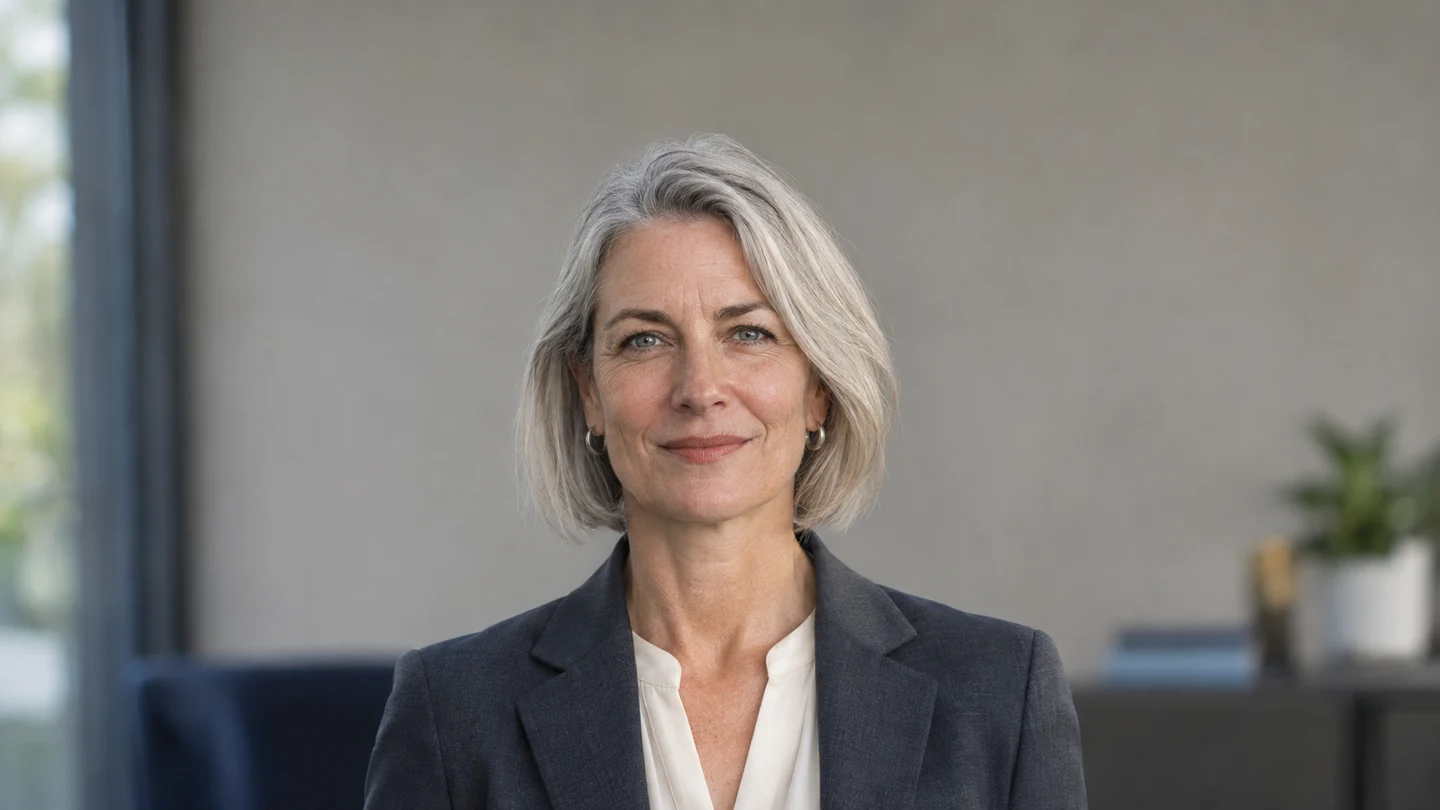
Soft light, a charcoal blazer, and a quiet office background keep the executive portrait focused on the person.

Reference image

Required · 1 image
10
Checking your sign-in status…
Strictly prohibits adult / NSFW content

AI Image Generators to Explore

Try a different look for your photos with generators for portraits, artistic styles, and creative edits.

  • Photo to Line Art

  • Remove Glare from Photo

  • Remove Glare from Glasses

  • Realistic Selfie Generator

  • Image Upscaler

  • Selfie With Santa

  • AI 3D Figure Generator

  • Motorcycle AI

  • Photo to Sticker

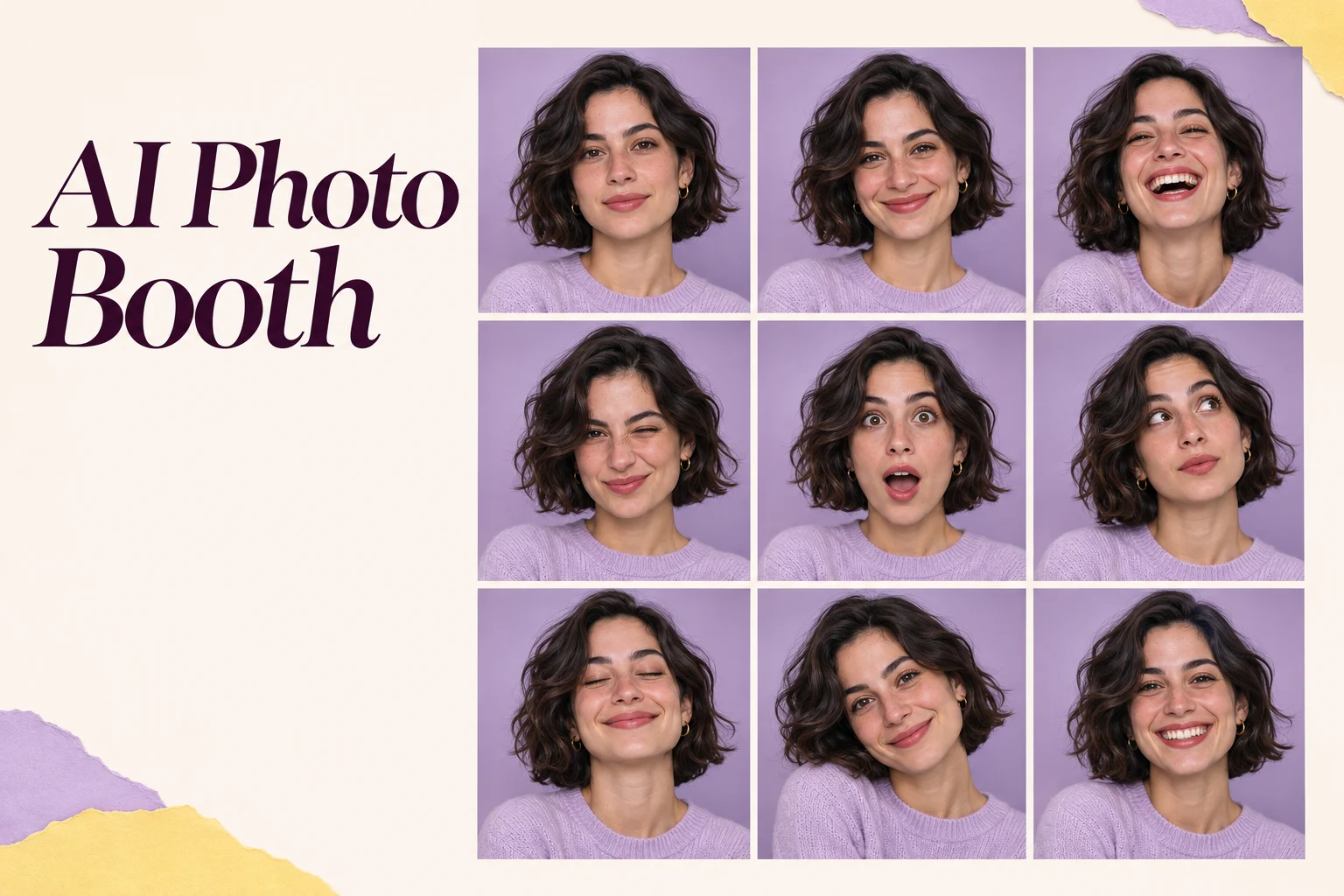
  • AI Photo Booth

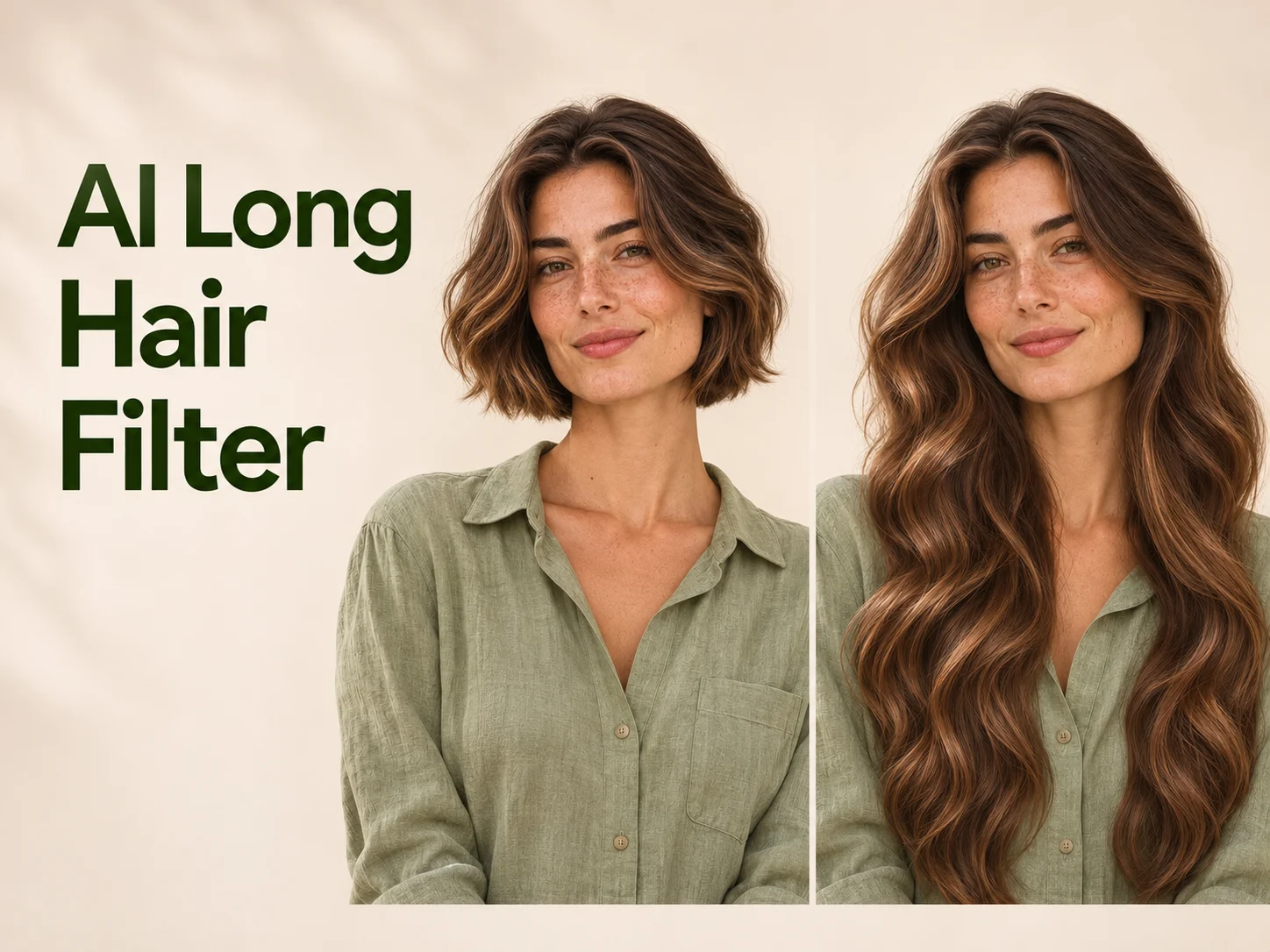
  • AI Long Hair Filter

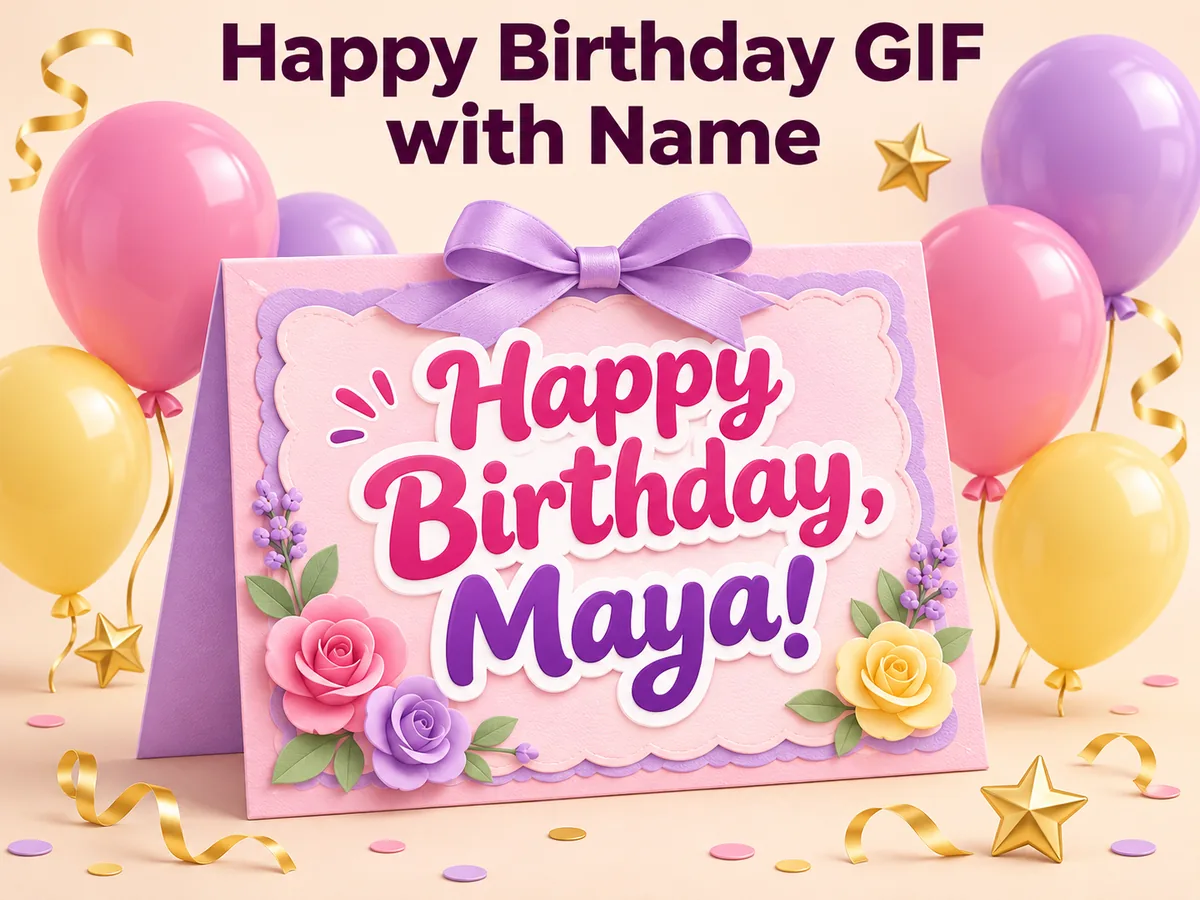
  • Happy Birthday GIF with Name

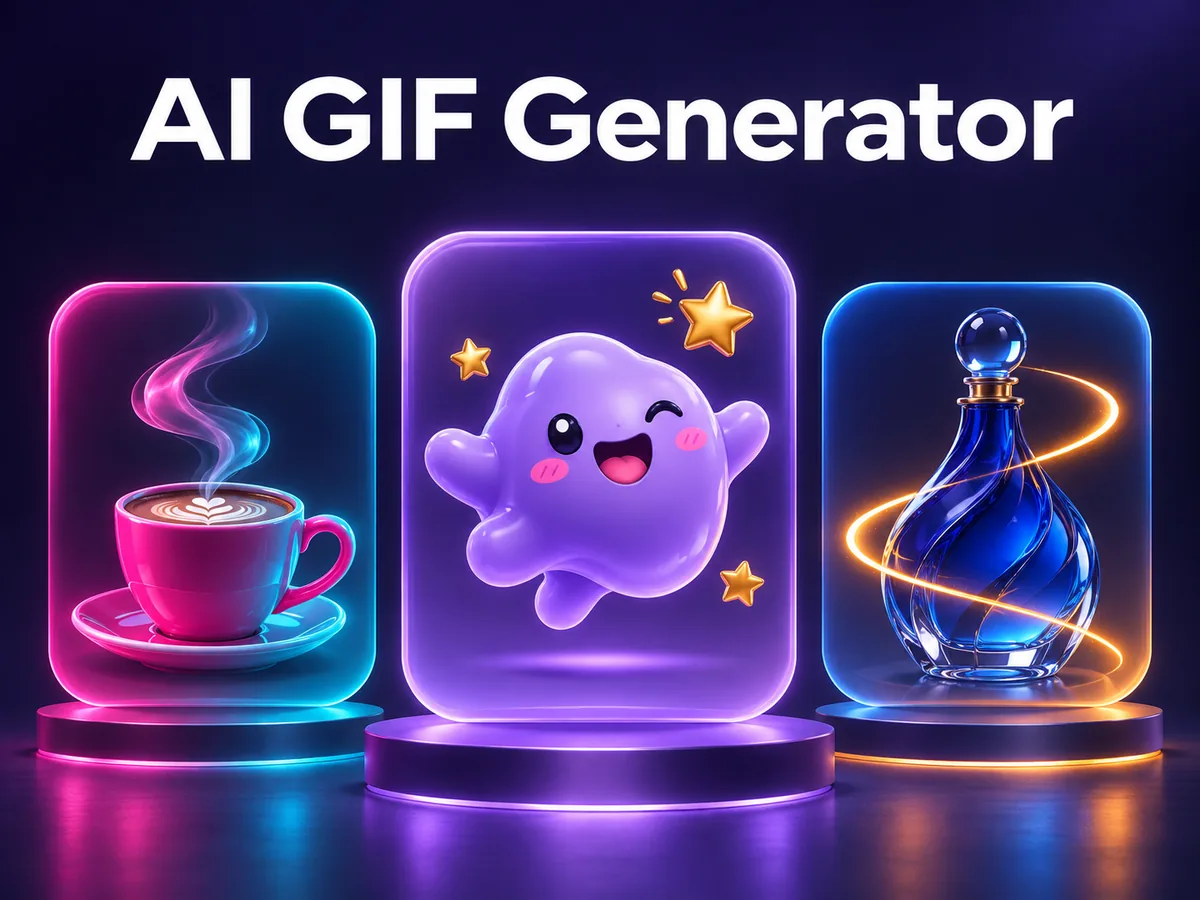
  • AI GIF Generator

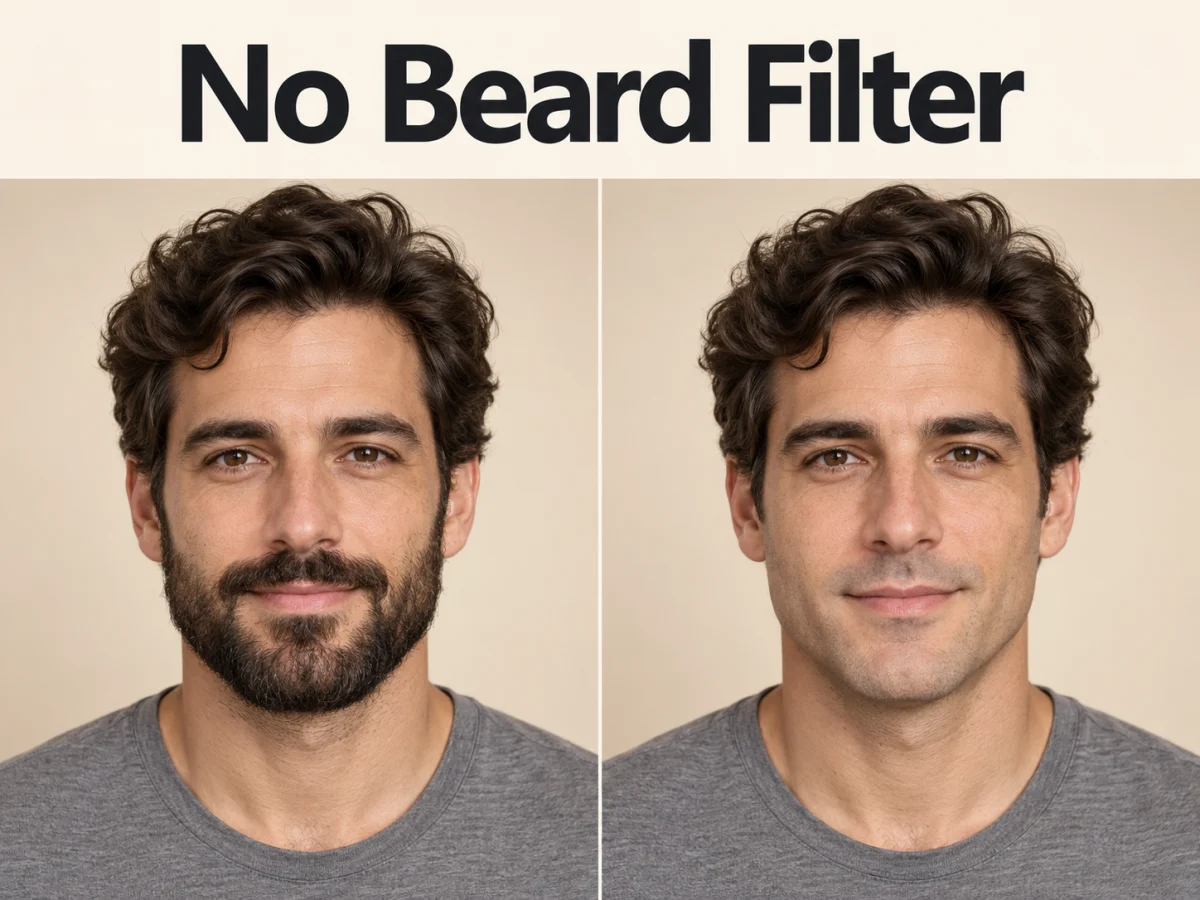
  • No Beard Filter

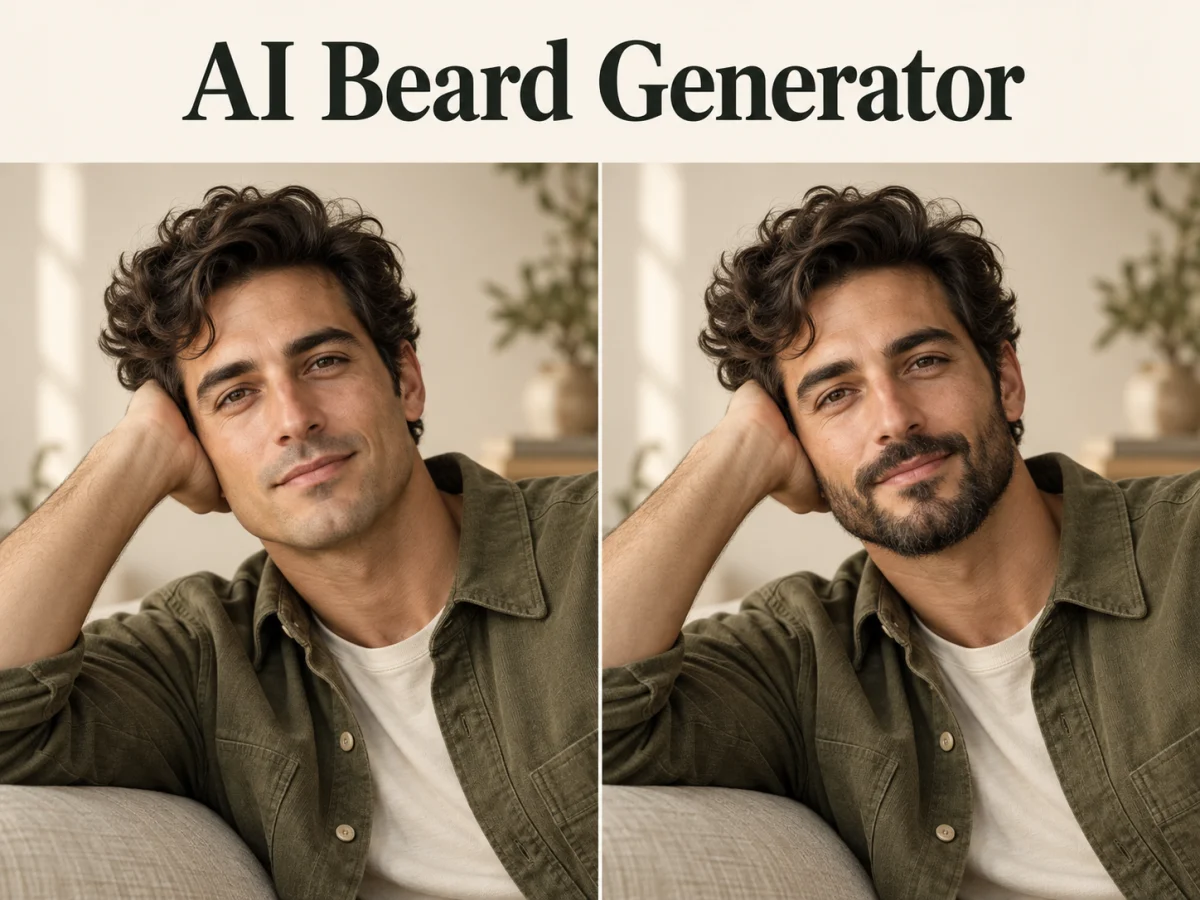
  • AI Beard Generator

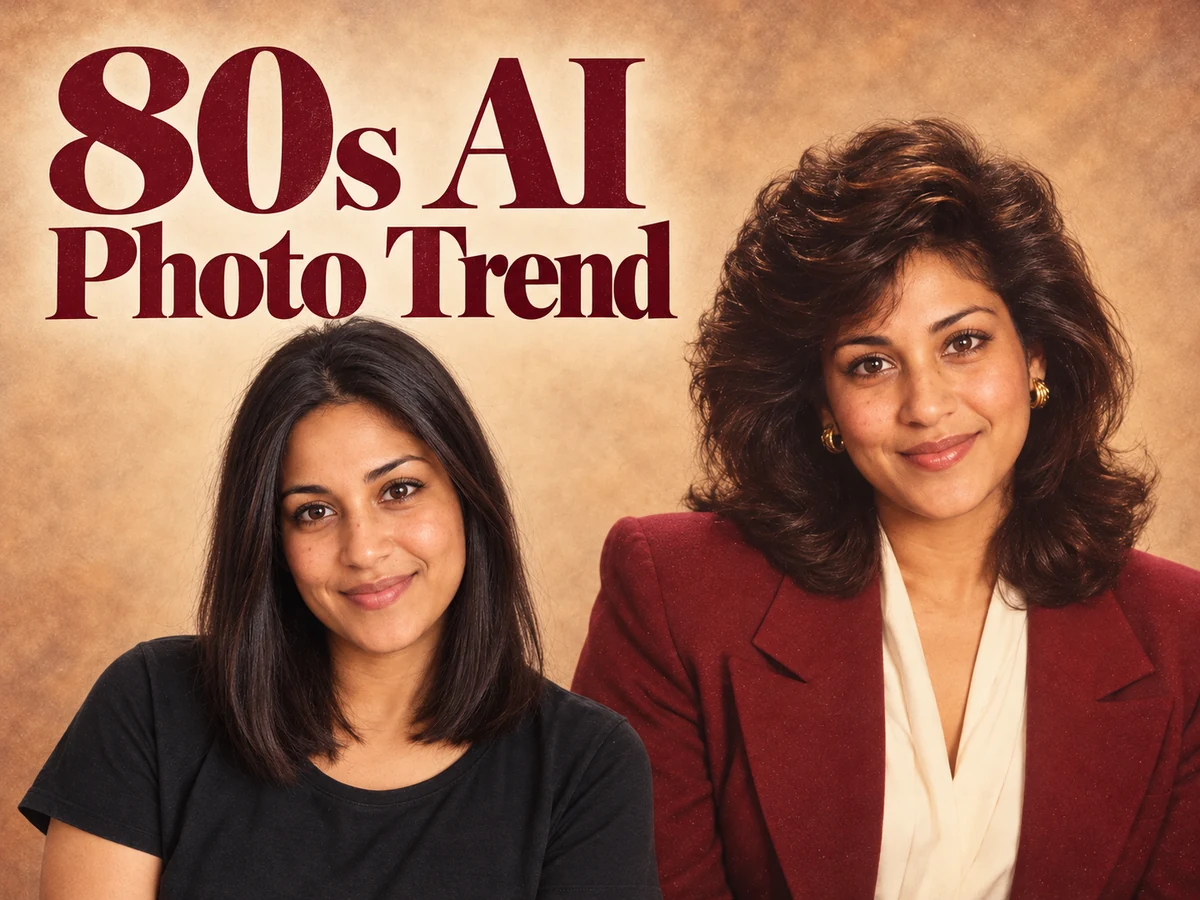
  • 80s AI Photo Trend

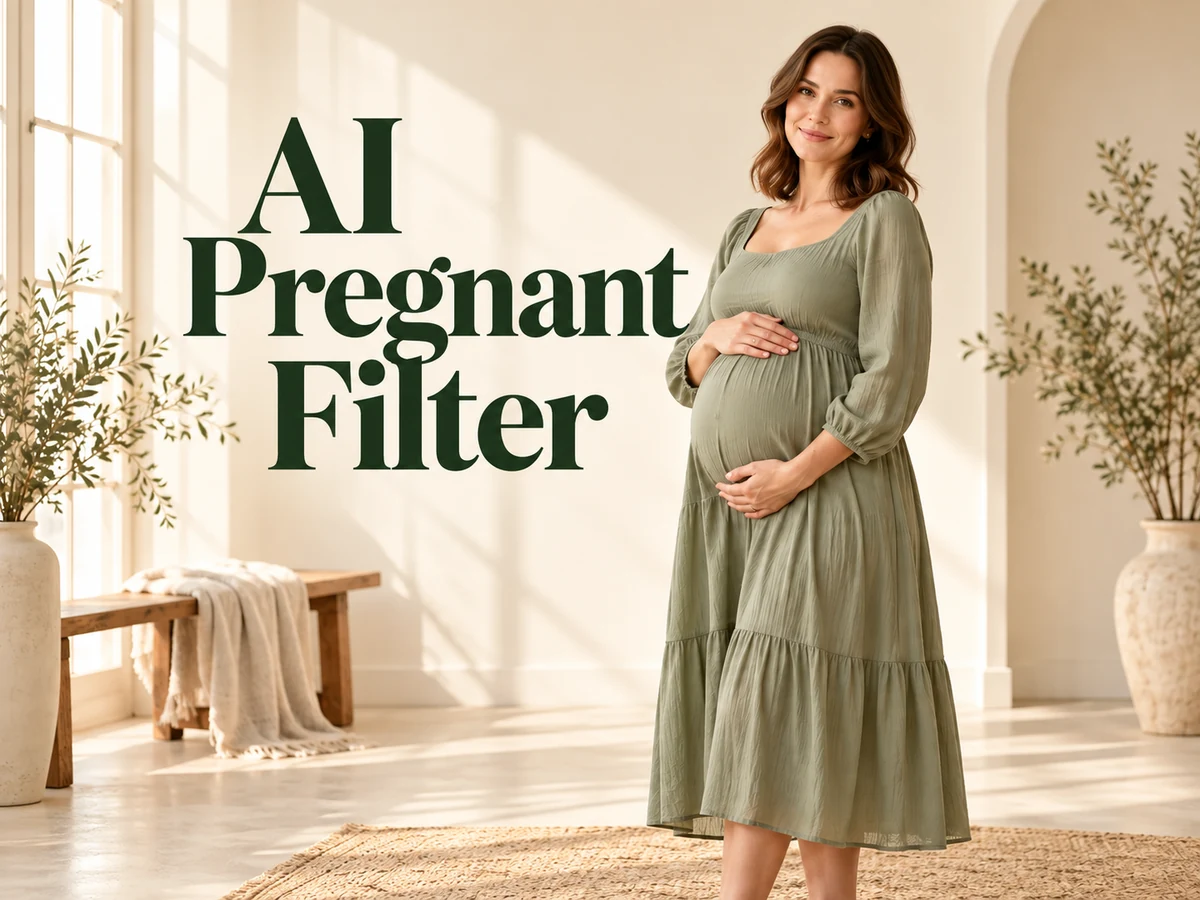
  • AI Pregnant Filter

  • Pet Portrait AI

  • Photo to Watercolor

  • Photo to Coloring Page

Page 1 of 3

What is Executive Portrait Maker?

Executive Portrait Maker creates a new professional portrait from a single reference photograph. It aims for the visual language of a leadership page: a clear expression, structured clothing, balanced shoulders, and an unobtrusive setting. The source supplies the identity and general appearance, while the prepared direction shapes the lighting and presentation. You can begin with a well-lit everyday picture rather than arranging a formal studio session.

The distinction is purpose. A casual profile image may work with a busy background or a tight selfie crop, but a leadership portrait often appears beside a name, role, and company biography. Executive Portrait Maker gives that small frame a calmer structure. The effect uses one consistent business treatment instead of asking every person to invent a wardrobe and lighting brief. It does not add a title, company logo, or professional credential.

An Executive Portrait Maker result should still feel like the person in the original photograph. Look for familiar eyes, a believable smile, and natural skin texture before judging the jacket or room. Generated portraits can reinterpret facial details, so approval matters more than surface polish. Keep your original photograph for comparison and choose a new real photo when an application requires an accurate documentary image.

What to look for in an Executive Portrait Maker result

A useful business portrait balances recognition, lighting, and framing. These examples illustrate the prepared visual treatment across different people; they are not selectable wardrobe presets.

A recognizable face with natural detail

Executive Portrait Maker asks for identity to remain the visual anchor. Sharp eyes, a familiar mouth shape, and natural differences between the two sides of a face carry more recognition than perfectly smooth skin. Compare the portrait at normal viewing size before zooming in. Then check hair edges, ears, glasses if present, and the line of the jaw. A flattering image that no longer resembles its subject is a weaker choice than a quieter take with an honest expression.
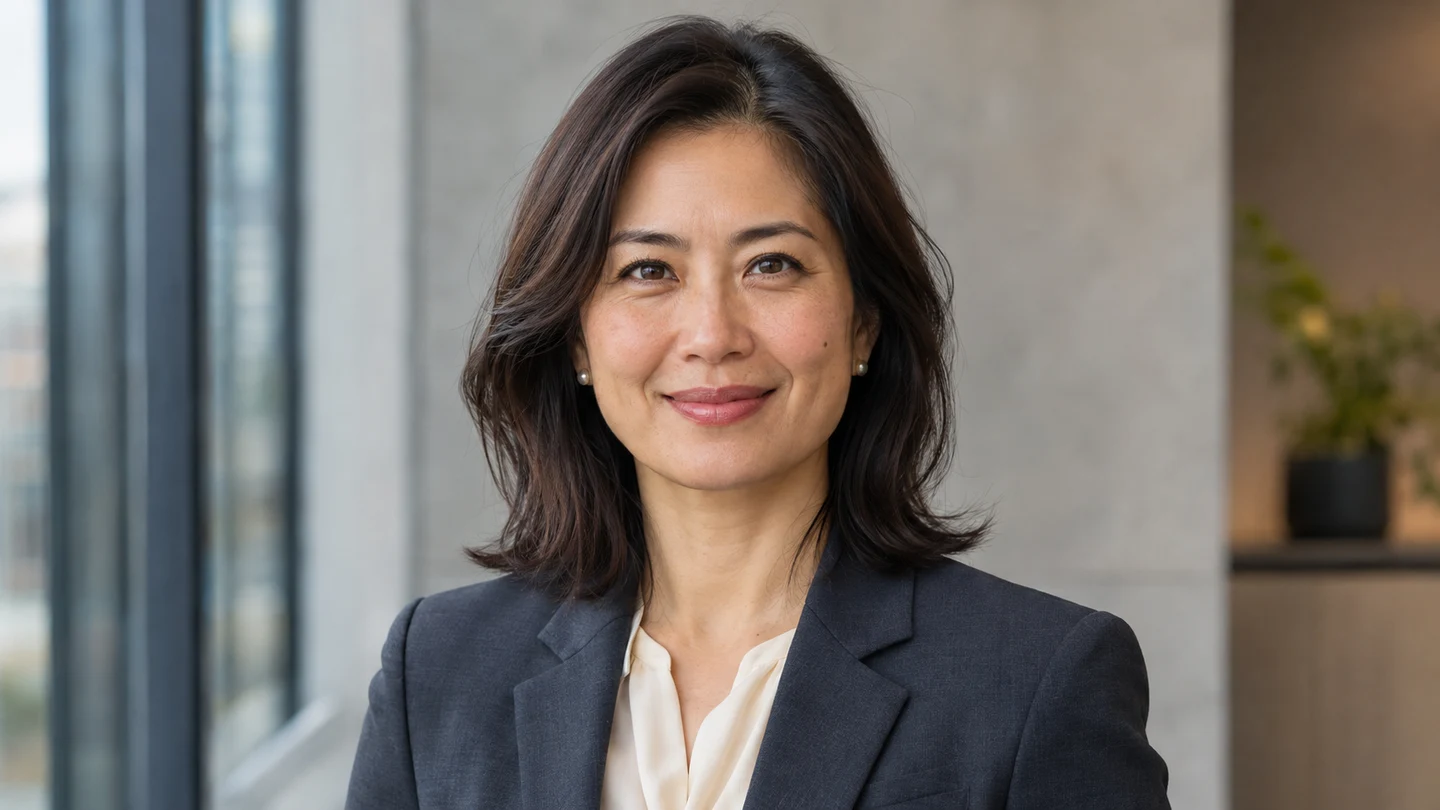
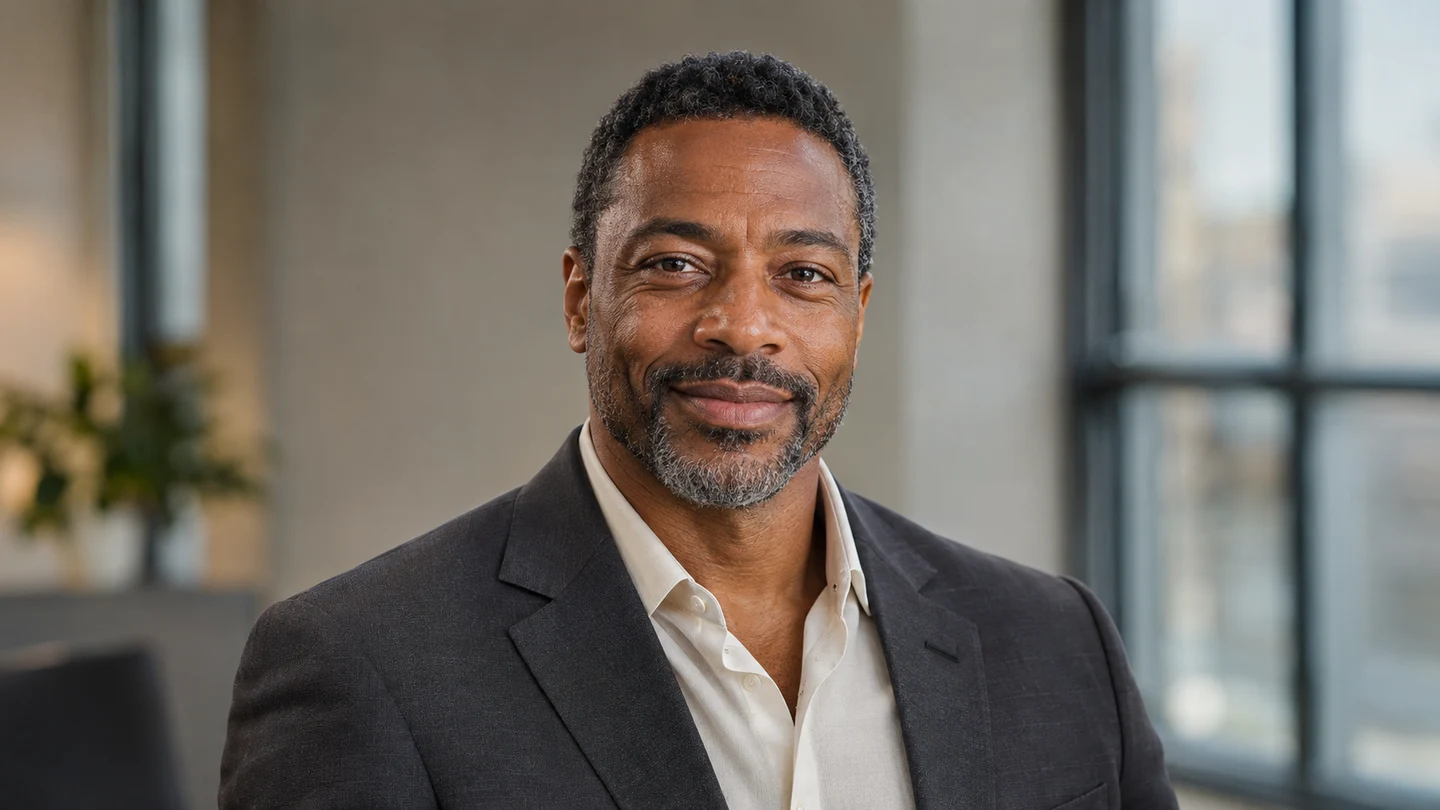
Soft light, a charcoal blazer, and a quiet office background keep the executive portrait focused on the person.

Gentle light and a restrained background

The Executive Portrait Maker treatment uses soft directional light with enough fill to keep both eyes readable. A softly blurred neutral office separates the subject from the room without turning the setting into a distraction. The tailored charcoal layer provides a consistent business cue across people. Look for plausible collar edges, clean lapels, and lighting that agrees with the face. Background geometry should stay quiet, with no invented nameplates or sharp objects appearing behind the head.

Balanced light and a simple charcoal jacket create an approachable business portrait without distracting office details.

Enough room for useful profile crops

Executive Portrait Maker favors a chest-up composition with space above the hair and around the shoulders. That margin gives you options when a company directory uses a square thumbnail or a profile displays a circular avatar. The generator does not export every platform crop automatically. Download the master, make copies in your editor, and test the smallest destination. Keep the eyes readable and the chin intact; extra background can be removed more easily than missing headroom can be restored.

Comfortable headroom and full shoulder margins leave room to prepare square and circular profile crops.

How to use Executive Portrait Maker

  1. 01

    Select one current photograph

    Give Executive Portrait Maker a recent image with clear eyes and even light across the face. A window-lit portrait works well when the camera sits near eye level and the shoulders remain visible. Skip sunglasses, strong beauty filters, and a tiny face cut from a large group photo. Use a photograph whose expression you already like.

  2. 02

    Upload and choose your frame

    Upload one JPEG, PNG, or WebP file to Executive Portrait Maker, up to the 10 MB interface limit. The default is a 3:4 portrait at 1K. Choose another available ratio or resolution if it better fits your intended master image. Leave room around the head in your source rather than trying to recover a severely cropped photograph.

  3. 03

    Generate with prepared styling

    Executive Portrait Maker includes the business styling direction, so there is no prompt field to complete. Review the credit estimate, sign in, and submit the reference. The tool prepares one coherent portrait rather than a comparison grid. Wardrobe, office background, and light follow the fixed treatment; separate clothing uploads and custom room instructions are not available here.

  4. 04

    Approve and prepare your crops

    Compare the Executive Portrait Maker result with the source before downloading your chosen version. Inspect identity, clothing seams, and any glasses. Then make destination crops in a separate editor and check each at actual display size. If the portrait is for somebody else, have that person review the image and its intended use before it appears on a public profile.

AI Image Generators for Your Next Project

Bring your next photo project to life with creative effects, painted portraits, and printable coloring pages.

  • Photo to Line Art

  • Remove Glare from Photo

  • Remove Glare from Glasses

  • 80s AI Photo Trend

  • AI Pregnant Filter

  • Pet Portrait AI

  • AI Beard Generator

Get stronger results from Executive Portrait Maker

The most useful Executive Portrait Maker input is clear rather than elaborate. Face a window with diffused daylight and turn off harsh overhead lights if they create dark eye sockets. Keep the camera far enough away to avoid an exaggerated close selfie perspective. A plain wall is helpful, but a tidy room can also work. Prioritize visible facial detail over a dramatic location or a heavily edited source.

Give Executive Portrait Maker a relaxed expression that suits the role. A small natural smile often reads more clearly in a directory than a tense formal pose. Keep the neck comfortable and the shoulders slightly turned if that feels natural. The effect creates a new composition, so the source does not need perfect tailoring. It does need enough of the face and upper body to guide a plausible result.

For a team project, use Executive Portrait Maker with comparable source photographs and the same output settings. Ask each person for a similar head-and-shoulders view under balanced light. Review the resulting set together: face size, headroom, contrast, and background brightness should feel related. The fixed treatment can provide a common direction, but generated outputs still vary. Normalize the final crops in your editor rather than expecting automatic team matching.

Evaluate an Executive Portrait Maker master in two passes. First, see whether it remains recognizable as a small avatar beside a name. Second, inspect the larger file for inconsistent eyes, uneven frames on glasses, implausible teeth, or broken fabric detail. Higher resolution can help with inspection and cropping, but it does not prove a portrait is accurate. Keep the image that combines likeness with a comfortable expression.

Where an Executive Portrait Maker portrait can work

Choose the destination before finalizing the crop. A clear purpose helps you decide how much face, shoulder, and background should remain in the finished image.

Bring a leadership page into focus

Executive Portrait Maker can help prepare portraits for a founder biography or a company leadership directory. A restrained background leaves room for nearby text and gives the reader a clear face to associate with a name. Compare the whole page before publishing. Keep roles and company details in the actual biography rather than adding generated labels or symbols to the picture.

Refresh a professional profile

Use Executive Portrait Maker to explore a composed business image for a professional network, a personal site, or a meeting avatar. Export a clean master and test how it looks inside the destination shape. A circular crop can remove more shoulder area than you expect. Keep a version with generous margins and update the image when it no longer reflects your current appearance.

Prepare a speaker introduction

An Executive Portrait Maker portrait can provide a starting point for a conference speaker page, interview announcement, or presentation introduction. Check the organizer’s requested dimensions and whether synthetic edits are acceptable before sending the file. A slide may allow wider framing than a directory thumbnail. For printed materials, inspect the actual output dimensions and final print size rather than assuming every generated master is print-ready.

Executive Portrait Maker questions

Yes, if the face is sharp, the angle is moderate, and the light is balanced. Executive Portrait Maker works from one reference. A heavily distorted close selfie or a low-detail screenshot gives it less reliable information than a clear photo with visible shoulders.

This Executive Portrait Maker page uses a fixed charcoal business treatment with a neutral office setting. You can choose available output settings, but there are no garment selectors, custom backdrops, or free-text instructions. Generated clothing details can vary between takes.

The direction asks Executive Portrait Maker to preserve recognizable identity, age, skin tone, and natural texture. It cannot guarantee a perfect match. Compare the result with the original, especially around eyes, teeth, glasses, hair, and the jaw, before using it professionally.

Executive Portrait Maker accepts one person’s photograph per submission. Prepare colleagues separately with comparable references and settings, then align the approved crops in your editor. The page does not provide bulk team uploads or automatic directory assembly.

No. Executive Portrait Maker supplies the creative direction internally. Upload one image and use the available output controls. The current credit estimate appears before submission, and each retry is a new generation. There is no custom prompt box on this tool page.

Start Executive Portrait Maker with a clear photo

Choose a recent reference with balanced light and a comfortable expression. Executive Portrait Maker adds a consistent business direction while you decide whether the likeness and crop are right. Review the portrait beside your original, prepare the sizes you need, and keep the version that still feels like you.

Upload my portrait
Image to Image AI logoImage to Image AI

A fresh take on your image. Explore new styles and scenes with AI.

Customer supportsupport@imgtoimageai.com

Tools

  • Remove Glare from Glasses
  • Remove Glare from Photo
  • Photo to Line Art
  • Image Upscaler
  • Realistic Selfie Generator
  • Christmas Photobooth
  • AI 3D Figure Generator
  • Selfie With Santa
  • Christmas Dance Trend
  • Motorcycle AI
  • AI Photo Booth
  • Photo to Sticker
  • QR Code Enhancer
  • AI Long Hair Filter
  • Bicep Heart Trend AI
  • Happy Birthday GIF with Name
  • Apartment Dance
  • AI GIF Generator
  • Executive Portrait Maker
  • AI Trouble Maker Video

Learn more

  • Tools
  • Blog
  • Pricing

Legal

  • Privacy Policy
  • Terms of Service
  • Refund Policy
  • Contact

© 2026 Image to Image AI