Image to Image AI logoImage to Image AI
  • Home
  • AI Image Generator
  • AI Video Generator
  • Tools
  • Nano Banana 2.1
  • Flux 3 Klein
  • Seedream 5.0 Pro
  • Seedream 5.5
  • GPT Image 2.5
  • GPT Image 2.6
  • MiniMax H3 Image
  • Kling 4.0
  • Grok Imagine Video 1.5
  • MiniMax H3 Max
  • Seedance 2.5
More
  • Blog
  • Pricing

Guest

Save your creations

Credits—
  1. Home

Christmas Dance Trend for your favorite duo

Put two familiar faces into one festive performance. Christmas Dance Trend uses your portraits and prepared dance instructions to create a shared dance in a glowing holiday setting. Choose two individual photos or one clear picture of both people, then let the prepared direction connect the faces with the dancers. Make a Christmas dance AI video for the friend who always sends the first holiday meme, or for the partner you want beside you in the frame.

Create our Christmas dance
Christmas Dance Trend for your favorite duo
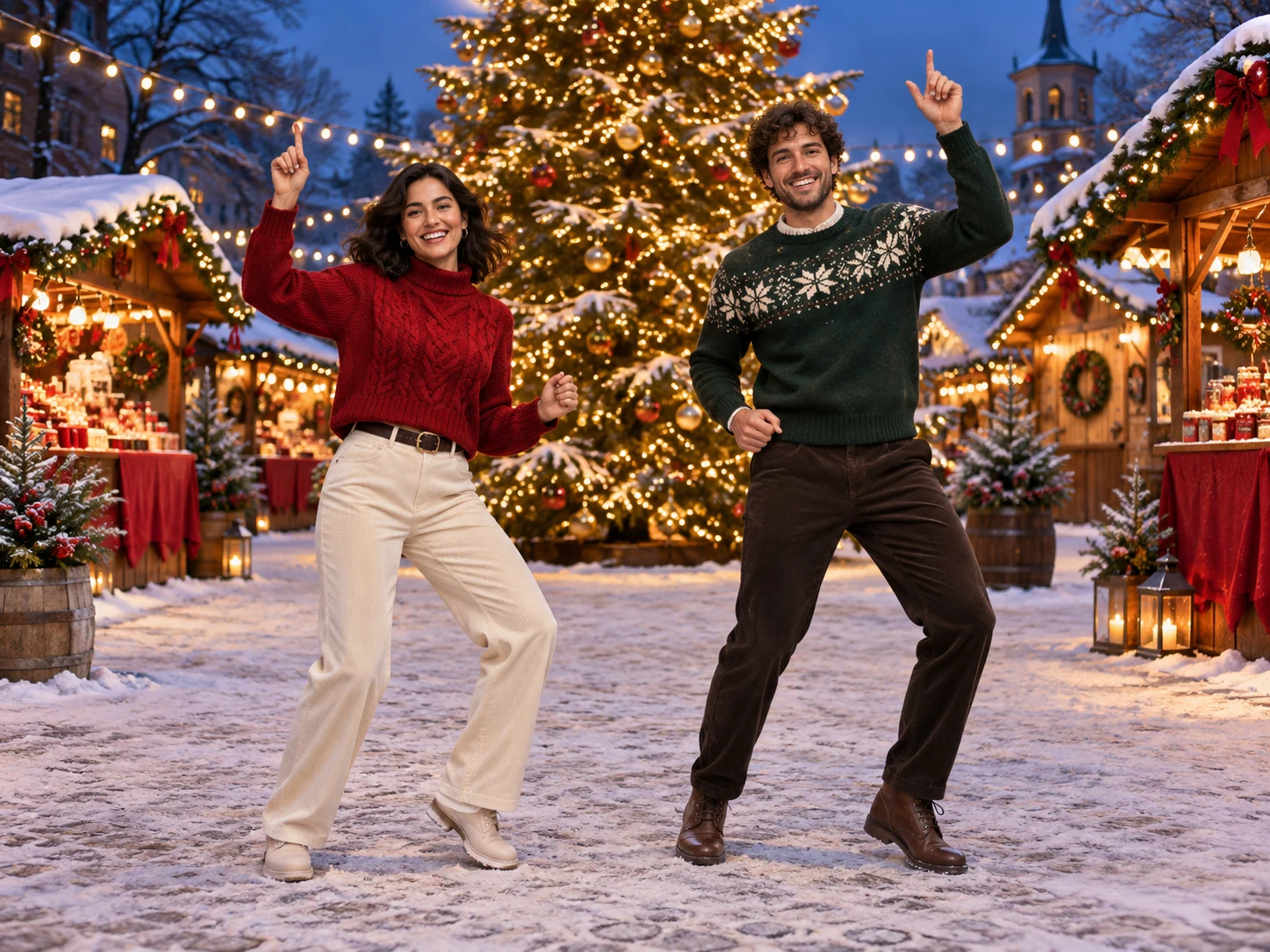
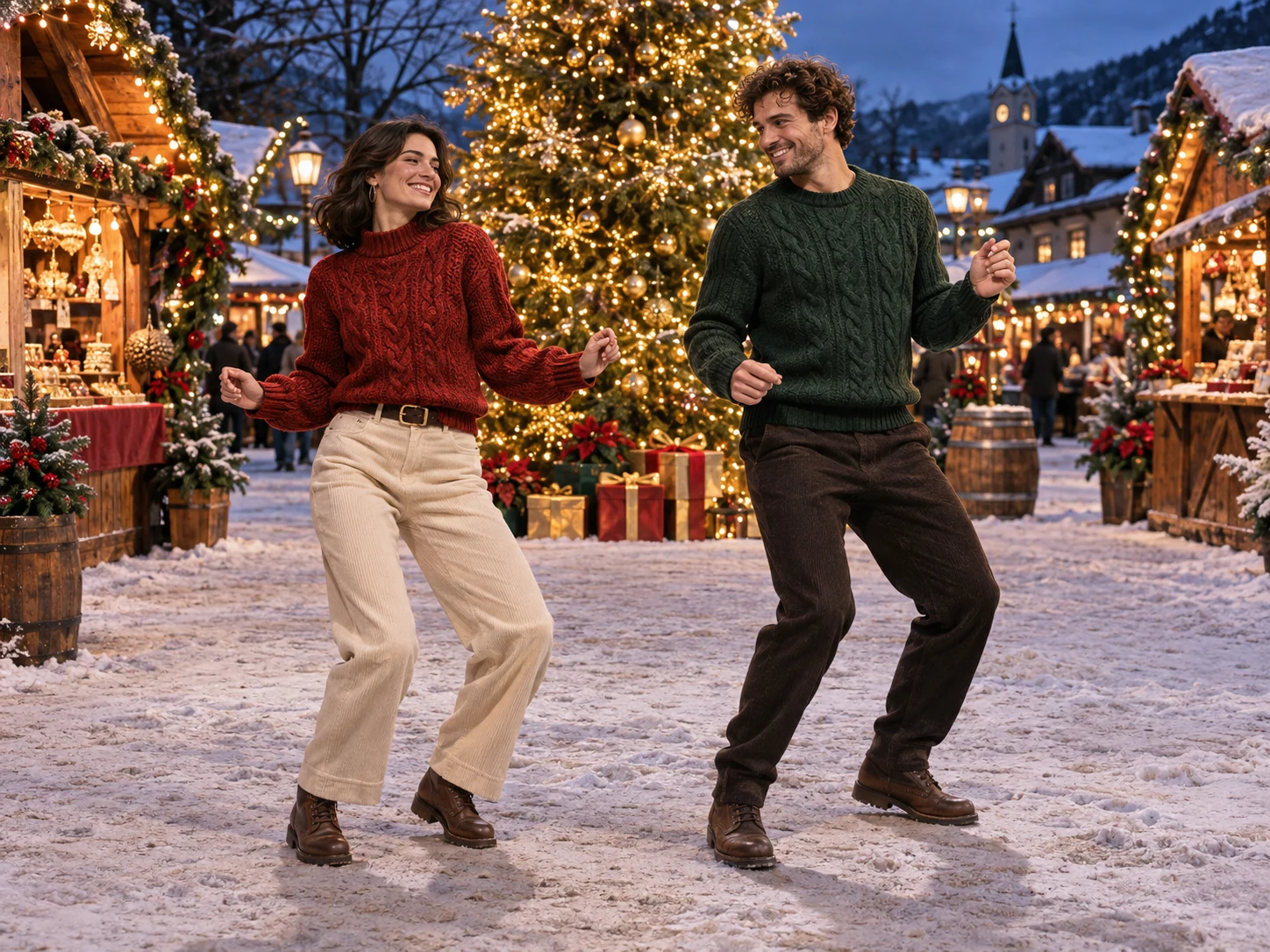
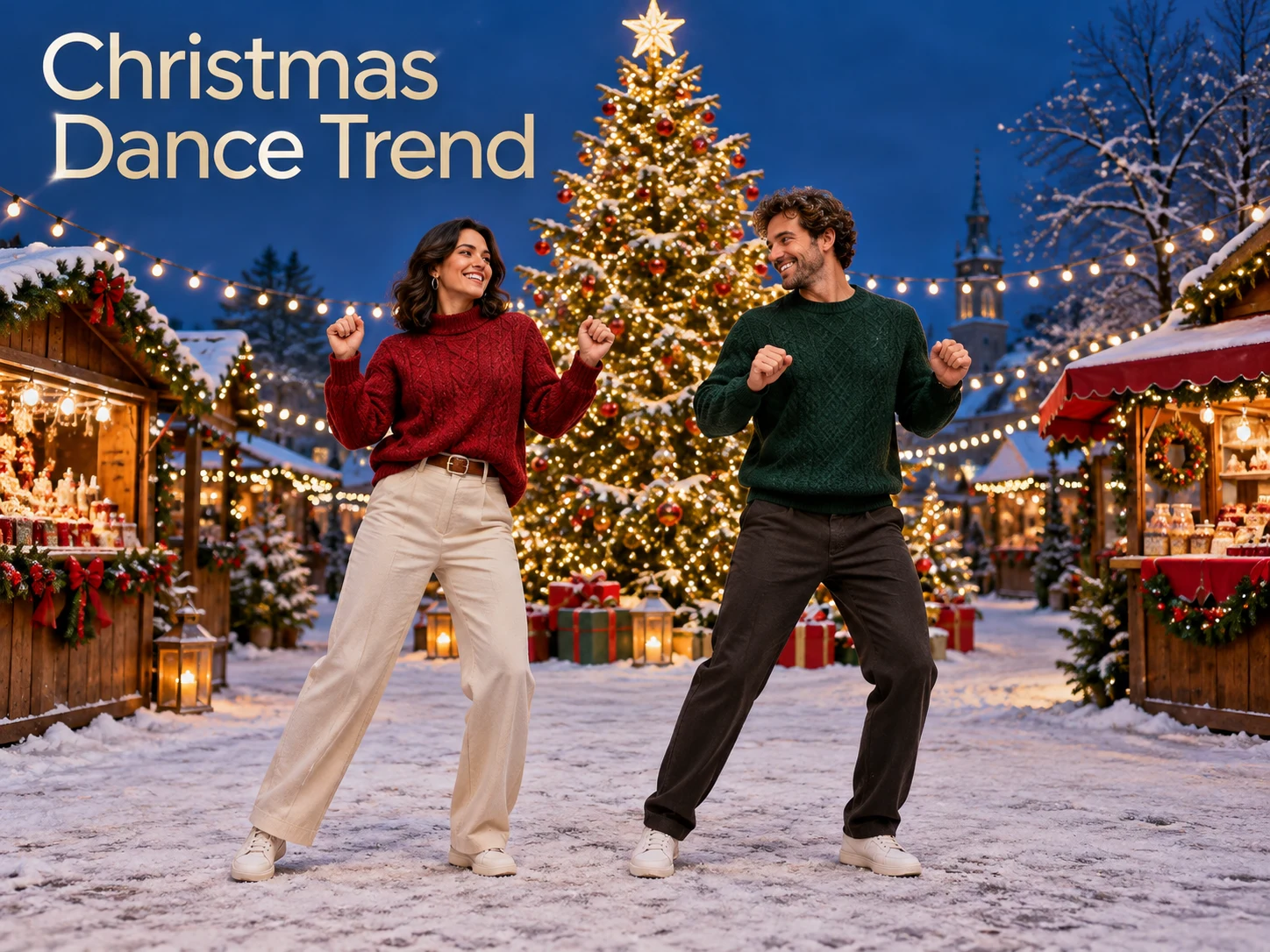
AI concept illustrations of a holiday duo; the artwork is not a verified Seedance output.

Reference image

Required · 1–2 images
510
Checking your sign-in status…
Strictly prohibits adult / NSFW content

AI Video Generators to Explore

Find new ways to animate your photos, from dance clips and outfit changes to imaginative scenes.

  • Christmas Photobooth

  • Bicep Heart Trend AI

  • Apartment Dance

  • AI Trouble Maker Video

  • Elevator Outfit Change AI

  • Skull Cap Trend AI

  • Stones to Castle AI

  • WYW My Sweetie Dance

  • Black Friday Video Maker

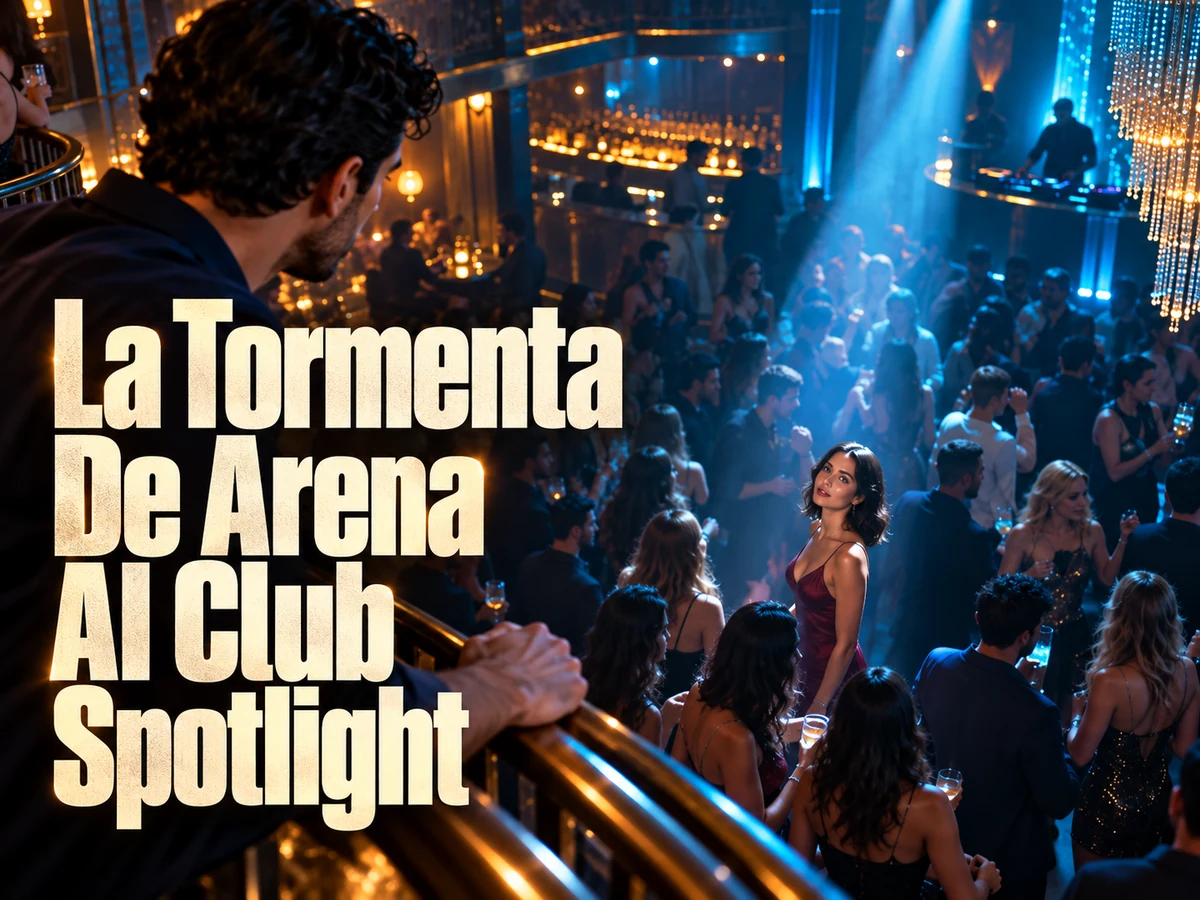
  • La Tormenta De Arena AI Club Spotlight

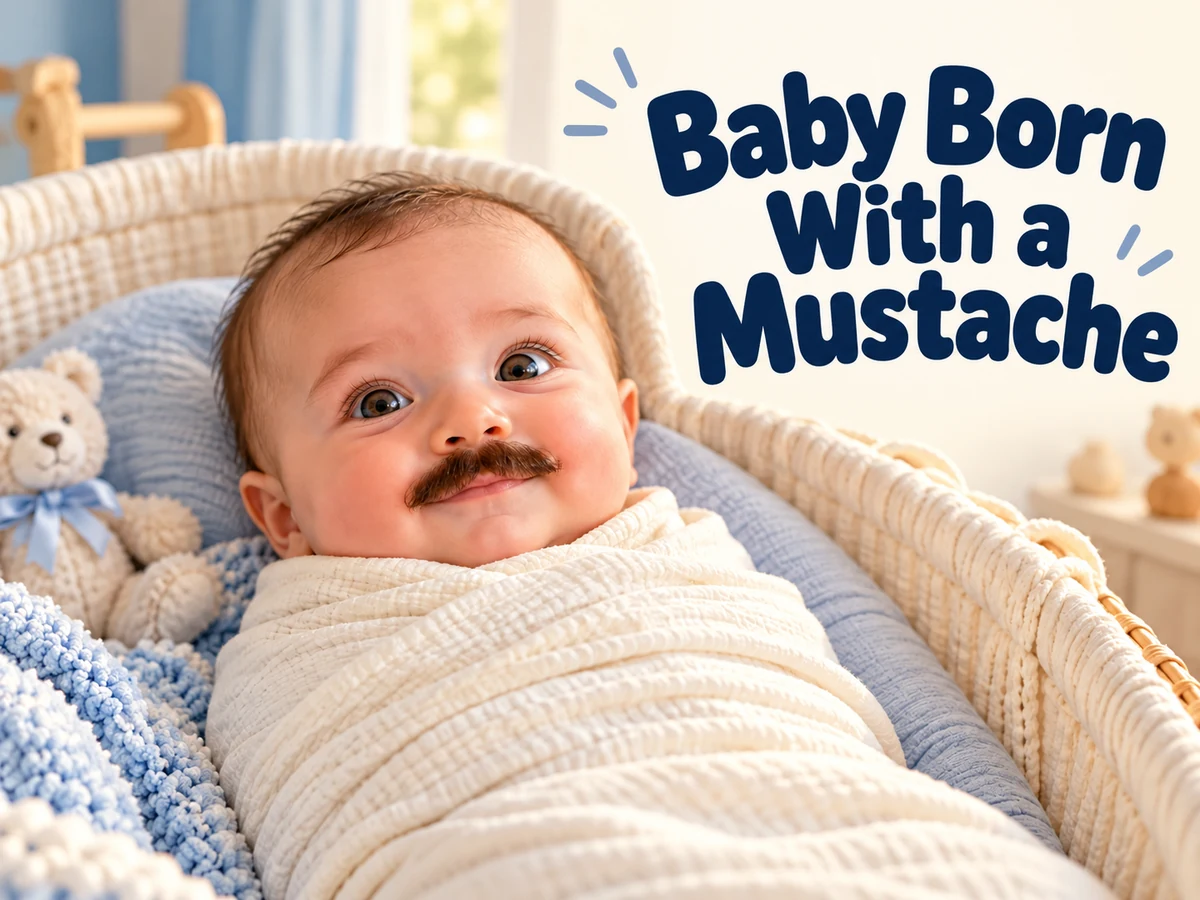
  • Baby Born with a Mustache

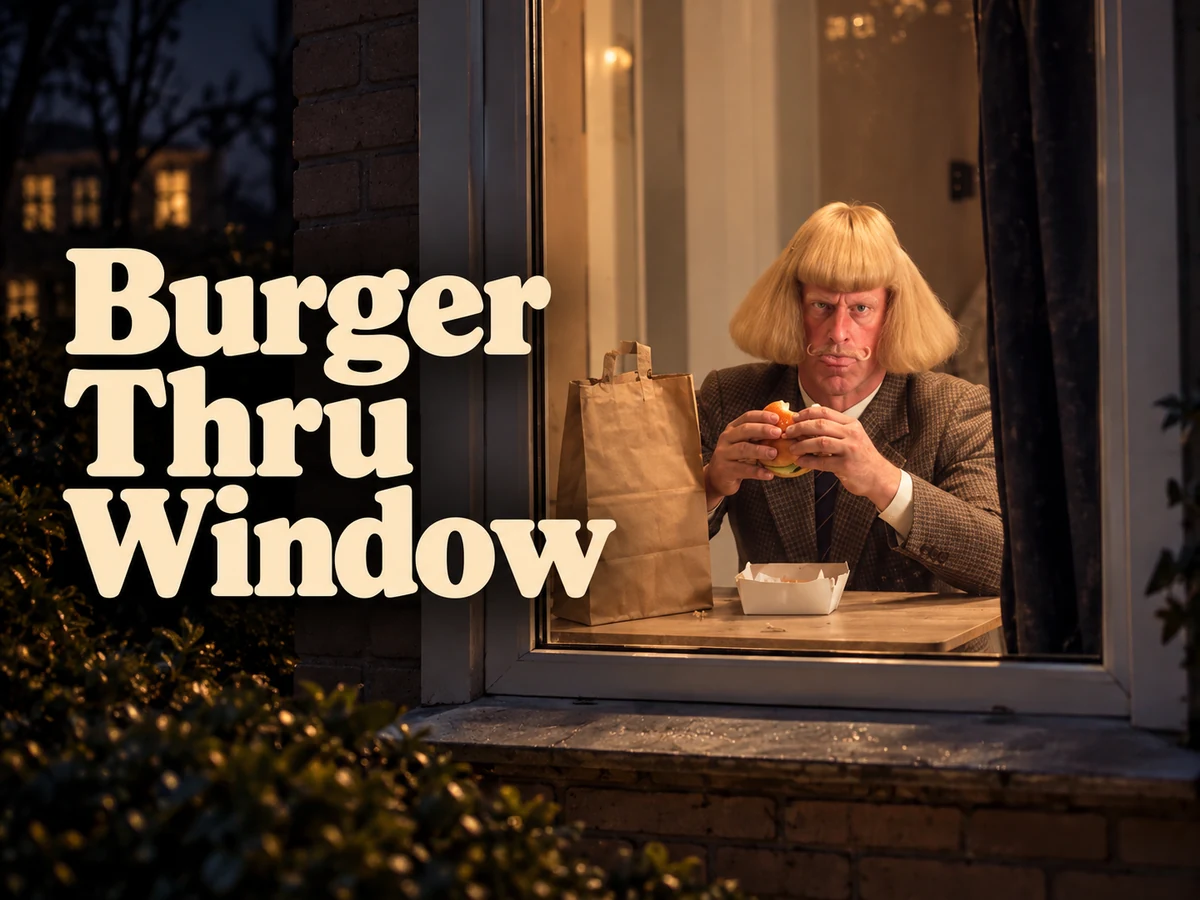
  • Burger Thru Window

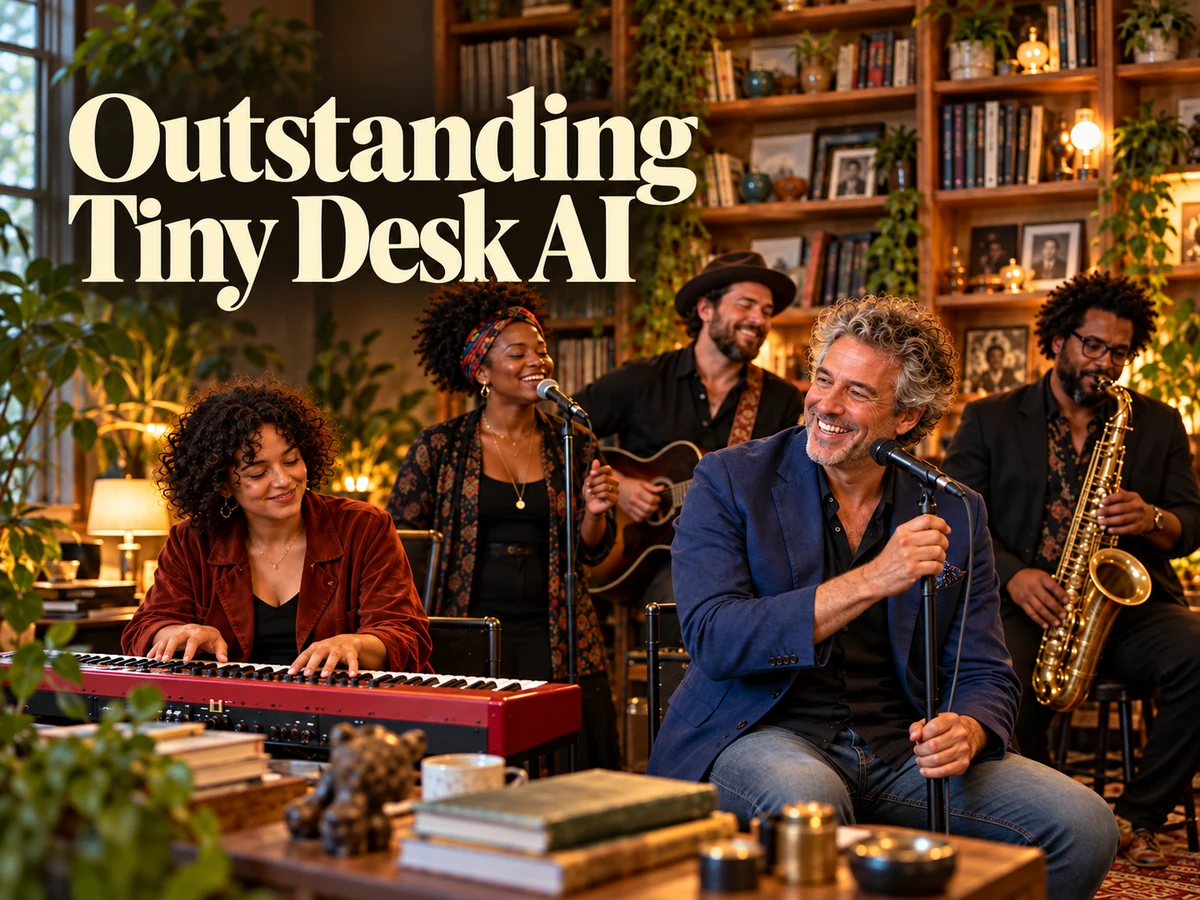
  • Outstanding Tiny Desk AI

Page 1 of 2

What does Christmas Dance Trend create?

Christmas Dance Trend is a photo-guided video effect for two people. The tool provides a prepared prompt describing a pair of performers, a decorated Christmas market, and a brightly lit tree. Your uploaded photographs supply the identities while the written direction describes the movement and visual setting. The result is a new video that you can watch, assess, and download.

A Christmas dance AI video can begin with portraits taken in different places. The two original backgrounds do not need to match, because the dance takes place in the prepared scene. With two uploads, the instruction assigns the first person to the left role and the second to the right. With a shared photo, the people’s positions in that picture define those roles.

This Christmas Dance Trend workflow uses Seedance 2.0 with a written sequence of simple coordinated movements. The model interprets those instructions while incorporating the chosen faces. Movement, likeness, and timing can still vary. Watch the complete performance before deciding which take captures the pairing you had in mind. Each result is an original performance rather than a replay of a supplied clip.

Four parts of Christmas Dance Trend

The photos choose the cast, and the prepared instructions describe the dance and setting. Each part has a clear job in the finished performance.

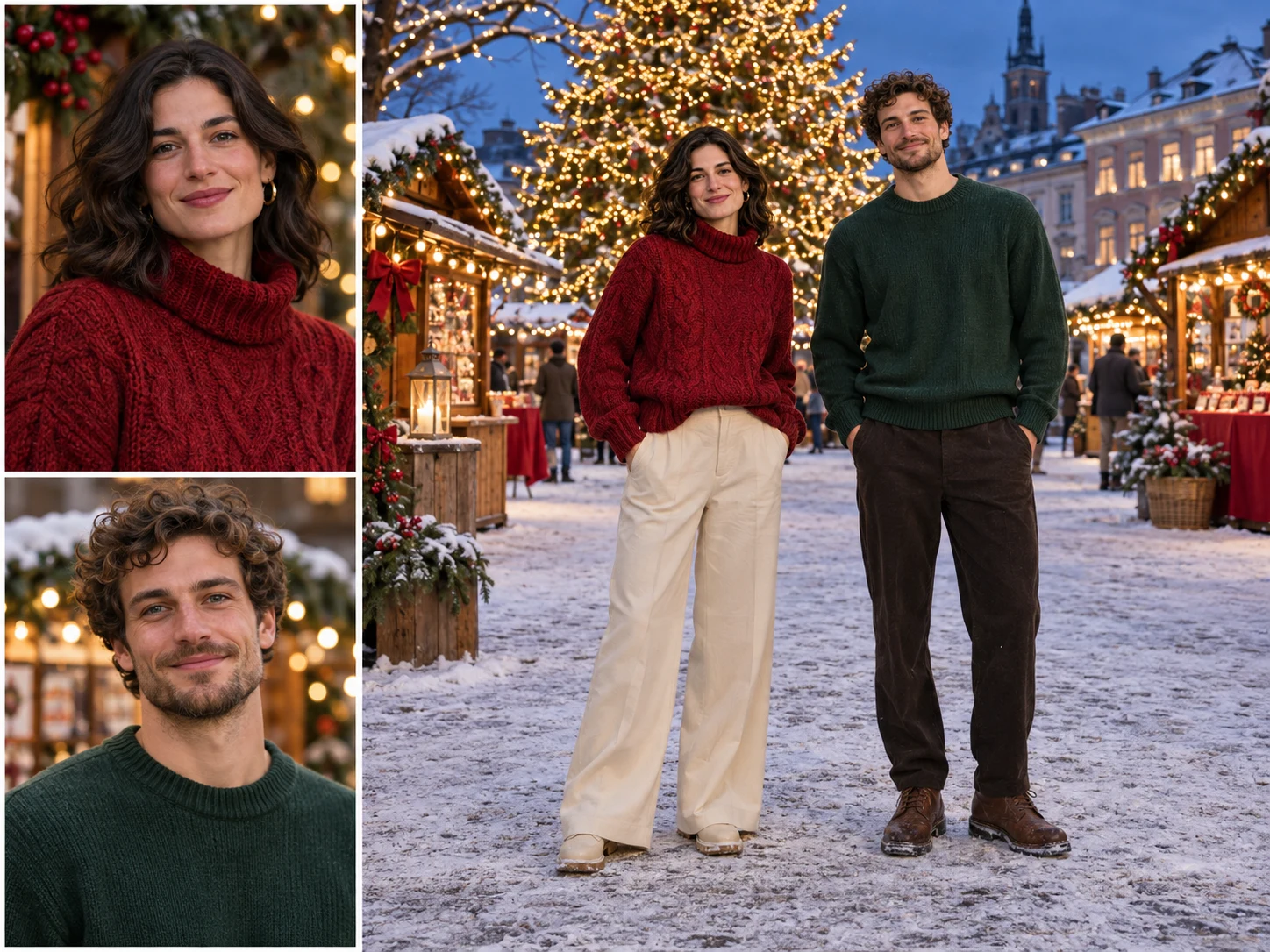
Two Portraits or One Duo Photo

Choose the most useful source for your pair. Two separate portraits let each person contribute a clear face, even if you have never taken a suitable photograph together. One duo photo can also work when both people are visible. Christmas Dance Trend accepts either starting point, with one or two uploaded images in total.

For a Christmas dance AI video made from separate portraits, upload the intended left dancer first. In a duo photo, use the viewer’s left and right to understand the starting assignment. Keep both faces unobstructed and large enough to inspect. The instruction asks the model to keep each identity attached to its role as the dancers move.
Two Portraits or One Duo Photo

Built-In Dance Direction

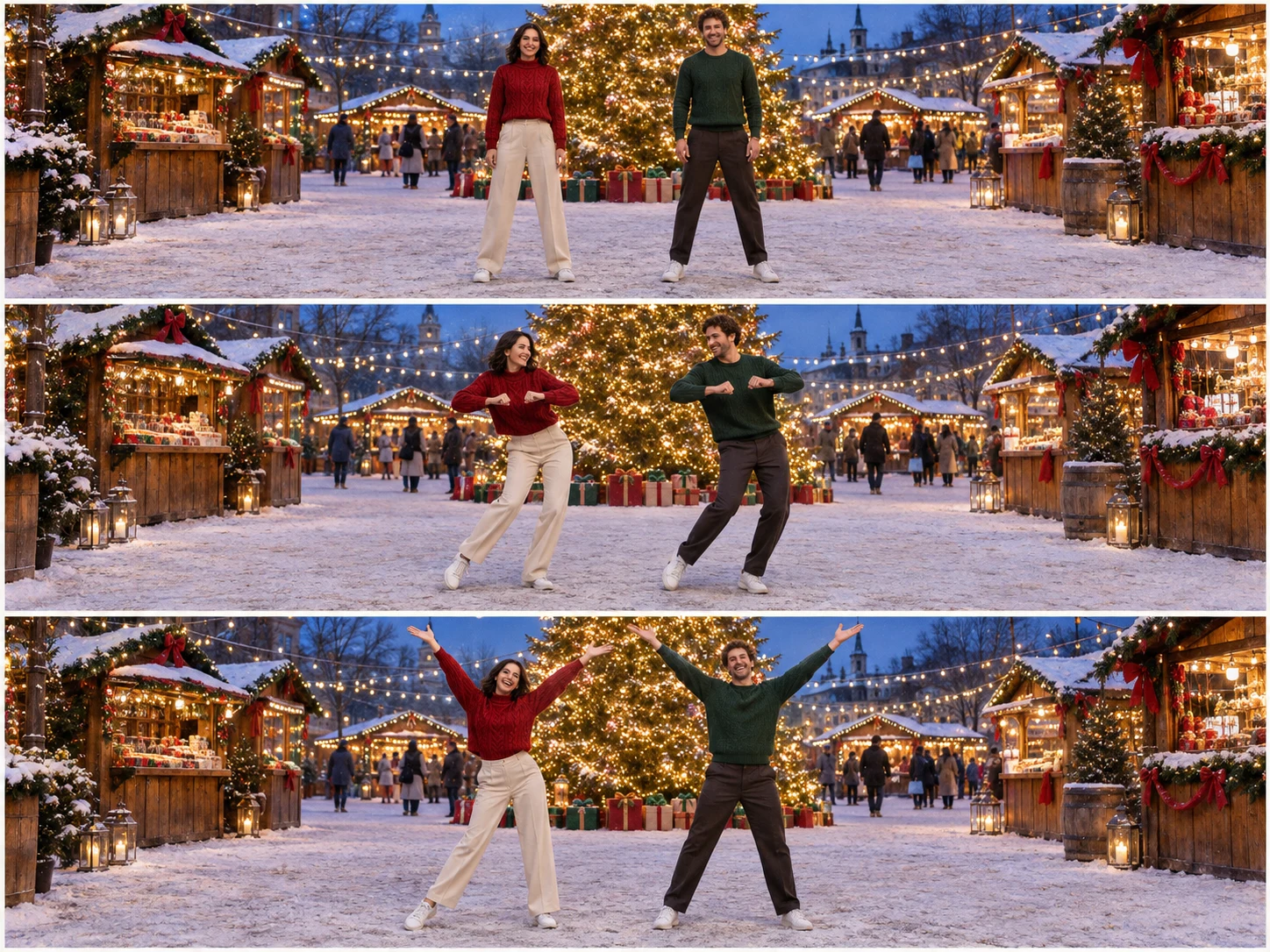
Christmas Dance Trend includes a prepared choreography prompt, so you do not have to describe each movement yourself. It asks for two performers in a festive outdoor setting, beginning with relaxed knee bounces, continuing into matching side steps and gentle arm movements, and finishing with a friendly wave toward the camera.

Your Christmas dance AI video interprets that written direction alongside the uploaded identities. The sequence gives the performance a clear opening, middle, and ending while leaving the model to create the motion between poses. Check the transitions, body positions, and face consistency throughout the result, especially where a dancer shifts weight or raises a hand. Timing and gestures can differ between takes.

Built-In Dance Direction

One-Click Generation

Once the photos and available settings are ready, one Generate action starts Christmas Dance Trend. The tool already supplies the choreography and scene prompt. There is no choreography description to write, no separate motion file to choose, and no manual arrangement of the two dancers before submitting your request.

Create a Christmas dance AI video by choosing the people first, then checking the resolution, aspect ratio, and displayed credit estimate. Generation takes processing time; one-click describes the submission workflow rather than an instant result. When the video is ready, review it before downloading or trying another take with a clearer portrait.

One-Click Generation

Seedance 2.0

Seedance 2.0 supports combining visual references with a written direction to generate video. Christmas Dance Trend uses those capabilities for a focused task: connect the people from your photos with the two roles in a prepared dance scene. The prompt assigns identities, describes the setting, and outlines a short sequence of coordinated movements.

A Christmas dance AI video should be judged as a moving performance, not only by its opening frame. Look for recognizable faces, sensible hands and feet, and coherent clothing as the dancers change pose. A strong first image does not guarantee every later moment. Choose the take that holds together through the whole routine.

Seedance 2.0

How to make your Christmas Dance Trend video

  1. 01

    Choose your dance partner

    Pick two people whose shared performance will make sense to the intended audience. It might be a friend, an adult sibling, or your partner. Decide on the photographs together and look for clear facial features. Christmas Dance Trend works best as a personal idea when the pairing is recognizable before the first movement begins.

  2. 02

    Upload one or two photos

    Use two individual portraits in left-to-right order, or one shared photograph containing exactly the two intended dancers. Avoid uploading two separate duo photos, which makes the cast ambiguous. For your Christmas dance AI video, choose similar image clarity and leave enough space around both heads. The original rooms and clothing do not have to match.

  3. 03

    Check settings and generate

    Choose an available resolution and aspect ratio, then review the current credit amount. Christmas Dance Trend requests a fifteen-second performance using the prepared dance prompt. Press Generate when the photos and order are correct. The prepared instructions are applied automatically, so the interface does not ask you to write a custom scene.

  4. 04

    Review both people and save

    Watch the Christmas dance AI video from the opening stance through the final pose. Check each face during turns, inspect hands near the body, and make sure neither dancer disappears from the composition. Listen to the returned audio as well. Download the take you like and add any personal message in your usual posting editor.

AI Video Generators for Your Next Project

Turn a photo into a short video for a personal story, a social post, or a playful idea.

  • Outstanding Tiny Desk AI

  • Baby Born with a Mustache

  • Stones to Castle AI

  • Skull Cap Trend AI

Who would you bring into Christmas Dance Trend?

Friends and group-chat regulars

The friend who starts every holiday joke

Send a Christmas dance AI video to the friend who keeps promising to learn a routine with you. Choose portraits that feel like your everyday selves and let the shared scene carry the joke. A short caption can explain why this particular pair belongs together. Show your friend the result before sharing it more widely, and keep the take where both people look familiar.
Adult couples

A partner in a seasonal greeting

Turn Christmas Dance Trend into a lighthearted message from both of you. Separate photographs can be useful when your favorite portraits were taken on different days. A Christmas dance AI video supplies the performance while your own words provide the personal greeting. Check the final crop together and keep captions clear of both faces so the pairing remains easy to recognize on a phone.
Adult family members

A sibling joining from another city

Use Christmas Dance Trend to appear side by side even when holiday travel plans keep you apart. Choose recent pictures with readable faces and a relaxed expression. The shared performance can open a family message without requiring either person to record a dance. Review your Christmas dance AI video privately first, then add the note or inside joke that gives relatives the right context.
Collaborators and event hosts

A creative duo announcing December plans

A Christmas dance AI video can introduce a seasonal collaboration or a casual gathering. Use the clip to establish the pair, then put dates and practical details in a clear caption or separate title card. Christmas Dance Trend provides the visual energy, but viewers still need to understand what you are announcing. Preview the finished post before publishing it in your chosen format.

Prepare photos for Christmas Dance Trend

Clear faces are more useful than elaborate source backgrounds. Choose even lighting, visible eyes, and enough detail to recognize the person without zooming far into the image. Avoid heavy filters that reshape features or smooth away defining details. If one portrait is much blurrier than the other, replace it before spending time comparing generated takes.

For a shared photograph, check that both people are fully distinguishable and that no third person occupies the space between them. A Christmas dance AI video needs an unambiguous cast. Crop a copy of a larger group photo when necessary, preserving enough room around both faces. Keep the original file so you can try a different crop later.

When reviewing a result, separate likeness from motion. A take may follow the rhythm well while losing a face during a turn; another may preserve the people but contain an awkward arm transition. Choose the balance that suits your purpose. Save a useful Christmas Dance Trend result before changing sources, so you have a clear comparison for the next attempt.

Christmas Dance Trend questions

Yes. Christmas Dance Trend uses the photographs as identity references and supplies its own dance setting. Two clear individual portraits can come from different places. Keep image quality reasonably similar and upload the first person for the left role, followed by the second person for the right role.

No. The tool describes the scene and choreography through a prepared prompt. Your Christmas dance AI video uses those written instructions alongside your photos, without sending a motion-reference clip. You can focus on choosing the two people rather than filming a routine or finding a separate choreography source.

No exact routine is guaranteed. Written instructions guide the performance, but the model decides how to connect poses and interpret timing. Check both performers throughout the clip. A Christmas dance AI video creates a new performance from your photographs and the prepared prompt, so gestures and transitions can vary between generations.

No particular recording is promised. The prepared direction asks Seedance to generate original festive accompaniment, so listen before sharing. If your Christmas dance AI video needs a specific soundtrack, add music you are allowed to use in a separate editor or through the platform where you post it.

The displayed estimate follows the selected resolution and the fixed fifteen-second request. This effect uses the standard Seedance 2.0 pricing for photo-guided generation. Check the amount before starting. The Christmas dance AI video workflow does not promise a free render or a fixed completion time, and a different resolution changes the estimate.

Create with Christmas Dance Trend

Choose a pair that makes you smile, upload clear photos, and give your holiday message a little movement. Watch both dancers, keep the strongest take, and share the performance with the people who will appreciate it.

Try Christmas Dance Trend
Image to Image AI logoImage to Image AI

A fresh take on your image. Explore new styles and scenes with AI.

Customer supportsupport@imgtoimageai.com

Tools

  • Remove Glare from Glasses
  • Remove Glare from Photo
  • Photo to Line Art
  • Image Upscaler
  • Realistic Selfie Generator
  • Christmas Photobooth
  • AI 3D Figure Generator
  • Selfie With Santa
  • Christmas Dance Trend
  • Motorcycle AI
  • AI Photo Booth
  • Photo to Sticker
  • QR Code Enhancer
  • AI Long Hair Filter
  • Bicep Heart Trend AI
  • Happy Birthday GIF with Name
  • Apartment Dance
  • AI GIF Generator
  • Executive Portrait Maker
  • AI Trouble Maker Video

Learn more

  • Tools
  • Blog
  • Pricing

Legal

  • Privacy Policy
  • Terms of Service
  • Refund Policy
  • Contact

© 2026 Image to Image AI