





Image to Image AI logoImage to Image AI
  • Home
  • AI Image Generator
  • AI Video Generator
  • Tools
  • Nano Banana 2.1
  • Flux 3 Klein
  • Seedream 5.0 Pro
  • Seedream 5.5
  • GPT Image 2.5
  • GPT Image 2.6
  • MiniMax H3 Image
  • Kling 4.0
  • Grok Imagine Video 1.5
  • MiniMax H3 Max
  • Seedance 2.5
More
  • Blog
  • Pricing

Guest

Save your creations

Credits—
  1. Home

Your video workspace

Sign in to see your creations. You can explore models and write a prompt now.

Optional
Optional
|
105
Checking your sign-in status…

MiniMax H3 Max for Fast, Expressive Video

MiniMax H3 Max turns a prompt or still image into a short scene with movement and sound. Explore campaign ideas, product reveals, and character performances with a model built around prompt adherence, visual quality, and fast iteration. Give your shot a clear purpose, then shape its action, camera, and atmosphere.

Create a video

AI Video Generators to Explore

Find new ways to animate your photos, from dance clips and outfit changes to imaginative scenes.

  • Christmas Dance Trend

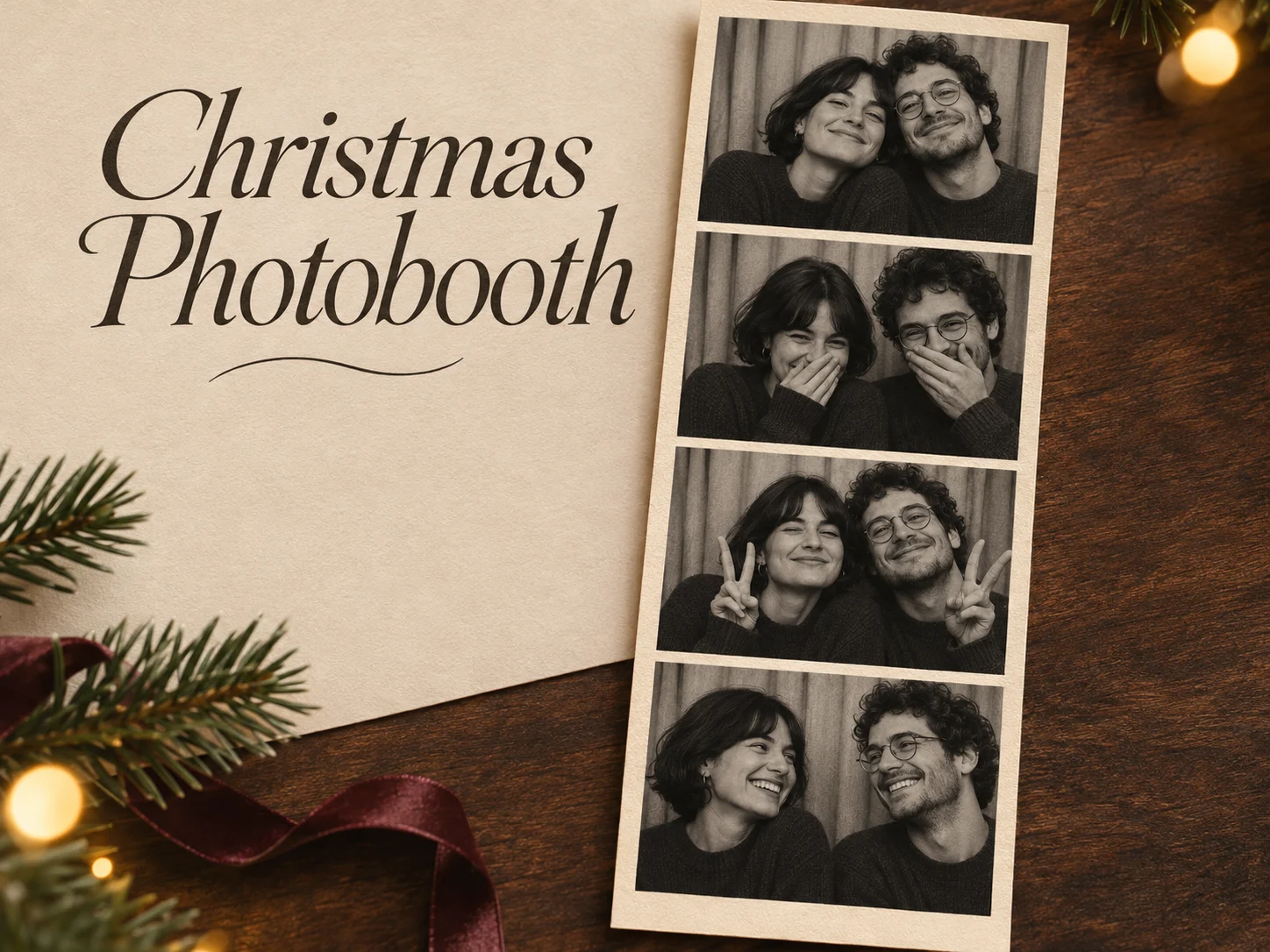
  • Christmas Photobooth

  • Bicep Heart Trend AI

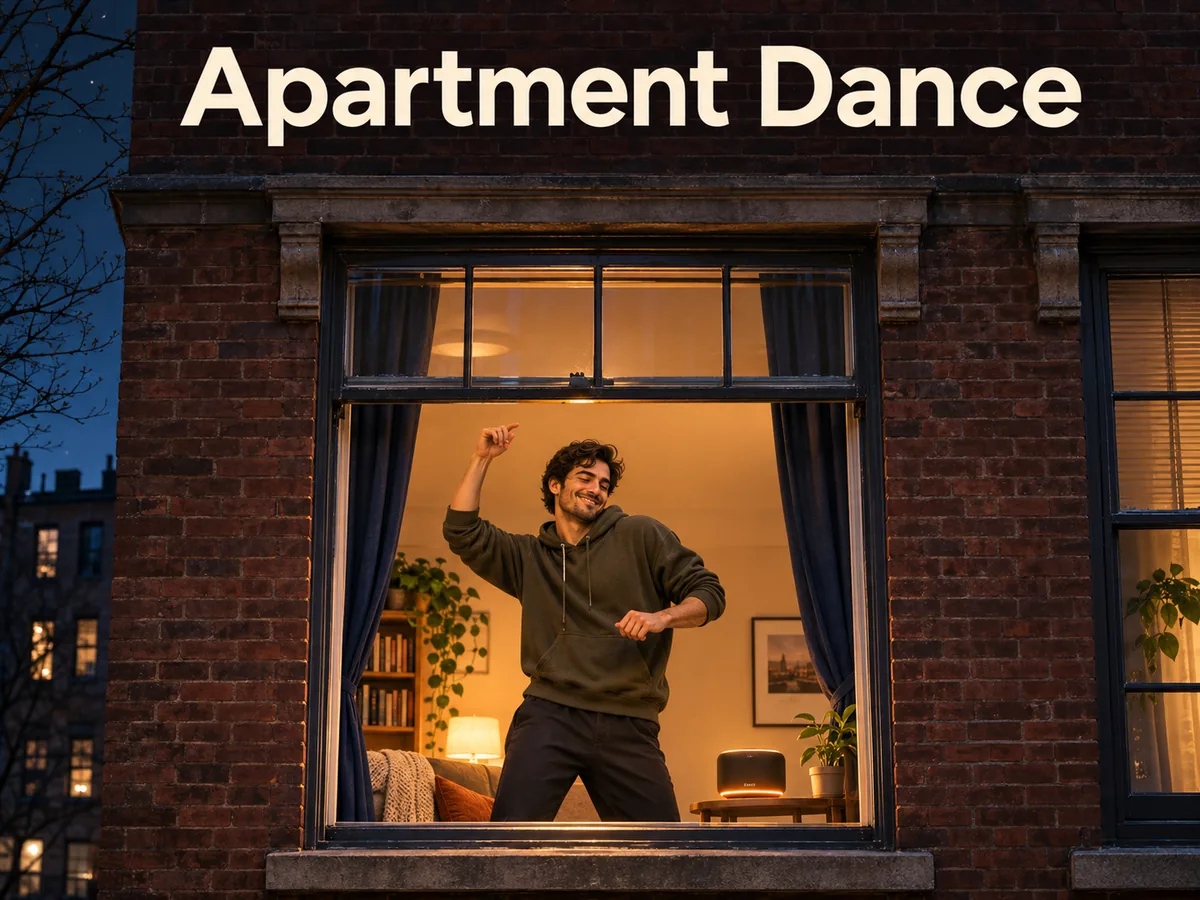
  • Apartment Dance

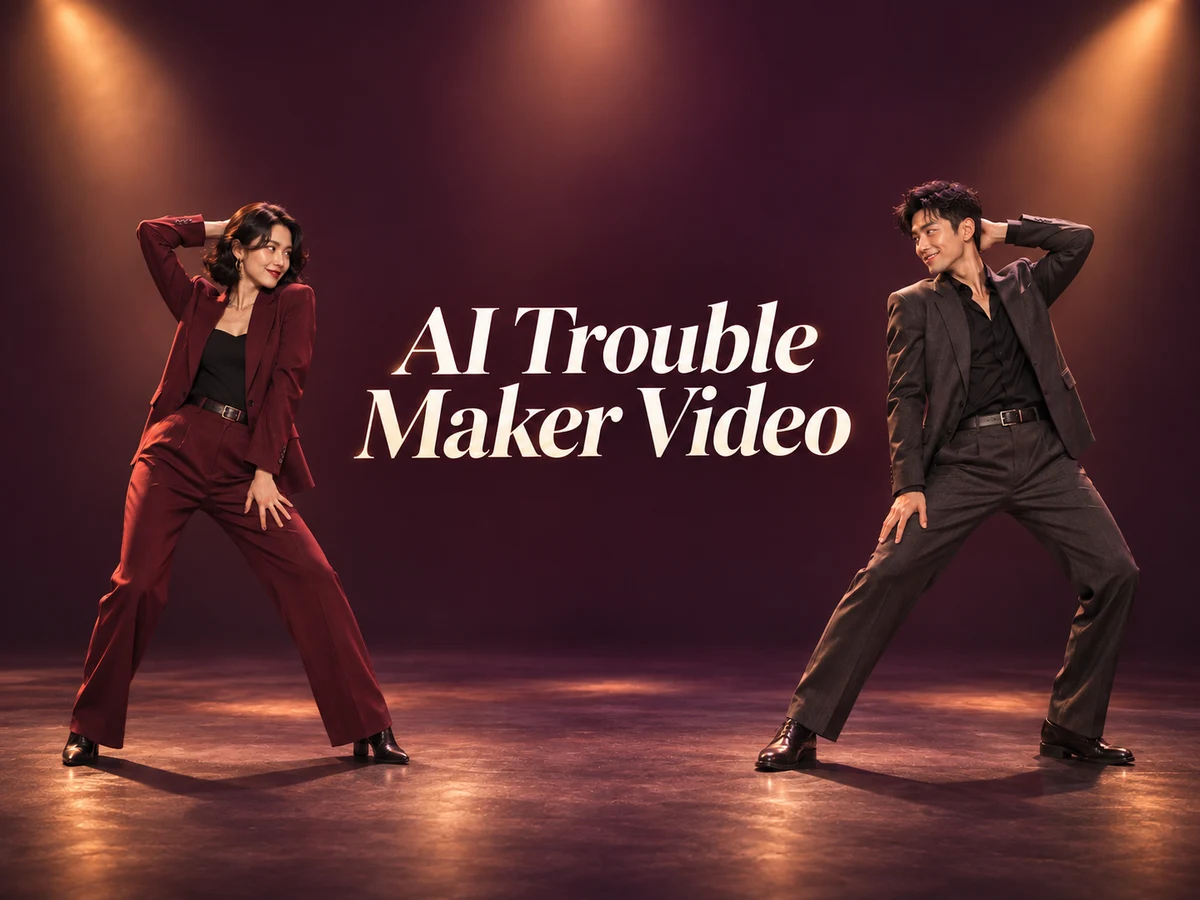
  • AI Trouble Maker Video

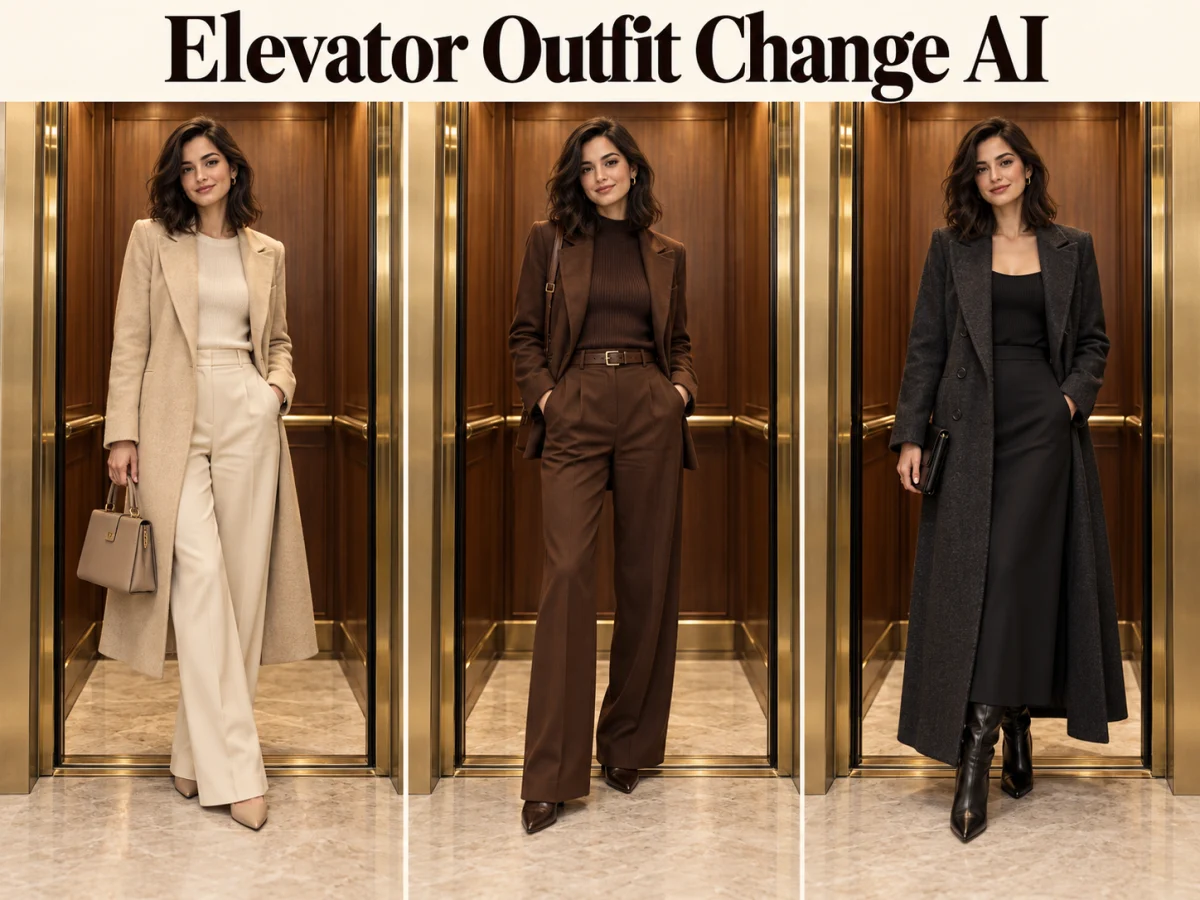
  • Elevator Outfit Change AI

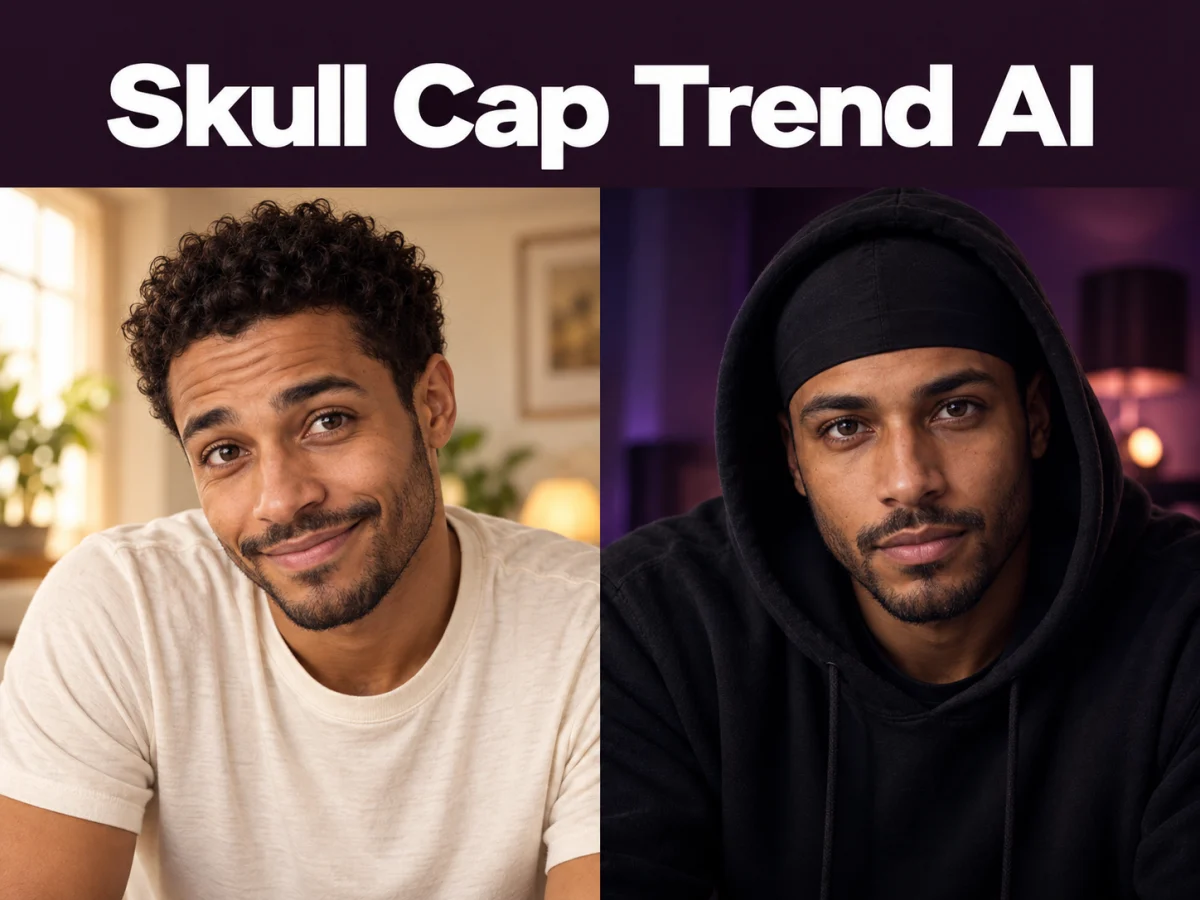
  • Skull Cap Trend AI

  • Stones to Castle AI

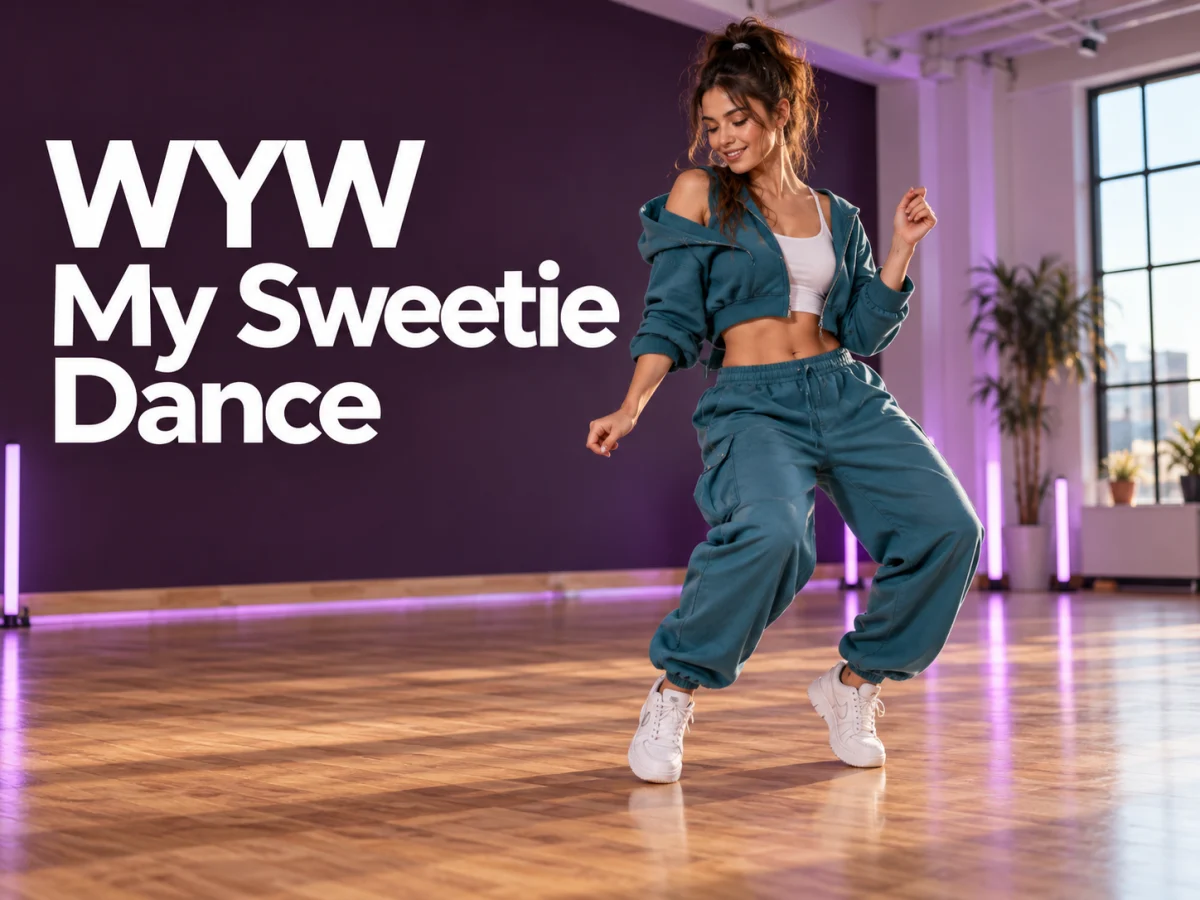
  • WYW My Sweetie Dance

  • Black Friday Video Maker

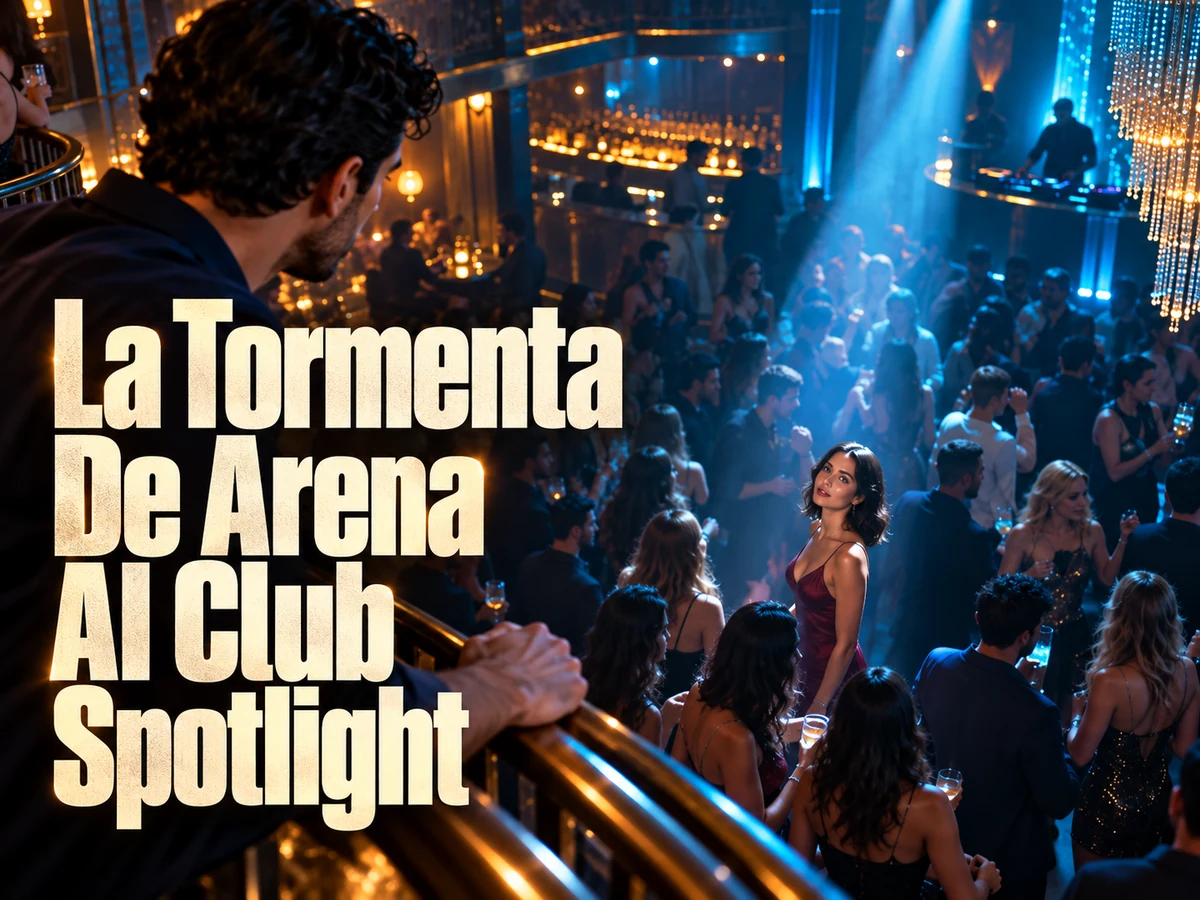
  • La Tormenta De Arena AI Club Spotlight

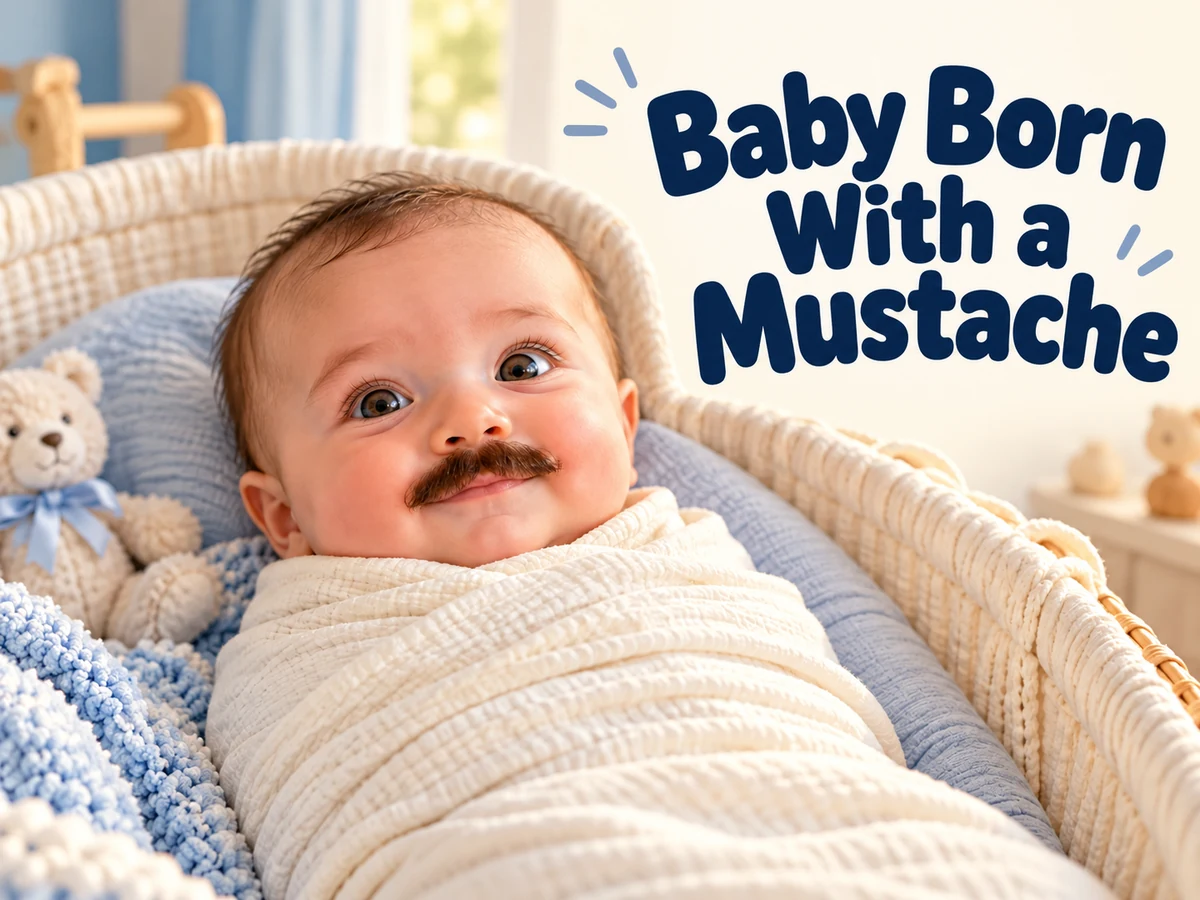
  • Baby Born with a Mustache

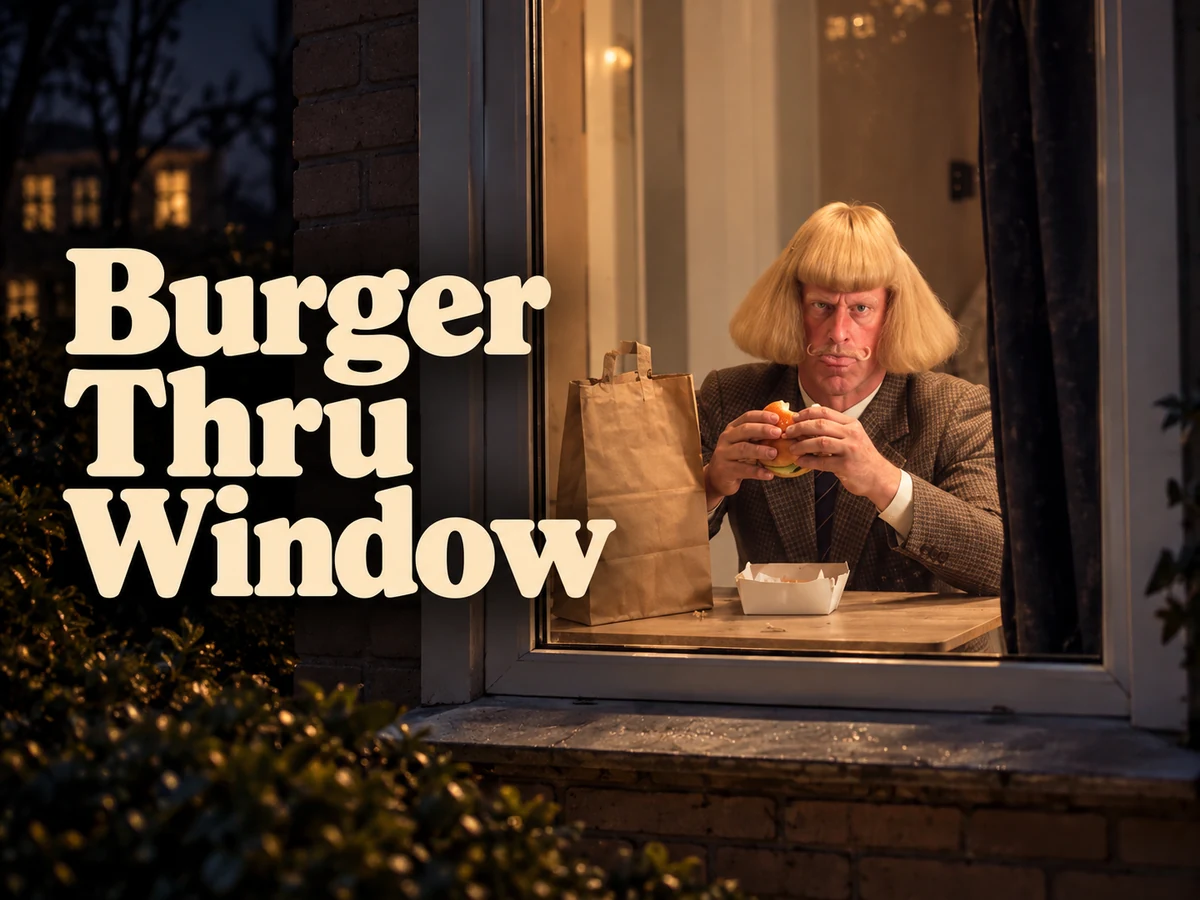
  • Burger Thru Window

  • Outstanding Tiny Desk AI

Page 1 of 2

What Makes MiniMax H3 Max Different?

MiniMax H3 Max is fal’s post-trained version of the MiniMax H3 base model. Its development combines additional training for instruction following and aesthetics with an optimized inference system. The creative aim is straightforward: make it easier to test a specific shot while preserving the visual qualities that make the idea worth pursuing.

Use text when you want to invent the setting, or begin with an image when a product, character, or composition is already defined. A first frame can establish the opening view; an ending frame can give a transition a destination. The model also has a reference-based workflow for more detailed visual guidance.

For creators, speed is useful when it supports a decision. Compare a tracking shot with a still camera, a warm studio with a cooler setting, or a quiet performance with a more energetic delivery. Each test should answer a question. The artwork on this page illustrates shot ideas; it is not a collection of verified model outputs.

What Makes MiniMax H3 Max Different?
Read fal’s H3 Max introduction

MiniMax H3 Max Features for Creative Direction

Fast AI Video, Native Audio, Image to Video, and Prompt Control are useful together: a scene needs a recognizable subject, an action worth watching, and sound that belongs to the moment.

Fast AI Video for Testing Camera and Motion

MiniMax H3 Max is designed for high throughput while maintaining the quality gains from its post-training. This makes it useful for exploring a shot through several deliberate variations. A car rounding a coastal bend, for example, can be viewed from a low following angle or a wider position that reveals the road.

Test the camera relationship before adding more activity. Decide whether the vehicle stays centered, approaches the viewer, or moves away into the landscape. Then refine the light and pace. Generation speed varies with the request and service conditions, so treat fast iteration as a creative advantage rather than a fixed delivery-time promise.

Example prompt

Track a coral coupe through a sunlit coastal bend from a low side angle. Keep the car sharp while the background moves naturally. Warm limestone cliffs, restrained engine sound, one continuous shot.


Plan this shot
Fast AI Video for Testing Camera and Motion

Native Audio for Performance and Place

MiniMax H3 Max creates synchronized audio with the moving image. A short spoken line, the contact of clay against a workbench, or the sound of a workshop can help a scene feel inhabited. Plan the sound alongside the action so it supports the same story rather than competing with it.

In a pottery studio, the artist might explain a small detail while turning a cup toward a customer. Keep the sentence brief and describe the tone. Add room ambience or a single relevant sound effect. Listen to the finished take for speech clarity and timing, particularly when the performer handles an object while talking.

Example prompt

A ceramic artist in a terracotta apron gently turns a cup toward a customer and says, "This glaze changes in the light," in calm English. Warm studio daylight, soft room tone, a subtle ceramic tap.

Plan this shot
Native Audio for Performance and Place

Image to Video with Deliberate Prompt Control

MiniMax H3 Max can animate an image while the prompt directs the motion and camera. This suits a product composition that already has the right lighting, silhouette, and background. Instead of rebuilding the scene in words, describe what should change and which visual details need to remain recognizable.

A sculptural lamp can become a restrained material study. Let the camera reveal the curved shade, allow light to move across the brass, and keep the base visible. For a transition between two supplied frames, make the relationship plausible: compatible scale, perspective, and subject placement give the movement a clearer destination.

Example prompt

Begin from the lamp photograph. Move the camera in a slow shallow arc around the terracotta shade. Preserve the brass stem and limestone plinth. Soft afternoon light, quiet studio ambience, no scene change.

Plan this shot
Image to Video with Deliberate Prompt Control

Build a MiniMax H3 Max Shot in Three Steps

A concise production brief makes the first result easier to evaluate and the next revision more purposeful.

  1. 01

    Write the Shot Before the Style

    Describe the subject, main action, and setting in a single clear sentence. Then add the camera position and movement. For MiniMax H3 Max, an instruction such as "follow the coupe through the bend" gives a concrete task; a string of mood words alone leaves the event undefined.

  2. 02

    Choose the Visual and Audio Anchors

    Use a starting image when appearance matters. If a transition has a planned ending, select a compatible closing frame. Decide whether the scene needs speech, environmental sound, or a quieter treatment. Keep the central message consistent across the prompt and any supplied visual guidance.

  3. 03

    Review, Compare, and Refine

    Watch the MiniMax H3 Max result at normal speed before inspecting individual frames. Judge the action, framing, and soundtrack together. If the shot feels unclear, change the largest source of confusion first. Save the useful version and compare it with the next take instead of relying on memory.

AI Video Generators for Your Next Project

Turn a photo into a short video for a personal story, a social post, or a playful idea.

  • Outstanding Tiny Desk AI

  • Baby Born with a Mustache

  • Stones to Castle AI

  • Skull Cap Trend AI

Practical Uses for MiniMax H3 Max

Choose a scene that answers the creative brief, whether the audience needs to understand an object, a character, or a feeling.

Creative and marketing teams

Campaign Concepts That Invite Comparison

Develop several treatments of the same message before committing to an edit. A quiet product study and an energetic lifestyle scene can communicate different qualities even when they feature the same object. Keep the product and intended audience constant while changing the visual approach, so the comparison reveals a useful direction.
Ecommerce teams and designers

Product Motion from Existing Photography

Turn a carefully composed still into a short presentation of form, texture, and lighting. MiniMax H3 Max works well as a way to explore camera ideas around an object. Review the outline, surface details, and any lettering; use a finishing workflow for exact labels, claims, or graphical overlays.
Filmmakers and social storytellers

Short Performances with an Audible Point of View

A spoken observation, a pause before an answer, or a small gesture can establish personality quickly. Build the shot around that beat and let sound make the place feel specific. Plan the entrance and exit of the scene so an editor can connect the performance to surrounding shots.

Get More from MiniMax H3 Max Prompt Control

Separate the things a prompt needs to communicate: who is present, what happens, how the camera watches, and what the audience hears. This gives MiniMax H3 Max a coherent brief without burying the action beneath decorative adjectives.

For a moving subject, specify its relationship to the camera. "The car drives forward" describes the vehicle; "the camera tracks beside it" describes the view. Together they establish the shot. Add a speed cue only when it changes the feeling, such as a careful turn or a brisk departure.

For a product, explain which surfaces the viewer should discover. A shallow arc can reveal depth while preserving a strong silhouette. A close approach can emphasize ceramic texture or brushed metal. Avoid demanding several incompatible camera moves within a short moment, especially when the object must remain easy to recognize.

For a performance, write the line before filling the scene with sound. Identify the speaker, delivery, and response. MiniMax H3 Max can combine these directions, but a crowded brief still makes review harder. Give the main event room to happen and use background sound to establish place.

Keep revisions measurable. If a reveal happens too early, move that event later in the written sequence. If the framing hides the product, ask for a wider view. If the soundtrack feels busy, reduce the number of requested layers. A precise correction usually teaches more than replacing the entire prompt.

MiniMax H3 Max Quality and Speed in Context

The model supports short videos up to 15 seconds with synchronized sound. fal documents 480p and 768p generation, plus a 1080p option produced through latent refinement of a native 768p source. That distinction matters when comparing output descriptions across video models.

Published speed examples describe particular workloads and infrastructure. Your wait also depends on factors such as the length of the requested scene, resolution, queue conditions, and prompt processing. Use a representative shot when evaluating whether a workflow feels responsive enough for your project.

MiniMax H3 Max and H3 Max Turbo are distinct offerings. A speed or price quoted for Turbo should not be treated as a specification for Max. Similarly, capabilities advertised for the original MiniMax H3 model are not automatically identical to those of a post-trained variant.

Check the H3 Max model documentation

MiniMax H3 Max Questions

Understand the model and prepare a more useful first generation.

No. MiniMax H3 Max is fal’s post-trained variant of MiniMax H3, with work focused on prompt adherence, aesthetics, and inference efficiency. Treat it as a specific model offering rather than assuming every base-model feature or benchmark applies unchanged.

Yes. Start from words to explore a new scene, or use an image when the appearance and composition are already established. First and last frames can guide a transition. Choose the approach that communicates your most important creative decision most clearly.

Yes. The model generates synchronized sound with the video. Describe the speech, atmosphere, or visible sound-producing action that matters to the shot. Review the result with headphones when dialogue intelligibility or a subtle sound effect is central to the idea.

No. Processing time depends on the request and service conditions. Faster inference can make experimentation more convenient, but it does not remove review or revision. Judge the workflow by how quickly you reach a usable take, not only by the first returned clip.

Inspect the beginning, the main action, and the ending. Look for changes in product shape, unexpected gestures, drifting details, and distracting sound. MiniMax H3 Max can create a strong starting point, while selection and finishing remain important parts of a polished result.

Explore Your Next Idea with MiniMax H3 Max

Bring one strong visual idea and a clear direction for movement. Compare a few purposeful takes, listen to the result, and choose the scene that communicates your message most clearly.

Create with MiniMax H3 Max
Explore video generation
Image to Image AI logoImage to Image AI

A fresh take on your image. Explore new styles and scenes with AI.

Customer supportsupport@imgtoimageai.com

Tools

  • Remove Glare from Glasses
  • Remove Glare from Photo
  • Photo to Line Art
  • Image Upscaler
  • Realistic Selfie Generator
  • Christmas Photobooth
  • AI 3D Figure Generator
  • Selfie With Santa
  • Christmas Dance Trend
  • Motorcycle AI
  • AI Photo Booth
  • Photo to Sticker
  • QR Code Enhancer
  • AI Long Hair Filter
  • Bicep Heart Trend AI
  • Happy Birthday GIF with Name
  • Apartment Dance
  • AI GIF Generator
  • Executive Portrait Maker
  • AI Trouble Maker Video

Learn more

  • Tools
  • Blog
  • Pricing

Legal

  • Privacy Policy
  • Terms of Service
  • Refund Policy
  • Contact

© 2026 Image to Image AI