















Image to Image AI logoImage to Image AI
  • Home
  • AI Image Generator
  • AI Video Generator
  • Tools
  • Nano Banana 2.1
  • Flux 3 Klein
  • Seedream 5.0 Pro
  • Seedream 5.5
  • GPT Image 2.5
  • GPT Image 2.6
  • MiniMax H3 Image
  • Kling 4.0
  • Grok Imagine Video 1.5
  • MiniMax H3 Max
  • Seedance 2.5
More
  • Blog
  • Pricing

Guest

Save your creations

Credits—
  1. Home
  2. /
  3. Image

FLUX 3 Klein AI Image Generator and Editor

Give your next image a clear direction. FLUX 3 Klein brings text prompts and visual references into a creative workflow for product concepts, editorial scenes and purposeful photo edits. Explore the model, build a useful brief and find a starting prompt for your project.

|
10
Checking your sign-in status…
Strictly prohibits adult / NSFW content

AI Image Generators to Explore

Try a different look for your photos with generators for portraits, artistic styles, and creative edits.

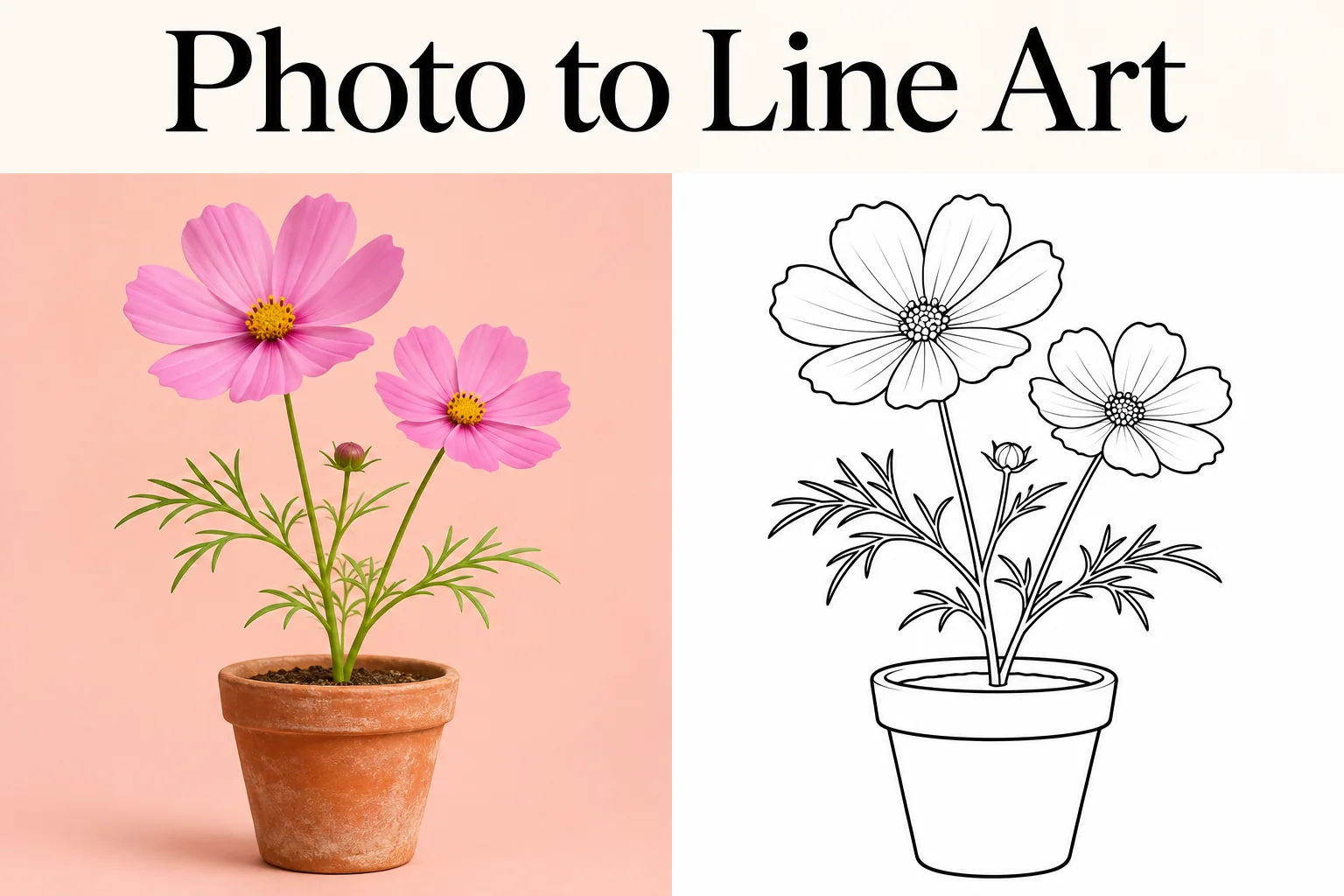
  • Photo to Line Art

  • Remove Glare from Photo

  • Remove Glare from Glasses

  • Realistic Selfie Generator

  • Image Upscaler

  • Selfie With Santa

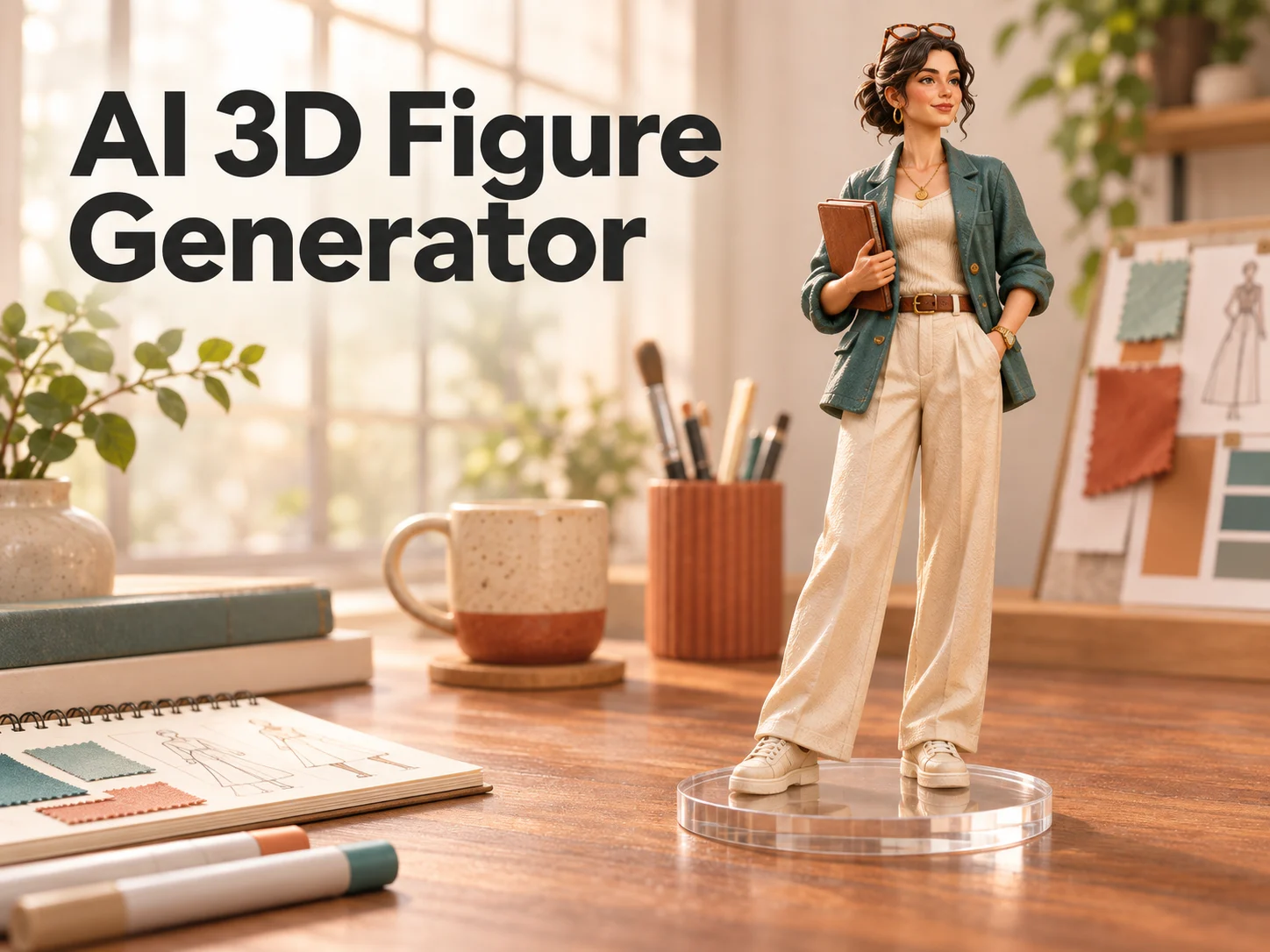
  • AI 3D Figure Generator

  • Motorcycle AI

  • Photo to Sticker

  • AI Photo Booth

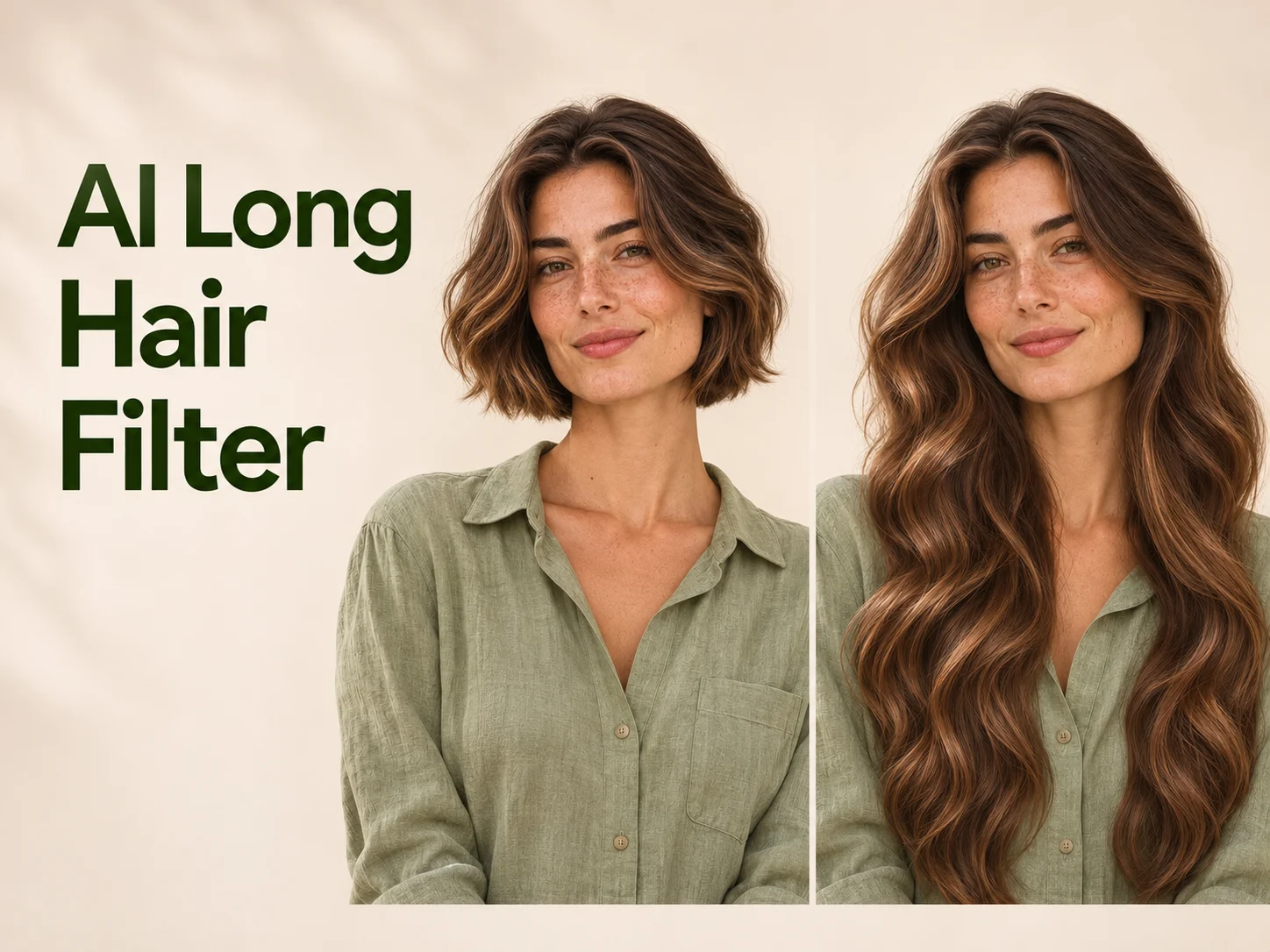
  • AI Long Hair Filter

  • Happy Birthday GIF with Name

  • AI GIF Generator

  • Executive Portrait Maker

  • No Beard Filter

  • AI Beard Generator

  • 80s AI Photo Trend

  • AI Pregnant Filter

  • Pet Portrait AI

  • Photo to Watercolor

  • Photo to Coloring Page

Page 1 of 3

What Is FLUX 3 Klein?

FLUX 3 Klein is the compact, open-weights image model released by Black Forest Labs on October 15, 2026. Its official name is FLUX 3 Image Klein. The 5.6-billion-parameter image transformer supports generating new pictures and revising existing ones, with up to ten references and output up to 4K in supported workflows.

For a creator, the useful starting point is the visual decision: what should the viewer notice, and what must remain recognizable? FLUX 3 Klein gives you a way to describe that decision through words, images or both. This guide focuses on turning an idea into a workable brief. The workspace opens with Flux 3 Klein selected, with resolution and aspect ratio controls available above.

How to Plan an Image with FLUX 3 Klein

  1. 01

    Describe the finished scene

    Start your FLUX 3 Klein brief with the main subject and action. Add the surroundings, viewpoint and lighting. A bicycle beside a repair bench communicates more than a general request for a beautiful workshop. Decide whether the image needs empty space for a headline.

  2. 02

    Give each reference a role

    Choose images that answer different questions: which object, which setting, which visual style? Tell FLUX 3 Klein what each reference contributes. Remove conflicting examples and identify the details that should survive a revision, such as a jacket silhouette or a distinctive handle.

  3. 03

    Compare the result with your brief

    In a compatible generator, select the available canvas settings and submit the request. Review your FLUX 3 Klein result for composition, object shape and readability. Pick the most consequential issue for the next revision, keeping a record of the changes that improved the image.

AI Image Generators for Your Next Project

Bring your next photo project to life with creative effects, painted portraits, and printable coloring pages.

  • Photo to Line Art

  • Remove Glare from Photo

  • Remove Glare from Glasses

  • 80s AI Photo Trend

  • AI Pregnant Filter

  • Pet Portrait AI

  • AI Beard Generator

Creative Uses for FLUX 3 Klein

Explore photography, illustration and graphic design with FLUX 3 Klein. These examples come from the Black Forest Labs model showcase. Use them to study visual direction; the prompts below are original starting points, not the prompts used to create these images.

Portraits with FLUX 3 Klein

Give a portrait a clear visual identity through light, clothing and background. The denim jacket and orange backdrop in this example create an immediate contrast. For your own brief, specify the expression, camera distance and direction of light before adding styling details. Look closely at skin, seams and hair edges when reviewing an output. A strong portrait should remain readable as both a full image and a small profile crop.
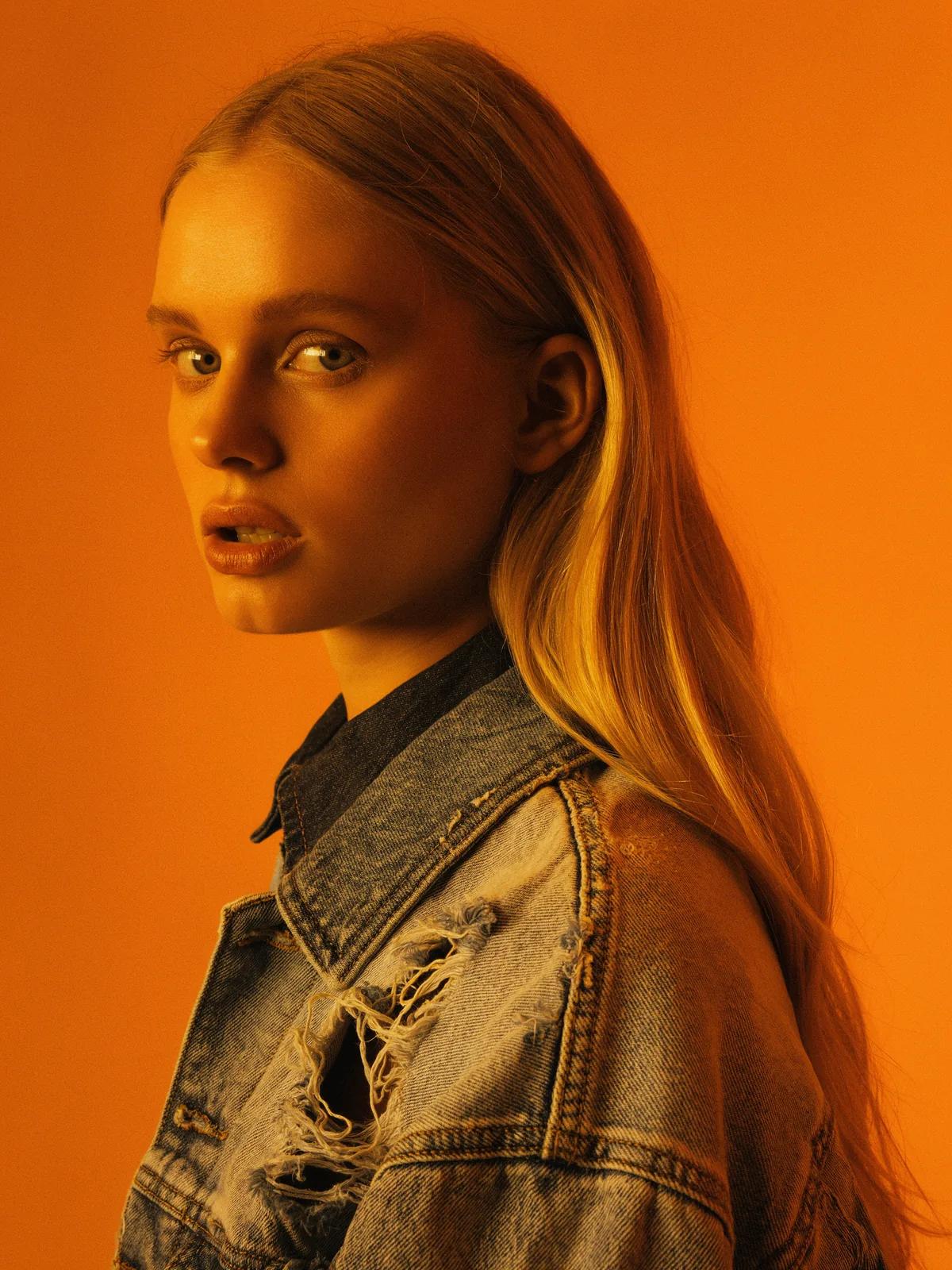
Woman wearing a denim jacket against a vivid orange background

Illustrations with a clear story

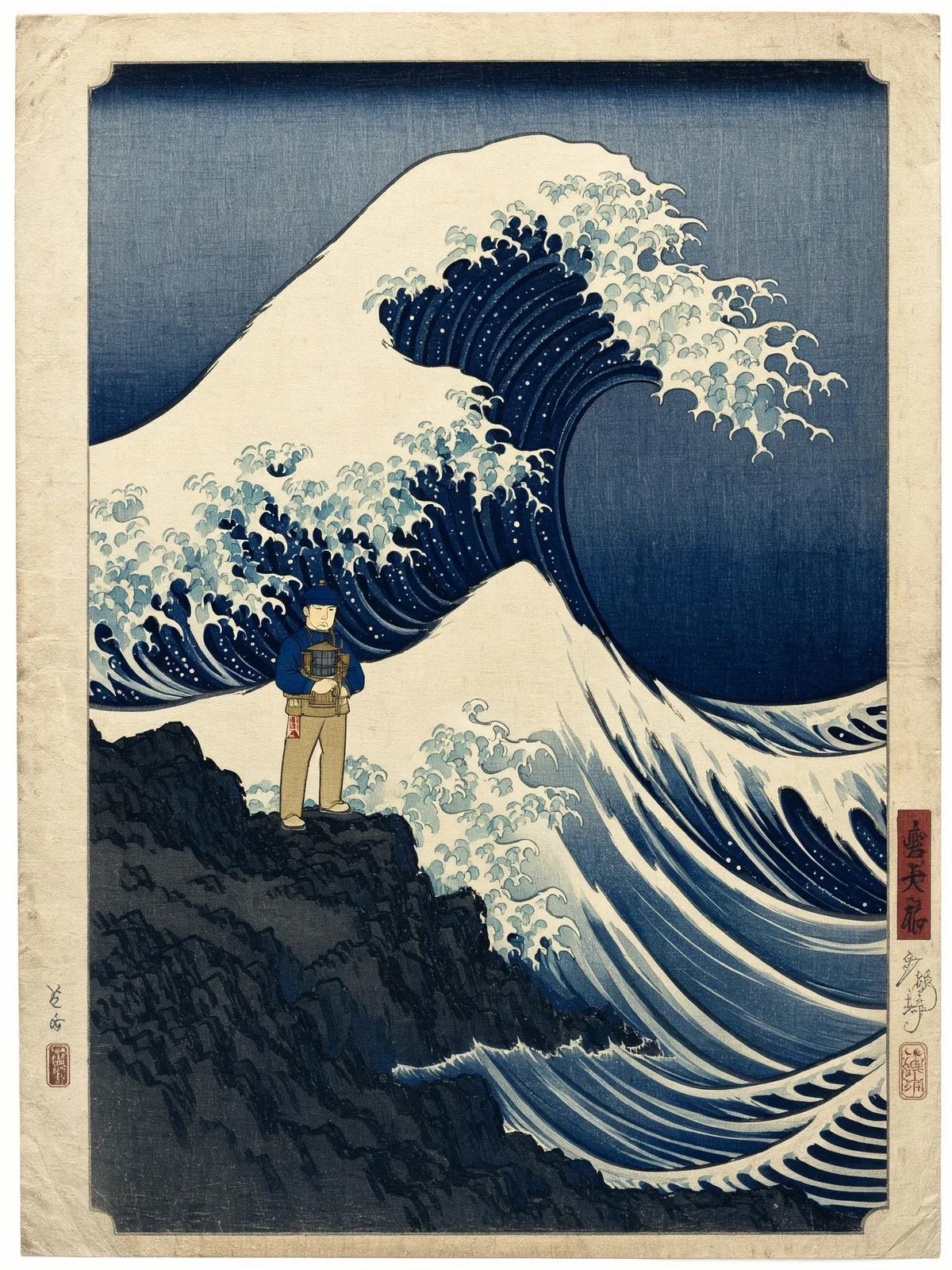
Use FLUX 3 Klein to build an illustration around one readable moment. Here, a lighthouse keeper faces a storm in a woodblock-inspired scene. Describe the foreground figure, distant landmarks and movement separately. Choose a limited palette and a specific mark-making style so the details belong together. For an editorial cover, decide where the eye should land first, then leave quieter areas that can accommodate a headline or supporting copy.

Woodblock-style illustration of a lighthouse keeper standing in a coastal storm

Design concepts with FLUX 3 Klein

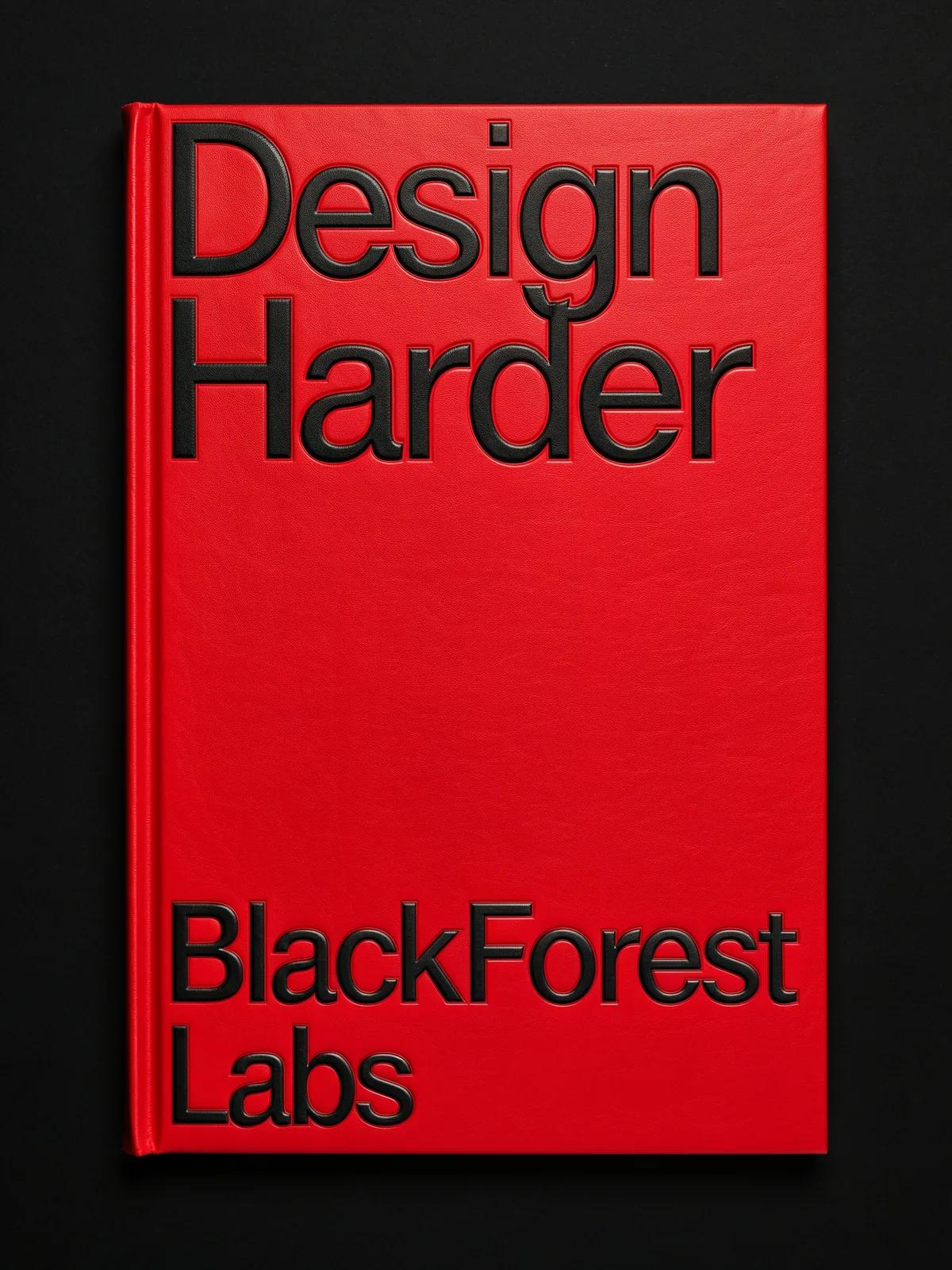
Explore how color, lettering and object placement work as a single composition. This red book cover uses an assertive title and a simple visual field. When planning a cover or packaging concept, name the message, reading order and surrounding space. Keep requested wording short, then check every character in the output. Use the result to compare directions before preparing final typography, print dimensions and production artwork in your design editor.

Red book cover with bold lettering reading Design Harder

FLUX 3 Klein vs FLUX 3 Image and Klein Base

These names describe different choices within the model family. FLUX 3 Klein is the compact option; FLUX 3 Image is the full model. Base is a separate checkpoint aimed at adaptation work. Choose by your workflow instead of assuming that every FLUX AI interface exposes identical controls.

ModelPrimary directionWhat to check
FLUX 3 KleinDistilled image generation and editingSupported inputs and output settings
FLUX 3 ImageFull image modelProvider availability and request cost
Klein BaseFine-tuning, LoRA training and researchTraining setup and checkpoint compatibility

FLUX 3 Klein Prompts for New Images

These original FLUX 3 Klein briefs describe complete scenes. Adapt the subject and intended format, then keep the lighting and composition instructions internally consistent.

A bicycle workshop editorial

Example prompt

An adult bicycle mechanic checks the front wheel of a sage-green touring bicycle inside a small repair workshop. Tools hang neatly on a pale wall, with a wooden bench in the background. Side light enters through a large north-facing window. Eye-level documentary photography, natural skin texture, restrained colors, landscape framing, clear separation between the mechanic and the bicycle.

A tea packaging concept

Example prompt

A plain cylindrical tea tin in muted burgundy stands on a pale limestone shelf beside two loose tea leaves. The lid is closed, the front surface is blank, and the tin occupies the right third of the composition. Gentle morning light creates a soft shadow to the left. Clean commercial still life, realistic metal finish, generous empty space for typography.

A neighborhood library illustration

Example prompt

A small neighborhood library on a rainy evening, seen through its warmly lit front window. Two adult readers sit at separate tables while a librarian returns books to a curved shelf. Umbrellas rest near the entrance. Textured editorial illustration with deep blue, ochre and cream, balanced shapes, welcoming atmosphere, no visible lettering, wide composition for a community newsletter.

FLUX 3 Klein Prompts for Reference Edits

Attach a suitable source image before using these FLUX 3 Klein editing briefs. State the desired change directly and name the visual relationships that matter.

Give a bag a new setting

Example prompt

Use the uploaded bag photo as the product reference. Keep its olive canvas, brown handles, pocket arrangement and three-quarter viewing angle. Place it on a wooden station bench with a softly blurred platform behind it. Introduce cool morning daylight and a believable contact shadow. The bag remains the only foreground object, with no added lettering or decorative accessories.

Explore a quieter room palette

Example prompt

Revise the uploaded living-room photograph by changing the wall paint to a soft clay color and replacing the patterned cushions with plain cream linen. Preserve the sofa position, window proportions, floorboards and camera perspective. Keep the existing daylight direction. The finished room should feel calm and lived-in, with realistic fabric folds and no extra furniture.

FLUX 3 Klein Access and Pricing

FLUX 3 Klein is offered through official hosted access and downloadable weights. Hosted pricing depends on the service and output settings; local use involves your own computing resources. Check the service you intend to use before estimating a project budget.

For a practical estimate, count planned drafts as well as final images. A campaign with three visual directions may need several revisions before one is approved. FLUX 3 Klein generation on ImgToImage AI uses credits. Select a resolution in the generator to see the current estimate before submitting your request.

FLUX 3 Klein Questions and Answers

In this context, flux3 klein and flux.3 klein are search spellings for FLUX 3 Klein. Use the full official name when choosing a checkpoint or service. The shorter term flux klein can also bring up older FLUX.2 Klein models, so check the generation number.

Select references with complementary roles instead of several competing compositions. For example, one image can establish a backpack and another the environment. Explain which features come from each. If an extra reference introduces conflicting colors or shapes, remove it before adding more instructions.

You can request short wording and describe its position within the artwork. Keep the message simple and leave enough contrast around it. Proofread every character in the result. For final brand assets, adding approved typography in a design editor gives you direct control over spelling, spacing and alignment.

Look for the black-forest-labs publisher and the flux-3-image-klein repository. The official model card explains downloads, prompting and limitations. Review its current instructions before choosing files; a model download is a separate workflow from generating through a hosted website.

Yes, official workflows support ComfyUI. Follow the current setup guide and use its recommended prompt upsampling workflow. Hardware requirements depend on the complete pipeline and selected files, so the image model parameter count alone is not a memory estimate. This page does not install a local workflow.

Yes. This page opens with Flux 3 Klein selected. Enter a prompt, optionally add reference images, and choose your aspect ratio and resolution. Sign in and check your credit balance before generating. The displayed estimate follows the current model pricing, so review it again when changing output settings.

Prepare Your Next FLUX 3 Klein Project

Choose a prompt above, gather the references that explain your idea and define one clear success criterion. Open the FLUX 3 Klein generator, select a suitable canvas and turn your brief into a first image.

Create with FLUX 3 Klein
Review the example prompts
Image to Image AI logoImage to Image AI

A fresh take on your image. Explore new styles and scenes with AI.

Customer supportsupport@imgtoimageai.com

Tools

  • Remove Glare from Glasses
  • Remove Glare from Photo
  • Photo to Line Art
  • Image Upscaler
  • Realistic Selfie Generator
  • Christmas Photobooth
  • AI 3D Figure Generator
  • Selfie With Santa
  • Christmas Dance Trend
  • Motorcycle AI
  • AI Photo Booth
  • Photo to Sticker
  • QR Code Enhancer
  • AI Long Hair Filter
  • Bicep Heart Trend AI
  • Happy Birthday GIF with Name
  • Apartment Dance
  • AI GIF Generator
  • Executive Portrait Maker
  • AI Trouble Maker Video

Learn more

  • Tools
  • Blog
  • Pricing

Legal

  • Privacy Policy
  • Terms of Service
  • Refund Policy
  • Contact

© 2026 Image to Image AI