Image to Image AI logoImage to Image AI
  • Home
  • AI Image Generator
  • AI Video Generator
  • Tools
  • Nano Banana 2.1
  • Flux 3 Klein
  • Seedream 5.0 Pro
  • Seedream 5.5
  • GPT Image 2.5
  • GPT Image 2.6
  • MiniMax H3 Image
  • Kling 4.0
  • Grok Imagine Video 1.5
  • MiniMax H3 Max
  • Seedance 2.5
More
  • Blog
  • Pricing

Guest

Save your creations

Credits—
  1. Home
  2. /
  3. Image

AI GIF Generator

Turn a single line of text or a favorite photo into a looping animated GIF with the AI GIF Generator. Powered by GPT Image 2.6—our newest model and the only one with direct native GIF output—you can create original reaction GIFs, transparent chat stickers, meme loops, and product highlights without timeline editing or extra video converters.

Make an AI GIF
AI GIF Generator
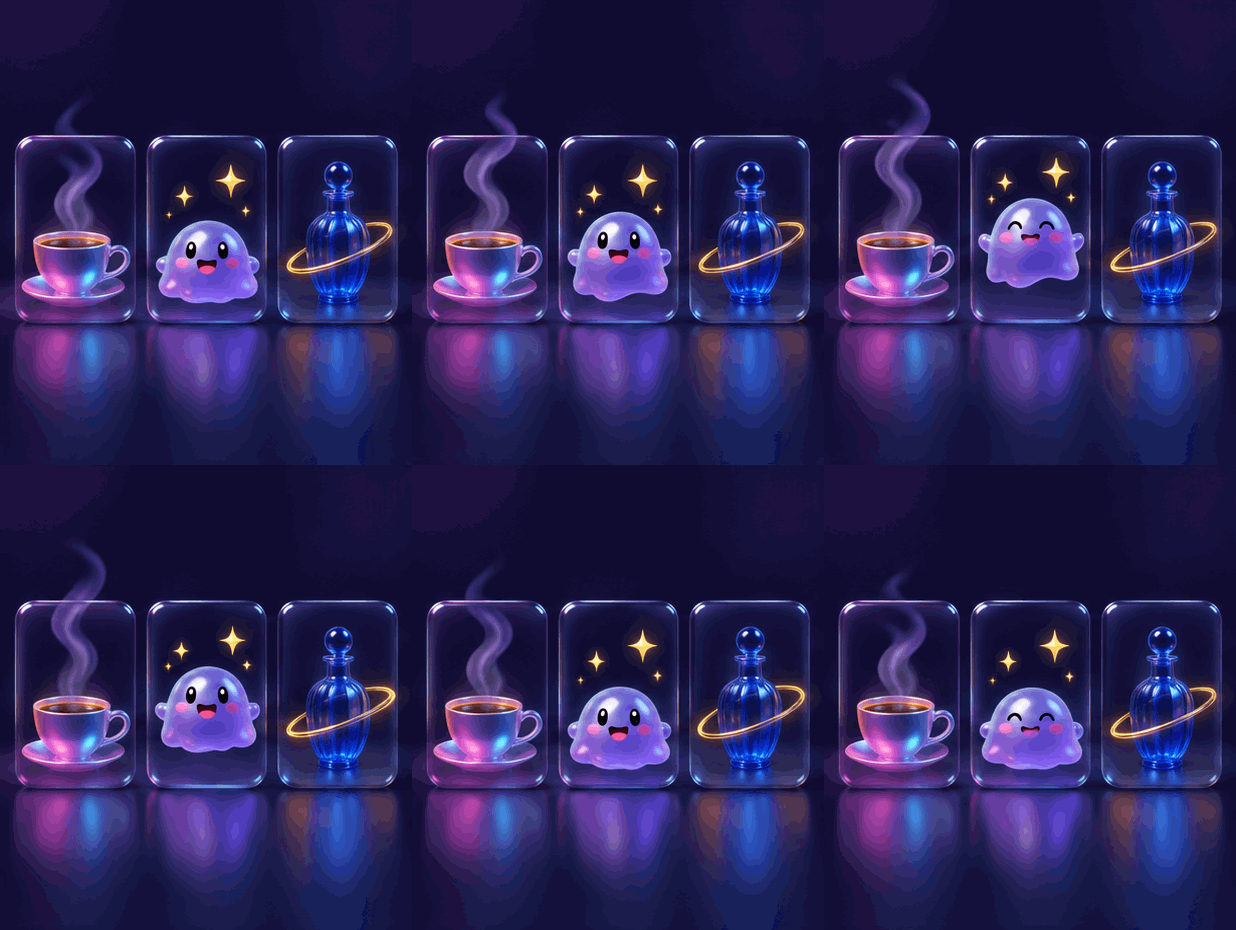
A looping GIF featuring a steaming neon coffee cup, a lavender mascot, and a cobalt bottle surrounded by a glowing light trail.
10
Checking your sign-in status…
Strictly prohibits adult / NSFW content

AI Image Generators to Explore

Try a different look for your photos with generators for portraits, artistic styles, and creative edits.

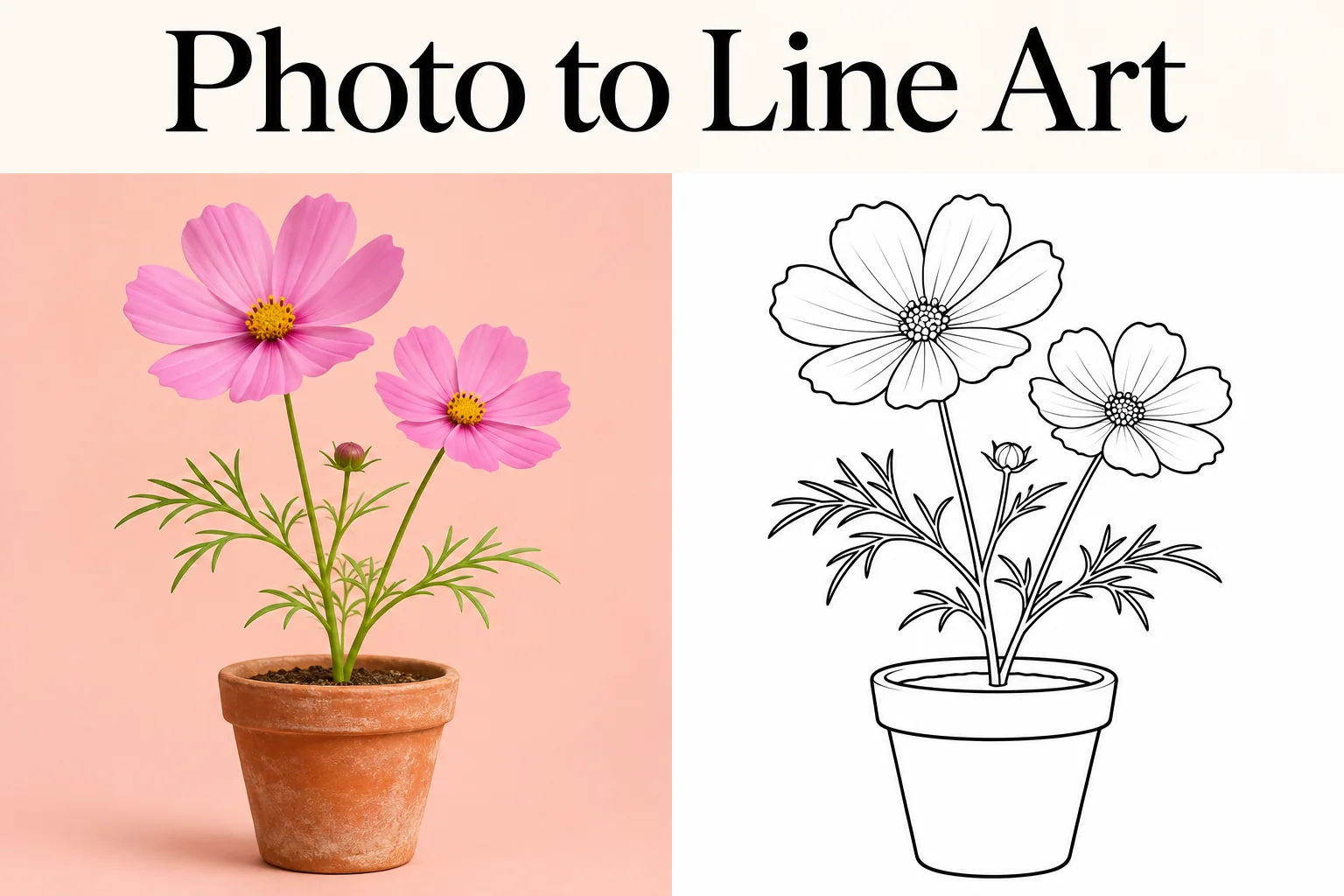
  • Photo to Line Art

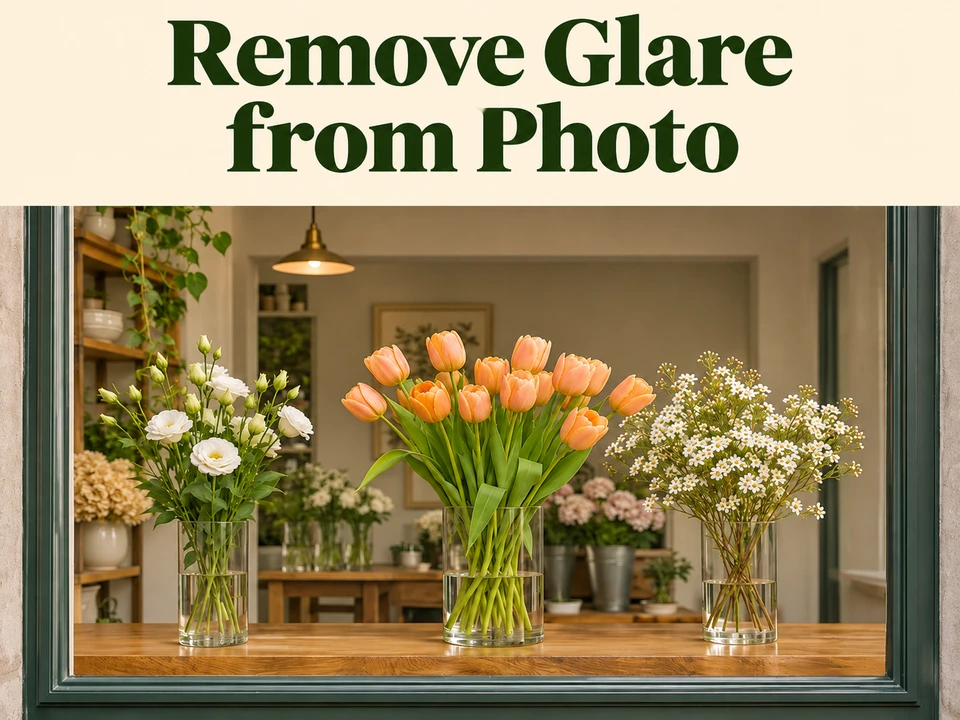
  • Remove Glare from Photo

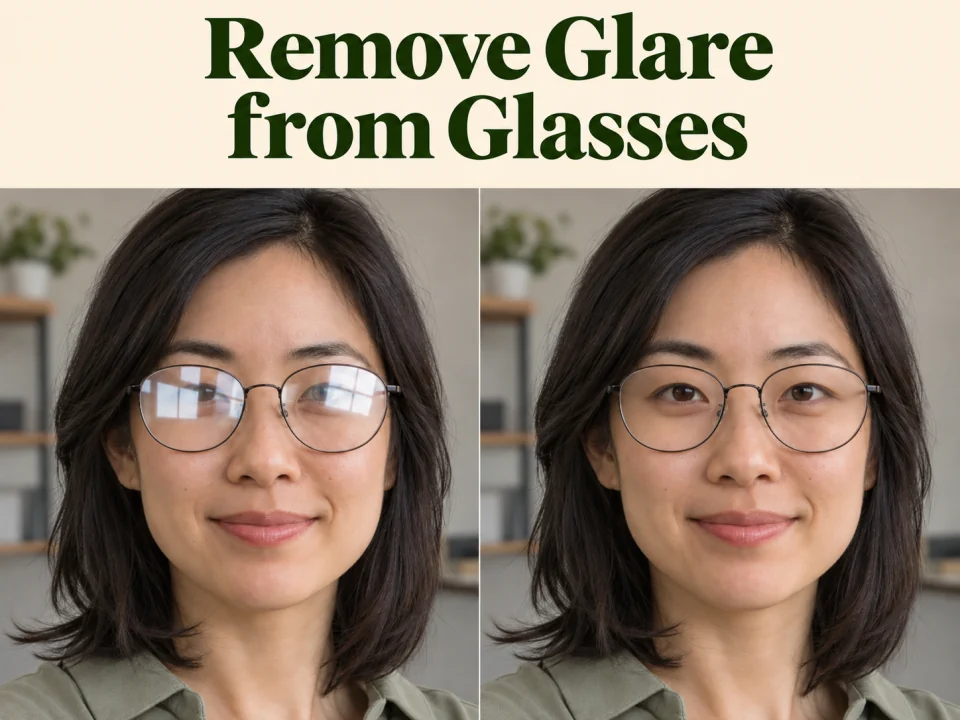
  • Remove Glare from Glasses

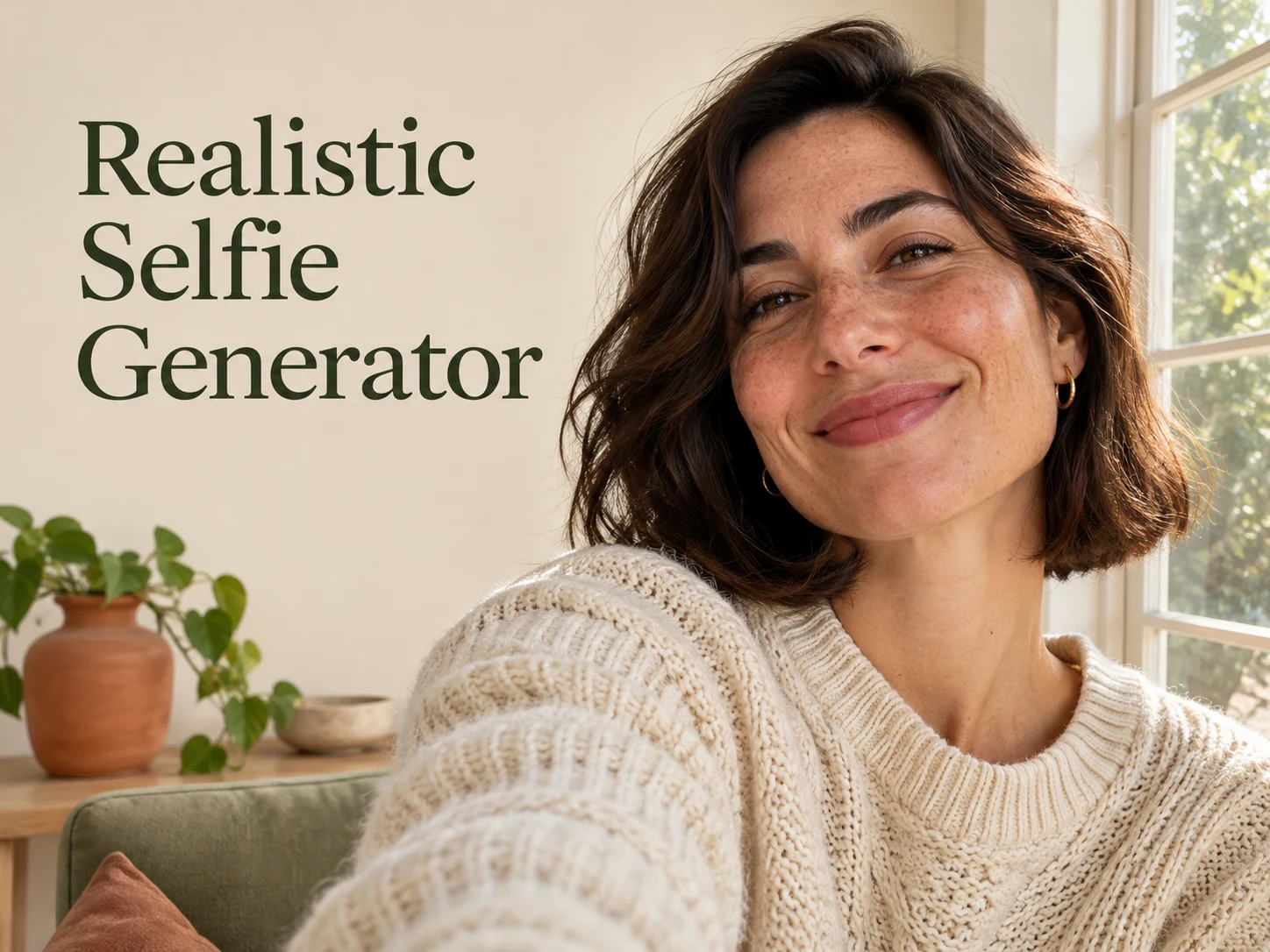
  • Realistic Selfie Generator

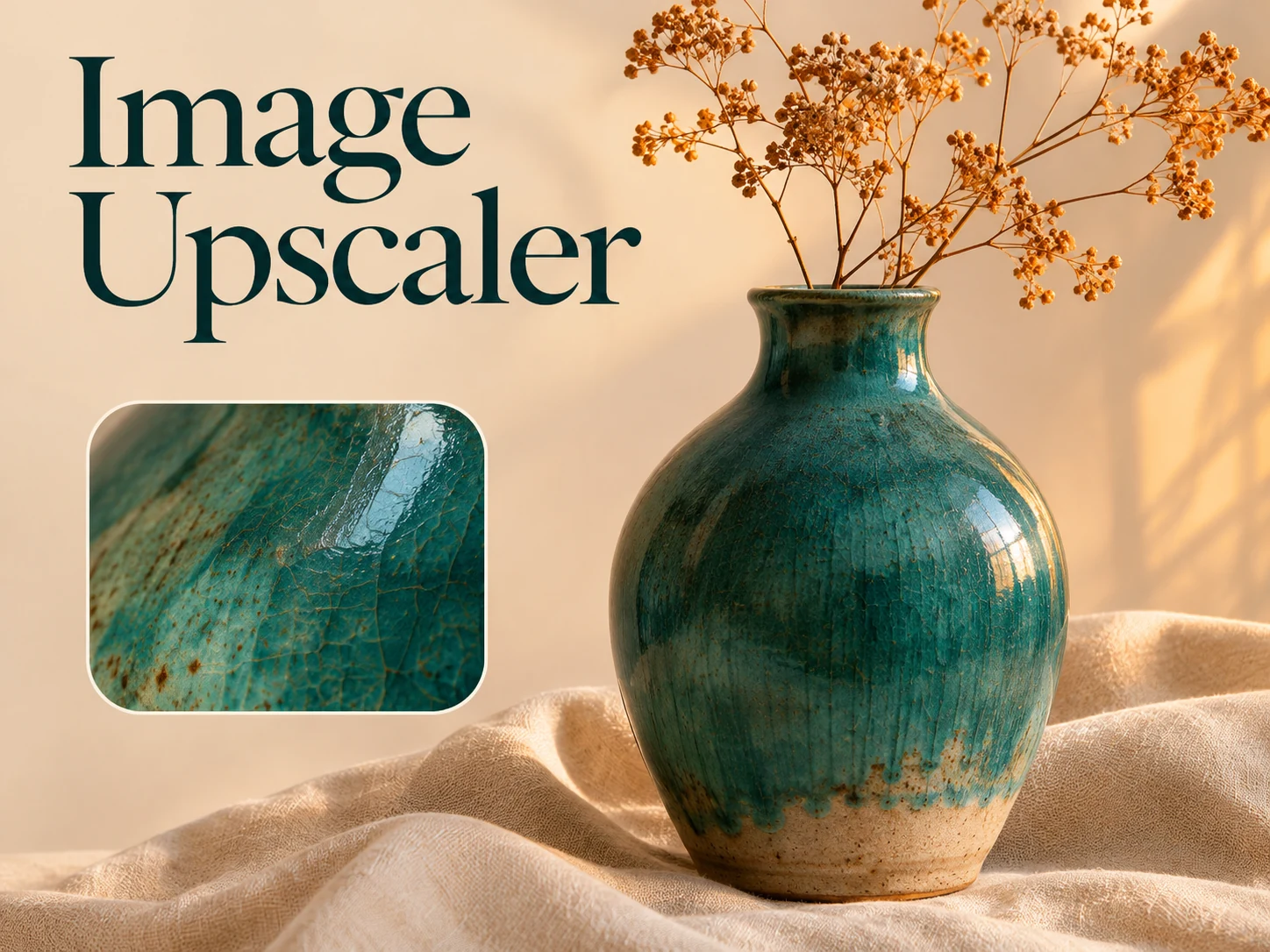
  • Image Upscaler

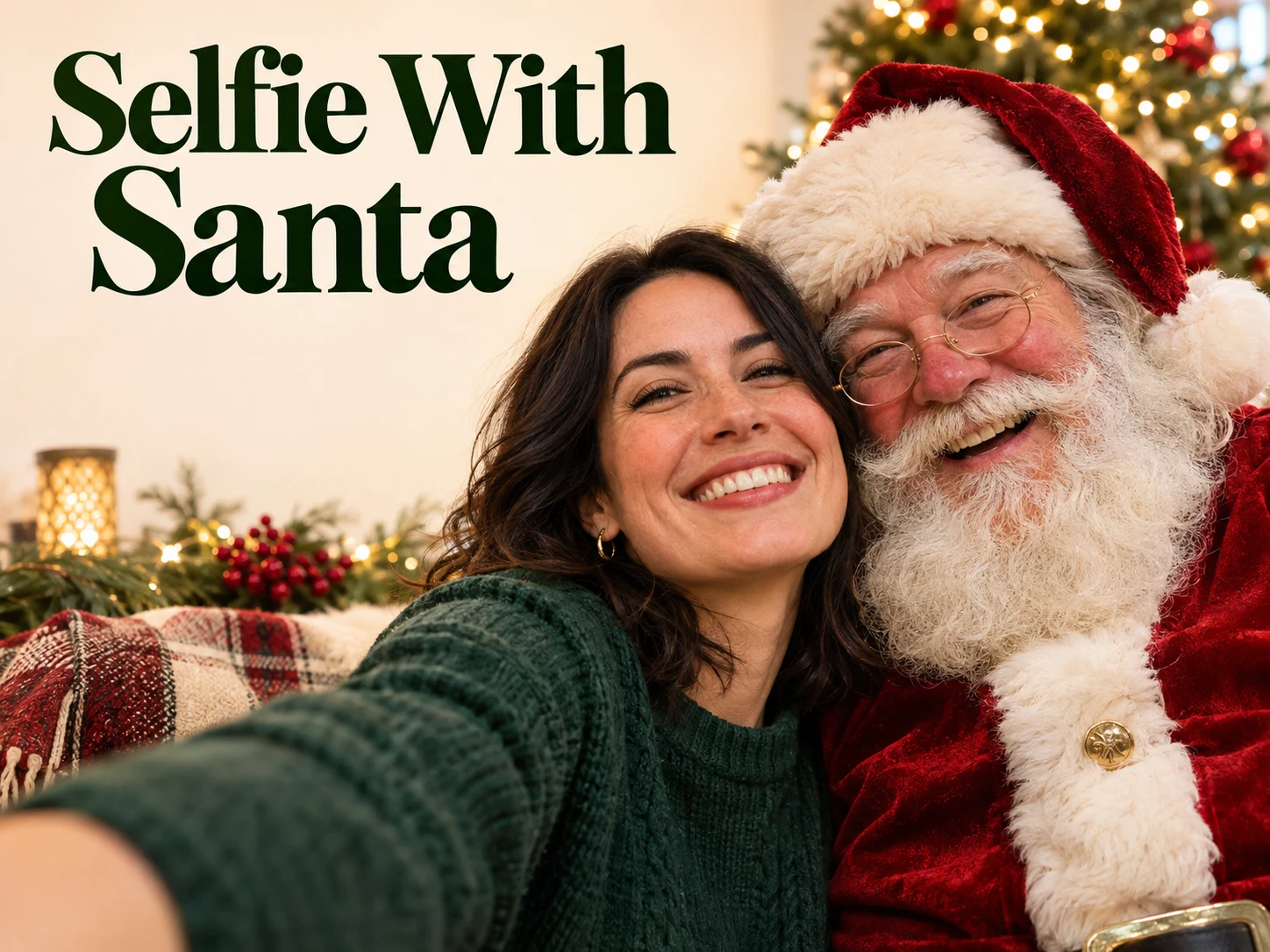
  • Selfie With Santa

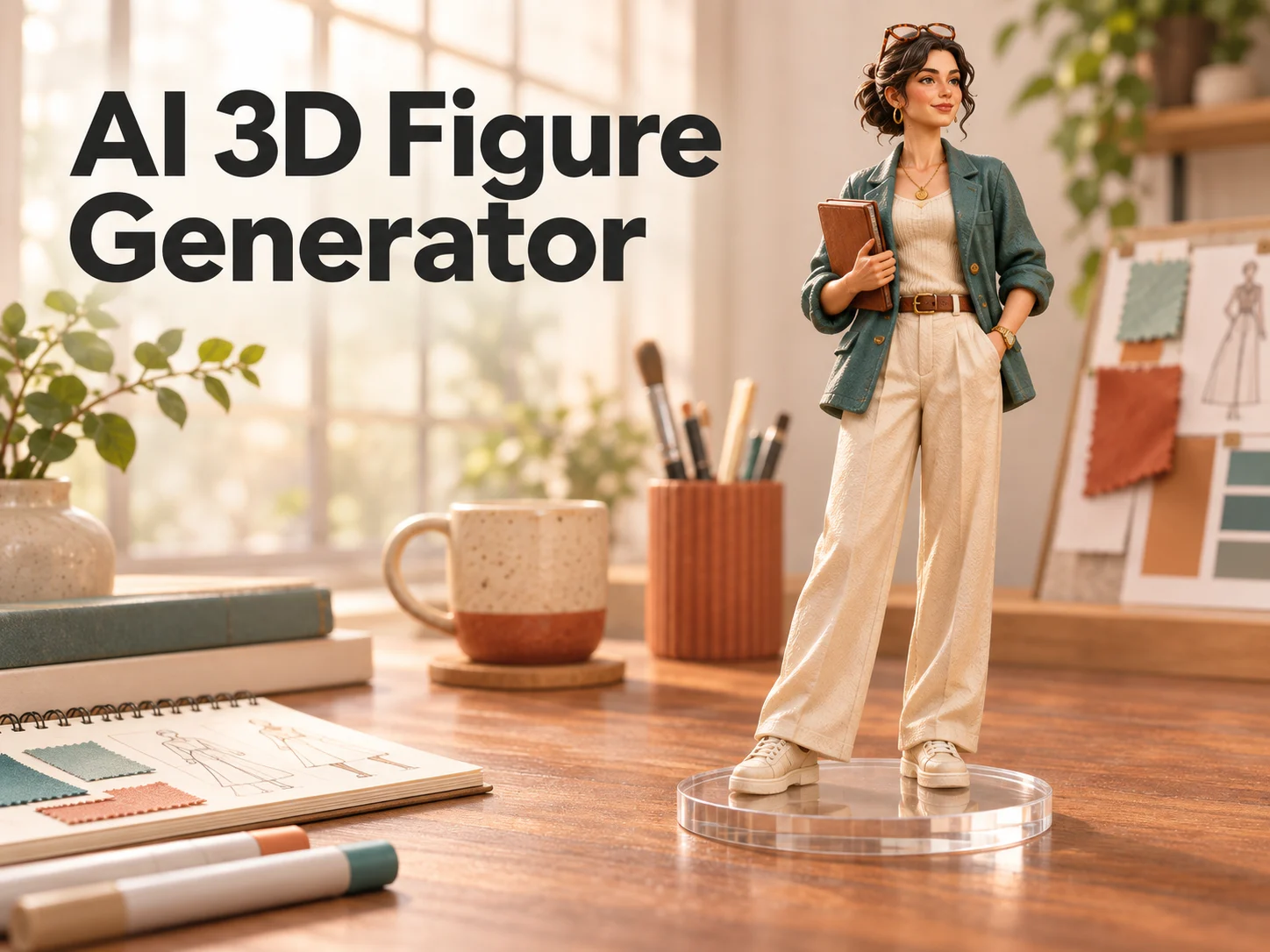
  • AI 3D Figure Generator

  • Motorcycle AI

  • Photo to Sticker

  • AI Photo Booth

  • AI Long Hair Filter

  • Happy Birthday GIF with Name

  • Executive Portrait Maker

  • No Beard Filter

  • AI Beard Generator

  • 80s AI Photo Trend

  • AI Pregnant Filter

  • Pet Portrait AI

  • Photo to Watercolor

  • Photo to Coloring Page

Page 1 of 3

What is AI GIF Generator?

The AI GIF Generator makes the short, looping animations that power group chats, comment sections, Discord communities, and landing pages. Instead of settling for the same stock reaction clip everyone else posts, you describe the exact moment you want and get a custom `.gif` file back in one run.

Making a custom GIF used to mean hunting down a video clip, trimming it on a timeline, keyframing text overlays by hand, and running the export through a separate file converter. The AI GIF Generator skips that entire production pipeline: type a prompt or drop in a reference image, keep GIF selected as the output format, and download an animation ready to share immediately. Whether you need a quick reply for a team thread or a custom visual for a community announcement, starting from a single sentence keeps the focus on your idea rather than software menus.

This AI GIF Generator is built on GPT Image 2.6, our latest generation model and currently the only model on the platform that renders native `.gif` animations directly. Because GPT Image 2.6 also excels at spelling words accurately and handling transparent backgrounds, you can generate caption memes, floating cutout stickers, and animated callout badges that standard image models cannot export as a GIF.

Whether you are starting from a written idea or uploading a reference photo of a mascot, portrait, pet, or product, the AI GIF Generator keeps the subject recognizable while animating the beat that matters—a dramatic eye roll, a slow clap, rising coffee steam, or a flickering neon sign. Each four-frame cycle is timed so the motion reads clearly at chat thumbnail size as well as on wider desktop layouts.

What makes AI GIF Generator work

A shareable GIF grabs attention in a split second and loops without feeling jarring. Here is how to get animations you will actually use across chats, communities, and campaigns.

Native looping GIFs without video converters

Many tools call themselves a GIF maker but hand you an MP4 video that you still have to convert on another website. Because the AI GIF Generator uses GPT Image 2.6’s direct GIF output, your download is already a true `.gif` file that auto-plays silently in Slack, Discord, WhatsApp, iMessage, email newsletters, and web pages without a play button.
Native looping GIFs without video converters
A looping GIF featuring a steaming neon coffee cup, a lavender mascot, and a cobalt bottle surrounded by a glowing light trail.

Bring your own photo, mascot, or product to life

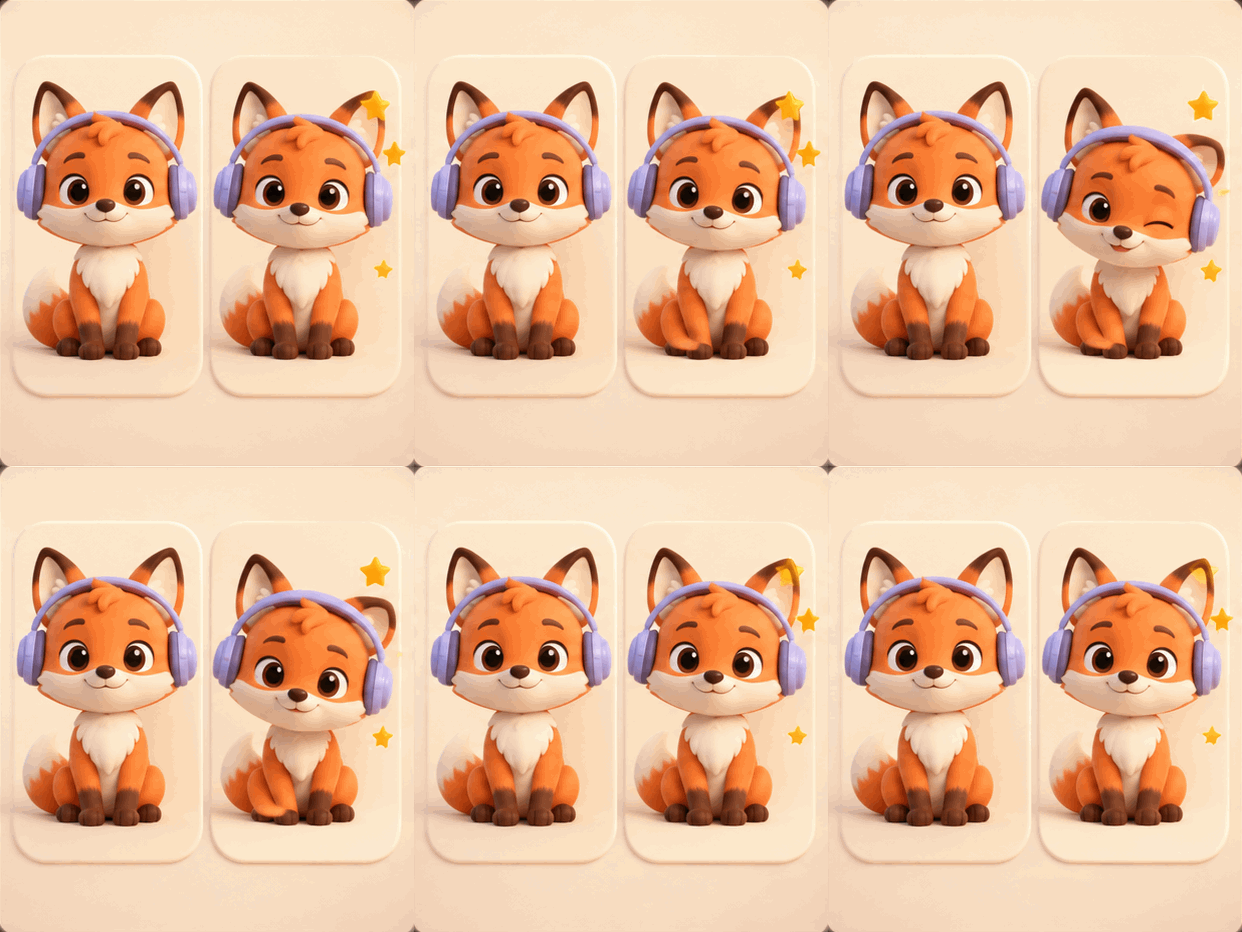
You do not have to start from text alone. Upload a reference image to the AI GIF Generator—an avatar, a brand mascot illustration, a pet photo, or a clean product shot—and describe what should move. Keep the character’s design and colors locked in place while adding a joyful wink, a head nod to music, a glossy light sweep, or floating sparkles around it.

Bring your own photo, mascot, or product to life
Two orange fox mascots with lavender headphones demonstrate a reference character and an animated expression with golden stars.

Transparent stickers and spelled-right text

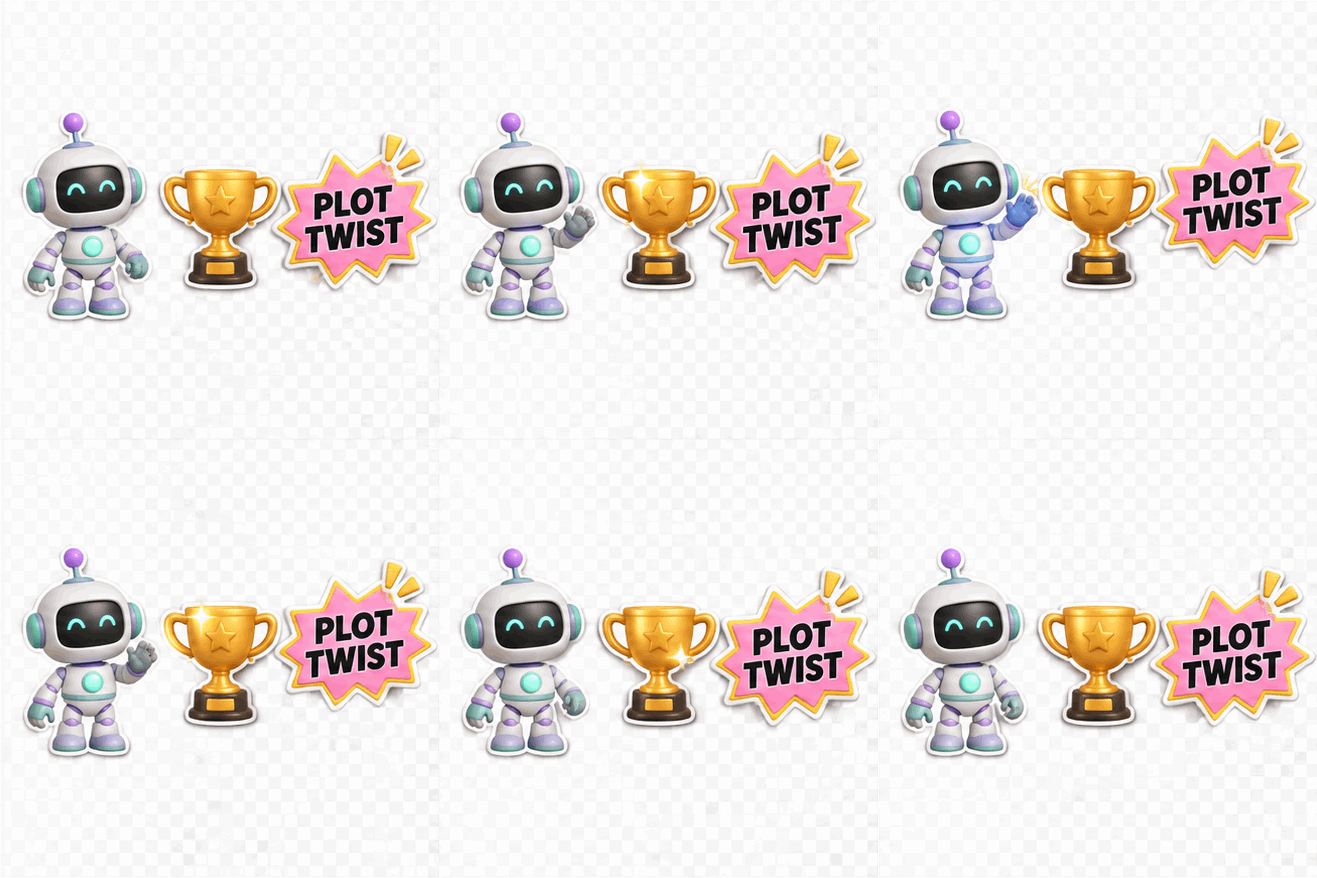
A reaction GIF hits harder when the caption is part of the artwork or the sticker floats cleanly over any chat theme. In the AI GIF Generator, switch Background to Transparent for cutout Discord and Slack stickers, or put a short punchline in quotation marks and let GPT Image 2.6 animate bold, readable lettering right inside the loop.

Transparent stickers and spelled-right text
Animated sticker-style artwork featuring a waving robot, a golden trophy, and a PLOT TWIST badge on a checkerboard background.

How to use AI GIF Generator

  1. 01

    Describe your GIF

    Describe the subject and motion, and optionally add a reference image.

  2. 02

    Choose GIF settings

    Select GIF output, then choose the quality and background.

  3. 03

    Generate the GIF

    Click Generate and wait for your GIF.

  4. 04

    Download and share

    Preview the animation, then download and share the GIF.

AI Image Generators for Your Next Project

Bring your next photo project to life with creative effects, painted portraits, and printable coloring pages.

  • Photo to Line Art

  • Remove Glare from Photo

  • Remove Glare from Glasses

  • 80s AI Photo Trend

  • AI Pregnant Filter

  • Pet Portrait AI

  • AI Beard Generator

How to write AI GIF Generator prompts that loop smoothly

The best animations from the AI GIF Generator capture one unmistakable action that feels natural on repeat. Instead of describing a long multi-scene movie plot, focus on a rhythm that starts and ends in the same place.

Ask the AI GIF Generator for cyclical motions that naturally return to their starting beat: a character blinking and sipping coffee, flames flickering on a candle, a bottle gently bobbing with an orbital light ring, waves rippling, or confetti raining down. When the movement is continuous, the loop feels seamless every time it repeats in a chat window. Choosing one clear focal movement keeps the viewer’s eye on the joke or product detail instead of distracting background noise.

If you are animating an uploaded photo, mascot, or product in the AI GIF Generator, tell the prompt what should stay still and what should move. Asking GPT Image 2.6 to keep the camera angle, silhouette, and pose steady while moving only the eyes, rising steam, or glowing stars produces a much cleaner loop than changing the entire scene at once. You can upload up to sixteen reference images when you want consistent colors, lighting, or character proportions across your animated loop.

When adding a caption or badge phrase inside the AI GIF Generator, keep the text to two or three punchy words inside quotation marks—such as "PLOT TWIST", "SHIP IT", or "COZY MODE"—so GPT Image 2.6 can render the letters big, bold, and effortless to read on a phone screen.

What to make with AI GIF Generator

From everyday group-chat banter to lightweight brand motion, here are the fastest ways to put custom loops to work.

One-of-a-kind reaction GIFs and memes

Stop sending the same ten-year-old reaction clips everyone in the thread already knows by heart. Use the AI GIF Generator to describe the exact facepalm, side-eye, victory nod, or inside joke your conversation needs and create a signature GIF nobody else has. Friends and coworkers immediately notice when a reaction matches the exact joke in the conversation instead of recycling a generic clip.

Custom Discord, Slack, and community stickers

Upload your community mascot or character avatar to the AI GIF Generator, choose a Transparent background on GPT Image 2.6, and generate looping emotes and cutout stickers—waving, winking, cheering, or holding a custom sign—that sit cleanly on dark or light chat themes.

Email newsletter and product launch loops

Wake up a static email campaign, changelog, or landing page where heavy video players will not auto-play. With the AI GIF Generator, turn a product photo or announcement badge into a lightweight looping `.gif` that catches the eye as soon as the page opens. Because the file is a native GIF, recipients see the animation moving right inside their inbox the moment the message opens.

AI GIF Generator questions

The AI GIF Generator runs on GPT Image 2.6, our newest image generation model and currently the only model on the platform that supports direct native `.gif` output, transparent animated stickers, and accurate in-image text.

When you select GIF as the output format, the AI GIF Generator downloads directly as a real `.gif` file. You do not need to convert an MP4 or use a separate editing tool before sharing it in chats, docs, or emails.

Yes. Drop your photo, character illustration, or product shot into the reference upload box in the AI GIF Generator and describe the motion you want in the prompt—such as a wink, a gentle bounce, or glowing sparkles.

Yes. Set Background to Transparent and Output format to GIF in the AI GIF Generator to create cutout animated stickers, badges, and icons for Discord, Slack, websites, and presentations.

Yes. Because the AI GIF Generator is powered by GPT Image 2.6, you can put short phrases or names in quotation marks inside your prompt and have the lettering animated directly into the scene.

This is a paid tool that uses credits. Sign in to receive free credits to try our tools. You can generate a GIF as long as your credit balance covers the amount required.

Turn your next idea into a loop with AI GIF Generator

Type one line or drop in a photo, select GIF output on GPT Image 2.6, and let the AI GIF Generator create a custom looping animation ready for chats, communities, and pages in moments.

Create my GIF now
Image to Image AI logoImage to Image AI

A fresh take on your image. Explore new styles and scenes with AI.

Customer supportsupport@imgtoimageai.com

Tools

  • Remove Glare from Glasses
  • Remove Glare from Photo
  • Photo to Line Art
  • Image Upscaler
  • Realistic Selfie Generator
  • Christmas Photobooth
  • AI 3D Figure Generator
  • Selfie With Santa
  • Christmas Dance Trend
  • Motorcycle AI
  • AI Photo Booth
  • Photo to Sticker
  • QR Code Enhancer
  • AI Long Hair Filter
  • Bicep Heart Trend AI
  • Happy Birthday GIF with Name
  • Apartment Dance
  • AI GIF Generator
  • Executive Portrait Maker
  • AI Trouble Maker Video

Learn more

  • Tools
  • Blog
  • Pricing

Legal

  • Privacy Policy
  • Terms of Service
  • Refund Policy
  • Contact

© 2026 Image to Image AI