


Image to Image AI logoImage to Image AI
  • Home
  • AI Image Generator
  • AI Video Generator
  • Tools
  • Nano Banana 2.1
  • Flux 3 Klein
  • Seedream 5.0 Pro
  • Seedream 5.5
  • GPT Image 2.5
  • GPT Image 2.6
  • MiniMax H3 Image
  • Kling 4.0
  • Grok Imagine Video 1.5
  • MiniMax H3 Max
  • Seedance 2.5
More
  • Blog
  • Pricing

Guest

Save your creations

Credits—
  1. Home
  2. /
  3. Image

Realistic Selfie Generator for natural everyday portraits

Create a fresh personal picture with the relaxed character of an everyday camera moment. Realistic Selfie Generator uses one portrait and your scene description to guide a new image, from a quiet morning at home to an easy outdoor snapshot. Choose the setting, describe the light, and keep attention on the person. The aim is a believable, recognizable portrait with natural texture and comfortable framing, ready for you to review and download.

Create a realistic selfie
Realistic Selfie Generator for natural everyday portraits
15
Checking your sign-in status…
Strictly prohibits adult / NSFW content

AI Image Generators to Explore

Try a different look for your photos with generators for portraits, artistic styles, and creative edits.

  • Photo to Line Art

  • Remove Glare from Photo

  • Remove Glare from Glasses

  • Image Upscaler

  • Selfie With Santa

  • AI 3D Figure Generator

  • Motorcycle AI

  • Photo to Sticker

  • AI Photo Booth

  • AI Long Hair Filter

  • Happy Birthday GIF with Name

  • AI GIF Generator

  • Executive Portrait Maker

  • No Beard Filter

  • AI Beard Generator

  • 80s AI Photo Trend

  • AI Pregnant Filter

  • Pet Portrait AI

  • Photo to Watercolor

  • Photo to Coloring Page

Page 1 of 3

What Realistic Selfie Generator helps you make

Realistic Selfie Generator is an image-to-image tool for creating a new selfie from a single reference photograph. The reference guides appearance, while a short written request describes the surroundings and mood. You can ask for a simple window-lit portrait, an outdoor selfie, or a mirror selfie that shows more of an outfit. The output is a generated interpretation, so likeness and small details need a final look.

This page uses Nano Banana 2.1 and accepts one JPG, PNG, or WebP reference. Add a scene description, select an aspect ratio and resolution, and check the displayed credit estimate. Realistic Selfie Generator starts with 1K and a square composition. You can change those settings before generation to suit a vertical story, a wider layout, or a different portrait crop.

The creative direction favors ordinary photographic qualities: visible skin texture, a plausible camera angle, and light that belongs to the scene. Your instructions can describe clothing or atmosphere without listing every facial feature. The uploaded image supplies the personal starting point. Use a photograph that clearly shows the face you want the result to resemble.

Three essentials of Realistic Selfie Generator

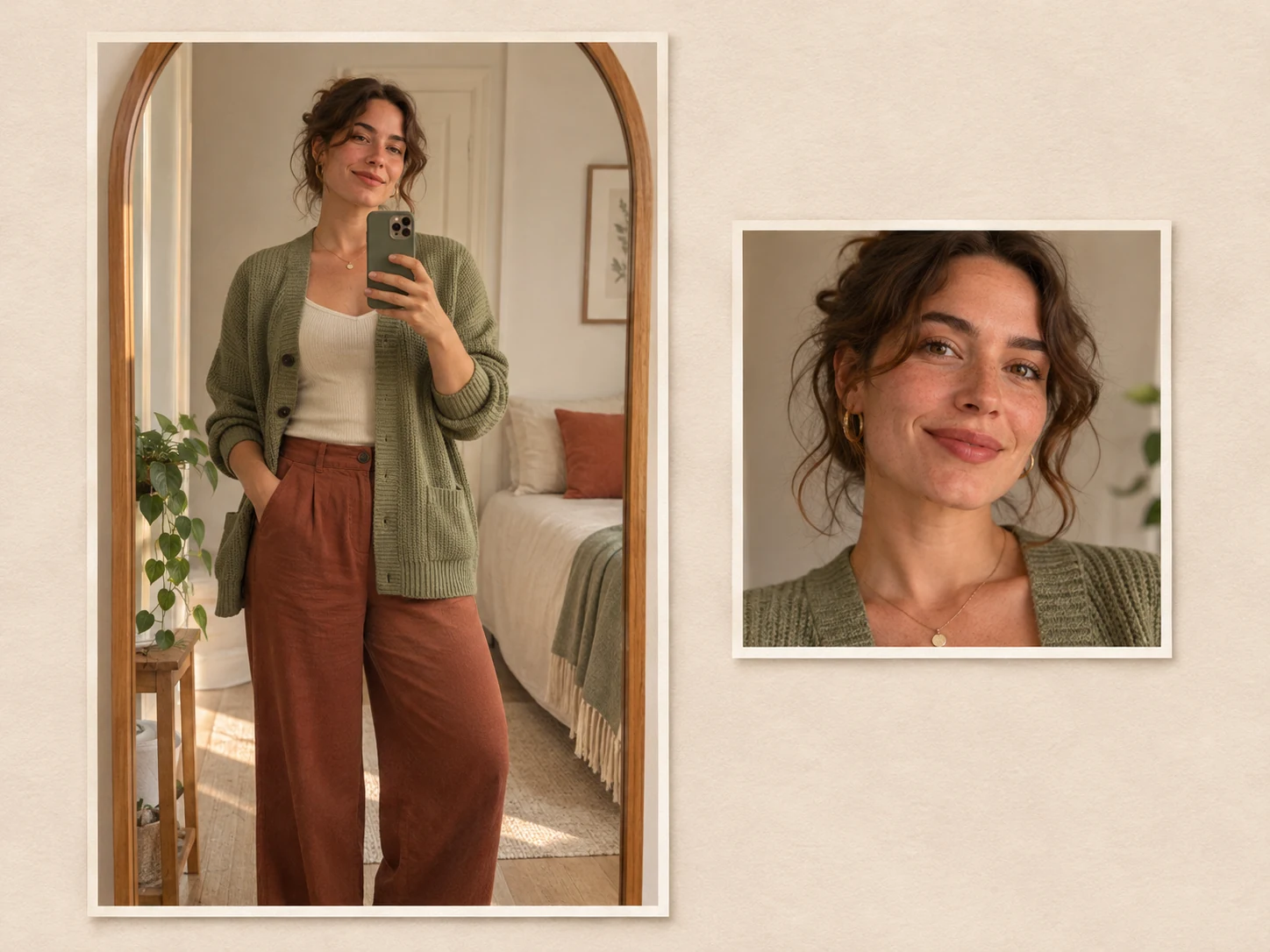
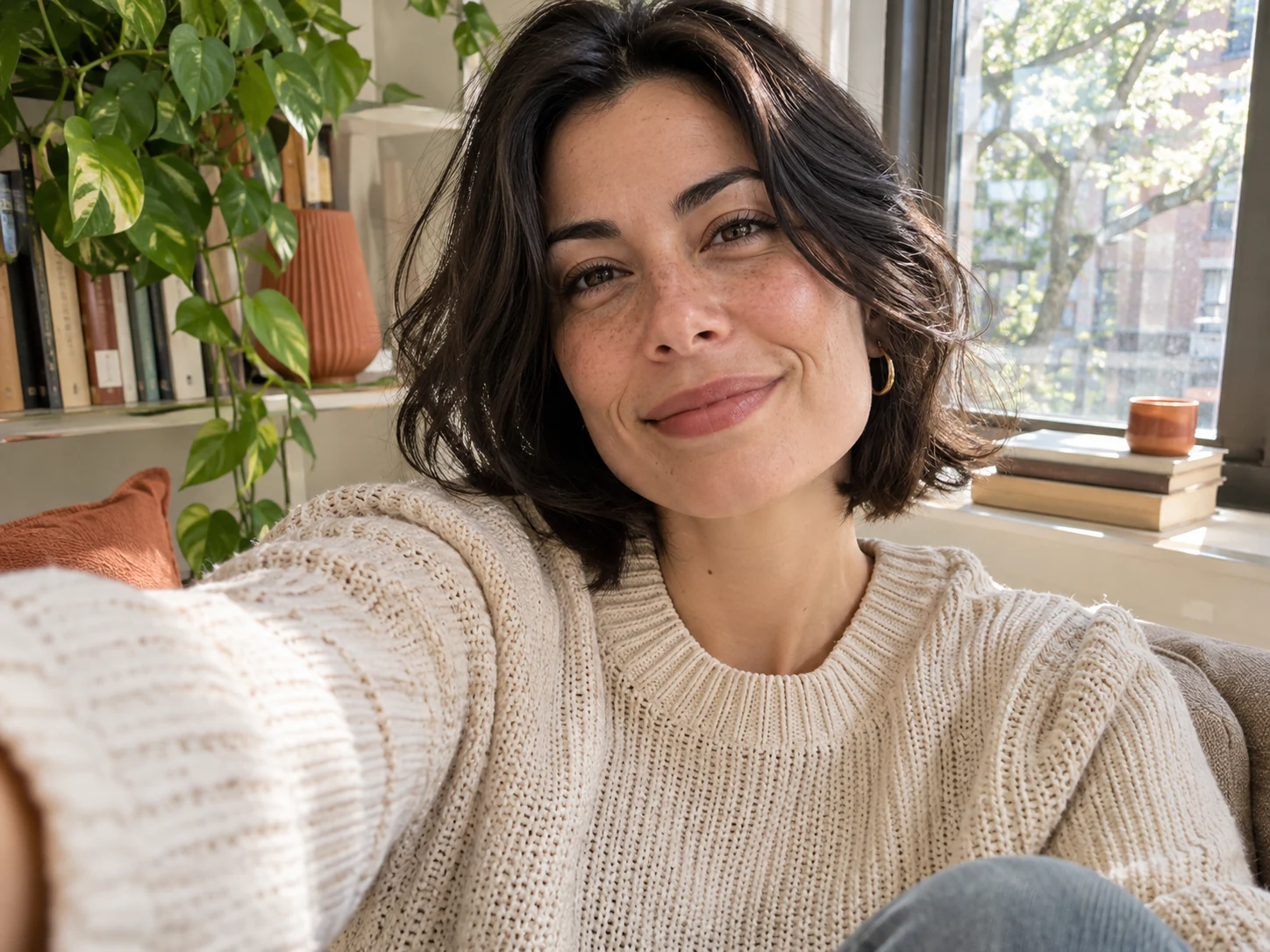
Build the picture around a clear subject, a believable setting, and a useful composition. The artwork here illustrates those ideas; it was created for this page and is not a record of results from the configured tool.

Natural skin and recognizable details

Realistic Selfie Generator asks the model to retain distinctive facial structure, skin tone, age, and hairstyle while composing a new scene. Soft freckles, a familiar smile, and small differences between the two sides of a face can matter more than a polished finish. Start with an unfiltered photo so the reference contains useful detail instead of heavy smoothing.

Compare the result with your reference before deciding it feels like you. Look at the shape of the eyebrows, the distance between the eyes, the hairline, and any glasses. Natural-looking texture does not automatically mean accurate likeness. If an expression seems unfamiliar, simplify the request and try a clearer source photograph with a more straightforward angle.
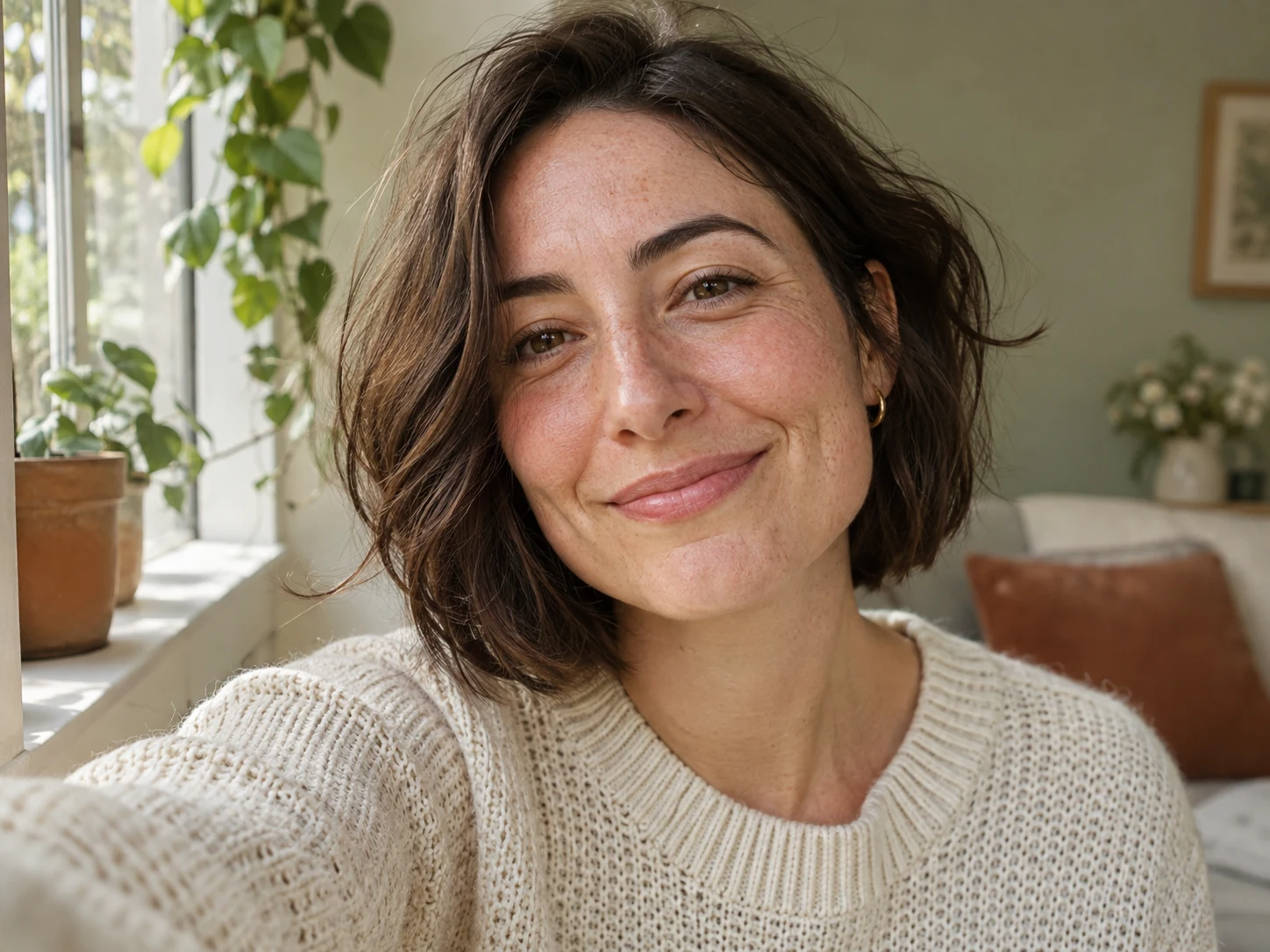
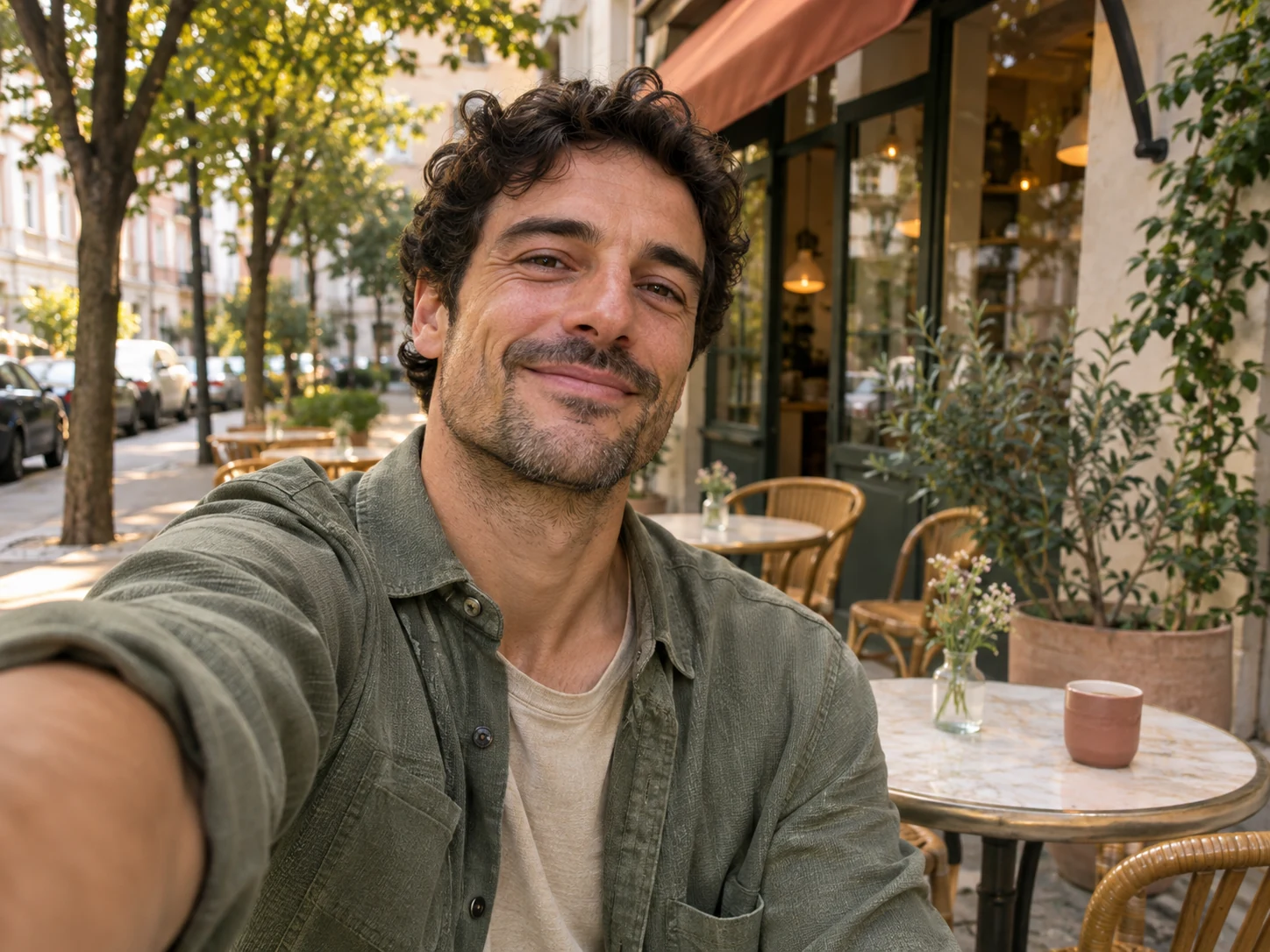
Natural skin and recognizable details

Everyday scenes with coherent light

Give Realistic Selfie Generator a location and one main lighting idea. A shaded courtyard, a bright kitchen window, or a softly lit hallway provides a clearer direction than several competing effects. An AI selfie generator can interpret your scene more consistently when the surroundings and lighting make sense together. Describe what you want to see in ordinary language.

For example, ask for a relaxed outdoor selfie on a quiet street under overcast daylight, wearing a casual green jacket. Keep the request focused on the atmosphere and visible clothing. When reviewing the image, check whether shadows agree across the face, neck, and background. A realistic selfie depends on that relationship as much as it depends on fine skin detail.

Everyday scenes with coherent light

Framing for the picture you want to share

Realistic Selfie Generator gives you aspect ratio controls so the composition can start close to its intended destination. Choose a square for a compact profile image or a vertical shape for a fuller portrait. For a mirror selfie, mention that the face should remain visible and the phone should sit below eye level. Leave space around the head and shoulders.

A tall canvas does not require a full-body pose. You can ask for a close portrait with extra room above the hair or a waist-up view with a simple room behind it. Check any hands, phone edges, and reflections. If the image will become a circular avatar, preview that crop separately and make sure the important facial features remain inside it.

Framing for the picture you want to share

How to use Realistic Selfie Generator

  1. 01

    Choose one useful portrait

    Upload a clear image of one person with an unobstructed face. Even lighting and a visible hairline help establish the subject. Keep the file under the upload limit shown in the generator; this tool accepts one reference at a time. If your source is a group photograph, crop a copy around the intended person before uploading.

  2. 02

    Describe the scene and choose the shape

    Tell Realistic Selfie Generator where the portrait takes place, what the person is wearing, and how the scene is lit. Sign in, choose an available resolution and aspect ratio, and review the credit estimate. A short, coherent description is a practical starting point. Add one detail at a time when exploring another version.

  3. 03

    Review the image and save your choice

    Compare the generated portrait with your reference, then check accessories, fingers, reflections, and background objects. Download the image you want to keep. Realistic Selfie Generator creates a PNG result; the file dimensions depend on the selected settings. Keep the full download before preparing smaller copies for an avatar, a post, or a personal layout.

AI Image Generators for Your Next Project

Bring your next photo project to life with creative effects, painted portraits, and printable coloring pages.

  • Photo to Line Art

  • Remove Glare from Photo

  • Remove Glare from Glasses

  • 80s AI Photo Trend

  • AI Pregnant Filter

  • Pet Portrait AI

  • AI Beard Generator

Where Realistic Selfie Generator fits

Personal accounts and community members

A recognizable profile refresh

Create a different setting around a familiar face for a community profile or personal account. Realistic Selfie Generator is useful when you want a casual portrait rather than a formal studio look. Choose an uncluttered background and inspect the picture at thumbnail size. A strong expression usually survives a small crop better than elaborate scenery. Keep an existing portrait available while comparing which version represents you best.
Creators planning personal visuals

A consistent visual mood for creator posts

Explore a small set of scene ideas for a personal content series: a reading corner, a garden table, or a bright workspace. Realistic Selfie Generator can help you test how clothing colors and background tones work together. Each generation still needs its own likeness check. Present synthetic scenes honestly where context matters, and avoid implying that a generated location documents a trip or event that actually happened.
Personal projects and small creative teams

A portrait for an informal introduction

Use a relaxed selfie as one element of a welcome slide, hobby page, or personal announcement. Leave sufficient space around the subject so the designer can place the image comfortably. Realistic Selfie Generator supplies the photograph-style artwork; add headings and contact information separately in your layout editor. Review the final composition at the size your audience will see, especially when the face appears beside longer text.

Write a useful Realistic Selfie Generator request

Start with the kind of picture, then describe the setting and one light source. A useful request might read: “A casual chest-up selfie beside a kitchen window, blue cotton shirt, relaxed expression, soft morning daylight, natural skin texture.” This gives Realistic Selfie Generator a clear visual direction without asking it to balance a long list of unrelated styles.

A mirror selfie needs a different description because the camera and reflection become part of the image. Mention a simple mirror, a visible face, and a comfortable phone position. Avoid asking for several mirrors or complex hand gestures in your first attempt. For an outdoor selfie, specify shade, cloudy daylight, or evening sun instead of combining all three.

When changing a request, keep the reference and most of the wording stable. Adjust the room, clothing color, or framing separately so you can judge what helped. Realistic Selfie Generator is a creative tool rather than a guarantee of identical facial details across every take. Save the versions that feel convincing and discard those with distracting changes.

Realistic Selfie Generator questions

This page requires one reference image and a scene description. The photograph gives the model a specific person to follow. If you want to invent a character entirely from text, use the general image generator instead. A clear personal reference is the appropriate starting point for this tool.

The prepared direction asks for recognizable features, but generation can change proportions, expression, accessories, or small markings. Review every result against your source. Choose a clearer reference when likeness is weak, and avoid using the generated picture where an unaltered identity photograph is required.

No. Realistic Selfie Generator composes a new picture using your reference and description. A conventional filter modifies an existing photograph more directly. This workflow is intended for exploring a new scene, camera view, or outfit while aiming for a natural personal appearance.

You can choose an available aspect ratio and select 1K, 2K, or 4K resolution. Realistic Selfie Generator defaults to 1K and 1:1. A higher setting affects output size and credits, but it does not guarantee a more accurate face. Check the estimate and inspect the result before downloading.

Generation uses account credits. Check your available balance and the estimate displayed before starting. You can generate without an additional purchase when your balance covers the selected settings. This page does not promise unlimited free generations or a fixed completion time.

The page images are illustrative AI artwork made to explain natural texture, lighting, and framing. They are not a benchmark or a record of this tool processing uploaded portraits. Your result depends on the reference, description, selected settings, and the model’s interpretation.

Create your next portrait with Realistic Selfie Generator

Choose one clear photo, describe a scene that suits your personality, and start with a simple composition. Review the face and the small details, then save a portrait you are comfortable using. A thoughtful reference and a focused request make the creative process easier to evaluate.

Try Realistic Selfie Generator
Image to Image AI logoImage to Image AI

A fresh take on your image. Explore new styles and scenes with AI.

Customer supportsupport@imgtoimageai.com

Tools

  • Remove Glare from Glasses
  • Remove Glare from Photo
  • Photo to Line Art
  • Image Upscaler
  • Realistic Selfie Generator
  • Christmas Photobooth
  • AI 3D Figure Generator
  • Selfie With Santa
  • Christmas Dance Trend
  • Motorcycle AI
  • AI Photo Booth
  • Photo to Sticker
  • QR Code Enhancer
  • AI Long Hair Filter
  • Bicep Heart Trend AI
  • Happy Birthday GIF with Name
  • Apartment Dance
  • AI GIF Generator
  • Executive Portrait Maker
  • AI Trouble Maker Video

Learn more

  • Tools
  • Blog
  • Pricing

Legal

  • Privacy Policy
  • Terms of Service
  • Refund Policy
  • Contact

© 2026 Image to Image AI