




Image to Image AI logoImage to Image AI
  • Home
  • AI Image Generator
  • AI Video Generator
  • Tools
  • Nano Banana 2.1
  • Flux 3 Klein
  • Seedream 5.0 Pro
  • Seedream 5.5
  • GPT Image 2.5
  • GPT Image 2.6
  • MiniMax H3 Image
  • Kling 4.0
  • Grok Imagine Video 1.5
  • MiniMax H3 Max
  • Seedance 2.5
More
  • Blog
  • Pricing

Guest

Save your creations

Credits—
  1. Home

Your video workspace

Sign in to see your creations. You can explore models and write a prompt now.

Optional
Optional
|
495
Checking your sign-in status…

Seedance 2.5 for Longer Visual Stories

Seedance 2.5 brings a sequence of moments into one audiovisual creation. Develop a story with a beginning, a change, and a satisfying ending, guided by text and visual references. With longer generation and richer reference capabilities, the model gives creative ideas more room to unfold.

Create a video

AI Video Generators to Explore

Find new ways to animate your photos, from dance clips and outfit changes to imaginative scenes.

  • Christmas Dance Trend

  • Christmas Photobooth

  • Bicep Heart Trend AI

  • Apartment Dance

  • AI Trouble Maker Video

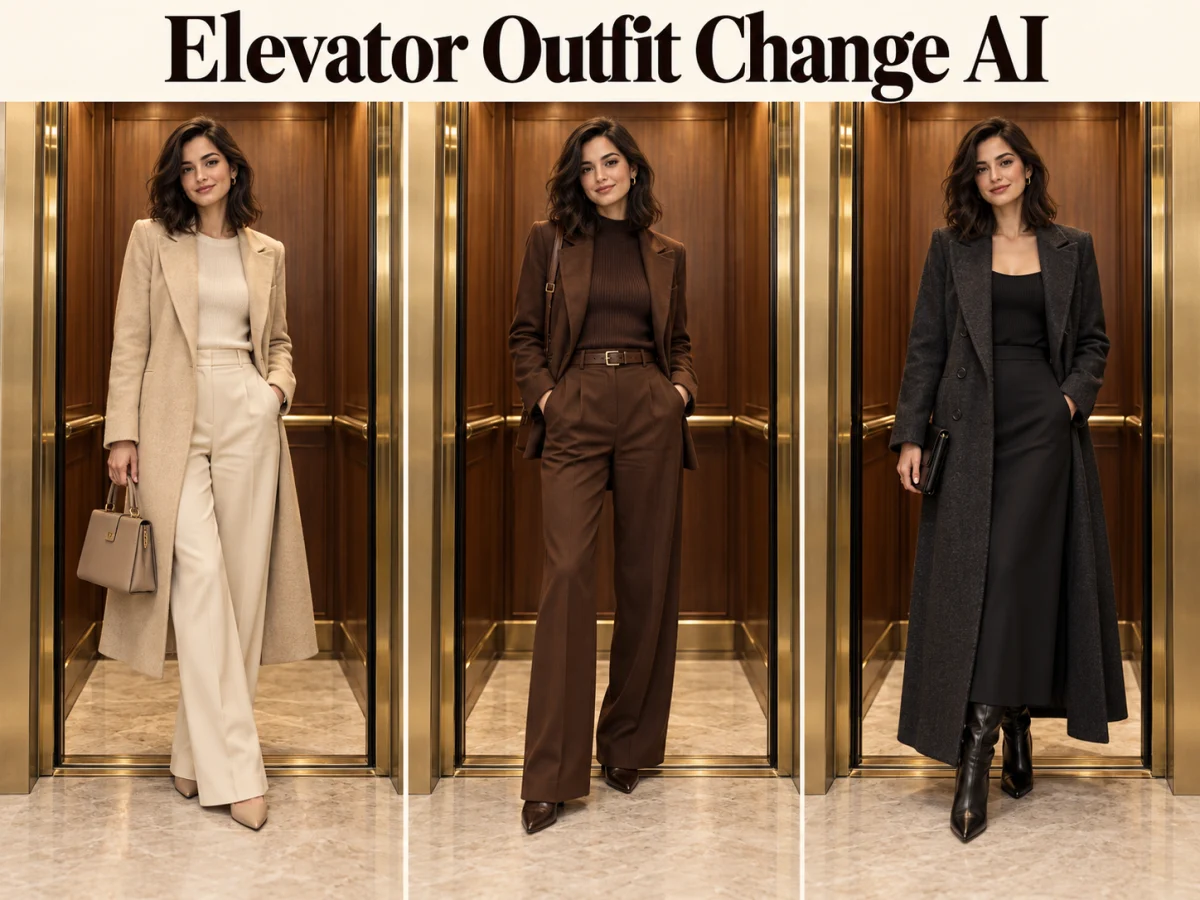
  • Elevator Outfit Change AI

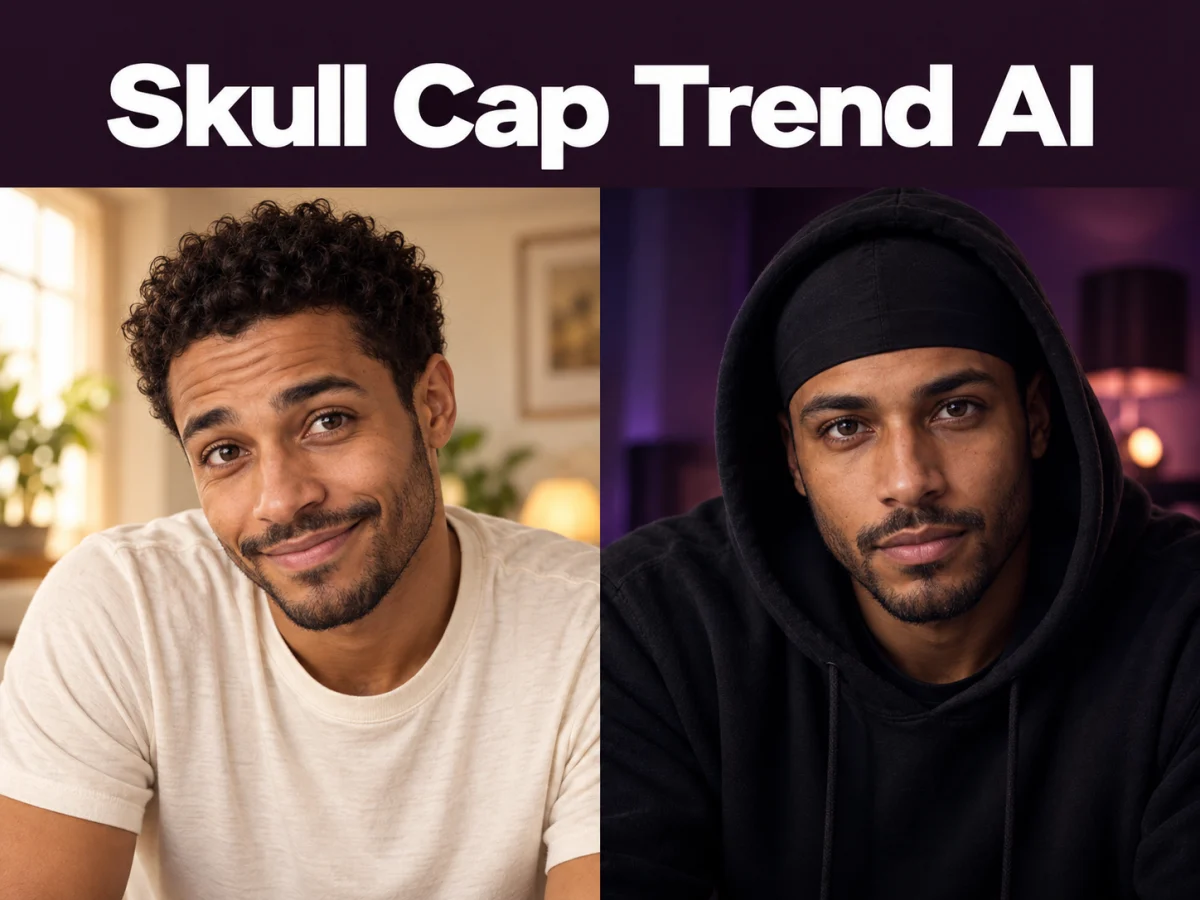
  • Skull Cap Trend AI

  • Stones to Castle AI

  • WYW My Sweetie Dance

  • Black Friday Video Maker

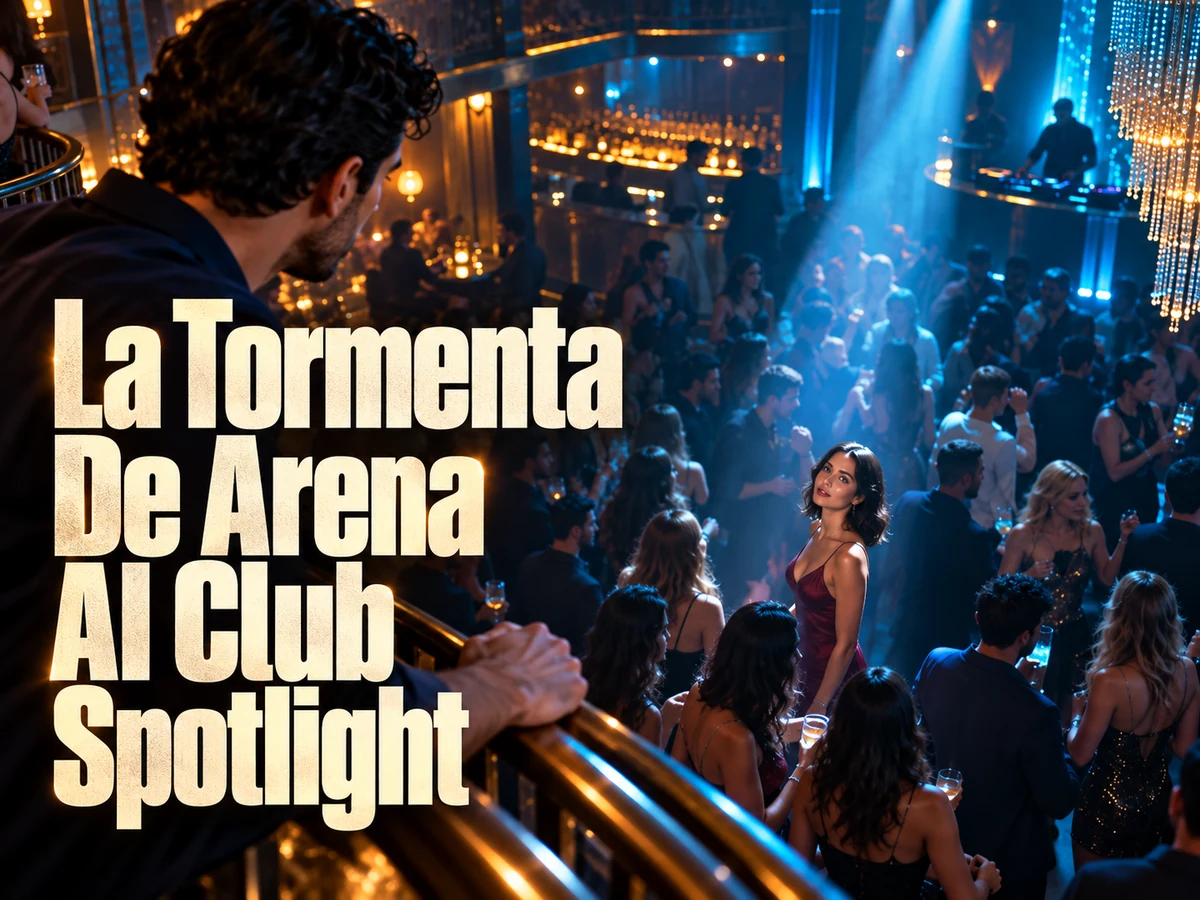
  • La Tormenta De Arena AI Club Spotlight

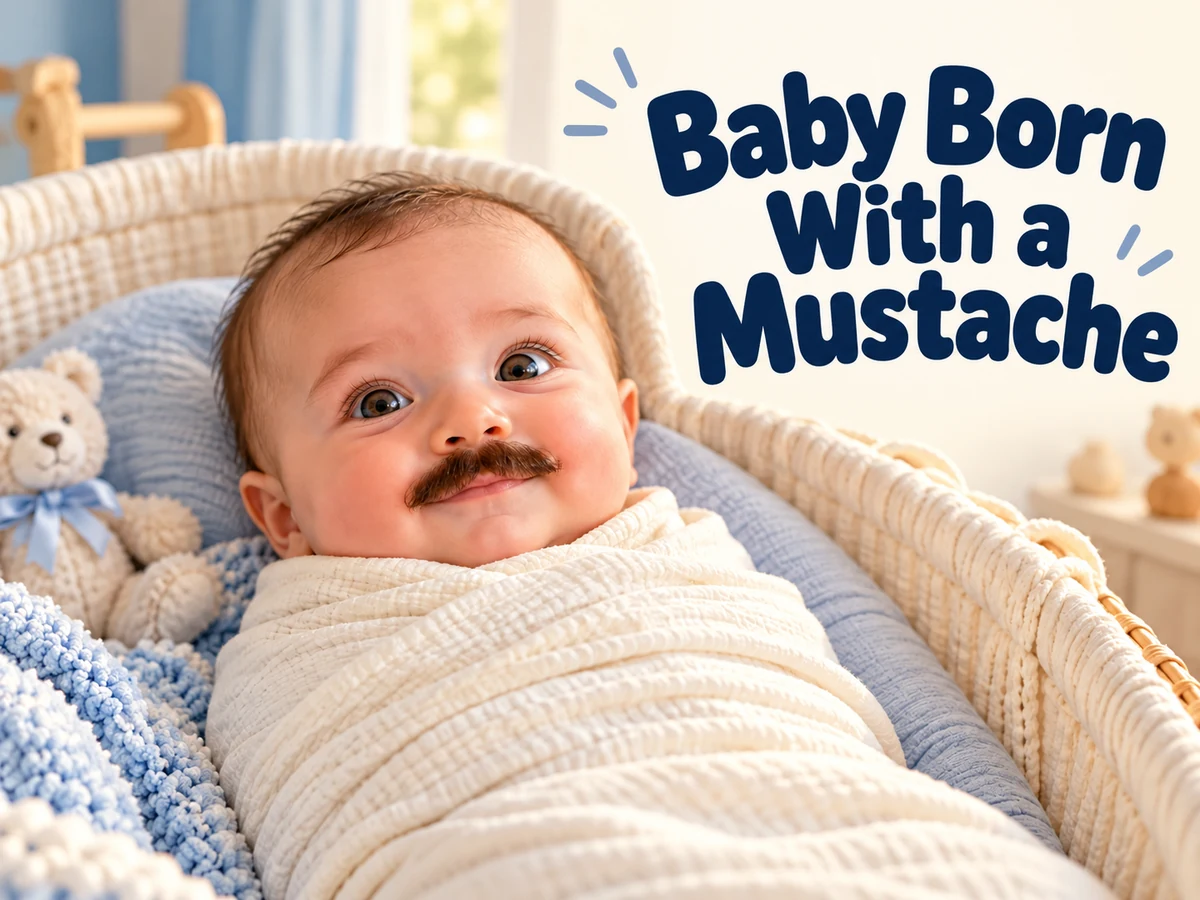
  • Baby Born with a Mustache

  • Burger Thru Window

  • Outstanding Tiny Desk AI

Page 1 of 2

Meet the Seedance 2.5 AI Video Generator

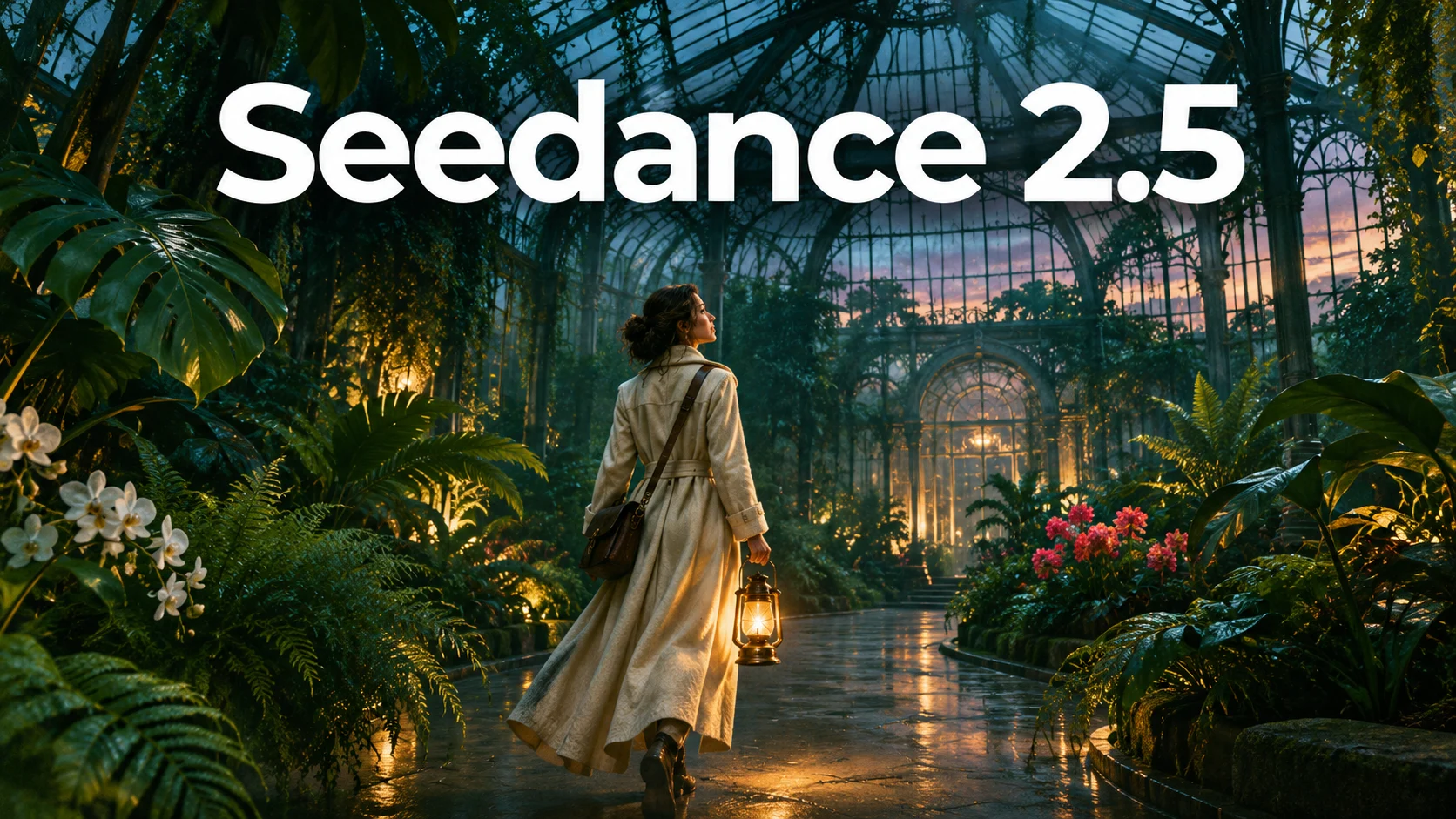
A scene becomes a story when something develops. A visitor enters a glasshouse, notices a distant light, and discovers what waits beyond the doorway. Seedance 2.5 is built for this kind of progression, combining audio and video generation with broader reference understanding and editing capabilities.

ByteDance describes the model around longer narratives, reference control, and more precise editing. Its 30-second native video capability gives a sequence time for anticipation and payoff. A creator can plan a continuous journey or a sequence of related shots, depending on how the story should be told.

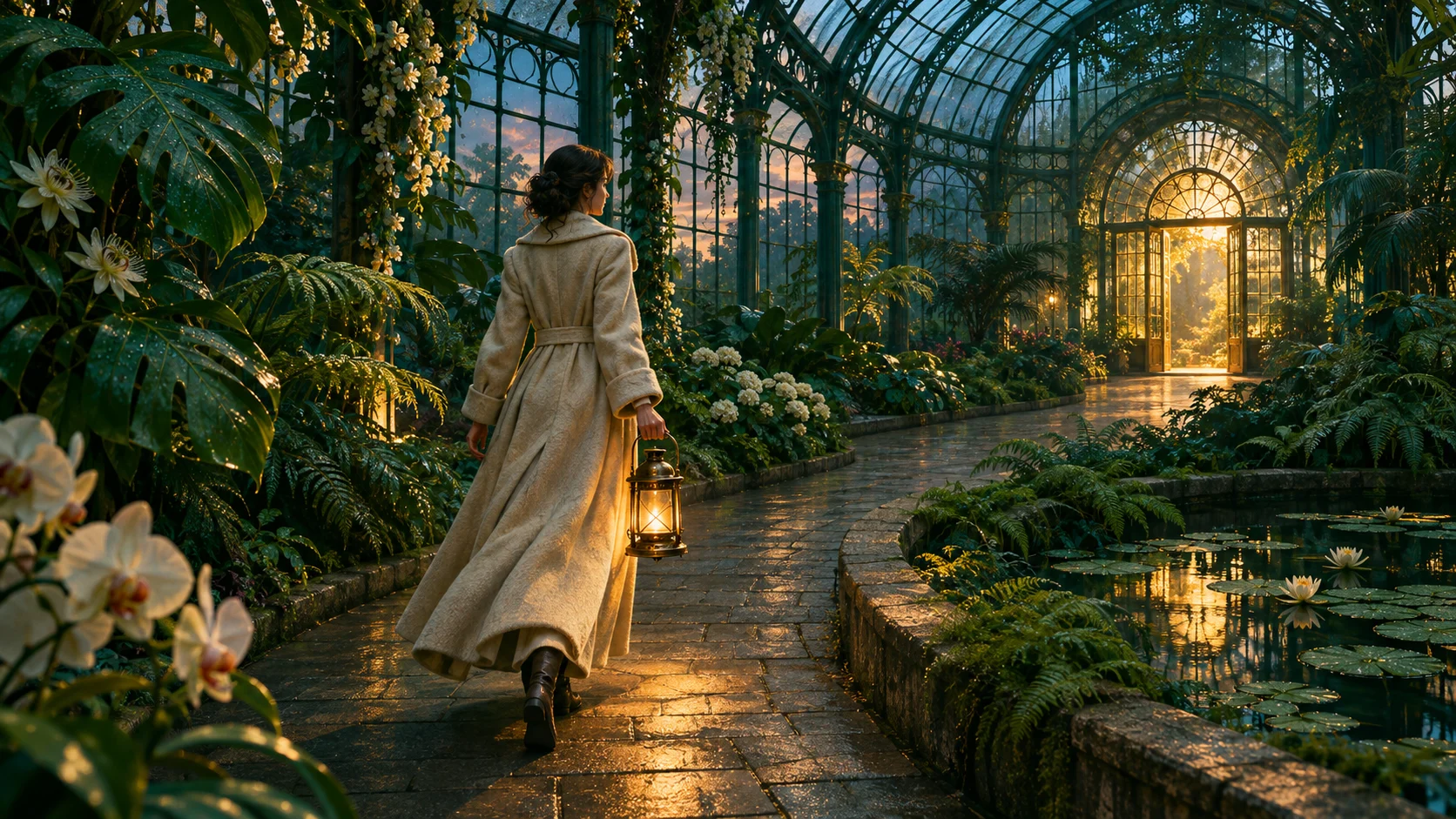
The value of more time is not simply a longer file. It is the space to establish a location, reveal a motive, and let an action have a consequence. Build the brief around that development before adding elaborate camera directions. The illustrations on this page are concept artwork for planning scenes, not verified Seedance 2.5 outputs.

Meet the Seedance 2.5 AI Video Generator
Explore the official Seedance 2.5 model

Seedance 2.5 Features for a Complete Creative Brief

Longer storytelling, multimodal references, and targeted editing address different parts of production. Use them to define the sequence, communicate its visual language, and refine the result.

30-Second Native Video with Narrative Progression

Seedance 2.5 can generate up to thirty seconds of audio and video in a single pass. That gives an action time to move through several meaningful beats. A journey can begin with uncertainty, develop through a discovery, and end on a clear reveal rather than stopping as soon as the setting appears.

Plan the scene around visible milestones. In a glasshouse journey, the visitor enters, follows the path, and reaches the light. Each stage has a purpose and a location. Decide whether the camera stays with the visitor continuously or changes views. A longer generation can contain intentional cuts; it does not automatically mean one unbroken camera take.

Example prompt

Follow an explorer in an ivory coat into a glasshouse at dusk. She pauses beside an unusual plant, notices a golden doorway, then follows the curved path toward it. One continuous tracking shot, soft footsteps and leaves brushing fabric.
Plan this shot
30-Second Native Video with Narrative Progression

50 Multimodal References with Clear Creative Roles

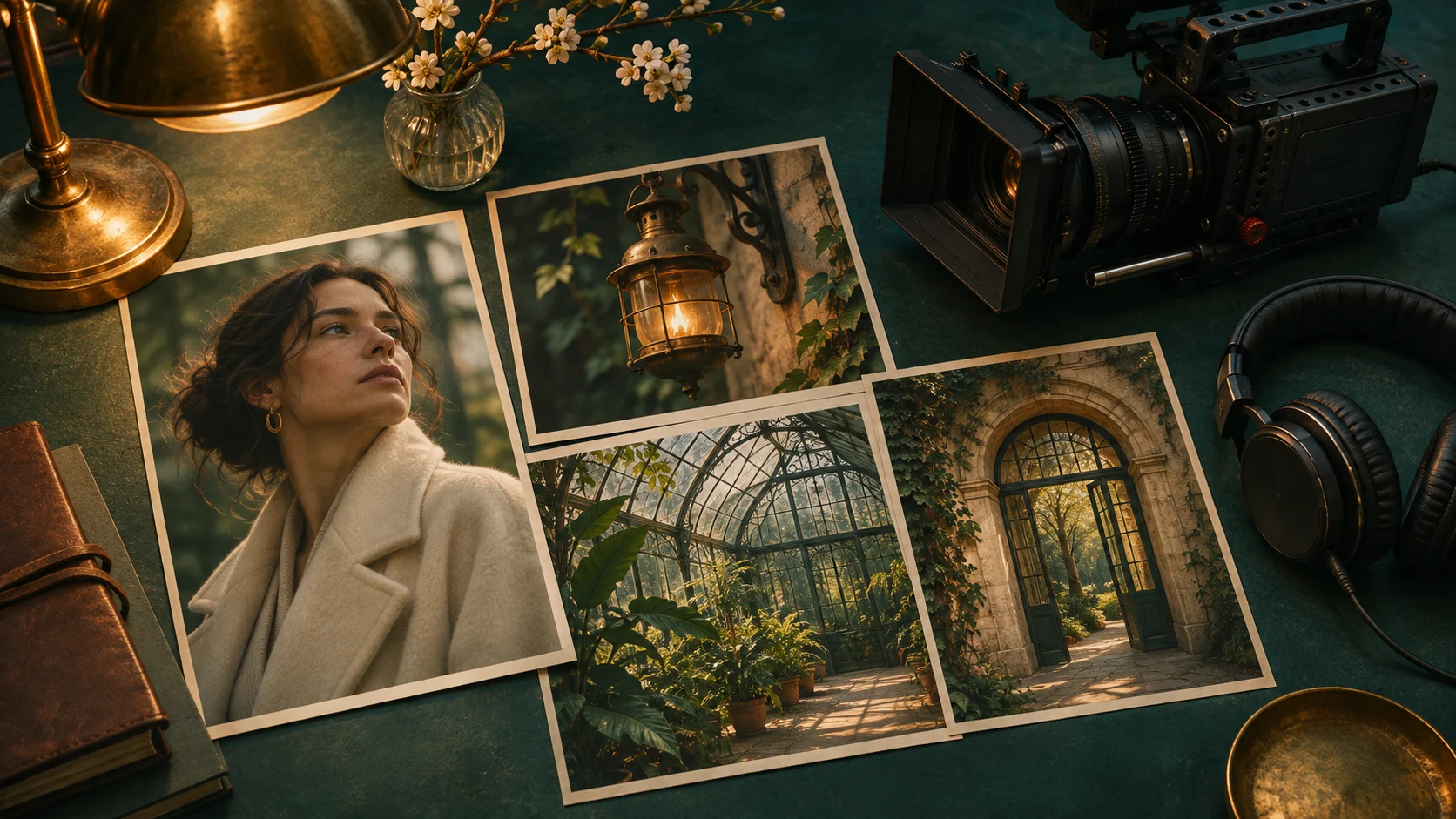
Seedance 2.5 supports up to 50 multimodal references in its full model capabilities: as many as thirty images, ten video clips, and ten audio clips. Those categories can communicate different parts of a brief, such as a subject’s appearance, a camera rhythm, or a particular sound.

More files are useful only when their roles are clear. Start with a small, consistent set: a character image, a location, an object, and a movement example when needed. Explain what each reference should contribute. Avoid giving conflicting pictures equal authority over the same detail, and keep appearance guidance separate from instructions about action.

Example prompt

Use the character reference for the ivory coat and face, the location reference for the glasshouse, and the lantern reference for the brass design. Keep those visual roles consistent as the explorer turns toward the doorway.

Plan this shot
50 Multimodal References with Clear Creative Roles

Targeted Editing for a More Controlled Scene

Seedance 2.5 adds timestamp-level direction for audio and video editing, alongside capabilities such as green-screen and camera-perspective editing. These controls are intended to make revisions more specific when the broader sequence is already useful. A change can focus on the moment that needs attention instead of redefining the entire creative brief.

Before requesting an edit, identify what works and what must change. For a doorway reveal, the timing might be right while the light or viewpoint needs adjustment. Preserve the successful action in the instruction and describe the intended change precisely. Review the surrounding moments afterward, because a local revision still needs to fit the flow of the scene.

Example prompt

During the doorway reveal, make the light warmer and softer while preserving the explorer’s motion, ivory coat, and brass lantern. Keep the surrounding glasshouse and the quiet atmosphere consistent.

Plan this shot
Targeted Editing for a More Controlled Scene

Plan Your Seedance 2.5 Sequence

Build a brief that explains the story before it lists visual effects. A clear sequence makes every later decision easier to judge.

  1. 01

    Define the Beginning, Change, and Ending

    Write three short beats for the Seedance 2.5 scene. Establish where the subject begins, identify the event that changes the situation, and decide what the viewer understands at the end. Leave room for a reaction instead of filling every second with a new action.

  2. 02

    Assign Each Reference a Purpose

    Gather only the material that helps communicate the shot. A portrait can guide appearance, a location image can guide the setting, and a motion example can explain a camera idea. Describe those roles plainly. A consistent reference set is easier to interpret than a large collection of unrelated inspiration.

  3. 03

    Check Continuity Across the Whole Sequence

    Review the Seedance 2.5 result for cause and effect, subject appearance, sound, and transitions. Watch the opening and ending together to see whether the story resolves. When one moment fails, describe that issue specifically and preserve the parts that already communicate the intended idea.

AI Video Generators for Your Next Project

Turn a photo into a short video for a personal story, a social post, or a playful idea.

  • Outstanding Tiny Desk AI

  • Baby Born with a Mustache

  • Stones to Castle AI

  • Skull Cap Trend AI

Creative Projects for Seedance 2.5

The additional narrative space suits projects where a single visual moment is not enough to explain the idea.

Brand and creative teams

Brand Films with a Clear Progression

Introduce an object in its environment, show it becoming part of an action, and end with a memorable view. Seedance 2.5 gives a campaign concept room to develop beyond a static reveal. Keep the message consistent across the sequence, and let each shot add information rather than repeating the same composition.
Filmmakers and visual storytellers

Short Stories with a Change of Perspective

A discovery, a misunderstanding, or an arrival can give a short scene a meaningful arc. Plan what the audience knows at each point. A wide opening may establish isolation, while a closer view later reveals the character’s response. Use sound to connect the moments and maintain a recognizable atmosphere.
Directors, designers, and production teams

Previsualization for More Complex Productions

Explore blocking, camera movement, and the relationship between a performer and a location before a larger production. The Seedance 2.5 AI video generator can help communicate a proposed sequence to collaborators. Use the result as a visual planning aid, then evaluate the practical details in the production workflow.

Direct Seedance 2.5 with Story Beats and References

A longer prompt is useful when it adds a decision the scene actually needs. Describe the progression first, then the camera, visual treatment, and sound. Keep the main subject easy to follow even when the setting changes.

Use approximate stages to express pacing: an opening establishes the glasshouse, a middle section follows the visitor, and the ending reveals the destination. These stages communicate emphasis. Avoid treating every second as a separate scene unless the project calls for that rhythm; the audience needs time to recognize each meaningful change.

When planning with Seedance 2.5, distinguish continuity from repetition. A subject can remain recognizable while lighting, distance, and viewpoint evolve. Specify the details that carry identity, such as an ivory coat and brass lantern, while allowing the camera to discover new parts of the environment.

Keep references consistent in intent. If one image is a color guide and another defines the character, say so. If a movement example provides only the camera path, avoid also asking it to redefine the subject. The clearest reference brief explains which qualities to borrow and how they serve the new scene.

Sound also needs a progression. Footsteps can begin close, become softer as the camera widens, and give way to the atmosphere of a new space. Write dialogue only where it adds meaning. A pause, a breath, or a change in environmental sound may communicate the transition more effectively than another spoken line.

Understand Seedance 2.5 Continuity and Editing

The model’s full creative scope includes extensions and audio-visual editing, in addition to generation. These capabilities support a workflow in which a useful sequence can be developed further rather than treated as a finished film after the first pass.

Single-pass generation describes how the clip is produced, not the number of shots within it. Seedance 2.5 can organize a narrative across changing views. If your intention is a continuous take, state that explicitly and choose a camera route that can connect the locations plausibly.

For revision, describe a specific problem and a desired outcome. A reveal may need more anticipation; an expression may need a quieter delivery; a transition may need a clearer spatial connection. Keep the successful elements in the brief so the edit has a defined boundary.

Judge the complete sequence after any change. Check whether objects remain recognizable, whether the direction of travel makes sense, and whether sound continues naturally across visual transitions. More control improves the opportunity to refine a scene, but it does not replace creative review.

Seedance 2.5 Questions

Clarify the model’s headline capabilities and how to use them in a thoughtful creative process.

It is ByteDance’s audiovisual generation model focused on longer storytelling, multimodal reference understanding, and editing. It can develop scenes from a brief and supporting material, with sound and moving imagery considered together rather than as entirely separate production steps.

It means Seedance 2.5 can generate a clip up to thirty seconds long in one pass. It does not mean every result is exactly thirty seconds or that the clip must contain a single continuous camera shot. The intended pacing and shot structure still belong in the brief.

No. The announced total combines up to thirty images, ten video clips, and ten audio clips. Different media can communicate appearance, motion, or sound. Use only references that contribute to the scene and explain their roles clearly rather than treating the maximum as a target.

Yes. A still image can establish a subject and starting composition. Describe what changes next and how the camera observes it. For Seedance 2.5, a simple scene with a purposeful action is a useful first experiment before adding more subjects or a complex sequence.

Identify the moment to change, describe the intended result, and state what should remain consistent. Review the surrounding action and sound after the revision. A successful local edit must still support the rhythm and meaning of the sequence as a whole.

Give Your Next Story Room with Seedance 2.5

Start with a destination for the scene, gather references that clarify the idea, and plan the moments that lead there. Turn a visual concept into a sequence with movement, atmosphere, and a clear ending.

Create with Seedance 2.5
Explore video generation
Image to Image AI logoImage to Image AI

A fresh take on your image. Explore new styles and scenes with AI.

Customer supportsupport@imgtoimageai.com

Tools

  • Remove Glare from Glasses
  • Remove Glare from Photo
  • Photo to Line Art
  • Image Upscaler
  • Realistic Selfie Generator
  • Christmas Photobooth
  • AI 3D Figure Generator
  • Selfie With Santa
  • Christmas Dance Trend
  • Motorcycle AI
  • AI Photo Booth
  • Photo to Sticker
  • QR Code Enhancer
  • AI Long Hair Filter
  • Bicep Heart Trend AI
  • Happy Birthday GIF with Name
  • Apartment Dance
  • AI GIF Generator
  • Executive Portrait Maker
  • AI Trouble Maker Video

Learn more

  • Tools
  • Blog
  • Pricing

Legal

  • Privacy Policy
  • Terms of Service
  • Refund Policy
  • Contact

© 2026 Image to Image AI