



Image to Image AI logoImage to Image AI
  • Home
  • AI Image Generator
  • AI Video Generator
  • Tools
  • Nano Banana 2.1
  • Flux 3 Klein
  • Seedream 5.0 Pro
  • Seedream 5.5
  • GPT Image 2.5
  • GPT Image 2.6
  • MiniMax H3 Image
  • Kling 4.0
  • Grok Imagine Video 1.5
  • MiniMax H3 Max
  • Seedance 2.5
More
  • Blog
  • Pricing

Guest

Save your creations

Credits—
  1. Home

Burger Thru Window AI Video Generator

Turn your photo into the person caught mid-burger. Put yourself at a warmly lit window, meet the camera with a long awkward stare, and end the moment with a curtain pull.

Create My Window Video
Effect demonstration with its original audio, for illustration only. Your generated video may differ in appearance, movement, and sound.

Reference image

Required · 1 image
294
Checking your sign-in status…
Strictly prohibits adult / NSFW content

AI Video Generators to Explore

Find new ways to animate your photos, from dance clips and outfit changes to imaginative scenes.

  • Christmas Dance Trend

  • Christmas Photobooth

  • Bicep Heart Trend AI

  • Apartment Dance

  • AI Trouble Maker Video

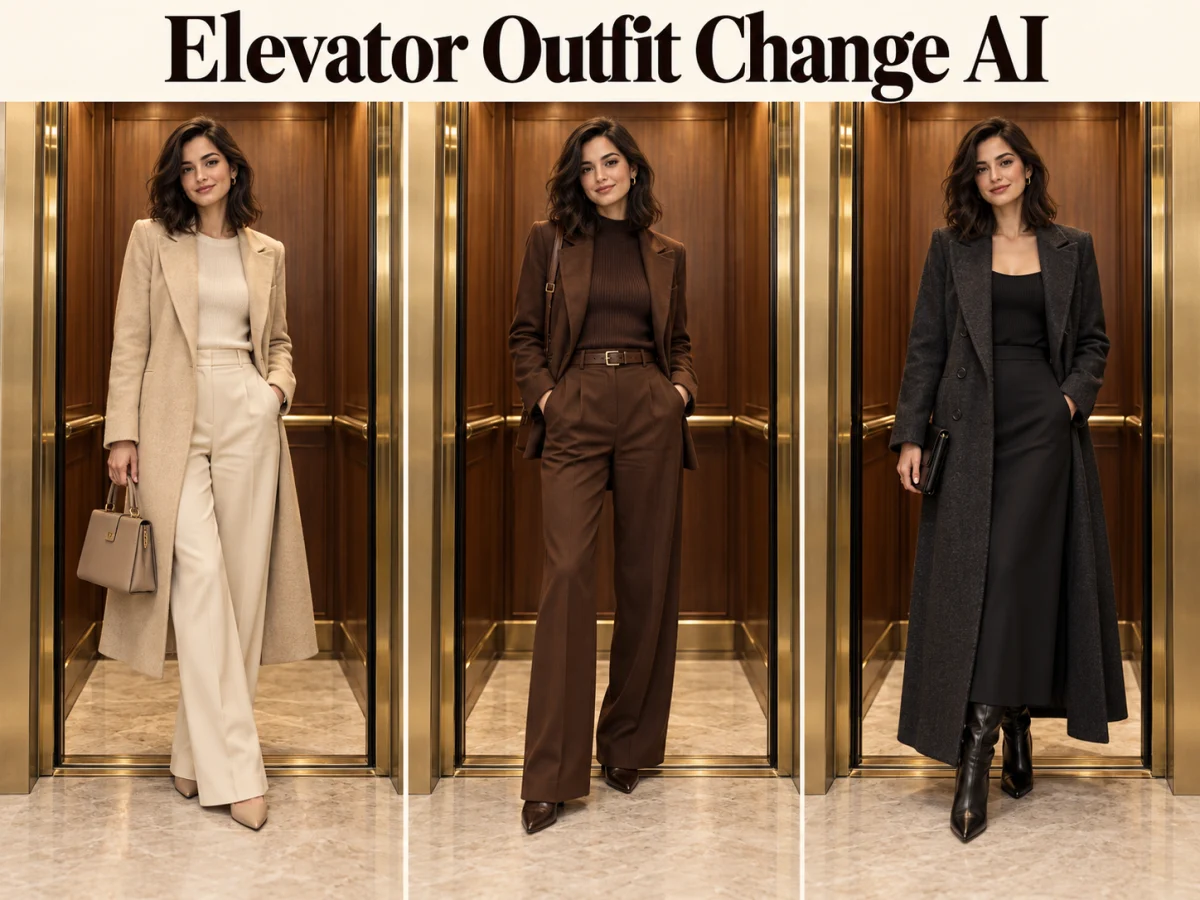
  • Elevator Outfit Change AI

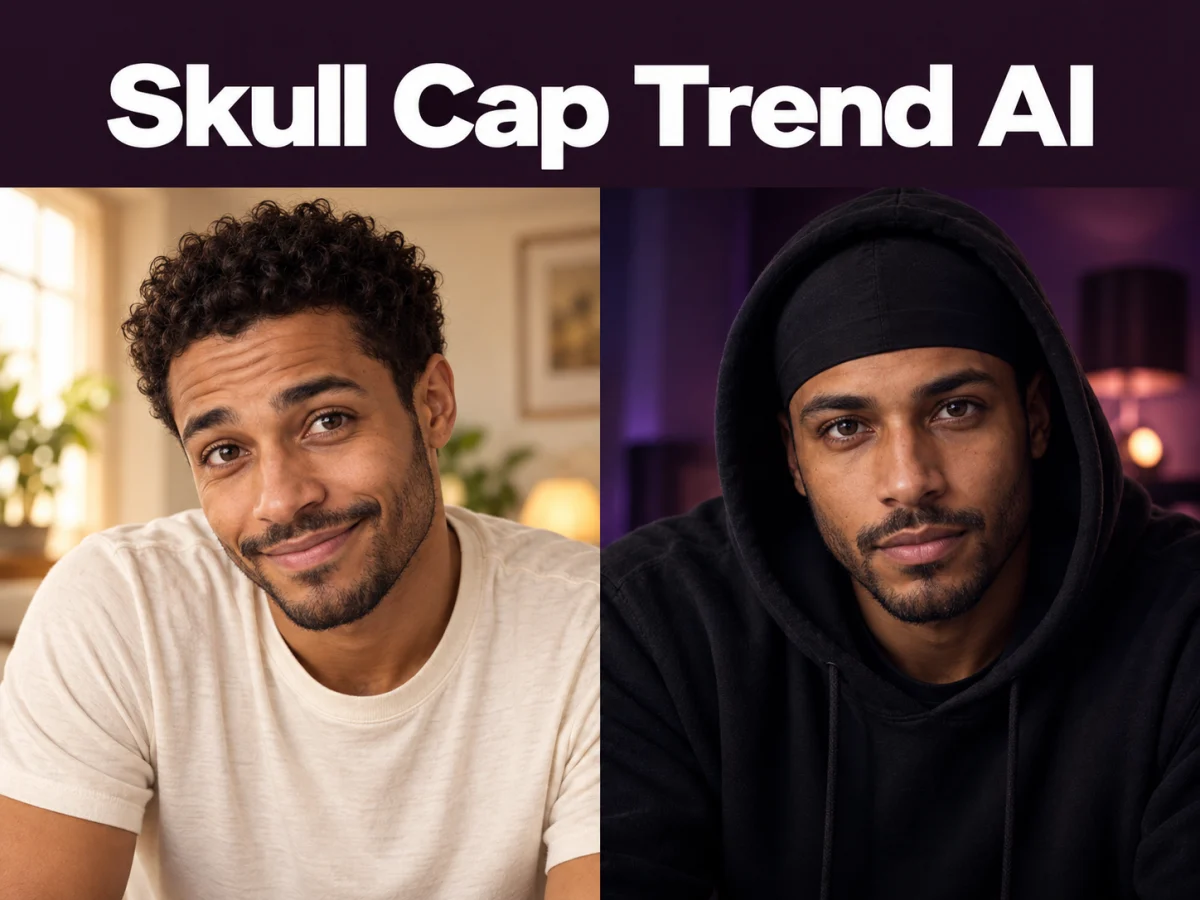
  • Skull Cap Trend AI

  • Stones to Castle AI

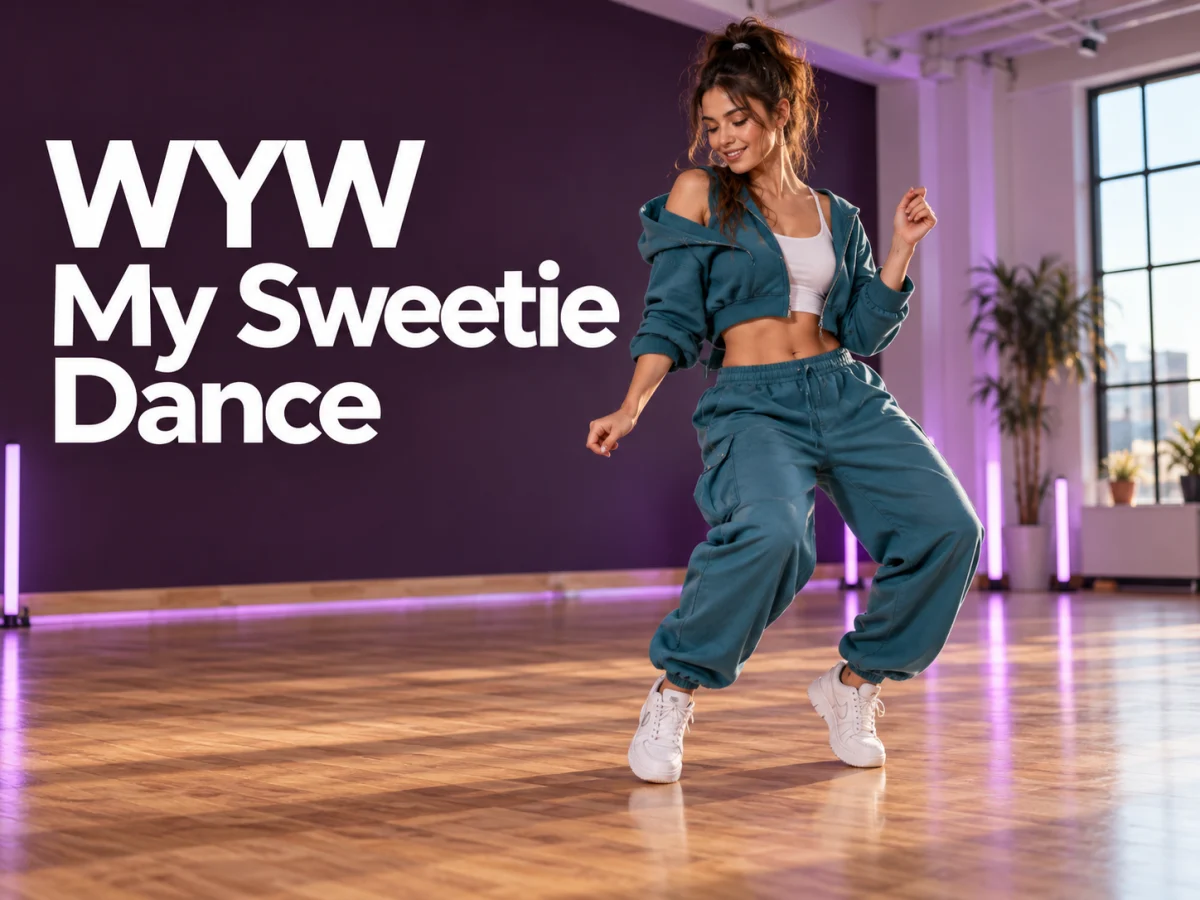
  • WYW My Sweetie Dance

  • Black Friday Video Maker

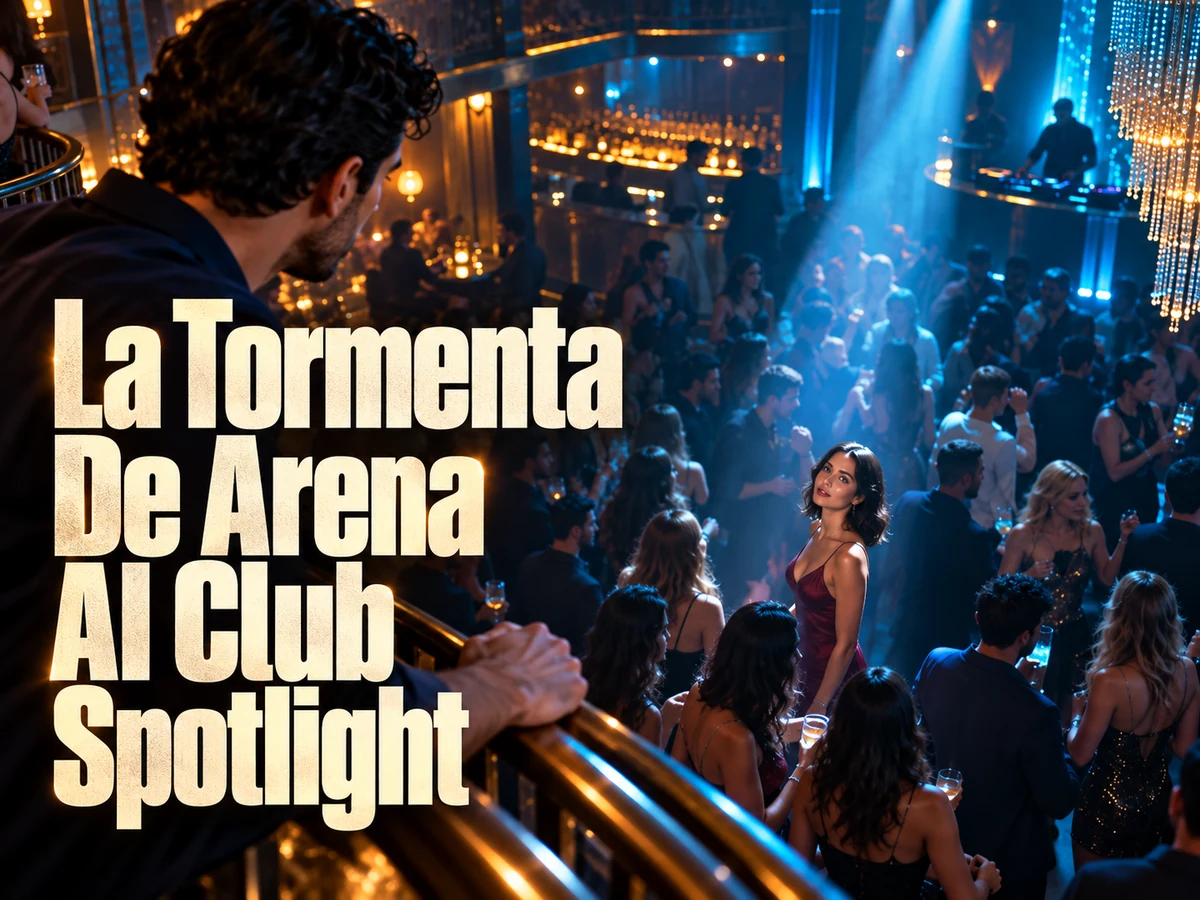
  • La Tormenta De Arena AI Club Spotlight

  • Baby Born with a Mustache

  • Outstanding Tiny Desk AI

Page 1 of 2

What Is Burger Thru Window?

Burger Thru Window turns an ordinary meal into an awkward encounter. The camera approaches a lit apartment window, finds someone eating a burger, and gets noticed. A long stare follows before the person stands up and pulls the curtain.

Also known as a Window Peeper-style video, the scene works through its sequence: a quiet snack, unexpected eye contact, and a curtain-pull ending. The familiar setting makes the interruption easy to understand, while your appearance makes the reaction feel personal.

The humor comes from a small change in attention. At first, the person cares only about dinner. When their eyes meet the lens, the camera becomes an unwanted visitor. A restrained expression makes that reversal easy to read without dialogue. The final curtain movement gives the character a simple response: the snack continues, but the audience is no longer welcome.

This tool creates a new AI interpretation. The demonstration and the stills below explain the intended scene; they are not proof that every generated face, gesture or sound will match exactly.

The Burger Thru Window generator is designed for one person in a short window scene. You can start with an ordinary portrait. There is no need to photograph yourself beside a window, hold a burger for the photo, or arrange a room to match the demonstration. Choose your photo and output settings, then review your finished video.

Where Did the Burger Thru Window Meme Come From?

Burger Thru Window belongs to the wider Window Peeper family of videos: an ordinary snack becomes a joke when the person inside catches the viewer looking. Its history connects food-ad-style clips, AI reinterpretations, and shareable editing templates.

Published trend histories link early versions to a Sofa Burger advertisement in Ankara and an AI burger-ad concept by Instagram creator @karina.aicontent. These accounts disagree about which upload came first. The advertising connection is part of the reported background, rather than proof that either account invented every version of the window joke.

A directly checkable milestone is the CapCut template titled Window Peeper. Its public page is dated October 20, 2026 and lists a vertical 9:16 format with one required clip. That establishes a dated template appearance; it does not establish the first upload of the scene across the internet. Burger Thru Window and Window Peeper now appear as overlapping names for versions of the joke.

The appeal survives a change of face because the situation is familiar. Someone wants to enjoy a meal in peace, notices an audience, and responds without a speech. The curtain makes that response visible. A personal remake lets viewers recognize themselves in the interruption, whether they imagine a late snack, a quiet evening, or a moment they would rather keep to themselves.

View the dated Window Peeper template on CapCut

The Moments That Make the Window Meme

See the approach, the held stare, and the final curtain movement in these frames from the effect demonstration.

The Window Approach

The camera approaches a warmly lit apartment window from outside, revealing your character with a burger at the table. The angled view and dark exterior establish the scene before the reaction begins. It gives viewers time to understand the outside-looking-in viewpoint before the face becomes the focus. The camera then settles near the window, keeping the meal visible through the glass. A readable face behind the glass helps the viewer catch the moment of recognition.
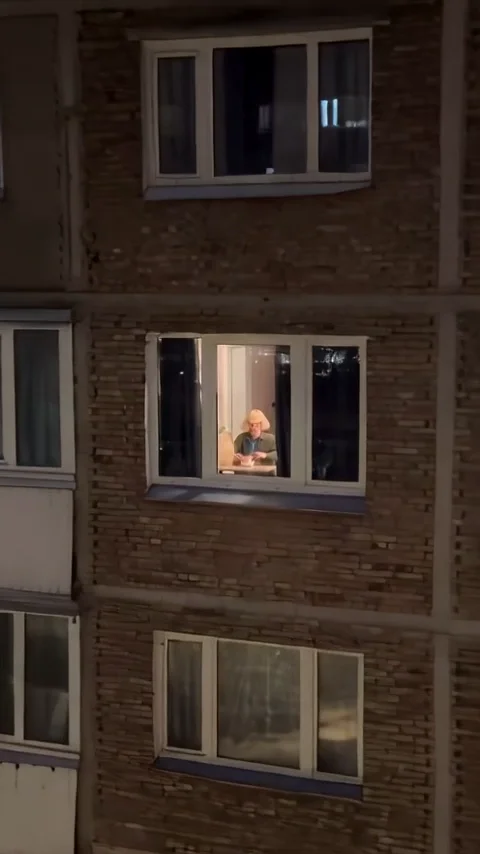
The Window Approach in the Burger Thru Window effect demonstration
Frame from the effect demonstration.

The Awkward Stare

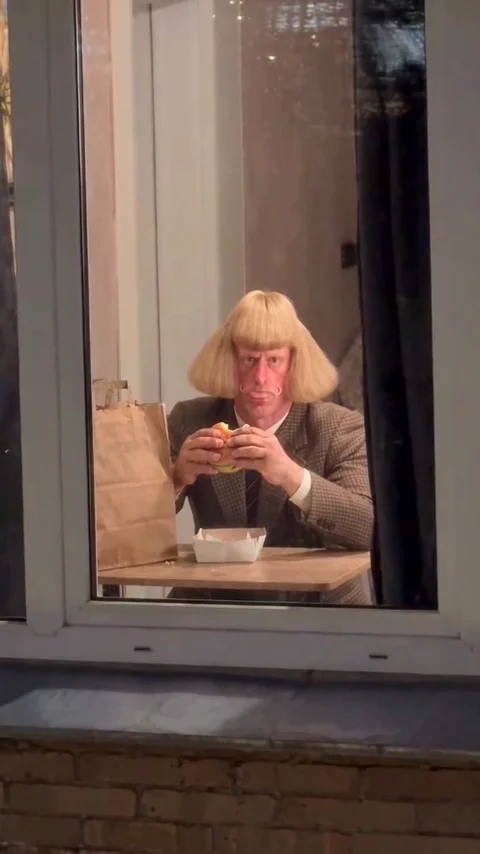
A quiet snack turns into an uncomfortable encounter. Your character notices the camera and holds the look while still holding the burger. The extended pause is the main comic beat. Small eye movements and restrained chewing can carry the scene while the body stays nearly still. The person should continue holding the burger during the pause. A fast glance followed immediately by the ending loses much of the awkwardness that makes the sequence recognizable.

The Awkward Stare in the Burger Thru Window effect demonstration
Frame from the effect demonstration.

The Curtain Pull

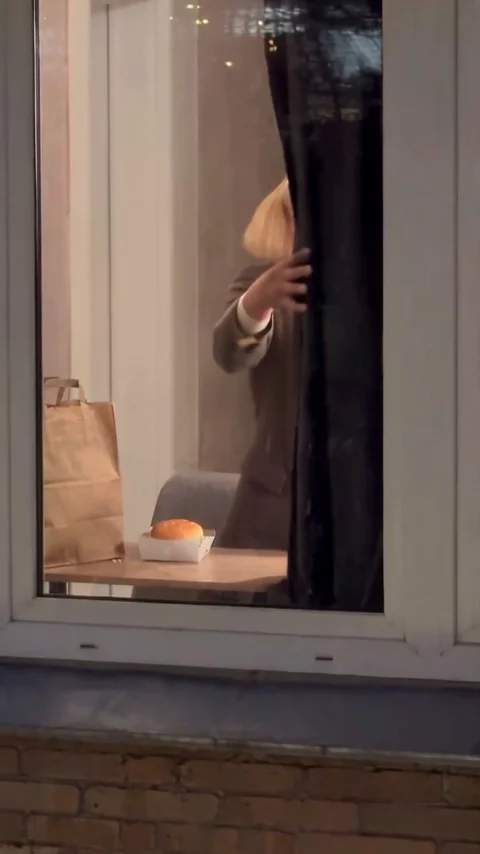
The burger goes down, your character stands up, and the dark curtain moves across the window to end the moment. The demonstration ends during this movement, without a long closed-curtain hold. Look for a readable sequence: the person places the burger in its container, releases it, stands, and reaches for the fabric with an empty hand. The ending works best when those actions connect naturally. A curtain that moves before the hand reaches it, or a burger that disappears, can make the final beat confusing.

The Curtain Pull in the Burger Thru Window effect demonstration
Frame from the effect demonstration.

How to Make Your Burger Thru Window Video

  1. 01

    Upload Your Portrait

    Add one clear photo of one person. Keep the face unobstructed and include the shoulders when possible. JPEG, PNG and WebP are accepted, up to 10 MB per image. No burger or window pose is needed. The photo provides appearance rather than the opening scene. Choose an image where the face is large enough to see clearly, then check the selected thumbnail before continuing. A simple portrait keeps the intended character unambiguous.

  2. 02

    Review and Generate

    Videos are 14 seconds long. Start with 480p and vertical 9:16, or choose another resolution and aspect ratio. Sign in, review the credit estimate, and generate your video. Open Generation settings to compare the available output sizes and shapes. The form keeps the choices simple: select your portrait and output preferences, then start when you are ready. Review the displayed credit estimate after changing the resolution.

  3. 03

    Watch and Download

    Review the full clip with sound. Check the face, burger interaction, held stare and curtain movement before downloading. Generation timing and details can vary between attempts. Watch once at normal speed to judge the joke, then inspect any moment that feels abrupt. Keep the version with the clearest expression and action sequence, rather than choosing only by how sharp the opening frame looks.

AI Video Generators for Your Next Project

Turn a photo into a short video for a personal story, a social post, or a playful idea.

  • Outstanding Tiny Desk AI

  • Baby Born with a Mustache

  • Stones to Castle AI

  • Skull Cap Trend AI

Choose a Clear Portrait

Use a sharp photo of one person with even lighting, a visible face and some of the shoulders. A neutral expression is a useful starting point for the understated reaction.

Choose a photo with the face, hairstyle, and visible clothing you want to see in the video. A selfie can work without food or a window in the image. Avoid sunglasses, heavy filters, tiny faces, and group photos. Use a photo you are allowed to upload.

Avoid collages, screenshots with interface controls, and photos with a second face in the background. A clean crop makes the intended subject easier to identify. Keep enough space around the head to show the hairstyle instead of filling every edge with the face.

Read the Burger Thru Window guide

Choose Your Resolution and Aspect Ratio

The video length stays at 14 seconds so the approach, pause, and curtain ending have room to unfold. Resolution and aspect ratio are editable. The default combination is 480p with a vertical 9:16 frame.

Start with 480p when you want to assess the character and overall scene at the lowest available credit cost. Choose 768p or 1080p when you want a larger output. A higher resolution changes the requested output size; it does not guarantee better facial likeness, more natural hands, or more accurate curtain timing. Those details still need a full playback check.

Use 9:16 for a tall composition that emphasizes the window and the person behind it. A 16:9 or 21:9 frame gives the scene a wider shape, while 1:1 offers a square format. The other available choices are 4:3 and 3:4. Choose the shape before generating; this tool does not provide an editing timeline for reframing the finished clip.

Credits per 14-second video
ResolutionCredits
480p294
768p476
1080p966

Changing the aspect ratio does not change that resolution-based quote. Check the estimate shown beside Generate before each attempt, and leave room in your balance if you plan to try another portrait or output size.

Check the Story Before You Share

A convincing Burger Thru Window video needs a readable sequence as well as a recognizable face. Review the complete clip rather than relying on a still frame.

First, follow the attention shift. The person starts occupied with the burger, notices the lens, and holds the look before moving toward the curtain. The camera should remain outside the window. If the view suddenly jumps indoors or the person starts staring from the opening moment, the discovery is harder to understand.

Next, follow the objects. Check that the burger stays in the hands during the pause and stays on the table after being put down. Watch the fingers, container, chair, and curtain together during the final movement. Stable contact between these objects helps the scene feel like one continuous action rather than several disconnected gestures.

Finally, listen at a comfortable volume. Check whether the sound feels appropriate for a quiet window scene and whether noticeable audio events fit the visible movement. The pause should leave room for the expression to carry the joke. If a sound distracts you from the reaction, consider another result or adjust the finished clip in your preferred editor.

Burger Thru Window Questions

No. An ordinary selfie is enough to get started. You do not need to pose with food, stand near a window, or recreate the room shown in the demonstration. Choose one clear portrait with an unobstructed face.

Your portrait is the starting point for the character’s appearance. Likeness, hairstyle, and clothing details can vary, so check the full result for consistency. Parts of an outfit that are outside the photograph may look different from what you expect.

The finished video can include sound, but its audio may differ from the demonstration. Play the full result with sound enabled and check that it suits the scene before downloading or sharing it.

No exact match is guaranteed. The preview illustrates the effect and is not a result generated from your photo. Faces, hands, objects, curtain coverage, and timing can differ between generations. Check the whole clip before choosing your favorite.

No. This is an independent AI creation tool inspired by the window meme. It does not provide a CapCut template file and is not affiliated with CapCut or TikTok.

This tool is designed for one human portrait per video. Group and pet versions are outside this tool’s supported scope.

Generation uses credits. Sign in and review the quote before submitting. Any available free credits can contribute when your balance covers the request; unlimited free generations are not offered.

You can change the portrait, resolution, and aspect ratio. This tool keeps the window-and-burger theme and a 14-second duration. For a different subject or a broader creative project, explore the general AI Video Generator.

There is no single first creator confirmed here. Published histories mention Sofa Burger and @karina.aicontent among the early advertising-related examples. The dated CapCut template documents a later point in the format’s history, not conclusive ownership of the original idea.

Read a published account of the early versions

Your Turn at the Window

Upload one portrait and put yourself in the window: a burger, an awkward encounter, and a curtain-pull ending.

Create My Window Video
Image to Image AI logoImage to Image AI

A fresh take on your image. Explore new styles and scenes with AI.

Customer supportsupport@imgtoimageai.com

Tools

  • Remove Glare from Glasses
  • Remove Glare from Photo
  • Photo to Line Art
  • Image Upscaler
  • Realistic Selfie Generator
  • Christmas Photobooth
  • AI 3D Figure Generator
  • Selfie With Santa
  • Christmas Dance Trend
  • Motorcycle AI
  • AI Photo Booth
  • Photo to Sticker
  • QR Code Enhancer
  • AI Long Hair Filter
  • Bicep Heart Trend AI
  • Happy Birthday GIF with Name
  • Apartment Dance
  • AI GIF Generator
  • Executive Portrait Maker
  • AI Trouble Maker Video

Learn more

  • Tools
  • Blog
  • Pricing

Legal

  • Privacy Policy
  • Terms of Service
  • Refund Policy
  • Contact

© 2026 Image to Image AI