


Gangnam Style AI: Three Friends, One Camera, Your Turn
Start together, give each friend a moment at the lens, and return to the group. Build a Gangnam Style AI night-street selfie with clear identities and playful reactions.
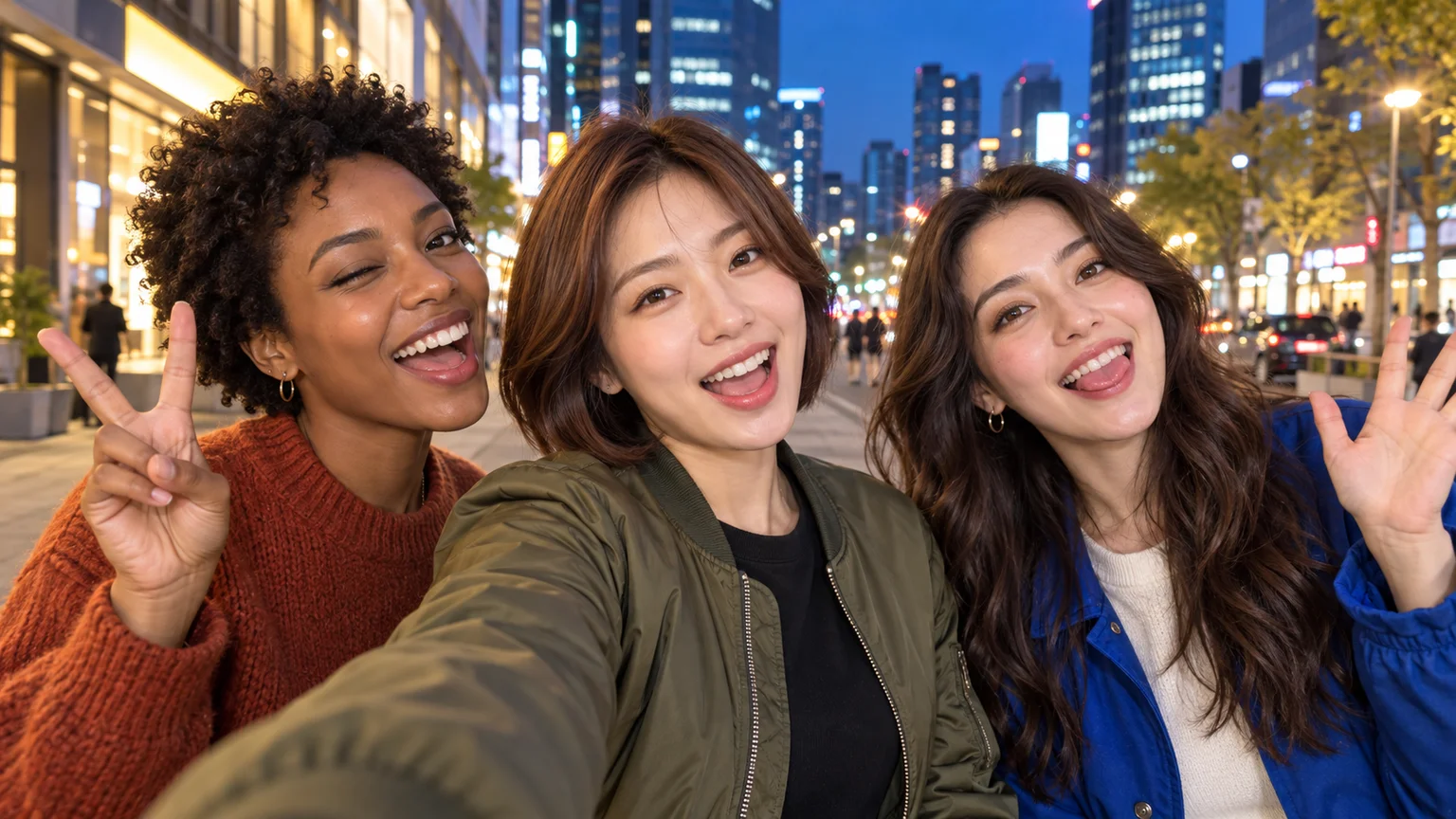
All three friends squeeze into the frame. The camera gives one person a moment to perform, catches the next person's reaction, and comes back to the group laughing. Gangnam Style AI brings that shared-camera energy to your photos, turning separate portraits into a short night-out scene.
The trick is making the friends feel connected while keeping every face recognizable. This Gangnam Style AI guide covers casting, selfie composition, individual turns, and the final edit on ImgToImage AI. You will build a shared starting image, generate manageable shots, and assemble the rhythm around your chosen sound.
Which Gangnam Style AI effect are you making?
The night-street trio format features three people taking turns performing toward a selfie camera to PSY's “Gangnam Style.” Group framing establishes the friends before individual close-ups give each a personality. Gangnam Style AI versions reinterpret that arrangement using new faces, outfits, and expressions, often against an illuminated city backdrop.
The same search can also lead to the familiar horse-riding dance from the song's 2012 music video. That Gangnam Style AI variation needs full-body footwork and crossed-arm gestures. This guide focuses on the trio selfie, where facial reactions, camera attention, and the handoff between friends carry the scene.
Cast the trio before arranging the street
Use three separate portraits when you want three recognizable friends, with permission from each adult involved. For Gangnam Style AI, similar camera angles are more useful than matching backgrounds. Choose clear eyes, visible hair, and natural skin detail; an overhead selfie beside a strong profile gives uneven reference information.
Assign positions from the viewer's perspective: center, screen-left, and screen-right. Give each Gangnam Style AI participant a distinct clothing cue, such as olive, rust, and blue. These labels help you describe the scene consistently and later identify whether a face or jacket has moved to the wrong person.
Decide who opens the exchange and what each friend does. One might nod toward the lens, another give an amused shoulder turn, and the third wave. A Gangnam Style AI trio feels more conversational when the reactions differ, rather than three people performing the same gesture at the same time.
Compose a Gangnam Style AI selfie that fits everyone
Open the AI Image Generator and choose an available model that accepts the references you need. Build your Gangnam Style AI group on a well-lit sidewalk, with the friends facing the camera and background activity kept distant. Shop-window light can illuminate faces while preserving the impression of a night out.
Try a horizontal 16:9 image first to give all three people room. Keep their faces at roughly the same distance from the lens. For Gangnam Style AI, an extreme wide-angle effect can stretch the outer faces; a modest phone-camera perspective is enough to communicate the selfie without distorting anyone.
Adapt this scene prompt:
Create a Gangnam Style AI starting image from these three adult reference photos. Put Person A in the center wearing olive, Person B on screen-left wearing rust, and Person C on screen-right wearing blue. Preserve each person's own face, hair, and proportions. Frame them chest-up, close together but with separate shoulders, on a brightly lit city sidewalk at night. Use soft storefront light, distant glass buildings, and blue-and-amber background bokeh. The view comes from a front-facing phone at arm's length; the phone itself is outside the image. All three look toward the same lens with relaxed smiles. Keep facial perspective natural. Exactly three foreground friends, no mirrored duplicates, readable signs, logos, or text.
The camera viewpoint matters more than showing a device. If the image includes a phone blocking the center face, remove it before animating Gangnam Style AI. Check all three identities at equal magnification, including the outer faces; a strong central portrait can otherwise distract you from a weaker companion.
Give Gangnam Style AI a clear order of attention
Open with the group. Let everyone enter the viewer's attention together, with a small sway or shared smile. Your Gangnam Style AI opening needs enough stillness to establish who is who. A fast camera movement in the first instant can conceal the very faces that make the clip personal.
Give each friend a turn. Use a closer framing and one simple action for every participant. A Gangnam Style AI solo might be a nod, a restrained point toward the lens, or an open-palm wave. Keep the active hand below the eyes and let the face remain the most readable part of the shot.
Return to the shared moment. End on the center friend reacting or the whole trio smiling again. For Gangnam Style AI, this return connects the individual performances into one night out. Reuse the established street and clothing instead of introducing a new location for the final few seconds.
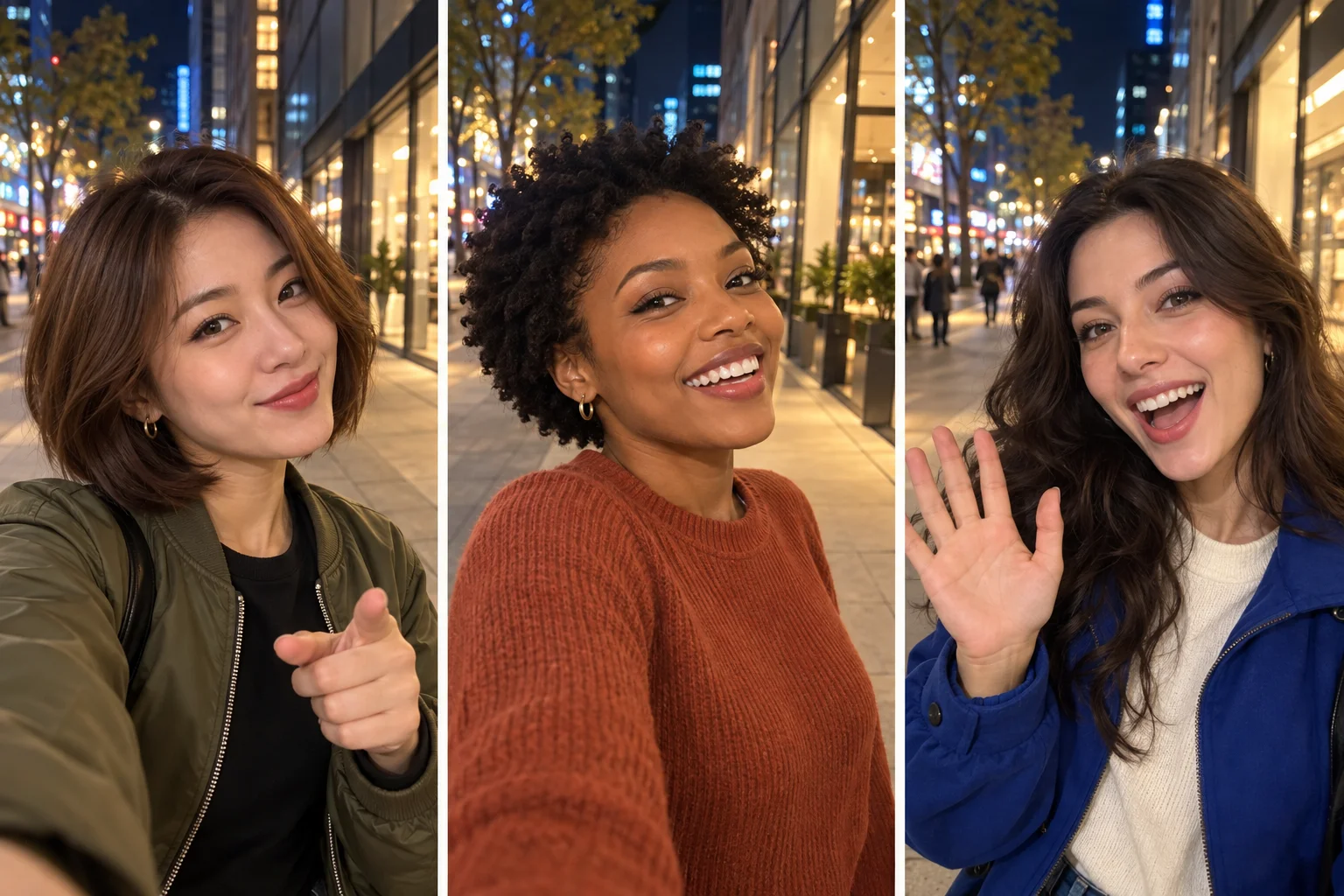
Start Gangnam Style AI in the video workspace
Open the AI Video Generator, sign in, and select Seedance 2.0 Mini. Add the approved group image to Start frame, leaving End frame and Reference images empty. This Gangnam Style AI workflow uses images and written motion directions; it does not provide the original reel as a choreography reference.
Begin with eight seconds at 720p and the same aspect ratio as your image. Current controls support 4–15 seconds, 480p or 720p output, and JPEG, PNG, or WebP inputs up to 10 MB. Review the displayed credit estimate before each Gangnam Style AI take, especially when generating several individual turns.
Try this group-shot motion prompt:
Animate this Gangnam Style AI image as an eight-second group selfie on a city sidewalk at night. Preserve all three faces, hairstyles, jackets, and screen positions. The center friend gives a small nod toward the lens. The left friend responds with an amused shoulder turn, then the right friend makes one relaxed wave beside the shoulder. Everyone remains in the frame with subtle natural swaying. Let the camera have only a gentle handheld drift, with no sudden pan or zoom. Keep hands away from faces, shoulders separate, and the background lighting consistent. Exactly three foreground friends. No role swaps, extra people joining, face stretching, or visible phone appearing. Use quiet street ambience without music or speech.
Preview the Gangnam Style AI result in video history and select the take with the clearest identities and interaction. Small movements are sufficient for the shared opening. The individual close-ups will provide variety, so this shot does not need to perform the entire sequence by itself.
Build individual turns from the approved group
Return the accepted scene to the image workspace and request a closer view of one named participant at a time. Preserve that person's jacket, hairstyle, lighting, and nearby background. A Gangnam Style AI close-up should feel as though the same phone turned toward a friend, rather than a different portrait session began.
Animate each close-up for four or five seconds with the chosen reaction. Keep the camera near eye level and the gesture short. For Gangnam Style AI, three separate takes make it easier to choose each person's best moment, while avoiding one long generation that must repeatedly move the camera and reconstruct faces.
Fix the breaks in Gangnam Style AI continuity
The faces blend during a turn. Reduce shoulder overlap in the starting image and avoid having friends cross in front of each other. Describe each role by both position and jacket color. A Gangnam Style AI revision should change the confusing movement first, rather than adding more appearance instructions to an already crowded shot.
Left and right keep switching. Check whether the new close-up was mirrored or the group positions were regenerated differently. Keep a copy of the approved group image beside the selected shots. In Gangnam Style AI, hair partings, jacket details, and background lights offer useful clues when the camera direction feels wrong.
The street jumps between shots. Match camera height and exposure when preparing each image. Keep one recognizable background feature, such as a warm window or blue light, in a plausible position. Consistent surroundings help the Gangnam Style AI trio feel present in one place even when the final video uses separate clips.
Edit the handoffs around the sound
Choose an audio section you can use for your account and intended purpose, then lay out the selected shots in an editor. The Gangnam Style AI workflow does not supply PSY's recording. Naming the song in a prompt also does not guarantee matching vocals or precise lip synchronization.
Cut from the group to the first friend on a clear musical accent, then give each turn enough time for the expression to register. A Gangnam Style AI handoff can work with a straightforward cut; a brief motion transition is optional. Long blurred sweeps can make a short performance feel slower and obscure the faces.
Lower or mute generated street audio beneath the chosen track, and review the entire Gangnam Style AI edit on a phone. If you need a vertical version, check every shot's crop individually instead of cropping the whole group automatically. Keep captions below faces and identify the fictional performance as AI-generated when sharing.
Gangnam Style AI questions before your next version
Can I start with only one photo?
Yes. Cast yourself as the center friend and use two original fictional companions in the scene. You can also plan a playful Gangnam Style AI version with three copies of yourself, but give the copies distinct outfits and positions. Inspect the group image carefully before spending effort on their individual turns.
How would I make the horse-dance version instead?
Prepare a full-body image with visible shoes and space around the arms. For that Gangnam Style AI variation, begin with crossed wrists held like reins and small alternating knee lifts. Add an overhead arm circle only after the basic bounce works. Use a stable wider camera rather than the close selfie framing described here.
For another group performance, explore the Tiny Desk band guide. To build your night-street trio, prepare the shared image and open the video workspace. Give Gangnam Style AI three clear faces, a different reaction for each friend, and a final return that makes the whole exchange feel shared.
Keep exploring
 Video Guides
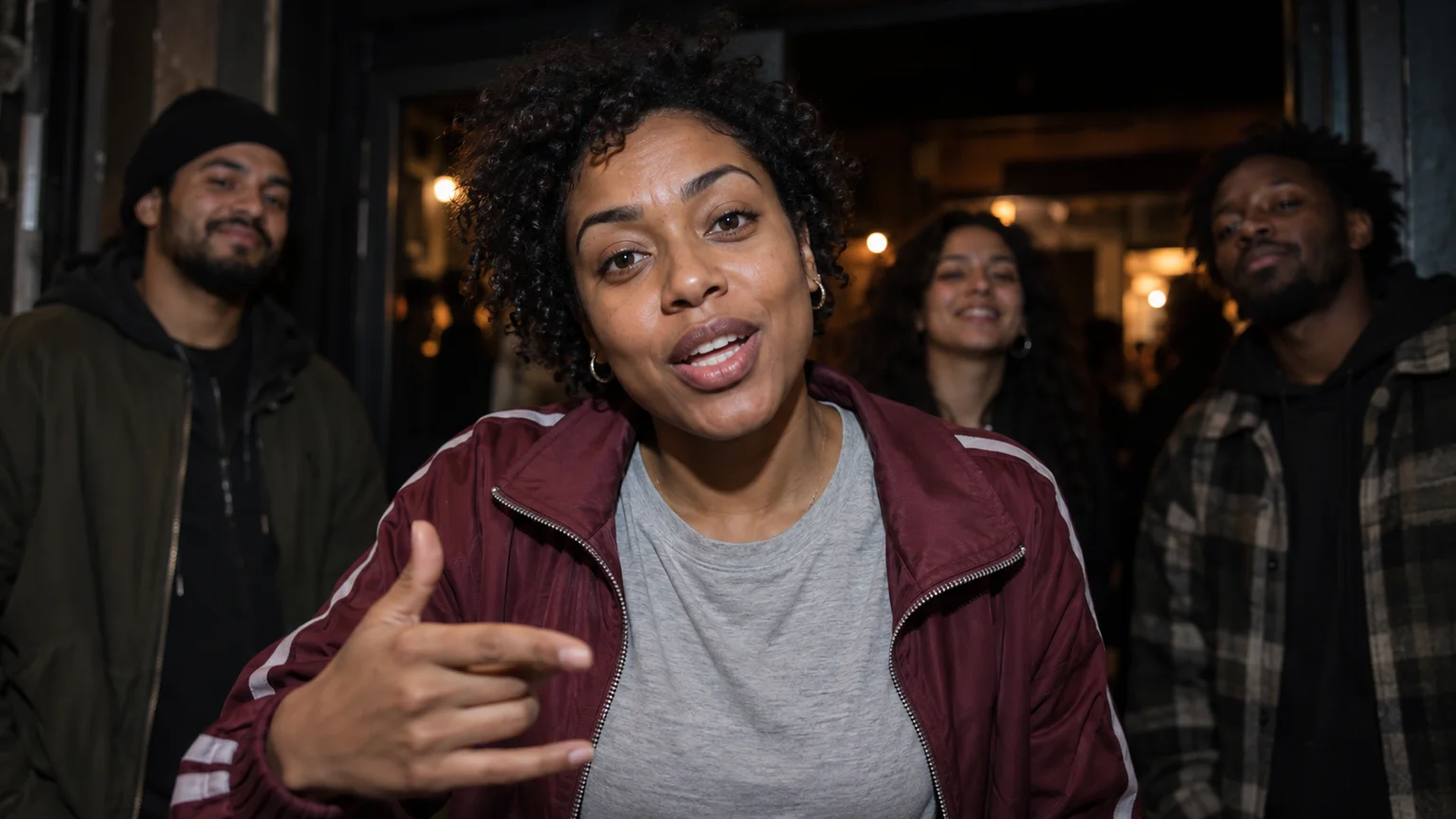
One face fills the frame, a crowd gathers behind, and a small gesture carries the verse. Create your own JME Check One Check Two AI performance with a clear visual plan.
 Video Guides
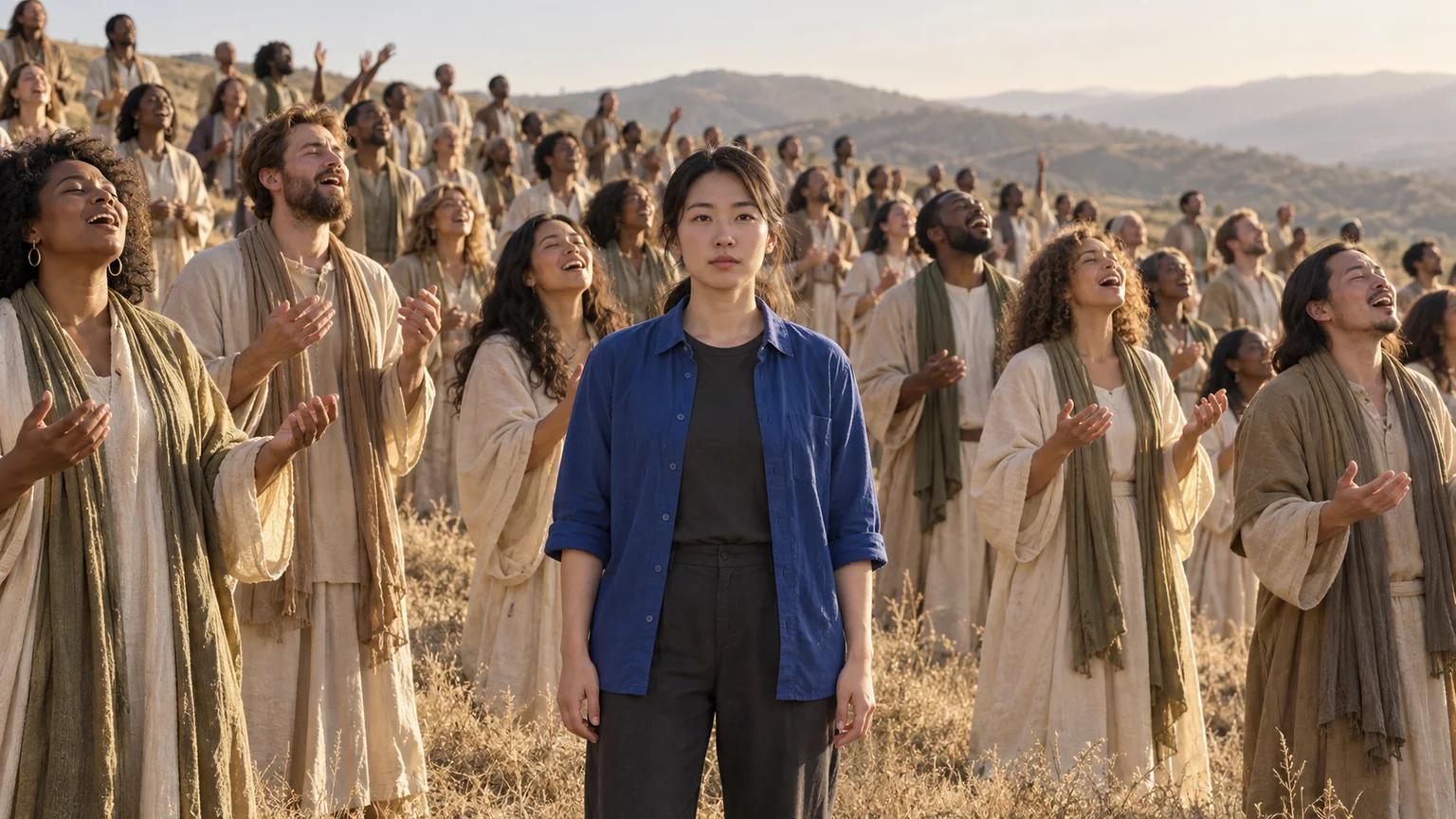
One quiet face, a hillside of singers, and a camera that reveals the scale. Build a Closed on Sunday AI scene starring yourself or your pet, with a crowd that moves around you.
 Video Guides
A black cowboy hat, a midnight parking garage, and far more emotion than the scene can hold. Turn your photo into a Choosin' Texas Emo AI performance with a dramatic finish.
 Video Guides
Your lead singer gets the laugh, your friend takes the sax solo, and the office becomes a concert. Build a Tiny Desk AI performance around a cast people recognize.