


Ghost Filter Prank AI: Something Behind You Knows the Camera Is On
You are smiling at the camera. Someone in the doorway is smiling back. Build a Ghost Filter Prank AI scene where a quiet background detail becomes the whole joke.
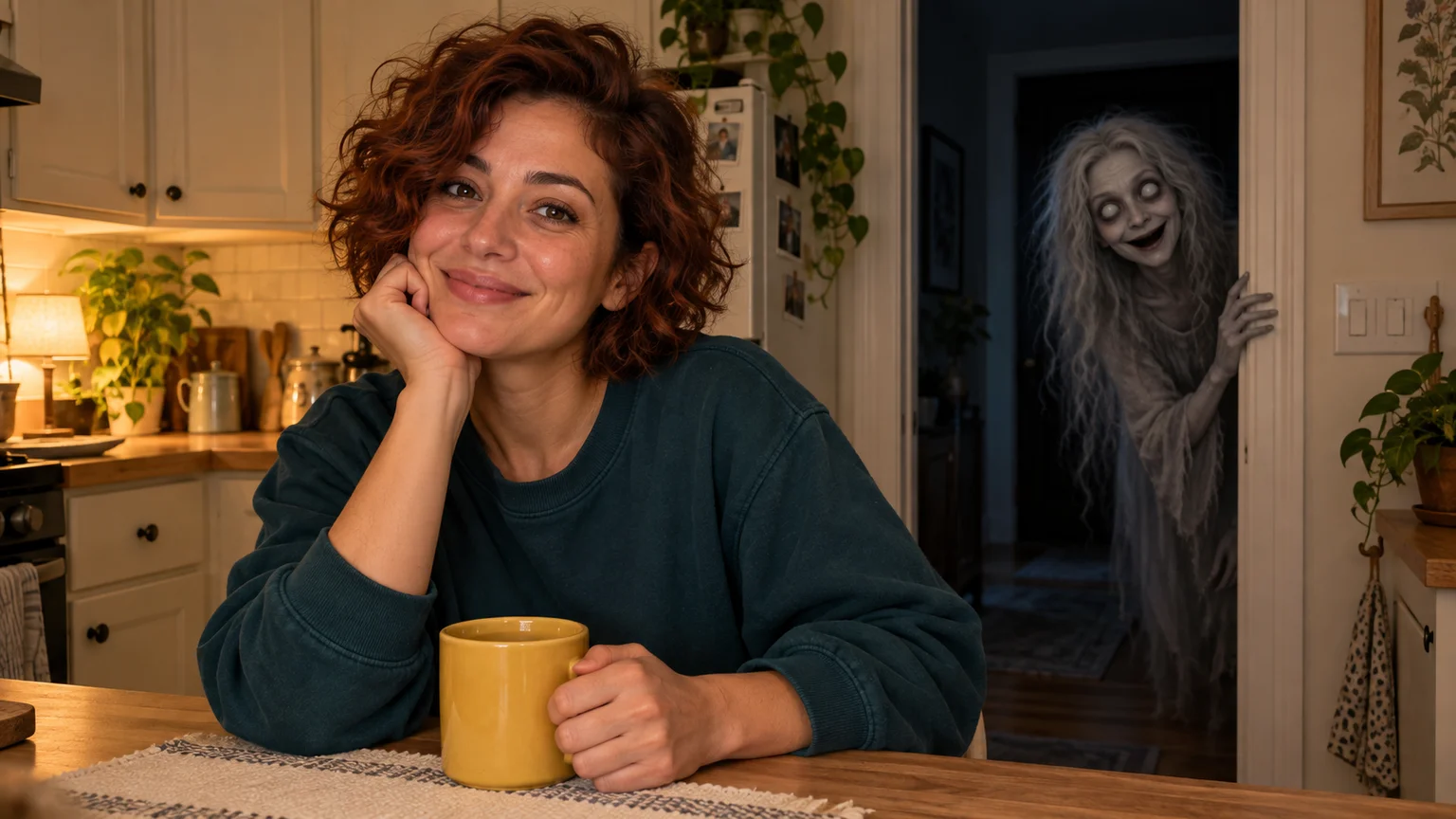
The mug is on the counter. The person in front of the camera looks perfectly comfortable. Behind them, something pale begins leaning around the doorway. Ghost Filter Prank AI lives in that small gap between what the audience notices and what the person on screen knows.
You can build this scene from a photo on ImgToImage AI: establish an ordinary room, describe an unexpected visitor, then animate a brief reveal. The fun of Ghost Filter Prank AI is directing that relationship. A scream is optional. Sometimes the funniest ending is a completely unbothered sip of tea.
Give Ghost Filter Prank AI a secret to keep
The familiar effect places a grey, long-haired ghost behind someone in a selfie-style shot. Large pale eyes and an exaggerated grin make it readable even on a phone. Ghost Filter Prank AI creates a prerecorded scene from an image; a live camera filter, by comparison, inserts an effect while you film.
That distinction changes the creative possibilities. Your character can keep smiling while the visitor seems to understand the camera perfectly. The audience becomes an accomplice: they notice the extra face, wait for a reaction, and watch again to check when it first appeared.
For a first Ghost Filter Prank AI scene, use one adult, one doorway, and one reveal. Choose yourself or someone happy to appear in a fictional prank. The story becomes easier to follow when viewers have only two faces to track and a clear reason to look between them.
Stage the doorway for Ghost Filter Prank AI
Imagine a kitchen counter with a warm lamp and a darker hall behind it. The contrast makes the room feel lived-in while giving the apparition somewhere to emerge. Ghost Filter Prank AI needs this visual separation: a bright face in front, an unfamiliar shape farther back, and air between them.
Frame the person slightly off-center. Leave enough space over one shoulder for a second face without covering the hairstyle or merging two heads. In a vertical Ghost Filter Prank AI composition, test that gap at phone size. A beautiful wide room can become a crowded portrait after cropping.
Keep the ghost design specific but short: pale grey complexion, loose silver hair, ivory eyes, and a crooked smile. One thin hand on the doorframe is enough. Elaborate claws, flying furniture, and fog everywhere compete for attention. The recognizable silhouette should carry your Ghost Filter Prank AI reveal.
Who notices? Pick your ending now
Before choosing settings, decide who gets the final joke. These three versions of Ghost Filter Prank AI require different performances, so select one instead of asking for every reaction in a single clip.
The oblivious host. Your character stays relaxed while the ghost peeks toward the lens, almost joining the selfie. This Ghost Filter Prank AI version needs very little foreground movement. A caption such as “Finally, someone who listens to my stories” supplies the personality after generation.
The suspicious glance. The person notices something on screen, looks behind them, and finds an empty doorway. This Ghost Filter Prank AI variation depends on a precise appearance-and-disappearance order. Save it for a second attempt; if the timing drifts, split the action into two shots and edit the glance between them.
The unimpressed roommate. The person acknowledges the visitor with a tiny eyebrow lift, then carries on. For this Ghost Filter Prank AI ending, request a restrained response and keep the ghost still during it. The mismatch between a supernatural entrance and an everyday reaction becomes the punchline.
Build the kitchen scene on ImgToImage AI
Use a clear photo with the face visible and a little background to work with. If the framing already fits, keep it. Otherwise, open the AI Image Generator, choose a model that accepts a reference, and prepare a clean opening for Ghost Filter Prank AI before adding motion.
Prepare a Ghost Filter Prank AI opening from this adult's photo. Preserve their recognizable face, age, hair, and clothes. Place them naturally at a warm kitchen counter, looking toward the camera with a relaxed expression. Keep a dark open doorway visible beyond one shoulder, with enough empty space for a separate figure. One plain mug rests on the counter. Vertical 9:16, believable room perspective, ordinary domestic lighting. The doorway is empty: no ghost, lettering, or extra person.
Now enter the AI Video Generator and select Seedance 2.0 Mini. Choose Frames / Start & end frames, then upload the clean image to Start. Leave End empty for this first Ghost Filter Prank AI take so the prompt can introduce the visitor gradually.
Start with eight to ten seconds at 720p and the image's aspect ratio. The current controls allow 4–15 seconds; image inputs accept JPEG, PNG, or WebP up to 10 MB. Check the displayed credit estimate. One measured Ghost Filter Prank AI experiment is more useful than several attempts with unrelated changes.
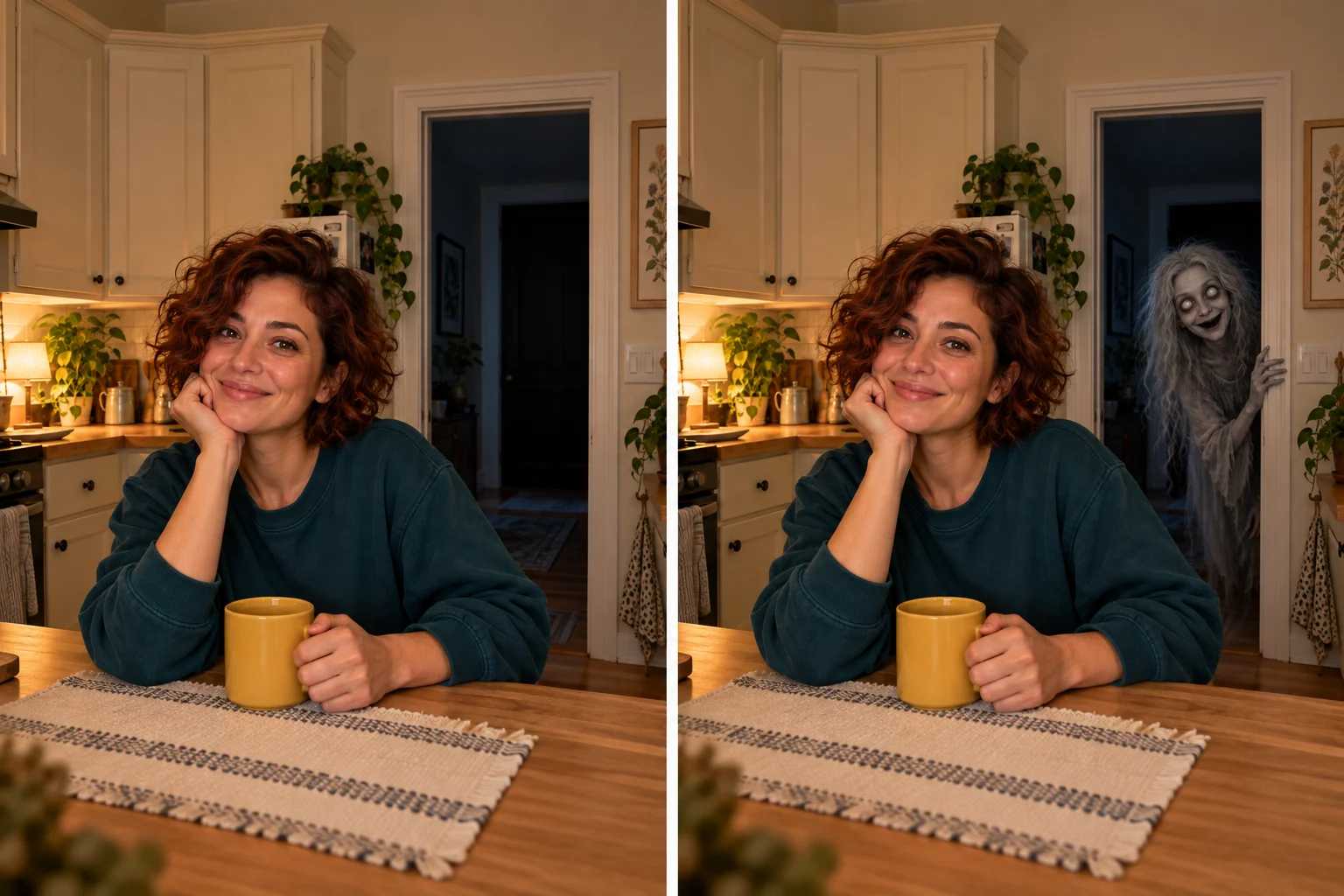
A Ghost Filter Prank AI prompt with one moving part
For the oblivious-host version, give the background almost all the movement. You do not need the character to deliver dialogue or perform a complicated gesture. Adapt this direction to the room in your opening image:
Animate this Ghost Filter Prank AI scene as a steady phone-camera shot. Preserve the adult's identity, clothes, position, mug, and kitchen layout. They remain relaxed, with subtle breathing and a small natural smile. After an ordinary opening pause, a single fictional pale-grey ghost with wispy silver hair, large ivory eyes, and a mischievous grin slowly peeks around the dark doorway behind their shoulder. The ghost looks toward the camera, rests one thin hand on the doorway edge, and stops. Keep clear space between both faces. The adult never notices. No physical contact, lunging, camera zoom, duplicate figures, or changing room geometry. Quiet domestic ambience, no speech or music.
The pause, peek, and hold are a suggested order, not exact timestamps. After generating Ghost Filter Prank AI, choose the take that communicates them clearly. A surprisingly good small movement is worth keeping even if the apparition arrives slightly earlier than you imagined.
Watch the room before watching the ghost
On the first replay, deliberately ignore the apparition. Look at the cabinet edges, counter, mug, and person's face. If those wobble, the whole Ghost Filter Prank AI scene starts feeling unstable before the joke arrives. A fixed-camera prompt and simpler foreground action can reduce those distractions.
Next, watch where the figure enters. It should emerge from a readable opening, with its hair and hand belonging to one body. If Ghost Filter Prank AI places the visitor through the person's shoulder, move the subject farther from the doorway in the still image instead of adding more motion instructions.
Finally, check the moment of recognition at normal playback speed. Can you notice the eyes without pausing? Does the reveal leave a second to register? For Ghost Filter Prank AI, a faint figure buried in darkness and a huge face filling the screen both lose the subtle background discovery you planned.
Let the room supply the soundtrack
A refrigerator hum or distant room tone gives the opening an ordinary texture. A slight change in that ambience can draw attention to the doorway later. Ghost Filter Prank AI does not need a loud sting to announce an image that is already doing the work visually.
Listen to the generated track before sharing. If it adds an unwanted voice, harsh scream, or distracting music, lower or replace that audio in an editor. Test Ghost Filter Prank AI muted as well: the reveal should still make sense to someone scrolling without headphones.
The final second of Ghost Filter Prank AI
Cut while the visitor is holding its position and the human still seems unaware. Leaving that little imbalance unresolved invites another look. In Ghost Filter Prank AI, the extra second after recognition often matters more than a longer entrance, because that is when the audience understands the relationship.
Use captions to add a second joke rather than describe the picture. “The rent split just got better” suggests an unwanted roommate; “She said she was camera-shy” gives the ghost an attitude. Keep your Ghost Filter Prank AI caption short and away from the doorway, where text could hide the reveal.
For a loop, compare the first and last poses before trimming. A small head movement can create an obvious reset. You can end on a closer crop or a clean cut instead; a Ghost Filter Prank AI clip does not need a seamless loop if getting one weakens the best expression.
Move the idea into a room with a different joke
A home-office version can feature the visitor waiting behind someone who is absorbed in their screen. A reading corner can make the ghost seem impatient for the page to turn. Give each Ghost Filter Prank AI setting its own everyday activity instead of simply replacing the kitchen furniture.
Keep the performance playful when showing it to friends, identify the scene as AI-generated, and choose people who enjoy this kind of fictional scare. Ghost Filter Prank AI works as a shared visual joke; nobody needs to believe their home is actually haunted for the scene to be entertaining.
If you enjoy putting a character behind an unsuspecting lead, the Burger Thru Window guide explores a different kind of awkward visitor. For this one, take your clean composition to the video workspace. Let Ghost Filter Prank AI introduce the guest, then leave the audience a moment to notice.
Keep exploring
 Video Guides
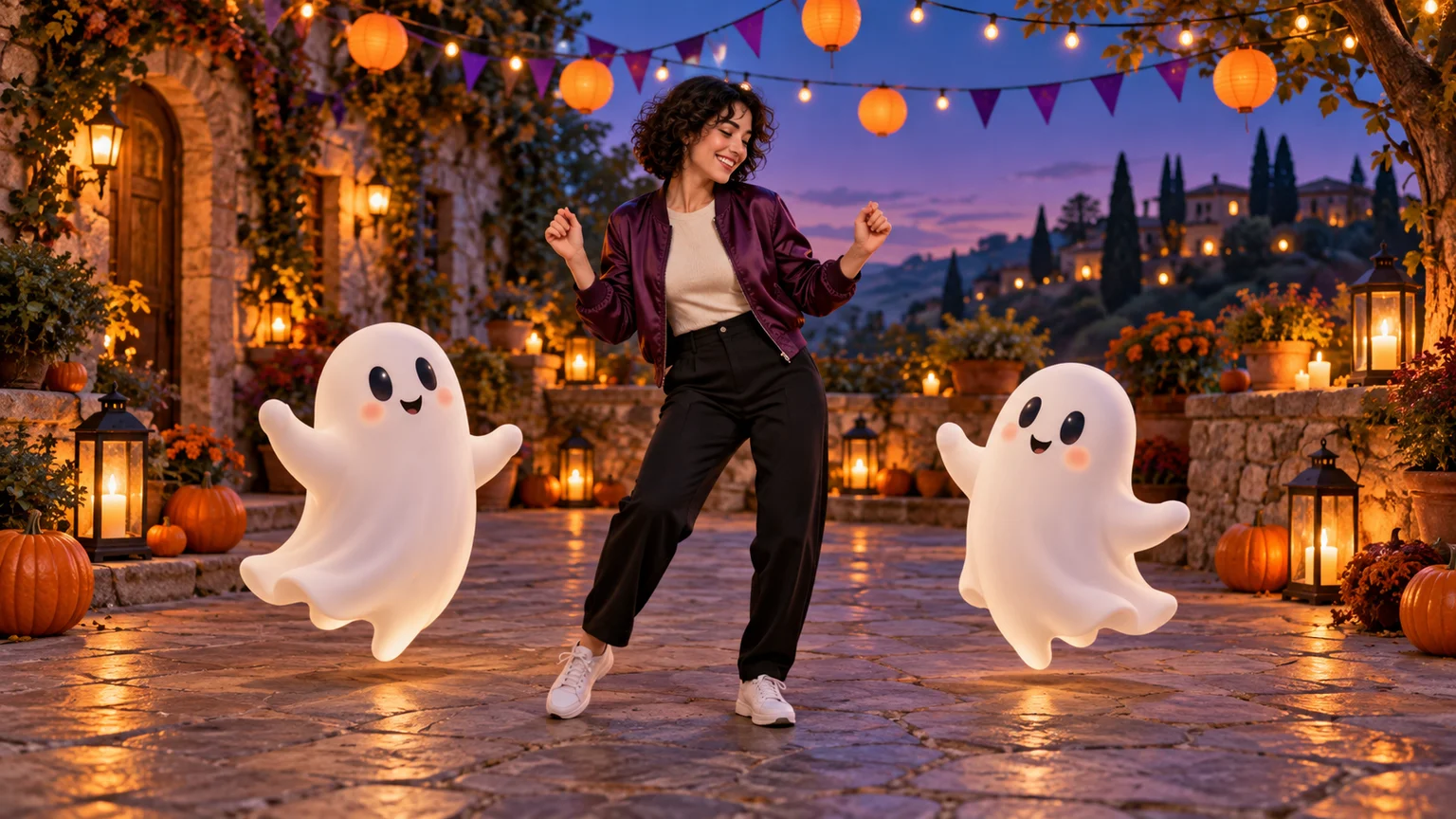
Invite two friendly ghosts onto your dance floor. Build a Halloween Dance AI video from a photo, or try a playful vampire performance on the porch.
 Video Guides
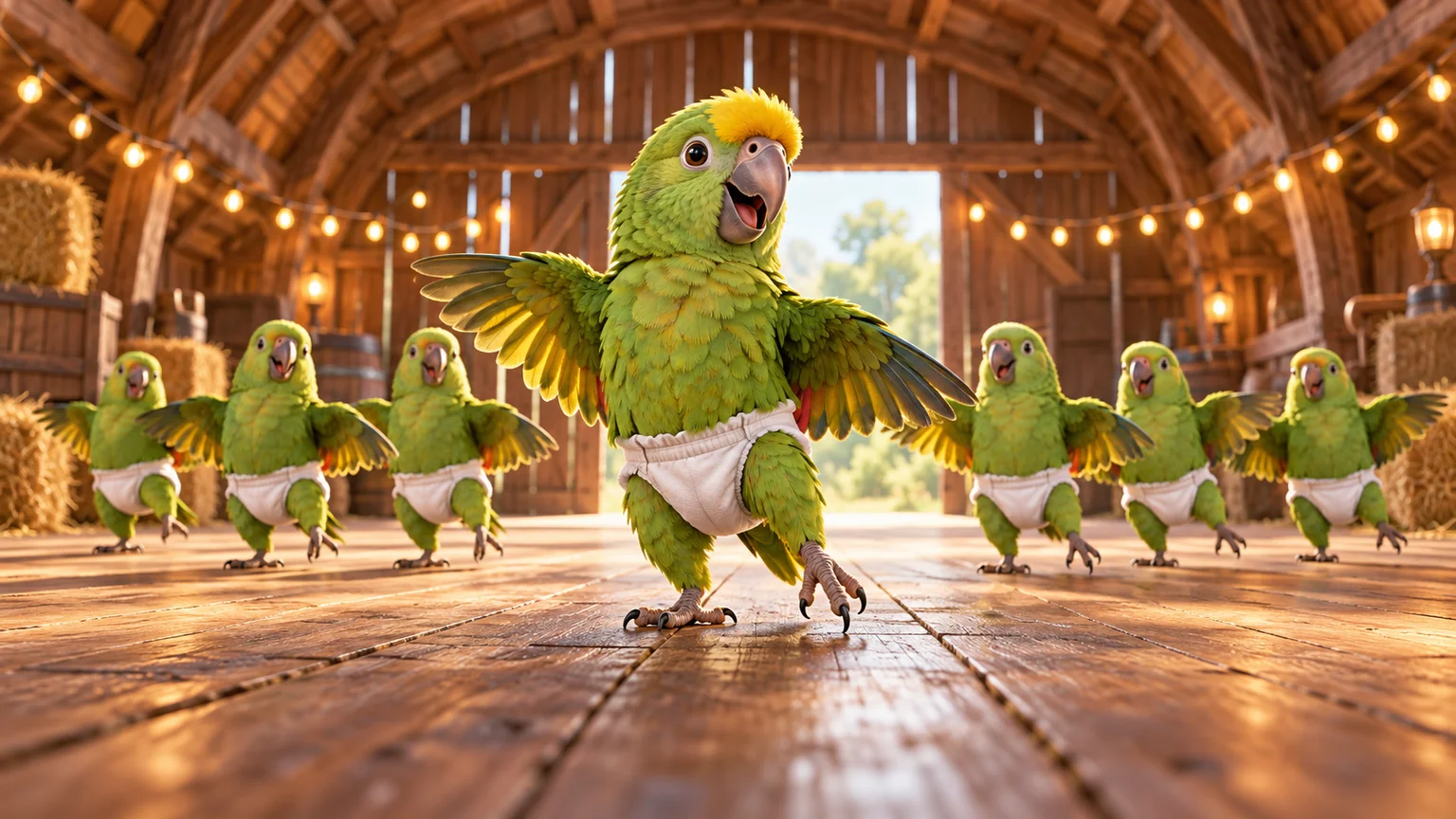
A tiny dance captain, a barn full of parrots, and one very confident routine. Make a Parrot Dance AI video with your own bird, cat, or dog.
 Video Guides
Turn a photo of you and a friend into an electro dance concept. Learn the Transmission 5 Dance AI look, plan the moves, and create a personal video.
 Video Guides
One face fills the frame, a crowd gathers behind, and a small gesture carries the verse. Create your own JME Check One Check Two AI performance with a clear visual plan.