


Parrot Dance AI: Put Your Pet in Charge of the Flock
A tiny dance captain, a barn full of parrots, and one very confident routine. Make a Parrot Dance AI video with your own bird, cat, or dog.
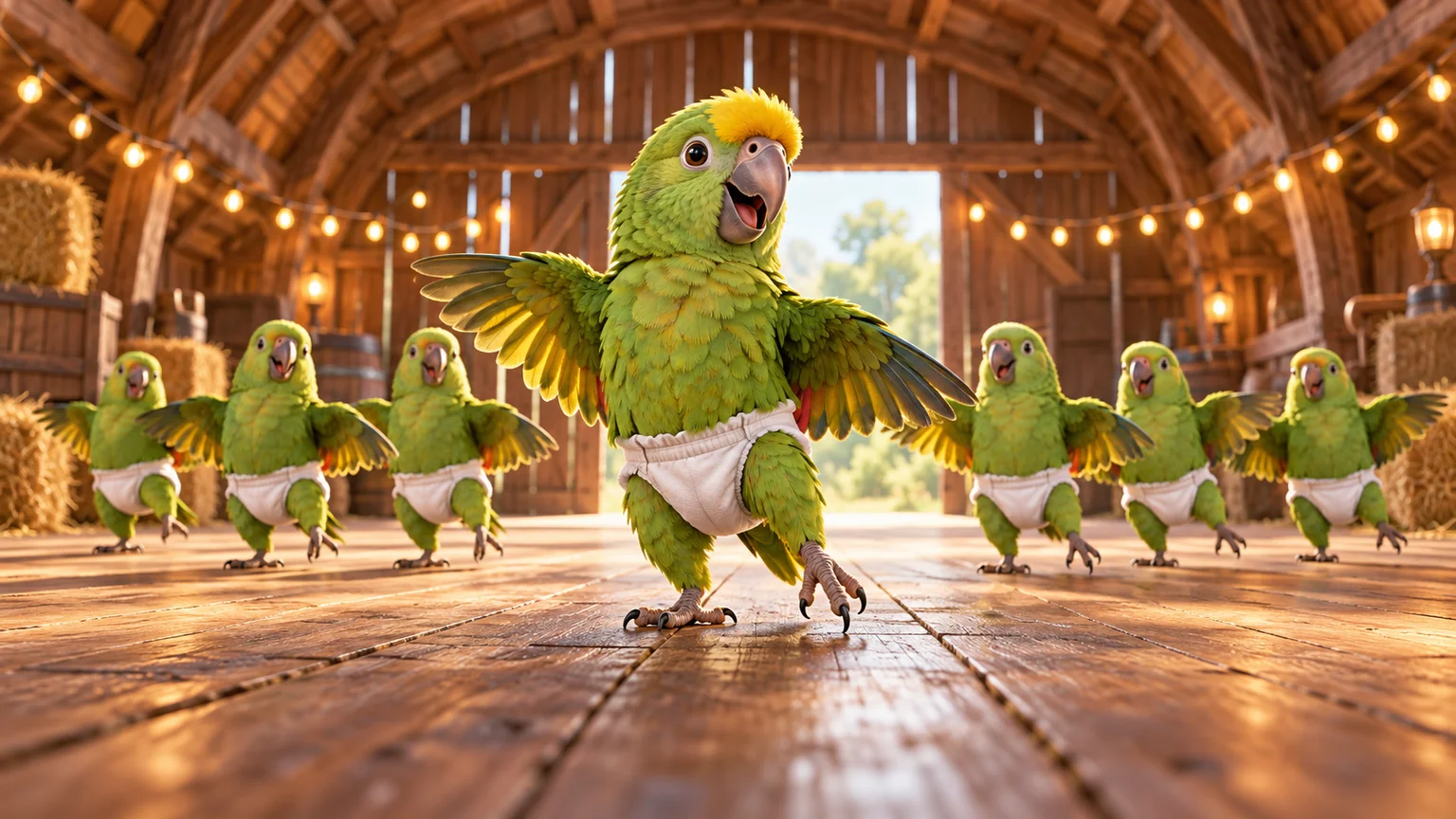
The funniest thing about Parrot Dance AI is how seriously the birds seem to take rehearsal. One little performer commands the foreground while the flock behind it follows along, as if this barn has the strictest dance instructor in town. Put your own pet in that position and the joke becomes personal: of course your cat thinks everyone should copy it.
You can build this idea from a pet photo, a prepared group scene, and a short animation in the AI Video Generator. The useful challenge is giving the leader personality while keeping the background dancers organized. Here is how to plan that scene, direct the movement, and finish a shareable edit.
What is the Parrot Dance AI trend?
Current trend pages use the name for an AI animal dance featuring green parrots in small white diapers, arranged behind a leading bird inside a barn. Their coordinated bounces, raised wings, and comic tail movements turn the scene into a miniature dance class. Jump on the Trend's overview associates this version with clips by @kennyslowbird.
The phrase covers more than a generic video of a bird moving to music. The flock, the central leader, and the unlikely costume create the recognizable setup. Pet remakes change the star while preserving that group-performance idea; MakeViral's template description explicitly offers a pet replacement for the lead parrot.
On ImgToImage AI, the process below creates your own interpretation using images and prompts. It does not load a fixed Parrot Dance preset or transfer the source clip's exact choreography. The illustrations in this guide show possible compositions, not verified video results.
Cast the animal your audience will recognize
Choose the pet before choosing the movement. A parrot brings distinctive feather colors, a curved beak, and a natural wing silhouette. A dog brings familiar ears and an expressive muzzle. A cat makes an amusingly unimpressed captain. Each can carry the premise, but the instructions should match the animal.
Use a sharp photo showing the face and as much of the body as possible. A clear three-quarter view can reveal both facial markings and body shape. Cage bars, a hand covering the chest, or a dark silhouette give the model less useful information about the subject.
Write down three identifying details: perhaps a yellow forehead, blue wing edges, and a dark beak. For a dog, that might be a white chest patch, one folded ear, and a ginger coat. These details help you evaluate whether the result still resembles your pet instead of merely the same species.
If you have no suitable photo, create a fictional bird character. Establish its appearance in a still image first. This keeps the casting decision separate from the question of whether the dance works.
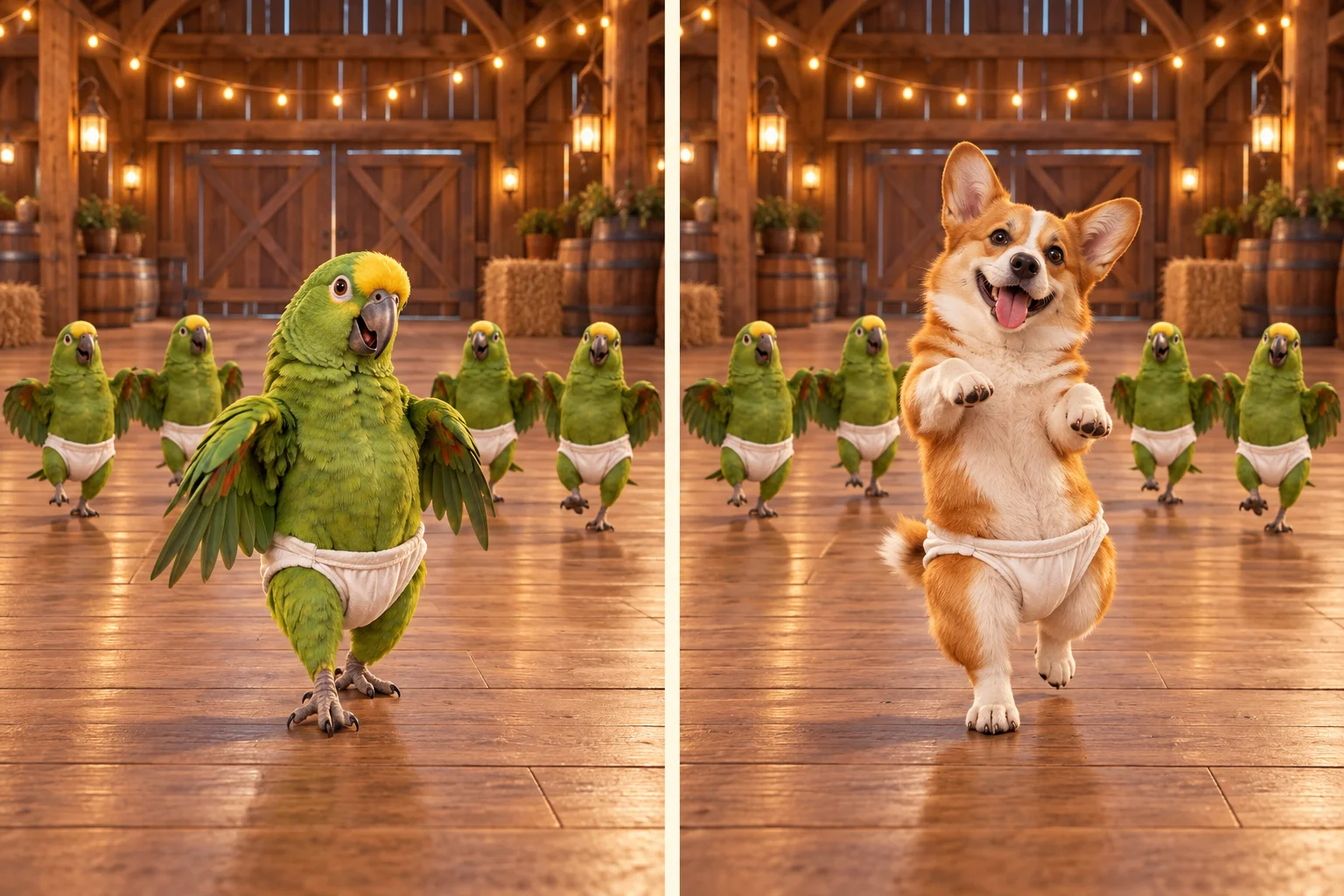
Build the barn scene before asking it to dance
A strong starting frame answers three questions immediately: who leads, where the followers stand, and how much room everyone has. Prepare that frame in the AI Image Generator using a model that accepts your pet reference.
Place the lead animal closer to the camera, with four to six parrots behind it. This is a suggested starting arrangement, not a required flock size. A smaller cast makes it easier to inspect feet and wings. Offset the rows so rear birds appear in the gaps rather than directly behind another bird's head.
Use a wooden floor with visible space beneath the leader. Warm bulbs and timber beams can establish the barn without filling it with distracting objects. Keep hay bales and decorations near the edges, away from the area where wings will open.
Try this image prompt:
Place the pet from my reference at the front of a cheerful barn dance class. Preserve its face, species, colors, and distinctive markings. Arrange four green parrots behind it in two staggered rows. Give every animal a small plain white cloth diaper costume. Show complete bodies and feet, with open space between silhouettes. Warm timber interior, soft daylight, subtle string lights, clear wooden floor, low frontal camera. Keep the leader visually dominant. No lettering, extra limbs, overlapping faces, or cropped feet.
Inspect this image before continuing. For vertical delivery, generate a vertical composition with room above the wings. The landscape illustrations here explain the concept; they are not ready-made vertical starting frames.
Turn the scene into a Parrot Dance AI video
Open the video workspace, sign in, and select Seedance 2.0 Mini if available. Choose Frames / Start & end frames and put your prepared barn image in Start. Leave End and the separate Reference images workflow unused for the opening shot.
The configured start-frame input accepts JPEG, PNG, or WebP up to 10 MB. Start with six seconds at 720p and choose 9:16 for your vertical composition, or Auto to adapt to the image. This model's available duration range is 4–15 seconds, so a longer routine needs either a different plan or several clips assembled afterward.
Check the displayed credit estimate, then generate one take. Treat that attempt as a rehearsal of the leader's motion and the flock's stability. There is little value in extending a sequence before its opening movement looks convincing.
Review the result in video history. Watch once at normal speed to judge the joke, then pause where wings overlap or feet change position. Download the usable take before starting another variation so you can compare actual results rather than your memory of them.
Give the leader a phrase and the flock a simpler reply
The front performer should have the most interesting action. Let it bounce, open its wings, and make a small side step. Give the followers a restrained version of the same rhythm. This creates a visual hierarchy instead of several unrelated performances competing for attention.
For a parrot leader, try:
Animate this Parrot Dance AI barn scene in one continuous shot. The foreground parrot gives two small body bounces, opens both wings halfway, and takes a short step to its right before returning to center. The four parrots behind it remain in their rows, making smaller bounces and a gentle shared wing lift. Preserve the leader's yellow forehead, green feathers, beak shape, and white cloth costume. Keep the floor, lighting, and number of birds unchanged. Use a stationary low camera with all feet visible. Wings remain wings, without human hands. No flight, collisions, new birds, cuts, or costume changes. Soft barn ambience only, without speech or music.
Replace the appearance details with your bird's markings. This is a starting suggestion, not a tested preset, and a text prompt cannot guarantee that every dancer lands on the same beat.
For a cat or dog, replace wing instructions with modest front-paw lifts in a clearly stylized upright pose. Specify that the animal retains its fur and paws. Do not ask a dog to flap wings unless a deliberate fantasy hybrid is your goal.
Save the tail turn for a second shot
The comic turn can be the payoff, but it asks the model to reveal anatomy that may not be visible in the opening image. Combining that rotation with an approach to the lens and a moving camera makes the action harder to assess.
Prepare another image of the same leader at a three-quarter angle, preserving the costume and barn. Animate a small turn away, a brief tail wiggle, and a return toward the audience. Keep the flock's movement minimal during this moment so the joke has a clear focus.
Join the shots at a planted pose or a moment when the wings are lowering. A visible edit can feel intentional if the movement carries across it. You do not need to force the whole performance into one continuous generation.
If you want a final wide reveal, make that a third shot. Start from a wider group image and ask for a shared celebratory wing lift. The change in scale then becomes the ending rather than another task competing with the turn.
Diagnose flock problems without rewriting everything
| What you notice | A focused adjustment |
|---|---|
| The leader becomes another generic green bird | Strengthen its visible markings in the starting frame and name them in the motion prompt. |
| Birds appear or disappear behind the front row | Reduce the cast and increase gaps between the staggered positions. |
| Wing edges fuse with neighboring bodies | Shorten the wing opening and give the followers less movement. |
| The costume changes shape during the turn | Simplify its design and use a separate angled starting image. |
| The bird floats instead of stepping | Ask for a small weight shift with one foot remaining visibly planted. |
Keep a note of the single change you made. If a retry improves the flock but weakens the lead character, return to the better take and narrow the instruction further. Adding more adjectives such as “perfect” or “ultra-realistic” does not explain which physical relationship needs fixing.
Find the sound and edit around one strong accent
The barn version is commonly associated with “Jamaican (Bam Bam).” The official artist upload by SOLTO identifies the track as a HUGEL and SOLTO release. Individual reposts may use different excerpts or sounds, so compare the audio attached to the clip you actually want to reference.
This custom workflow does not include that recording. Add suitable available music in your editing or publishing app and mute unwanted generated audio. Begin by matching the leader's wing opening to one obvious musical accent, then check whether the following movement still feels natural.
If the second accent falls late, trim a pause or shorten the sequence. Avoid speeding up the entire video merely to rescue one beat. Keep the amusing anticipation before a turn when it helps the performance; a little hesitation can make the tail wiggle funnier.
Package the joke for a small screen
Choose a cover frame that shows the leader and enough followers to explain the setup immediately. A close-up of a beak may be expressive, but it loses the dance-class premise. Keep captions above the action or in unused floor space, where they do not hide the feet.
One line is enough: “He said attendance was mandatory.” Label the result as AI-generated so the fictional performance is clear. Preview your exported file on a phone before posting, paying attention to the first second and the cut at the end.
For a different pet performance built around two contrasting roles, explore the Smalltown Boy Dance AI guide. When your flock is ready, make your Parrot Dance AI video with one distinctive leader and a short routine worth watching twice.
Keep exploring
 Video Guides
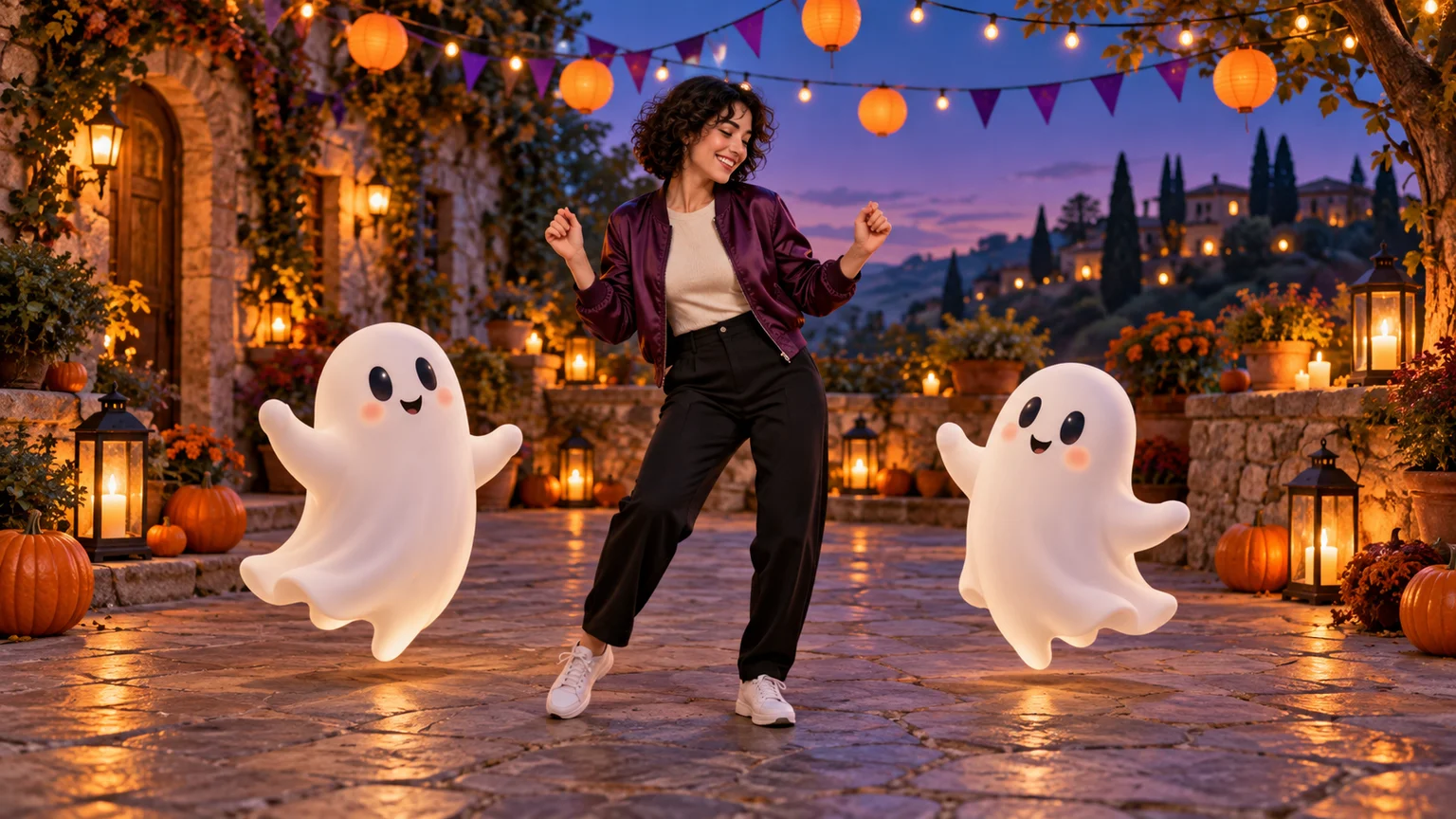
Invite two friendly ghosts onto your dance floor. Build a Halloween Dance AI video from a photo, or try a playful vampire performance on the porch.
 Video Guides
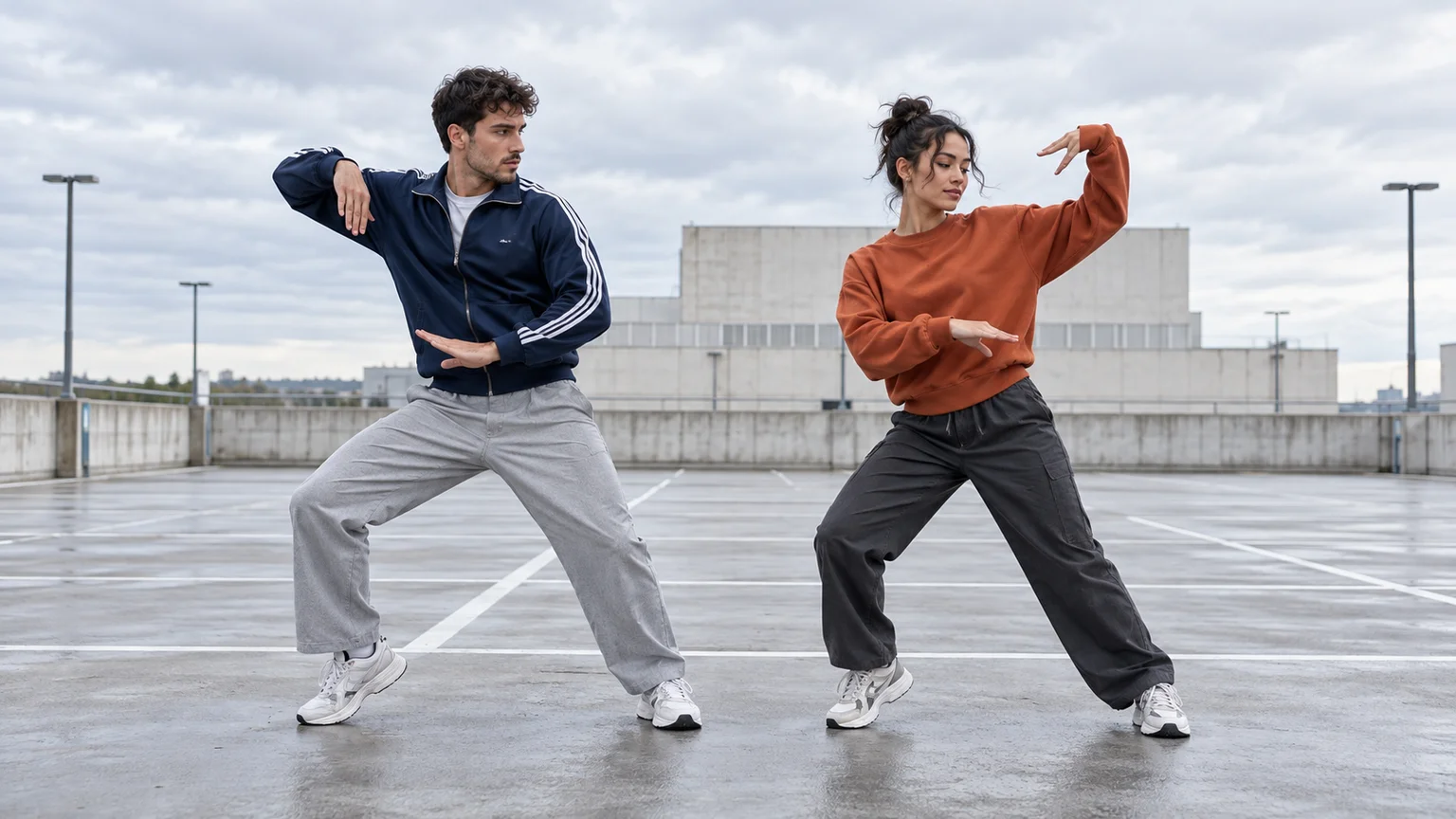
Turn a photo of you and a friend into an electro dance concept. Learn the Transmission 5 Dance AI look, plan the moves, and create a personal video.
 Video Guides
Open arms, a shoulder bounce, and a knowing look between friends. Create a Puerto Rican Mami Dance AI video with clear gestures and your own personality.
 Video Guides
Someone ate your lunch. Your face has questions. Turn a calm photo into an Angry Dance AI reaction with expressive pointing, a dramatic shrug, and a perfectly petty caption.