


Puerto Rican Mami Dance AI: Create a Playful Solo or Duo
Open arms, a shoulder bounce, and a knowing look between friends. Create a Puerto Rican Mami Dance AI video with clear gestures and your own personality.
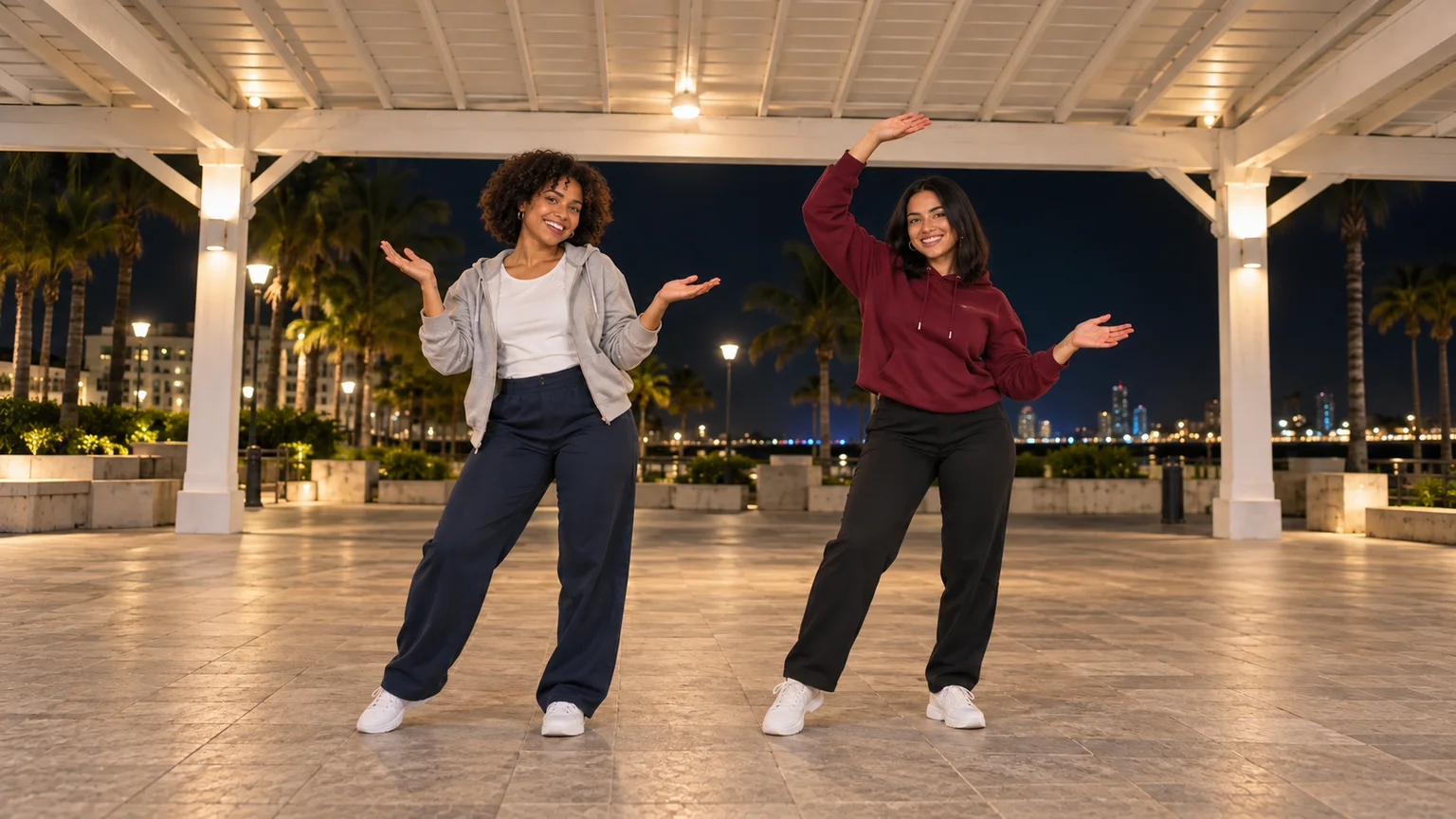
Some dances work because the performers seem to be having a conversation. An open palm asks a question, a shoulder bounce supplies the answer, and a knee lift adds the punchline. Puerto Rican Mami Dance AI brings that expressive routine into a photo-to-video format, letting you build a solo performance or a playful exchange with a friend.
The most useful starting point is a clear picture and a short sequence of gestures. Prepare the scene, animate it in the AI Video Generator, then choose the sound and timing in your editor. This guide explains what the trend means, how to stage its recognizable movements, and where to simplify the duet for a more readable result.
What is the Puerto Rican Mami Dance AI trend?
The name refers to a social-video dance associated with a spoken-line beat, commonly credited to Baby On The Track. The gestures include arms opening outward, a shoulder shimmy, a lifted knee with a light tap, and a forward-leaning finish. Duo versions may add a brief interaction and an exchange of positions.
Jump on the Trend's overview attributes a widely referenced duet to @_kenyaad and @brebre. It describes two friends beneath a white canopy at night, filmed from a low phone angle. AI Dance's solo example presents the same general gesture vocabulary with one performer. These are useful references for understanding why searches lead to both solo and partner versions.
Treat the phrase as the name of this particular routine. A themed costume or setting is unnecessary; the performance comes through the gestures and expressions. The images here are original AI concept illustrations, not frames from a tested generated video.
Choose the version that fits your idea
A solo edit gives the face more attention. It suits a mock-serious reaction, a raised eyebrow, or a confident shrug. One person can establish the question with open palms and answer it with a shoulder movement, so the scene still has a little dramatic arc.
A duet makes the interaction the attraction. Decide whether the friends move together or whether one reacts just after the other. For a first attempt, a small delay can make the exchange feel conversational. Describe it as a deliberate response rather than asking for perfect synchronization and a delayed reaction at the same time.
ImgToImage AI uses a general video workspace for this tutorial. You provide the composition and movement instructions; there is no preloaded Puerto Rican Mami routine or dedicated face-replacement slot. If you need the exact choreography from a specific clip, a fixed template or reference-video workflow is a different kind of tool. Here, the aim is a recognizable personal interpretation.
Give the arms and knees enough space
Choose a well-lit image of yourself or consenting adults, with visible facial detail. Full-body framing helps you judge the supporting leg during the knee lift. Avoid starting with folded arms, crossed legs, or a bag covering the torso, because the opening gesture then requires an extra transition.
For a duet made from separate portraits, use the AI Image Generator with a model that supports your reference images. Create one shared scene before moving to video. Check that each face belongs to the right body and that both people appear to stand on the same floor.
Clothes in different colors give you stable names for the performers. In this guide, grey and burgundy identify the dancers even after they exchange places. Two nearly identical dark outfits make those instructions less useful.
Try this starting-image prompt:
Arrange these two adults side by side beneath a white canopy on an evening plaza. Preserve each person's face, hair, age, and outfit. The grey-hoodie dancer stands on the left; the burgundy-hoodie dancer stands on the right. Show their complete bodies with relaxed arms and comfortably spaced feet. Leave room above their heads and between their bodies for open-arm gestures. Soft light on both faces, visible ground beneath the shoes, slightly low frontal viewpoint, natural proportions, no extra people or lettering.
Compose a vertical image if you plan a 9:16 post. A slightly low viewpoint can suggest the phone-shot reference without making the feet enormous or hiding the faces. The landscape illustrations show staging ideas rather than ready-to-upload vertical frames.
Generate your first Puerto Rican Mami Dance AI take
1. Load the prepared scene
Open the video workspace, sign in, and select Seedance 2.0 Mini if it is available. Choose Frames / Start & end frames, then upload the image to Start. Leave End empty for the initial attempt and do not mix this setup with the separate Reference images mode.
The model's configured start-frame input accepts JPEG, PNG, or WebP up to 10 MB. Upload the complete scene, not a collage of separate portraits with borders between them.
2. Choose a short rehearsal
Try eight seconds at 720p. Use 9:16 for a vertical source or Auto to adapt to the input. Seedance 2.0 Mini supports 4–15 seconds in this integration, but the first take only needs the arm opening, shoulder response, and knee accent.
Check the displayed credit estimate before generating. Reserve room for a correction instead of making the longest possible clip immediately.
3. Review the performance in history
Play the full result in video history. Look for readable expressions and a clear order of actions before studying individual fingers. A technically tidy clip can still miss the playful exchange. Save the strongest version, then revise the specific moment that feels wrong.
Copy a prompt for your solo or duet
The following prompts are suggestions, not tested presets. Select one and replace the appearance details with those in your source image. The motion instructions matter more than repeating the trend name throughout the request.
Solo: let the expression carry the exchange
Animate this Puerto Rican Mami Dance AI solo from the starting image. Keep the adult's face, hair, clothing, and surroundings consistent. With a fixed full-body camera, begin with a small bounce and open both palms outward at chest height with a playful questioning expression. Add a brief shoulder shimmy, then lift one knee modestly, tap near the raised thigh, and place the foot back down. Finish with a knowing smile toward the camera. Keep the supporting foot planted and the hands away from the face. No spins, cuts, zooms, outfit changes, or extra people. Quiet environmental ambience without speech or music.
Duo: make the partner's answer visible
Animate the two adults in the supplied scene. The grey-hoodie dancer opens both palms with an amused questioning look. The burgundy-hoodie dancer responds with an open-arm gesture and a short shoulder shimmy. Both then make a small knee lift and light thigh tap, returning their feet to the floor before settling into relaxed standing poses. Preserve their separate faces, outfits, and positions. Keep the phone camera fixed and both bodies fully visible. Maintain a clear gap between their hands and bodies. No crossing paths, high kicks, sudden camera movement, or additional dancers. Soft plaza ambience only, without dialogue or music.
For either version, keep the gesture broad enough to read on a phone but modest enough to fit the frame. If the face disappears behind a hand, reduce the arm height before adding more movement.
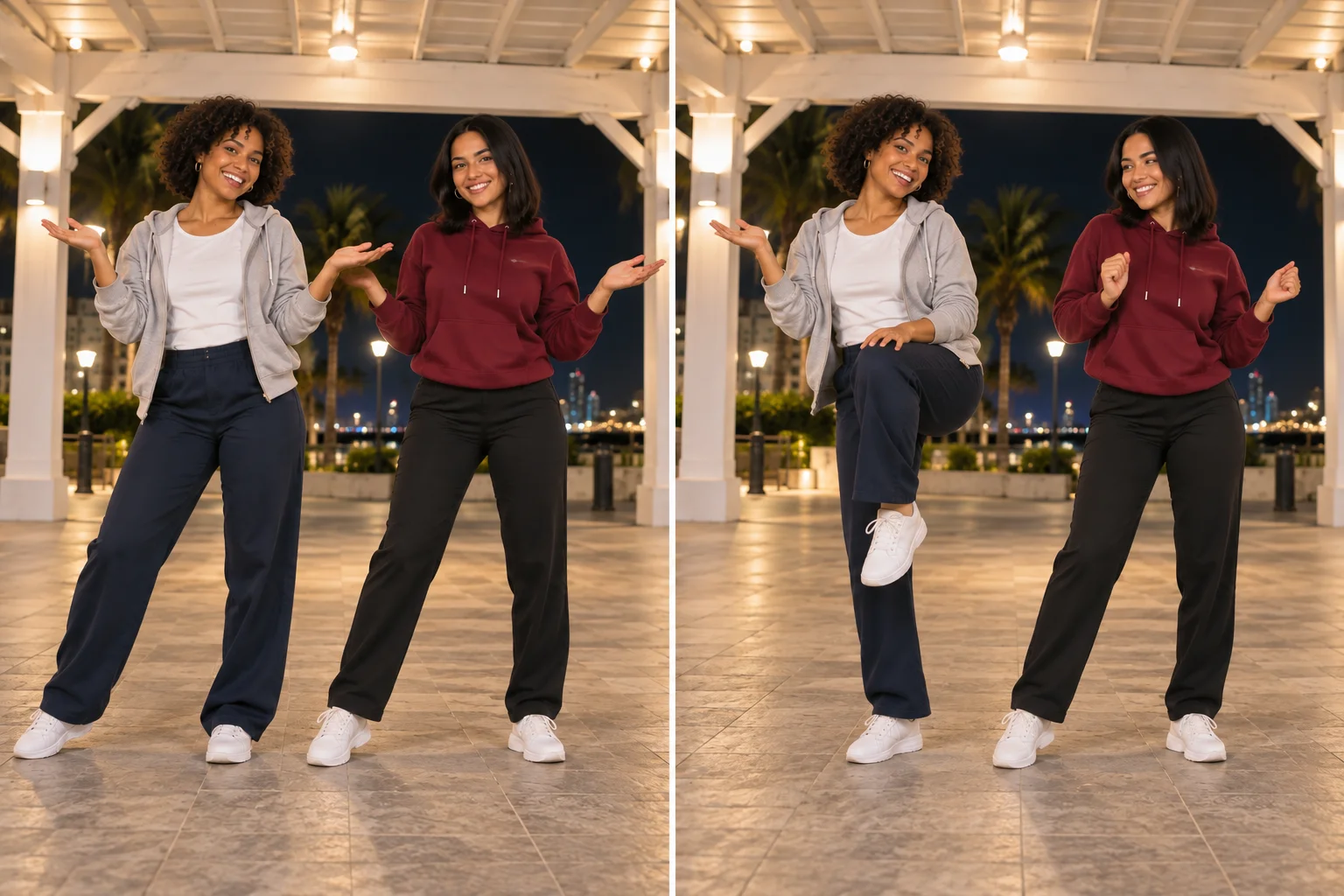
Add the partner swap after the basic gestures work
Exchanging places introduces an overlap that can confuse identities and limbs. Give it its own short shot. Start from a scene with enough space between the dancers, then specify which person passes in front and which passes behind.
For example, the grey hoodie takes a small forward step and crosses while the burgundy hoodie moves slightly back. Both return to face the camera in their new positions. Keep arms lowered during the crossing so moving hands do not obscure either face.
If the swap remains awkward, prepare a second still with positions reversed and cut directly to it. You retain the playful change of roles without requiring a complicated continuous maneuver. For the ending, use a modest forward lean with hands resting above the knees, keeping both faces visible.
Match the sound to the version you saved
Trend references identify the dance audio as a Baby On The Track beat built around a spoken phrase. Search pages can attach different music names to similar keywords, so start with the sound linked to your chosen reference. Listen to the actual excerpt before arranging your edit.
This workflow does not supply the original recording or guarantee beat synchronization. Add suitable available audio through your editing or publishing app, lowering unwanted generated ambience. Place the first clear arm opening on a strong accent, then watch the knee lift against the next accent.
If the second movement arrives late, trim an idle pause or cut between phrases. Large speed adjustments can make facial expressions flicker and turn a gentle bounce into a twitch. A shorter edit with two well-placed accents often feels more intentional than a longer sequence that gradually loses the rhythm.
Correct the part that breaks the illusion
| Problem | Useful adjustment |
|---|---|
| The two faces blend during an inward lean | Increase the gap in the source image and keep the opening gestures facing forward. |
| Hands merge when both arms open | Reduce the inward reach and direct each dancer's palms into their own space. |
| The raised knee becomes a kick | Describe a modest lift, a brief tap, and an immediate return to the floor. |
| The supporting shoe slides | Request a planted pause before and after the lift. |
| The duet looks stiff despite clean movement | Add one shared glance or delayed smile instead of extra choreography. |
Change one instruction per retry. Compare the same moment in both clips so you can tell whether the revision solved the problem. Keep the background and wardrobe stable while testing motion; changing them at the same time makes the comparison less useful.
Finish with the friendship, not just the steps
Choose the expression your friends would recognize: one person committing fully while the other looks unconvinced, or both breaking into a grin after the knee tap. That detail gives viewers a reason to watch beyond the familiar routine.
Keep captions short and away from the moving hands. Preview the exported file on a phone, including its opening frame and ending cut, and label the performance as AI-generated. For another duet based on expressive gestures, explore the Babydoll Dance guide.
When your composition is ready, create your Puerto Rican Mami Dance AI video. Start with the clearest exchange, then build the rest of the edit around the moment that feels most like you.
Keep exploring
 Video Guides
Invite two friendly ghosts onto your dance floor. Build a Halloween Dance AI video from a photo, or try a playful vampire performance on the porch.
 Video Guides
A tiny dance captain, a barn full of parrots, and one very confident routine. Make a Parrot Dance AI video with your own bird, cat, or dog.
 Video Guides
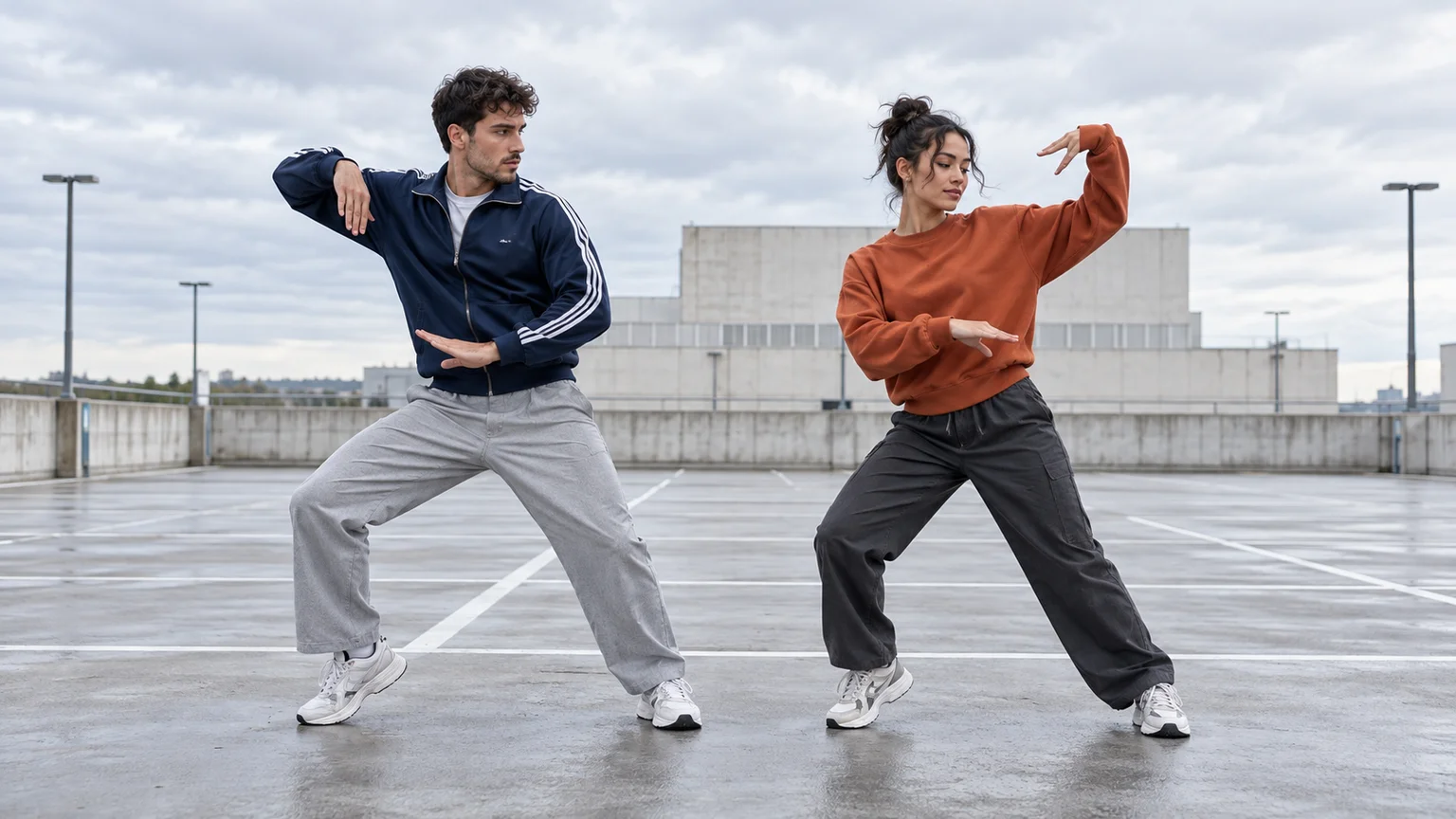
Turn a photo of you and a friend into an electro dance concept. Learn the Transmission 5 Dance AI look, plan the moves, and create a personal video.
 Video Guides
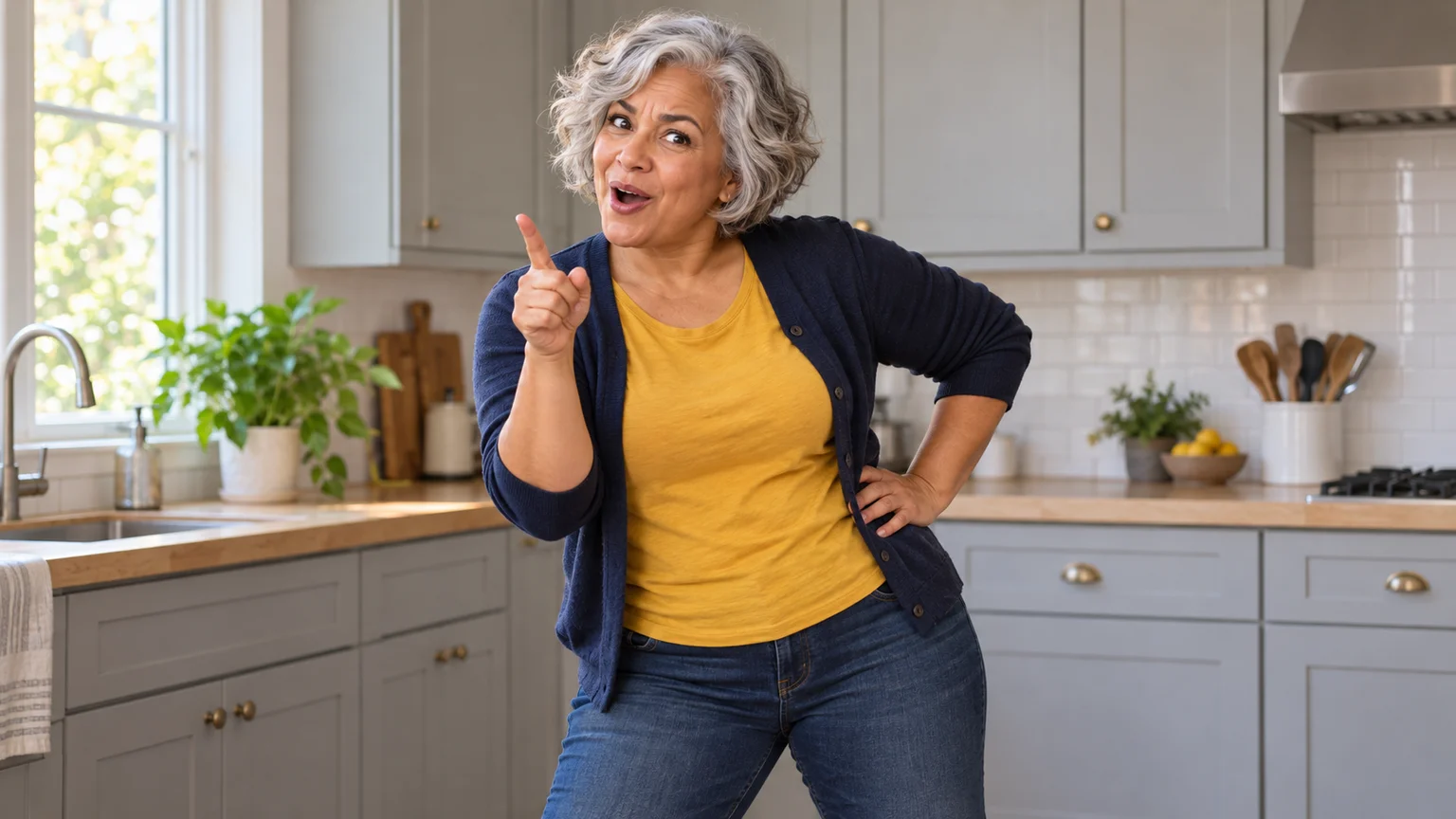
Someone ate your lunch. Your face has questions. Turn a calm photo into an Angry Dance AI reaction with expressive pointing, a dramatic shrug, and a perfectly petty caption.