


Angry Dance AI: Give Your Pettiest Complaint a Performance
Someone ate your lunch. Your face has questions. Turn a calm photo into an Angry Dance AI reaction with expressive pointing, a dramatic shrug, and a perfectly petty caption.
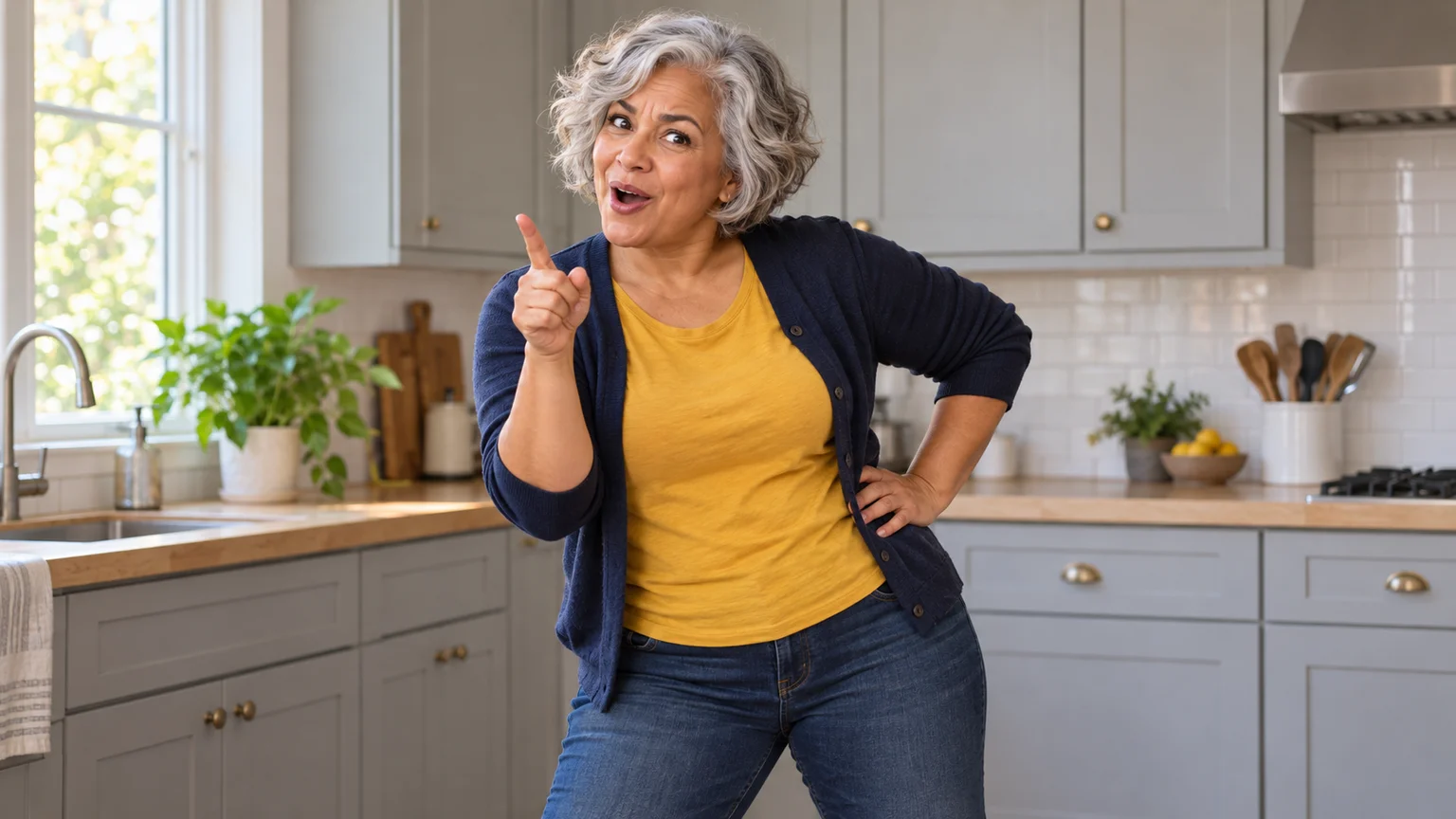
Someone finishes the leftovers you clearly labeled. You have a speech prepared, a finger raised, and apparently enough rhythm to make the complaint a performance. Angry Dance AI turns a familiar face into that exaggerated reaction, using mock irritation, animated hands, and a small bounce to make an everyday annoyance funny.
You do not need to film yourself acting out the whole routine. On ImgToImage AI, you can build an Angry Dance AI scene from a photo, direct a short sequence, and add the caption that explains the joke. This guide concentrates on readable gestures and comic timing, with prompts you can adapt.
What is the Angry Dance AI effect?
The recognizable format resembles a playful argument with whoever holds the camera. A performer points, counts complaints on an open hand, shrugs, or turns away before returning with one last reaction. Angry Dance AI versions reinterpret that body language using a different face, often in an ordinary kitchen where the drama feels wonderfully out of proportion.
You may also encounter the format while searching for the Bad Times dance or an angry dance filter. Those labels can lead to different excerpts and gesture sequences. For Angry Dance AI, choose the particular reaction you want to make; a text-directed workflow creates a new performance and does not reproduce a reference video's exact choreography.
Give the character a small reason to complain
Start with an inconvenience that needs almost no explanation: a missing snack, a meeting that could have been a message, or a charger borrowed indefinitely. An Angry Dance AI caption such as “When the lunch with my name on it disappears” gives the viewer a reason for the expression before any gesture lands.
Choose the emotional contrast deliberately. A normally calm face delivering an elaborate complaint can be funnier than an already furious portrait. Keep Angry Dance AI theatrical: a lifted eyebrow, a disbelieving head tilt, and a sideways glance communicate attitude without needing a frightening expression or a confrontation with another person.
Use a clear photo of yourself or someone who has agreed to appear. A front-facing image with visible shoulders and natural facial detail gives Angry Dance AI a useful identity reference. Avoid heavy beauty filters, hands covering the mouth, or strong shadows that obscure the eyes; expressions depend on those small features remaining recognizable.
Prepare an Angry Dance AI scene with space for hands
Open the AI Image Generator and select an available model that accepts your photo. Compose the person from the knees or waist upward in a simple kitchen. For Angry Dance AI, place the counter behind the performer, leaving clear space in front; an island across the foreground can hide the entire gesture.
Choose a vertical 9:16 frame and leave room beside both elbows. Soft window light helps the fingers stand out against darker clothing. A plain shirt or cardigan is useful for Angry Dance AI because busy patterns can distract from the hands, especially when a short video is viewed on a small phone screen.
Adapt this scene prompt to your photo:
Create an Angry Dance AI starting image of the adult in this reference photo. Keep their recognizable face, age, hairstyle, and natural proportions. Dress them in a plain navy cardigan and mustard T-shirt. Place them in a bright home kitchen with light-grey cabinets, a pale wood countertop behind them, and uncluttered space around their body. Frame from the knees upward in a vertical composition. They face the lens with a slightly skeptical raised eyebrow, both hands relaxed and fully visible near the waist. Use soft daylight and a fixed eye-level camera perspective. Leave space around the elbows and above the head. No other people, text, or foreground furniture blocking the body.
Check the neutral pose before animating it. Separate any fingers that merge into the cardigan, and make sure the relaxed hands belong to the same person. The Angry Dance AI starting frame should offer room for expression to develop, rather than beginning at the biggest gesture with nowhere left to go.
Build the joke in three readable beats
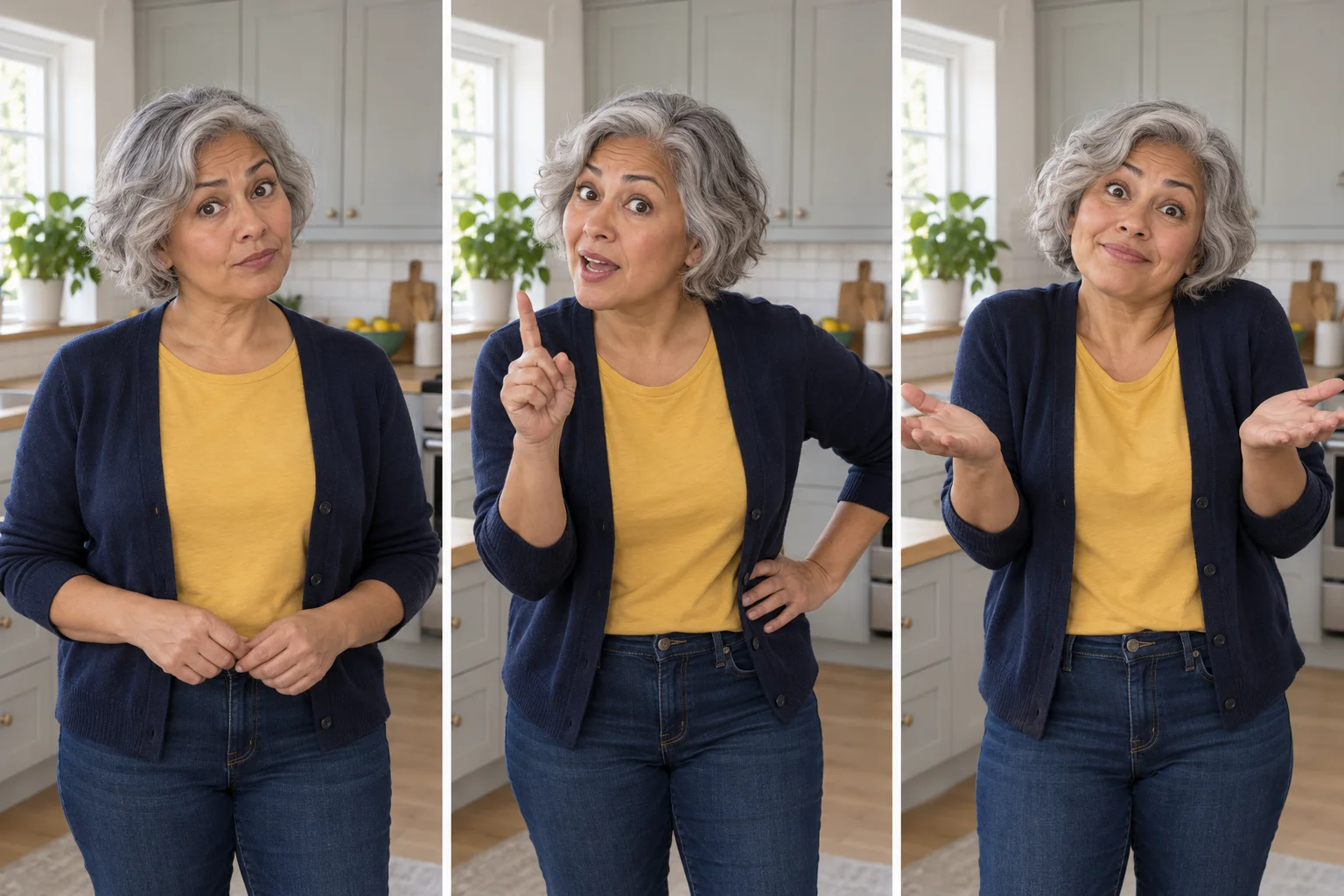
Notice the problem. Hold a brief skeptical look, then add a small shoulder bounce. This opening lets the caption register before the complaint begins. An Angry Dance AI performance does not need to race forward immediately; the pause is what makes the sudden burst of attitude feel motivated.
Make the point. Raise one index finger beside the face and direct it loosely toward the viewer. Keep the hand at a comfortable distance from the lens. For a first Angry Dance AI attempt, this single gesture is easier to judge than counting every finger while stepping forward and mouthing an entire sentence.
Deliver the last word. Change to an open-palmed shrug, a hand on the hip, or a sideways turn with a final glance back. Give Angry Dance AI a clear ending that can sit beneath the caption for a moment. The reaction should conclude instead of simply stopping halfway through an arm movement.
Make your first Angry Dance AI clip on ImgToImage AI
Open the AI Video Generator, sign in, and select Seedance 2.0 Mini. Put the approved kitchen image in Start frame, leaving End frame and Reference images empty. This Angry Dance AI method uses your prepared scene and written directions; you are not uploading the original dance as a motion reference.
Try eight seconds at 720p with the same 9:16 framing. Current settings support 4–15 seconds, 480p or 720p, and JPEG, PNG, or WebP images up to 10 MB. Review the displayed credit estimate before generating Angry Dance AI, and reserve longer attempts for a sequence whose gestures already work.
Use this motion prompt for a compact first take:
Animate this Angry Dance AI scene as an eight-second comic reaction in one fixed shot. Preserve the person's face, hair, age, outfit, and kitchen. Begin with a skeptical eyebrow lift and a gentle shoulder bounce. Next, raise one index finger near shoulder height and point loosely toward the viewer as if explaining a small annoyance. Keep the hand away from the face and lens. Lower that hand, then open both palms in an exaggerated shrug and hold the final expression briefly. Maintain a playful, mock-annoyed mood, natural wrists, and a small rhythmic weight shift. Keep both elbows visible. No camera movement, cuts, sudden lunges, or additional people. Use quiet room ambience without speech or music.
Review the result in video history with the caption's meaning in mind. Does the change from skeptical look to complaint read without an explanation? An Angry Dance AI take succeeds when its emotional sequence is clear. Select the most expressive version with intact hands, even if the movement is smaller than you originally imagined.
Repair Angry Dance AI gestures without losing the joke
The pointing finger becomes oversized. Ask the performer to keep the elbow near the torso and the hand at shoulder distance rather than reaching toward the camera. Extreme foreshortening can make Angry Dance AI look awkward. Move the gesture sideways before trying to solve it with more detailed descriptions of individual fingers.
The face changes during the complaint. Reduce the head turn and keep the mouth mostly relaxed. A large open-mouthed shout asks the model to invent teeth and facial details that the photo may not show. Angry Dance AI can express disbelief through eyebrows and posture while keeping the person's identity easier to recognize.
The dance turns into frantic waving. Remove one action and specify when the arms return to rest. Separate the point from the shrug instead of requesting both continuously. In Angry Dance AI, a short still moment gives each gesture its own meaning and makes it easier to cut around an imperfect transition.
Let the edit supply rhythm and context
Choose music available for your account and intended use, then place the selected clip against it in an editor or posting app. This Angry Dance AI workflow does not include a particular trend recording. If you are matching a sound from an example, check that post's audio information rather than guessing from its title.
Set the first pointing gesture near an accent, then let the shrug land on a later beat. Trim empty time before the opening expression instead of speeding up the whole performance. An Angry Dance AI edit benefits from a readable pause; excessive acceleration can make the hands look less controlled and the face harder to recognize.
Add one short caption above the active hands, keeping it away from the eyes. Preview Angry Dance AI with the sound muted as well: the premise should still make sense. Lower unwanted generated audio beneath your chosen track, and identify the fictional performance as AI-generated when you share it.
Reuse a strong Angry Dance AI take with a new punchline
A single expressive reaction can support several captions without requiring another generation. Try a food complaint, a technology inconvenience, and a harmless household disagreement. Watch where each caption's key word meets the gesture. Angry Dance AI feels more intentional when the text and body language finish the same thought.
Change the setting only when it contributes to the story. A kitchen suits missing leftovers; a desk suits an unnecessary meeting. If you move Angry Dance AI to another room, preserve the camera distance and clear arm space. Adding props to hold can create new hand problems without improving the original joke.
Angry Dance AI questions before your next version
How can I add the finger-counting gesture?
Generate it as a separate short shot: one open hand at chest height, the opposite index finger making a single tap, then a pause. Keep both palms away from the face. Add that Angry Dance AI insert only if the fingers remain distinct; a simple counting implication often reads better than an inaccurate five-point checklist.
Can I make the reaction a loop?
Start and end with a similar relaxed stance, then trim where the shoulders and hands align most closely. A small pause can help hide the join. For Angry Dance AI, a hard cut back to the skeptical opening may also suit the joke, as though the same annoyance has happened again.
For a contrasting reaction built around stillness, see the Toc Toc dance guide. To stage your own complaint, prepare the photo and open the video workspace. Give Angry Dance AI a small problem, a face with something to say, and enough time for the final shrug to land.
Keep exploring
 Video Guides
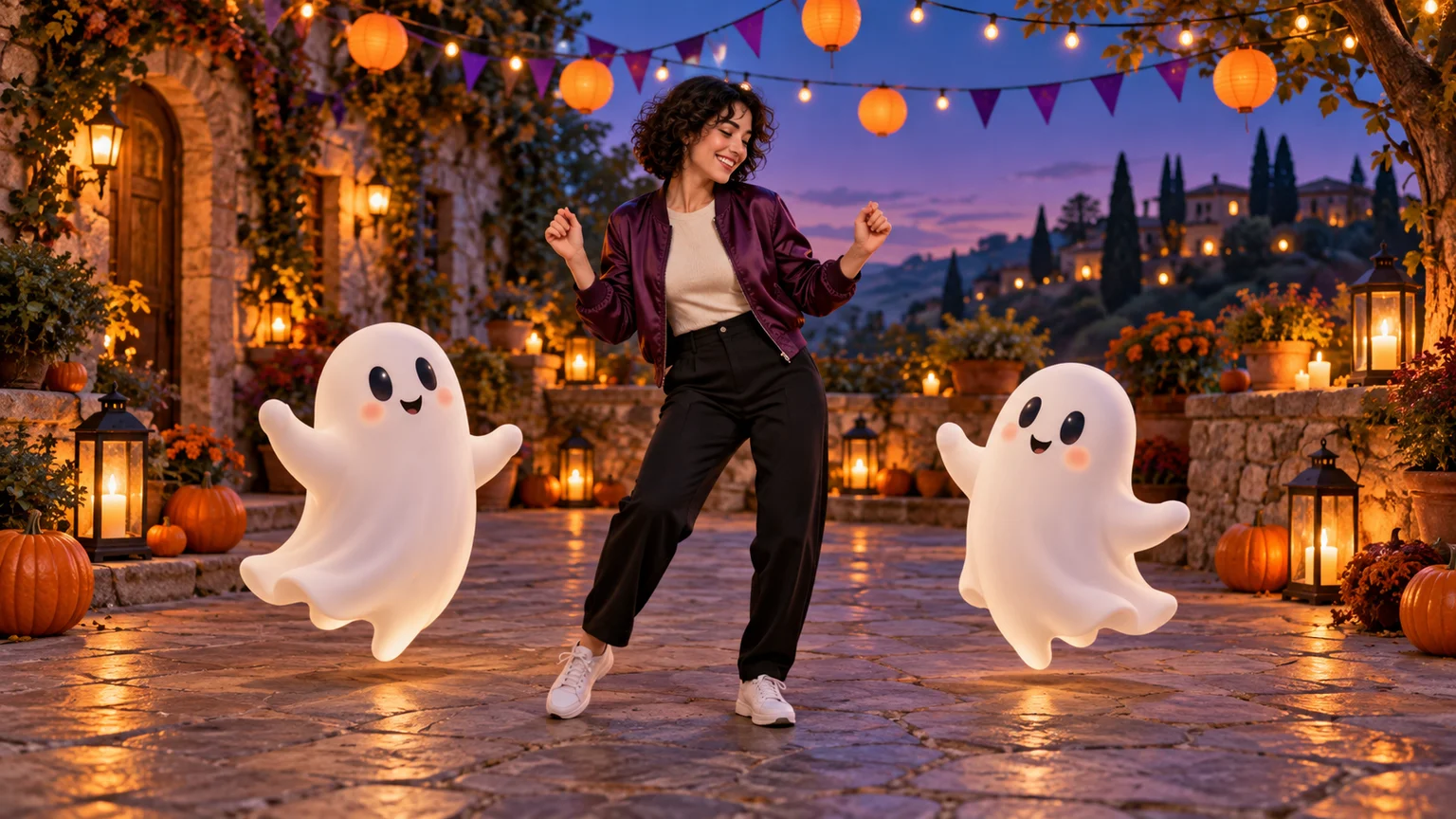
Invite two friendly ghosts onto your dance floor. Build a Halloween Dance AI video from a photo, or try a playful vampire performance on the porch.
 Video Guides
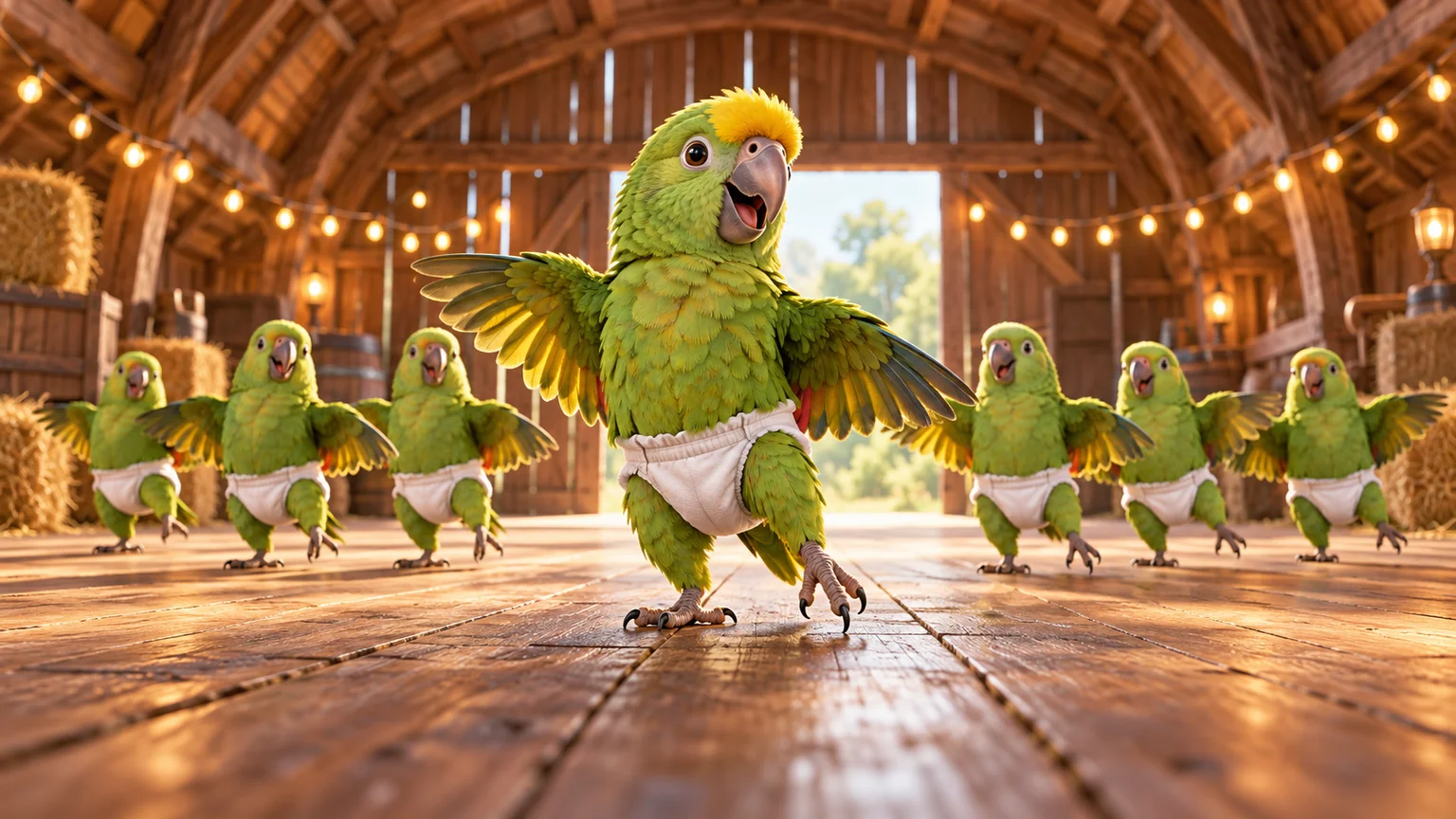
A tiny dance captain, a barn full of parrots, and one very confident routine. Make a Parrot Dance AI video with your own bird, cat, or dog.
 Video Guides
Turn a photo of you and a friend into an electro dance concept. Learn the Transmission 5 Dance AI look, plan the moves, and create a personal video.
 Video Guides
Open arms, a shoulder bounce, and a knowing look between friends. Create a Puerto Rican Mami Dance AI video with clear gestures and your own personality.