


Toc Toc AI Dance Generator: Keep a Straight Face, Let the Feet Move
A raised knee, a knocking fist, and an expression that refuses to smile. Follow this Toc Toc AI Dance Generator guide to give your photo its own comic rhythm.
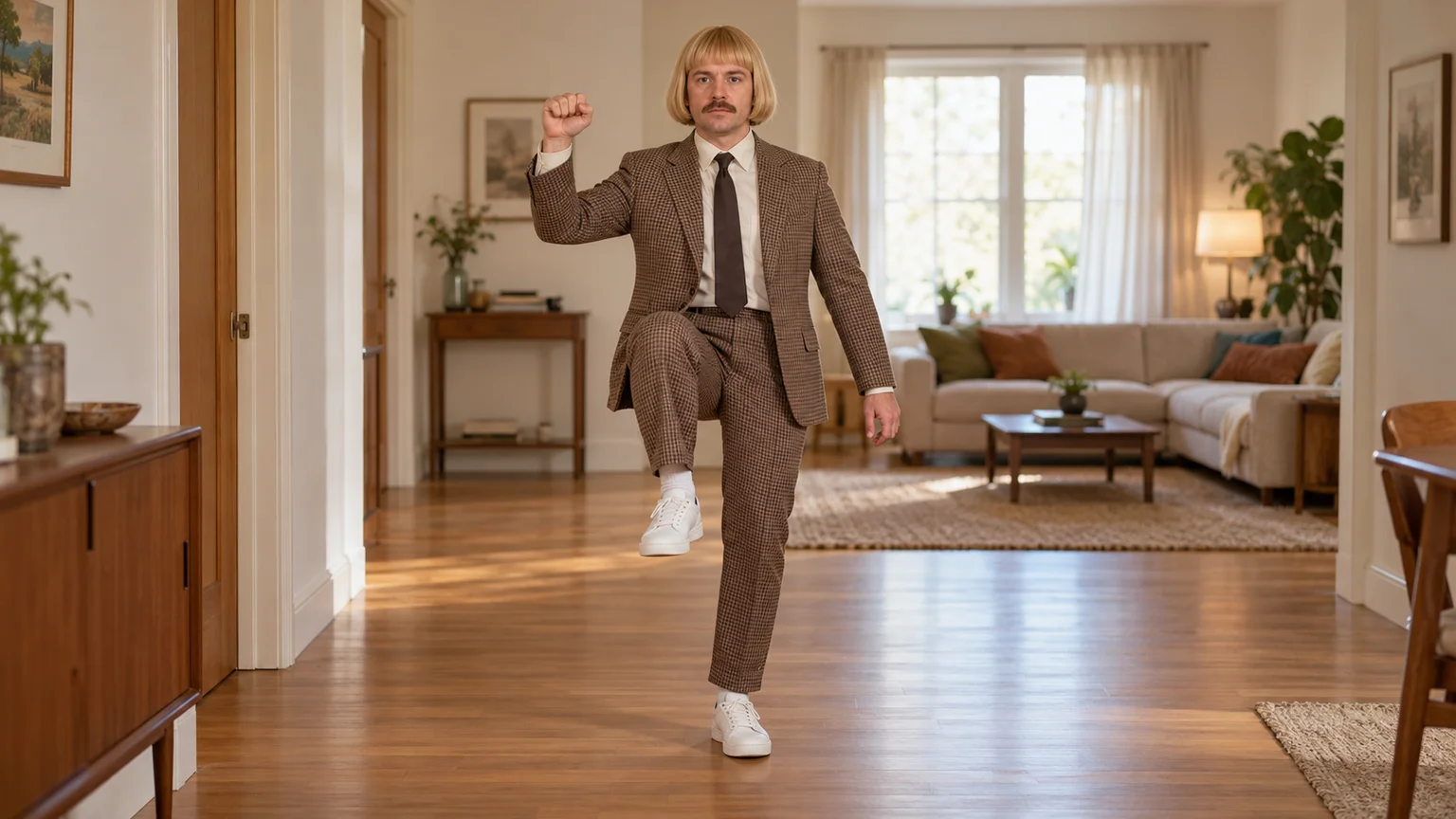
The dancer looks completely serious. One knee lifts, a fist knocks on a door that is not there, and a small hop turns an ordinary room into a comedy stage. A Toc Toc AI Dance Generator lets you explore that contrast with your own photo, without recording yourself performing the routine.
This Toc Toc AI Dance Generator guide uses ImgToImage AI to build a clear starting pose, animate a short phrase, and align the result with your chosen audio. The goal is a readable knock-and-hop performance with your personality still visible, rather than a crowded sequence of unrelated dance moves.
What a Toc Toc AI Dance Generator recreates
The dance is associated with “Toc toc,” Patrick Sébastien's French party song from 2015. Its recognizable ingredients include a knocking gesture, lifted knees, small hops, and a deliberately straight face. A Toc Toc AI Dance Generator interpretation brings those ingredients to a person, original character, or stylized pet.
You may also encounter the names “Kicékéla” and “Jean Phil dance” while looking for a Toc Toc AI Dance Generator. The first refers to a nickname for the song; the second often accompanies bob wigs and vintage clothing. Neither label means every clip follows one identical routine or costume.
Here, Toc Toc AI Dance Generator describes the creative workflow. ImgToImage AI's general video workspace takes a scene image and written motion instructions, rather than supplying a dedicated choreography preset. You will describe a manageable interpretation, then judge the result by its expression, balance, and timing.
Choose the face before choosing the costume
A full-body photo gives the strongest starting information: face, proportions, outfit, and shoes in one reference. For a Toc Toc AI Dance Generator project, pick an image with a clear jawline and uncovered eyes. A dramatic pose is less useful than a simple stance the image model can reorganize.
Keep your usual hairstyle if recognition matters most. The blond bob and brown suit can be a playful Toc Toc AI Dance Generator variation, but adding both may change how familiar the person looks. Decide whether the joke comes from the dance itself or from an unexpected costume.
If you only have a close portrait, specify the missing trousers and footwear when creating the scene. Inspect those invented details before using the Toc Toc AI Dance Generator workflow. A long skirt hiding the knees or shoes blending into the floor can make the later movement difficult to read.
Stage your Toc Toc AI Dance Generator image
Use the AI Image Generator with a model that accepts a reference photo. For your first Toc Toc AI Dance Generator scene, choose a plain hallway or living room with clear floor space. Keep mirrors, glass doors, and closely packed furniture out of the dancer's movement area.
Frame the person head to toe with room beside the elbows and above the raised knee. A Toc Toc AI Dance Generator composition works well in 9:16 when the dancer stays mostly in place. Position the camera far enough away that one small hop will not push a shoe outside the frame.
Adapt this image prompt:
Prepare a Toc Toc AI Dance Generator starting image from my reference photo. Preserve the adult's recognizable face and proportions. Show them full body in a simple beige apartment hallway with a wooden floor and soft daylight. Use a vintage brown checked suit, cream shirt, dark tie, and white sneakers, with an optional blunt blond bob wig. The dancer stands balanced with feet slightly apart, knees relaxed, and arms low, looking directly at the camera with a neutral expression. Leave open space around both hands and legs. Keep the background doorway well behind the person. Use a fixed front-facing view with natural anatomy and floor shadows. No extra people, mirrors, lettering, or logos.
Remove the costume instructions to keep the original outfit. Before moving to the Toc Toc AI Dance Generator animation step, check both shoes and the elbow space. The starting image should establish a stable body; it does not need to capture the most difficult airborne moment.
Build the dance from three small actions
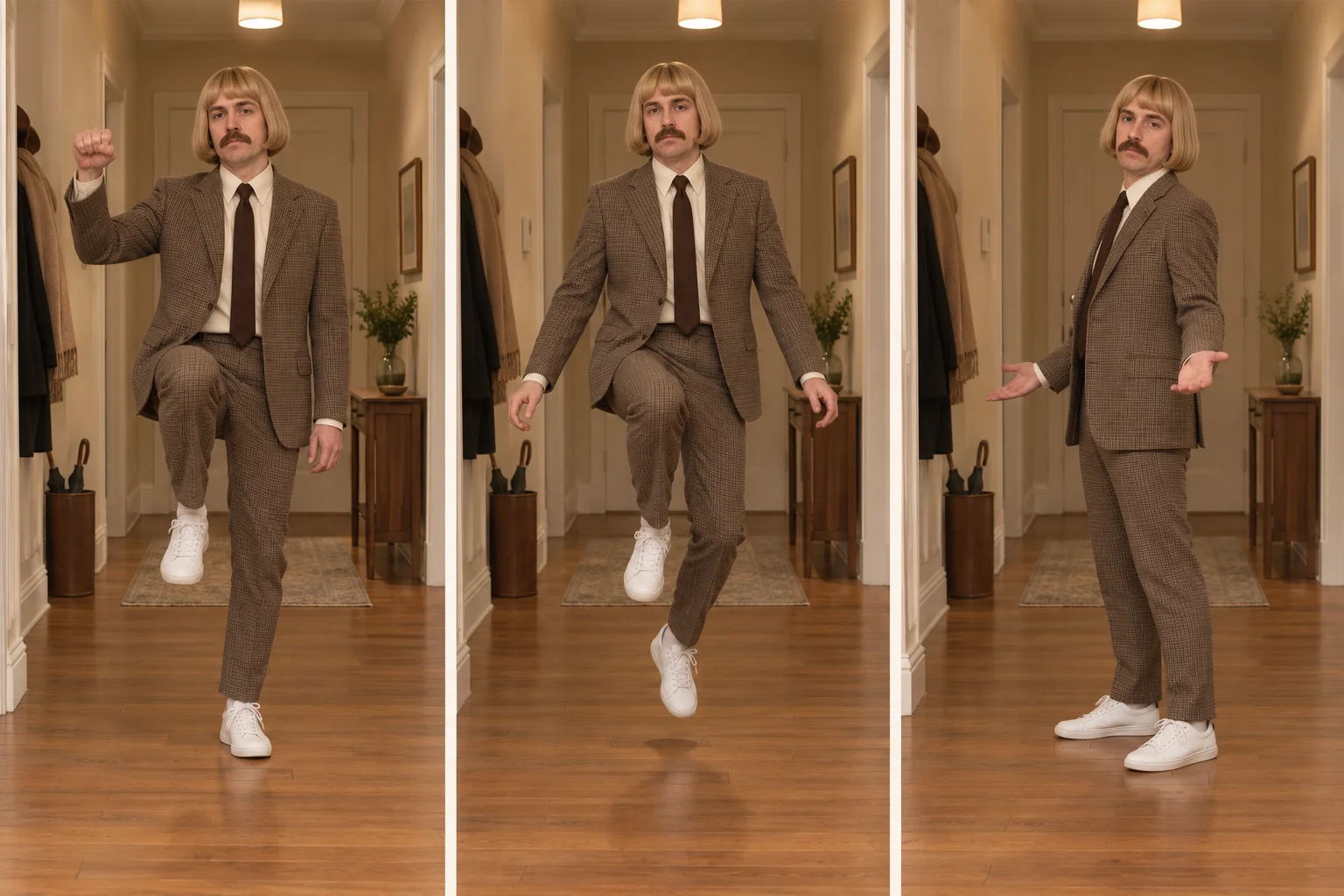
Start with the knock. In a Toc Toc AI Dance Generator prompt, describe a loose fist moving forward and back at chest height, with the elbow bent. The imaginary door stays in empty space. Without that distinction, the dancer may walk over and knock on the real doorway behind them.
Next comes the knee lift and hop. Ask the Toc Toc AI Dance Generator workflow for a modest raised knee and one or two low hops on the supporting foot. Keeping the movement small makes the weight shift easier to follow than combining a high kick, spin, and traveling step.
End by returning both feet to the floor, adding a small quarter-turn or restrained shrug. A Toc Toc AI Dance Generator performance benefits from a brief pause here: the body stops, the serious face remains, and the viewer has a moment to enjoy the contrast.
Run the Toc Toc AI Dance Generator workflow
Open the AI Video Generator, sign in, and select Seedance 2.0 Mini. Add the prepared scene to Start frame. For this Toc Toc AI Dance Generator approach, leave End frame and Reference images empty; the separate reference-image mode cannot be combined with frame inputs.
Try eight seconds at 720p, using the same aspect ratio as your image. Current controls support 4–15 seconds and 480p or 720p output, accepting JPEG, PNG, or WebP images up to 10 MB. Check the displayed credit estimate before starting a Toc Toc AI Dance Generator attempt.
Describe the movement, not just the trend name
Animate this Toc Toc AI Dance Generator scene as one continuous eight-second full-body performance. Keep the adult's face, clothing, hairstyle, and proportions consistent. Begin with a small weight shift. Raise a loose right fist to chest height and make two short knocking motions in empty air, keeping the elbow bent. Lift the left knee moderately and perform two small hops on the right foot. Lower the left foot, settle both feet on the floor, and make a small quarter-turn with a restrained palms-up shrug. Maintain a completely straight face and eyes toward the camera. Keep the camera fixed and the whole body inside the frame. No door contact, large kicks, full spins, extra limbs, or other dancers. Use quiet room ambience without music or speech.
The duration control determines the video length; the prompt guides the performance. Watch the completed Toc Toc AI Dance Generator attempt in video history and identify whether the knock, hop, and settling pose are distinct. Do that before adding extra gestures or a second dancer.
Check your Toc Toc AI Dance Generator result
First, follow the supporting foot. It should briefly leave the floor during a hop and reconnect before the next one. If your Toc Toc AI Dance Generator result slides instead, reduce sideways travel and keep the knee lift lower. A visible floor shadow helps you spot the point of contact.
Next, inspect the knocking hand. The fist should remain separate from the face and torso, with a short forward-and-back movement. For a Toc Toc AI Dance Generator revision, lower the hand or move it outward if fingers merge into the jacket. More elaborate hand instructions can make a simple gesture less stable.
Finally, watch the expression. An automatic grin can weaken the deadpan joke, while a frozen face may feel disconnected from the body. Ask your Toc Toc AI Dance Generator prompt for relaxed eyes, subtle breathing, and a neutral mouth. Keep the performance understated rather than requesting an exaggerated reaction.
Let the music decide the final trim
Choose the sound section in your editing or posting app before trimming the selected take. The Toc Toc AI Dance Generator workflow does not include the original song, and naming it in a prompt does not guarantee beat synchronization. Use audio available for your account and intended use.
Find the two knocking accents, then move the video so the visible fist taps land near them. A Toc Toc AI Dance Generator clip can feel coordinated even if every knee movement does not match perfectly. Preserve a small preparation before the first tap instead of cutting directly into an already raised fist.
Listen to the generated audio separately and lower it beneath the chosen track, or mute it. Review your Toc Toc AI Dance Generator edit on a phone with captions away from the active hand and shoes. Leave the final straight-faced pause intact; it often carries more humor than another move.
Turn a solo into a two-person relay
For a Toc Toc AI Dance Generator duet, prepare a shared image using two consenting adults' photos. Put them in separate lanes of the frame, with different clothing and enough space for both raised knees. A wider composition gives this arrangement more room than a tightly packed portrait crop.
Let the first dancer complete the knock while the second watches, then pass the action across. This Toc Toc AI Dance Generator variation uses a delayed response instead of demanding perfect synchronization. If the faces blend or the bodies cross, return each person to their original side and simplify the exchange.
Toc Toc AI Dance Generator questions
Can an illustrated character or pet join in?
Yes, as an adapted scene. Give an original character a clear silhouette, or prepare a stylized pet standing upright before animation. A Toc Toc AI Dance Generator prompt should respect those proportions: a paw tap and gentle bounce may communicate the idea better than forcing a human knee kick onto an animal.
Is a recorded dance reference required?
No recorded reference is needed for this Toc Toc AI Dance Generator method. The starting image establishes appearance and setting, while the prompt describes movement. Exact choreography transfer is a different workflow, so treat this result as your own short interpretation rather than a frame-matched dance cover.
For a different duet style, explore the NEON dance guide. To create the knock-and-hop version now, bring your prepared image into the video workspace and try the Toc Toc AI Dance Generator workflow with one clear gesture, a small bounce, and a face that stays perfectly serious.
Keep exploring
 Video Guides
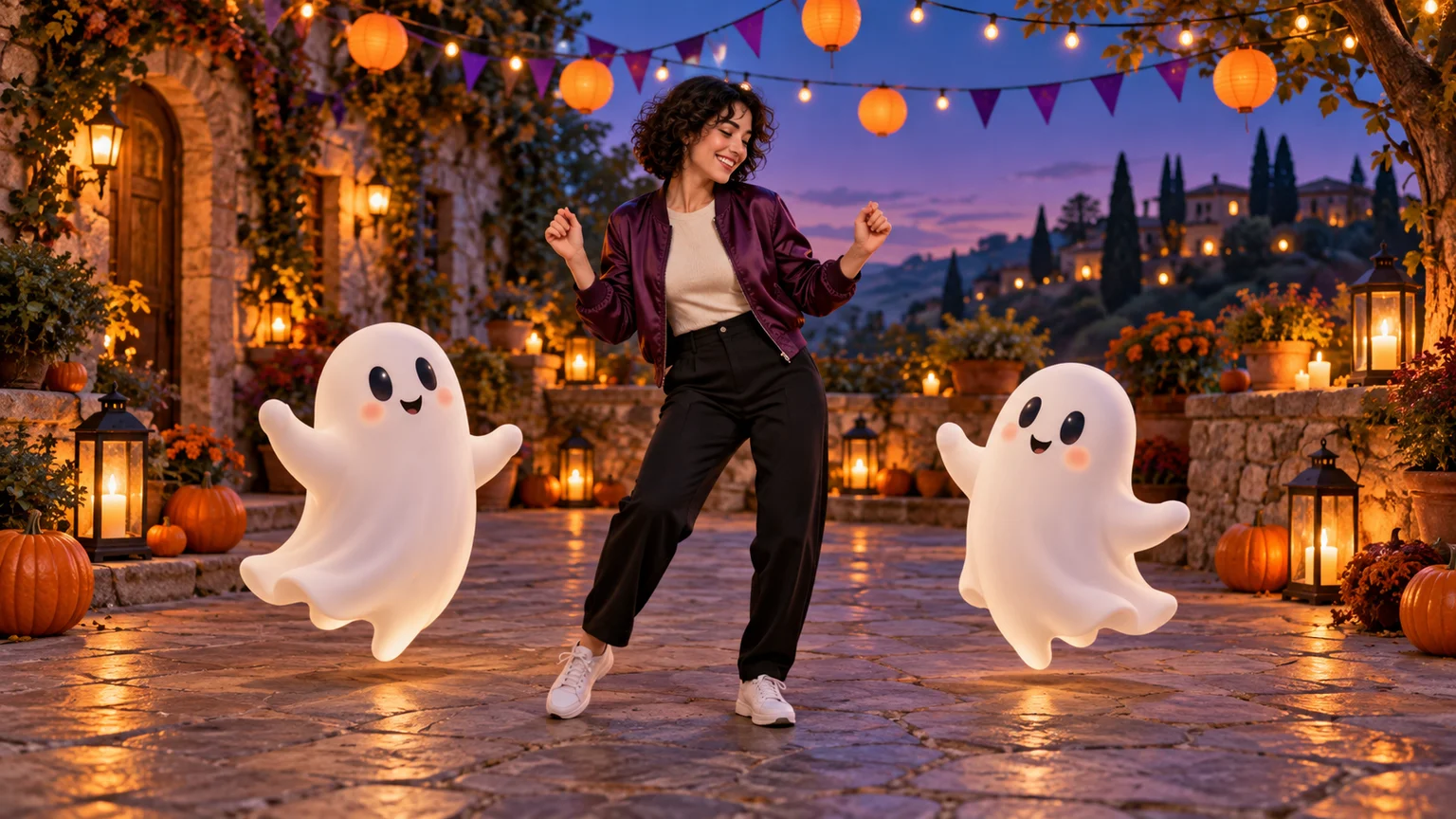
Invite two friendly ghosts onto your dance floor. Build a Halloween Dance AI video from a photo, or try a playful vampire performance on the porch.
 Video Guides
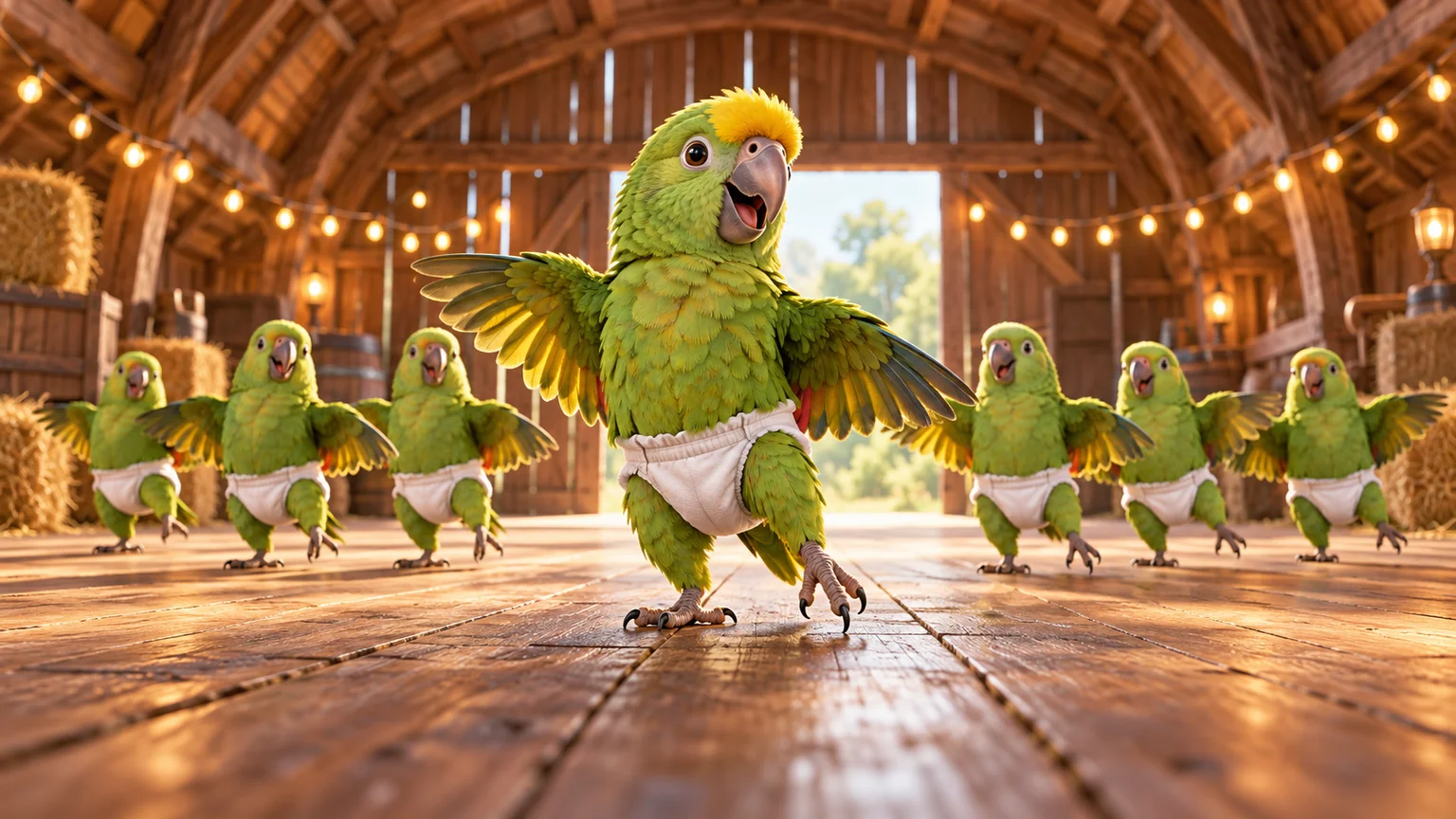
A tiny dance captain, a barn full of parrots, and one very confident routine. Make a Parrot Dance AI video with your own bird, cat, or dog.
 Video Guides
Turn a photo of you and a friend into an electro dance concept. Learn the Transmission 5 Dance AI look, plan the moves, and create a personal video.
 Video Guides
Open arms, a shoulder bounce, and a knowing look between friends. Create a Puerto Rican Mami Dance AI video with clear gestures and your own personality.