


NEON AI Dance: Give Your Photo Duo a Shared Rhythm
Bring two familiar faces into a bright white studio. Build a NEON AI Dance video with balanced staging, coordinated movement, and a finish that feels like you.
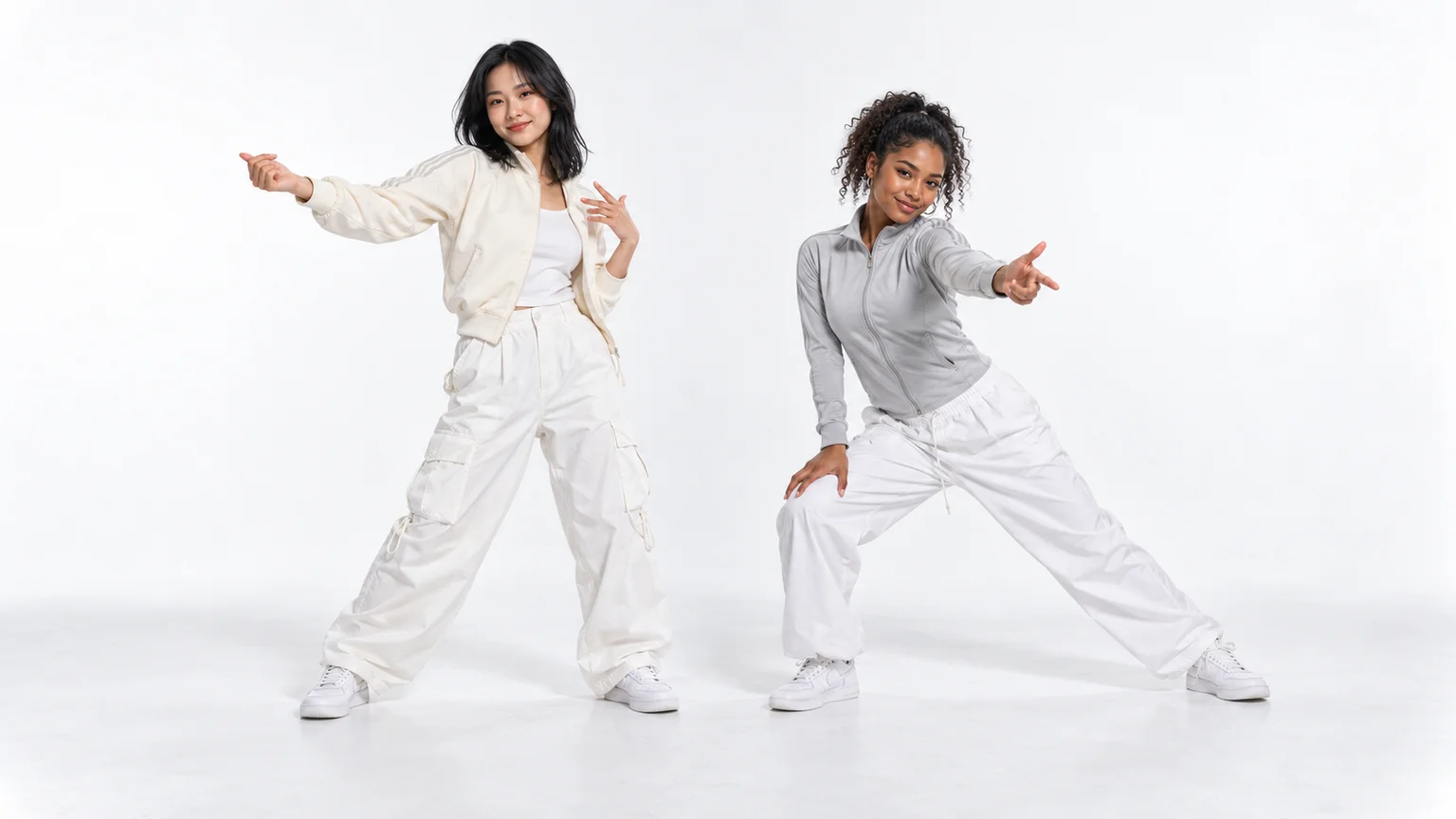
Two friends step into a white studio, catch the same rhythm, and finish at different heights. The appeal is immediate: you recognize the pairing before you notice the choreography. NEON AI Dance takes that idea into photo animation, letting familiar faces become the stars of a short dance clip.
You can build your version on ImgToImage AI by composing the dancers together, then animating their shared scene. This guide covers the choices that matter most: readable full-body photos, enough floor space, a manageable movement phrase, and a final edit that gives the performance its rhythm.
What is NEON AI Dance?
The trend draws on the opening duo performance associated with A2O LITE's song “NEON.” Its appeal comes from the contrast between two dancers, sharp changes of pose, and an uncluttered setting. AI interpretations recast that performance idea with friends, characters, or pets. Here, “NEON” names the song; glowing outlines and nightclub lighting are optional styling choices rather than the defining effect.
A white background makes small movements unusually noticeable. A bent knee, a sideways step, or one partner standing taller can change the whole composition. That is useful for a short video: the pair can communicate energy without a complicated location or a long setup.
The workflow below creates an original dance inspired by that format. ImgToImage AI's general video workspace uses your image and written direction; it does not provide a dedicated NEON choreography preset. A prompt can describe the relationship and movement, but it does not reproduce the original routine frame for frame.
Pick photos for movement, not just likeness
Start with one clear photo of each person, with their permission. A standing, full-body image shows the model where the legs, shoes, and clothing belong. Faces should be large enough to recognize when viewed on a phone, without heavy blur or a filter that removes distinctive features.
For a NEON AI Dance pairing, similar camera angles matter more than identical outfits. Two eye-level photos are easier to combine than an overhead selfie and a low-angle fashion shot. Avoid references taken through mirrors: reflections can confuse which body and clothes should appear in the final scene.
Keep something that distinguishes each dancer. A cream jacket and a pale grey jacket can share the studio's light palette while giving you simple labels for the motion prompt. Different hairstyles help too. There is no need to dress the pair exactly like the original performers.
If your best pictures stop at the shoulders, expect the image model to invent the lower-body clothing. Specify the trousers and shoes you want, then inspect the completed bodies before animating. A convincing face alone cannot compensate for a starting image with tangled legs.
Build a stage that leaves room to dance
Open the AI Image Generator, choose an available model with multiple-image input, and upload your references. Assign the first person to the viewer's left and the second to the right. Those directions describe the screen, so they remain easy to follow throughout the process.
For a first attempt, a landscape composition gives two dancers room for lateral steps. Use a seamless white wall and floor with gentle shadows under the shoes. The shadows provide a visible point of contact; an entirely flat white floor can make otherwise plausible feet appear to float.
Adapt this starting-image prompt to your pair:
Create a realistic full-body studio image of exactly two adults from my reference photos. Put the first person on the viewer's left in a cream track jacket, white cargo trousers, and white sneakers. Put the second person on the viewer's right in a pale grey zip jacket, loose white trousers, and white sneakers. Preserve their separate faces, hairstyles, and natural proportions. Both face the camera in relaxed ready positions, feet comfortably apart and hands low. Leave an arm's-width gap between them and extra floor space on either side. Show every shoe with a small margin below it. Use a seamless white studio, soft even lighting, and subtle floor shadows. No mirrors, extra people, lettering, or props.
Treat the clothing as editable examples. If you want to retain the original outfits, say so explicitly. Before saving, check that the two people have comparable scale and that neither is so far behind the other that a sideways step would hide their face.
For portrait output, compose a dedicated 9:16 image at this stage. Move the camera farther back and reduce the planned sideways travel. Cropping a wide dance after generation can remove precisely the shoes or elbow that make the movement understandable.
Give the routine three readable beats
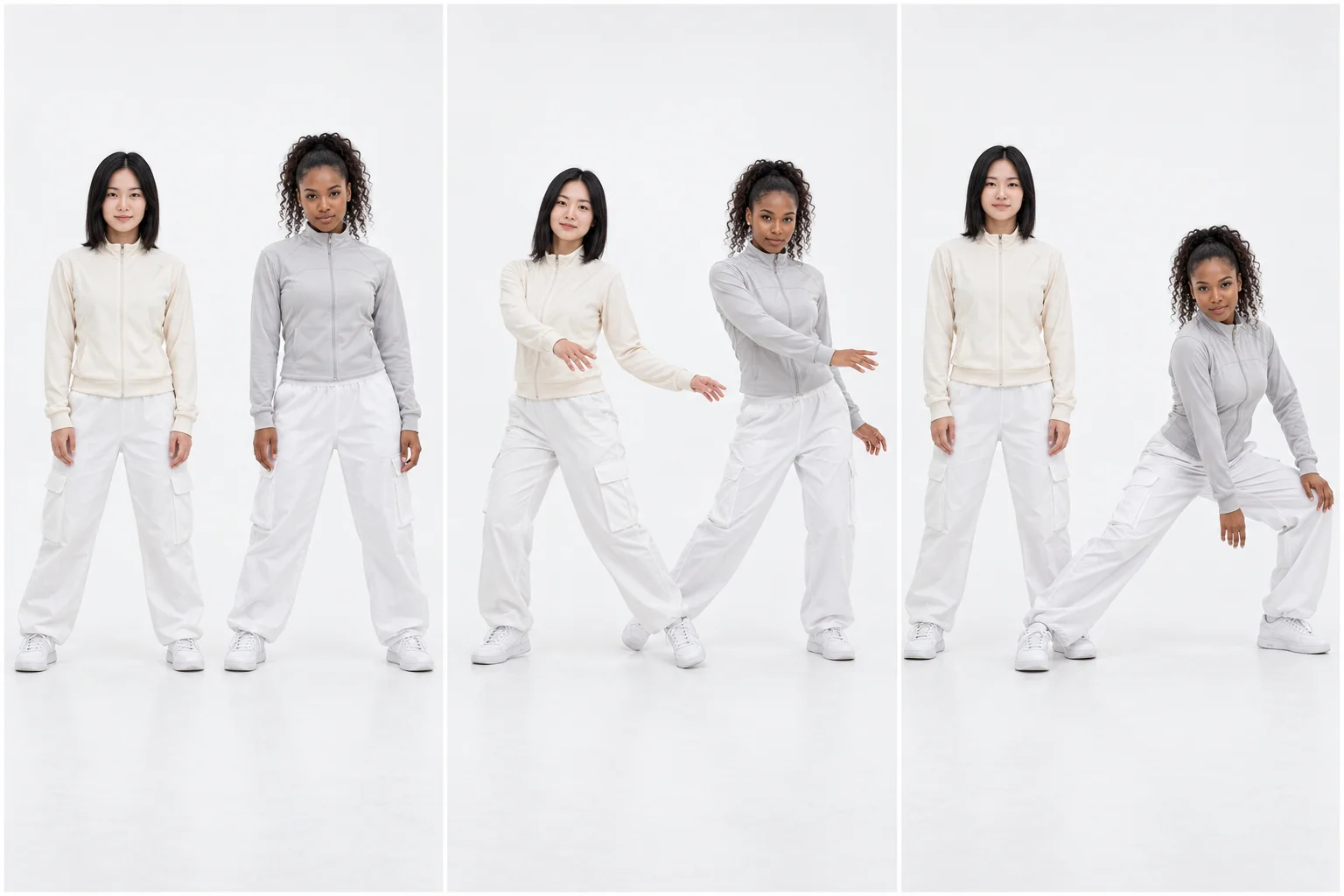
A useful NEON AI Dance prompt needs an opening, a shared accent, and a finish. Write those as actions rather than relying on the trend name to supply choreography. For example: settle into a stance, step and sweep the forearms together, then finish with one dancer taller than the other.
The shared accent makes the pair feel coordinated; the different ending gives each person a role. They do not need to mirror every joint. Decide whether both step toward the same side of the screen or move away from the center, because those instructions produce different spacing.
Keep a spin, high kick, or large hair whip for a later experiment. Those movements hide faces and create demanding changes in balance. Once a simpler phrase works, replace one action with a more ambitious move instead of adding several to the same short clip.
Generate your NEON AI Dance video
In the AI Video Generator, sign in and select Seedance 2.0 Mini. Upload the composed studio image to Start frame. Leave End frame and Reference images empty for this approach; the separate reference-image mode cannot be combined with frame inputs.
Try eight seconds at 720p for the three-beat sequence. The current model controls support 4–15 seconds and 480p or 720p output. Use JPEG, PNG, or WebP up to 10 MB, match the aspect ratio to the image, and review the displayed credit estimate before generating.
Paste this motion prompt, changing the outfit descriptions if necessary:
Animate this image into one continuous eight-second studio dance. Keep the cream-jacketed dancer on the viewer's left and the grey-jacketed dancer on the right. They begin with a small knee bounce while facing the camera. Both take one short step toward screen-left, sweep their forearms outward below shoulder height, and settle their weight. For the finish, the left dancer rises upright while the right dancer bends into a moderate side lunge, both looking toward the camera. Hold that final pose briefly. Keep both full bodies visible and their identities, outfits, and positions consistent. Use a fixed camera and steady white studio lighting. No cuts, crossing paths, touching, extra dancers, or large jumps. Add only quiet room ambience without speech.
The duration setting controls the clip length; the written sequence guides its pacing. Open the completed video in your history and watch it at normal speed before inspecting individual frames. The first question is whether the shared accent reads as a duet.
Fix the moment that breaks the performance
Review your NEON AI Dance clip from the feet upward. If a shoe slides while the body stays still, the weight shift is unclear. Reduce the step distance or replace it with an in-place knee bend. Adding faster camera movement usually makes that defect harder to assess rather than solving it.
Next, watch the space between the dancers. Arms merging near the center often means the movement exceeds the gap in the source image. Widen the staging or direct the forearms toward the outer edges. If the performers exchange sides, explicitly keep each action within its dancer's original half of the frame.
For face changes, find the first turn or occlusion before the drift appears. Shorten that turn, lower the arm passing near the face, or remove the hair whip. Regenerating with a sharper portrait helps when the source itself lacks detail, but it does not resolve an overly complicated movement instruction.
Finally, check the ending. A pose held too briefly feels unfinished; an extra gesture after the intended finish can ruin the cut. Ask for a short hold and trim the selected take there. Change the instruction responsible for the visible problem, so each revision has a clear purpose.
Add music where the movement lands
Choose your audio section in an editor or posting app, using a track available for your account and intended use. This workflow does not supply the original NEON recording. Listen to the generated audio separately and mute or lower it before adding your chosen soundtrack.
Align the strongest musical accent with the forearm sweep or final change of height. Then trim the opening while leaving enough time to recognize both faces. Writing the song title into a prompt does not guarantee beat synchronization, so use the edit to make that relationship precise.
Preview the finished NEON AI Dance on a phone. Keep captions away from shoes and active hands, and identify the clip as an AI recreation. A short caption about the pair often gives viewers more reason to watch than a list of trend hashtags.
Two choices before your next version
Can I use pets or illustrated characters?
Yes, as a creative adaptation. Prepare both subjects in a compatible visual style and choose motion that suits their proportions. For pets, a modest sway may read better than a human lunge. If you want upright cartoon animals, establish that anatomy in the starting image first.
Is a solo version worth trying?
A solo interpretation gives one face more screen space, but loses the interaction that defines the duo concept. Choose it when the person's expression is your main idea. For a performance built around one dancer and an observer, explore the Smalltown Boy dance guide.
Make your own NEON AI Dance in the video workspace: bring a pair your audience recognizes, give them one shared accent, and let their contrasting finish supply the personality.
Keep exploring
 Video Guides
Invite two friendly ghosts onto your dance floor. Build a Halloween Dance AI video from a photo, or try a playful vampire performance on the porch.
 Video Guides
A tiny dance captain, a barn full of parrots, and one very confident routine. Make a Parrot Dance AI video with your own bird, cat, or dog.
 Video Guides
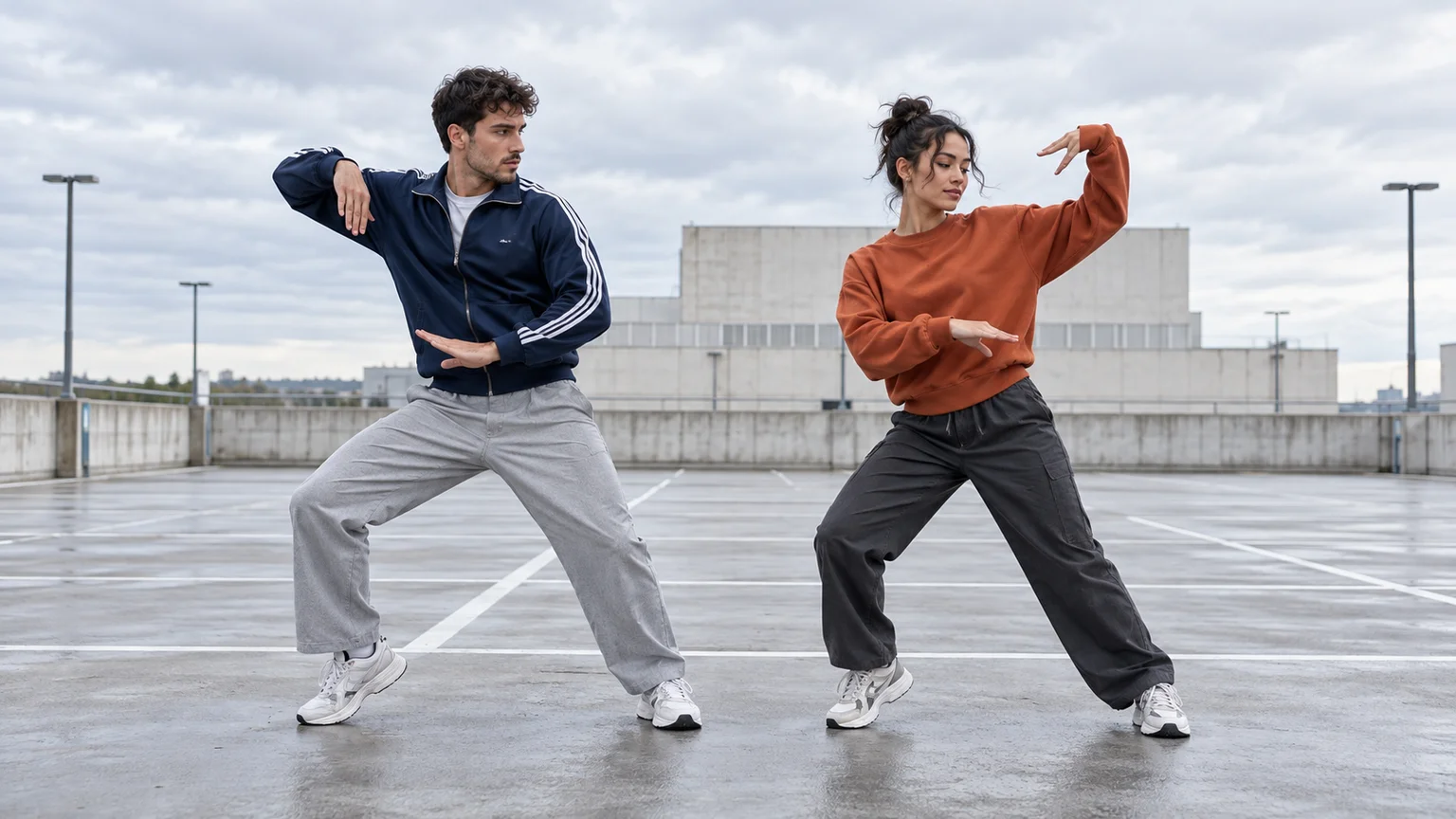
Turn a photo of you and a friend into an electro dance concept. Learn the Transmission 5 Dance AI look, plan the moves, and create a personal video.
 Video Guides
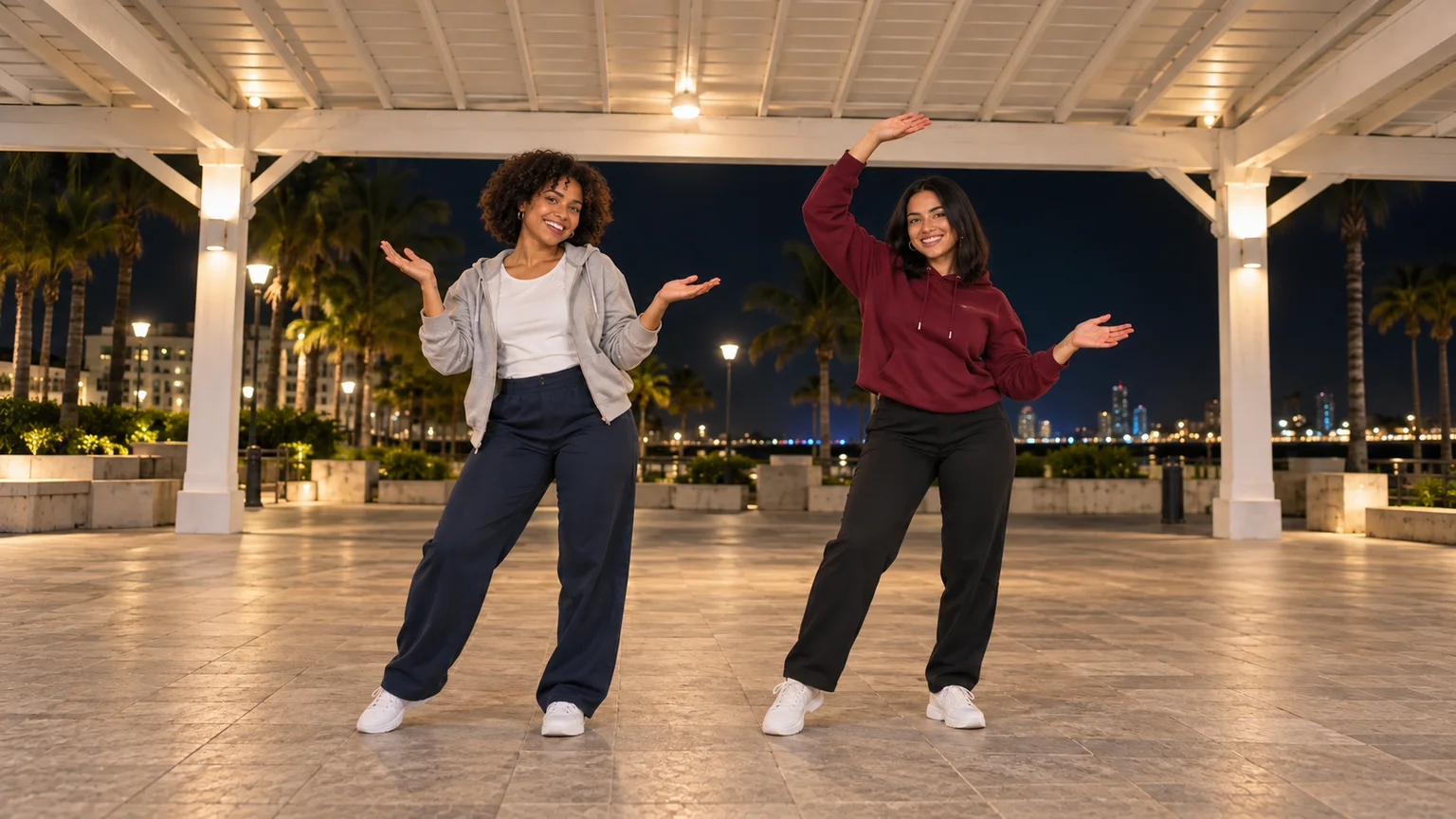
Open arms, a shoulder bounce, and a knowing look between friends. Create a Puerto Rican Mami Dance AI video with clear gestures and your own personality.