


Halloween Dance AI: Turn Your Photo into a Ghost Party
Invite two friendly ghosts onto your dance floor. Build a Halloween Dance AI video from a photo, or try a playful vampire performance on the porch.
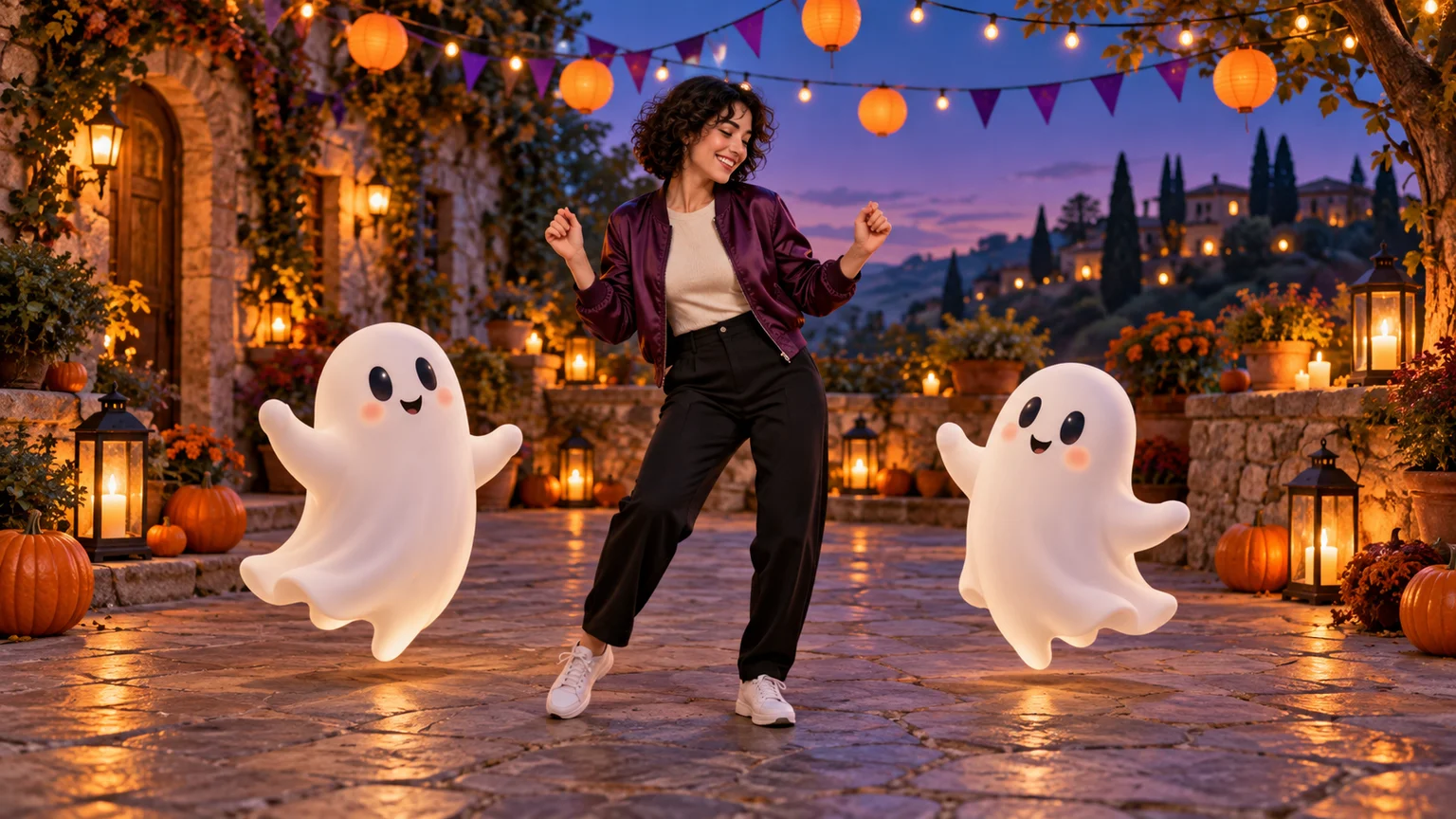
Your Halloween guests have arrived, and two of them are floating. One copies your shoulder bounce while the other seems a beat behind. That small interaction gives Halloween Dance AI its charm: a familiar person becomes the host of an impossible little party.
You can create this idea from a photo, prepare the festive scene, and animate it in the AI Video Generator. This guide focuses on a friendly ghost dance, with a vampire porch variation for a different mood. You will find image and motion prompts, practical workspace settings, and editing advice for turning a short generated performance into a Halloween greeting or social post.
What does Halloween Dance AI mean?
The keyword describes several photo-to-video effects rather than one agreed routine. WhirWhir's Halloween dance page features a person dancing alongside small cartoon ghosts. MimicZip's skeleton-dance interpretation uses a vampire costume and a large orange moon. Other tools, including Felo's Halloween effect, present the performance through a porch-camera viewpoint.
That variety matters when choosing a reference. A cute ghost party, a rigid-elbow skeleton dance, and a dramatic zombie routine have different pacing and silhouettes. Start by deciding which visual idea you want viewers to recognize.
The walkthrough below builds an original scene on ImgToImage AI. It uses a prepared image and written movement instructions, without a built-in Halloween template or imported dance clip. Exact choreography requires a different workflow with appropriate motion-reference support. The illustrations here are original AI concept art, not tested video outputs.
Pick the joke before picking the costume
Think of the clip as one small event. Perhaps you confidently lead a dance while the ghosts struggle to follow. Perhaps everyone freezes when you notice the camera. One readable event gives the performance a beginning and an ending.
| Direction | The visual idea | A useful first movement |
|---|---|---|
| Friendly ghost party | You remain recognizable while supernatural guests join in | A side step that the ghosts answer with a bounce |
| Vampire on the porch | A theatrical costume appears in an ordinary domestic setting | A compact elbow groove followed by a knowing look |
| Skeleton-inspired solo | Angular poses create a deliberately stiff silhouette | Two bent-elbow accents and a small weight shift |
For the main tutorial, choose the ghost party and keep your normal clothes. This lets the unexpected guests supply the fantasy while your own face provides the connection. The porch variation later uses a costume as its central visual feature.
Choose a source photo that leaves room to move
Use a clear picture of yourself or a consenting adult. Show the face, hands, and shoes whenever possible. A tightly cropped selfie gives the model very little information about the body that must perform the steps.
A relaxed standing pose is a useful starting point. Keep hands away from the face and avoid crossed legs or large objects held against the torso. You want the first movement to begin naturally rather than untangle a complicated pose.
Choose one distinctive wardrobe detail, such as a purple jacket or white sneakers, and keep it throughout the sequence. It provides an easy continuity check when reviewing the animation. If those shoes become boots halfway through, the scene needs another pass.
For a pet version, use a clear full-body image and describe an intentionally stylized bounce suited to the animal. A small head bob and paw lift can be expressive without forcing a complicated human routine onto a different body shape.
Build a night scene where the dance stays visible
Prepare your starting frame in the AI Image Generator using a model that accepts your reference photo. Place the person in the middle and one ghost on either side, with open space between all three silhouettes.
Night does not need to mean a dark face. Use a warm lantern or porch lamp to explain the light on the dancer, with cooler light in the background. Keep pumpkins near the edges of the floor. Decorations directly in front of the shoes make it harder to see whether a step lands cleanly.
Try this image prompt:
Place the adult from my reference in a festive courtyard at blue hour. Preserve their face, hair, body proportions, and purple jacket. Add two small friendly white ghosts, one on either side, with simple dark eyes and gentle smiles. Show the person's complete body and shoes, with generous gaps between the characters. Warm lantern light on the face, purple bunting overhead, pumpkins beside the path, and a clearly visible stone floor. Eye-level frontal composition, relaxed starting pose, no text, crowds, or overlapping bodies.
Generate a vertical composition for a 9:16 video. Check the still at phone size before animating: you should immediately recognize the person, both companions, and the empty space available for movement.
Generate your Halloween Dance AI clip
Open the video workspace, sign in, and select Seedance 2.0 Mini if it is available. Choose Frames / Start & end frames, then upload your finished courtyard image to Start. Leave End empty for the first attempt, and keep the separate Reference images mode unused.
The configured start-frame input accepts JPEG, PNG, or WebP images up to 10 MB. Try six seconds at 720p, using 9:16 for a vertical source or Auto to adapt to the input. Seedance 2.0 Mini supports 4–15 seconds in this integration; six seconds is a suggested rehearsal length, not a fixed template duration.
Review the displayed credit estimate before generating. Budget for a possible correction, especially when the scene combines a realistic person with animated companions.
Use the motion prompt below and review the result in video history. Watch once for the performance, then inspect the feet, hands, and ghost outlines. Save a successful take before changing anything so later comparisons have a clear baseline.
Copy the ghost-party motion prompt
Animate this Halloween Dance AI courtyard scene in one continuous shot. Preserve the adult's recognizable face, hairstyle, purple jacket, and white sneakers. They make a small step to their right, return to center, and give two relaxed shoulder bounces with elbows bent. The two friendly ghosts remain on their respective sides, floating gently up and down in response. The person glances toward one ghost, smiles, and finishes facing the camera with feet comfortably apart. Keep the ghosts separate from the person's hands and legs, with stable faces and shapes. Fixed camera, full body visible, unchanged lanterns and pumpkins. No new characters, costume changes, spins, or scene transitions. Soft courtyard ambience without speech or music.
This is a suggested starting prompt, not a tested preset. If you use a different outfit, replace the clothing details before submitting it. Giving the human a small physical action and the ghosts a simpler response keeps the scene readable.
The companions are already present in the starting image. For a later reveal version, create a separate opening shot without them and cut to the party when the dancer reacts. That gives you control over the entrance without asking one short generation to invent the characters, transform the location, and choreograph everyone simultaneously.
Try a vampire performance on the porch
The porch version changes the joke: someone dressed for a grand supernatural entrance is doing a tiny dance outside an ordinary front door. Prepare a different starting image with a black outfit, a short red-lined cape, and carved pumpkins along the porch edges.
Use a fixed viewpoint from slightly above eye level to suggest a doorbell camera. Keep the face readable and the whole body inside the frame. A mild wide-angle look is enough; extreme distortion can distract from the performance.
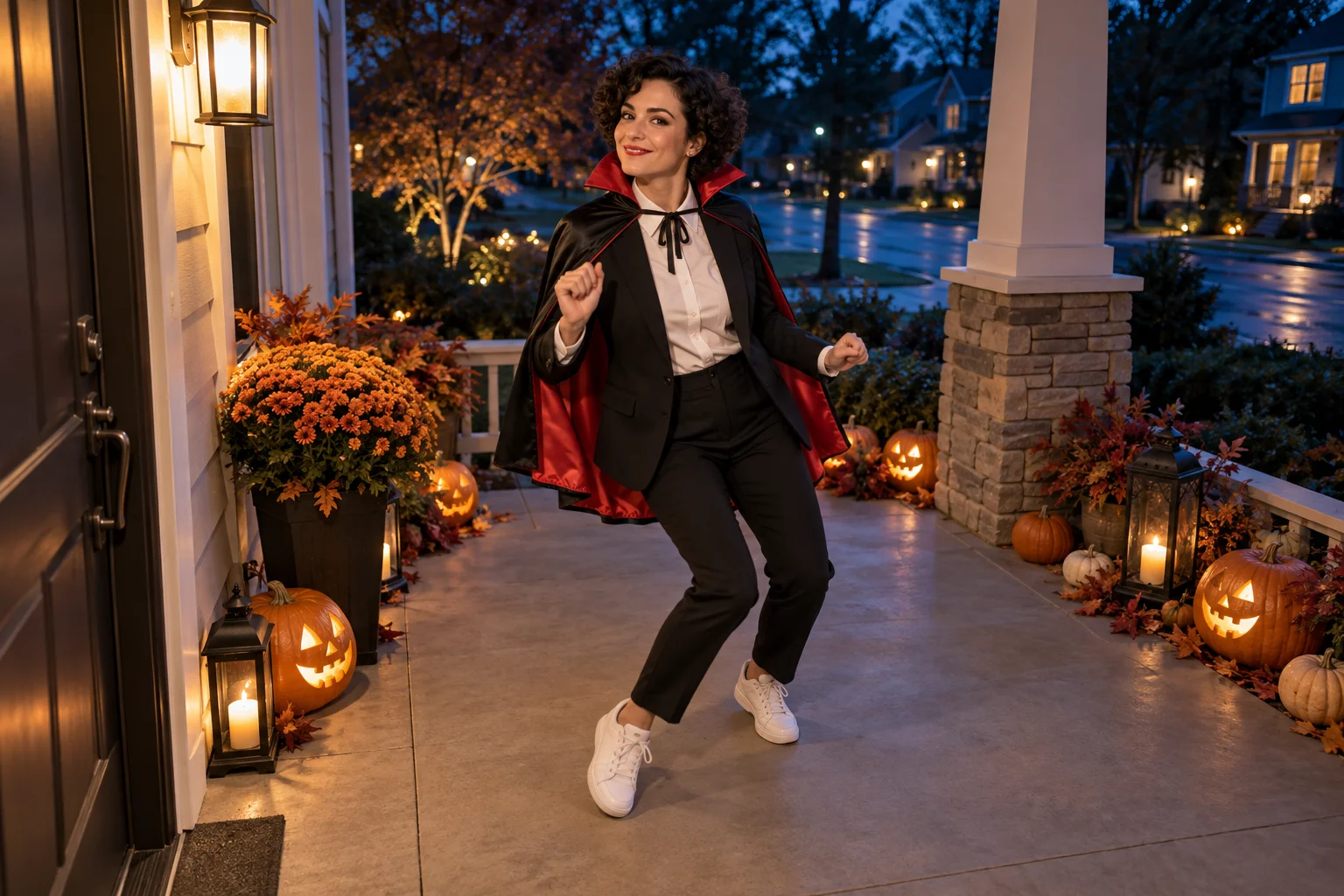
For this shot, adapt the direction:
Animate the costumed adult on this porch. Keep the camera fixed near the door. The dancer makes two small alternating elbow lifts and a gentle side-to-side weight shift, then notices the lens and gives it a restrained smile. Preserve their face and outfit. Keep the cape behind the arms and above the shoes, with only a little fabric movement. Maintain clear foot contact and unchanged porch lighting. No jumps, spins, approaching the camera, or extra people. Quiet evening ambience without music or dialogue.
Keep this scene separate from the ghost party. Each version has a different camera logic and performance, so it works better as its own short clip.
Find the rhythm after the movement works
There is no single soundtrack attached to every Halloween Dance AI result. Some references use familiar seasonal songs, while others use generated music or an unrelated dance beat. Choose audio available for your intended use in the app where you edit or publish.
The prompts here request ambience, but inspect the actual output before adding another track. Lower unwanted generated sound so two competing rhythms do not play together. Align one obvious action, such as the first shoulder bounce, with a strong musical accent.
For a loop, compare the opening and ending poses. Trim near a moment when the feet are planted and the arms are in similar positions. A clean edit between compatible poses is more useful than a vague instruction to make everything loop perfectly. Avoid reversing the whole dance unless the backward movement looks intentional.
Fix the detail that distracts from the joke
If the ghosts drift across the dancer, widen the starting gaps and tell each companion to stay on its own side. If a ghost's eyes slide around, simplify its design and reduce its movement. If the person's shoes disappear, remove dense floor fog and move decorations farther outward.
Costumes create their own problems. A cape that repeatedly crosses the legs can hide broken footwork. Shorten it in the starting image or limit the dance to upper-body movement. A mask changes how much facial identity viewers can recognize, so decide whether the costume or the person should carry the scene.
Revise one feature at a time. Keep the best expression even if you shorten the clip around it. The most memorable moment may be the glance at a badly coordinated ghost rather than the busiest part of the dance.
Turn the finished clip into a Halloween greeting
Choose a cover frame that shows the full premise: the person and both ghosts, or the vampire outfit and ordinary doorway. Add one short caption in unused space. “The neighbors finally joined rehearsal” works as a joke without covering the action.
Label the performance as AI-generated, and keep any party invitation details in editable text added afterward. Check the export on a phone for cropped shoes, tiny captions, or an abrupt ending. For a quieter supernatural setup, the Ghost Filter Prank AI guide explores a visitor appearing in the background.
When your starting scene is ready, create your Halloween Dance AI video and give the supernatural guests one simple move to learn.
Keep exploring
 Video Guides
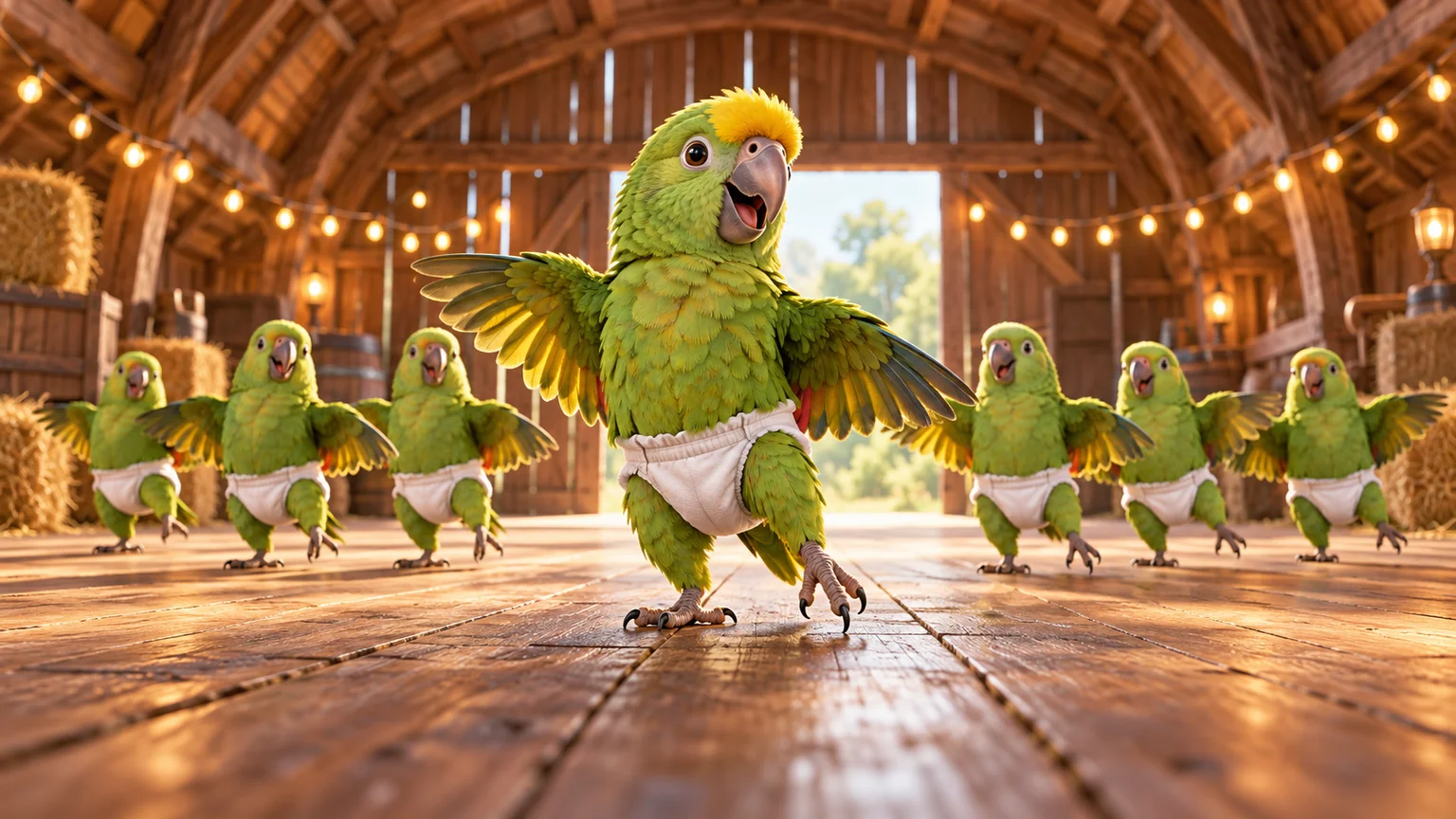
A tiny dance captain, a barn full of parrots, and one very confident routine. Make a Parrot Dance AI video with your own bird, cat, or dog.
 Video Guides
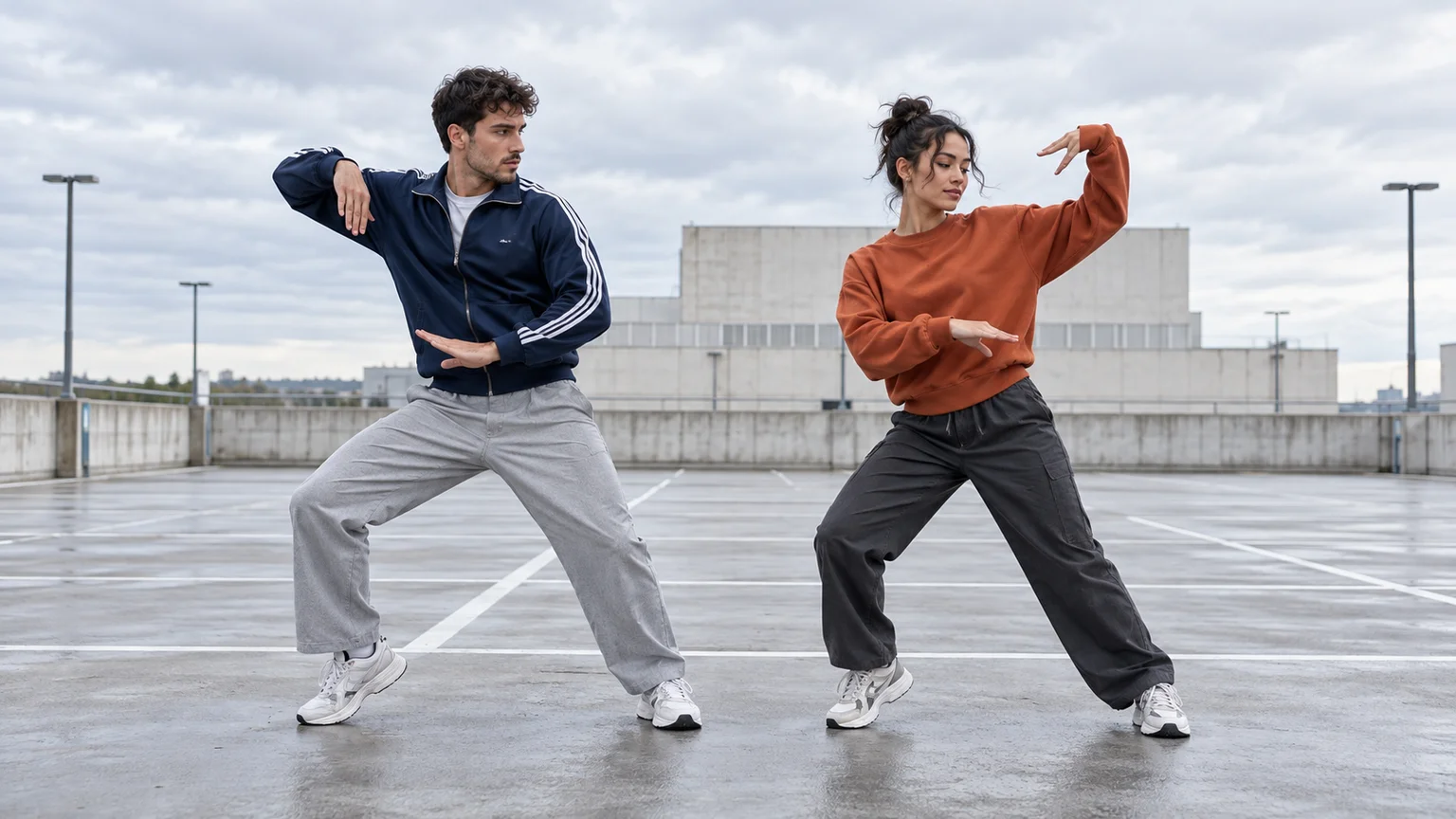
Turn a photo of you and a friend into an electro dance concept. Learn the Transmission 5 Dance AI look, plan the moves, and create a personal video.
 Video Guides
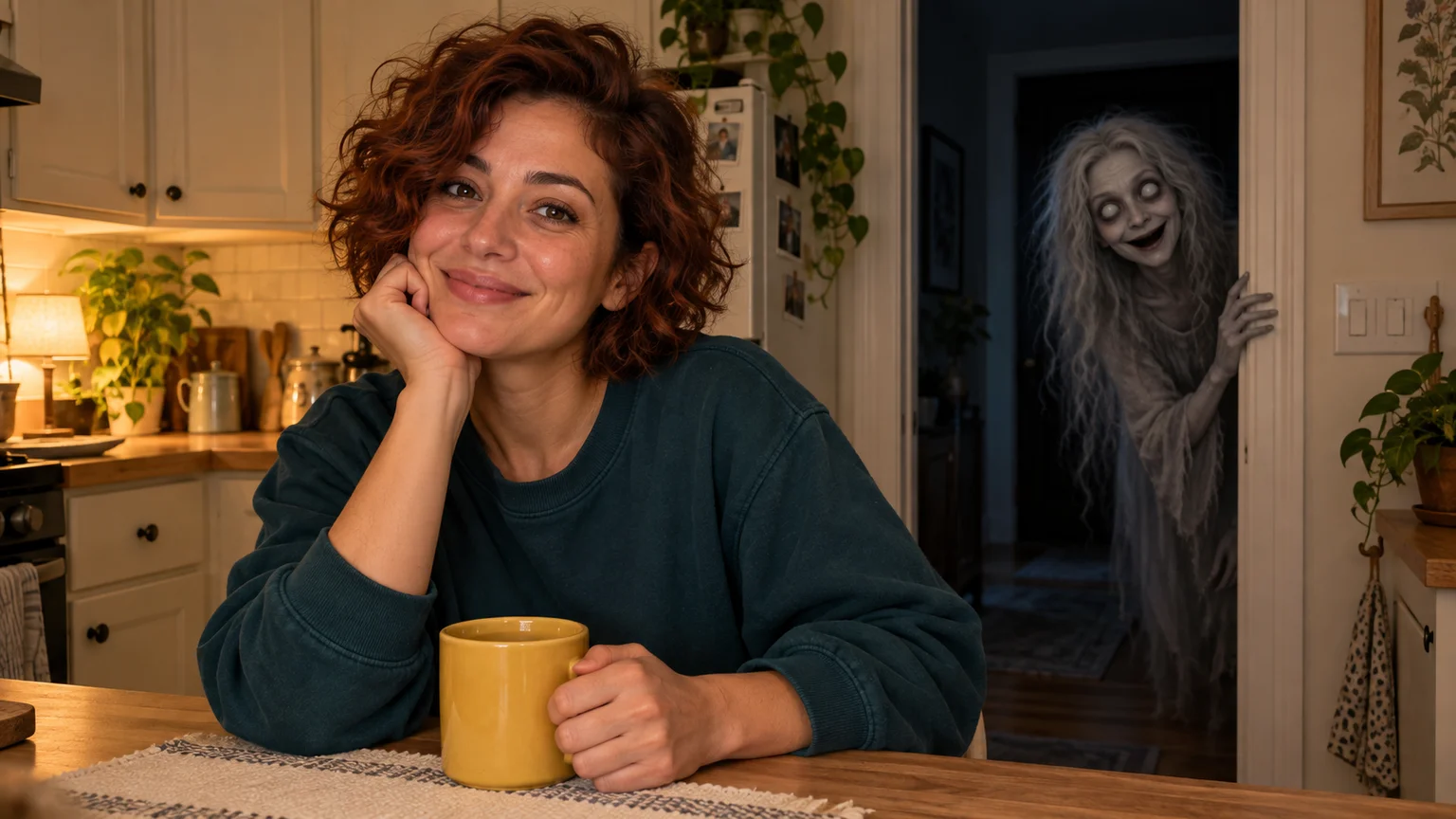
You are smiling at the camera. Someone in the doorway is smiling back. Build a Ghost Filter Prank AI scene where a quiet background detail becomes the whole joke.
 Video Guides
Open arms, a shoulder bounce, and a knowing look between friends. Create a Puerto Rican Mami Dance AI video with clear gestures and your own personality.