


Tip Toeing in My Jordans AI: Create Your Own Fantasy Dance
Make a Tip Toeing in My Jordans AI video with your own character. Build a fairy-tale scene, direct the footwork, and turn a short clip into a playful meme.
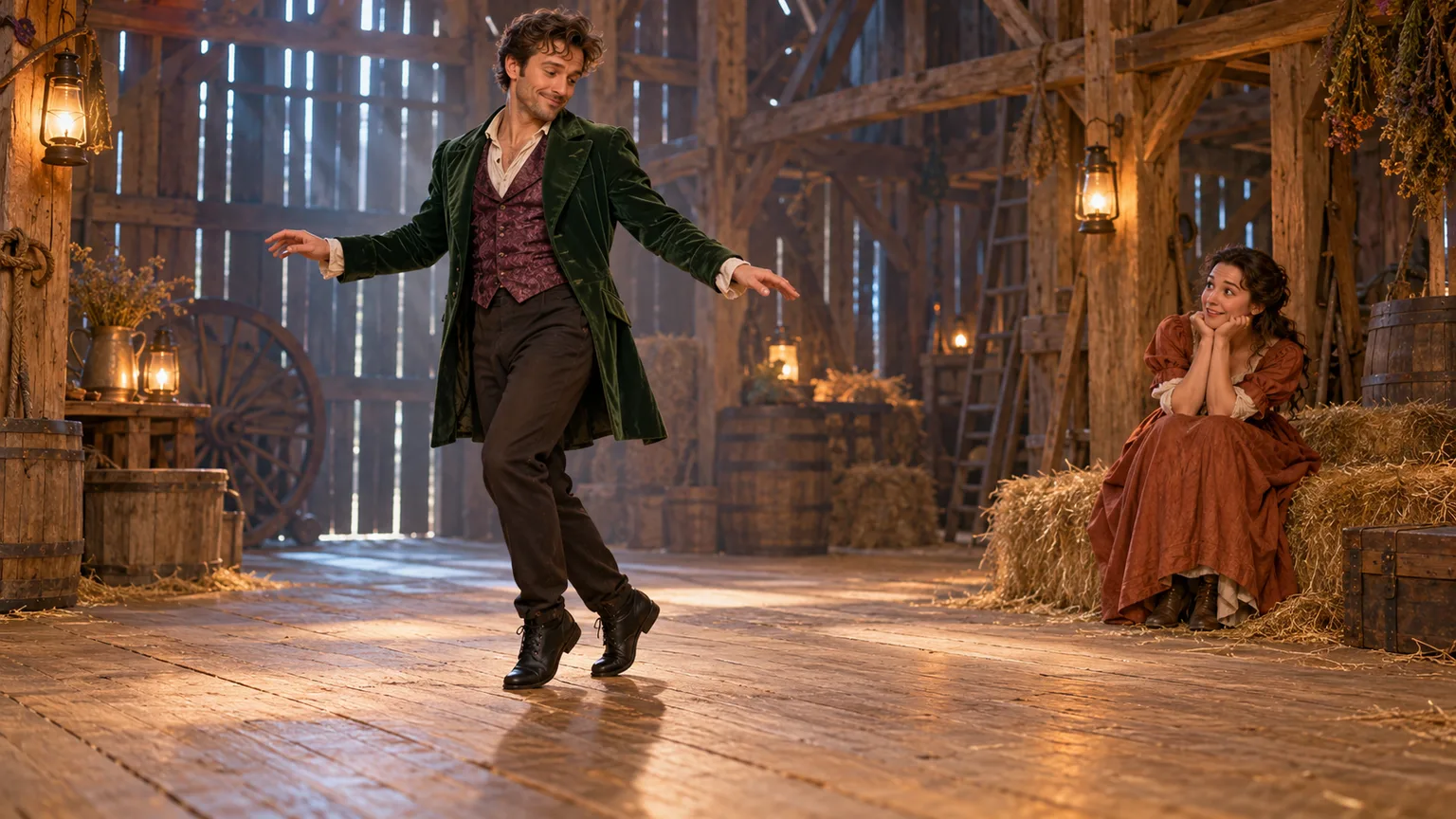
A strange little dance, an old-fashioned room, and a completely unexpected soundtrack: the tiptoe meme turns a few seconds of movement into a story. Tip Toeing in My Jordans AI gives you a way to imagine yourself or an original character in that playful fantasy setting.
Start by creating a full-body reference image, then open the AI Video Generator on ImgToImage AI and describe a short, deliberate tiptoe movement. Once the motion works, download the clip and add a caption and suitable music in your editor. The important detail is visible footwork; an elaborate costume alone will not communicate the dance.
Here is how to build the scene, direct a first attempt, and improve the parts that look wrong. The images in this guide are original AI illustrations of the concept, not verified video outputs.
What is the Tip Toeing in My Jordans AI trend?
The familiar meme features a Rumpelstiltskin-like character performing an unusual dance in a straw-filled, fairy-tale interior. Its warm lighting, period clothing, and film texture make it resemble an older fantasy movie. The widely shared base scene is AI-generated; it is not footage from the 1987 Rumpelstiltskin film.
The music is Riff Raff's “Tip Toe Wing in My Jawwdinz.” That spelling explains why the song can be harder to find when you search only for the phrase as it sounds. The dance scene and the song are separate ingredients, and a personalized version needs both to be considered during production.
For your remake, preserve the visual idea: a mischievous expression, small exaggerated steps, and enough room to see the performer move. You can use a different setting or outfit while retaining that character. The word “Jordans” identifies the familiar meme phrase; a particular shoe brand is not required for your scene.
Build a reference image that shows the whole step
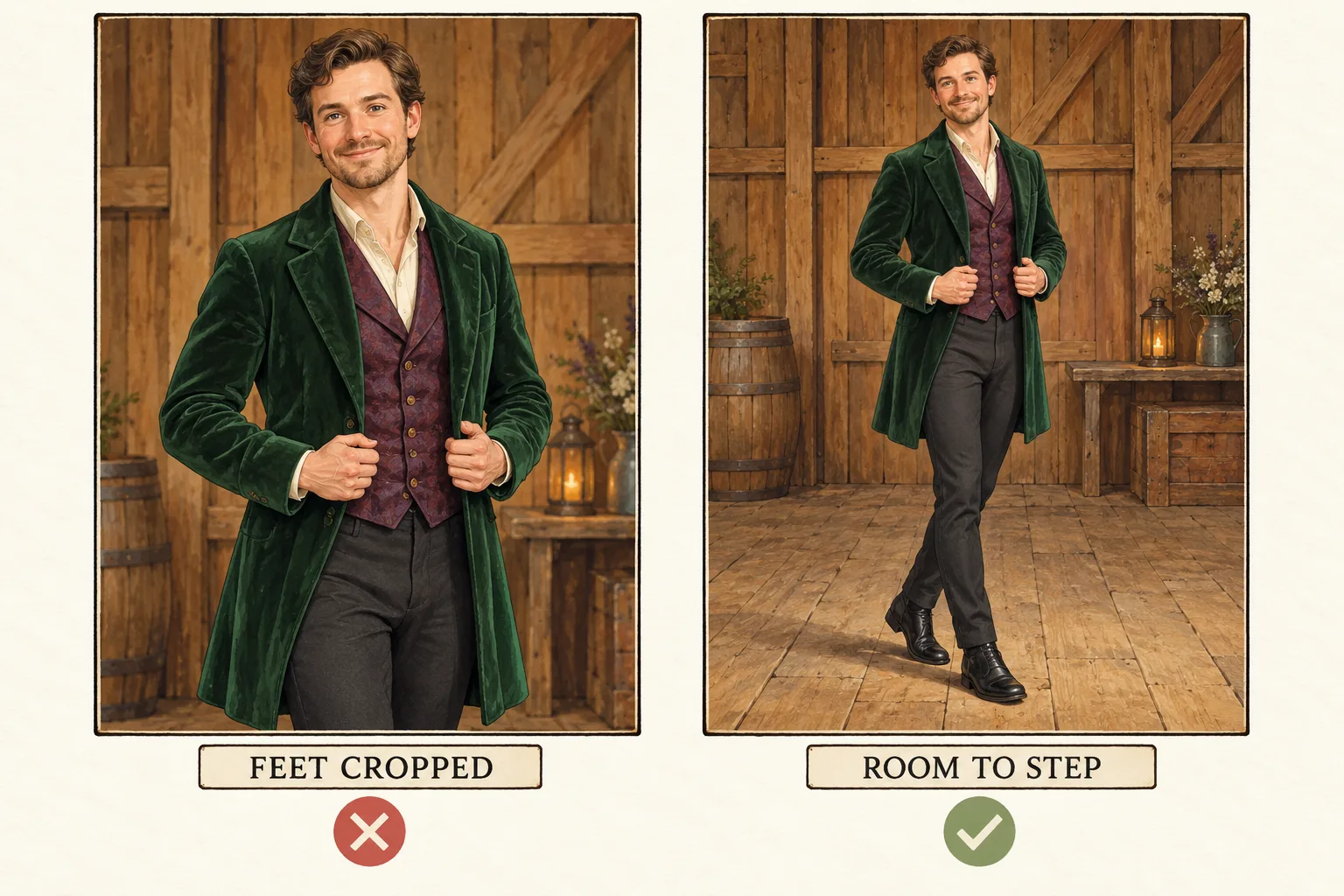
For Tip Toeing in My Jordans AI, framing starts at the floor. Choose a clear image of one adult subject, visible from head to shoes, with space below the feet and in the direction they will travel. Use your own photo or one you have permission to animate.
If your starting photo is a selfie, prepare a wider scene in the AI Image Generator before moving to video. Describe the character's clothing, the floor, and the camera distance. Inspect the new image for recognizable facial features, sensible body proportions, and two complete shoes. Those details become the foundation for the movement.
A wooden room, warm side lighting, and a little straw can establish the fantasy mood. Keep the walking area relatively clear. Deep shadows, a long coat covering the ankles, or dense straw hiding the shoes make it harder to judge whether the feet actually touch the ground.
You may include a seated observer, but keep them behind and beside the dancer. Their role is to react, not to cross the dance path. For a first attempt, one moving subject gives you fewer details to manage.
Make a Tip Toeing in My Jordans AI clip on ImgToImage AI
1. Choose an image-capable video model
Open the video workspace, sign in, and select Seedance 2.0 Mini from the model menu. This guide uses a prepared image as the start frame for the dance. Read the displayed controls and check the credit estimate before setting up your first attempt.
2. Upload the complete starting scene
Upload a JPEG, PNG, or WebP image up to 10 MB to Start frame. Leave End frame and Reference images empty for this attempt; Seedance 2.0 Mini uses reference images separately from frames. If you want a dancer and an observer, compose them together first. There is no dedicated tiptoe template with separate casting slots.
3. Set the duration and composition
Try five seconds for a few small steps. Seedance 2.0 Mini supports 4–15 seconds and 480p or 720p output. Choose 9:16 for a portrait clip, 16:9 for landscape, or Auto to adapt to the input. Prepare the source for that composition, keeping the complete body and both shoes comfortably inside the frame.
4. Generate and inspect the movement
Check the credit estimate, paste the prompt below, and generate one clip. Follow its progress in video history, then play the result from start to finish. Treat your first Tip Toeing in My Jordans AI attempt as a motion check: can you see the heel lift, a small step, and a controlled pause without the face or shoes changing?
A Tip Toeing in My Jordans AI prompt to customize
Use concrete movement instructions instead of relying only on the meme's name. Replace the outfit and room descriptions with details that match your reference:
Animate the adult character in the green coat in the reference image. Preserve their face, hairstyle, clothing, and body proportions. In a fixed full-body shot, they give a mischievous smile and take two small, deliberate tiptoe steps across the wooden floor, lifting the heels lightly with a gentle knee bounce. Their arms open slightly for balance, then they pause. Keep both shoes visible and maintain believable contact with the floor. Preserve the warm lighting and background. Use one continuous shot without cuts or camera zoom.
This is a suggested starting prompt, not a tested motion preset. If your scene includes an observer, add: “The seated person remains in place and watches with a small surprised smile.” Keep their movement subtle until the dancer's action is working.
Avoid adding a spin, a jump, a transformation, and a camera orbit to the same first request. Each introduces another movement the model must coordinate. A short sideways step can carry the joke without reproducing every beat of the familiar clip.
Give the dance a beginning and a payoff
Once you have a usable dance shot, decide whether it needs anything else. A simple opening and reaction can turn the movement into a miniature scene, especially when the caption sets up a secret or a small victory.
For an opening close-up, generate a separate shot with this direction:
The adult character looks toward the camera, raises one index finger near their lips in a playful quiet gesture, and holds a knowing smile. Preserve their face and clothing. Keep the camera still and the hand clear of the eyes.
Cut from that moment to the full-body dance. If you want a reaction afterward, use a separate reference of the seated observer with matching light and clothing, and ask for a brief eyebrow lift or amused glance. Assemble the shots in an external editor. Separating the gestures gives each one room to read and avoids forcing a complex sequence into a single generation.
Fix the footwork before polishing the style
Watch your Tip Toeing in My Jordans AI result once at normal speed, then pause as each foot moves. Follow the shoe shape, its shadow, and its position relative to a floorboard. Those reference points reveal sliding or floating that a convincing face can distract you from.
| What you notice | What to change first |
|---|---|
| The character glides without stepping | Request fewer, shorter steps and remove camera movement. |
| The shoes stretch or merge | Use a clearer starting image with separated feet and visible ankles. |
| Feet disappear below the frame | Recompose the reference with more floor beneath the subject. |
| The face changes during a turn | Keep the head mostly forward and remove the turn. |
| The observer starts dancing too | Identify the moving character by clothing and keep the observer seated. |
Compare attempts using the same reference and settings while changing one instruction. Increasing resolution will not reliably fix incorrect movement. If a shot remains unstable, reduce the action to one small step and a hold before attempting a longer dance.
Add the soundtrack and a caption that fits
A Tip Toeing in My Jordans AI clip needs editing choices as well as generation. ImgToImage AI's video workspace creates visual clips; it has no music generator or editing timeline. Naming the song in a prompt does not supply its recording or guarantee synchronization with its beat.
Download the result, trim any delay before the first step, and choose audio available for your intended use. If you use the destination app's music library, search for Riff Raff and the official song spelling. Check the options offered to your account, then align the start of the movement with a clear musical accent.
Give the caption a situation of its own. “Leaving the meeting before someone says ‘one last thing’” or “Taking the last biscuit with unreasonable confidence” explains why this character is sneaking across the room. Keep the text above the feet and away from the face. Preview the edit on a phone, where interface controls may cover the bottom edge.
Questions before you start
Can I make the video for free?
Check your account's available credits and the estimate for the selected model. Any free credits must cover the request. Budget for a first attempt and a possible correction, especially if you also want opening and reaction shots.
Can I use a pet or a fictional character?
You can experiment with an original character or a stylized pet image. Human-like tiptoe movement may distort animal anatomy, so begin with a gentle step and inspect the limbs. A clear silhouette matters more than an elaborate costume.
Will the dance match the meme exactly?
The general image-to-video workflow interprets your image and instructions. It does not guarantee the original choreography, expressions, or timing. Aim for recognizable tiptoe movement and a coherent scene that makes sense with your own caption.
Should I label the result as AI-generated?
Yes. Make the creative context clear when sharing, particularly with realistic faces or an archival film look. Present it as your AI remake rather than a recording of someone actually performing the dance.
Put your character into motion
Choose a clear full-body image, keep the floor visible, and open the AI Video Generator. Start with two small steps, review the result, and refine the motion before adding extra shots. Your Tip Toeing in My Jordans AI video will have a stronger foundation when the character, footwork, and joke are easy to understand.
Keep exploring
 Video Guides
Invite two friendly ghosts onto your dance floor. Build a Halloween Dance AI video from a photo, or try a playful vampire performance on the porch.
 Video Guides
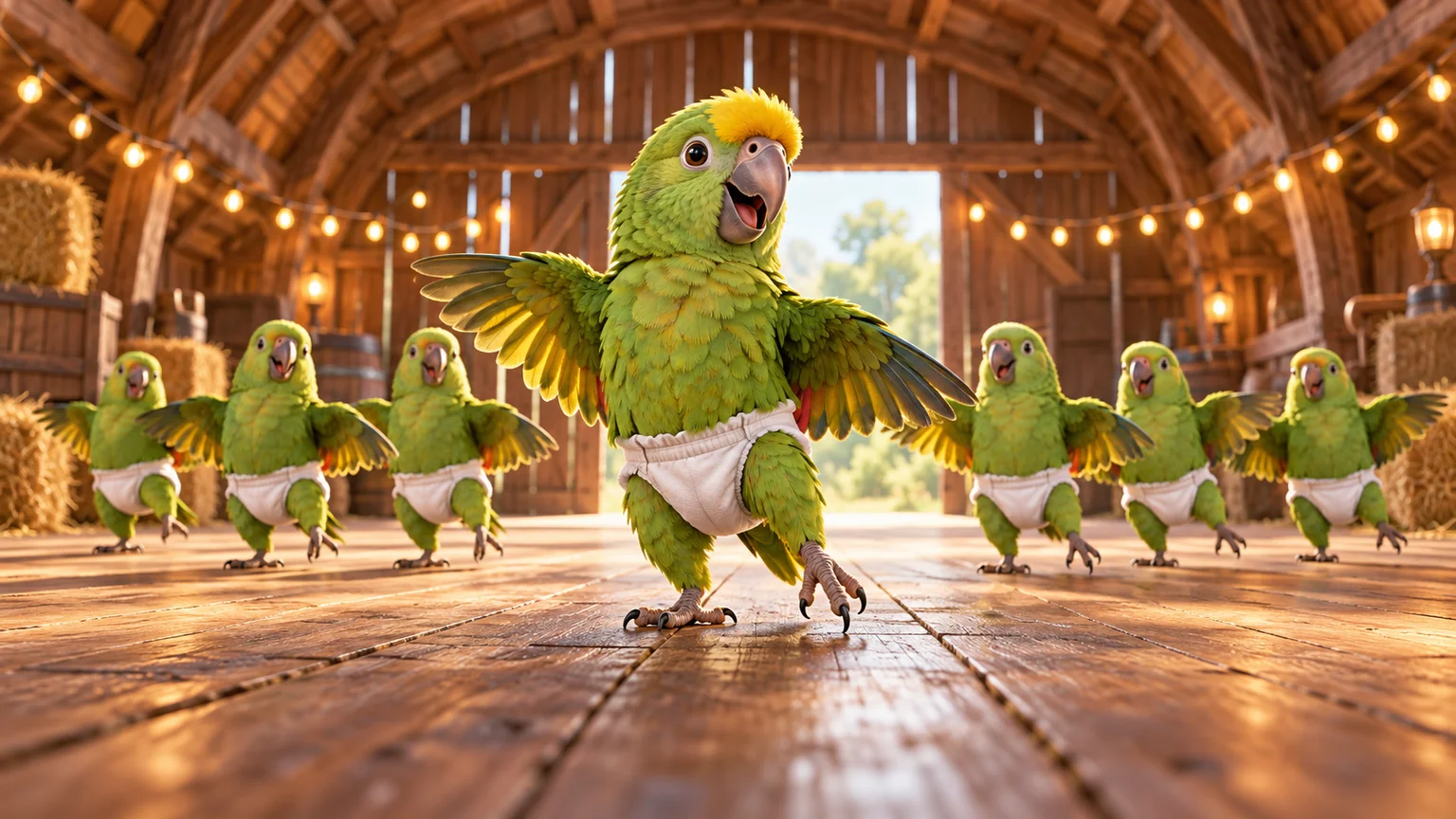
A tiny dance captain, a barn full of parrots, and one very confident routine. Make a Parrot Dance AI video with your own bird, cat, or dog.
 Video Guides
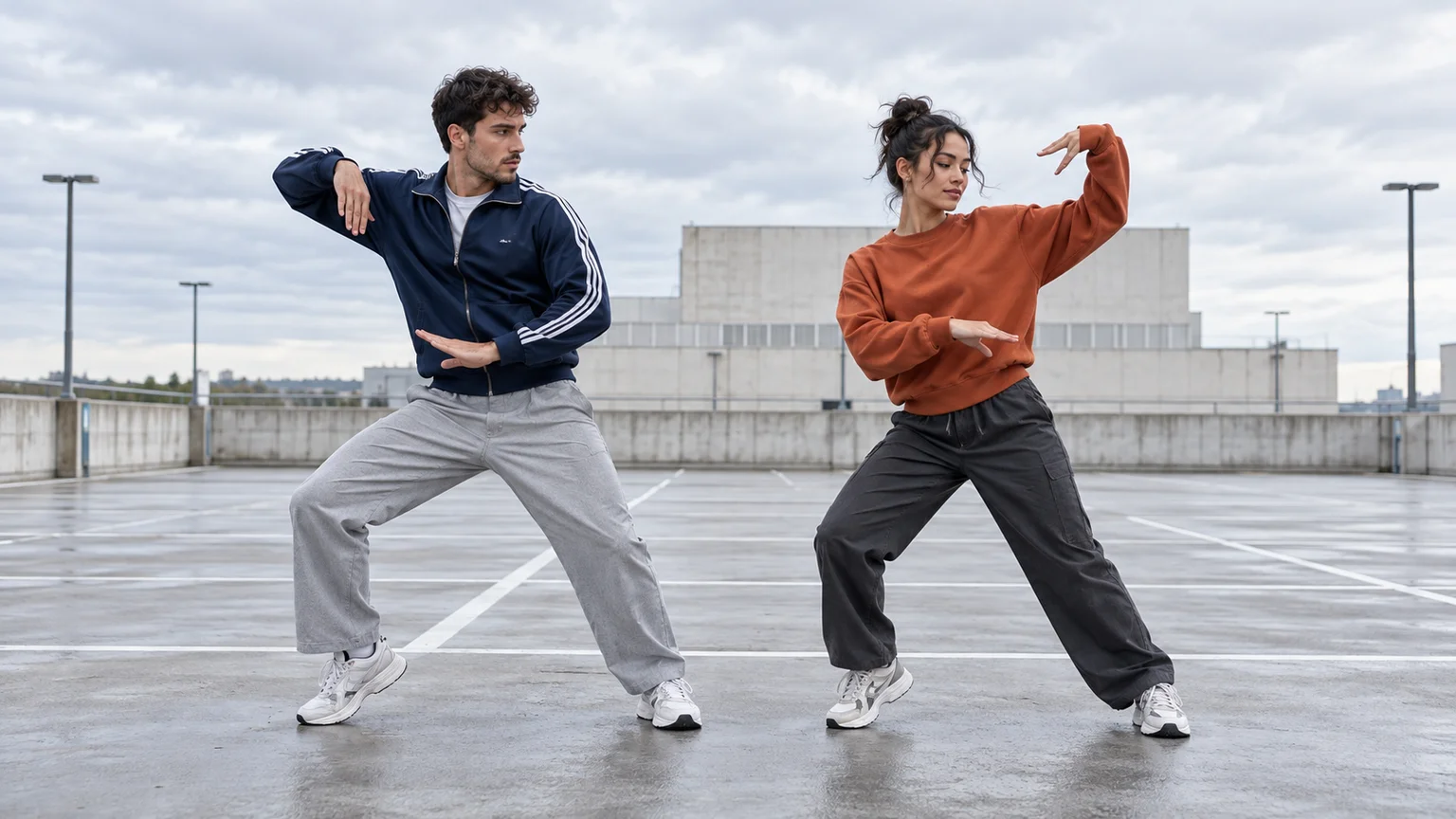
Turn a photo of you and a friend into an electro dance concept. Learn the Transmission 5 Dance AI look, plan the moves, and create a personal video.
 Video Guides
Open arms, a shoulder bounce, and a knowing look between friends. Create a Puerto Rican Mami Dance AI video with clear gestures and your own personality.