


Bby Wow Guy AI: One Bite, a Long Stare, and a Dance Exit
The party keeps moving, but you stop to stare. Make a Bby Wow Guy AI scene with your photo, a concha, and the awkward pause that makes the joke land.
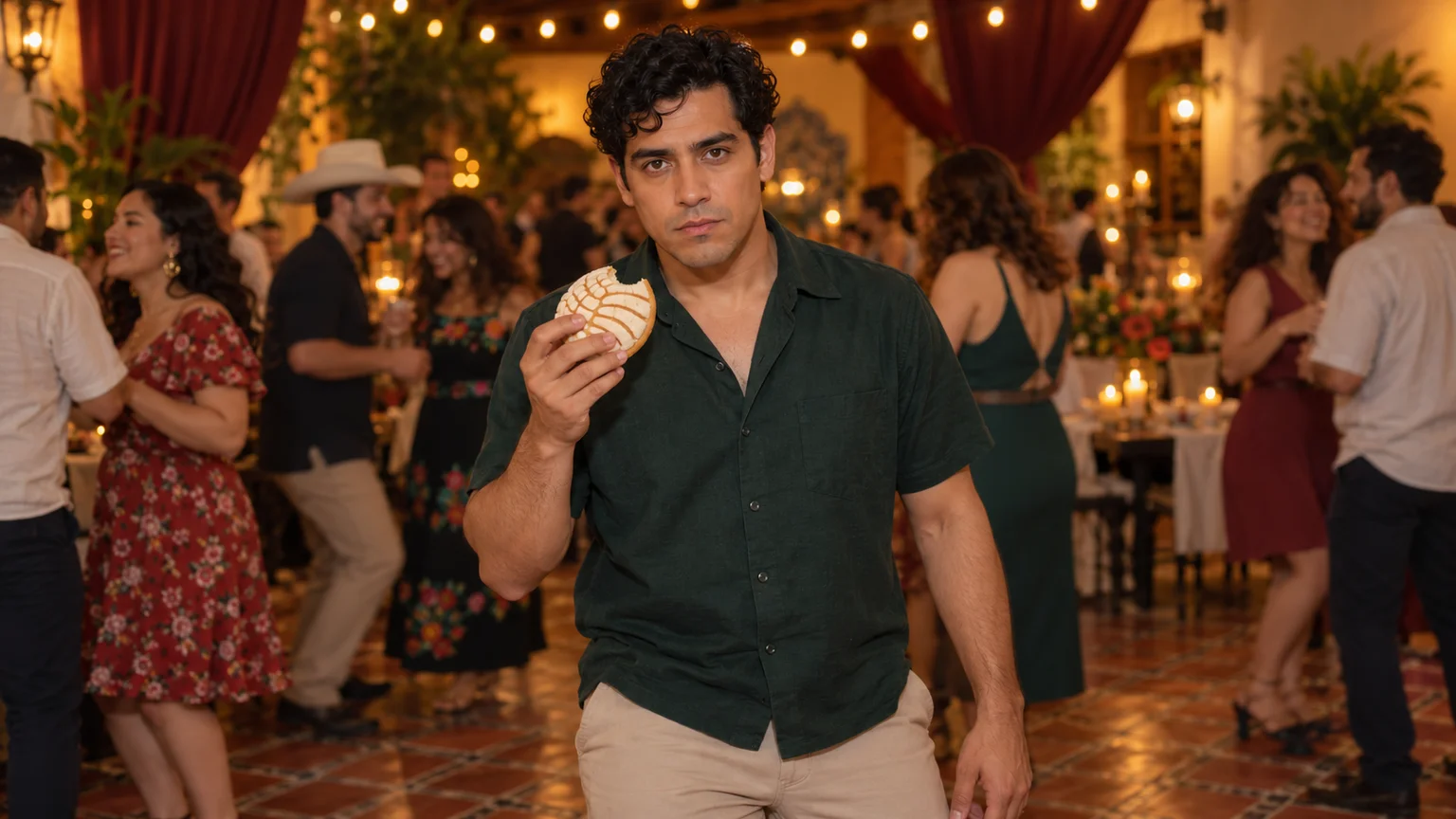
You walk into the shot with a little shoulder bounce, take a bite of sweet bread, and suddenly give the camera your full attention. Everyone else is still enjoying the party. Bby Wow Guy AI turns that oddly serious snack break into a short comedy scene starring someone recognizable: you.
This Bby Wow Guy AI guide takes you from a portrait to a party image, then into a controlled video attempt on ImgToImage AI. The useful challenge is timing a few connected actions. A convincing pause and a stable pastry matter more than elaborate dancing or a dramatic camera move.
What makes the Bby Wow Guy AI effect recognizable?
The meme centers on a party guest approaching the camera, biting a concha, holding a deadpan stare, and dancing away. A concha is Mexican sweet bread with a shell-patterned sugar topping. Bby Wow Guy AI recreations borrow that comic sequence and put a different person into the scene.
Related searches include “Baby Wow guy,” “concha guy,” and “Dime Dime Baby.” The music associated with these edits is “BbY WOW,” credited to KAROL G, Judeline, and rusowsky. For this Bby Wow Guy AI project, focus on the party-and-pastry performance; the broader song trend also includes other dance routines.
Pick a photo that can carry the close look
Choose a sharp photo with visible eyes, a relaxed mouth, and even lighting across the face. Your Bby Wow Guy AI character will look directly at the viewer, so a forward-facing portrait gives you a useful reference. A strong profile or sunglasses make that central expression harder to judge.
A waist-up or full-body image also supplies clothing and proportions. If you begin with a headshot, decide on the outfit before preparing your Bby Wow Guy AI scene. A plain collared shirt and simple trousers are easy to track as the person approaches and turns away.
Use yourself or an adult who agreed to appear. Keep only that person in the identity reference. Cropping out another face prevents an avoidable casting problem in Bby Wow Guy AI, while retaining some shoulder space helps the image model connect the face to a plausible body.
Build a Bby Wow Guy AI party frame
Open the AI Image Generator and choose an available model that accepts your reference photo. Set up a modest indoor celebration with a clear path to the camera. For Bby Wow Guy AI, a few distant guests and warm lights establish the setting without competing with the performer.
Use a vertical 9:16 composition for a phone-first edit, with the subject initially visible from head to shoes. Keep the concha in one hand, separated from the shirt and chin. Your Bby Wow Guy AI starting image should show the bread intact, leaving the bite for the animation.
Adapt this scene prompt:
Create a Bby Wow Guy AI starting scene using my adult reference photo. Preserve the person's recognizable face and proportions. Show them full body at a warm indoor evening party, wearing a forest-green collared shirt, beige trousers, and dark sneakers. They stand facing the camera, holding one round concha with a pale shell-patterned sugar crust in their right hand at lower chest height. Their left hand is empty. Use a tiled floor, amber string lights, a burgundy drape, and a few softly blurred adult guests well behind them. Leave open floor between the person and camera. Natural eye-level perspective, relaxed stance, coherent fingers, intact bread. No captions or logos.
Inspect the image before animating: both feet should meet the floor, the pastry should look like bread, and the holding hand should have a believable grip. Fixing these details now gives the Bby Wow Guy AI motion prompt a clear starting state instead of asking it to repair the scene while performing.
Give Bby Wow Guy AI three distinct beats
Arrive with rhythm. Let the subject take two short steps forward with a gentle shoulder sway. Avoid a long walk from the back of the room. In Bby Wow Guy AI, a small approach changes the framing enough to bring the face closer without requiring a separate zoom.
Bite, lower, stare. The hand lifts the concha, the mouth takes one modest bite, and the hand lowers before the gaze holds. That separation is crucial to the Bby Wow Guy AI joke: the audience needs an unobstructed view of the expression. Ask for subtle chewing, not an enormous mouthful or exaggerated cheeks.
Leave casually. After the pause, turn partly away and take a few small dancing steps toward the guests. Keep carrying the bitten bread in the same hand. A Bby Wow Guy AI ending feels funnier when the person resumes the party without explaining the stare or performing a theatrical bow.
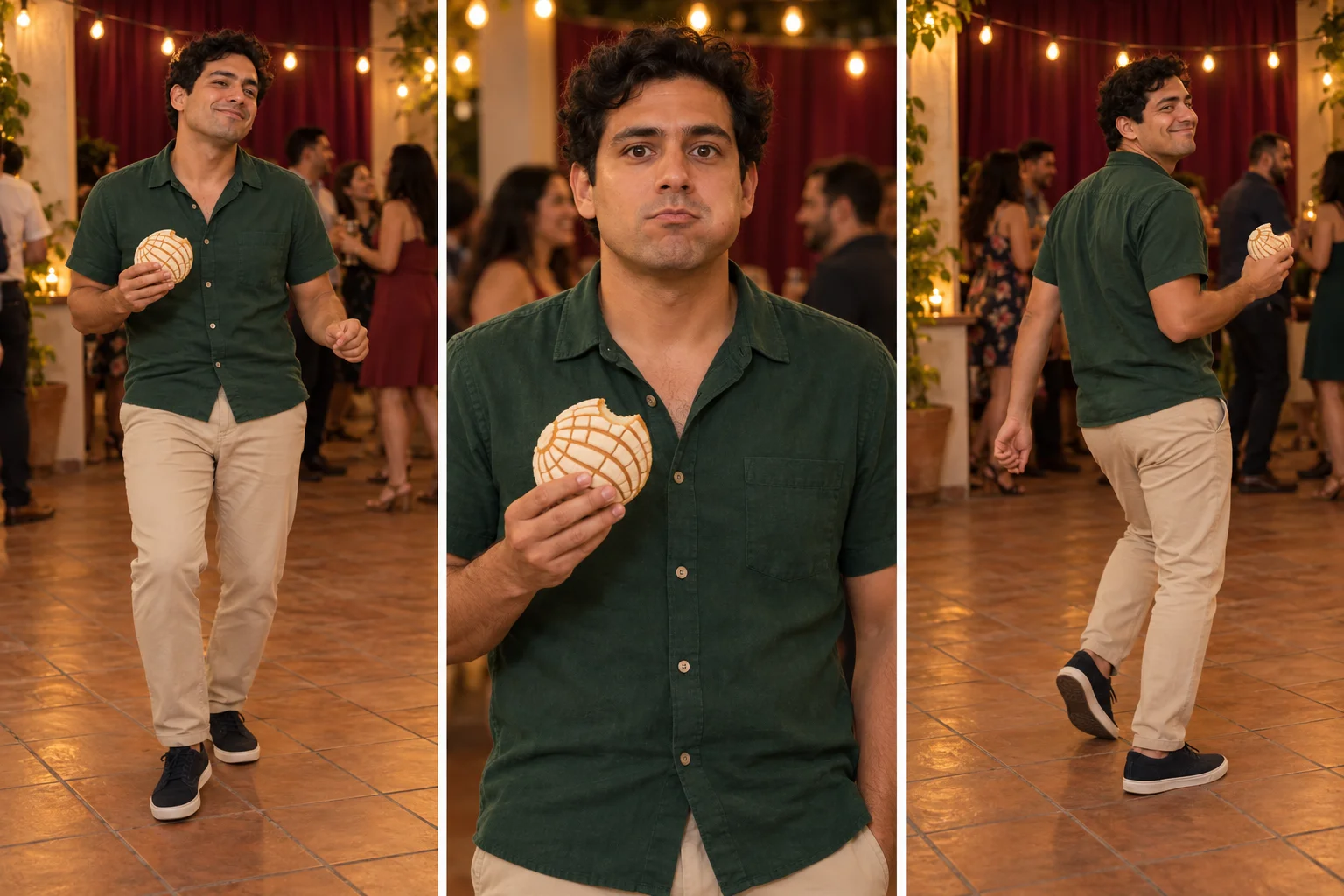
Animate your Bby Wow Guy AI scene
Go to the AI Video Generator, sign in, and select Seedance 2.0 Mini. Upload the prepared image as Start frame. Leave End frame and Reference images empty for this Bby Wow Guy AI method. The workspace uses your scene and written instructions; it does not supply a dedicated preset of the original performance.
Start with ten seconds at 720p and match the image's aspect ratio. The available controls support 4–15 seconds, 480p or 720p, and JPEG, PNG, or WebP inputs up to 10 MB. Review the displayed credit estimate before generating Bby Wow Guy AI, especially when comparing durations or resolutions.
Use this motion prompt:
Animate this Bby Wow Guy AI party scene as one continuous ten-second shot. Preserve the person's face, clothes, and body proportions. During the opening, take two short grounded steps toward the camera with a gentle shoulder bounce, holding the concha in the right hand. Raise it for one small bite, then lower it to chest height. Hold direct eye contact for a brief, noticeably serious pause, mouth closed with subtle chewing. Then turn three-quarters away and dance back toward the guests in small steps, still holding the same bitten bread. Keep the camera stationary at eye level. Background guests move softly without crossing the foreground. Maintain natural fingers, one pastry, and clear separation between the food and face. No cuts, sudden zooms, extra people entering, speech, or music; quiet party ambience only.
Treat the suggested timing as direction, not exact keyframes. Preview the completed Bby Wow Guy AI take in video history and check whether each action has room to register. If the entire sequence feels hurried, shorten the approach before extending the video; the stare deserves the time you save.
Repair a Bby Wow Guy AI take selectively
Bread or fingers merge with the mouth. Reduce the bite to a light touch at the pastry's edge and lower the hand immediately afterward. If contact remains unreliable, prepare a starting image with one bite already missing. Your Bby Wow Guy AI revision can begin with a swallow and stare instead of showing the bite.
The face changes while moving closer. Limit the approach to one step and begin from a slightly tighter frame. Avoid adding a camera push at the same time. For Bby Wow Guy AI, compare the eyes, nose, and jaw at the start and during the pause; similar clothing alone does not establish likeness.
The exit looks like sliding. Ask for a planted foot, a small turn, then separate steps. Keep floor texture visible so contact is easy to assess. Change only this movement in the next Bby Wow Guy AI attempt if the expression already works, preserving the rest of the prompt for a useful comparison.
Fit the selected take to your sound
Choose your audio section in an editing or posting app, then align the moment the hand lowers with a musical accent. For a Bby Wow Guy AI edit, let the serious gaze continue across the next beat. Cutting immediately after the bite removes the small delay that makes the reaction amusing.
The workflow does not include the original recording of “BbY WOW.” Add audio available for your account and intended use, and listen separately to any generated sound before mixing. A Bby Wow Guy AI clip can also work with quiet party ambience; the visual interruption should remain understandable without a song.
Trim excess stillness at the beginning, but retain the preparation for the first step. Keep captions away from the eyes and bread, then preview your Bby Wow Guy AI edit at phone size. If the pastry disappears behind an app's interface, adjust the crop before posting and identify the scene as AI-generated.
Change the setting without changing the joke
A kitchen after a dinner party makes a more intimate Bby Wow Guy AI variation. Place the background guests through an open doorway, with the performer between the camera and the celebration. The brief detour for a snack becomes the whole story, so additional props or conversations are unnecessary.
For an original illustrated character, simplify the hand and make the concha slightly larger so its shape stays readable. Keep the same approach-pause-exit structure in your Bby Wow Guy AI adaptation. A quiet cartoon face against a lively background offers contrast without depending on realistic chewing or detailed skin texture.
Bby Wow Guy AI questions before you generate
Can I make this from one photo without a dance recording?
Yes. The photo supplies identity while the prepared scene and motion prompt guide the new performance. This Bby Wow Guy AI approach produces an interpretation rather than transferring exact choreography from a reference clip. Review the result for the expression and action order you wanted, not a frame-for-frame match.
Should I animate two friends together?
Start with one lead. Two simultaneous bites introduce more hand contact and competing reactions. For a Bby Wow Guy AI duo, keep the second consenting adult in the background as an amused observer. Distinct clothing and separate positions help you check whether each person's identity remains consistent.
For another party performance, explore the Burning Bridges dance guide. To make this scene, prepare your concha image and open the video workspace. Build your Bby Wow Guy AI attempt around the small moment when the dancing stops, the bread lowers, and the viewer gets that unmistakably serious look.
Keep exploring
 Video Guides
A low camera, an absurd stack of cash, and a perfectly serious face. Break down a real Money Flex AI example and plan your own version with practical prompts.
 Video Guides
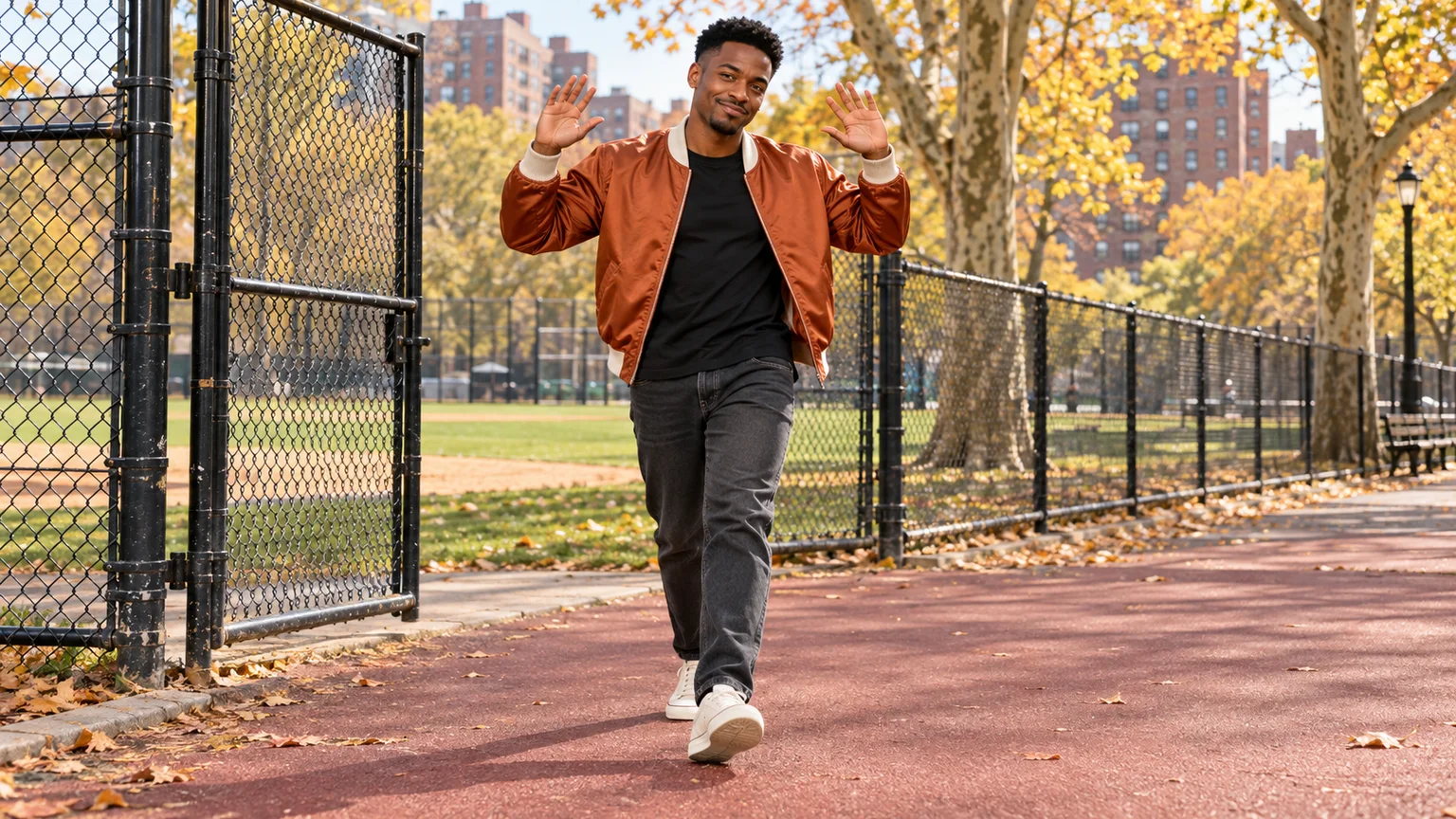
Step through the gate and make the path your stage. Create a Fergie Baby AI walk from your photo, with a confident stride, expressive gestures, and a camera that keeps pace.
 Video Guides
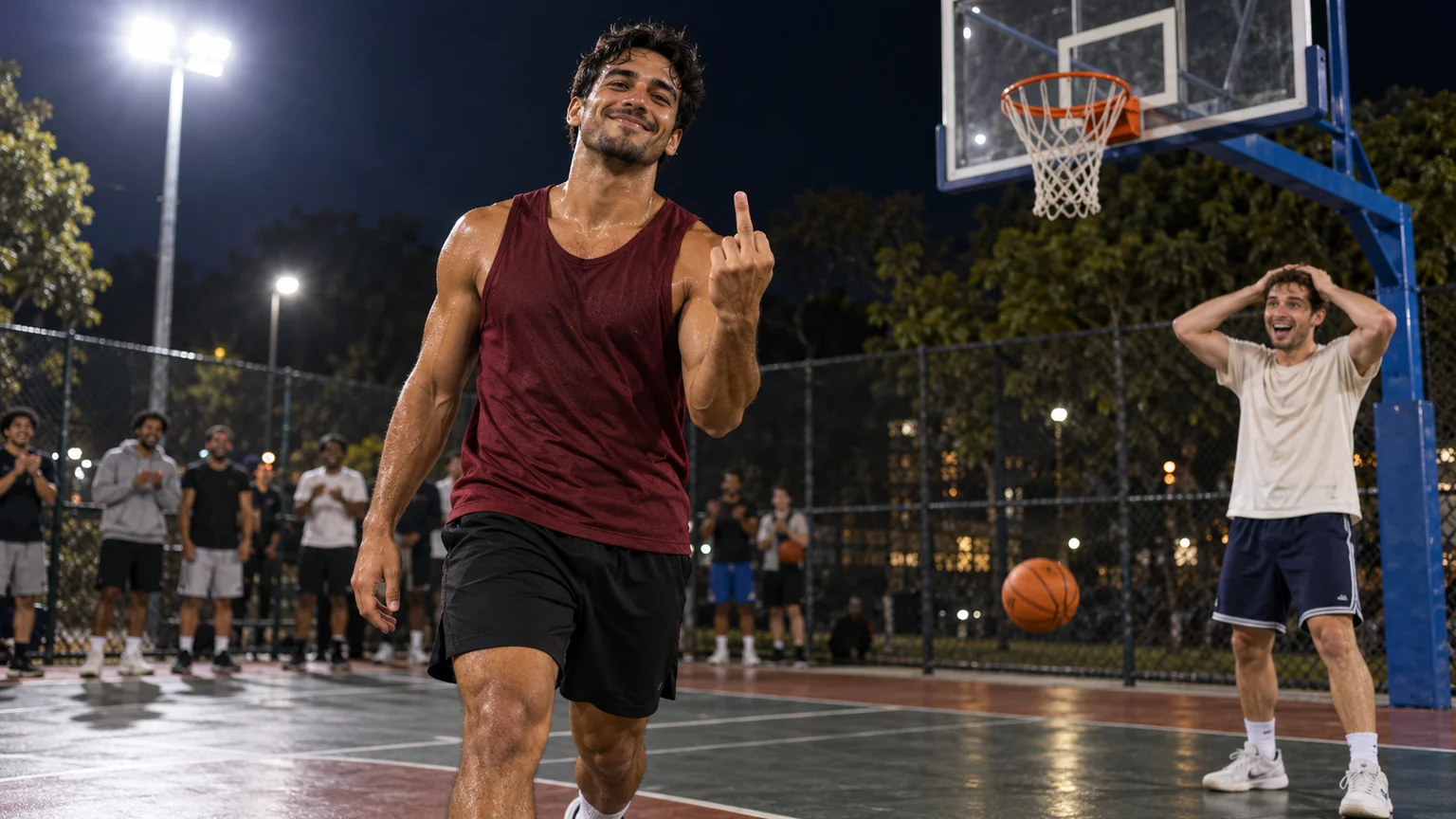
An outrageous dunk, a stunned defender, and a cheeky finish. Create a Basketball Middle Finger AI clip with your own cast and a play the camera can follow.
 Video Guides
Crouch on thin air, glance at the pursuer, and make your getaway. Create a Crazy Frog AI video with a clear riding pose, a moving road, and your own face.