


Burning Bridges AI: Take the Lead at the Chandelier Party
A silver cup, a knowing smile, and a glance across the room. Build a Burning Bridges AI party performance with expressive gestures and your own sense of style.
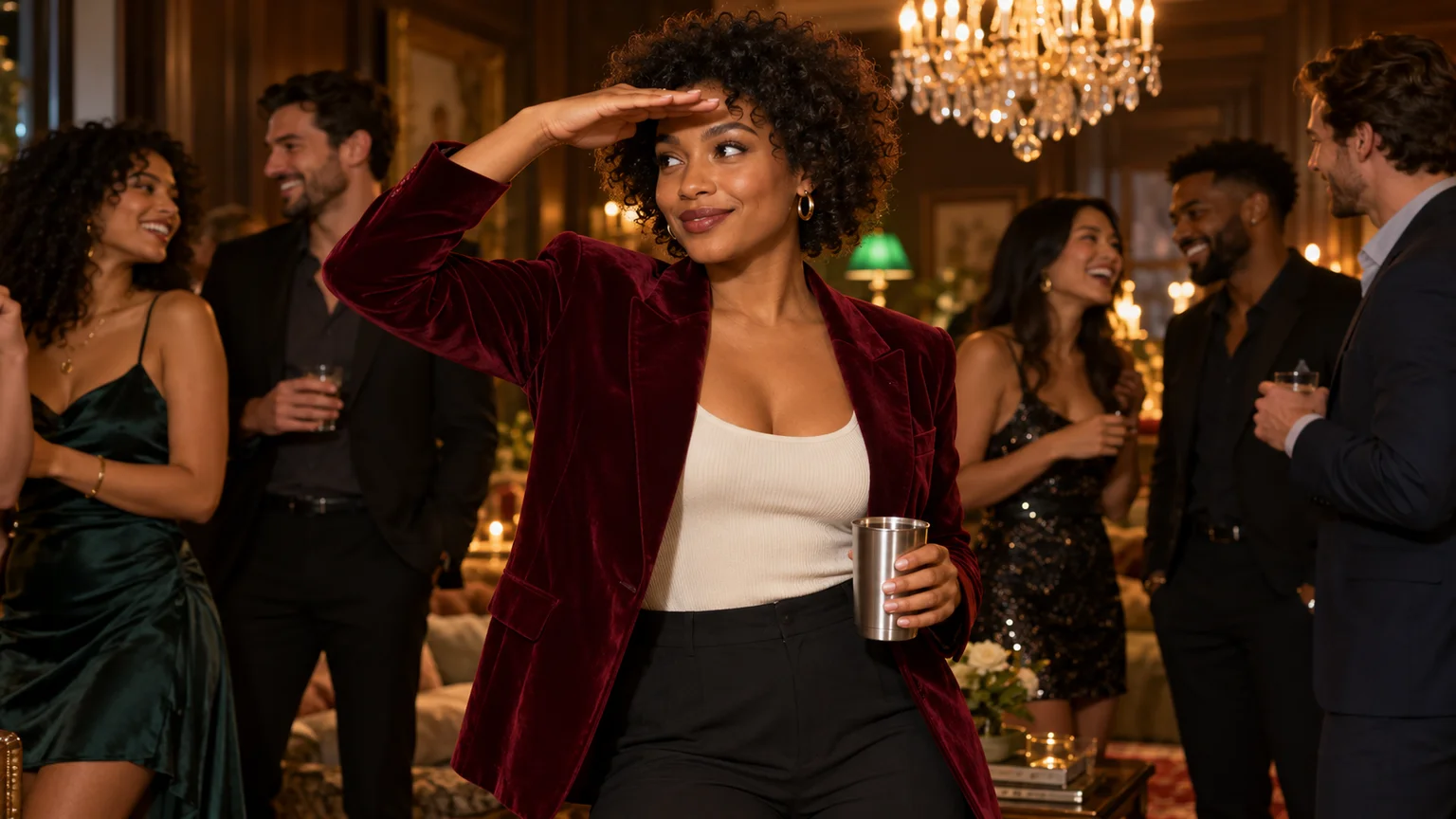
The room is lively, but the camera belongs to you. You hold a silver cup, acknowledge the lens, and lift your free hand to scan the crowd with a mischievous smile. Burning Bridges AI turns that party performance into a chance to cast yourself as the lead.
The appeal is personality: a familiar face behaving as though it has always belonged in the music video. On ImgToImage AI, you can create your own version by preparing the room and character first, then directing a short performance. The most useful decisions concern framing, hand placement, and the moment the expression changes.
What makes the Burning Bridges AI effect recognizable?
The trend is associated with Drake's “Burning Bridges” and its party-video aesthetic. Common recreations feature a chandelier-lit interior, a closely framed performer, a drink in hand, and friends reacting in the background. The lead plays toward the camera before looking across the room with a hand above the eyes.
That last gesture gives the clip a small story. The performer starts out fully engaged with the viewer, then seems to spot something elsewhere. A brief pause lets the audience register the change. Constant waving or dancing can make that moment difficult to notice.
This guide uses image generation and written motion directions to build an original scene. It does not copy a source video's movement frame for frame. Treat the familiar setting as a starting point, then choose a performance that suits your photo.
Decide who owns the frame
Before opening the generator, choose the character's attitude. An understated raised eyebrow, an exaggerated grin, and a cool sideways glance create different clips even in the same room. Pick one so the face has a consistent expression to develop.
For your first Burning Bridges AI attempt, give the lead most of the visual attention. Keep the guests behind the shoulders, with space around the moving elbow. A small gathering can suggest a busy party without placing another face or hand directly over yours.
Choose the format at this stage. A 16:9 composition shows the room and supporting guests; 9:16 emphasizes the performer. In portrait framing, leave room above the hair and beside the raised arm. Otherwise, the final searching gesture may disappear outside the crop.
Build a starting image that leaves room to perform
Use a clear photo of yourself or an adult who has agreed to appear. A head-to-waist view gives useful information about the face, shoulders, and outfit. Look for soft, even light and visible eyes. A dramatic shadow across half the face can make likeness harder to assess after the room changes.
The starting pose should be relaxed. Save the hand-above-eyes gesture for the animation; beginning with the arm already raised leaves little progression to show. Keep the cup low enough that it cannot cover the mouth, and decide which hand will hold it throughout.
In the AI Image Generator, select an available model with reference-image input and upload your portrait. Adapt this scene prompt to your appearance and clothing:
Place the adult from my reference photo at the front of an intimate house party. Preserve their facial features, hairstyle, and natural proportions. Dress them in a burgundy velvet blazer over a cream top and dark trousers. Frame them from the hips up at eye level, facing the camera with a slight, confident smile. Their left hand holds one plain silver metal tumbler upright near the waist; their right arm rests naturally at their side. Arrange several adult guests behind the lead, leaving clear space around the face and elbows. Use warm crystal chandelier light, dark wood walls, a subtle green accent lamp, and softly focused background faces. Keep the lead evenly lit, with realistic skin texture and a believable grip. Leave headroom for a raised hand. No lettering, logos, stage, or microphone.
Compare the result with your reference before animating. Check the jawline, hairline, and eye spacing, then inspect the cup rim and the fingers holding it. A distorted grip in the still is an image problem; adding movement will not make it a sound starting point.
Direct a short Burning Bridges AI performance
Set up the video
Open the video workspace, sign in, and select Seedance 2.0 Mini. Upload the prepared party image to Start frame. Leave End frame and Reference images empty; the separate reference-image mode cannot be combined with frame inputs.
Start with eight seconds at 720p, using the aspect ratio you composed for. The available duration is 4–15 seconds, with 480p or 720p output. JPEG, PNG, and WebP inputs are supported up to 10 MB each. Review the displayed credit estimate before generating.
Give the free hand one job at a time
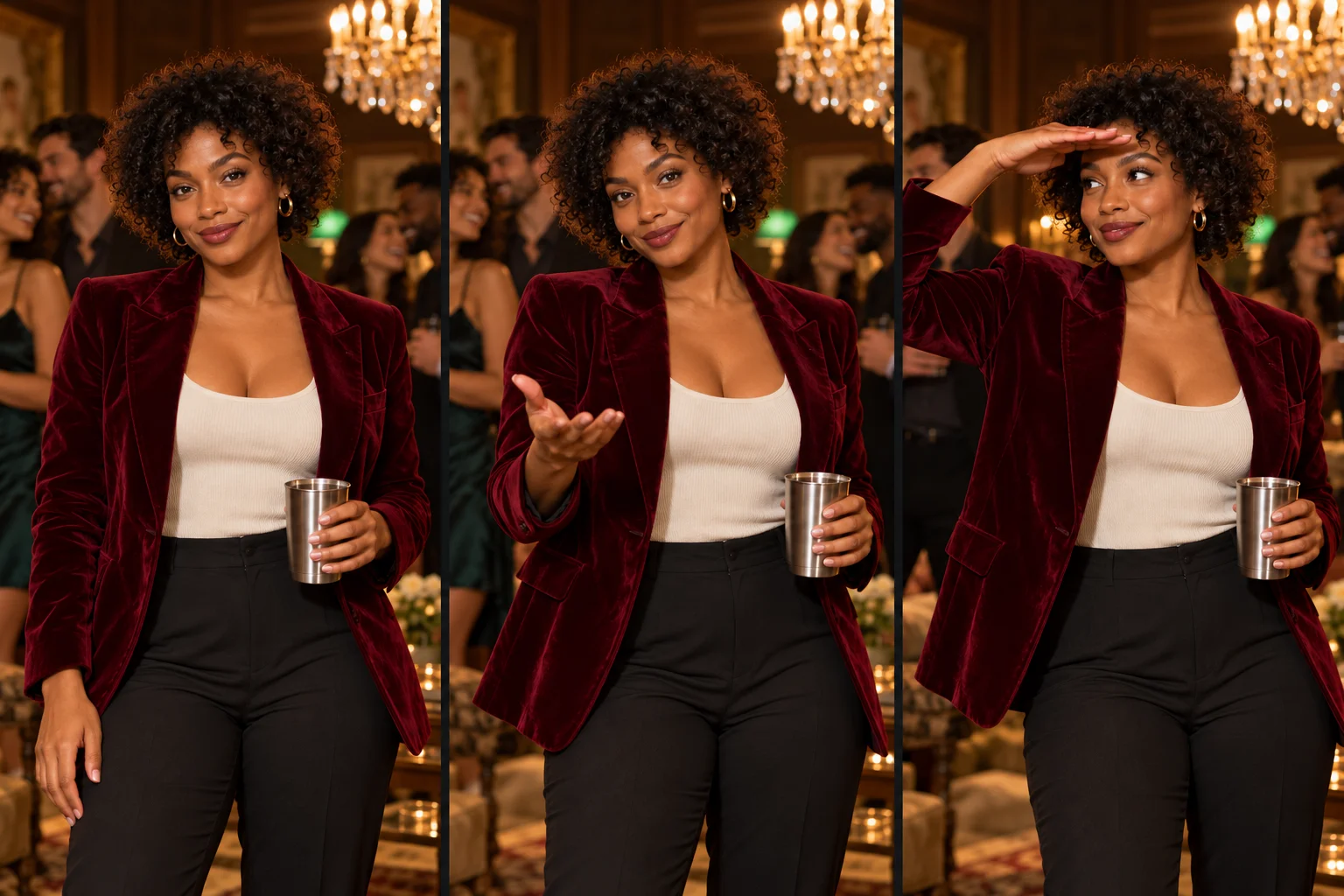
Think of the performance in three beats: establish eye contact, make one expressive gesture, then search the room. Keep the cup hand steady while the other arm moves. This separates the prop from the action and gives you a clearer result to evaluate.
Try this motion prompt:
Animate this image as one continuous, playful party performance. The lead holds the same silver tumbler upright in their left hand near the waist throughout. They begin with direct eye contact and a confident smile, add a small shoulder bounce, then make one relaxed open-palm gesture toward the camera with their right hand at chest height. The right hand returns briefly before rising flat above the eyebrows like a visor. Keep both eyes visible beneath the hand as the lead glances gently across the room and ends with an amused expression. Preserve their face, outfit, and body proportions. Background guests make subtle, varied reactions and remain behind the lead. Use a slow, slight camera push that retains the waist, cup, and raised hand. No cuts, cup handoffs, drinking, large head turns, or new foreground people. Use quiet room ambience without intelligible speech.
These directions define an action order, not exact timestamps. If the first result rushes through the ending, remove the intermediate return of the hand or allow more time. Avoid adding a second routine before the first one reads clearly.
Judge the performance through its transitions
Watch your Burning Bridges AI clip without music first. The useful question is whether one action leads naturally into the next. A strong still frame can hide a wrist that twists awkwardly halfway through the gesture.
Follow the cup from beginning to end. Its rim and base should keep their shape, the fingers should maintain contact, and its size should remain consistent relative to the hand. If it changes shape, reduce the cup arm's movement and remove any instruction to tilt, toast, or drink.
Next, examine the moment the free hand reaches the forehead. The palm should sit above the brows rather than pass through the face. If the eyes vanish, ask for the palm to hover just above the eyebrows with a visible gap. Keep the head turn small enough to preserve a recognizable three-quarter view.
Finally, look behind the performer. Guests should feel like individuals, with different small reactions. Synchronized waving can distract from the lead, while bodies merging into the shoulders make the foreground hard to read. Reduce background activity before changing the main performance.
Change the instruction tied to the most distracting defect, then compare attempts at that same moment. This makes each revision easier to judge than changing the lighting, outfit, camera, and gestures together.
Let the soundtrack determine the final cut
Choose the section of music before trimming your selected take. Listen for the accent where the raised hand or sideways glance would land naturally. Slide the clip against that point in an external editor, then trim the opening to retain enough eye contact for the audience to recognize the performer.
The original song is not supplied by this workflow, and a written prompt does not guarantee accurate lip sync. Use audio available for your account and intended use in the posting app or editor. Listen to the generated track separately and lower or mute it if it competes with the chosen music.
Avoid forcing a long lyric onto unrelated mouth movements. A shorter passage built around a visible gesture can be more convincing. Leave a small pause on the final expression, and place any caption away from the eyes, moving hand, and cup. Preview the finished crop on a phone before posting it as an AI recreation.
Make the party feel like your version
A change of outfit is often enough to give the scene a different character. Formal evening wear suggests confidence; an everyday cardigan can make the performance unexpectedly funny. Keep busy patterns away from the moving arms so the sleeve remains easy to follow.
For a birthday version of Burning Bridges AI, add the greeting as a caption during editing instead of asking the generator to animate readable lettering around the room. For an original illustrated character, retain its visual style in the prepared image and simplify the wrist motion to suit its proportions.
You can also try a quieter ending: let the hand drop and finish with a knowing smile. If you prefer an outdoor performance with a more animated crowd, the Bulin 47 freestyle guide explores a different setting and gesture style.
Bring your own attitude to Burning Bridges AI in the AI Video Generator. Start with a well-staged party image, direct one readable sequence, and choose the take whose expression makes the scene yours.
Keep exploring
 Video Guides
A low camera, an absurd stack of cash, and a perfectly serious face. Break down a real Money Flex AI example and plan your own version with practical prompts.
 Video Guides
Step through the gate and make the path your stage. Create a Fergie Baby AI walk from your photo, with a confident stride, expressive gestures, and a camera that keeps pace.
 Video Guides
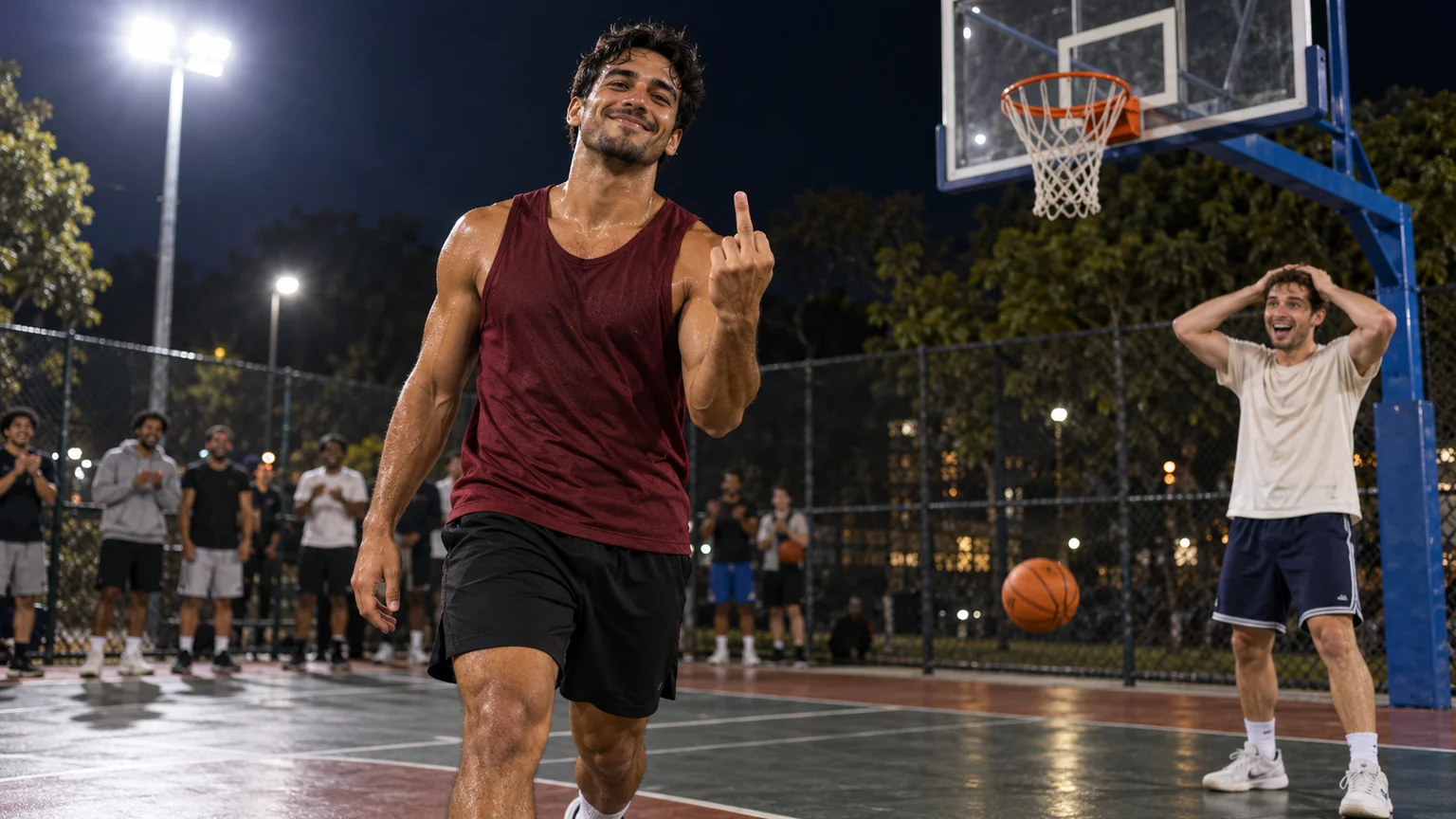
An outrageous dunk, a stunned defender, and a cheeky finish. Create a Basketball Middle Finger AI clip with your own cast and a play the camera can follow.
 Video Guides
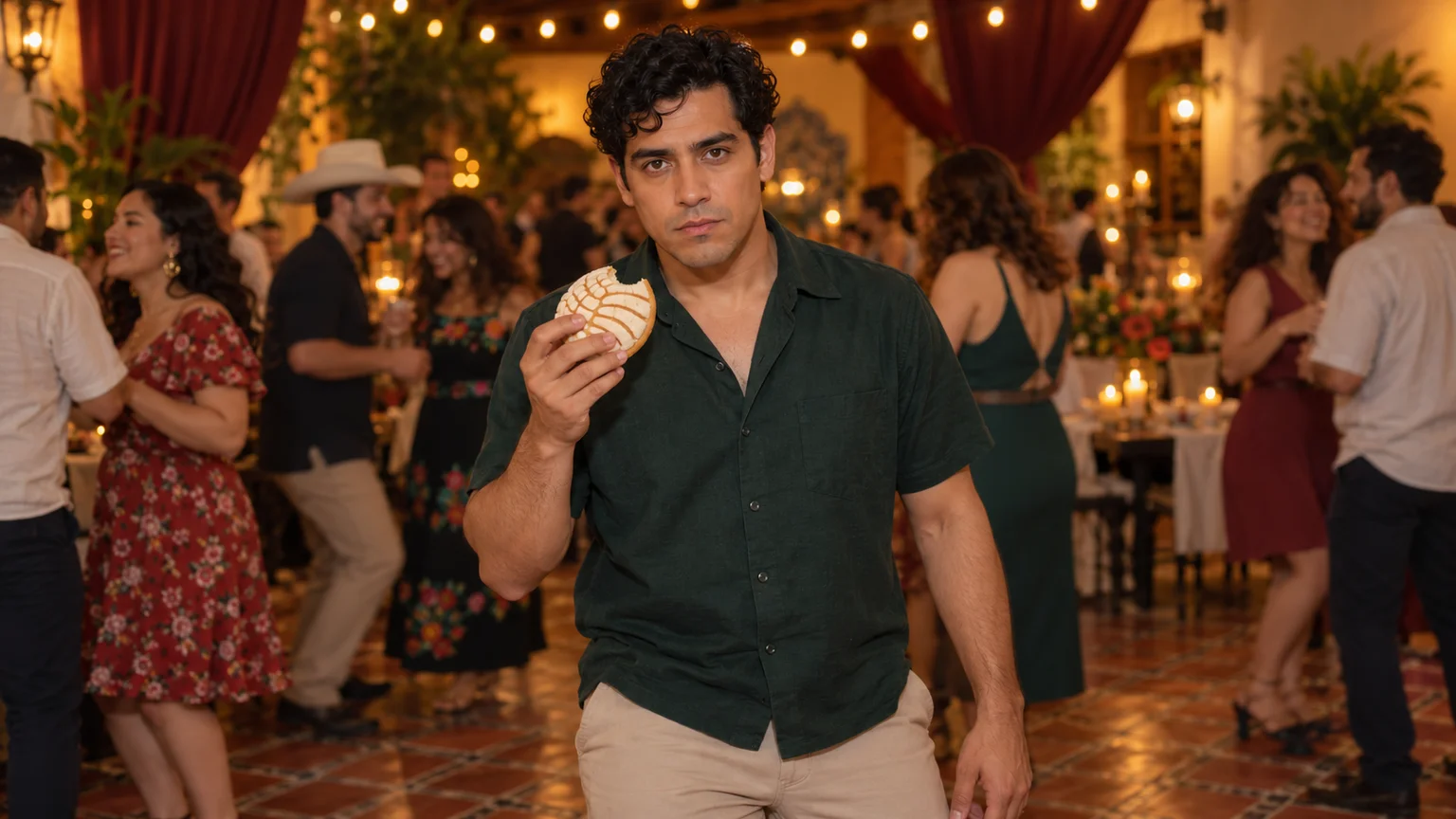
The party keeps moving, but you stop to stare. Make a Bby Wow Guy AI scene with your photo, a concha, and the awkward pause that makes the joke land.