


Bulin 47 AI: Turn Your Photo Into a Street Freestyle Video
Step into a red-lit street freestyle scene. Create a Bulin 47 AI video with your photo, a speaker in the foreground, expressive gestures, and a small crowd.
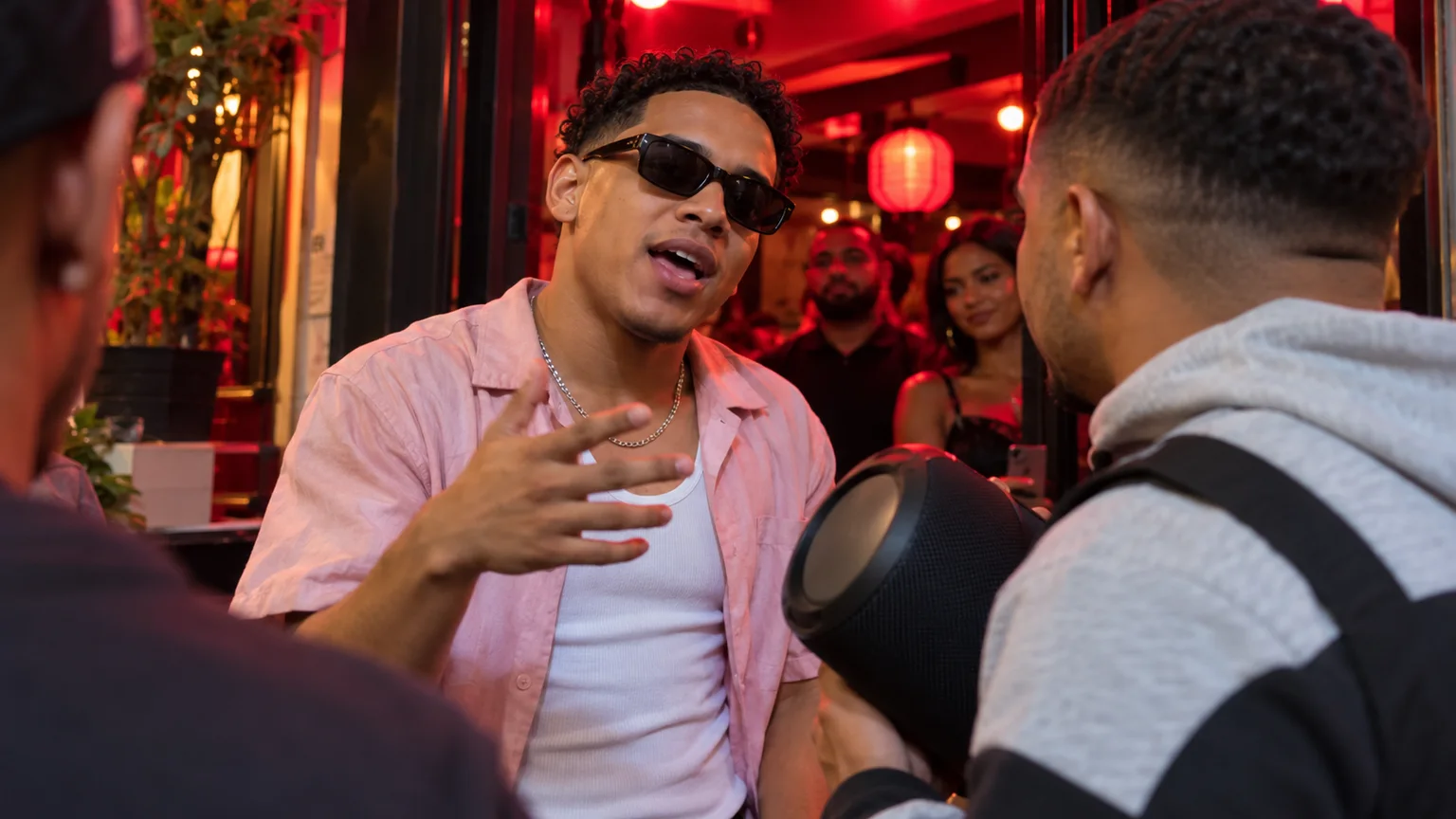
Turn your portrait into a short street performance with Bulin 47 AI. The appeal is the unexpected casting: you, a friend, or an original character suddenly taking command of a freestyle scene.
You will prepare a starting image on ImgToImage AI, animate it with Seedance 2.0 Mini in the AI Video Generator, and finish the soundtrack in your preferred editor. The workflow creates a new interpretation of the trend, with your own setting and movement direction.
What is the Bulin 47 AI trend?
The trend centers on the street freestyle associated with Dominican artist Bulin 47 and creator Kevin Wai. Its recognizable setup places the lead behind a person carrying a portable speaker, surrounded by onlookers at a red-lit entrance. AI versions recast that lead while retaining the familiar performance setting.
The associated song Dame Hombro takes its name from the shoulder, an important cue in the movement. The street freestyle and the released song are different recordings, so listen to the actual version you intend to use when editing.
A Bulin 47 meme combines that crowded, informal setting with a surprising performer. Close framing matters more than elaborate scenery: the audience should immediately notice the face, attitude, and gestures.
Choose a photo for your Bulin 47 AI video
Use a sharp photo of yourself or an adult who has agreed to appear. A front or gentle three-quarter view with visible eyes works well for checking identity. Include the shoulders and torso if possible. Those areas matter because the main action happens above the waist.
Avoid a photo with a hand covering the mouth, hair hiding both eyes, or several faces at the same scale. Sunglasses can suit the mood, but they also remove facial detail you could otherwise compare. Begin with an unobstructed face, then decide whether styling is worth that tradeoff.
Keep the clothing readable. An open pale-pink shirt and a plain light undershirt suggest the familiar styling, but your own outfit can make the character replacement more personal.
Build the street scene before animating it
Open the AI Image Generator, select an available model with reference-image input, and upload your portrait. Set the intended framing before generating: use a vertical composition for a portrait post so you will not need to crop away the speaker later.
Try this image prompt, replacing the outfit details with your own:
Create a realistic phone photograph of the adult in my reference image at a crowded restaurant entrance at night. Preserve their face and hairstyle. They wear an open pale-pink shirt over a white undershirt and stand in the middle ground, facing the camera with a confident expression. In the near foreground, a companion seen from behind holds a black cylindrical portable speaker across their chest, facing the performer. Keep the lead's face and gesturing hands unobstructed. Two softly focused adults watch from inside the red-lit doorway. Frame the scene from the waist up, close among the onlookers. Use vivid red overhead light with gentle fill on the lead's face, realistic hands, and natural proportions. No lettering, logos, microphones, or concert stage.
Inspect the still at full size. Compare the face with your source photo, then check the fingers and speaker shape. Fix visible defects here before they become moving distractions.
Animate Bulin 47 AI with Seedance 2.0 Mini
Set up the first attempt
Enter the video workspace, sign in, and select Seedance 2.0 Mini. Upload your completed street scene to Start frame. Leave End frame and Reference images empty for this attempt; reference images are a separate input mode and cannot be combined with the frame inputs.
The current configuration accepts JPEG, PNG, or WebP images up to 10 MB each. Video duration is 4–15 seconds, with 480p or 720p output. Try six seconds at 720p. Choose 9:16 for a portrait post, 16:9 for landscape, or Auto to adapt to the image. Compose for your intended ratio before uploading.
Describe actions the viewer can follow
Writing only “Bulin 47 freestyle” leaves the movement open to interpretation. Describe the shoulders, hands, expression, and camera instead. Use this suggested motion prompt:
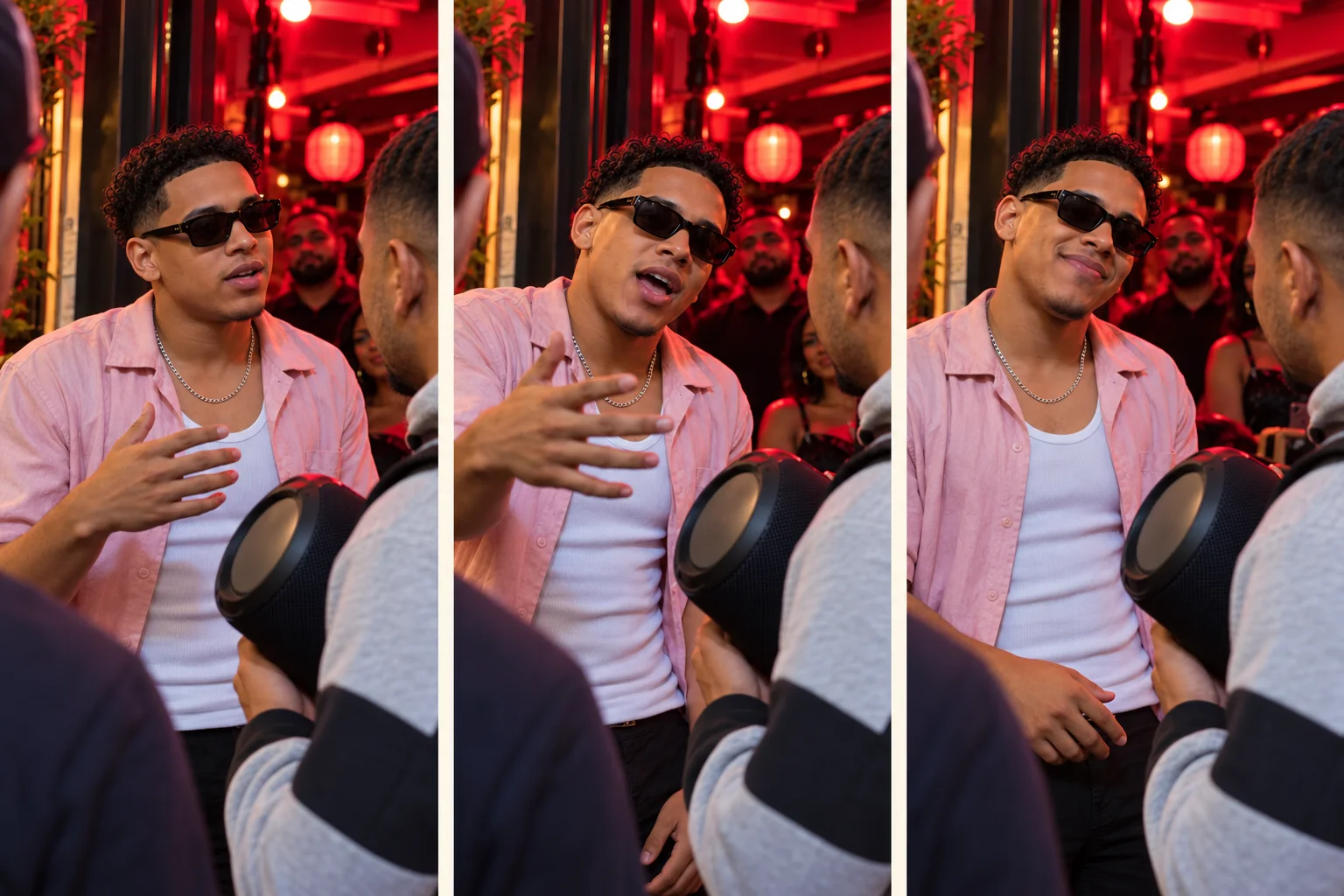
Animate the starting image as one continuous handheld street freestyle. The lead behind the speaker holder looks toward the camera, leans forward slightly, and performs a short sequence of expressive open-hand gestures around chest height. Their shoulders make a small rhythmic bounce and their mouth moves naturally as if delivering an improvised line. Finish with a brief amused grin. Preserve the face, hair, outfit, and body proportions. The foreground companion keeps holding the same speaker and facing the lead. The background onlookers make only small reactions. Keep the camera close at eye level with slight handheld movement. No cuts, spins, handoffs, new people, or hands covering the lead's face. Use quiet street ambience without intelligible speech.
Check the displayed credit estimate, generate, and open the result in video history. Treat the first attempt as a way to evaluate the performance before investing in a longer version.
The storyboard below shows the intended progression. It gives you a simple reference for judging the result, without requiring exact timestamps in the prompt.
Review your Bulin 47 AI clip
Watch once at normal speed without sound. Does the character show a change in attitude, or simply repeat the same motion? If the ending feels abrupt, allow a longer pause after the main gesture. If the expression is rushed, remove a movement rather than adding more timing instructions.
Next, pause at the first shoulder lift, the hand gesture, and the ending. Use the table below to identify the most distracting issue. Change one instruction per attempt so you can tell which adjustment helped.
| What looks wrong | What to change next |
|---|---|
| The face drifts during the performance | Use a smaller head turn and keep the face evenly lit. |
| Shoulders stretch or the shirt melts | Reduce the shoulder lift and simplify patterned clothing. |
| Hands merge or grow extra fingers | Keep gestures below the chest and avoid crossing arms. |
| The speaker changes shape or floats | Give it one holder and remove any handoff. |
| The audience distracts from the lead | Keep background reactions small and the lead sharply visible. |
| The speaker blocks the performer's face | Lower its position in the still and preserve the foreground spacing. |
| The doorway bends or jumps | Reduce camera motion and remove background activity. |
Separate image problems from movement problems. A hand that is already malformed in the starting picture needs an image correction. A hand that breaks only during a fast gesture calls for simpler motion. This distinction helps avoid regenerating the same defect repeatedly.
Add music after the movement works
For a Bulin 47 viral video inspired by Dame Hombro, choose the section of music before trimming. Align the strongest hand gesture or shoulder lift with a clear beat. Matching one visible accent is a practical first goal; exact lyric synchronization requires a separate workflow.
Export the clip and finish it in your preferred editor or posting app, using a track available for your account and intended use. Trim a slow opening, but retain enough of the final reaction to complete the joke. Keep captions away from the face and moving hand.
Listen to the generated audio before adding music. Lower or mute it if the two compete. Preview the exported file on a phone to check the crop, volume, and text placement, and make the AI recreation clear when sharing.
Make the scene feel like your own
Choose a small character detail instead of adding a complicated storyline. An office worker loosening up after a long day, a friend who suddenly becomes the confident performer, or an understated outfit in a lively nighttime setting can give the clip its own humor.
Keep that variation consistent across the image and video prompts. Changing the outfit, location, camera, and choreography together makes results difficult to compare.
If you prefer a paired dance with a reaction setup, the Smalltown Boy Dance AI guide explores a different two-person scene. For this freestyle concept, keep the attention on one performer.
Questions before you create
Is Bulin 47 AI the same as AI face swap?
Some versions replace a performer in existing footage. This tutorial starts from your own still image, so it does not preserve the original clip's choreography, voice, or soundtrack. You do not need to upload the original video.
Can I use a free AI video generator for this?
Check your account's current offers and available credits. Charges depend on the selected model and settings; the workspace displays an estimate before submission. Do not assume that a free account includes every generation option.
Can I make the video loop?
Choose a section whose opening and closing poses are similar, with the hands low and the head facing roughly the same direction. Trim around those moments in your editor, then watch the join several times. A visible jump usually means the pose or camera position changed too much. Use a clean ending if the join remains distracting; the generation prompt does not guarantee a seamless loop.
Ready to create? Open the AI Video Generator, select Seedance 2.0 Mini, and turn your prepared image into your own Bulin 47 AI performance.
Keep exploring
 Video Guides
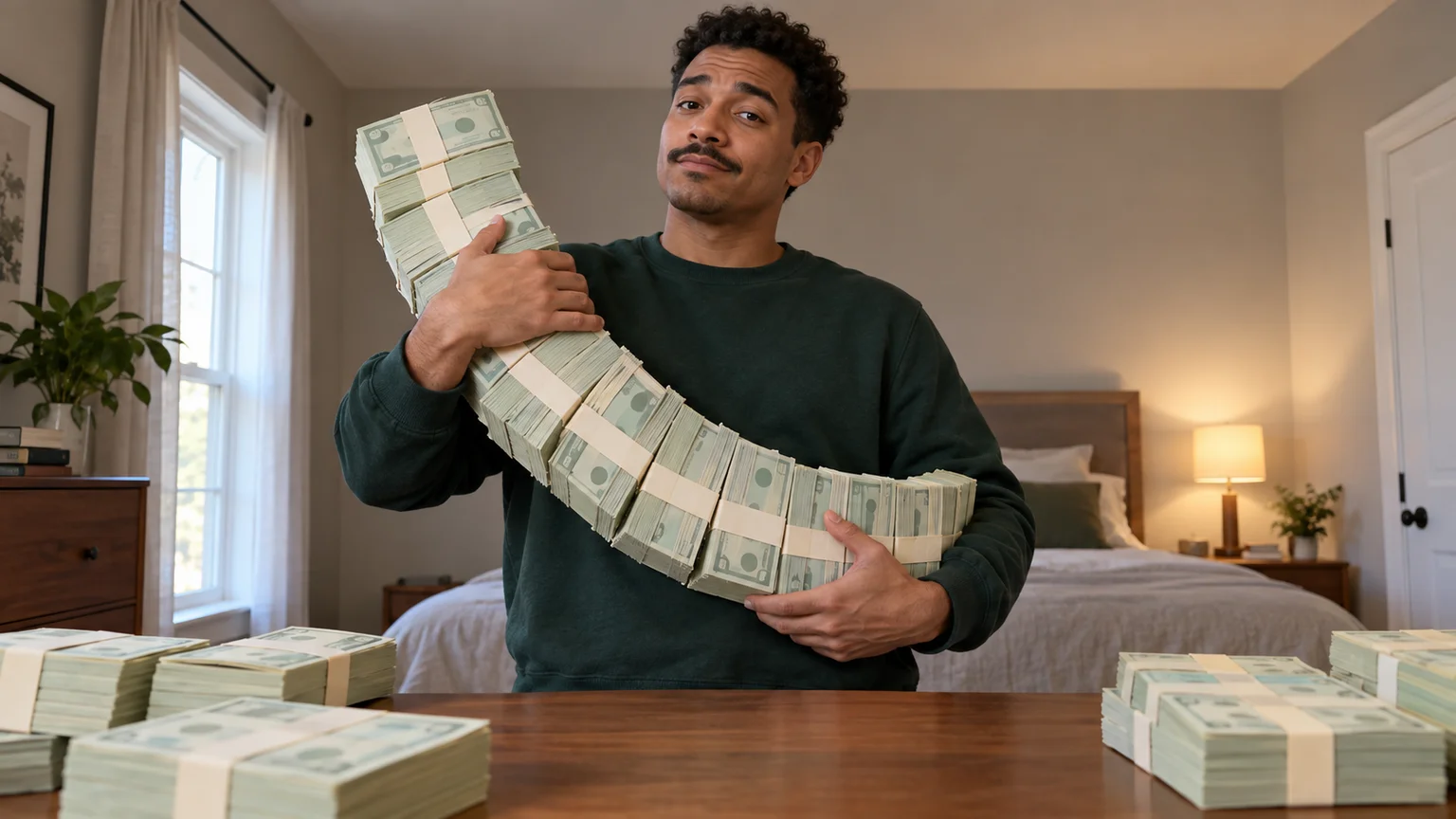
A low camera, an absurd stack of cash, and a perfectly serious face. Break down a real Money Flex AI example and plan your own version with practical prompts.
 Video Guides
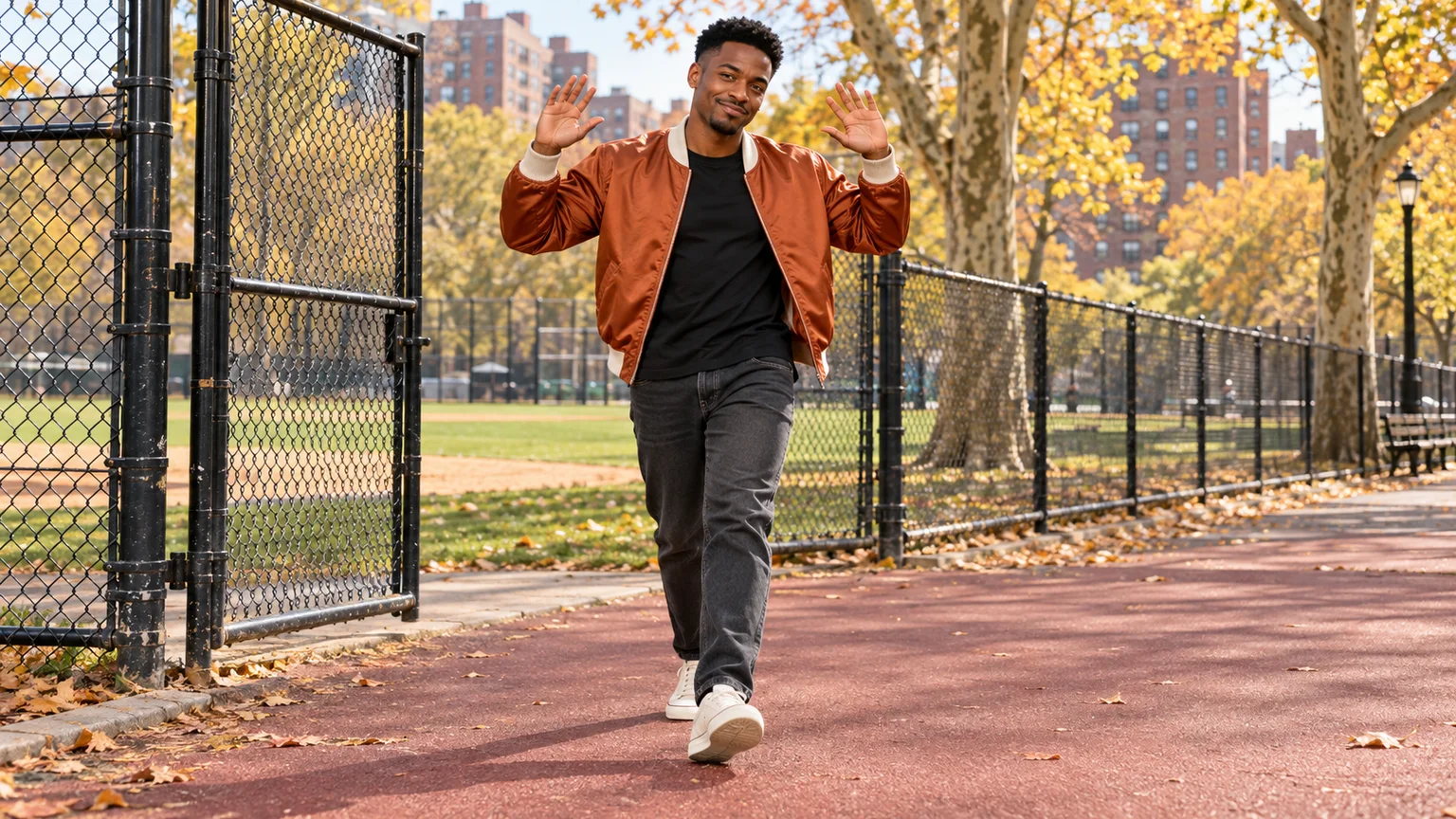
Step through the gate and make the path your stage. Create a Fergie Baby AI walk from your photo, with a confident stride, expressive gestures, and a camera that keeps pace.
 Video Guides
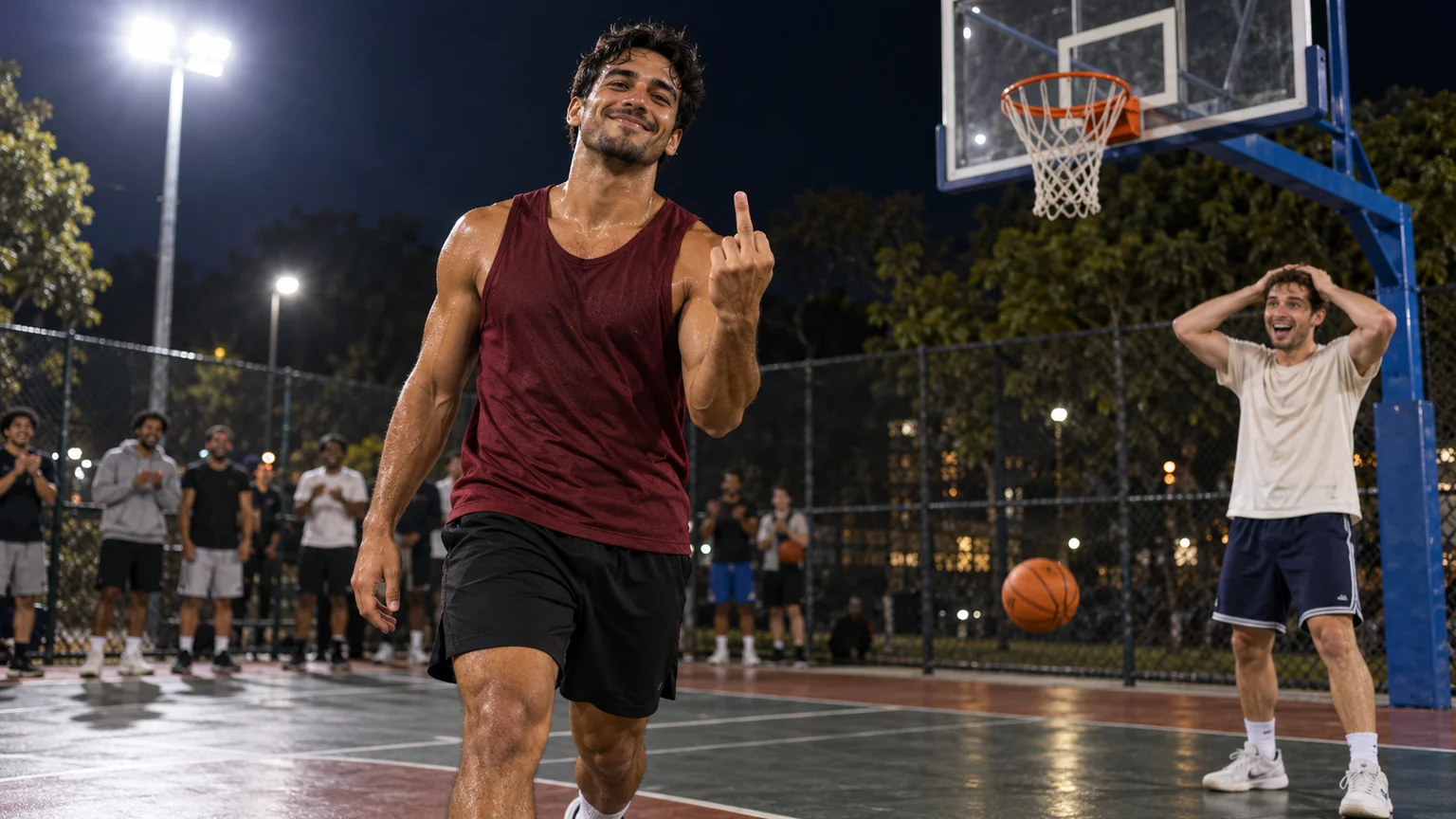
An outrageous dunk, a stunned defender, and a cheeky finish. Create a Basketball Middle Finger AI clip with your own cast and a play the camera can follow.
 Video Guides
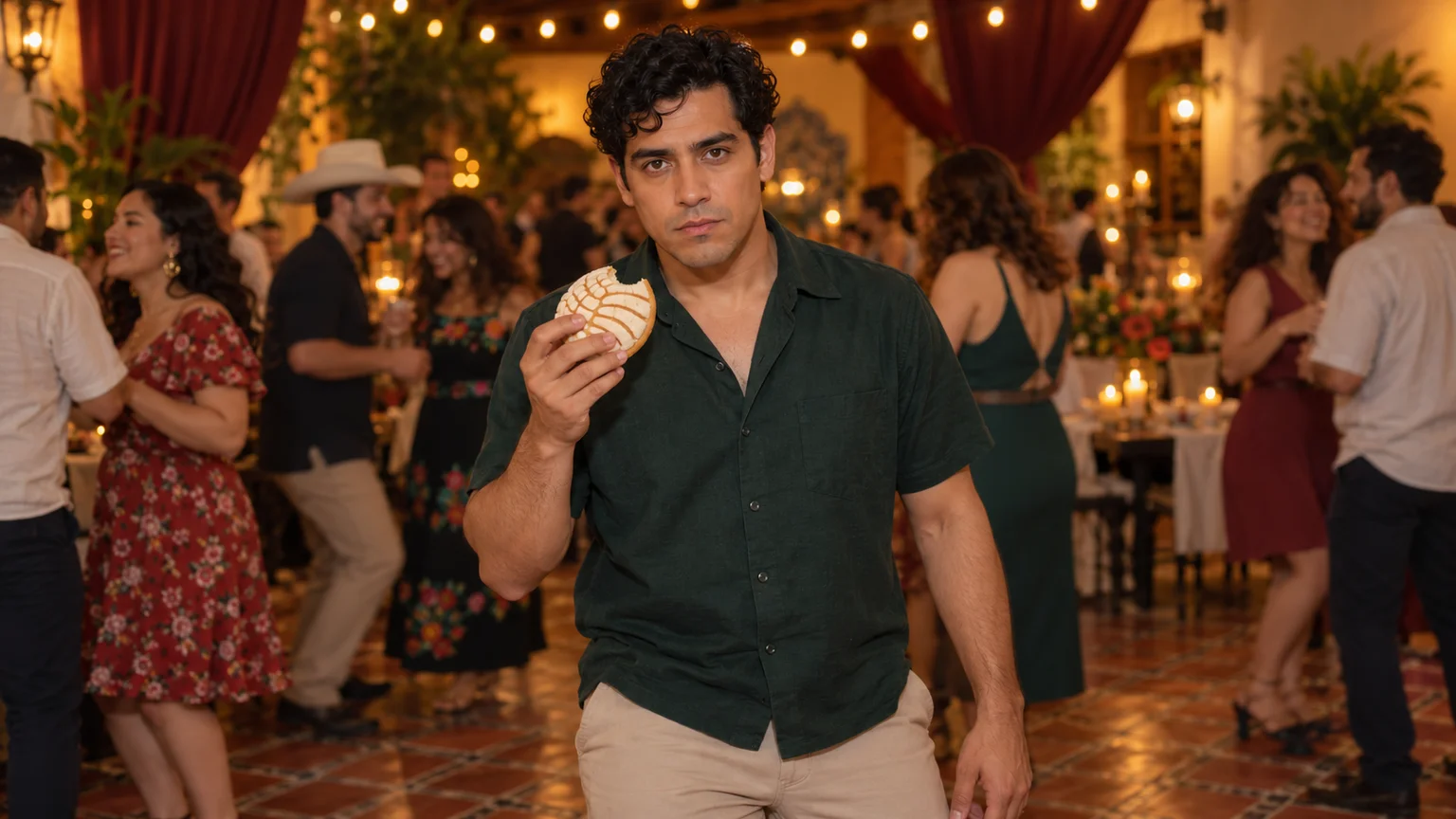
The party keeps moving, but you stop to stare. Make a Bby Wow Guy AI scene with your photo, a concha, and the awkward pause that makes the joke land.