


Fergie Baby AI: Turn a Park Exit into Your Main Entrance
Step through the gate and make the path your stage. Create a Fergie Baby AI walk from your photo, with a confident stride, expressive gestures, and a camera that keeps pace.
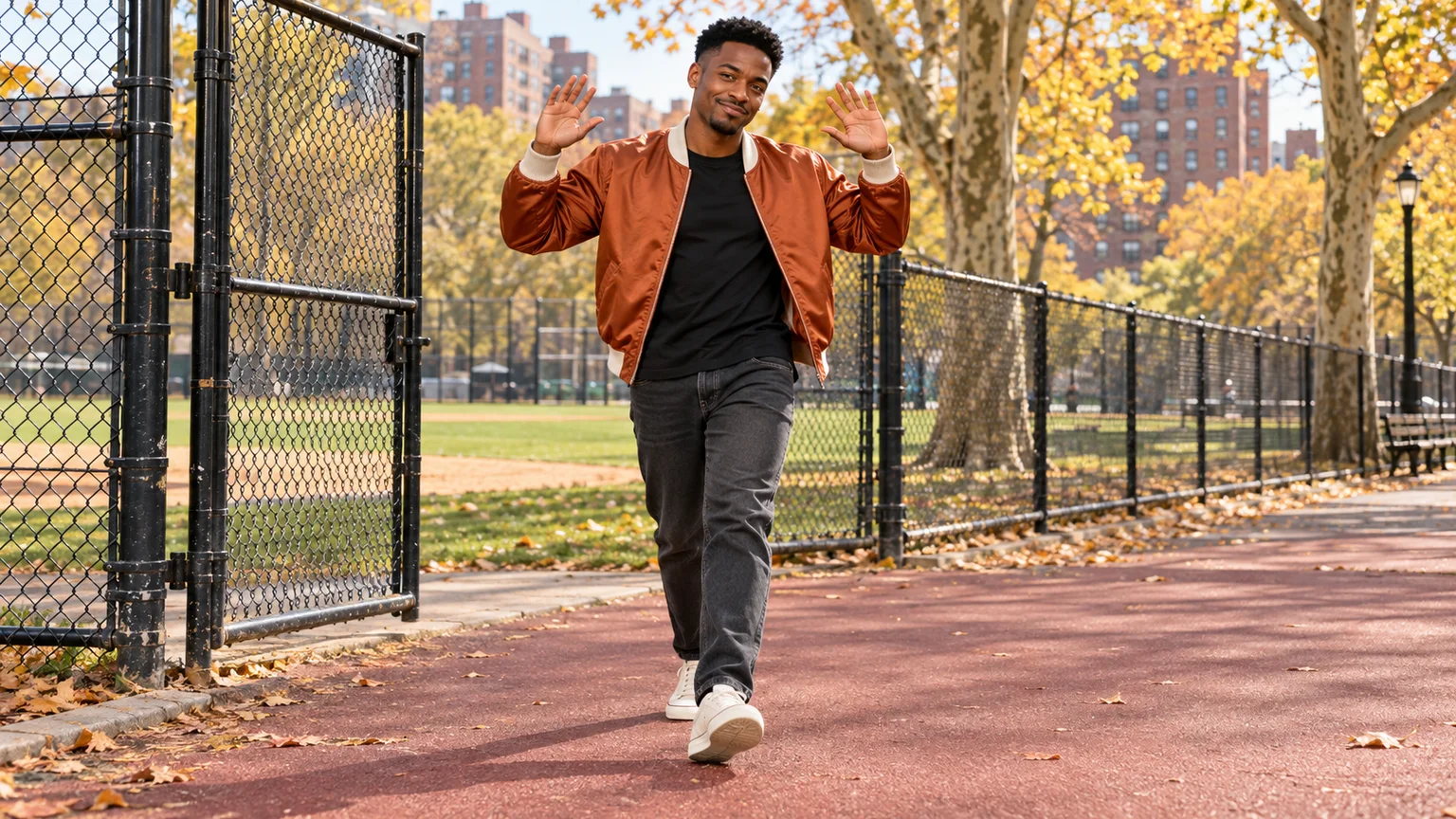
A park gate opens, someone steps onto the path, and an ordinary afternoon becomes a personal entrance scene. Fergie Baby AI turns that confident walk into a photo-based video: shoulders moving, hands rising, and a backward-moving camera giving the performer room to own the moment.
The appeal is recognizable attitude rather than complicated choreography. This Fergie Baby AI guide shows how to prepare the scene on ImgToImage AI, direct a manageable sequence, and polish the result. Your face supplies the personality; the starting image and motion prompt give that personality somewhere to go.
What makes the Fergie Baby AI walk recognizable?
The format draws on Harlem rapper Fergie Baby's park walk: a ballfield gate, a path, and gestures delivered toward a camera retreating ahead of him. Fergie Baby AI remakes put a different person into a similar performance. Here, “Baby” belongs to the artist's name; the format is not a baby transformation.
Three visual cues carry Fergie Baby AI: a clear entrance, an unhurried bouncing stride, and direct interaction with the lens. You can interpret those cues with your own clothes and expression. The workflow below generates an original scene from an image and text, rather than transferring the source recording's exact choreography.
Choose a photo that can support a walk
A full-length portrait gives the generator useful information about your proportions, trousers, and shoes. For Fergie Baby AI, choose a sharp face with both eyes visible and enough detail to recognize your hairstyle. A neutral standing pose is easier to adapt than a seated selfie or a photograph taken from above.
Clothing can become part of the joke. A smart jacket makes an everyday park exit feel unusually important; a familiar hoodie keeps the result casual. Keep the outfit simple enough to remain consistent throughout Fergie Baby AI, especially around sleeves, pockets, and footwear. Tiny lettering can change as the fabric moves.
Use your own photo or a friend who agreed to appear. If you only have a headshot, construct a full-body scene first and approve the invented clothing and proportions. That extra review matters for Fergie Baby AI because the walk exposes details that a close portrait never needed to show.
Build a Fergie Baby AI starting frame with room to move
Open the AI Image Generator, choose a model that accepts your photo, and place the person just inside an open ballfield gate. For a first Fergie Baby AI attempt, leave the gate partly open. This preserves the entrance while reducing the amount of difficult hand-and-metal interaction the video must invent.
Use a 9:16 composition with visible shoes, space above the head, and a path leading toward the viewer. The fence should sit behind or beside the person, never across the face. In Fergie Baby AI, a clear gap between the gateposts also tells the model where the body can pass.
Try this starting-image prompt:
Prepare a Fergie Baby AI starting scene using this adult reference photo. Preserve the person's face, hair, skin tone, and body proportions. Show the entire person in a rust bomber jacket, black T-shirt, charcoal jeans, and off-white sneakers. They stand just inside a partly open chain-link ballfield gate, facing the camera. One hand rests naturally on the gate's upright outer rail at waist height. A red park path leads toward the foreground, with trees and distant brick buildings in soft daylight. Use a vertical composition, natural perspective, clear feet, and generous walking space. Keep the hinged gate structurally straight. No text, logos, or additional foreground people.
Inspect the fingers, hinge position, and space around the shoes before continuing. If the hand appears threaded through the wire, move it onto the solid outer rail. An attractive Fergie Baby AI image is only useful as a starting frame when its physical arrangement allows the next action to happen.
Direct three beats instead of a long gesture list
Enter. Begin with a small step through the opening, releasing the gate before the arm rises. Let the first Fergie Baby AI beat establish the person and place. There is no need to add a dramatic door swing when the movement from field to path already creates a clear transition.
Walk. Ask for relaxed alternating steps and a mild shoulder bounce. The camera should retreat at approximately the walking pace, preserving a similar subject size. Fergie Baby AI works best when the viewer feels led along the path; a stationary camera can turn the same movement into an unintended extreme close-up.
Address the viewer. Choose one signature gesture, such as hands beside the head or a loose point toward the lens. For a short Fergie Baby AI take, one readable gesture is enough. Finish with a brief pause so the expression registers before the clip cuts away or returns to the start.
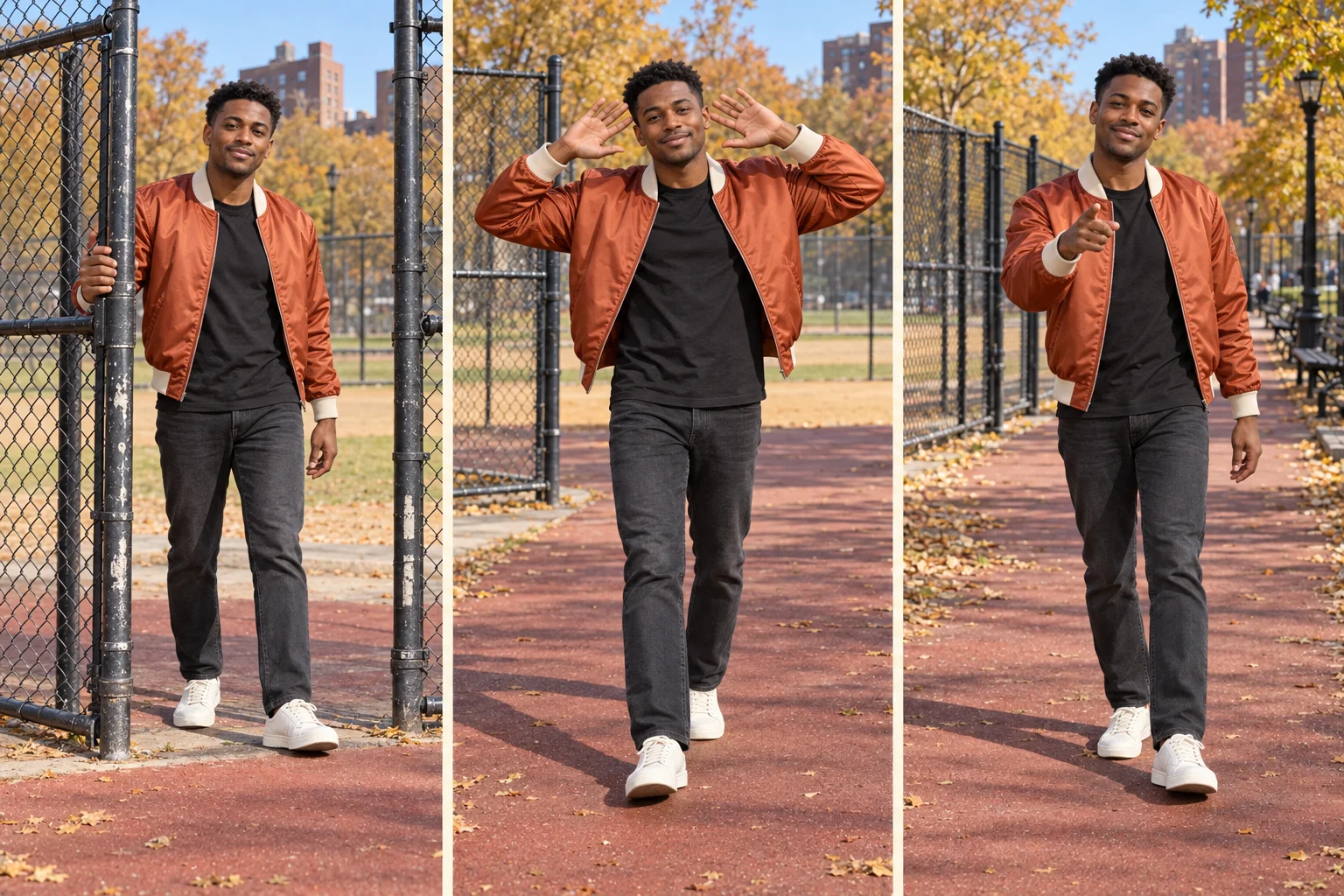
Generate your Fergie Baby AI walk on ImgToImage AI
Open the AI Video Generator, sign in, and choose Seedance 2.0 Mini. Upload the approved scene to Start frame; leave End frame and Reference images empty. Your Fergie Baby AI setup uses a prepared image, so the model begins with the chosen outfit, gate, and camera position already established.
Start with eight seconds, 720p, and 9:16. The current controls allow 4–15 seconds, 480p or 720p, and JPEG, PNG, or WebP images up to 10 MB. Check the displayed credit estimate before generating Fergie Baby AI, then spend the first attempt on testing movement rather than maximizing duration.
Use this motion prompt as a starting point:
Animate this Fergie Baby AI scene as one continuous eight-second park walk. Preserve the person's identity and outfit. First, they take two easy steps through the existing open gate, release the rail, and move fully onto the path. Then they continue forward with relaxed alternating footsteps and a gentle shoulder bounce. The camera moves backward smoothly at the same pace, keeping the whole body visible. After clearing the gate, they lift both hands beside the head with elbows comfortably out, smile toward the lens, then lower their arms and pause. Keep feet contacting the ground, face unobstructed, and fence geometry stable. No spins, running, camera cuts, or new foreground people. Use quiet outdoor ambience without speech or music.
Watch the preview in video history at normal speed before examining individual frames. Judge the Fergie Baby AI take by its entrance, foot placement, and expression. A convincing short performance is more useful than a longer clip with an impressive opening followed by sliding feet or a changing face.
Troubleshoot Fergie Baby AI at the point of failure
The gate bends or follows the hand. Reduce the interaction: start with the gate already wide open and keep both hands free. For Fergie Baby AI, the fence can establish the setting without becoming a moving prop. Repair the starting image before changing the walking instructions; prompt refinements cannot reliably compensate for impossible hinges.
The shoes glide along the path. Slow the stride and ask for distinct weight shifts, with one foot planted while the other advances. Avoid requesting exaggerated bouncing and fast forward movement together. Review Fergie Baby AI from the knees down; contact shadows and the spacing between steps often reveal the problem more clearly than the face.
Raised hands distort the face. Move the palms farther from the temples and keep the elbows within the frame. If the result still struggles, replace the two-handed pose with a single shoulder-height gesture. Fergie Baby AI can retain its confident energy without forcing fingers, hair, and cheeks to overlap in every frame.
Give the soundtrack and final edit separate attention
Choose your audio before making detailed timing adjustments. Fergie Baby AI does not require the generator to recreate a recording or rap its lyrics. Add an available track through your editor or posting app, using audio appropriate for your account and intended use. A song title in the prompt does not provide that soundtrack.
Place a strong musical accent near the step through the gate, then let the walk settle into the groove. Trim unused waiting time at either end. For Fergie Baby AI, matching two or three visible accents is usually more effective than aggressively speeding up every movement to chase a beat.
Listen to the generated audio separately and lower or remove unwanted ambience before adding music. Keep captions away from the hands and shoes, particularly near the bottom of a vertical screen. Preview the complete Fergie Baby AI edit on your phone, and identify the invented performance as AI-generated when sharing it.
Personalize Fergie Baby AI without rebuilding everything
Once the movement works, change one creative detail at a time. Try a formal outfit for an exaggerated “arriving at brunch” entrance, or keep your everyday clothes and add a deadpan expression. A Fergie Baby AI variation becomes more personal through a recognizable character choice, not necessarily more elaborate scenery.
You can also make a two-version comparison starring yourself: calm weekday walk versus theatrical weekend entrance. Reuse the approved framing and keep both clips the same length. This gives Fergie Baby AI a clear comparison without requiring the original artist's footage or asking the model to coordinate two walkers together.
Fergie Baby AI questions before another take
Can the camera stay still?
Yes, but shorten the walking distance and begin farther from the lens. A fixed-camera Fergie Baby AI version reads more like someone arriving at a waiting friend. Leave enough foreground space for the final gesture, and stop before the head or shoes reach the frame edges.
Can I make the gate entrance and walk separately?
Yes. Generate the entrance first, then use a clean frame after the person clears the gate as the next starting image. Preserve the camera height and clothing. Cut on a step to join the Fergie Baby AI shots, checking that the leading foot and arm position do not abruptly reverse.
For a different street performance, explore the Bulin 47 freestyle guide. To make your own entrance, prepare the photo and head to the video workspace. Build Fergie Baby AI around one confident stride, a camera that gives you space, and a gesture that feels unmistakably yours.
Keep exploring
 Video Guides
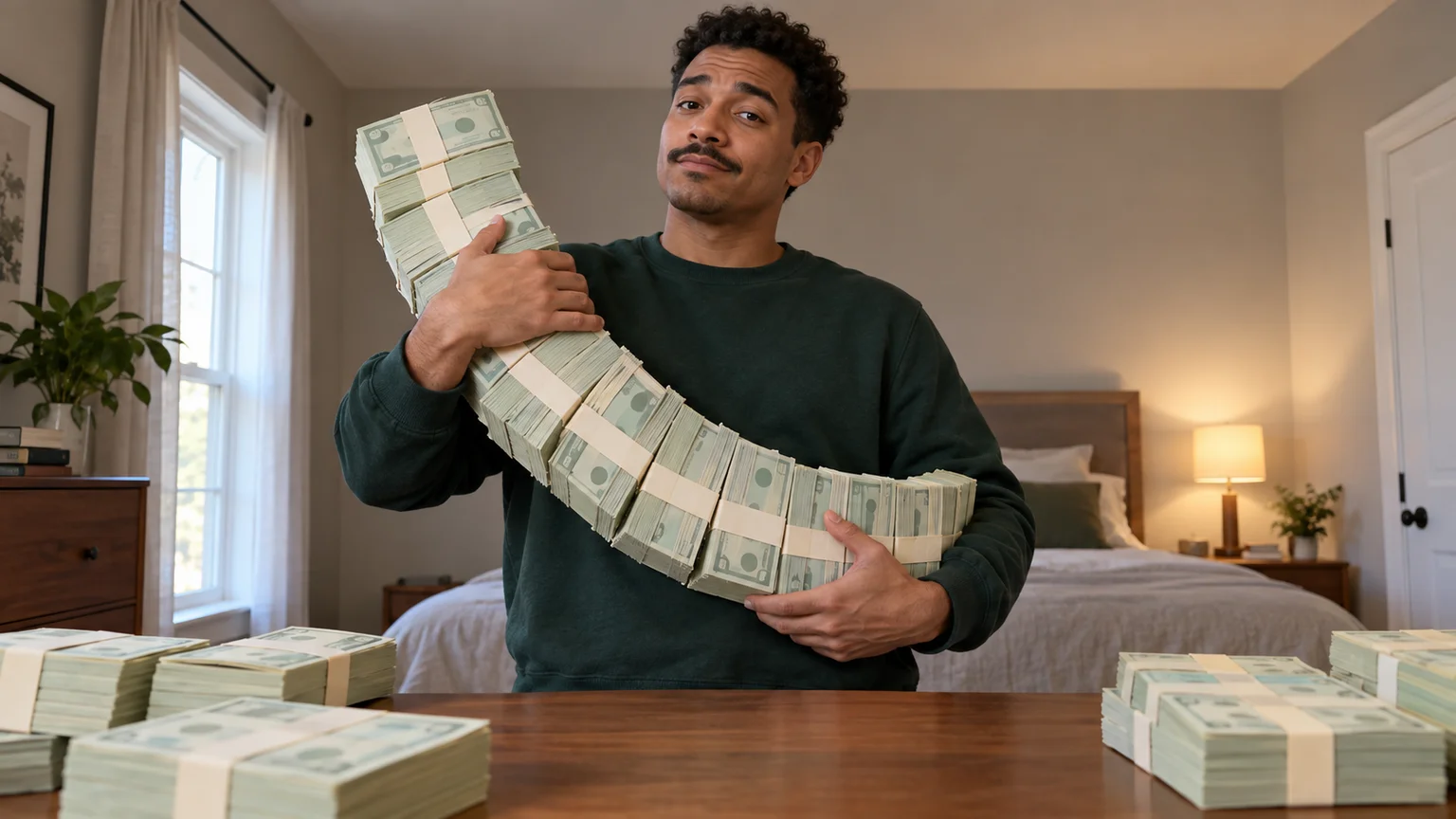
A low camera, an absurd stack of cash, and a perfectly serious face. Break down a real Money Flex AI example and plan your own version with practical prompts.
 Video Guides
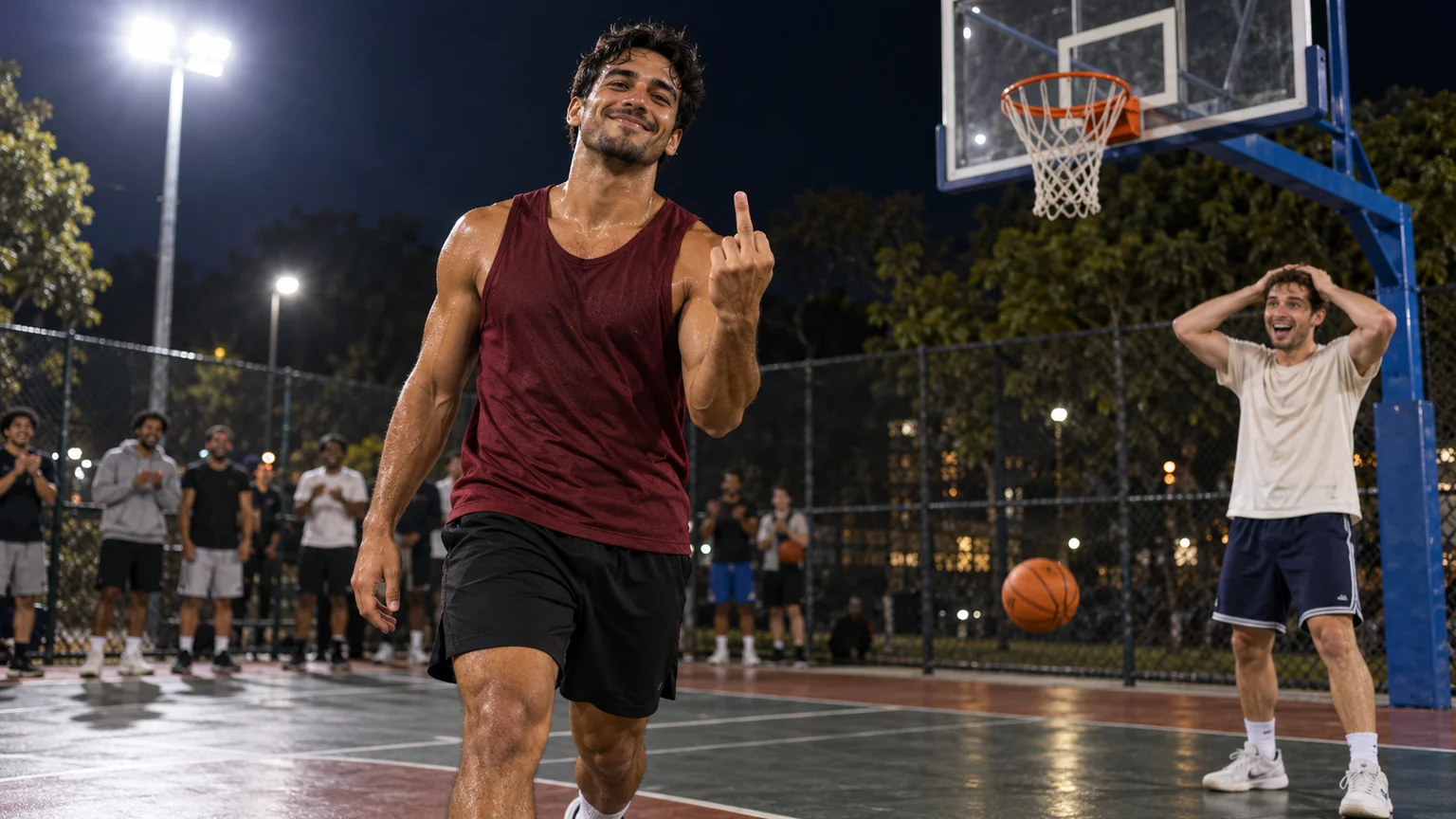
An outrageous dunk, a stunned defender, and a cheeky finish. Create a Basketball Middle Finger AI clip with your own cast and a play the camera can follow.
 Video Guides
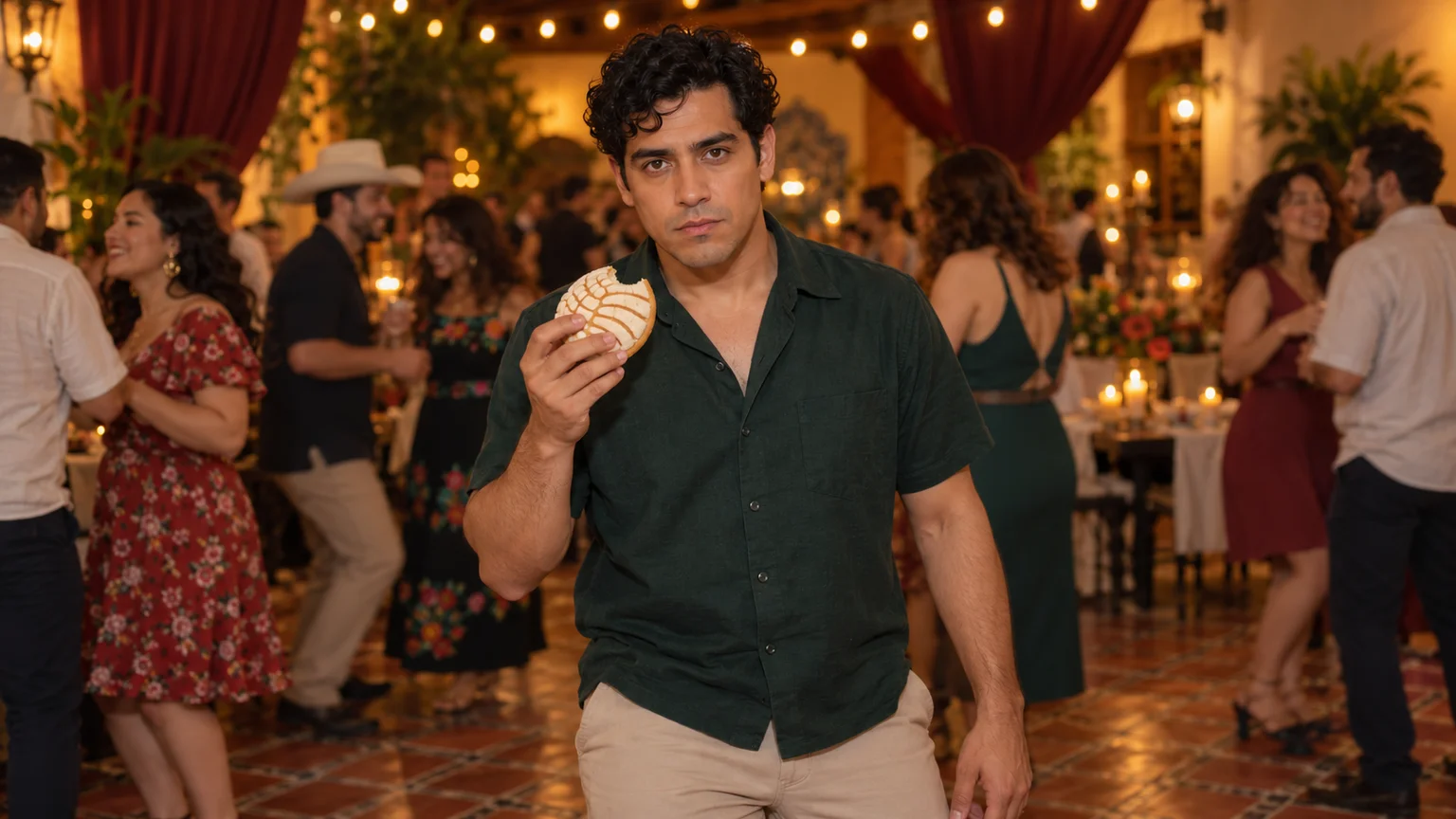
The party keeps moving, but you stop to stare. Make a Bby Wow Guy AI scene with your photo, a concha, and the awkward pause that makes the joke land.
 Video Guides
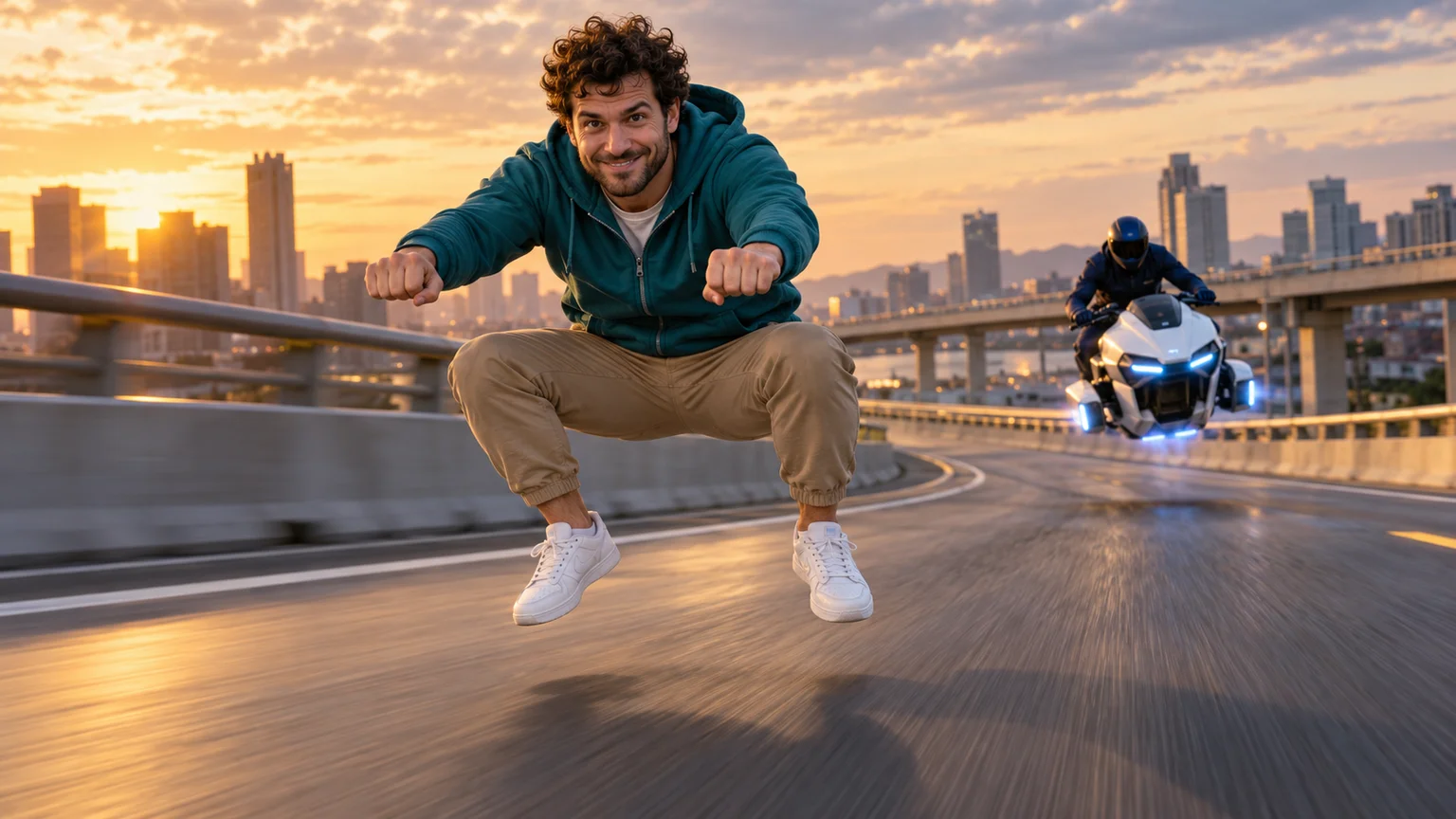
Crouch on thin air, glance at the pursuer, and make your getaway. Create a Crazy Frog AI video with a clear riding pose, a moving road, and your own face.