


Hotel Lobby AI: Put Your Duo Behind the Hanging Mic
Cast yourself and a friend in the orange studio. This Hotel Lobby AI guide brings two portraits together, assigns each performer a role, and builds a duet around your chemistry.
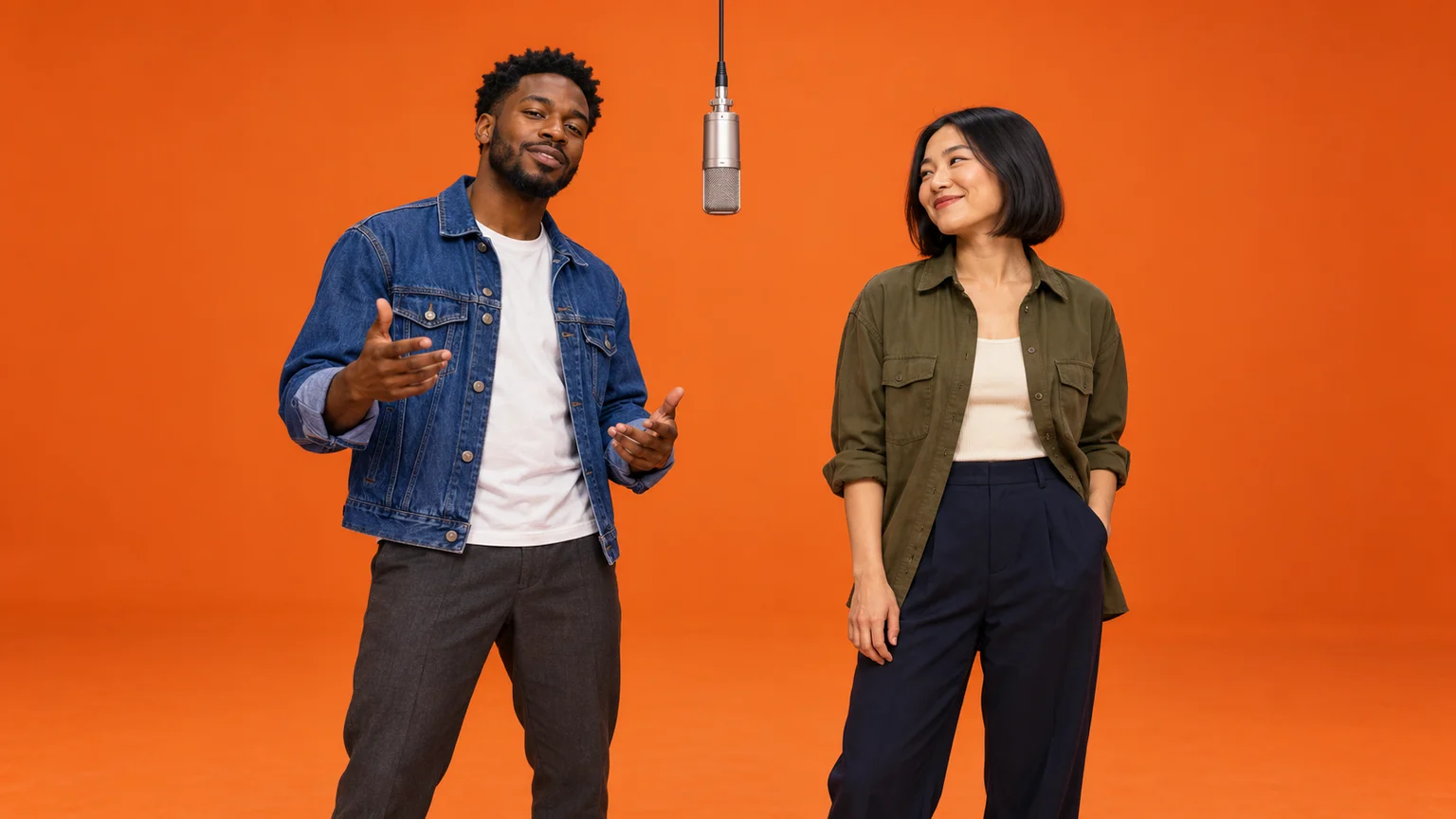
One friend delivers the attitude; the other answers with a perfectly timed nod. A bright orange backdrop and a microphone hanging between them turn a simple pairing into a recognizable performance. Hotel Lobby AI makes the casting personal: the unexpected duo can be you and someone your audience already knows.
The challenge is keeping two people distinct while making them feel connected. This guide walks through that process on ImgToImage AI, from choosing compatible portraits to arranging the studio and directing a short exchange. You will build one shared starting image, then animate it with a prompt that gives each person something different to do.
How the Hotel Lobby AI format works
The visual reference is Quavo and Takeoff's performance of “HOTEL LOBBY” on A COLORS SHOW. Its sparse orange set, suspended microphone, and two performers have become the recognizable setting for AI duo remixes. The title comes from the song; a hotel reception desk or luxurious lounge would suggest a different scene.
What matters is the relationship between the performers. One can lead while the other reacts, or they can exchange the spotlight. The same two gestures performed simultaneously may look like a dance exercise, while a small delay creates the impression that one person is responding to the other.
Here, the photos and written directions generate a new performance. They do not transfer the original recording's choreography or replace its faces frame by frame. Plan an interpretation with clear roles, then judge it by identity, timing, and interaction.
Choose photos that keep both identities clear
Use one portrait of each consenting adult, with the face and upper body visible. The photos can be taken separately. Similar camera heights and even lighting make the pair easier to combine; a close selfie beside a distant full-body shot gives uneven detail.
A good Hotel Lobby AI pairing starts with two usable references, not necessarily two matching outfits. Keep the features that make each person recognizable: hairstyle, facial hair, face shape, and familiar clothing. Distinct jacket colors also make it easier to track who is doing what in the finished clip.
Avoid portraits where hands cover the jaw or sunglasses hide the eyes. If you only have a group photo, make a separate crop for each person without cutting off the hair or shoulders. Keep those crops in a known order and check that neither includes a distracting second face.
Write down the assignment before generating: first portrait, viewer-left; second portrait, viewer-right. “Left” here means the left side of the image as you look at it, not the subject's left hand. Use that same assignment in both the image and motion prompts.
Make one starting image from two portraits
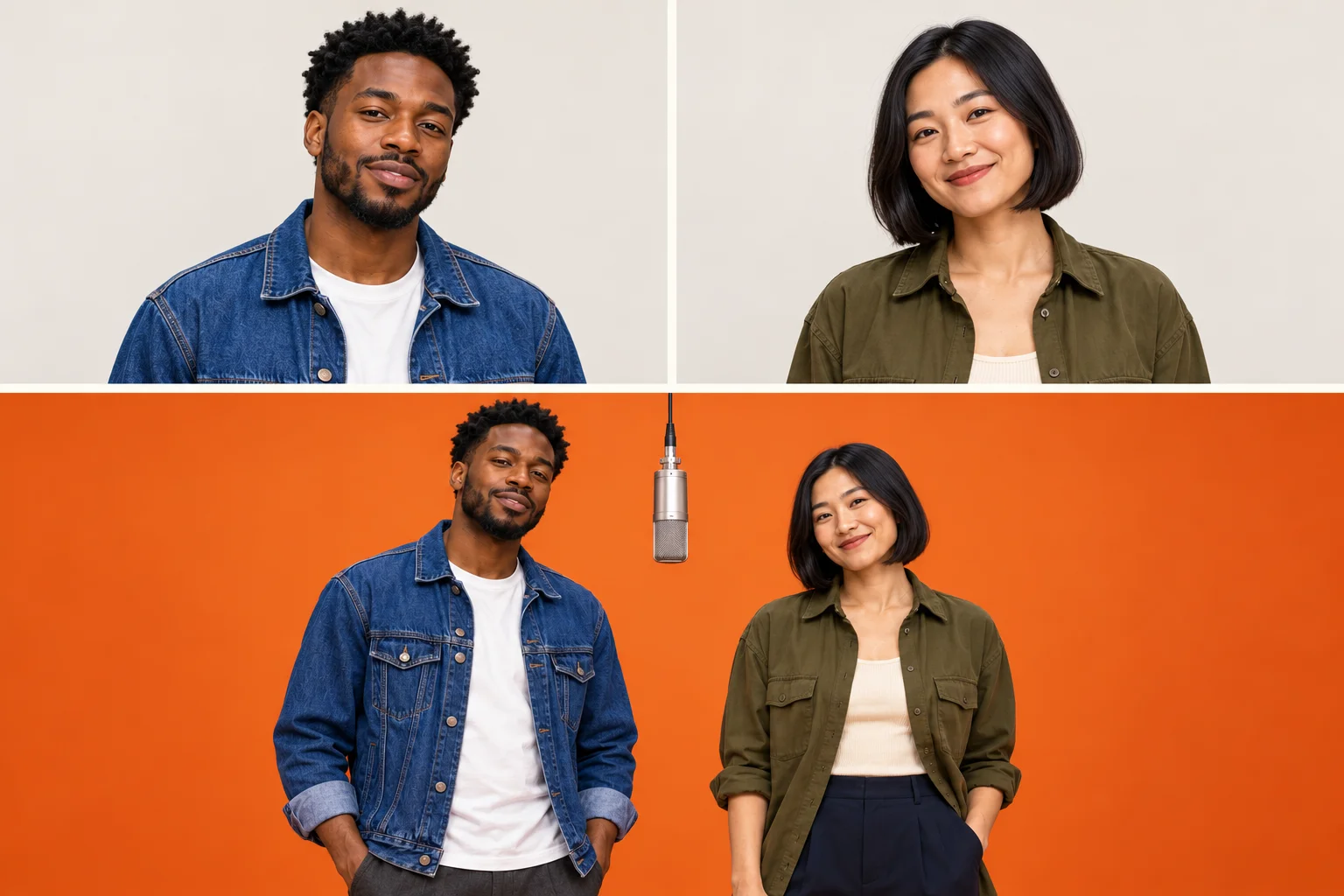
Open the AI Image Generator and choose an available model that accepts multiple reference images. Upload the two portraits in your planned order. Give each person a short identifying description, such as “blue jacket” and “olive overshirt,” so the instruction remains clear if the upload labels differ.
Begin with a landscape composition if showing both performers comfortably matters most. Keep a visible gap between their shoulders and hang the microphone inside that gap. A centered mic should connect the scene without covering either mouth or inviting the hands to collide.
Adapt this image prompt:
Create a realistic studio portrait of exactly two adults using my uploaded references. Place the person from the first portrait on the viewer's left, wearing their blue jacket. Place the person from the second portrait on the viewer's right, wearing their olive overshirt. Preserve each person's own face, hair, skin tone, and body proportions without blending their features. They stand side by side against a seamless saturated orange backdrop and floor, with a clear gap between them. One silver studio microphone hangs vertically from a single black cable between their faces at mouth height. Frame both from the knees up with space around their elbows. Give them relaxed expressions and low, separate hands. Use soft, even studio lighting and natural skin texture. No extra people, hotel furniture, lettering, logos, or microphone stands.
Replace the example clothing with what appears in your photos. If both people arrive with the same face or the wrong outfit, correct the combined image before moving on. Compare each side separately with its source portrait instead of judging the pair only as a whole.
Animate your Hotel Lobby AI duet
Use the combined scene as the first frame
Enter the video workspace, sign in, and select Seedance 2.0 Mini. Upload the finished two-person image to Start frame. Keep End frame and Reference images empty for this workflow; reference images are a separate mode and cannot be combined with frame inputs.
Try ten seconds at 720p. The current controls support 4–15 seconds, 480p or 720p, and common landscape and portrait ratios. JPEG, PNG, and WebP inputs are accepted up to 10 MB each. Match the output ratio to your prepared composition and check the credit estimate before submitting.
Make the exchange visible
Give the lead a deliberate gesture and the partner a smaller reaction. Then let the attention shift once. Keeping both people on their own side makes this exchange easier to follow and reduces the need for the model to reconstruct faces during crossings.
Use this motion prompt as a starting point:
Animate the image as one continuous two-person studio performance. Keep the blue-jacketed performer on the viewer's left and the olive-shirted performer on the viewer's right. The left performer begins with a small rhythmic shoulder movement and one relaxed open-hand gesture below chest height. The right performer watches briefly, nods in response, then makes a short gesture of their own as the left performer settles. End with both facing the camera and sharing a subtle smile. Preserve each person's separate identity, hair, clothing, height, and proportions. Keep their hands within their own space and their feet planted. The single suspended microphone and its cable remain still. Use a fixed eye-level camera with both faces and gestures visible throughout. No cuts, position swaps, touching, duplicate people, or new objects. Use light studio ambience without intelligible vocals.
The prompt describes a conversation through body language. It does not need a long dance routine or a different camera move for every beat. Generate the first take, open it in video history, and watch whether the change of lead is readable.
Find the point where the duet stops working
Review your Hotel Lobby AI result twice: once following the left performer, then again following the right. A convincing lead can distract you from a partner whose face changes during a nod. Compare the opening, the exchange, and the final expression for both people.
If the identities blend, reduce movements toward the center and shorten any head turn. If the wrong person leads, anchor the action to both position and clothing in the prompt. Correct reversed casting in the starting image first; motion instructions should not have to repair the composition.
Watch the microphone as a stationary reference. A cable that bends into a shoulder or a mic that becomes handheld suggests the scene has lost its structure. Remove reaching gestures and keep the gap clear. If hands merge across that space, widen the original staging rather than adding more complex arm instructions.
Timing problems need a different adjustment. When both people move constantly, make the partner's response smaller and give the lead a pause. When the partner looks frozen, request a glance, breath, or subtle shift of weight. The goal is an engaged listener, not a second soloist competing for attention.
Finish the sound and framing together
Choose your audio section before deciding the final in and out points. A visible change of lead can land on a musical accent even when the generated mouth movements do not match lyrics. The original song is not supplied by this workflow, and exact lip sync is not guaranteed. Add a track available for your account and intended use in your editor or posting app.
Listen to the generated sound on its own before mixing. Lower or mute it if it competes with the music. Trim idle moments, but keep enough of the partner's reaction to explain the exchange; cutting immediately after the lead's gesture can remove the best part.
For a vertical post, check both faces at the widest gesture before committing to a crop. If the sides are cut off, fit the full landscape clip into a portrait canvas with a plain background, or prepare a dedicated portrait scene. Keep captions below the faces and clear of the active hands. Preview the export on a phone and identify it as an AI recreation when sharing.
Hotel Lobby AI questions before your next take
Can the two photos show very different heights?
Yes, but make the intended height relationship clear in the combined image. Keep the performers at a similar distance from the camera so perspective does not accidentally make one enormous. The microphone can sit between them without perfectly matching both mouth heights.
Can I use two original illustrated characters?
Use references with a compatible visual style and recognizable upper bodies. Keep their different silhouettes, but simplify gestures if their hands or limbs have unusual proportions. Decide on the scene's style before animating so one character does not become photorealistic halfway through.
Would a solo performance suit my photo better?
If the appeal is one person's expression rather than a pairing, the Burning Bridges party guide offers a solo-led alternative. Choose the format that serves your idea instead of adding a partner who has no role in the scene.
Give your chosen pair a shared moment with Hotel Lobby AI in the AI Video Generator. Prepare the cast, keep their roles clear, and let a small, well-timed exchange carry the performance.
Keep exploring
 Video Guides
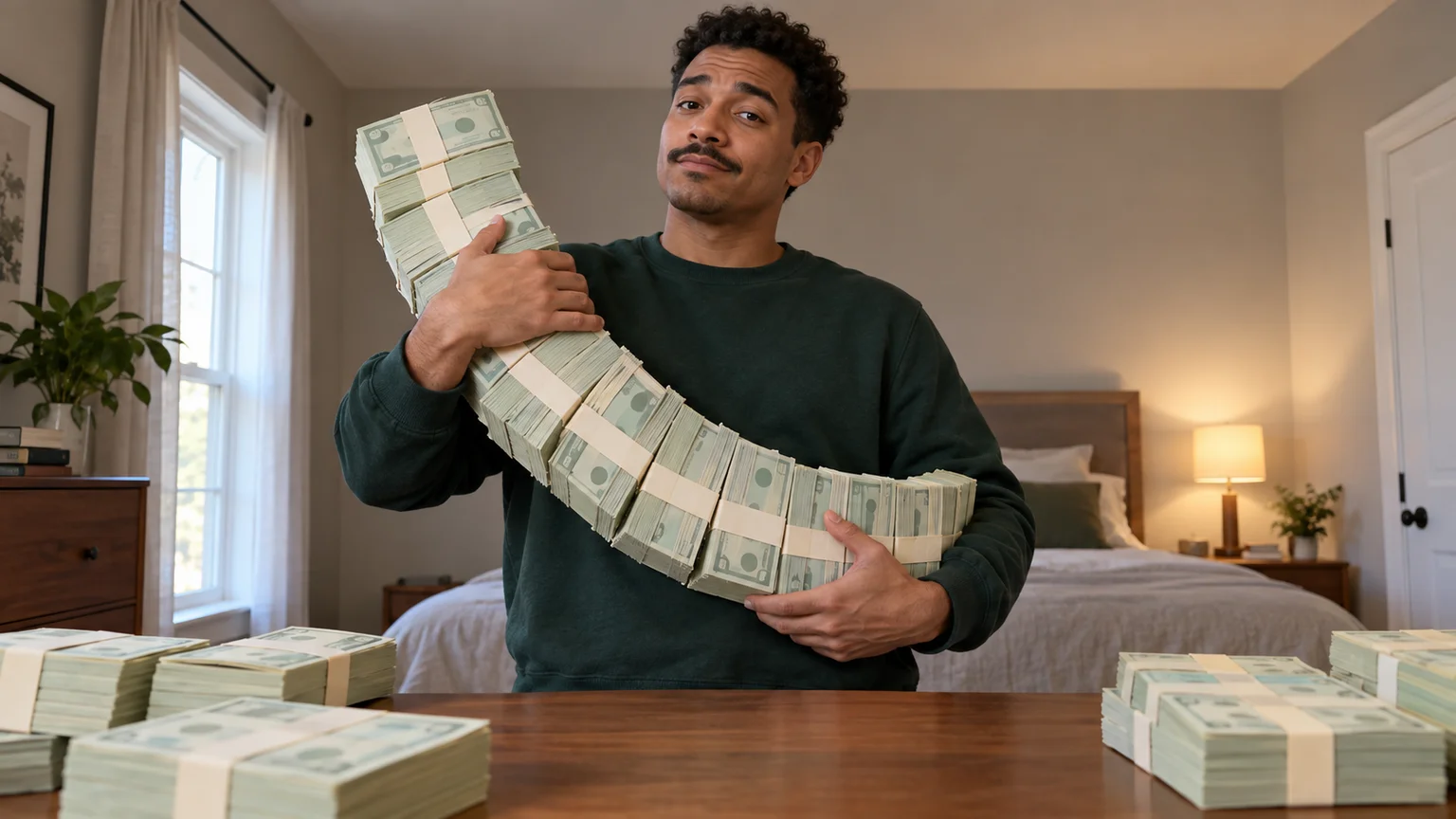
A low camera, an absurd stack of cash, and a perfectly serious face. Break down a real Money Flex AI example and plan your own version with practical prompts.
 Video Guides
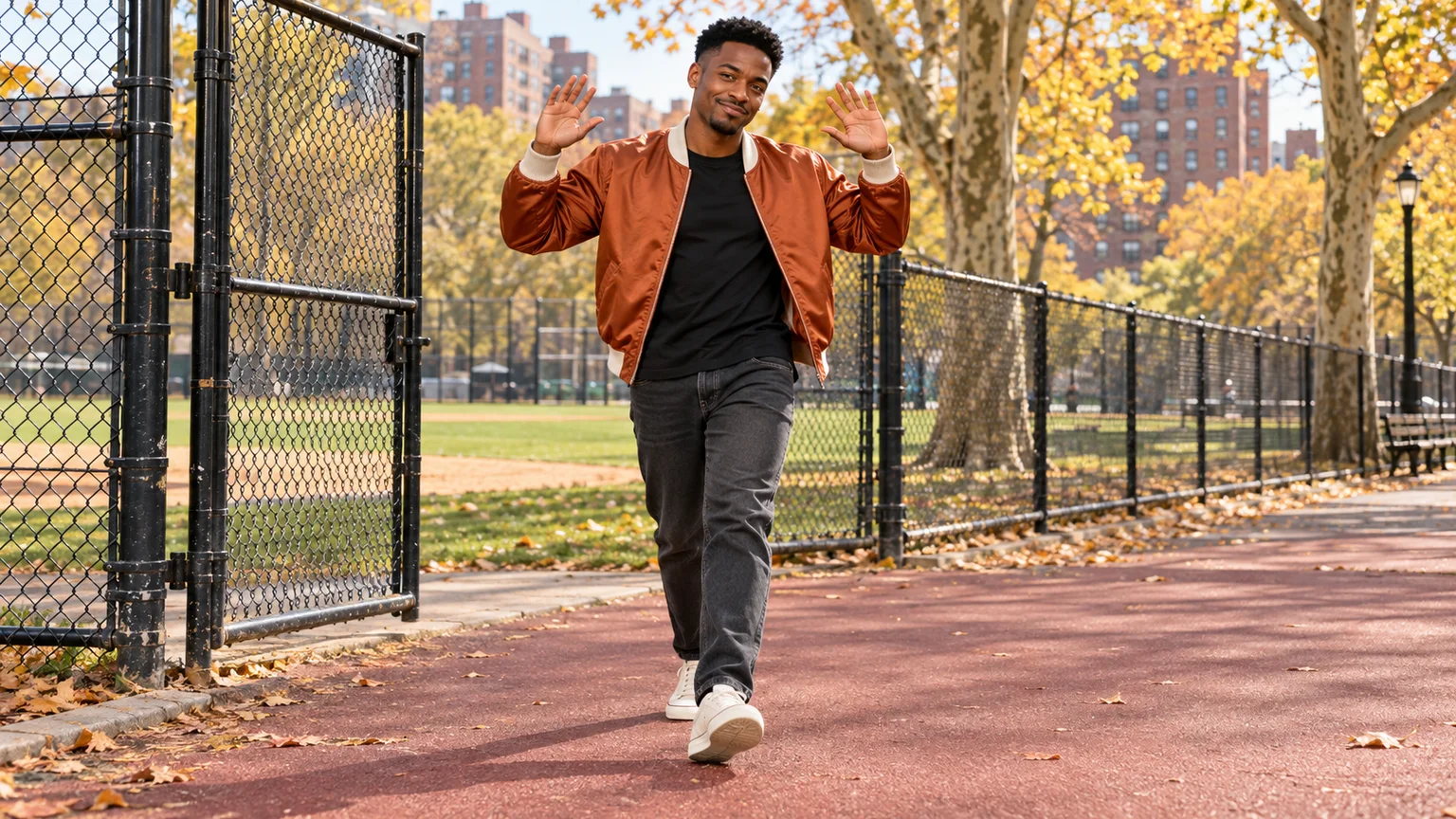
Step through the gate and make the path your stage. Create a Fergie Baby AI walk from your photo, with a confident stride, expressive gestures, and a camera that keeps pace.
 Video Guides
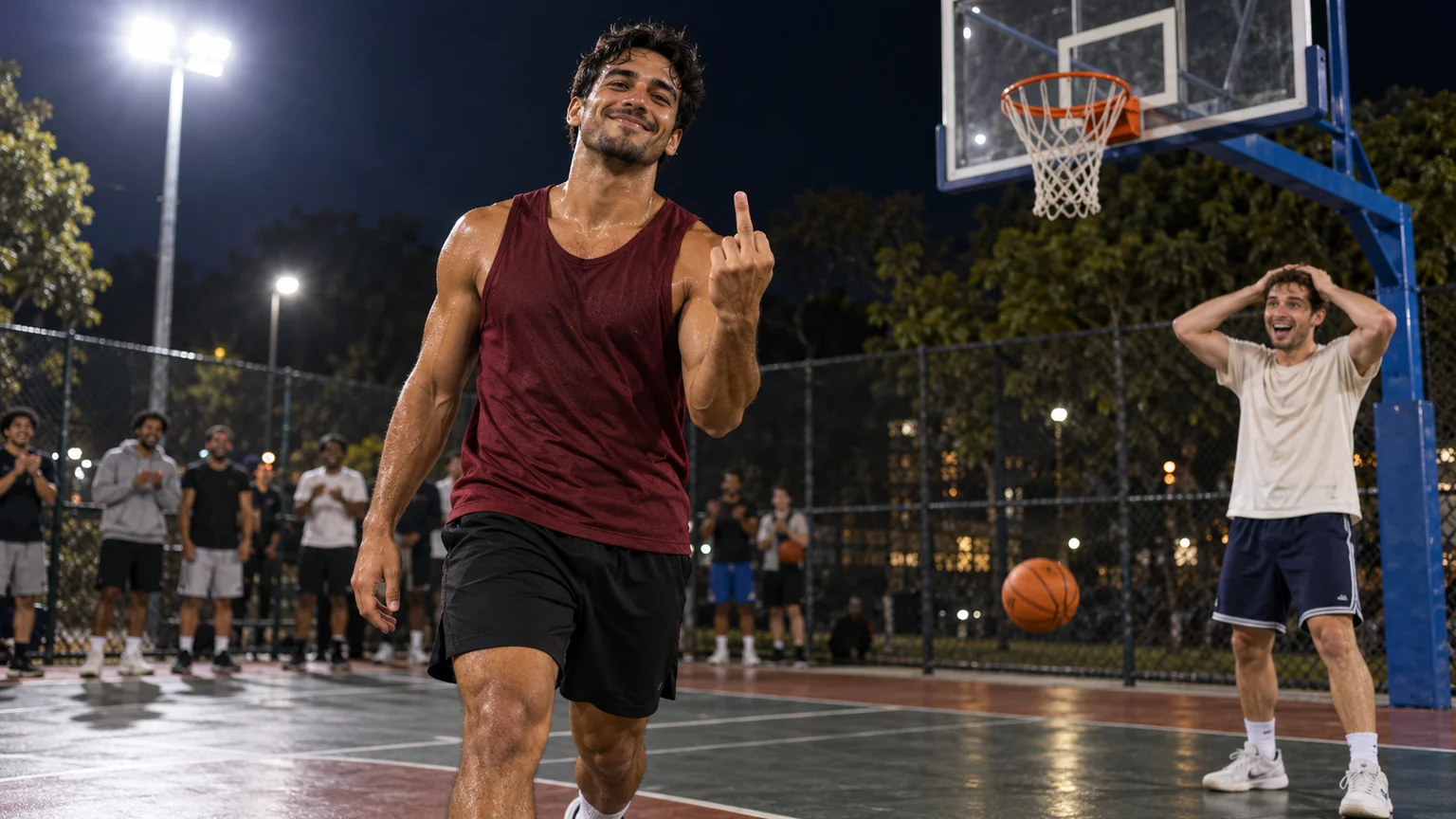
An outrageous dunk, a stunned defender, and a cheeky finish. Create a Basketball Middle Finger AI clip with your own cast and a play the camera can follow.
 Video Guides
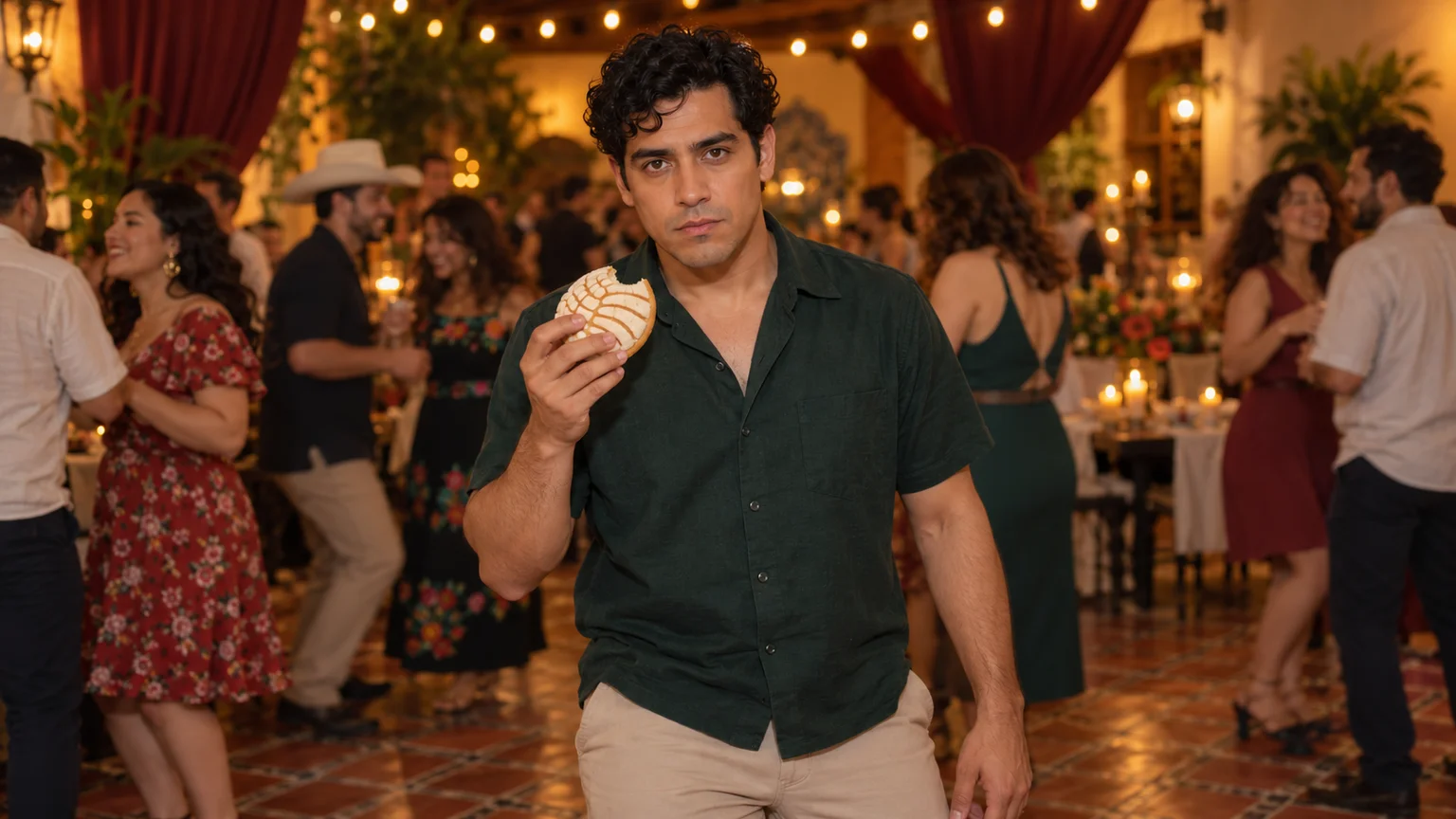
The party keeps moving, but you stop to stare. Make a Bby Wow Guy AI scene with your photo, a concha, and the awkward pause that makes the joke land.