


Toy Car to Real Car AI: A Tiny Model Takes the Night Road
A model car rests on a train window ledge. The tunnel goes dark, its tail lights glow, and the same car emerges at full size. Build your own Toy Car to Real Car AI reveal.
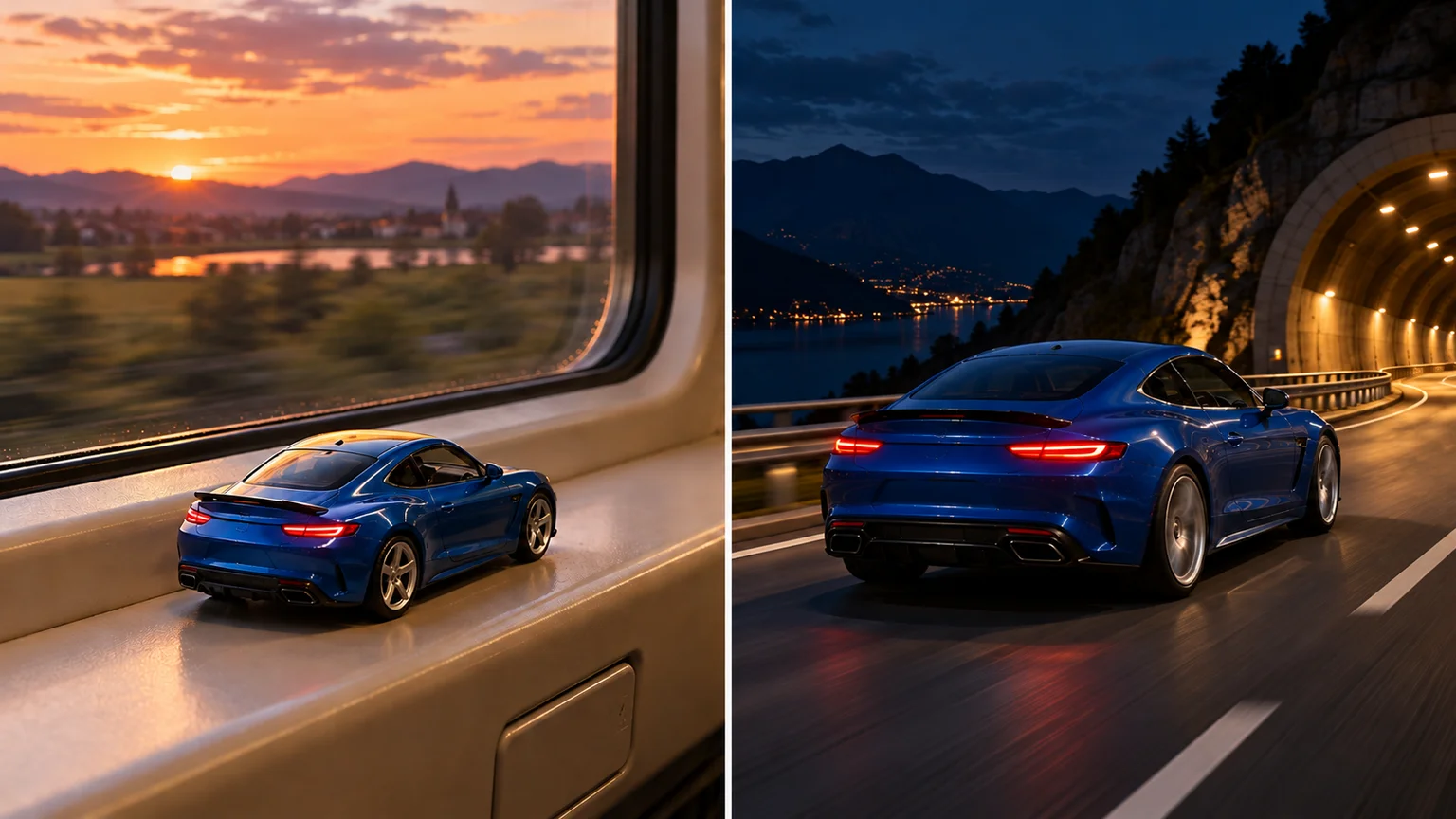
A tiny car sits beside a train window while the evening landscape rolls past. Then the carriage enters a tunnel, red tail lights appear, and the next view follows a full-size car onto the road. Toy Car to Real Car AI turns a familiar object into a miniature cinematic reveal.
The satisfying part is recognizing your car at both scales. This guide builds a toy car to real car video on ImgToImage AI using prepared images and a directed video prompt. You will plan the opening, define the destination, and give Toy Car to Real Car AI a clear transition to attempt.
What makes the train window car AI effect work?
The window ledge establishes the miniature, while the highway establishes the real vehicle. Darkness connects those incompatible spaces. Toy Car to Real Car AI works best when the viewer understands the size change without seeing the body stretch, melt, or turn into an unrelated car halfway through.
Think of the train window car AI format as a camera illusion. The window frame slips out of view, the tail lights provide a visual anchor, and road markings reveal the new scale. Toy Car to Real Car AI recreates that idea through generated motion; a prompt guides the result rather than guaranteeing an exact shot.
Choose a reference for Toy Car to Real Car AI
Use a sharp daylight photograph of the whole vehicle, preferably from a rear three-quarter angle. That view shows the roofline, side panels, wheels, and tail lights needed for the reveal. Toy Car to Real Car AI has less to invent when the reference already resembles the intended camera position.
Write down three distinctive features before preparing the scene: perhaps cobalt paint, silver five-spoke wheels, and a small rear spoiler. Add any recognizable stripe or contrasting roof. These become your Toy Car to Real Car AI continuity checklist.
Remove distracting bystanders and obscure readable plates if they are unnecessary to the story. Use a photo you own or have permission to edit. For Toy Car to Real Car AI, avoid a crowded dealership picture where several similar vehicles compete for attention or another car hides the reference wheels.
Prepare the start and end of Toy Car to Real Car AI
Open the AI Image Generator and select a model with reference-image input. Build a vertical 9:16 opening with the complete miniature on a broad train window ledge. Leave visible space around its tires. Toy Car to Real Car AI needs those nearby objects to communicate that this first car is genuinely small.
Adapt this starting-image prompt to your vehicle:
Prepare a Toy Car to Real Car AI opening using the referenced vehicle's body shape, paint, wheels, rear lights, and spoiler. Show it as a palm-sized die-cast model resting on a beige passenger-train window ledge at sunset. Rear three-quarter view, nose pointing toward the upper right. Keep the window seam and latch visible as scale references. Warm countryside light, realistic miniature materials, tires touching the ledge, sharp car with a softly blurred landscape outside. No people, duplicate vehicles, readable plates, or added lettering. Vertical 9:16 composition.
Next, create an ending image using the same vehicle reference. Keep its direction and visible side consistent, but place the full-size car on a night highway. For Toy Car to Real Car AI, the end frame should resolve the story instead of introducing a garage, a second vehicle, or a sudden front-facing angle.
Create the matching Toy Car to Real Car AI ending: the same vehicle at full size on an empty highway just beyond a tunnel. Preserve its paint, roofline, wheels, spoiler, and rear-light geometry. Rear three-quarter tracking perspective, nose toward the upper right. Realistic lane width, guardrails, tire contact, and street lighting. Keep the car readable against the darker background. Vertical 9:16, natural reflections, no added text or readable plate.
Compare both images before animation. The miniature car to real car illusion depends on more than color: a coupe should remain a coupe, and its spoiler should not disappear. Correct incompatible stills now; asking Toy Car to Real Car AI to reconcile them can produce a confusing halfway vehicle.
Animate Toy Car to Real Car AI in the video workspace
Open the AI Video Generator, sign in, and choose Seedance 2.0 Mini. Place the train image in Start frame and the highway image in End frame. Leave Reference images empty when using this frame-based setup. Toy Car to Real Car AI now has an explicit opening and destination, while the prompt describes the journey.
Try ten seconds at 720p, using the same aspect ratio as both images. Available controls support 4–15 seconds, 480p or 720p, and JPEG, PNG, or WebP images up to 10 MB. Check the displayed credit estimate before generating Toy Car to Real Car AI, especially when comparing several attempts.
A prompt for the complete tunnel transition
Make a Toy Car to Real Car AI sequence connecting the supplied start and end frames. Begin inside the moving passenger train, with the miniature stationary on its window ledge and countryside moving outside. Slowly push the camera toward the car's rear. As the train enters a tunnel, dim the scene and illuminate the two rear lamps. Use that darkness to conceal the change in scale and setting; let the window edge leave the composition naturally. Emerge into a rear tracking view of the same vehicle at full size, driving steadily on the highway toward the supplied ending. Preserve the body proportions, paint, wheels, spoiler, and lamp shape. Keep the travel direction consistent, with tires meeting the road. One controlled camera movement, no shattering glass, stretched bodywork, duplicate cars, or abrupt rotation. Train rumble gives way to tire noise and a restrained engine sound, without music or dialogue.
Review the generated result in video history, especially where the ledge disappears. A strong Toy Car to Real Car AI attempt gives you a readable miniature, a brief concealed transition, and enough road footage to appreciate the change.
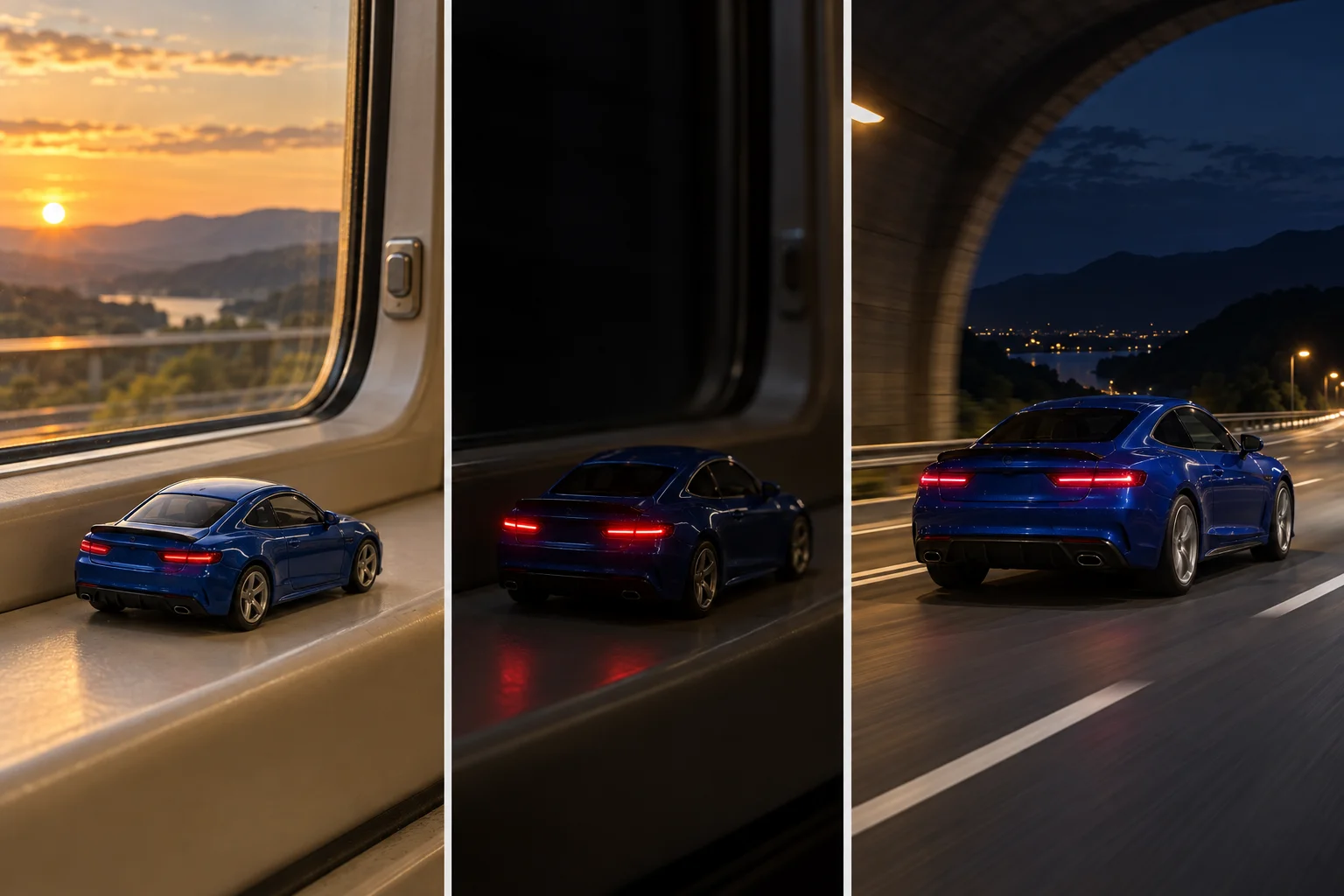
Give the miniature car to real car reveal room to breathe
For a ten-second Toy Car to Real Car AI attempt, think in three approximate beats: three seconds to register the model, two for the dark transition, and five for the road reveal. Adjust after watching; these are planning proportions, not a promise that the generator follows exact timestamps.
Keep the opening camera move modest. A rapid orbit makes the toy harder to recognize and introduces unseen bodywork. Toy Car to Real Car AI benefits from one direction of travel, with background motion providing energy while the vehicle remains clear enough to compare with its reference.
Let the final shot establish physical scale through the surroundings. Lane markings should pass under the tires, guardrails should sit at believable heights, and reflections should move across the paint. Those cues sell Toy Car to Real Car AI more convincingly than simply making the car fill the screen.
Troubleshoot Toy Car to Real Car AI by the first visible fault
The full-size car still looks like a toy. Reduce the exaggerated background blur in the ending image and add credible road texture, wheel shadows, and reflections. Toy Car to Real Car AI needs a new sense of distance after the tunnel, not the same tabletop look enlarged.
The train interior follows the car onto the highway. Ask for the window and ledge to disappear during the darkest moment. Remove any instruction to smash through glass. In Toy Car to Real Car AI, the transition changes the scene; it should not leave a floating carriage frame around the vehicle.
The wheels slide or multiply. Simplify the ending to steady forward travel on a straight road and remove drifting or sharp steering. Toy Car to Real Car AI already combines a scale change with a location change. Extra stunts give the generator more difficult motion to resolve at once.
The body changes halfway through. Check the prepared images for different wheel designs, roof shapes, or viewing angles. Fix the mismatch before regenerating. If Toy Car to Real Car AI still produces a messy middle, animate the two scenes separately and join compatible dark moments in an editor.
Finish the sound and edit around the reveal
Listen for a believable handover from carriage rumble to road and engine noise. Keep the engine proportionate to the vehicle; a small hatchback does not need a racing-car roar. Toy Car to Real Car AI can feel more convincing with restrained sound than with several overlapping dramatic effects.
If you add music, use an appropriate track available to you and place its accent near the first clear highway frame. Review or replace unwanted generated audio in an editor. For Toy Car to Real Car AI, keep captions away from the miniature and label the invented scene as AI-generated when sharing.
Make the car choice part of the story
A cherished first car, a restored family hatchback, or a fictional dream coupe each gives the transition a different meaning. You can also change sunset hills to a rainy evening, provided both images share the weather. Personalize Toy Car to Real Car AI through those choices before adding elaborate scenery or extra scenes.
Toy Car to Real Car AI questions before you generate
Do I need to own a physical model car?
No. You can prepare the miniature image from a photograph of the real vehicle. If you already have a die-cast model, photograph it clearly and check which features survive the full-size interpretation. Toy Car to Real Car AI does not require a train journey or live-action filming.
Can a normal daily driver work?
Yes. Recognizable details matter more than price or performance. A compact car with a distinctive roof or wheels can make a memorable toy car to real car video. For Toy Car to Real Car AI, keep the background simple enough that those familiar details remain visible.
Is this a one-click preset on ImgToImage AI?
This tutorial uses the general image and video workspaces with your own prepared frames and prompt. You are directing an original Toy Car to Real Car AI interpretation. Review the result before downloading.
For another playful vehicle story, explore the My Ride Is Here guide. When your two images agree, open the video workspace and make your first Toy Car to Real Car AI attempt. Start with one recognizable car and let the tunnel do the surprising work.
Keep exploring
 Video Guides
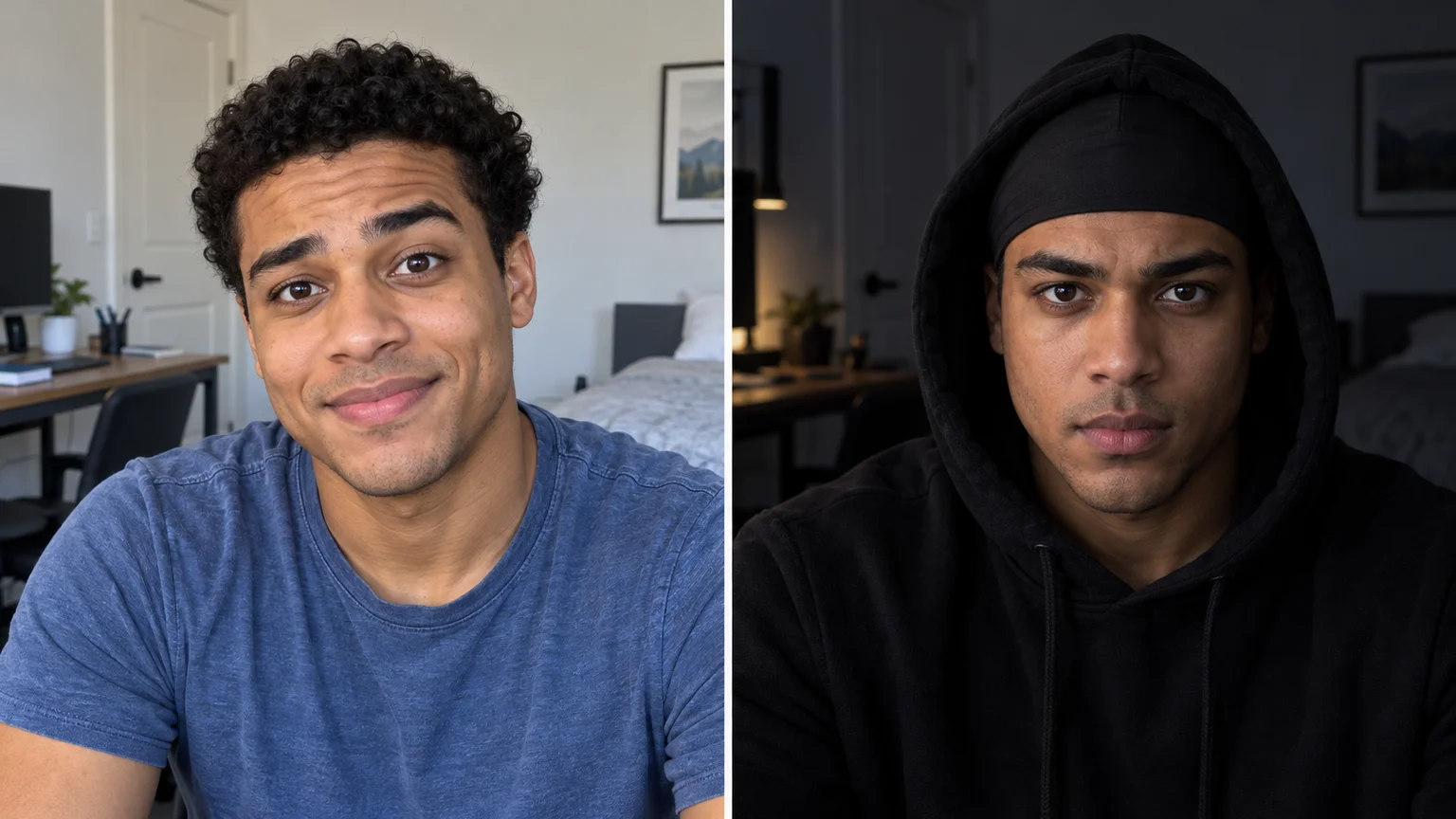
The cap changes, the room goes dark, and the expression suddenly means business. Create a Skull Cap AI reveal that keeps your face recognizable while the entire mood shifts.
 Video Guides
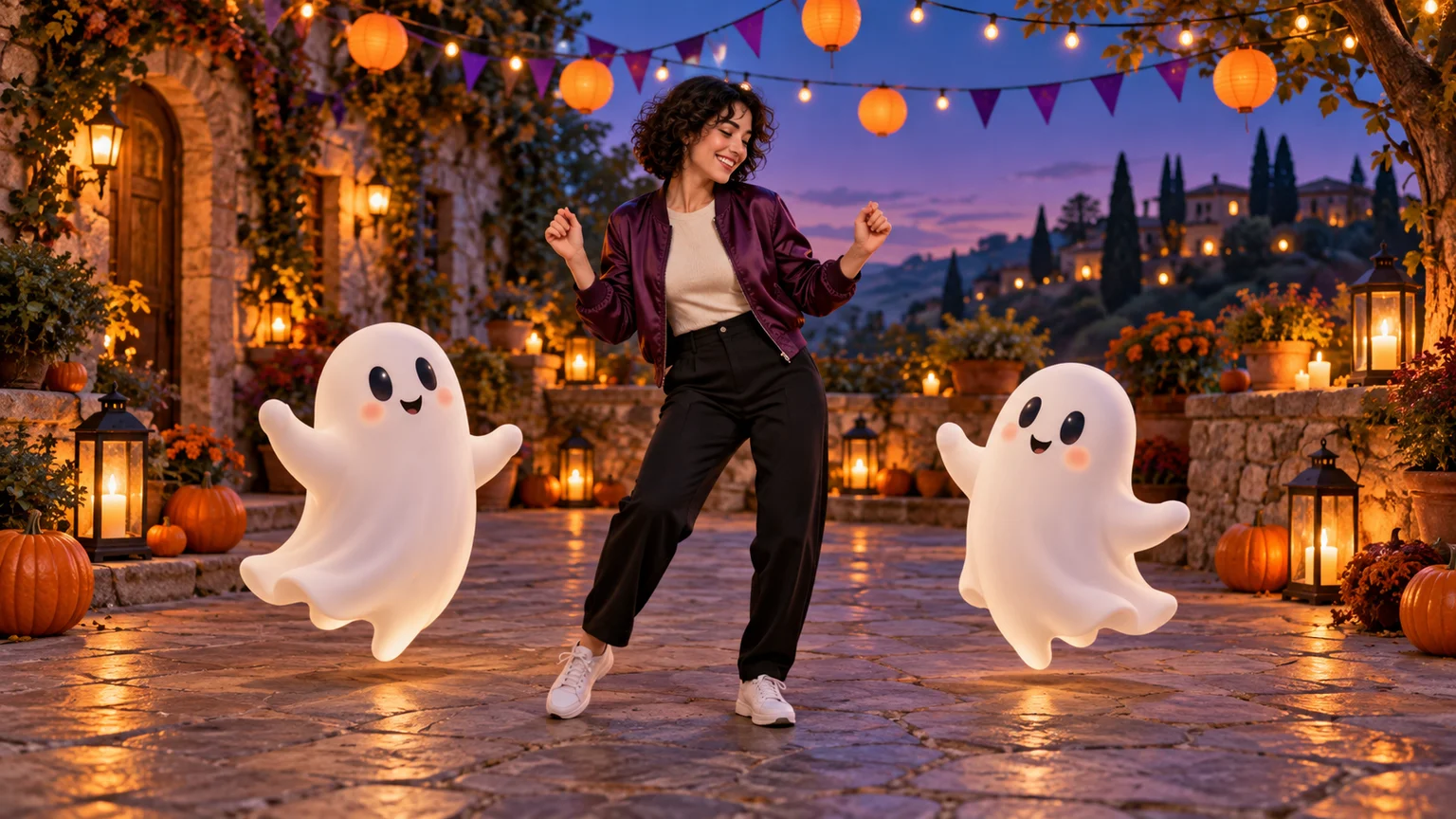
Invite two friendly ghosts onto your dance floor. Build a Halloween Dance AI video from a photo, or try a playful vampire performance on the porch.
 Video Guides
A tiny dance captain, a barn full of parrots, and one very confident routine. Make a Parrot Dance AI video with your own bird, cat, or dog.
 Video Guides
Turn a photo of you and a friend into an electro dance concept. Learn the Transmission 5 Dance AI look, plan the moves, and create a personal video.